How do I use the 8-Panel Luxury Apartment Couple Collage template?
Choose the primary action to open PicX Studio with the available template settings. Review the model and format, personalize the creative direction, and generate when ready.
This prompt turns a reference couple photo into an eight-scene cinematic interior-design lifestyle collage, useful for visualizing upscale home living and story
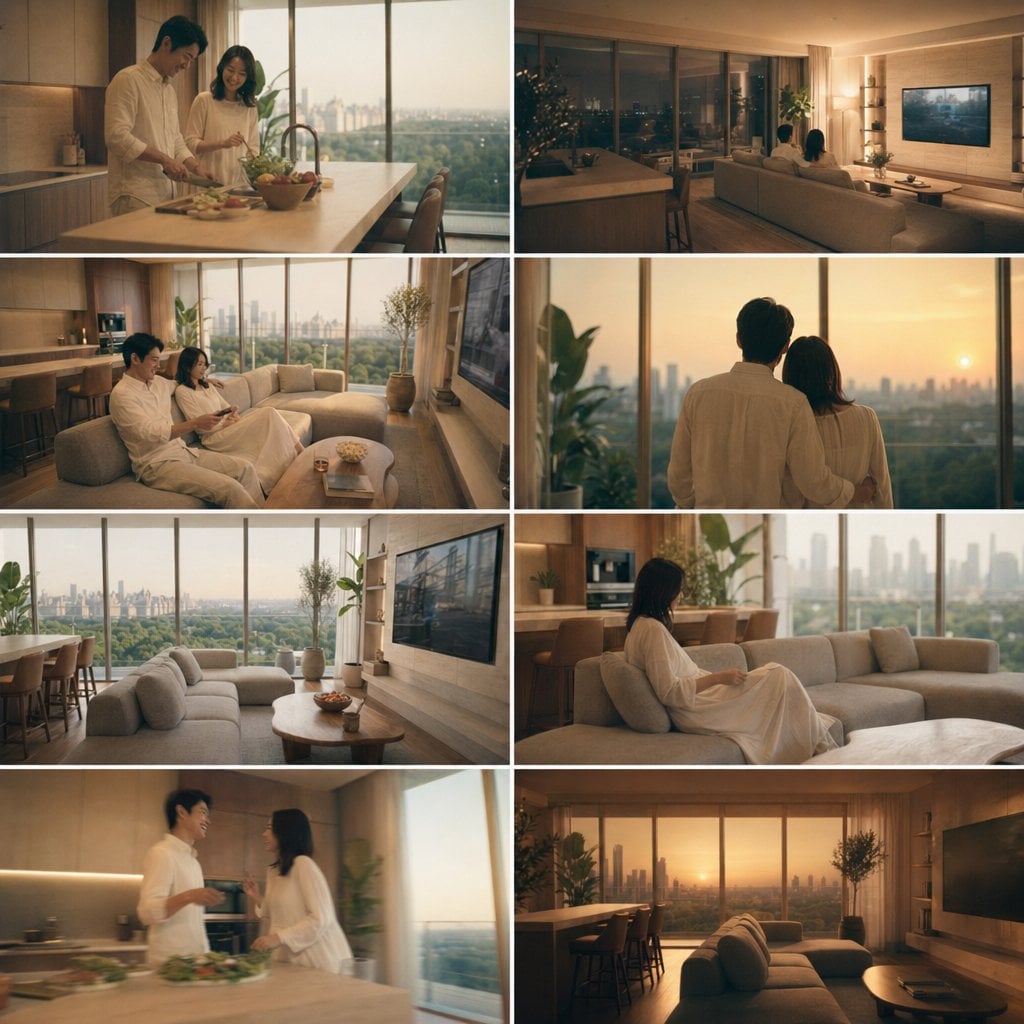
Using REFERENCE_0 as the couple base, place the same man and woman into a warm, luxurious modern high-rise apartment interior and generate an 8-cut collage storyboard focused on both the people and the interior design. Keep their relationship, approximate age, build, hairstyle, and all-white loungewear feeling consistent, but restage them naturally across the apartment at golden hour into evening. Use a cinematic lifestyle/architectural photography look with soft amber lighting, large floor-to-ceiling windows, expansive city skyline views, beige and wood-toned furnishings, and a calm upscale mood. Arrange the collage as 8 equal panels in a clean grid with thin white dividers. Include exactly these 8 scenes: 1) the couple cooking together at the kitchen island, 2) the couple seen from behind sitting on the sofa watching TV at night, 3) the couple sitting together on the sofa in daylight, 4) the couple standing together from behind looking out the window at sunset, 5) an empty wide shot of the living room and dining area with skyline view, 6) the woman sitting alone on the sofa near the kitchen, 7) the couple talking near the kitchen island, 8) an empty sunset wide shot of the living room with sofa, dining counter, TV wall, and skyline. Prioritize interior styling and spatial continuity, with magazine-like composition and realistic photo textures.
8-Panel Luxury Apartment Couple Collage needs input media to work. Open it in the studio and these load alongside the prompt — pick whichever ones your chosen model can take.
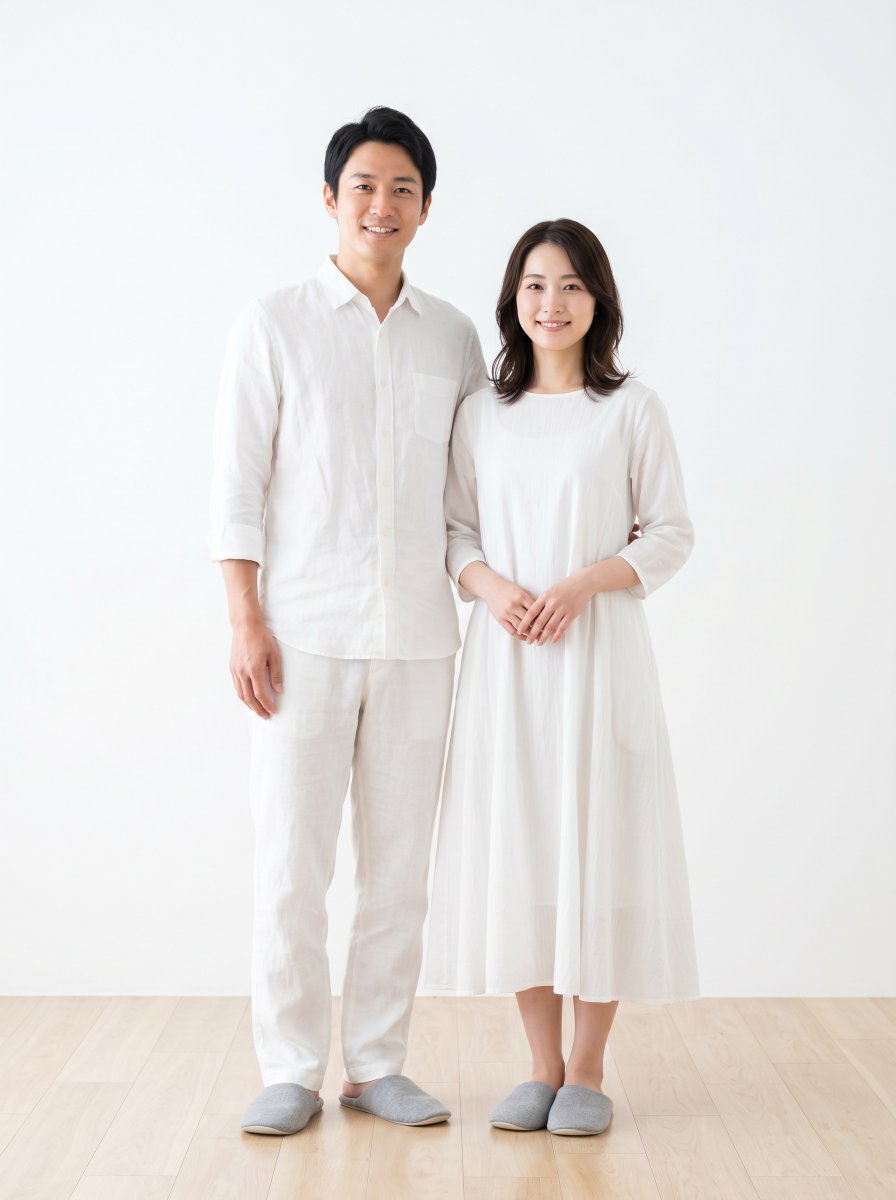
Choose the primary action to open PicX Studio with the available template settings. Review the model and format, personalize the creative direction, and generate when ready.
Yes. You can change the subject, setting, lighting, mood, format, and available model controls before creating your image.
This template is free to open and customize. Generation usage is shown in PicX Studio before you create.
Start with GPT Image 2, which is the model associated with this template. You can compare another compatible model for a different finish.
Follow a topic to a crawlable collection of related PicX Studio templates.