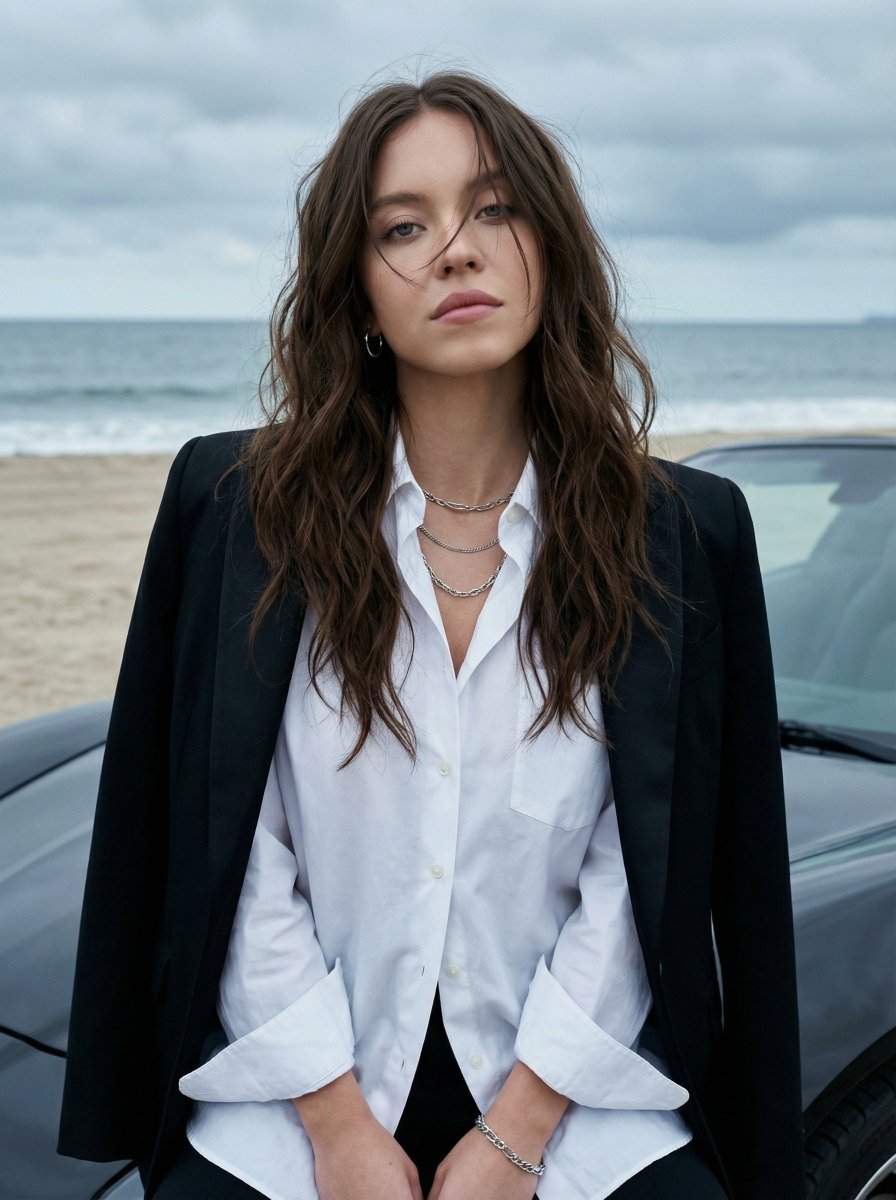
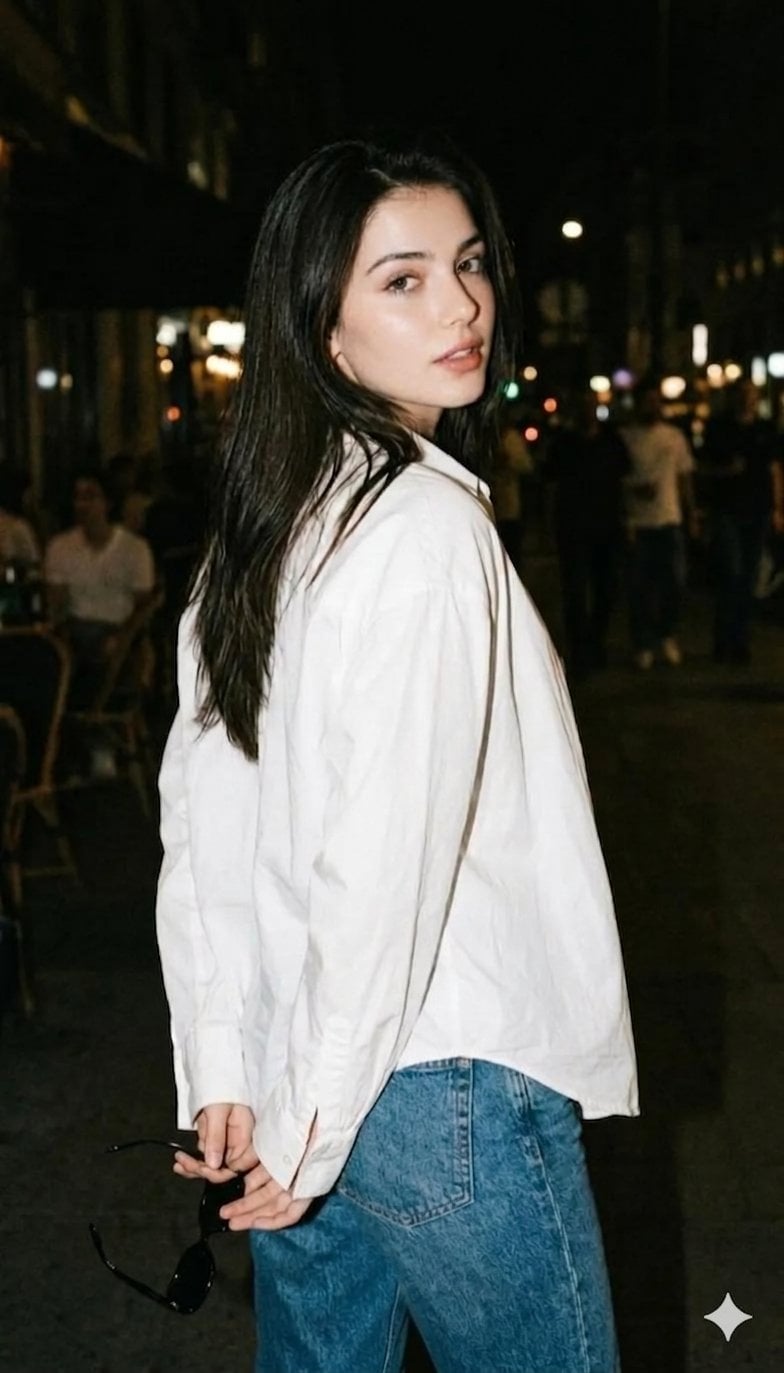
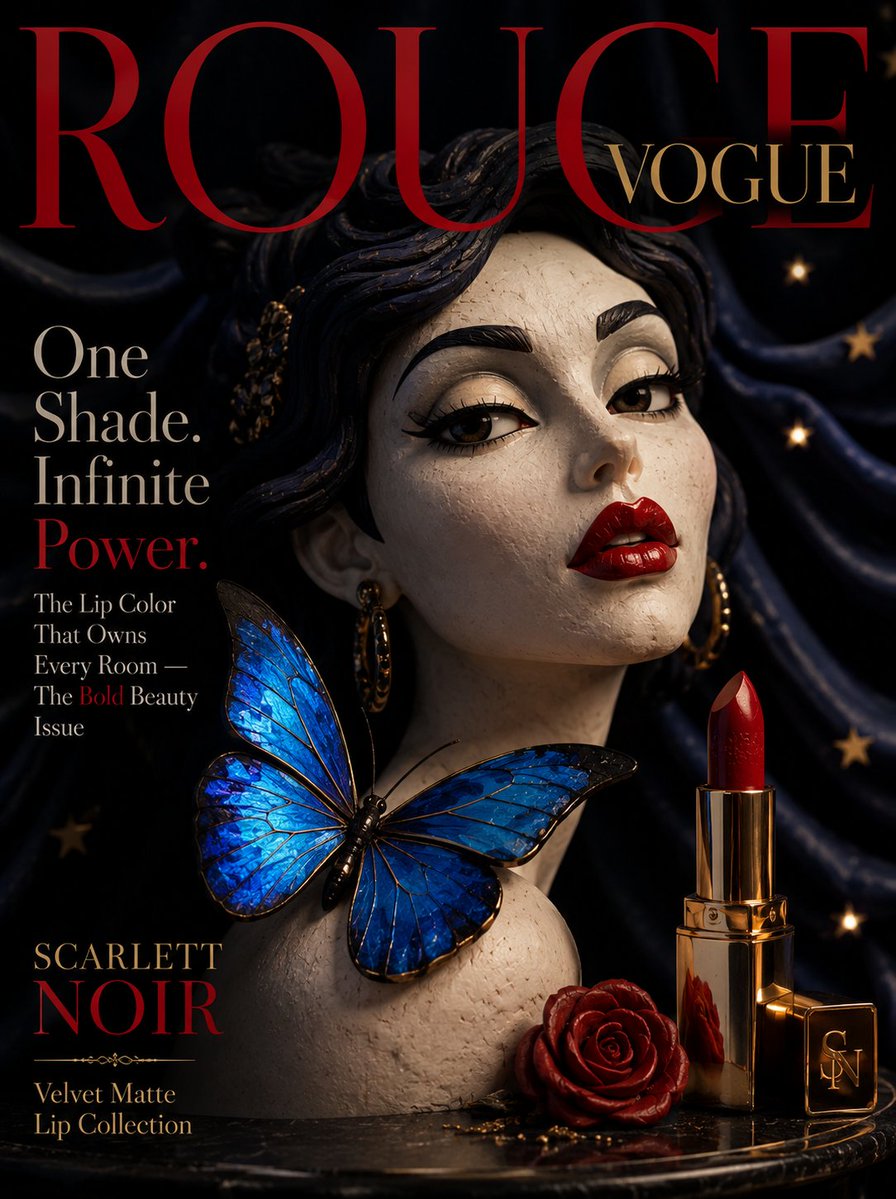
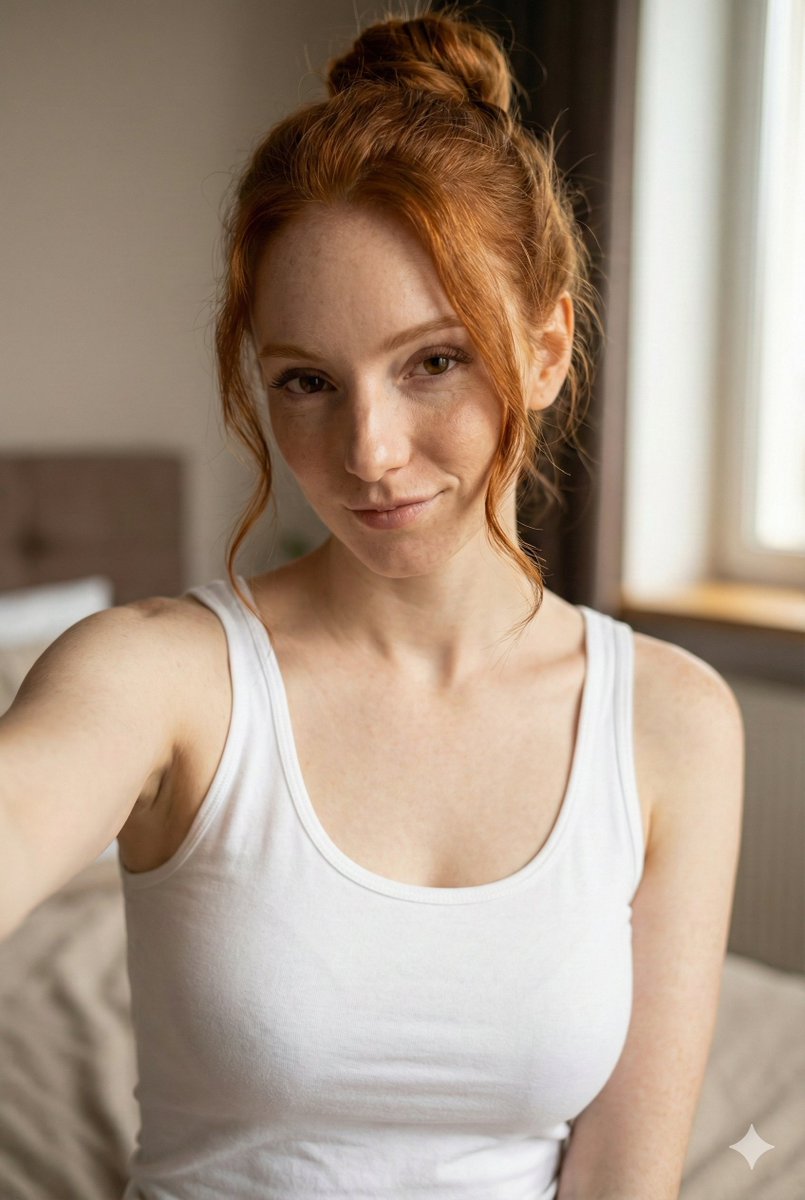
How do I use the Ultra-Photorealistic Y2K Flash Portrait template?
Choose the primary action to open PicX Studio with the available template settings. Review the model and format, personalize the creative direction, and generate when ready.
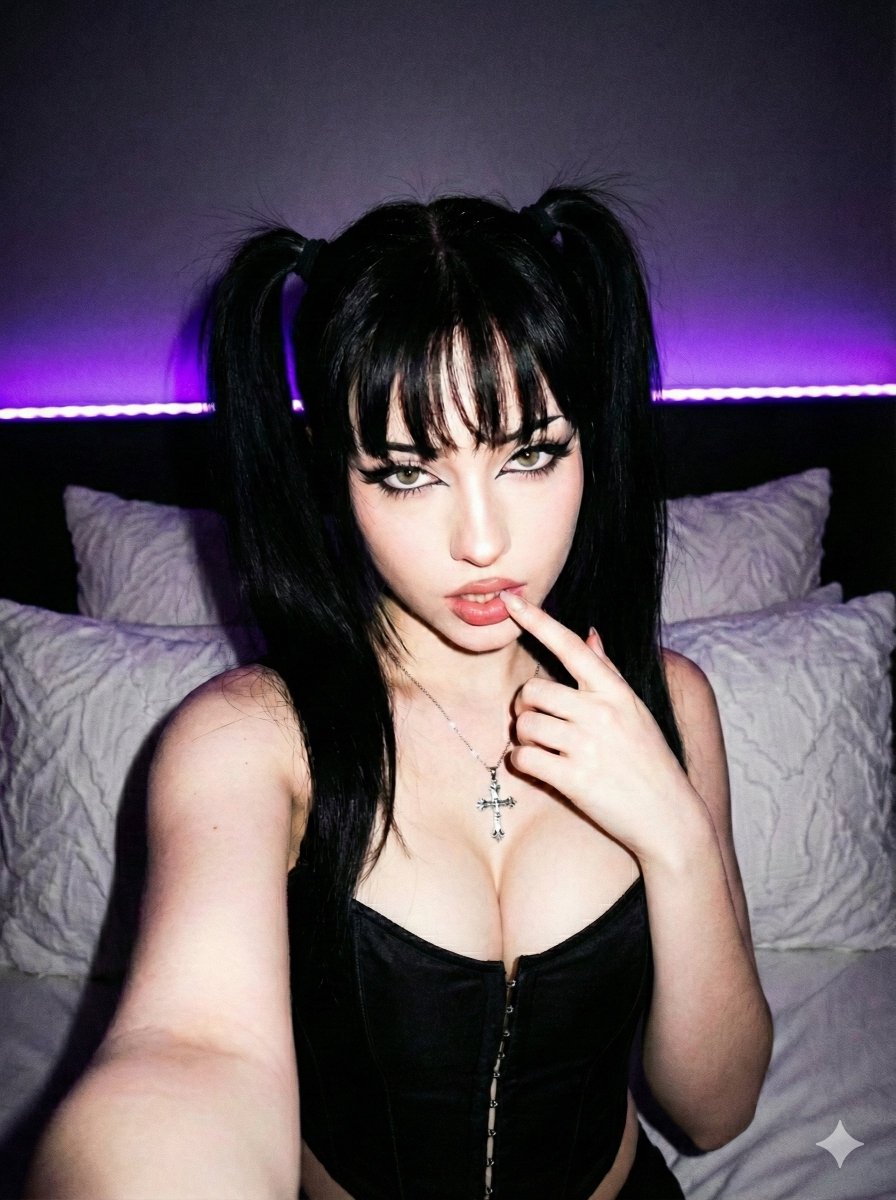
A structured prompt for generating an ultra-photorealistic portrait with a Y2K aesthetic, featuring a woman in heavy glam makeup and edgy glamour fashion (corse
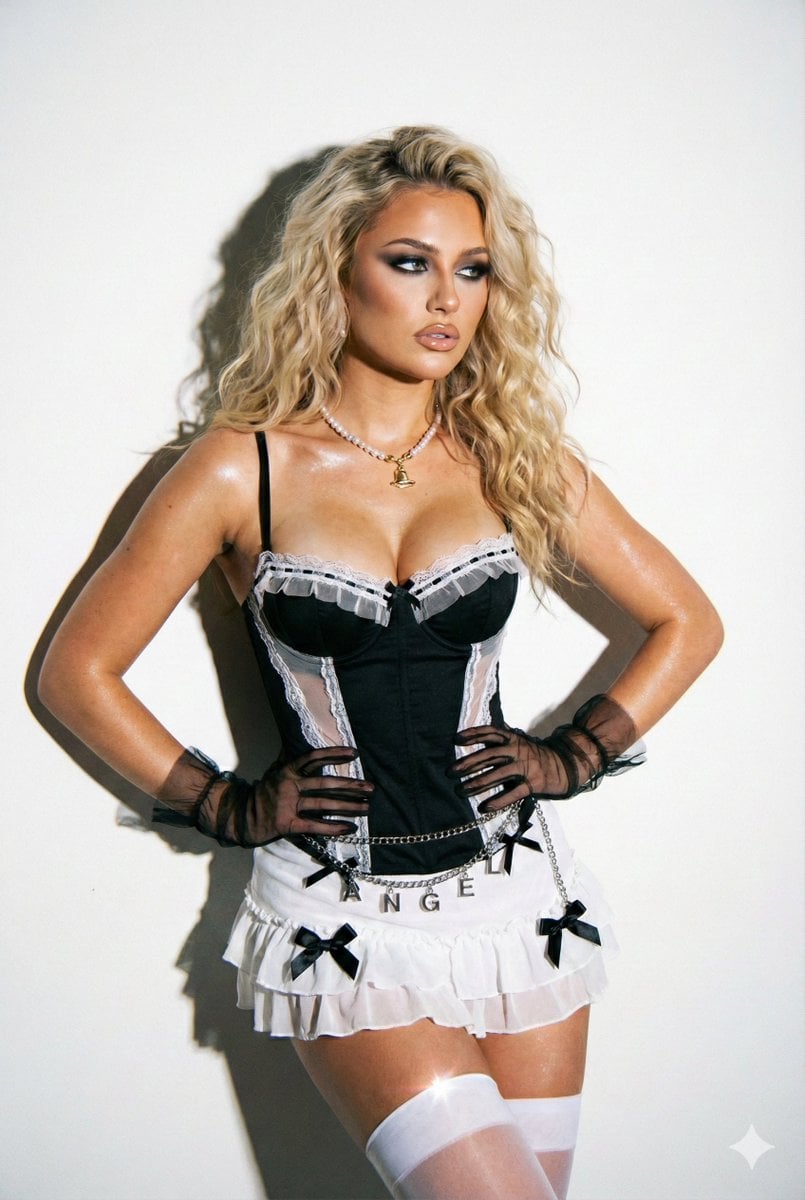
{ "prompt_metadata": { "type": "Ultra-Photorealistic Portrait", "style": "Flash Photography / Y2K Aesthetic", "quality_tier": "Masterpiece, 8k, RAW" }, "subject": { "demographics": "Young woman, model", "hair": "Long, voluminous blonde hair styled in loose, glamorous waves", "face": "Heavy glam makeup, smoky eyeshadow, defined eyeliner, glossy nude lips, sharp contouring", "skin": "Fair skin tone with realistic texture, pores, and specular highlights from flash" }, "fashion_and_styling": { "upper_body": "Black structured corset with white lace trim along the bustline and sheer black ruffled detailing", "lower_body": "White ruffled mini skirt with black ribbon bows attached", "accessories": [ "Sheer black tulle wrist gloves with ruffled edges", "White opaque thigh-high stockings", "Pearl necklace with a gold pendant", "Silver chain belt with 'angel' or text lettering charms draping over the skirt" ], "aesthetic": "Edgy glamour, 2000s pop star fashion, coquettish" }, "pose_and_action": { "stance": "Seated or leaning back against a wall", "arms": "Hands placed firmly on the waist/hips, accentuating the corset shape", "head_position": "Turned slightly to the right, looking away from the camera", "expression": "Confident, sultry, detached coolness" }, "environment": { "location": "Minimalist indoor studio", "backdrop": "Plain white wall", "shadow_play": "Distinct, sharp drop shadow projected directly behind the subject onto the wall" }, "lighting": { "type": "Direct on-camera flash (hard lighting)", "characteristics": "High contrast, harsh shadows, bright frontal illumination, 'snapshot' aesthetic" }, "camera_technical": { "aesthetic": "Digital camera simulation (Canon IXUS or vintage CCD sensor vibe)", "focal_length": "35mm", "aperture": "f/4.0 (for sharp focus on subject and immediate background)", "shutter_speed": "1/125s", "iso": "400", "details": "Chromatic aberration, slight film grain, sharp focus, ultra-detailed fabric textures" } }
Choose the primary action to open PicX Studio with the available template settings. Review the model and format, personalize the creative direction, and generate when ready.
Yes. You can change the subject, setting, lighting, mood, format, and available model controls before creating your image.
This template is free to open and customize. Generation usage is shown in PicX Studio before you create.
Start with Nano Banana 2, which is the model associated with this template. You can compare another compatible model for a different finish.
Follow a topic to a crawlable collection of related PicX Studio templates.