How do I use the FACS Expression Edit template?
Choose the primary action to open PicX Studio with the available template settings. Review the model and format, personalize the creative direction, and generate when ready.
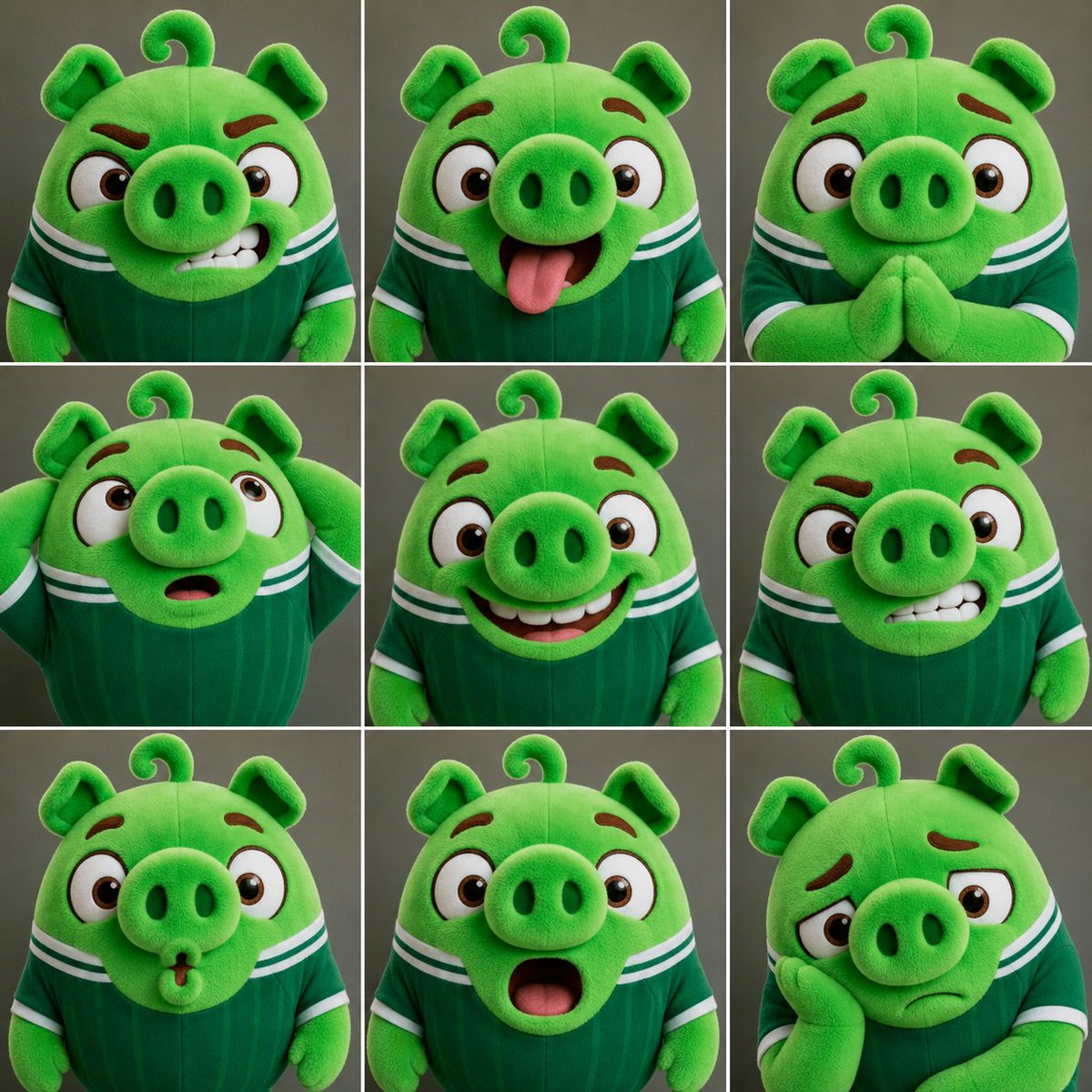
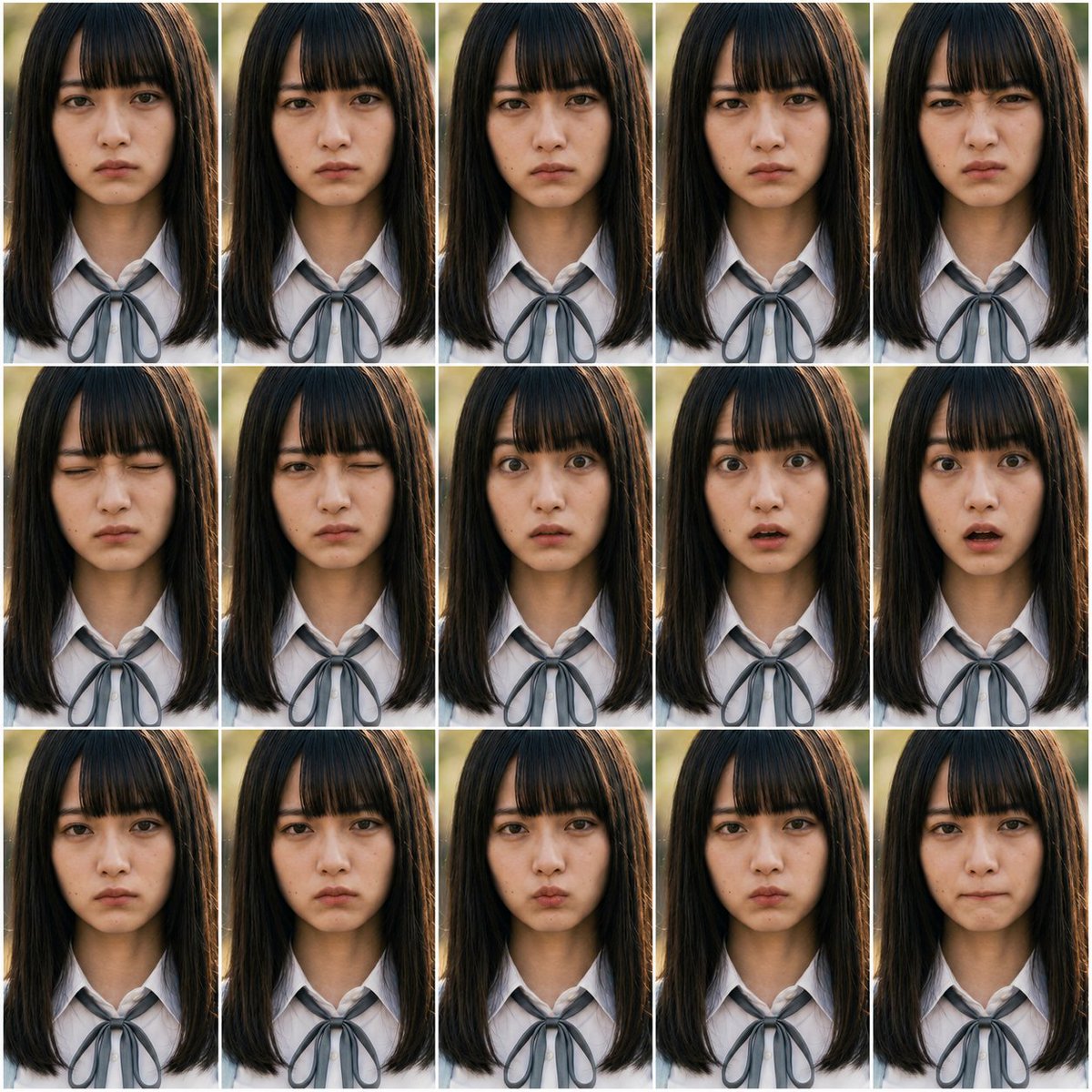
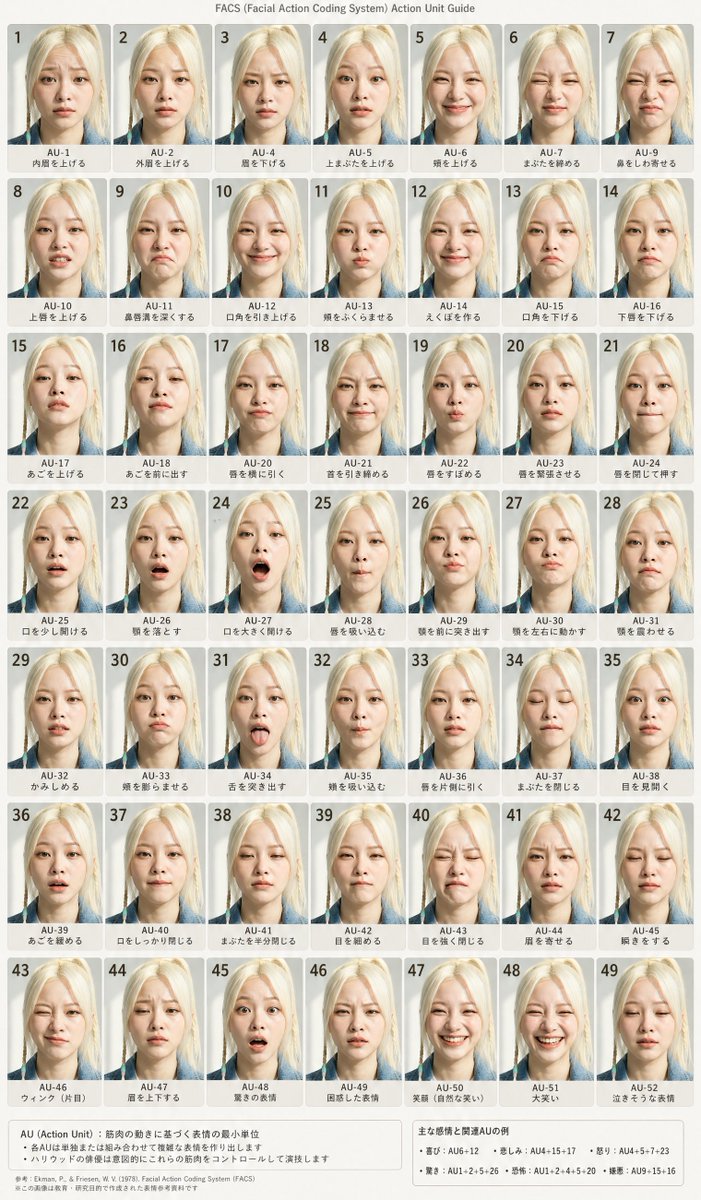
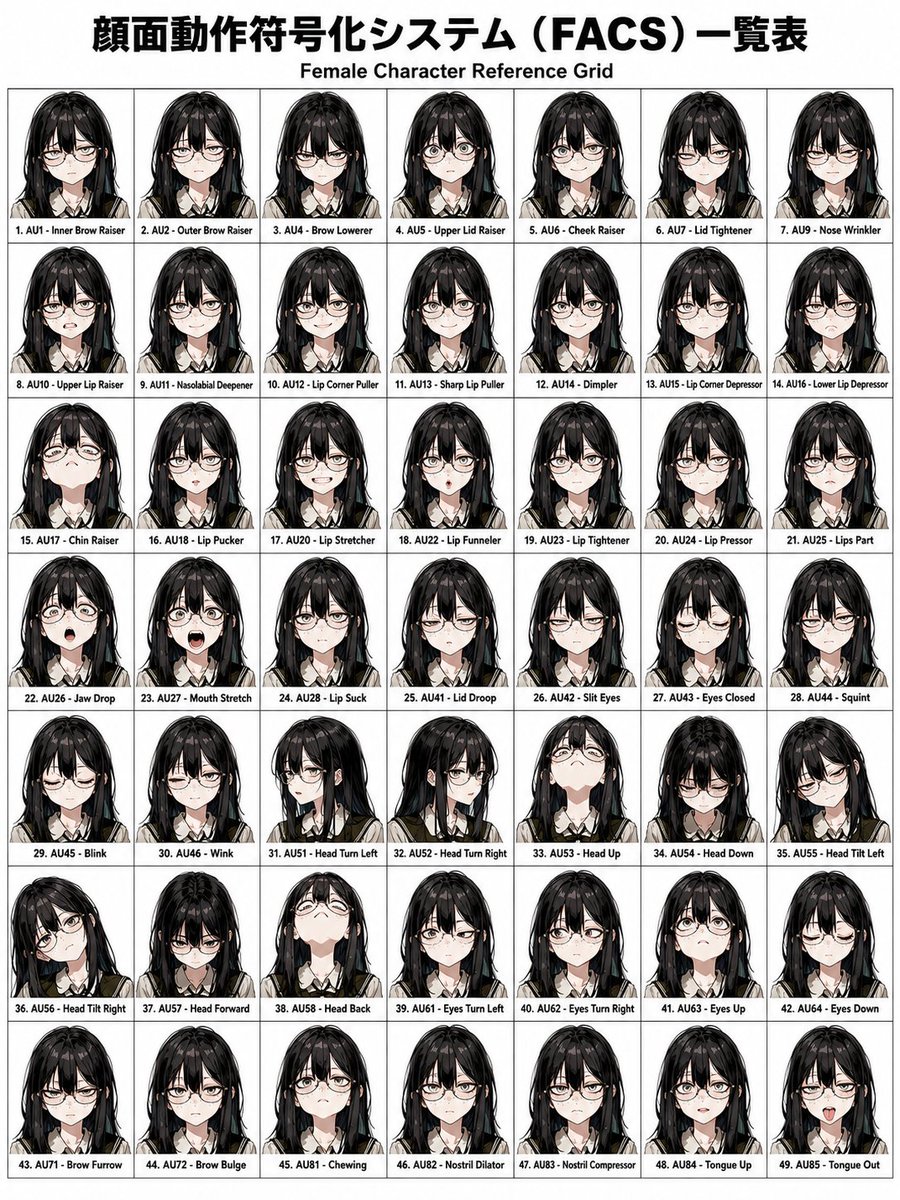
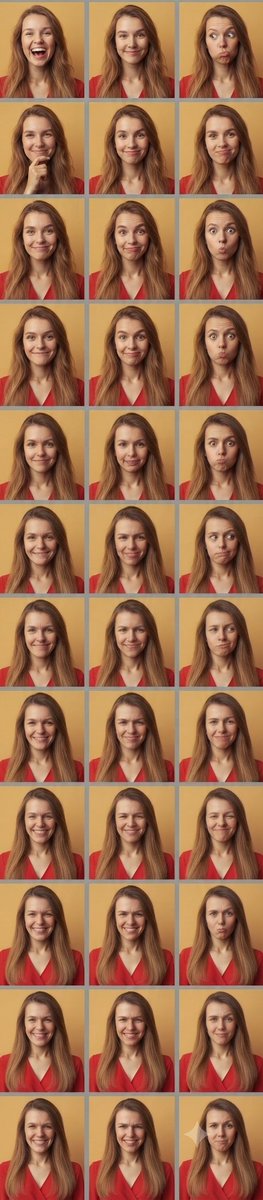
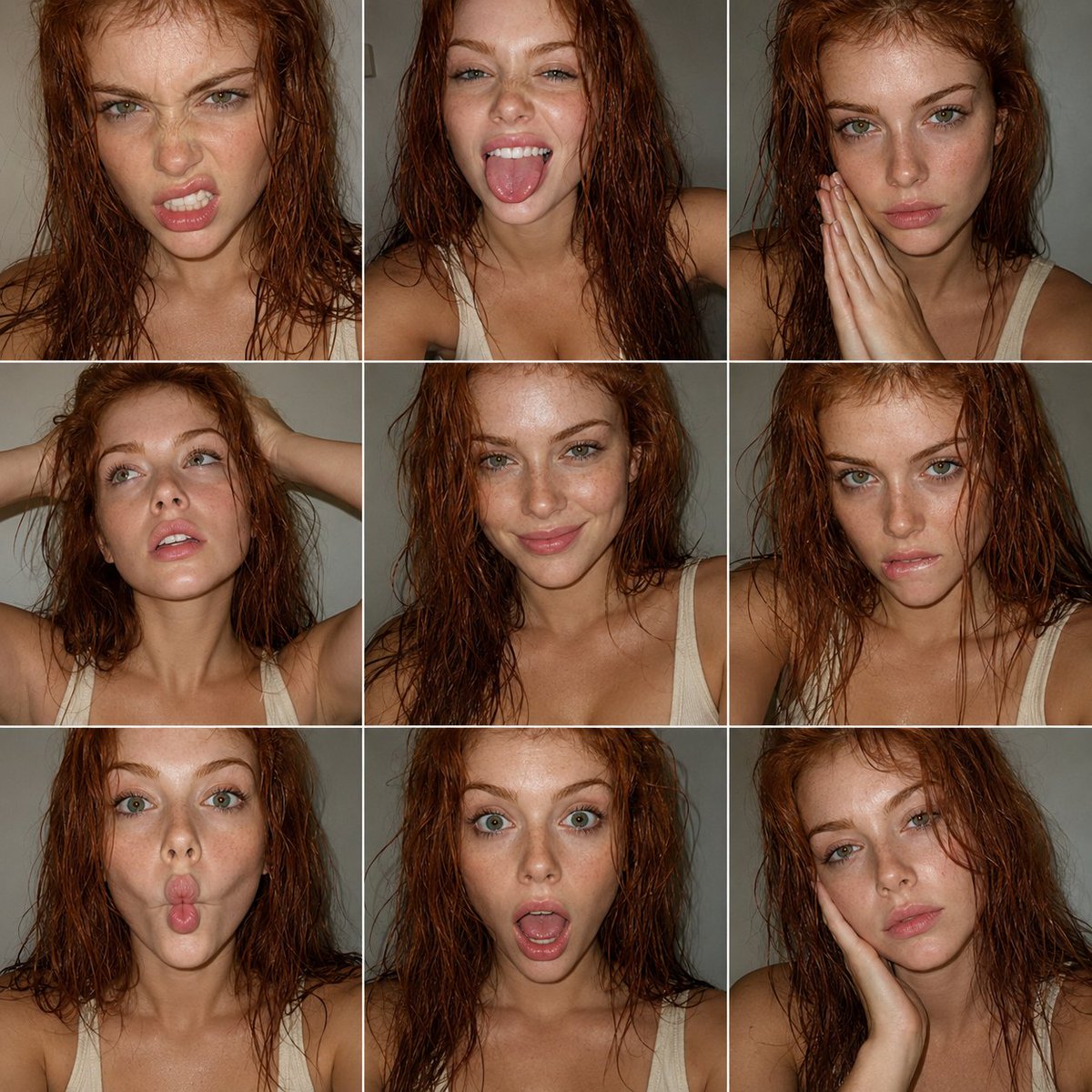
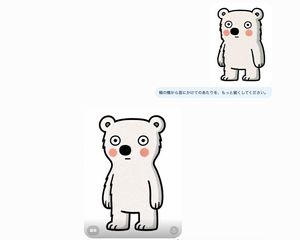
Generates a minimally altered version of a reference character image with a specified FACS-based facial expression change while preserving the original look and composition. Change the subject, setting, or lighting one variable at a time.

Using the provided reference image as the character base, keep the same chibi 3D figure, outfit, hairstyle, lighting, plain white background, and overall composition unchanged, but modify only the facial expression according to FACS action units: {argument name="FACS action units" default="AU1C + AU2C + AU5D + AU26C"}. Preserve the reference image’s square face-obscuring block in the same central position and regenerate the image cleanly with the same toy-like render quality.
FACS Expression Edit needs input media to work. Open it in the studio and these load alongside the prompt — pick whichever ones your chosen model can take.

Choose the primary action to open PicX Studio with the available template settings. Review the model and format, personalize the creative direction, and generate when ready.
Yes. You can change the subject, setting, lighting, mood, format, and available model controls before creating your image.
This template is free to open and customize. Generation usage is shown in PicX Studio before you create.
Start with GPT Image 2, which is the model associated with this template. You can compare another compatible model for a different finish.
© 2026 PicX Studio. All rights reserved.

Follow a topic to a crawlable collection of related PicX Studio templates.
43,474 public templates available. Verified via the PicX Studio public templates API; refreshed hourly.



![Act as a Senior Editorial Designer and Typographer — [BRAND NAME]. Act as a Senior Editorial Designer and Typographer.
PHASE 1: TYPOGRAPHIC MASK (THE "WINDOW"](https://images.meigen.ai/tweets/2027798913516761522/0.jpg)

![A simple illustration of a, with a expression, in the style of Gemma — A simple illustration of a [subject] in [outfit], [doing action], with a [facial expressi](https://images.meigen.ai/tweets/2047993289283133945/0.jpg)
![Act as a Senior Editorial Designer and Typographer — [BRAND NAME].
Act as a Senior Editorial Designer and Typographer.
PHASE 1: TYPOGRAPHIC MASK (THE "WINDOW"](https://images.meigen.ai/tweets/2045938770906657274/0.png)


![A simple black-and-white illustration of a, with a expression — A simple black-and-white illustration of a [subject] in [outfit], [doing action], with a [facial](https://images.meigen.ai/tweets/2043284009116160473/0.jpg)
![Act as a Senior Editorial Designer and Typographer — [BRAND NAME]. Act as a Senior Editorial Designer and Typographer.
PHASE 1: TYPOGRAPHIC MASK (THE "WINDOW"](https://images.meigen.ai/tweets/2028068337427603741/0.jpg)



![Minimalist Flat Vector Travel Poster — Premium minimalist flat-vector travel poster for {argument name="city name" default="[CITY_NAME]"}, 3:4 vertical format.](https://cms-assets.youmind.com/media/1787917359711_3ug846_HQX205cbMAA6F6S-300x400.jpg)

























![Psychedelic Mathematics Fractal Prompt for Menger Sponge — <instruction> Role: Act as a Mathematician and Architect.
Input:[fractal set]. Analysis: The fractal](https://pbs.twimg.com/media/G9_f_RmWkAEeKmh.jpg)