
Isometric Taxi Booking App
Generates a clean isometric ride-hailing app hero illustration with a phone, booking UI cards, and a taxi on a floating platform.
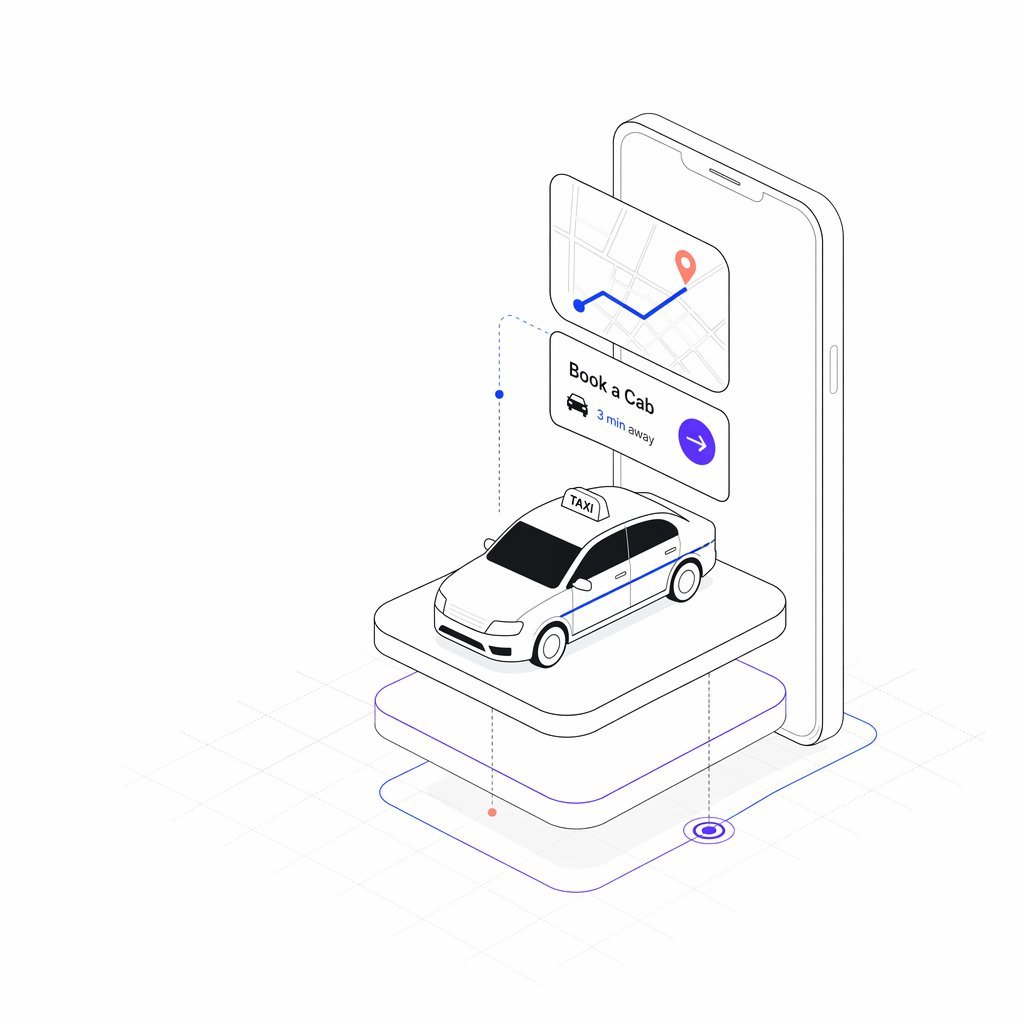
- Prompt included
- Model and format preset
- Free template
The prompt behind this image
Copy the exact prompt behind Isometric Taxi Booking App, or open it in the studio and make it yours.
- Type
- minimal isometric mobile app illustration
- Subject
- taxi booking service concept rendered as clean black line art with sparse color accents on a white background
- Style › Perspective
- 3/4 isometric view
- Style › Linework
- thin precise gray and black outline, rounded corners, technical vector illustration
- Style › Color Palette
- mostly white and light gray with {argument name="accent color" default="electric blue and violet"} accents plus small coral map pin dots
- Style › Shading
- very soft pale gray shadows, subtle platform shadow, no heavy gradients
- Style › Background
- white with faint isometric grid lines near the floor
- Layout › Count Discrete Elements
- 7
- Layout › Elements › 0 › Id
- 1
- Layout › Elements › 0 › Description
- large upright smartphone in the back, rounded rectangular body, thin outline, speaker slot and side button visible, screen mostly blank white
- Layout › Elements › 1 › Id
- 2
- Layout › Elements › 1 › Description
- floating rounded map card in front of the phone near the upper left, showing pale street grid lines, one blue route line with two turns, a blue start dot, and a coral destination pin
- Layout › Elements › 2 › Id
- 3
- Layout › Elements › 2 › Description
- floating booking card below the map card with visible text {argument name="booking title" default="Book a Cab"}, a small black taxi icon, visible distance text {argument name="distance text" default="3 min away"}, and a violet circular arrow button on the right
- Layout › Elements › 3 › Id
- 4
- Layout › Elements › 3 › Description
- white taxi car model centered on the platform, compact sedan with black windows, blue side stripe, outlined headlights and grille, white roof sign labeled {argument name="taxi sign text" default="TAXI"}
- Layout › Elements › 4 › Id
- 5
- Layout › Elements › 4 › Description
- top rounded rectangular pedestal platform supporting the taxi, white surface with thin gray outline
- Layout › Elements › 5 › Id
- 6
- Layout › Elements › 5 › Description
- lower larger rounded rectangular base beneath the platform, white with thin violet outline accent
- Layout › Elements › 6 › Id
- 7
- Layout › Elements › 6 › Description
- floor navigation path lines around the base: thin blue outline route, dotted vertical guide lines with small blue and coral nodes, and a violet target ring at the lower right
- Composition
- center the phone vertically behind the taxi, overlap the floating UI cards in front of the phone, place the taxi on the raised platform in the lower center, leave generous white space around the entire object
- Rendering Instructions
- create a crisp SaaS landing-page hero illustration for a ride-hailing app; keep proportions balanced, avoid photorealism, avoid clutter, use clean scalable vector-like geometry, preserve the exact visible English UI text in the cards and taxi sign
Raw JSON
{"type":"minimal isometric mobile app illustration","subject":"taxi booking service concept rendered as clean black line art with sparse color accents on a white background","style":{"perspective":"3/4 isometric view","linework":"thin precise gray and black outline, rounded corners, technical vector illustration","color_palette":"mostly white and light gray with {argument name=\"accent color\" default=\"electric blue and violet\"} accents plus small coral map pin dots","shading":"very soft pale gray shadows, subtle platform shadow, no heavy gradients","background":"white with faint isometric grid lines near the floor"},"layout":{"count_discrete_elements":7,"elements":[{"id":1,"description":"large upright smartphone in the back, rounded rectangular body, thin outline, speaker slot and side button visible, screen mostly blank white"},{"id":2,"description":"floating rounded map card in front of the phone near the upper left, showing pale street grid lines, one blue route line with two turns, a blue start dot, and a coral destination pin"},{"id":3,"description":"floating booking card below the map card with visible text {argument name=\"booking title\" default=\"Book a Cab\"}, a small black taxi icon, visible distance text {argument name=\"distance text\" default=\"3 min away\"}, and a violet circular arrow button on the right"},{"id":4,"description":"white taxi car model centered on the platform, compact sedan with black windows, blue side stripe, outlined headlights and grille, white roof sign labeled {argument name=\"taxi sign text\" default=\"TAXI\"}"},{"id":5,"description":"top rounded rectangular pedestal platform supporting the taxi, white surface with thin gray outline"},{"id":6,"description":"lower larger rounded rectangular base beneath the platform, white with thin violet outline accent"},{"id":7,"description":"floor navigation path lines around the base: thin blue outline route, dotted vertical guide lines with small blue and coral nodes, and a violet target ring at the lower right"}]},"composition":"center the phone vertically behind the taxi, overlap the floating UI cards in front of the phone, place the taxi on the raised platform in the lower center, leave generous white space around the entire object","rendering_instructions":"create a crisp SaaS landing-page hero illustration for a ride-hailing app; keep proportions balanced, avoid photorealism, avoid clutter, use clean scalable vector-like geometry, preserve the exact visible English UI text in the cards and taxi sign"}How to use Isometric Taxi Booking App in 3 steps
- 1Upload ImagePNG, JPG or paste
Add your photo
Upload the photo the template builds on. The prompt, model and format are already set.
- 2…a portrait of your subject in softgolden-hour light, 85mm…
Personalize
Edit the subject and creative details for your destination.
- 3Generate
Generate
Press Generate — your image is created in PicX Studio, so you can compare it with the original and refine one variable at a time.
More like this
Templates with the same subject, style or setup. Open one to see its prompt.
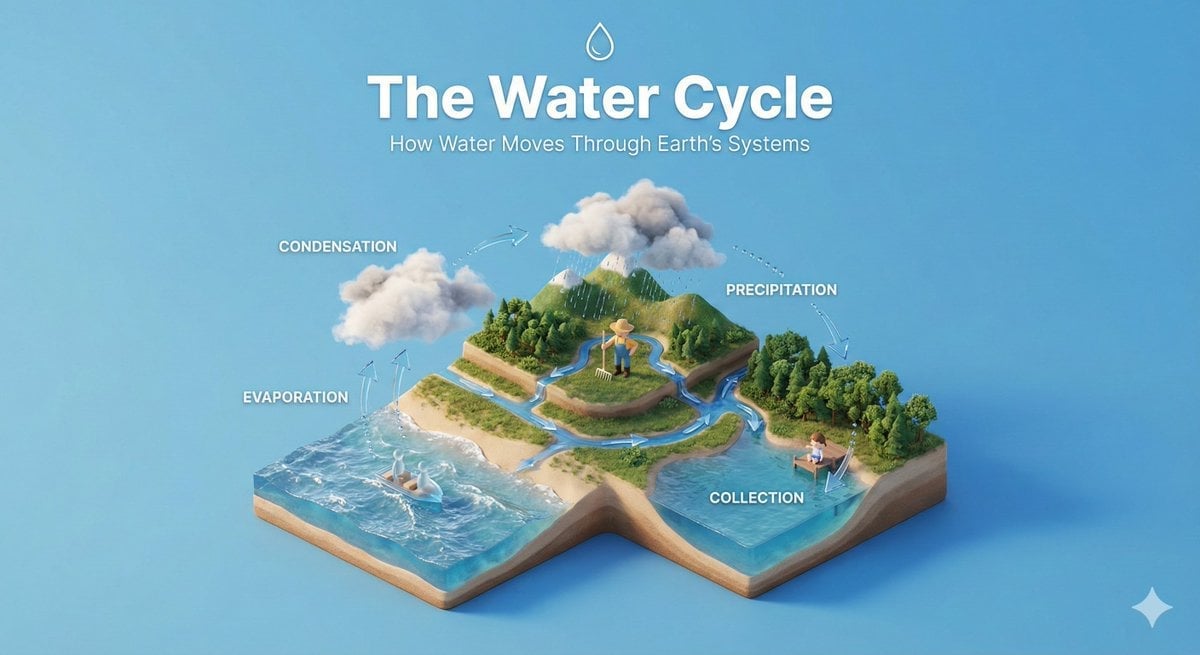
Isometric Process Educational Diorama
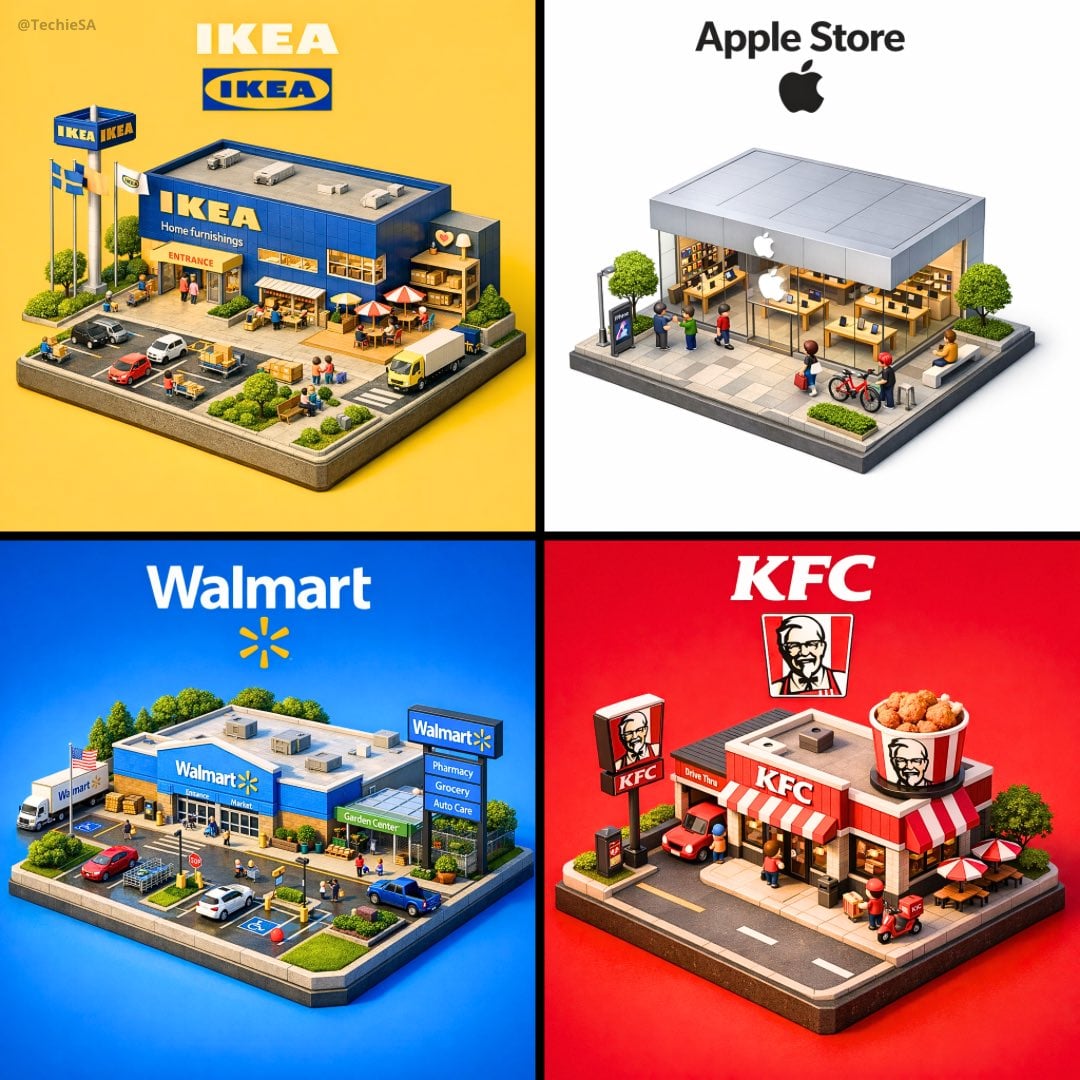
Isometric Brand Store Diorama
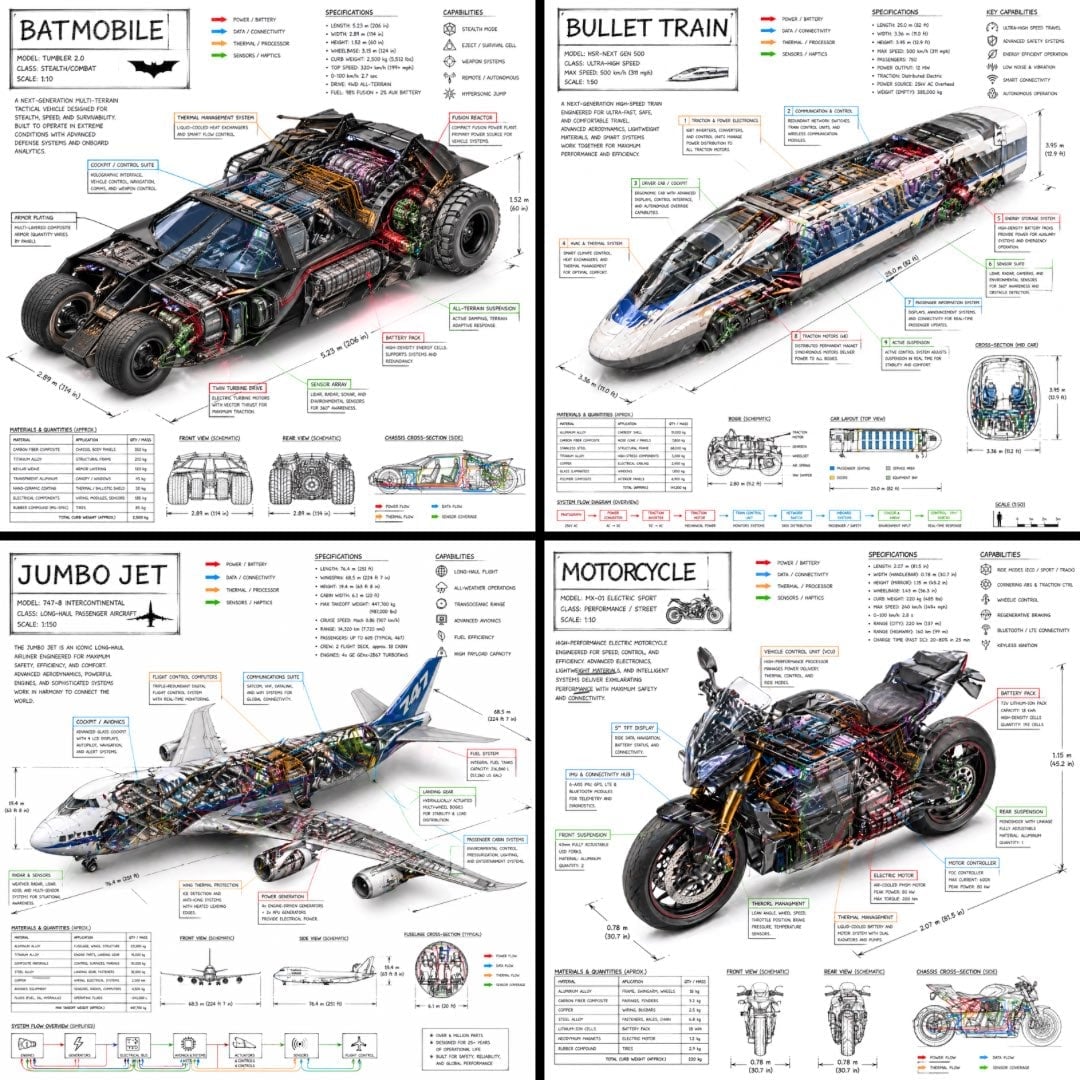
Isometric Vehicle Teardown Infographic Template
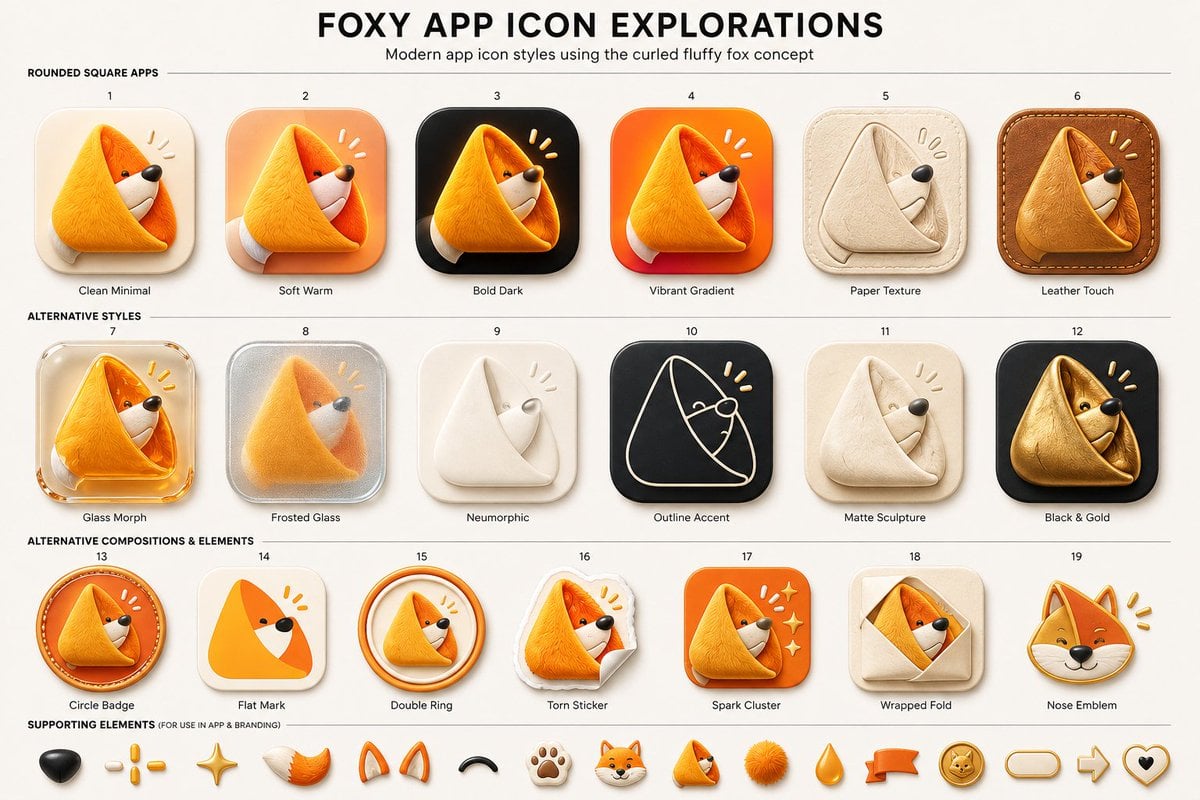
Foxy App Icon Exploration Board
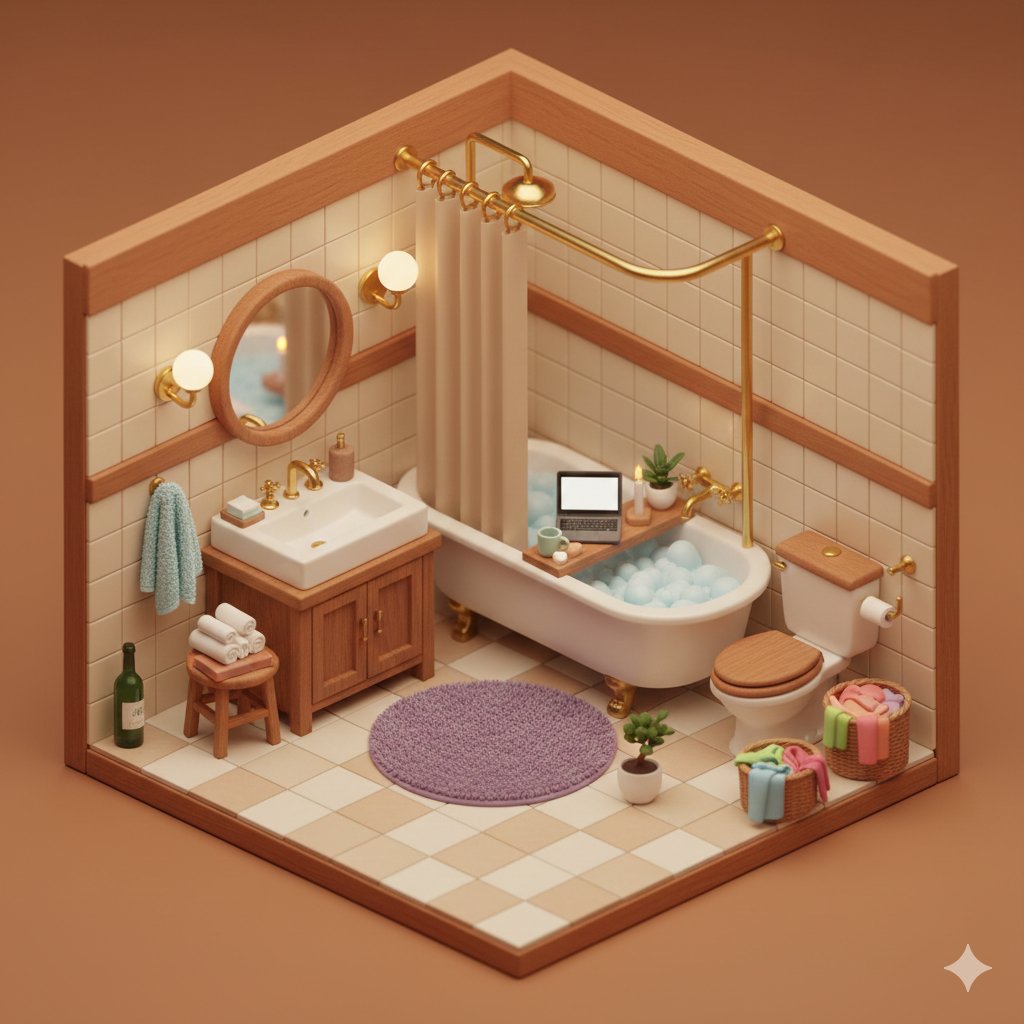
Cozy Isometric Bathroom Miniature Diorama
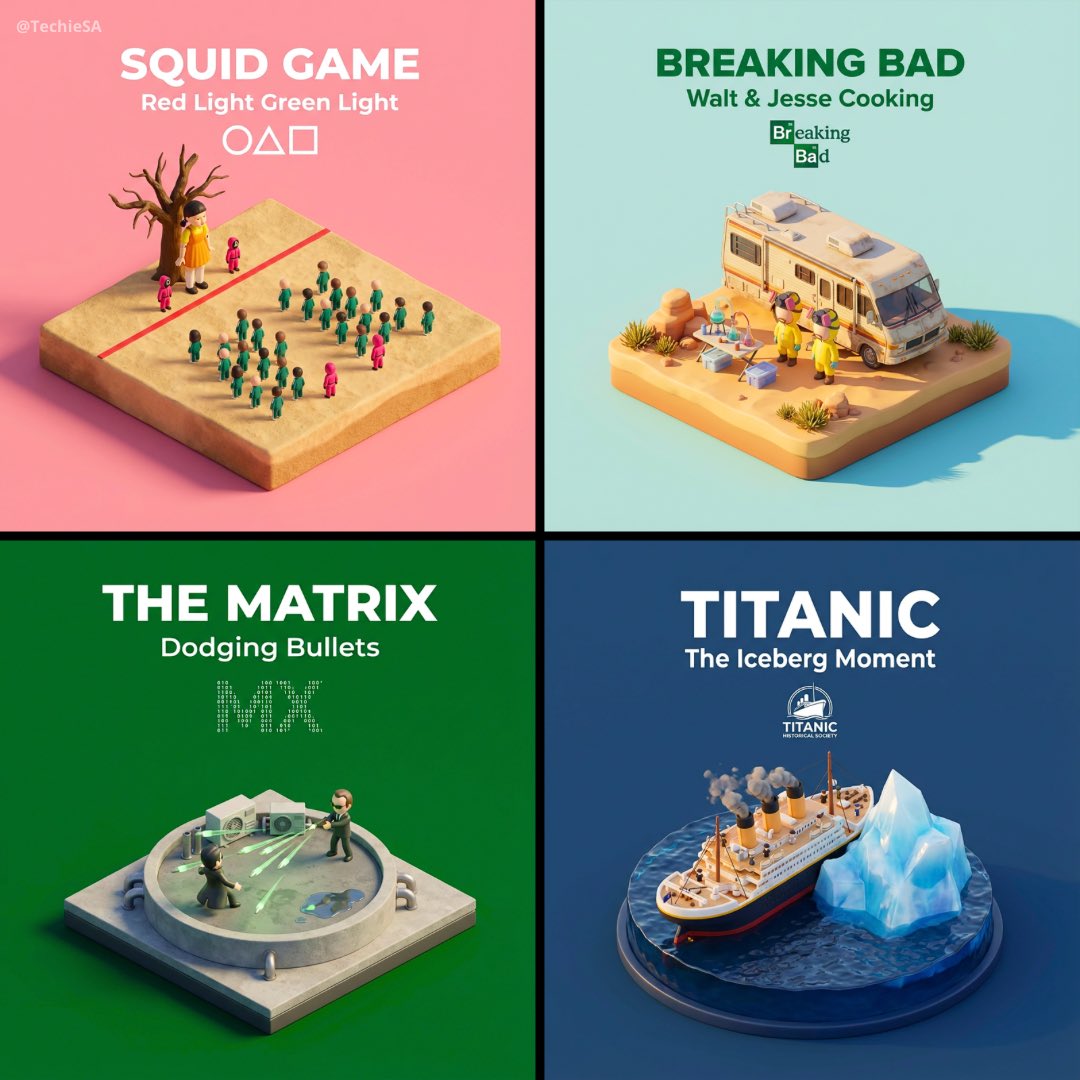
Clear, 45 top-down isometric miniature 3D cartoon scene of the iconic

Isometric Workflow Automation Illustration
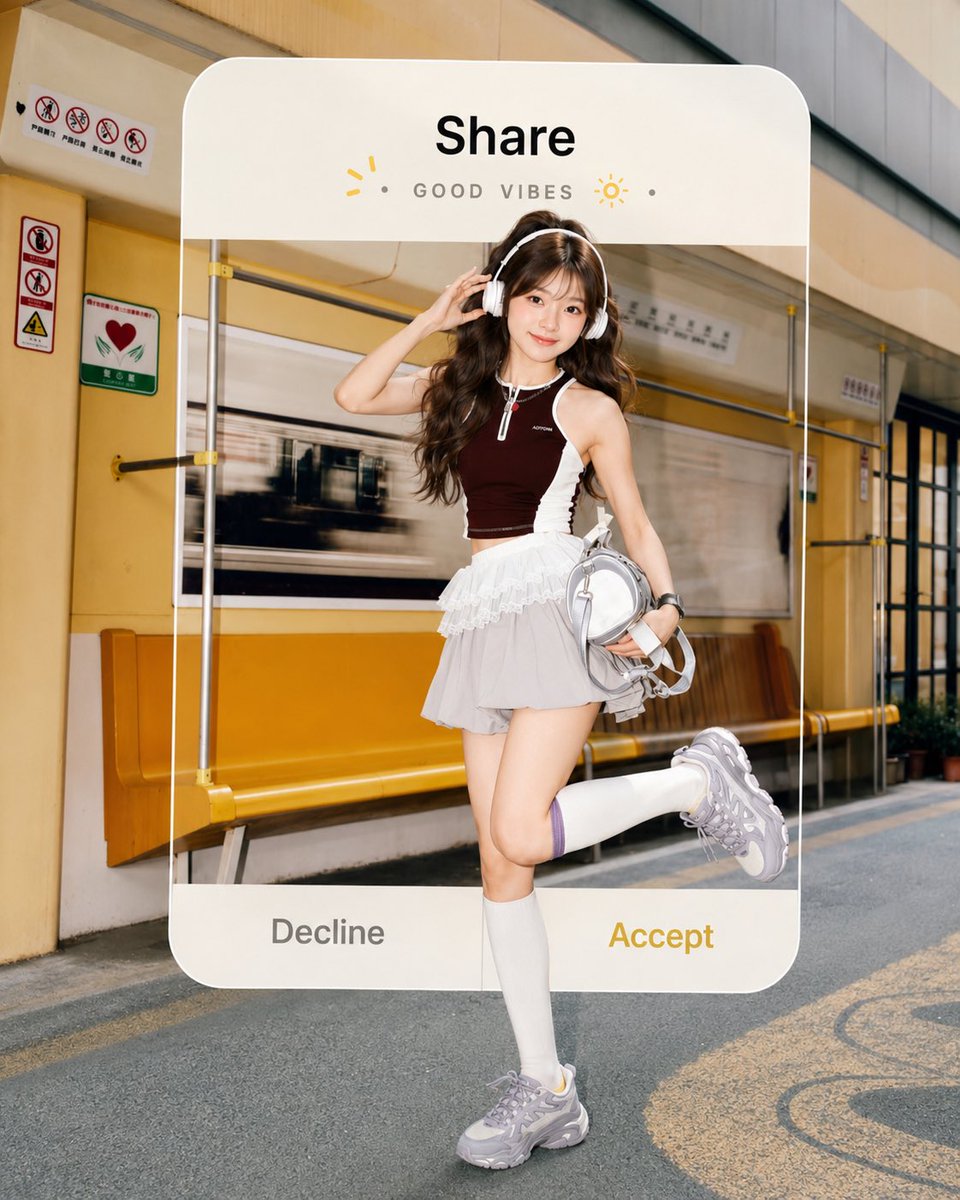
Subway Good Vibes App Card Portrait

Isometric Productivity Desk Scene
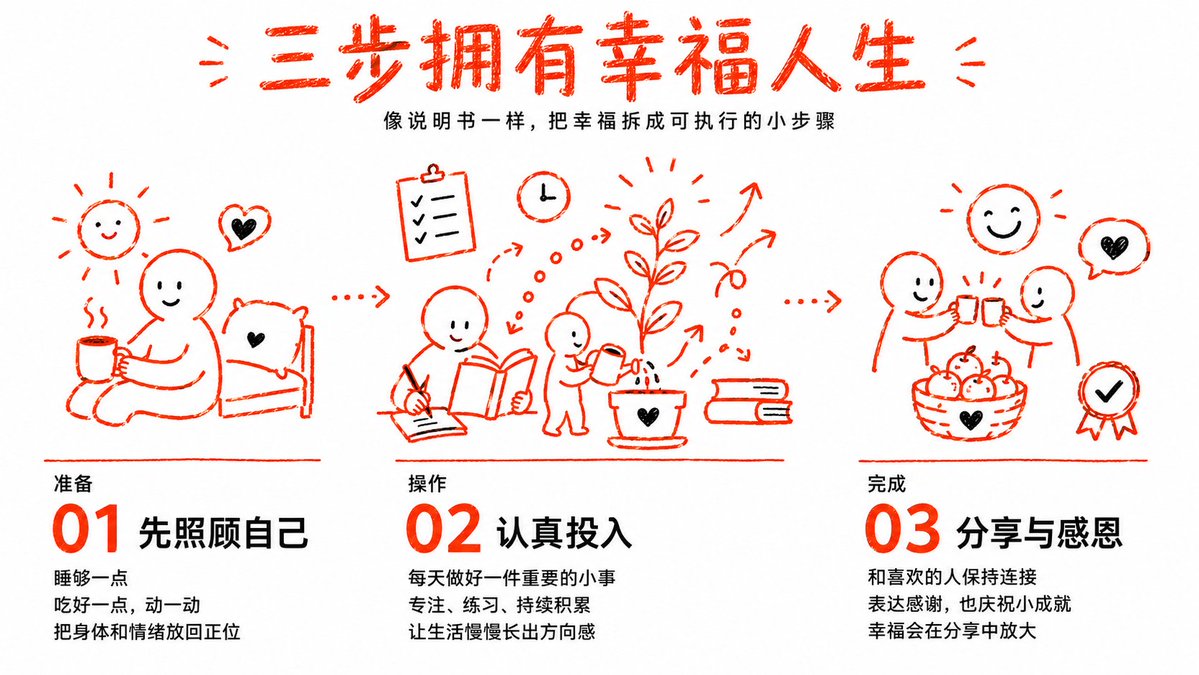
Three Steps to a Happy Life Infographic
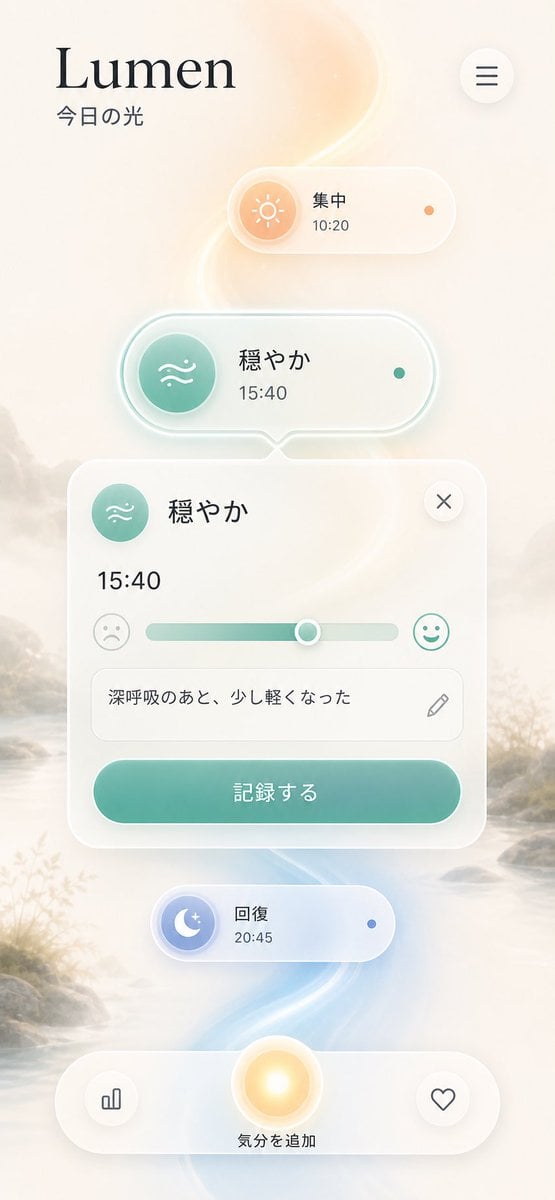
Lumen iOS Wellness App Mockup
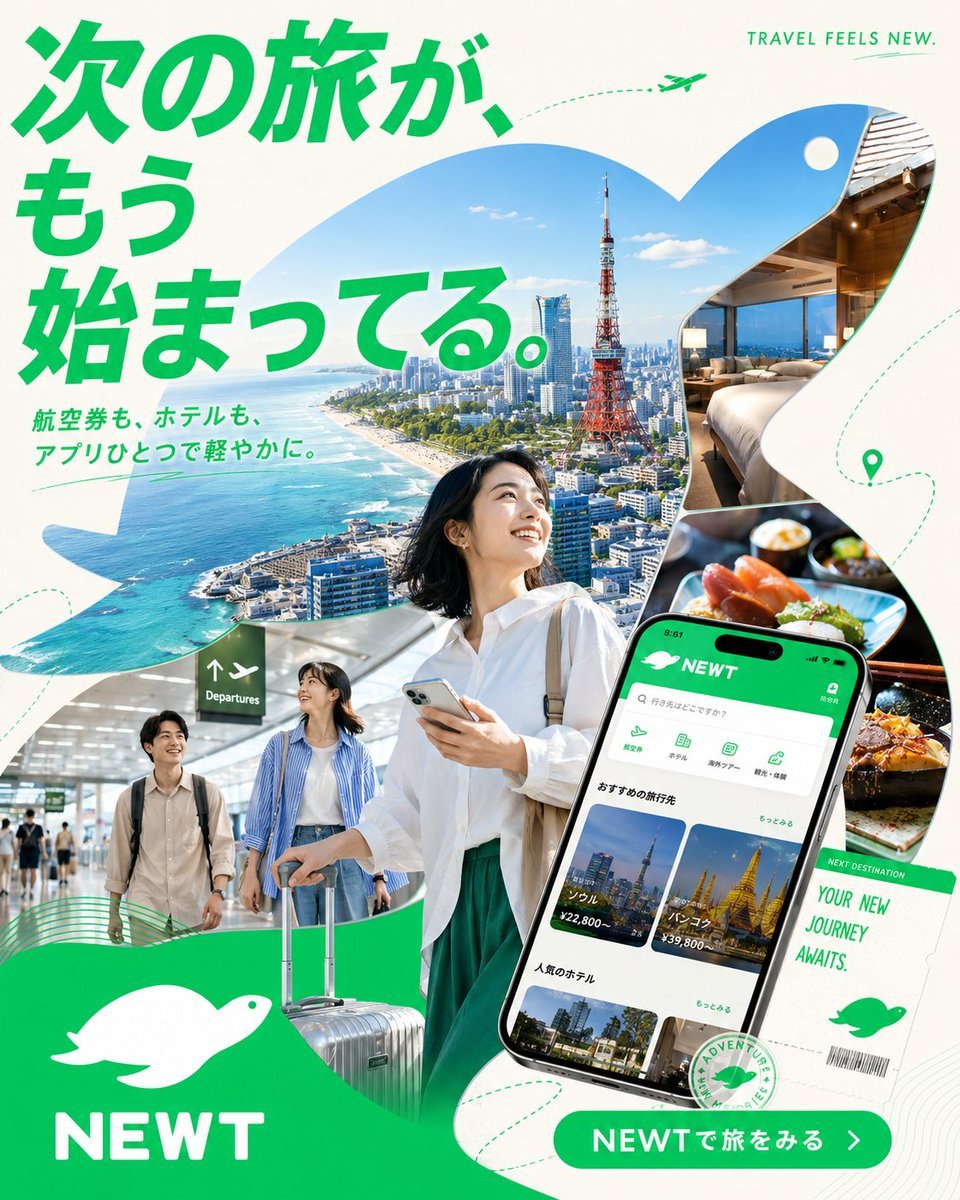
Japanese NEWT Travel App Poster
Make it yours
Isometric Taxi Booking App works as-is. These are the safest ways to change it without losing the look.
Swap the setting
Keep the rest of the prompt and replace the location block. The current setting is “white with faint isometric grid lines near the floor”.
Change one field
Copy a single group, rewrite it, and generate again so you can see what that field is doing.
Keep the frame, change the subject
Hold the composition and light of Isometric Taxi Booking App, then swap wardrobe, props or the person for a new take.
| If the result… | Why | Fix |
|---|---|---|
| The result drifts from the preview | Too many fields changed at once. | Reuse Isometric Taxi Booking App as-is first, then change one group — subject, light, or setting. |
| GPT Image 2 ignores part of the JSON | Some models flatten or skip nested keys. | Keep the same values and paste them as a short paragraph instead. |
More GPT Image 2 templates
Other prompts made for GPT Image 2.

Six VTuber Japanese Logo Sheet

Realistic Portrait of Woman and Deer

The Vista Modular Condo Poster

AI Model Routing Comparison Infographic

2.5D Anime Art Board

New York Double Exposure Poster

Four-Panel AI Landscape Comparison

Japanese Tatami Lifestyle Magazine Cover

NESCAFÉ Coffee Map Poster

Brutalist Cogito Chinese Typography Poster
More image prompts
Fresh picks from across the catalog.
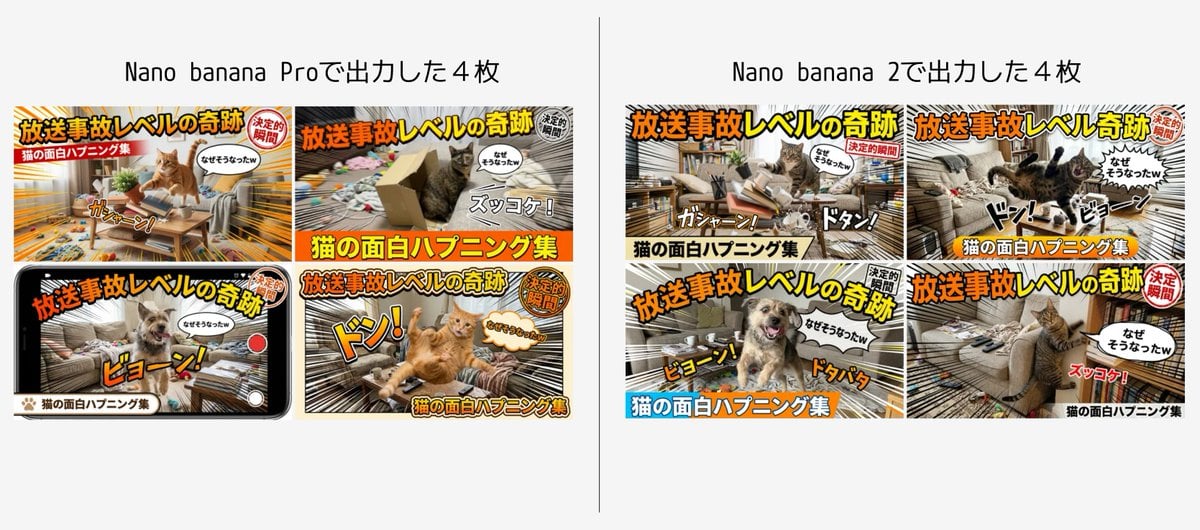
Detailed Japanese Prompt for Variety Show Style Image
Hyper-Realistic Product Shot with Exploding Citrus and Liquid
Flash photography portrait of a woman in a blue mini-dress
Hand-drawn Infographic Card Prompt
Commercial Product Photography: Soda Splash Series
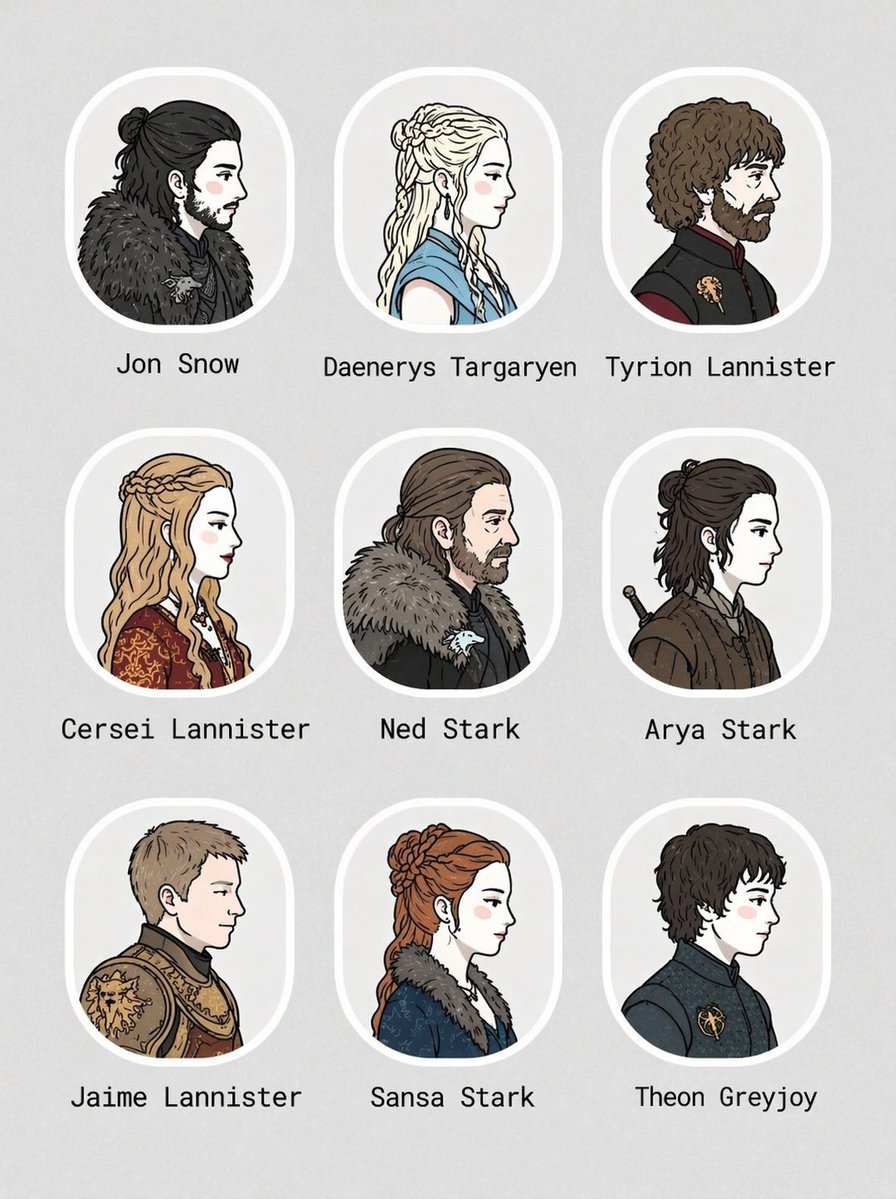
3x3 Character Portrait Grid
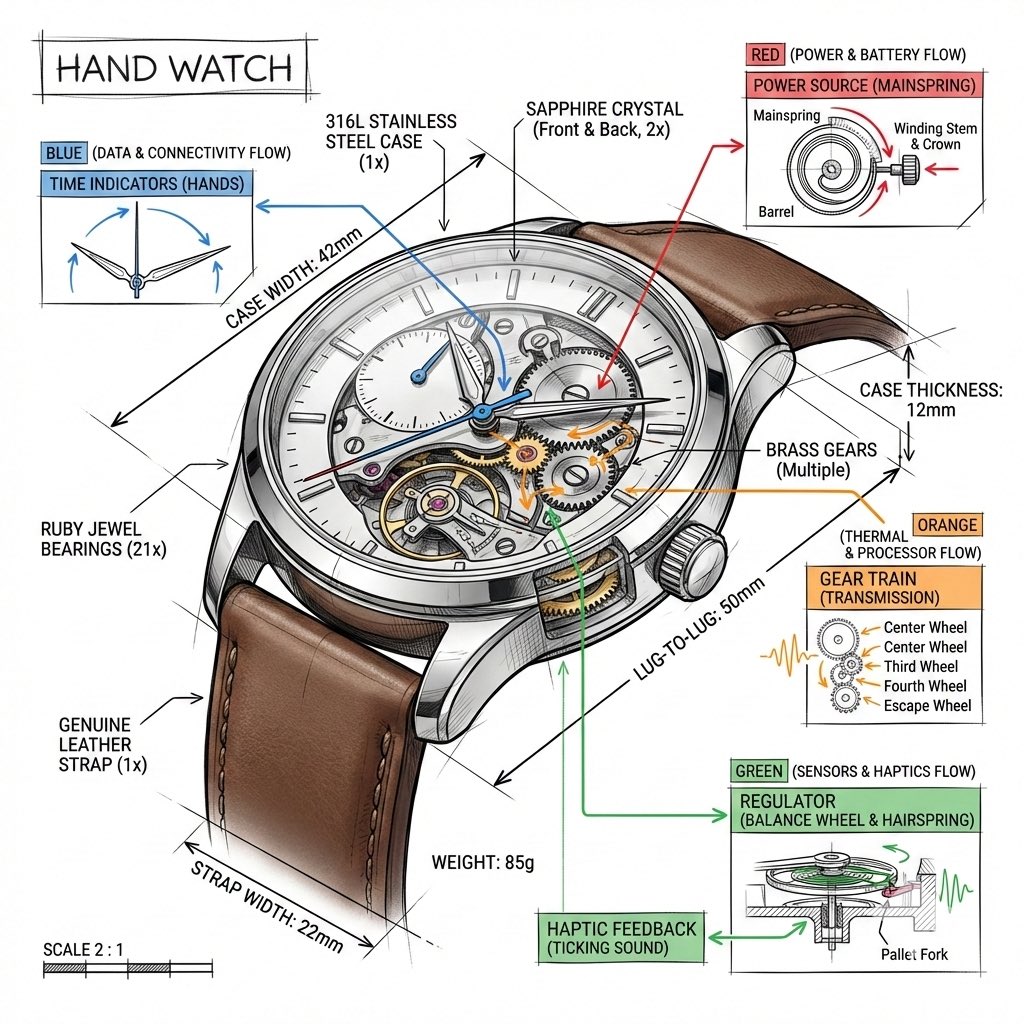
Technical Infographic Template for Objects

Hyper-Realistic Street View of Man Leaning on BMW
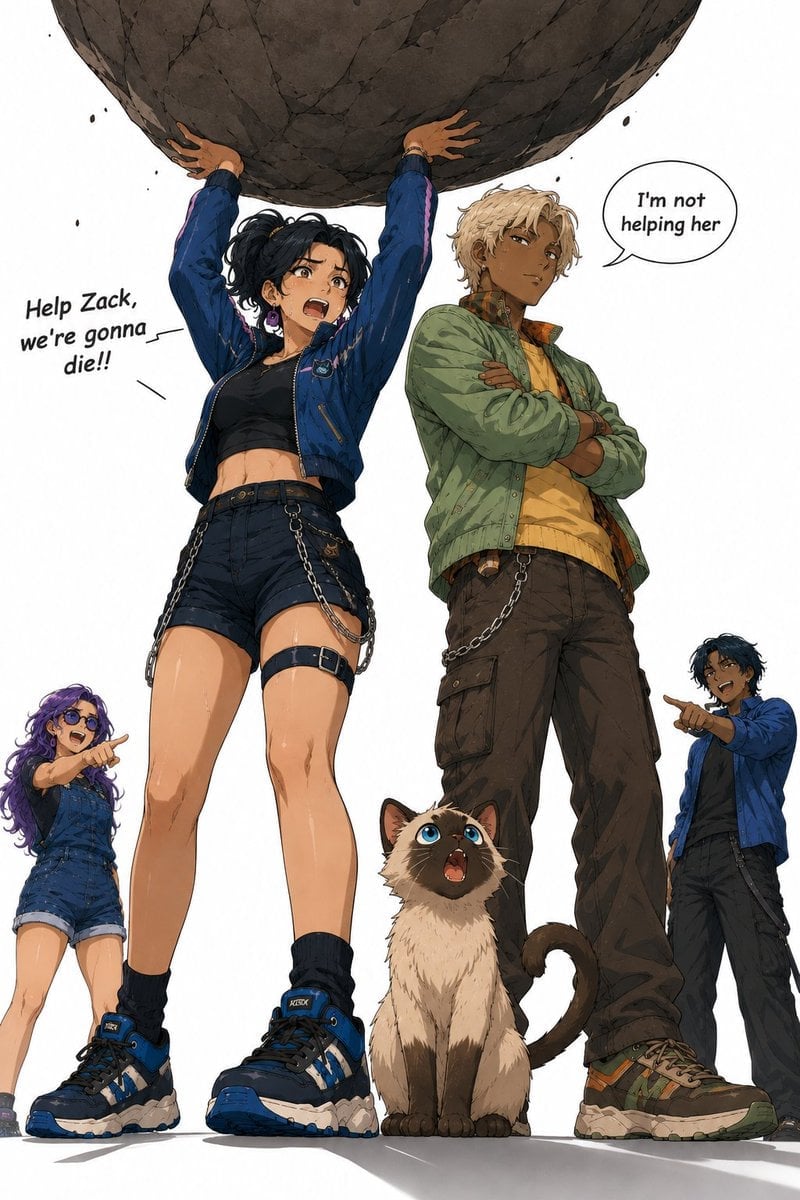
Anime Boulder Rescue Comedy Scene
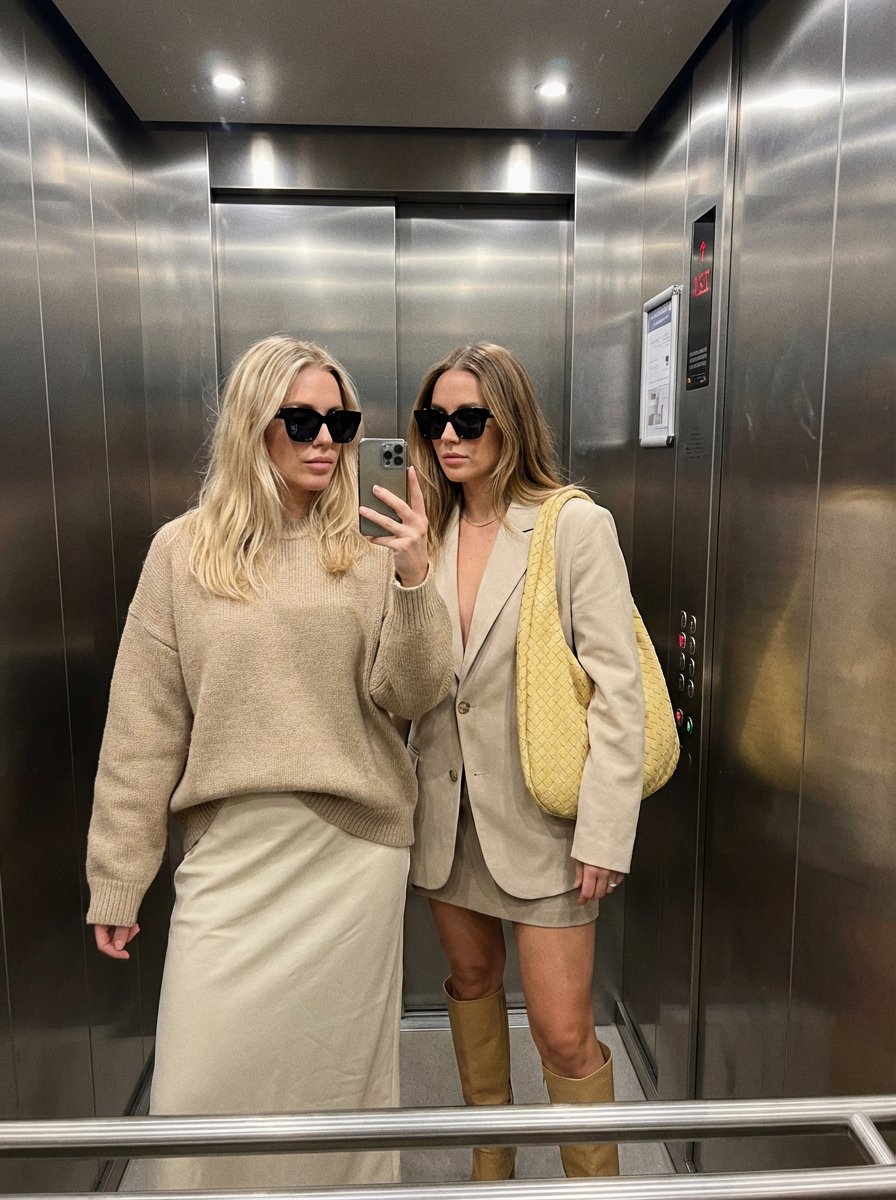
Detailed Mirror Selfie Simulation Prompt
Browse template categories
Isometric Taxi Booking App questions
How do I use the Isometric Taxi Booking App template?
Add your photo if the template asks for one, edit the prompt if you like — the template's model and format are already selected — and press Generate. Your version opens in PicX Studio.
Can I customize the Isometric Taxi Booking App template?
Yes. You can change the subject, setting, lighting, mood, format, and available model controls before creating your image.
Is the Isometric Taxi Booking App template free?
Opening and editing this template is free. Generating uses credits, shown on the Generate button when you are signed in.
Which AI model should I use?
Start with GPT Image 2, which is the model associated with this template. You can compare another compatible model for a different finish.
Looking for something else? Browse all templates.

Your photo, any look
Thousands of ready templates for every top image and video model, from one credit balance.