
Fictional Design Magazine Cover
This prompt generates a realistic editorial magazine cover featuring an anonymous designer in a minimalist studio, ideal for concept art, mock covers, and design-themed visual storytelling.
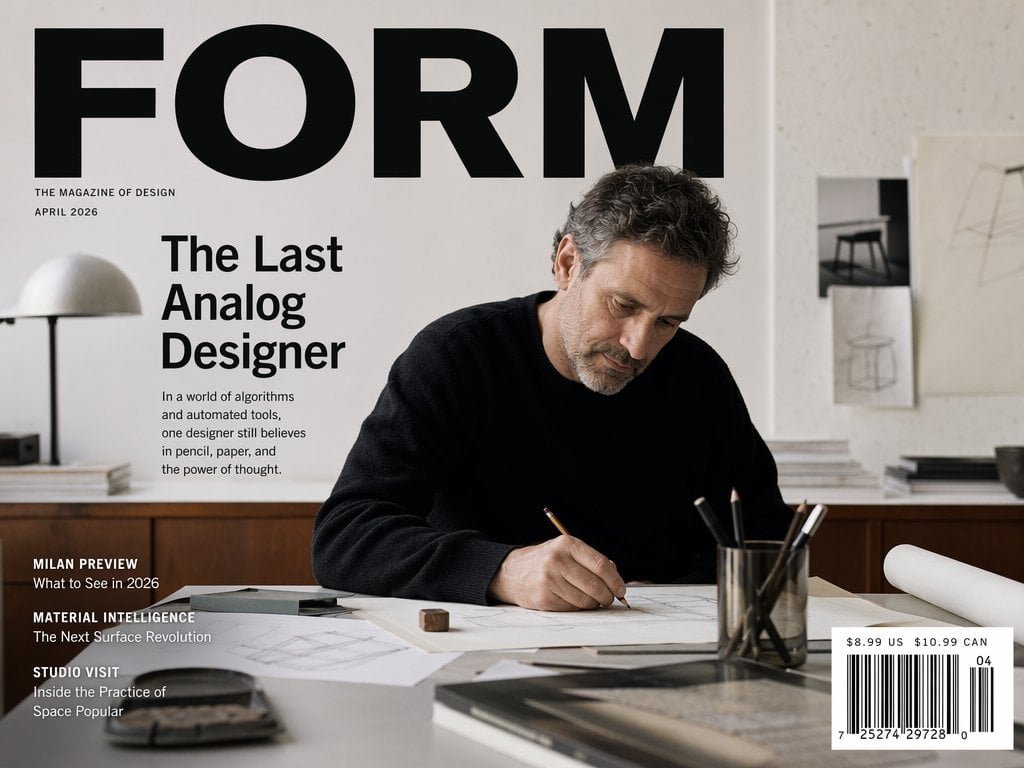
- Prompt included
- Model and format preset
- Free template
The prompt behind this image
Copy the exact prompt behind Fictional Design Magazine Cover, or open it in the studio and make it yours.
A hyper-realistic modern magazine cover for a fictional design magazine titled {argument name="magazine title" default="FORM"}, shot like a premium editorial portrait in a minimalist architect’s studio. The cover uses a clean, restrained European design aesthetic with lots of white space, sharp typography, and warm natural indoor lighting. At the top, place an enormous bold black sans-serif masthead spanning nearly the full width. Beneath the left side of the masthead, add small uppercase text reading “THE MAGAZINE OF DESIGN” and “APRIL 2026”. The main cover line on the left reads {argument name="cover headline" default="The Last Analog Designer"} in large black sans-serif text stacked over multiple lines. Below it, add a smaller teaser paragraph: “In a world of algorithms and automated tools, one designer still believes in pencil, paper, and the power of thought.” In the lower left, include 3 secondary cover lines in small white sans-serif text over the darker desk area: “MILAN PREVIEW” with “What to See in 2026”, “MATERIAL INTELLIGENCE” with “The Next Surface Revolution”, and “STUDIO VISIT” with “Inside the Practice of Space Popular”. In the bottom right, add a realistic white barcode box with small price text above it reading “$8.99 US $10.99 CAN” and the issue number “04”. The scene shows 1 seated middle-aged male designer at a worktable, wearing a dark navy or black knit sweater, with salt-and-pepper curly hair, leaning forward and sketching on white paper with a pencil. His face is obscured by a square blur block, creating an anonymous portrait. On the desk are exactly 8 visible object groups: scattered sketch papers with geometric chair drawings, 1 pencil cup holding several pencils, 1 rolled white blueprint on the right, 1 closed dark notebook on the left, 1 small brown eraser near the center, 1 blurred black object in the front-left foreground, 1 large flat book or material sample in the front-right foreground, and the active drawing sheet under his hand. Behind him is a warm wooden credenza with neat stacks of books, 1 white dome desk lamp on the far left, and a white wall displaying exactly 4 pinned design references: 1 small dark photo of a chair, 1 light sketch beneath it, and 2 larger minimal line drawings on the right. Use muted neutral tones, off-white walls, walnut wood, black clothing, and a calm contemplative mood. The composition should feel like a believable high-end magazine cover, straight-on and carefully art-directed, with editorial realism and no visible publisher logos other than the fictional masthead.
How to use Fictional Design Magazine Cover in 3 steps
- 1Upload ImagePNG, JPG or paste
Add your photo
Upload the photo the template builds on. The prompt, model and format are already set.
- 2…a portrait of your subject in softgolden-hour light, 85mm…
Personalize
Edit the subject and creative details for your destination.
- 3Generate
Generate
Press Generate — your image is created in PicX Studio, so you can compare it with the original and refine one variable at a time.
More like this
Templates with the same subject, style or setup. Open one to see its prompt.
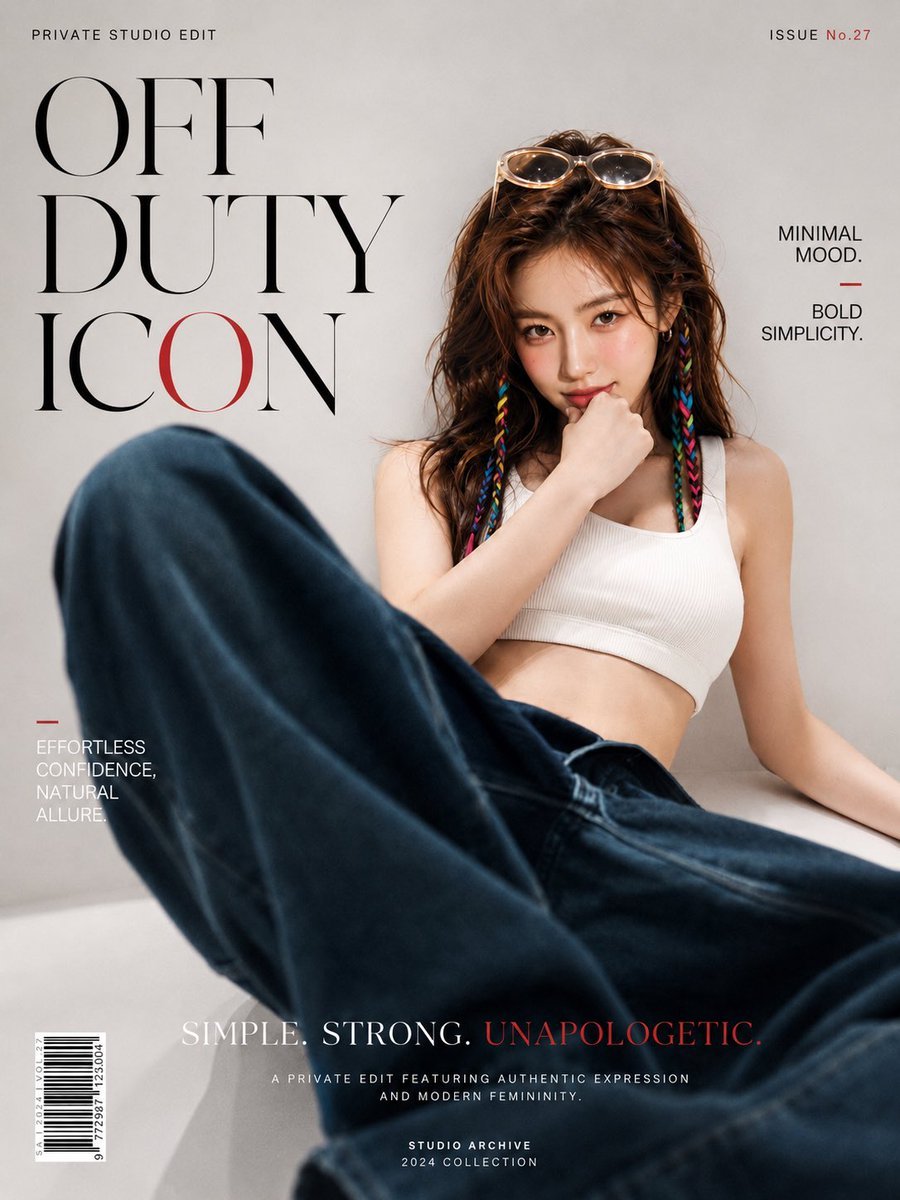
Off Duty Fashion Magazine Cover

Japanese Tatami Lifestyle Magazine Cover
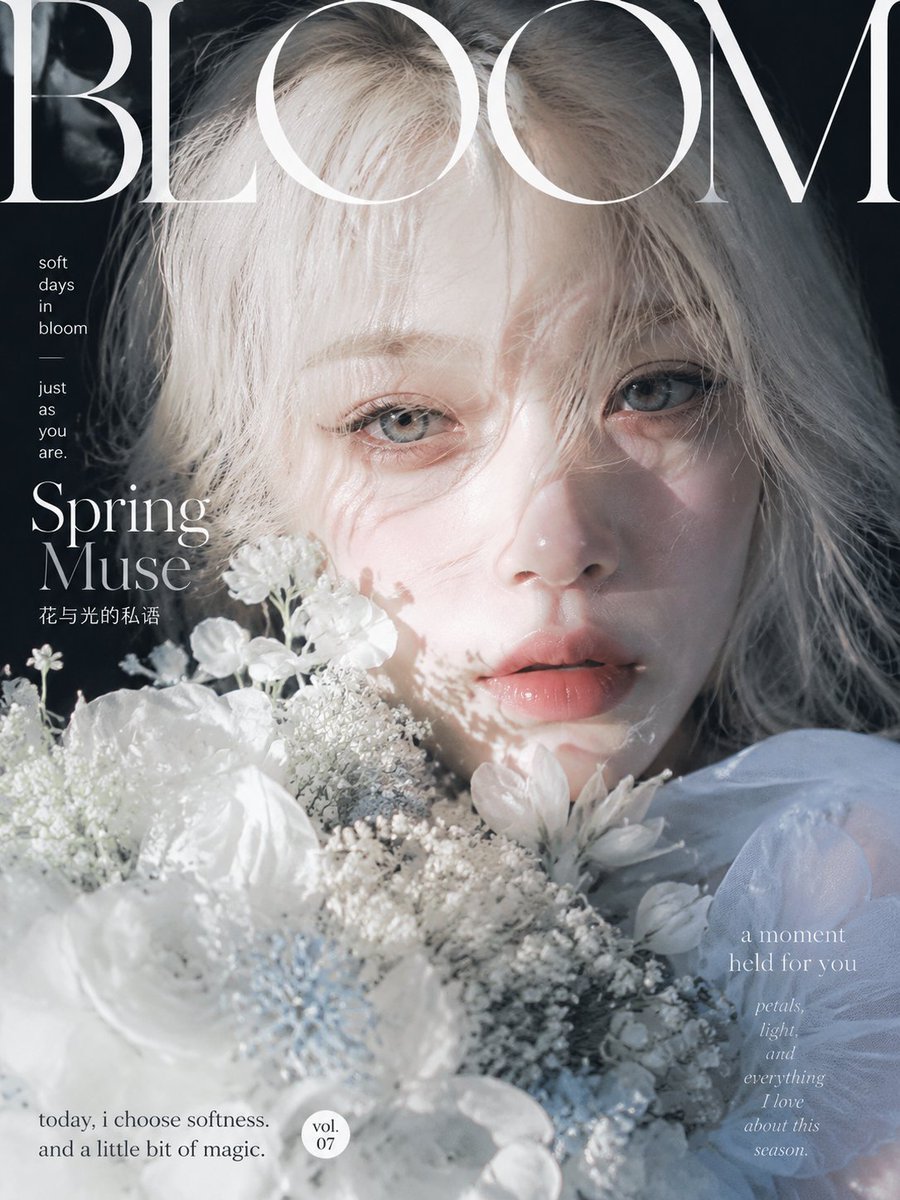
Ethereal Bloom Magazine Cover
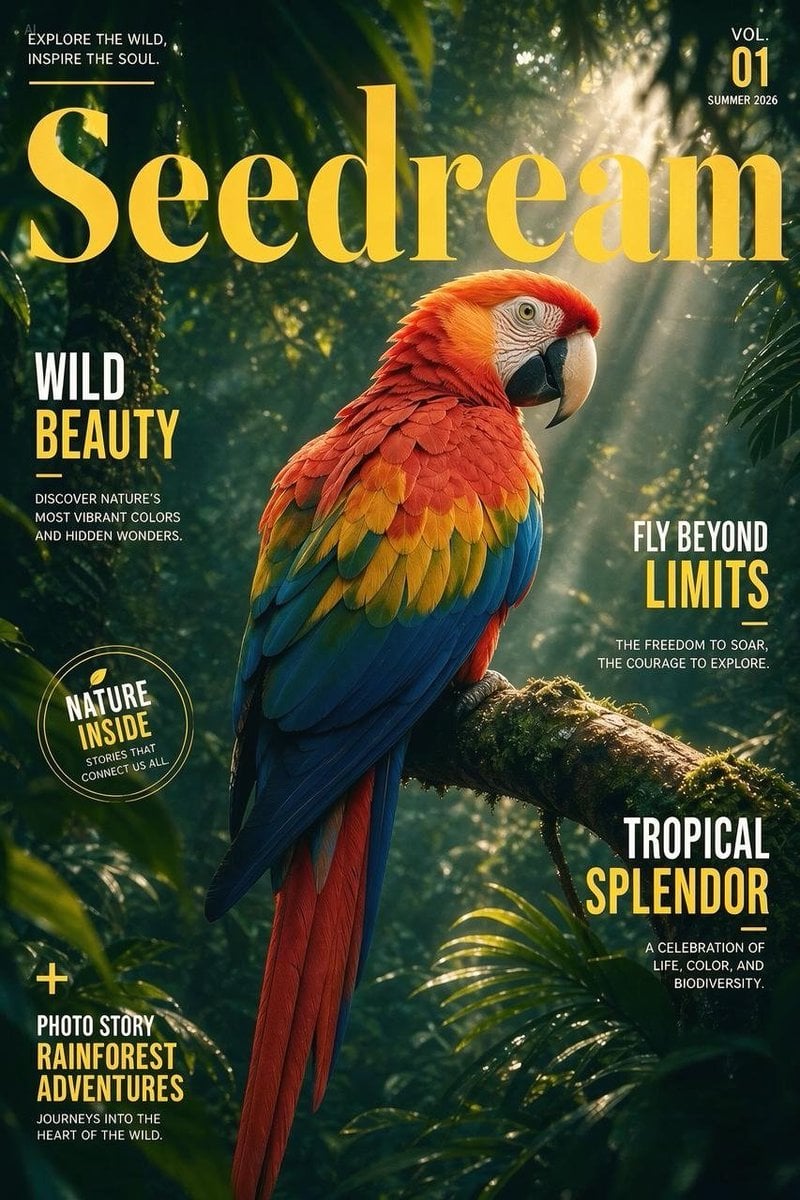
Tropical Macaw Magazine Cover

Anime Mahjong Magazine Cover

Neon Anime Fireworks Magazine Cover
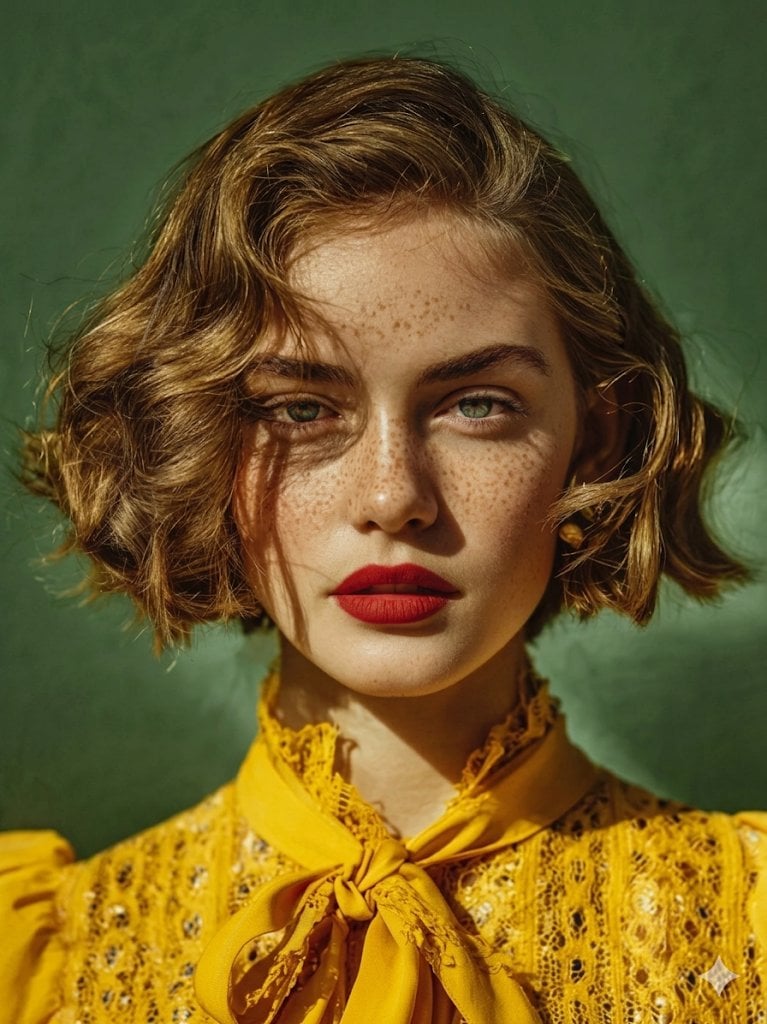
High-Fashion Magazine Cover Portrait
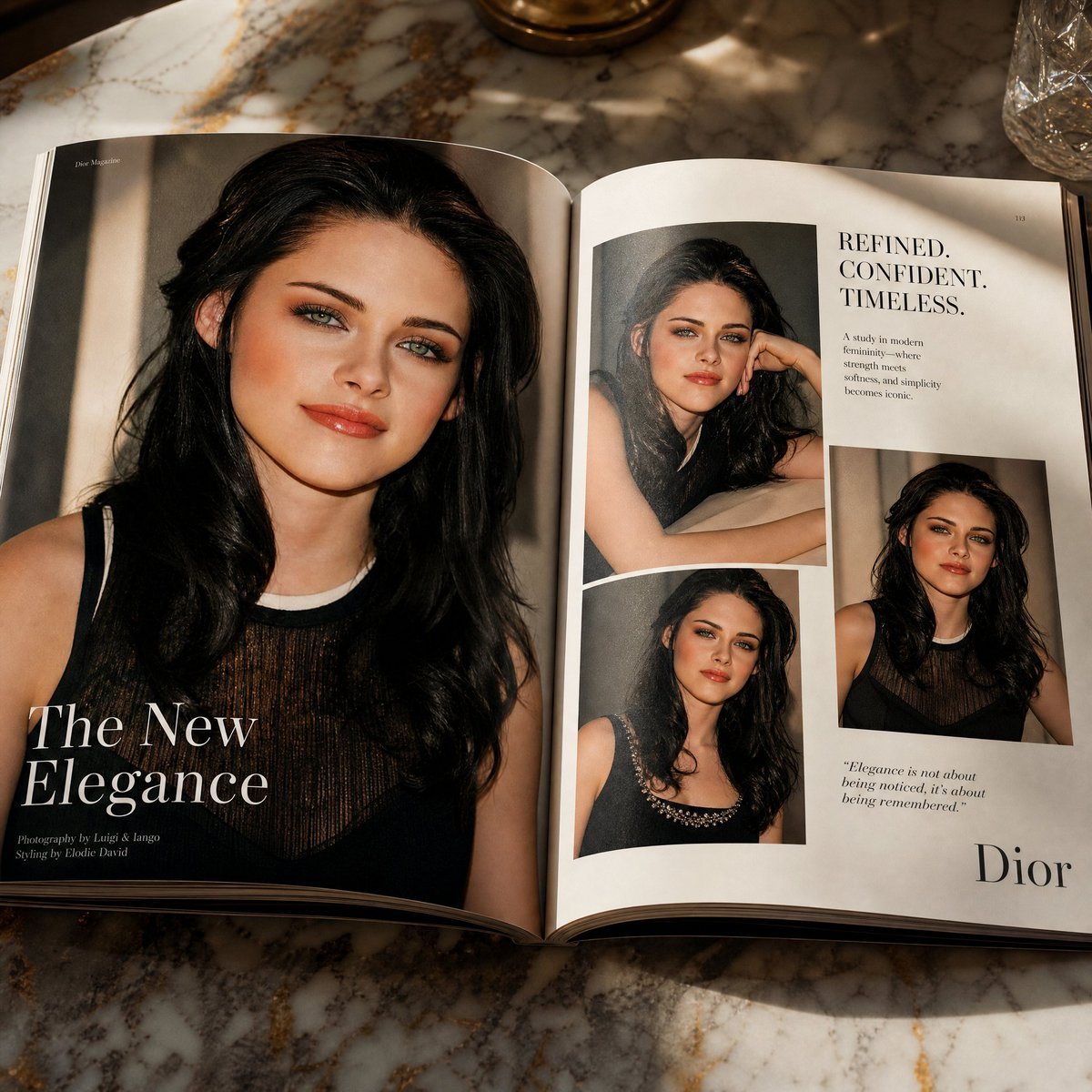
Open Magazine Luxury Fashion Editorial Layout

Monochrome Halftone Editorial Fashion Poster
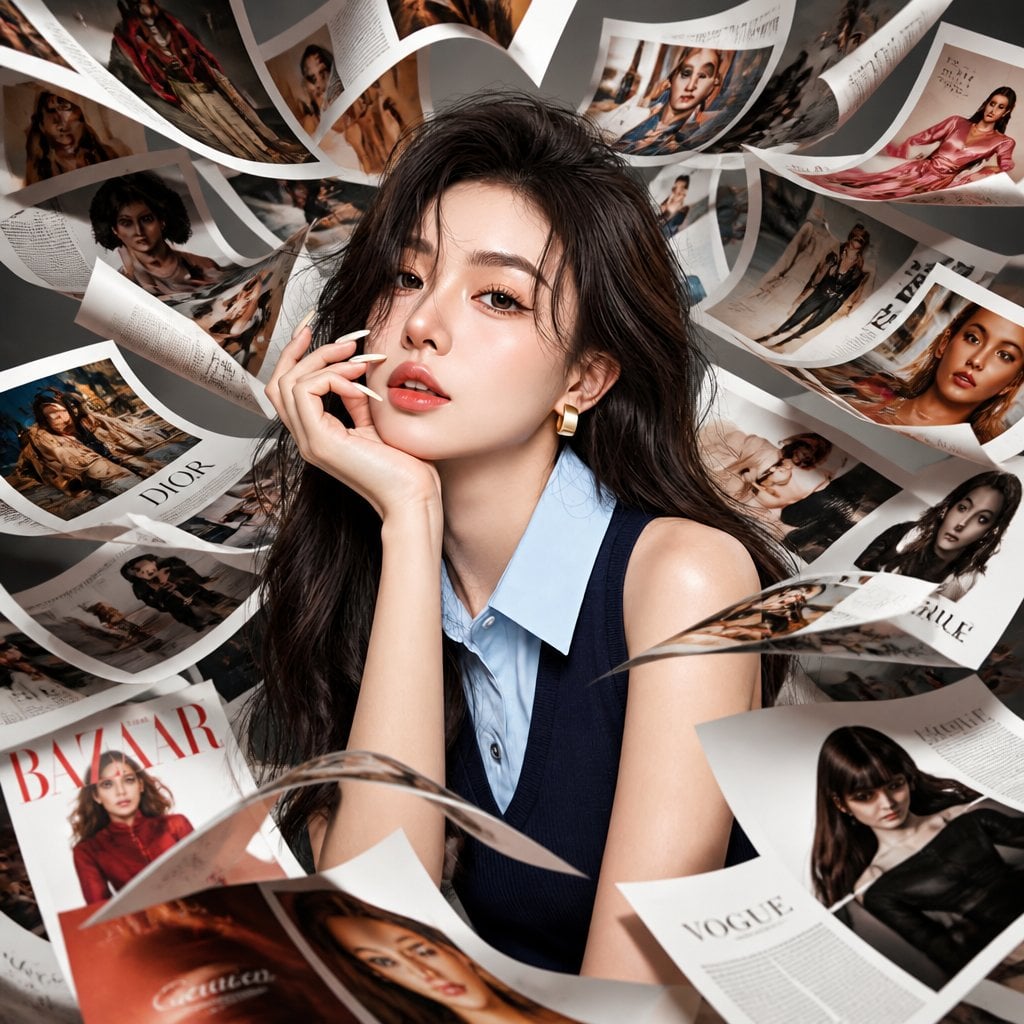
Korean Model Floating Magazine Pages Campaign
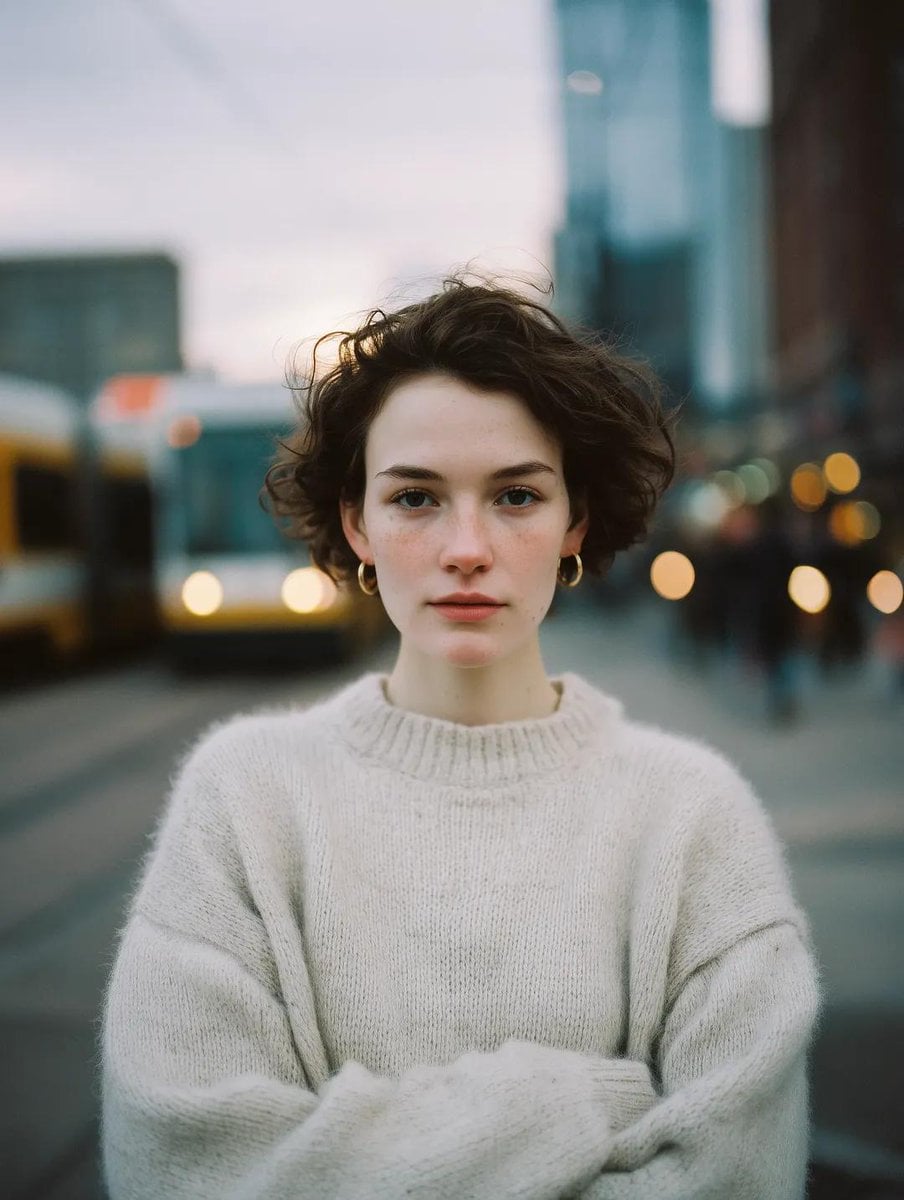
Blue Hour Editorial Fashion Portrait

Illustrated Classic Car Magazine Cover
Make it yours
Fictional Design Magazine Cover works as-is. These are the safest ways to change it without losing the look.
Change one field
Copy a single group, rewrite it, and generate again so you can see what that field is doing.
Keep the frame, change the subject
Hold the composition and light of Fictional Design Magazine Cover, then swap wardrobe, props or the person for a new take.
| If the result… | Why | Fix |
|---|---|---|
| The result drifts from the preview | Too many fields changed at once. | Reuse Fictional Design Magazine Cover as-is first, then change one group — subject, light, or setting. |
| The model over-stylizes the scene | The prose prompt leaves finish and camera underspecified. | Add one camera or lighting sentence and stay on GPT Image 2. |
More GPT Image 2 templates
Other prompts made for GPT Image 2.

Six VTuber Japanese Logo Sheet

Realistic Portrait of Woman and Deer

The Vista Modular Condo Poster

AI Model Routing Comparison Infographic

2.5D Anime Art Board

Isometric Productivity Desk Scene

New York Double Exposure Poster

Four-Panel AI Landscape Comparison

NESCAFÉ Coffee Map Poster

Brutalist Cogito Chinese Typography Poster
More image prompts
Fresh picks from across the catalog.

Luxury Golden Star Fortune Teller
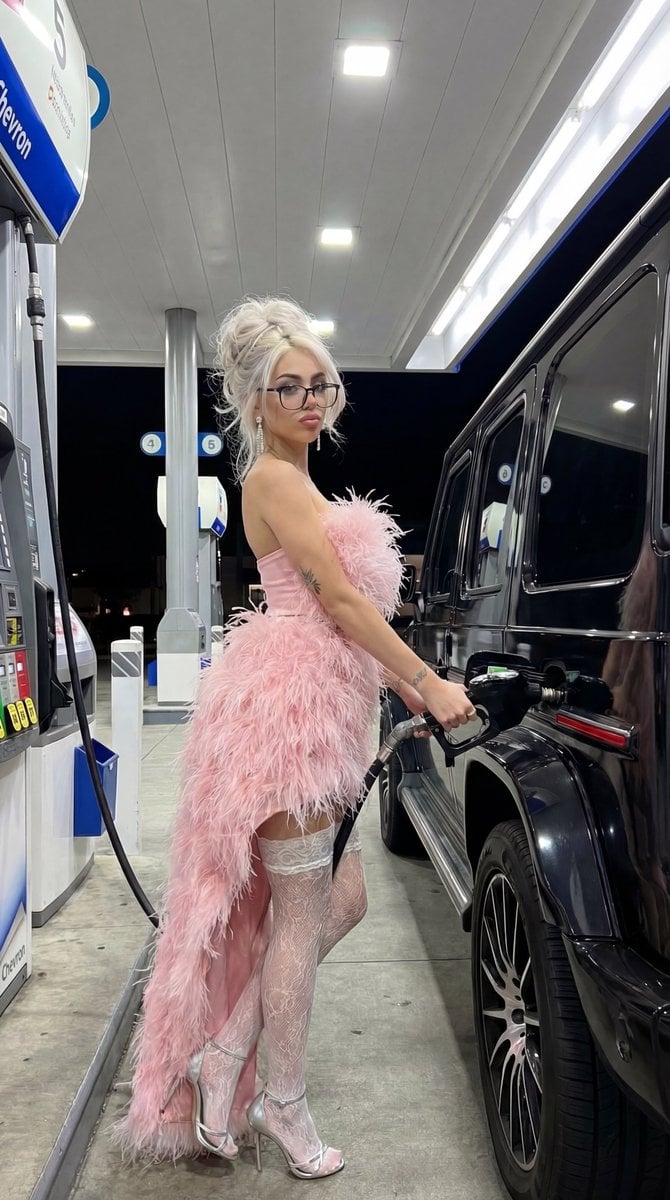
Campy High-Fashion Editorial at a Gas Station
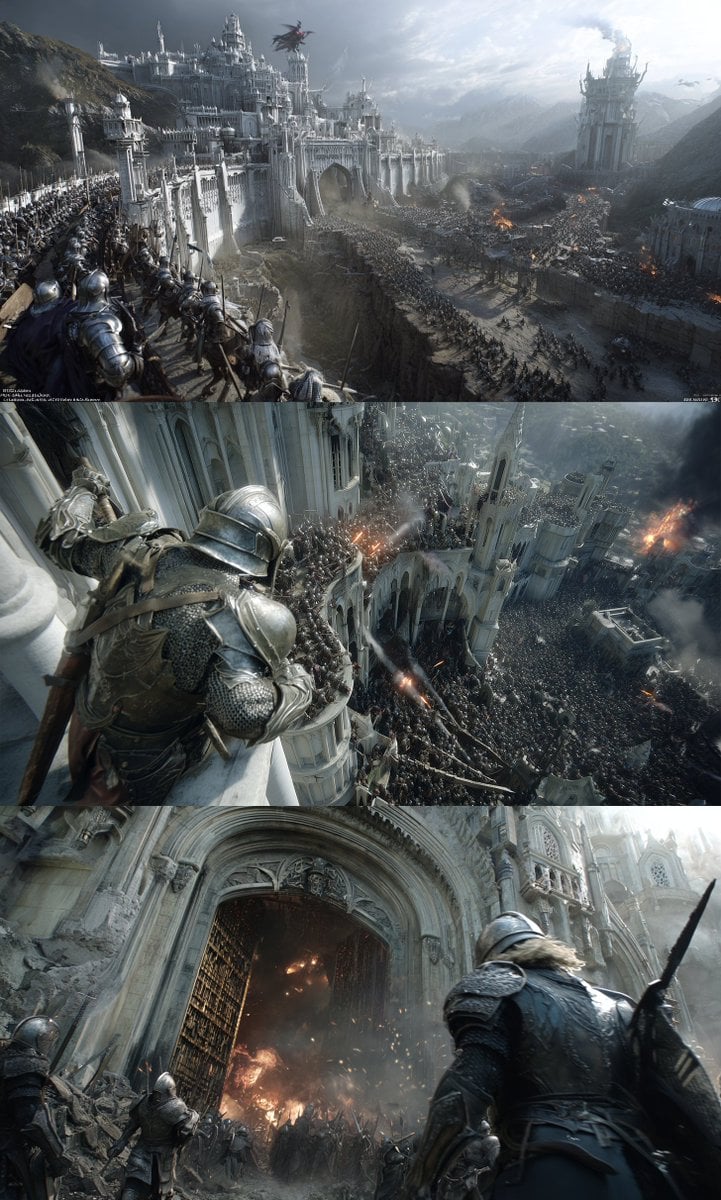
Hyper-realistic cinematic conversion prompt for nano-banana-pro
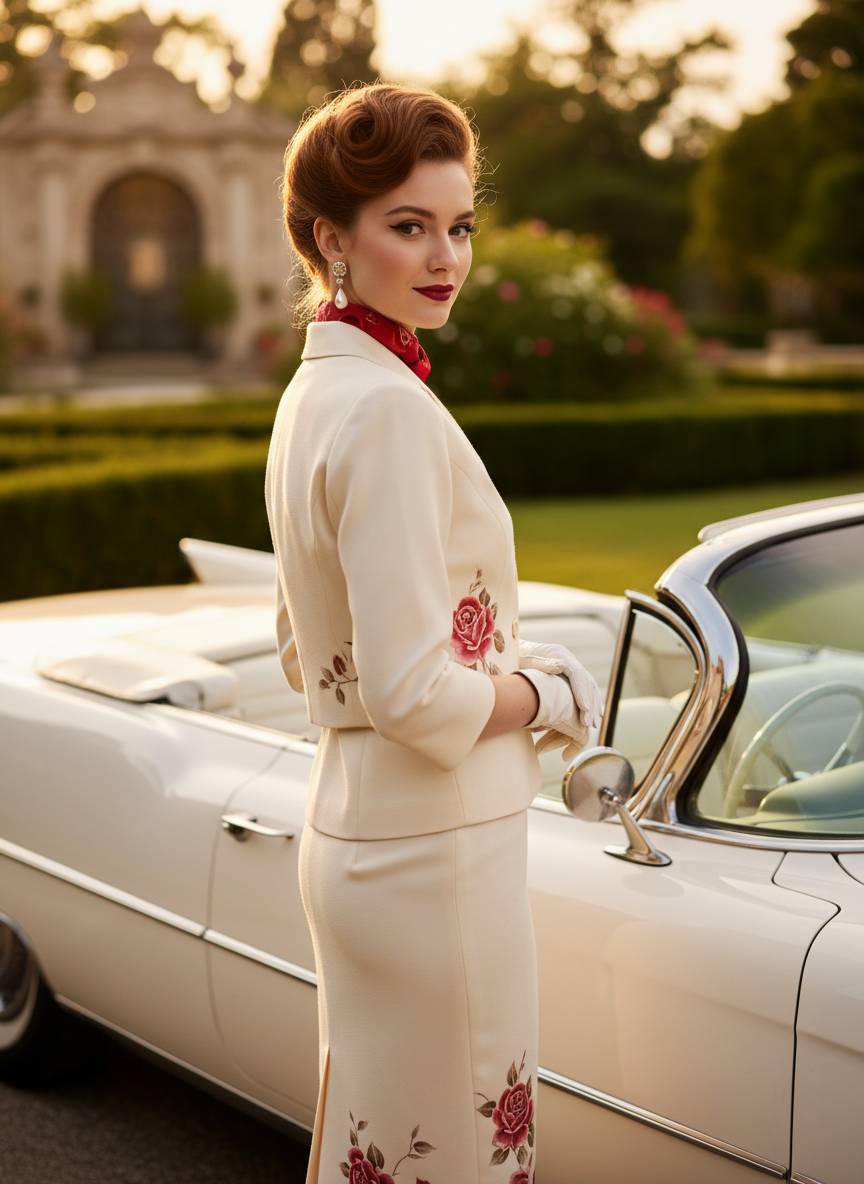
1950s Vintage Fashion Convertible Portrait Prompt
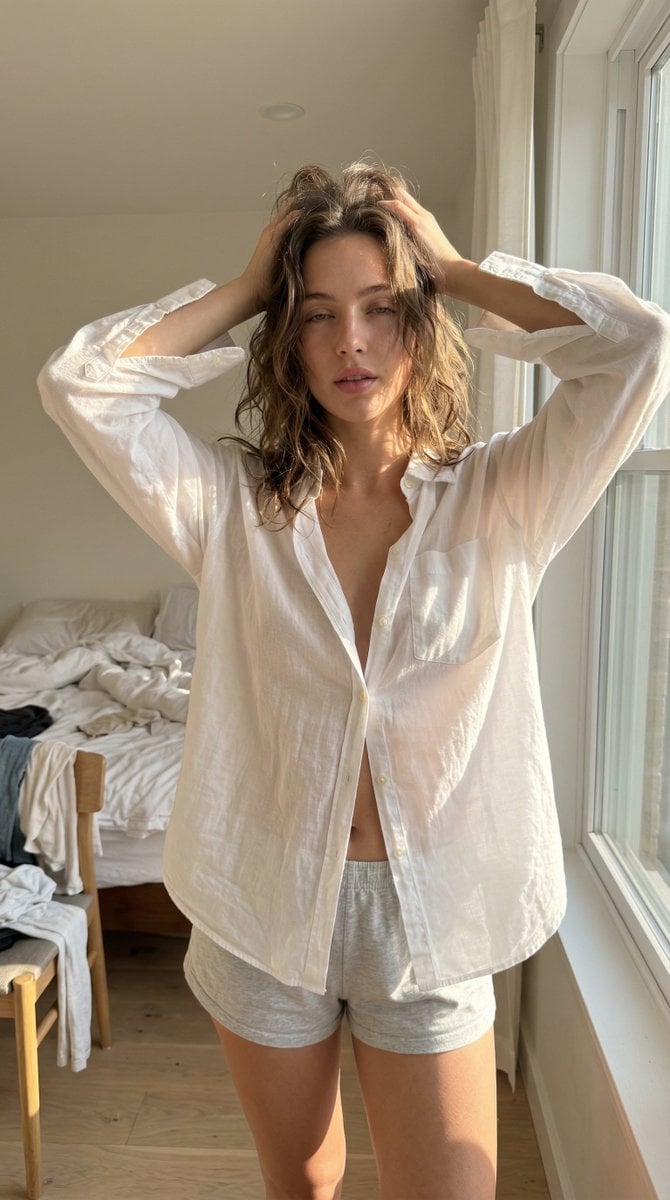
Structured Ultra Photorealistic iPhone Realism Prompt for Nano Banana Pro
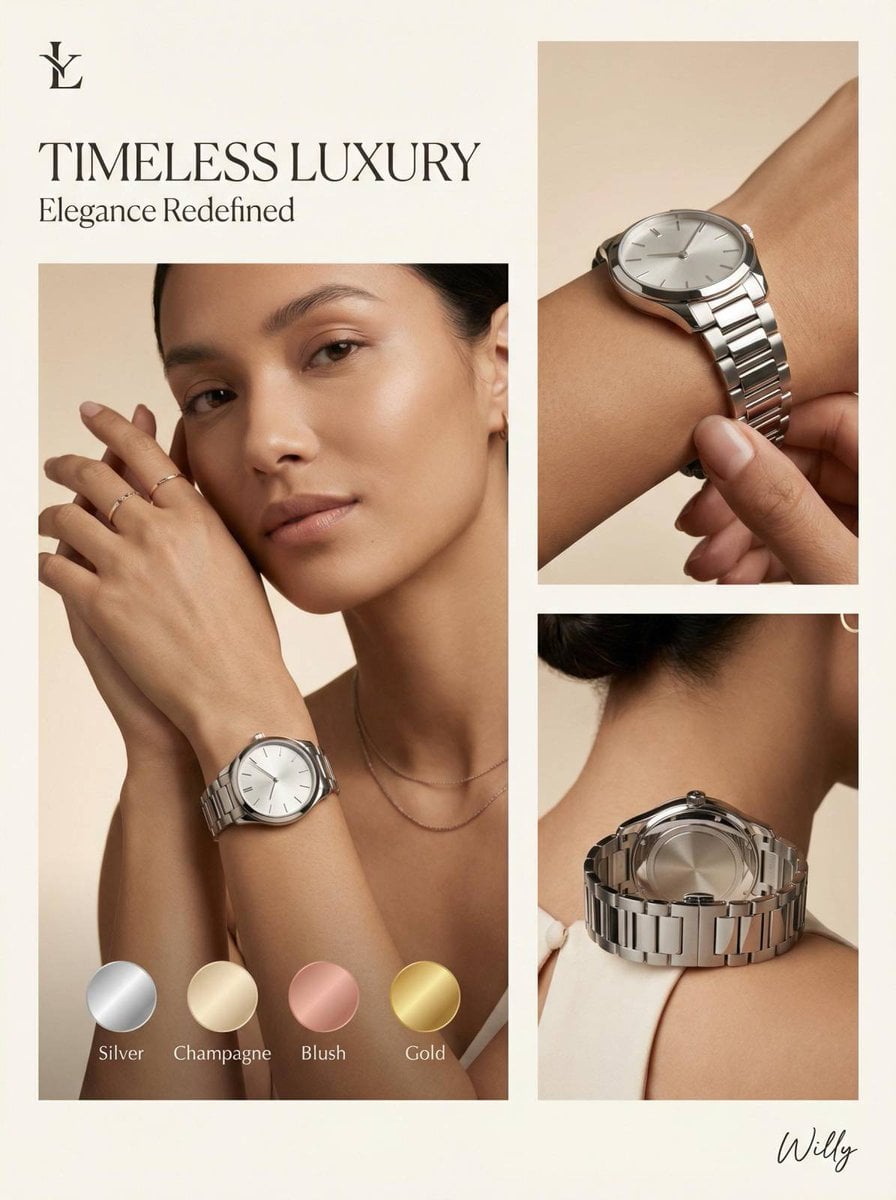
Luxury Watch Editorial Layout Prompt

Professional Restaurant Menu Design
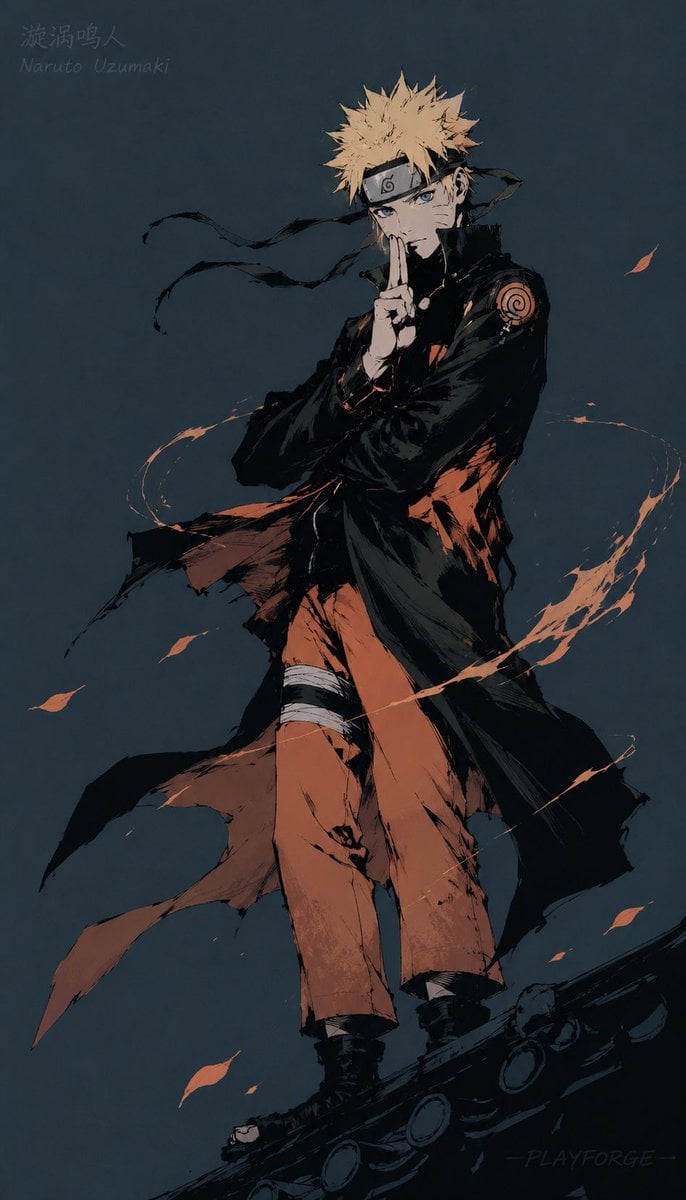
Gritty Naruto Poster Illustration
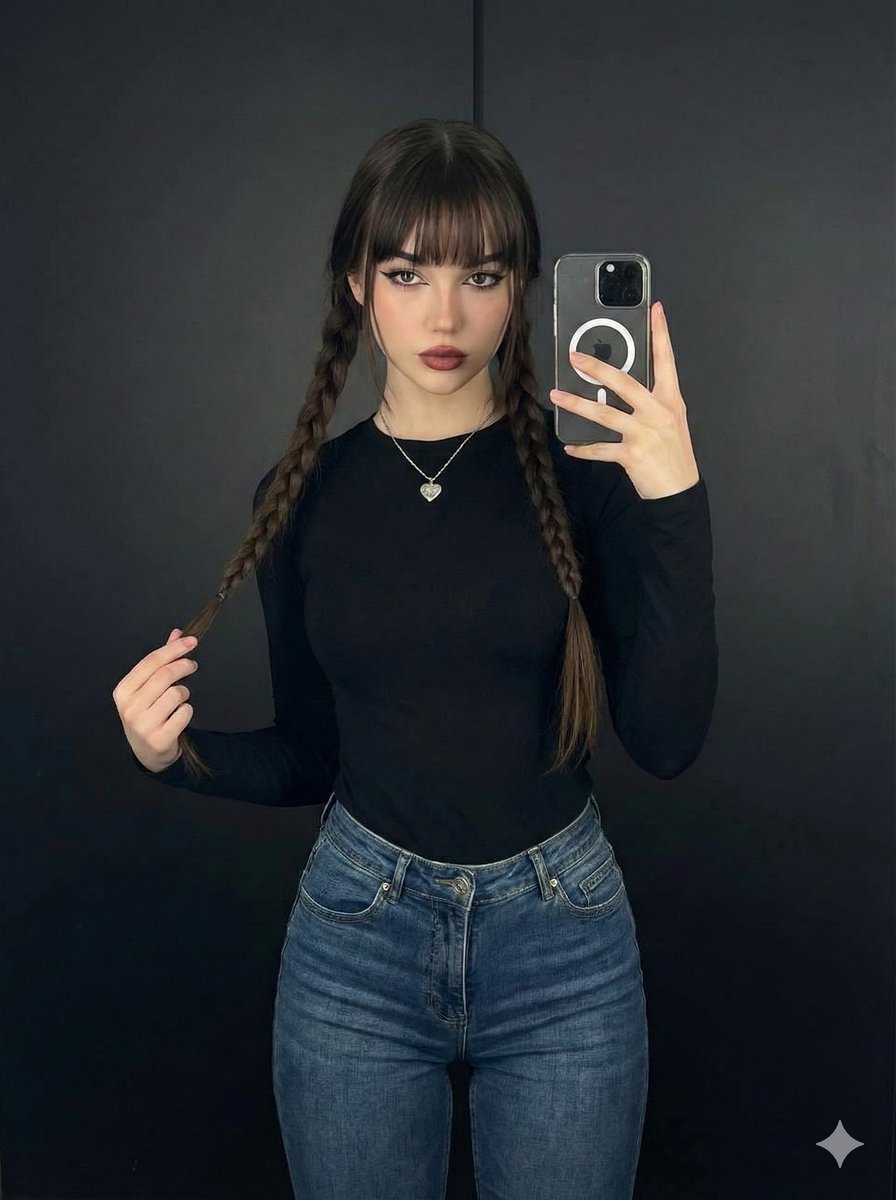
Photorealistic Full-Length Selfie with Identity Preservation (JSON)

Macro Food Photography of Martabak Telur Prompt
Browse template categories
Fictional Design Magazine Cover questions
How do I use the Fictional Design Magazine Cover template?
Add your photo if the template asks for one, edit the prompt if you like — the template's model and format are already selected — and press Generate. Your version opens in PicX Studio.
Can I customize the Fictional Design Magazine Cover template?
Yes. You can change the subject, setting, lighting, mood, format, and available model controls before creating your image.
Is the Fictional Design Magazine Cover template free?
Opening and editing this template is free. Generating uses credits, shown on the Generate button when you are signed in.
Which AI model should I use?
Start with GPT Image 2, which is the model associated with this template. You can compare another compatible model for a different finish.
Looking for something else? Browse all templates.

Your photo, any look
Thousands of ready templates for every top image and video model, from one credit balance.