How do I use the Bangkok Night Street Photography template?
Choose the primary action to open PicX Studio with the available template settings. Review the model and format, personalize the creative direction, and generate when ready.
A documentary-style street photography prompt capturing a young woman in the chaotic neon atmosphere of Khao San Road. Change the subject, setting, or lighting one variable at a time.
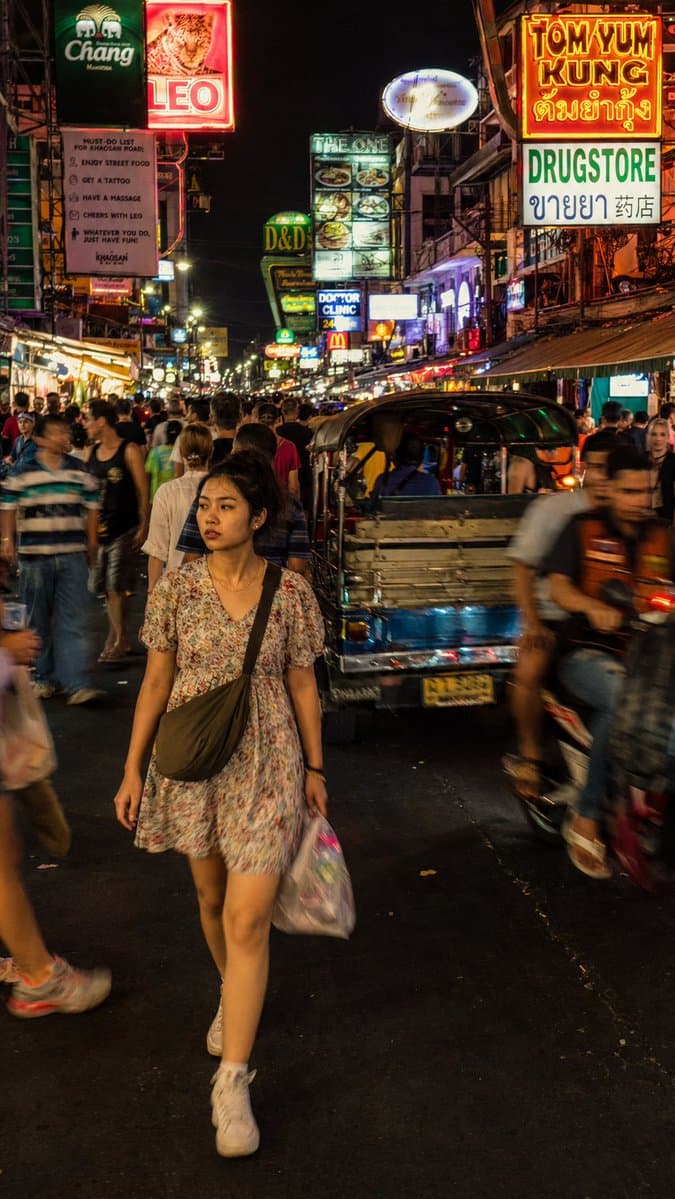
A street photograph capturing a {argument name="subject" default="young Thai woman"} cutting through the dense nighttime crowd on {argument name="location" default="Khao San Road, Bangkok"}. The subject is caught mid-stride wearing a {argument name="clothing" default="loose floral dress"}, expression distracted and completely natural, not performing for the camera, small crossbody bag across her shoulder. The environment is dense and chaotic: bar signs in Thai and English stacked vertically, tuk-tuks and motorbikes pressing through foot traffic, tourists and locals blending in the moving crowd around her. Lighting is messy and authentic: uneven bar fluorescent spill, LED signage scatter, occasional reflected flash from the crowd, no clean single source. Composition: full-body medium shot from slightly above eye level, subject in sharp focus in left center, surrounding crowd in natural motion blur, neon signs stretching tall in the vertical frame above. Color palette: acidic yellow, electric pink, deep orange — intense but documentary-accurate neon saturation, not stylized. Render with photographic realism: subtle film grain, avoid over-smoothed CG textures. Skin: subsurface scattering and micro-texture. Preserve authentic motion blur on background crowd, not artificial bokeh. Photorealistic rendering, no watermark.
Choose the primary action to open PicX Studio with the available template settings. Review the model and format, personalize the creative direction, and generate when ready.
Yes. You can change the subject, setting, lighting, mood, format, and available model controls before creating your image.
This template is free to open and customize. Generation usage is shown in PicX Studio before you create.
Start with GPT Image 2, which is the model associated with this template. You can compare another compatible model for a different finish.
© 2026 PicX Studio. All rights reserved.

Follow a topic to a crawlable collection of related PicX Studio templates.
43,474 public templates available. Verified via the PicX Studio public templates API; refreshed hourly.
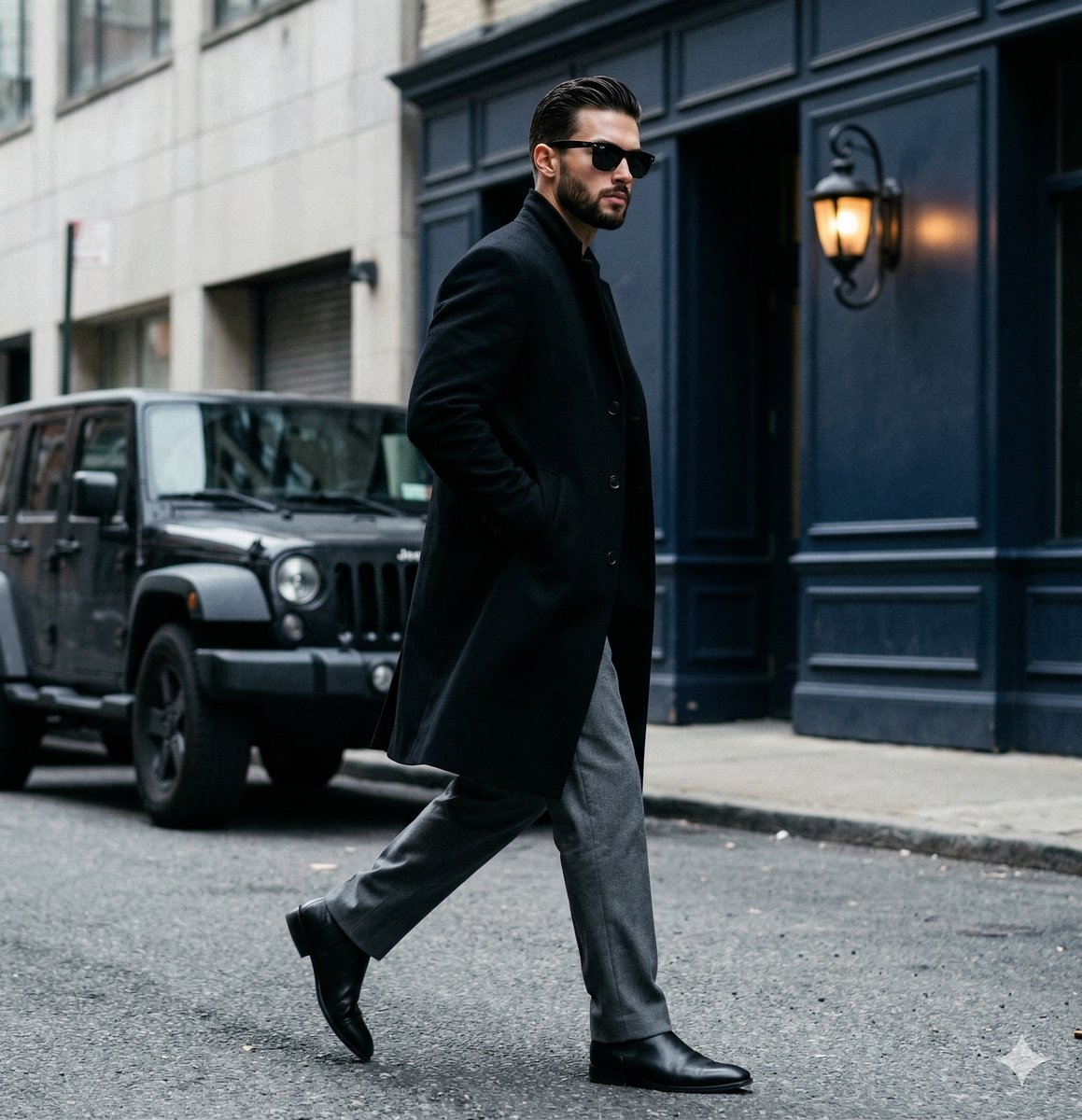










![This image into a 64K DSLR shot resolution of A stylish urban fashion — Transform this image [Upload Your Image] into a 64K DSLR shot resolution of A stylish ur](https://images.meigen.ai/tweets/2008470156146860416/0.jpg)






![Minimalist Flat Vector Travel Poster — Premium minimalist flat-vector travel poster for {argument name="city name" default="[CITY_NAME]"}, 3:4 vertical format.](https://cms-assets.youmind.com/media/1787917359711_3ug846_HQX205cbMAA6F6S-300x400.jpg)