
Cyberpunk Anime Magazine Cover
A neon-styled Japanese anime editorial cover featuring a central heroine and four supporting character panels, ideal for magazine cover concepts, poster art, and futuristic visual branding.
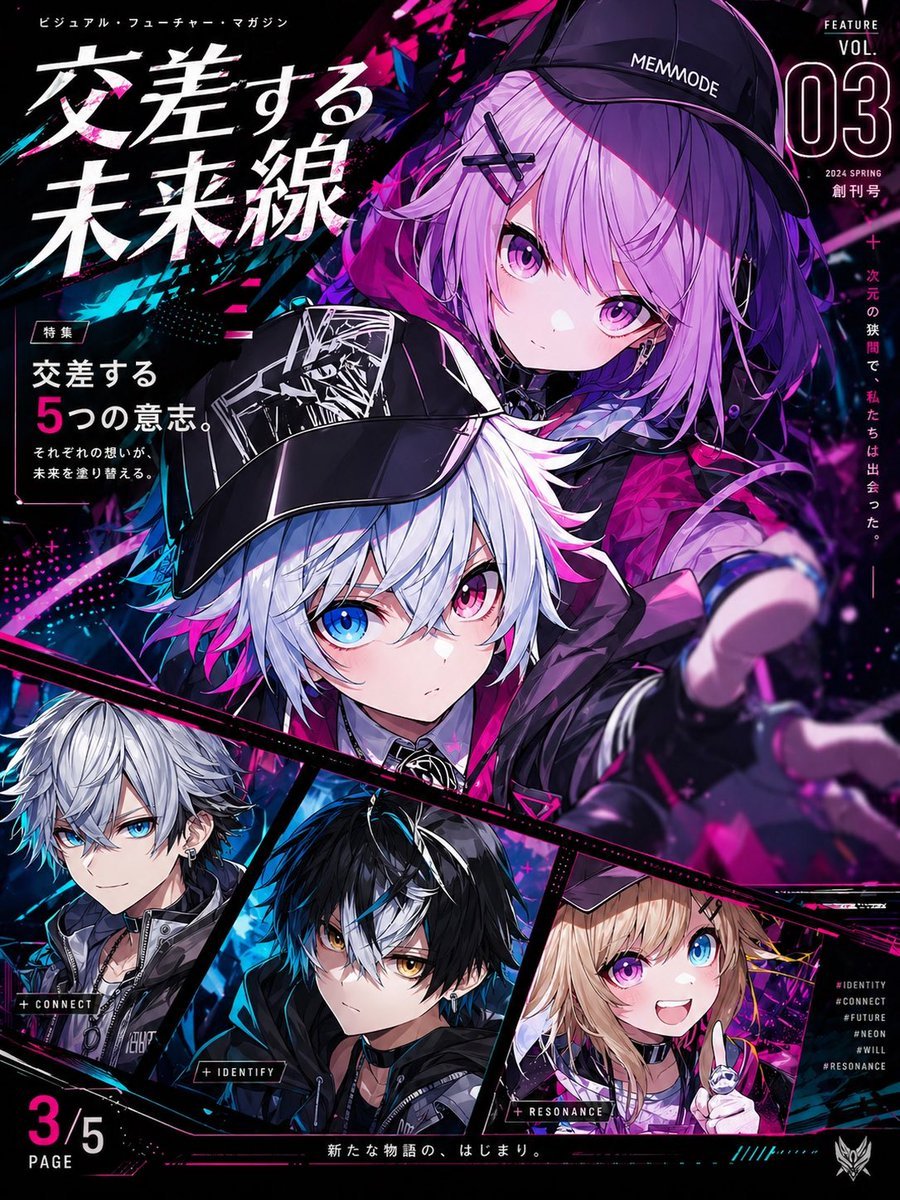
- Prompt included
- Model and format preset
- Free template
The prompt behind this image
Copy the exact prompt behind Cyberpunk Anime Magazine Cover, or open it in the studio and make it yours.
Create a high-impact Japanese anime magazine cover in a futuristic cyberpunk style, vertical portrait format, featuring a close-up ensemble composition of {argument name="main character" default="a pink-haired anime girl"} as the dominant subject. She has a short bob with layered bangs, large violet-pink eyes, pale skin, and a calm but intense expression, wearing a black baseball cap with white text, black X-shaped hairpins, a glossy black streetwear jacket with reflective graphic patches, and a magenta hood. She leans toward the viewer from the upper right-center, with one hand extended toward the camera in dramatic foreshortened perspective. Around her are 4 additional character panels total: 1 partially hidden silver-haired character in the center foreground beneath her, wearing a black cap; 1 silver-haired male character in the lower left triangular panel with dark clothing and earrings; 1 black-haired male character with a bold white forelock and golden eyes in the lower center panel; and 1 blonde female character in the lower right panel with a dark choker and layered fashion styling. Design the image as a glossy magazine cover with dense Japanese typography and editorial layout. Place a very large bold white Japanese headline on the upper left reading {argument name="main headline" default="交差する未来線"}, with smaller Japanese subhead text nearby. Add a top-right issue block reading “FEATURE”, “VOL. 03”, “2024 SPRING”, and “創刊号”. Add vertical Japanese sidebar text along the right edge, a left-side feature box with multiple lines of Japanese copy and a large magenta “5”, a bottom-left page marker reading “3/5 PAGE”, and small English tag labels near the lower panels such as “+ CONNECT”, “+ IDENTITY”, and “+ RESONANCE”. Include a bottom-center Japanese caption strip and a small emblem logo at the bottom right. Use a neon color palette dominated by {argument name="primary color palette" default="electric magenta, violet, black, and cyan"}, with glowing rim light, ink splatter accents, sharp graphic diagonals, halftone textures, glossy highlights, and layered UI-like editorial details. The overall feeling should be edgy, youthful, stylish, and cinematic, like a premium sci-fi visual culture magazine cover.
How to use Cyberpunk Anime Magazine Cover in 3 steps
- 1Upload ImagePNG, JPG or paste
Add your photo
Upload the photo the template builds on. The prompt, model and format are already set.
- 2…a portrait of your subject in softgolden-hour light, 85mm…
Personalize
Edit the subject and creative details for your destination.
- 3Generate
Generate
Press Generate — your image is created in PicX Studio, so you can compare it with the original and refine one variable at a time.
More like this
Templates with the same subject, style or setup. Open one to see its prompt.

Anime Mahjong Magazine Cover

Neon Anime Fireworks Magazine Cover

Anime Hakone Ekiden Magazine Cover
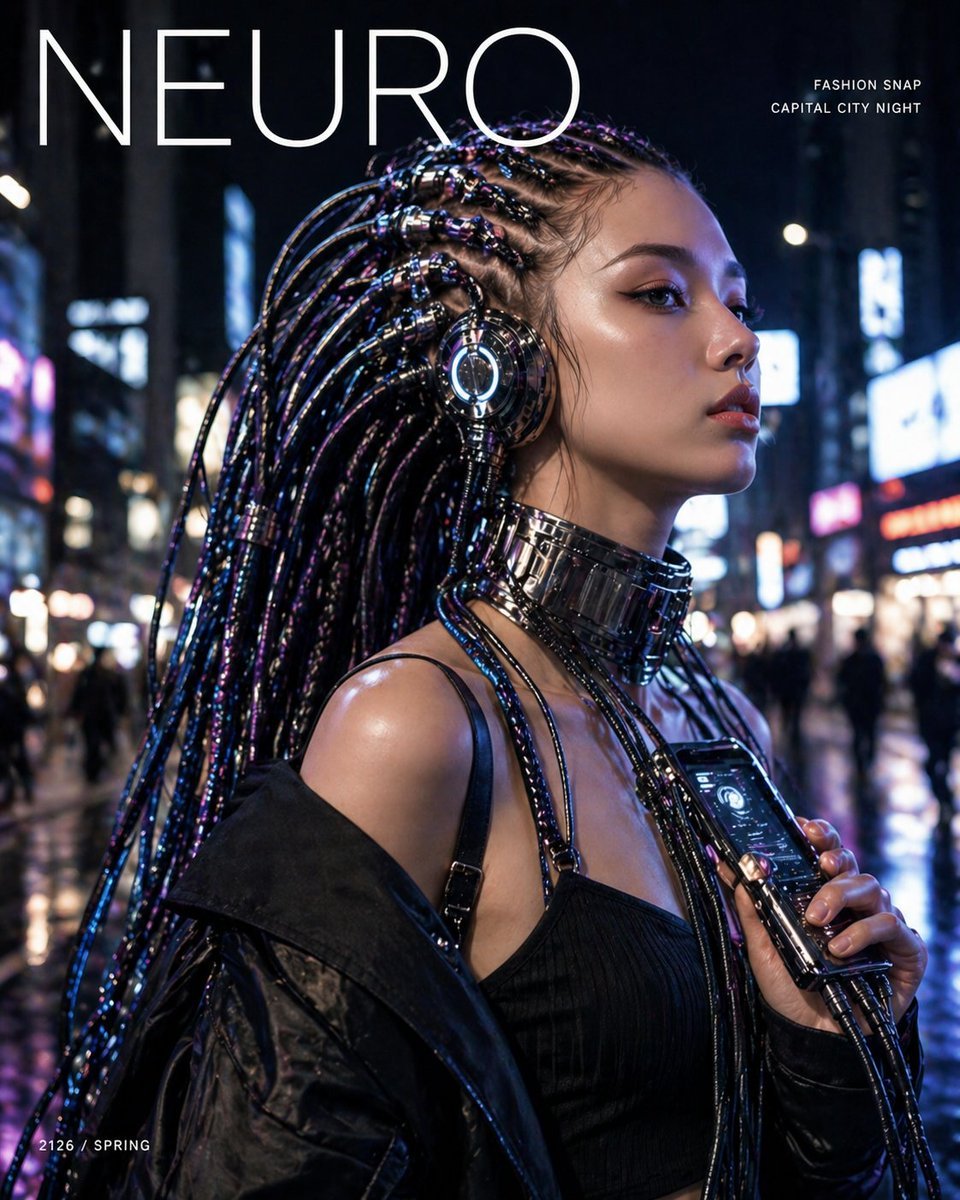
Cyberpunk Fashion Magazine Cover
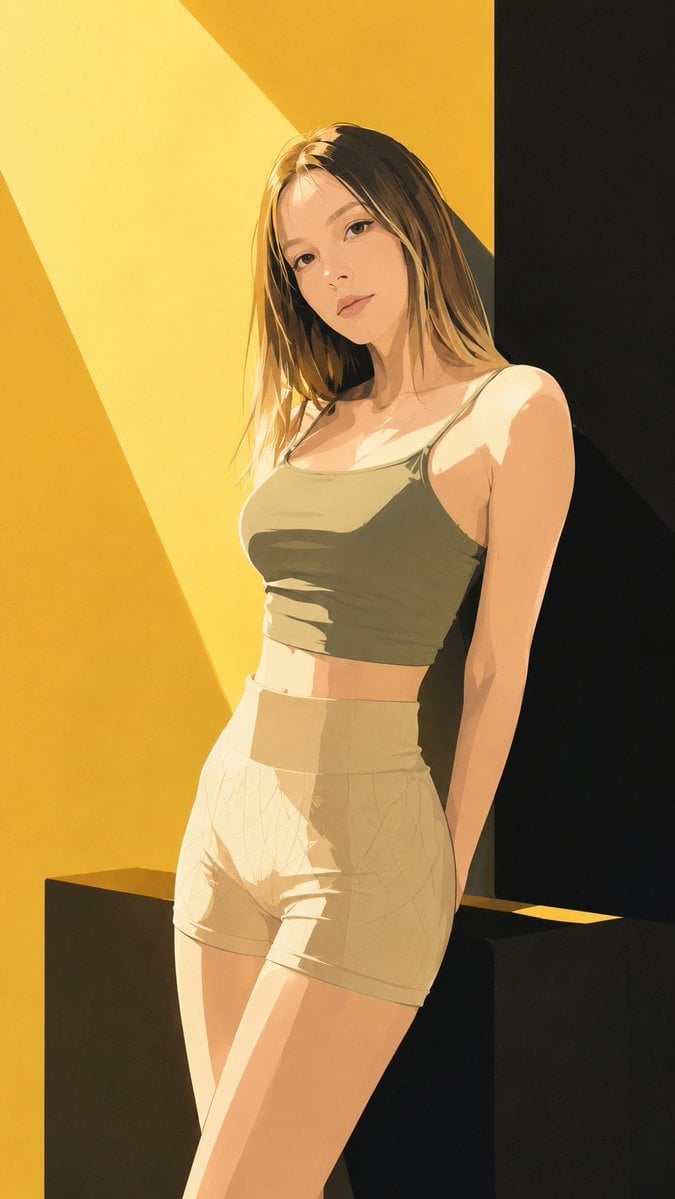
Japanese Fashion Magazine Anime Cover
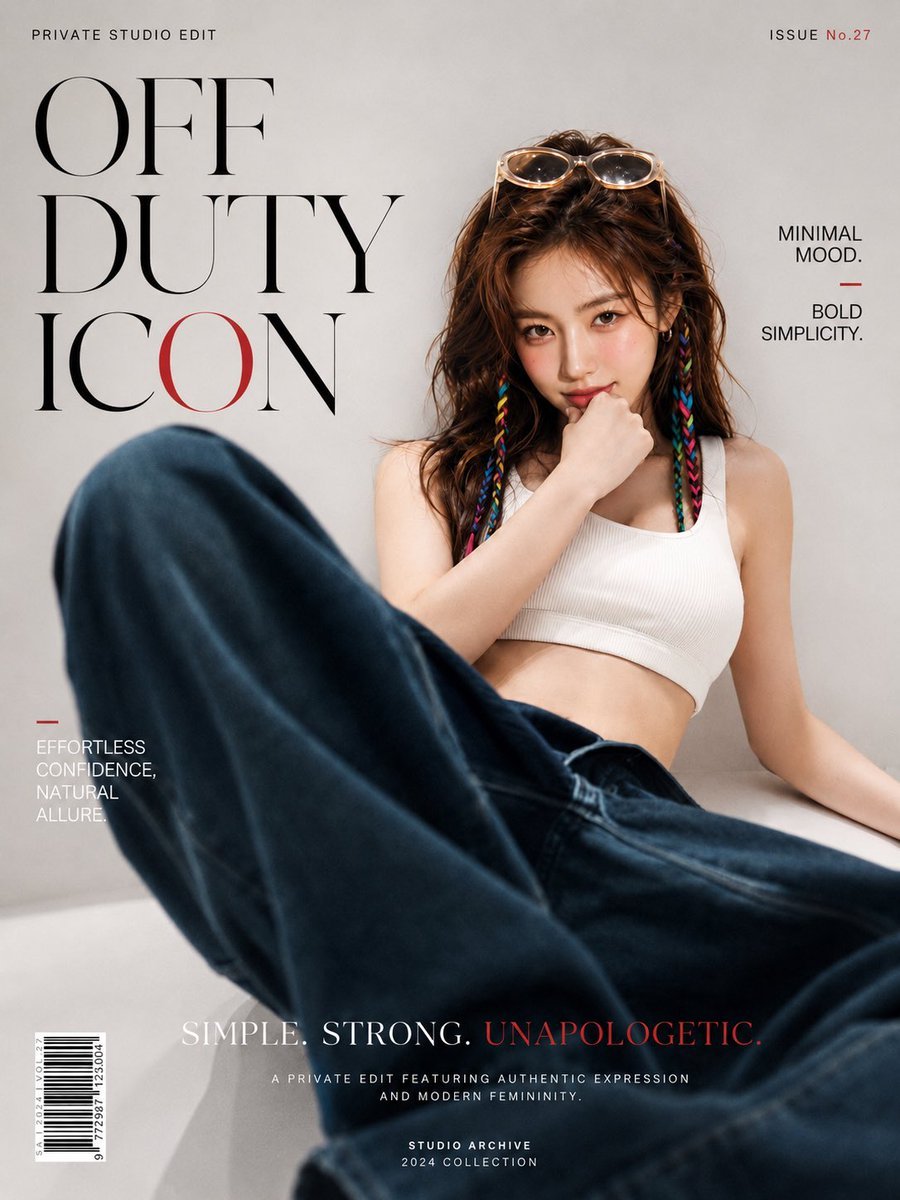
Off Duty Fashion Magazine Cover

Japanese Tatami Lifestyle Magazine Cover
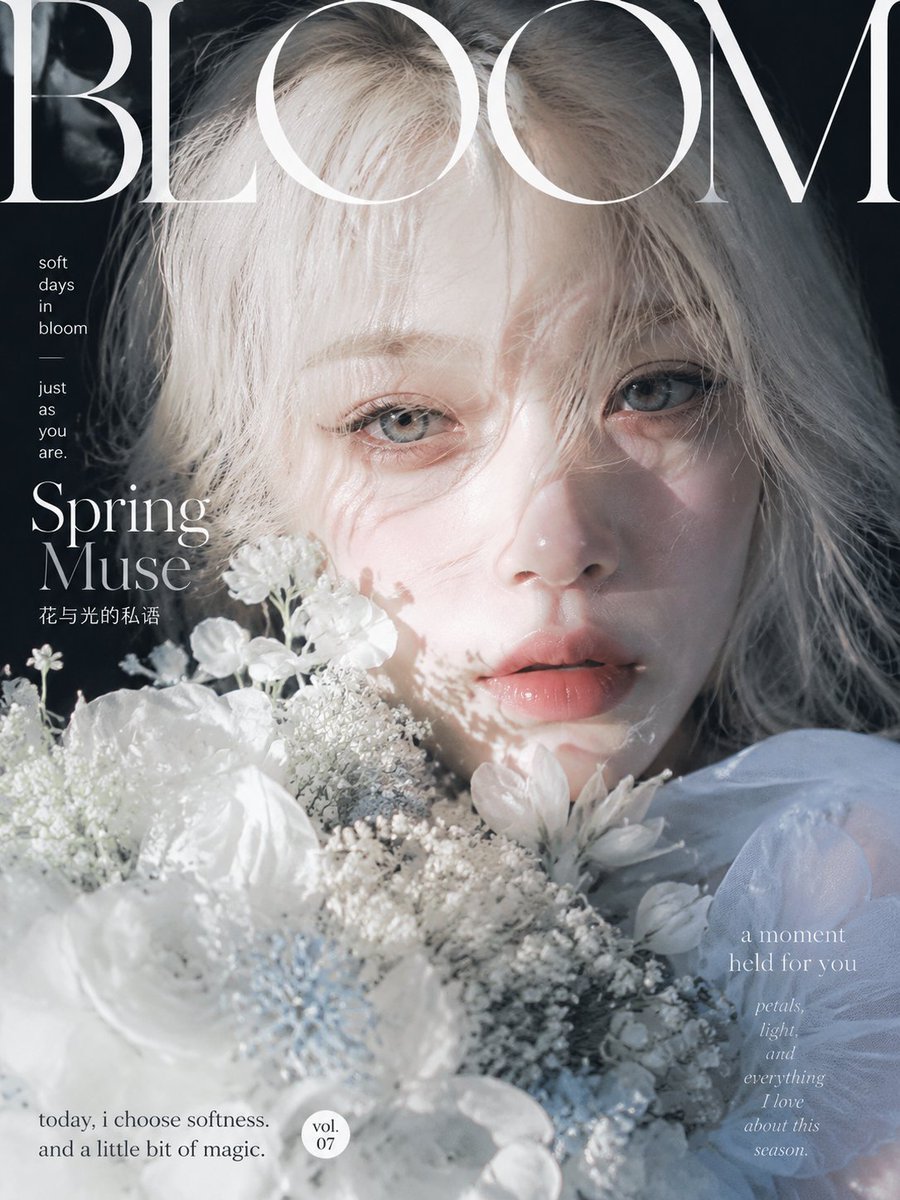
Ethereal Bloom Magazine Cover
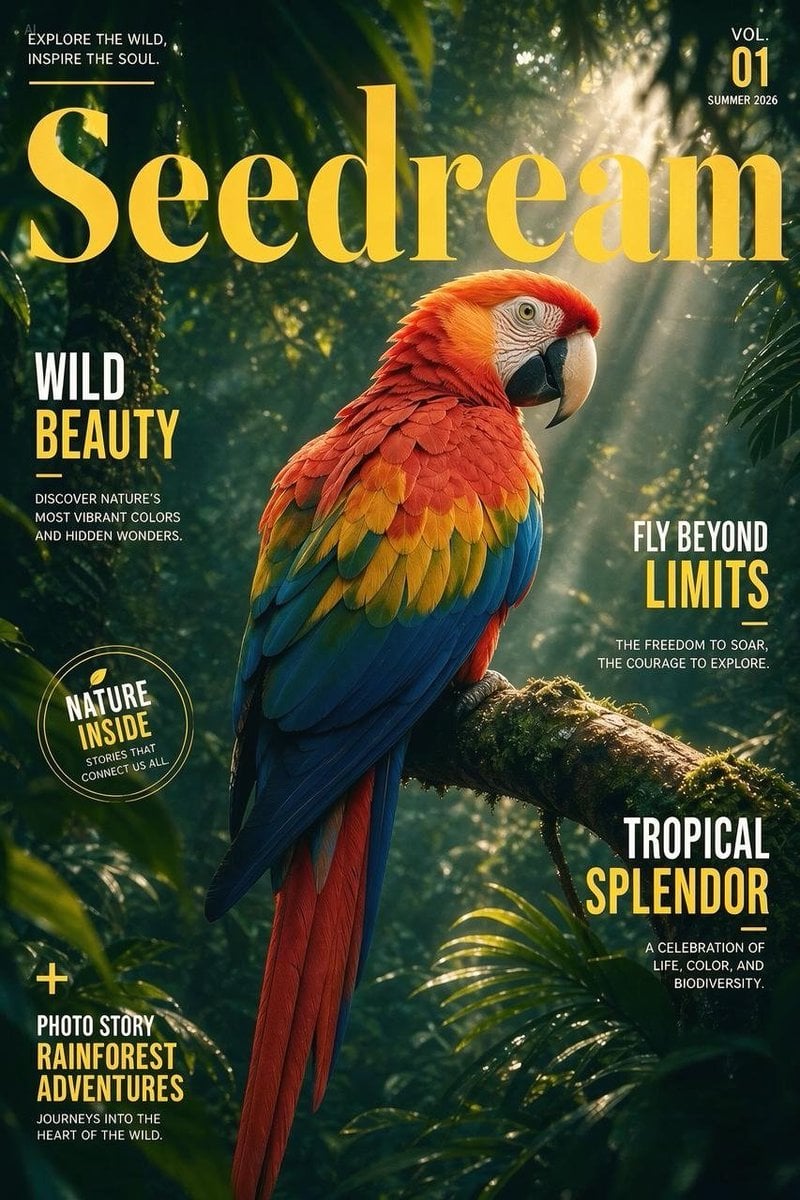
Tropical Macaw Magazine Cover
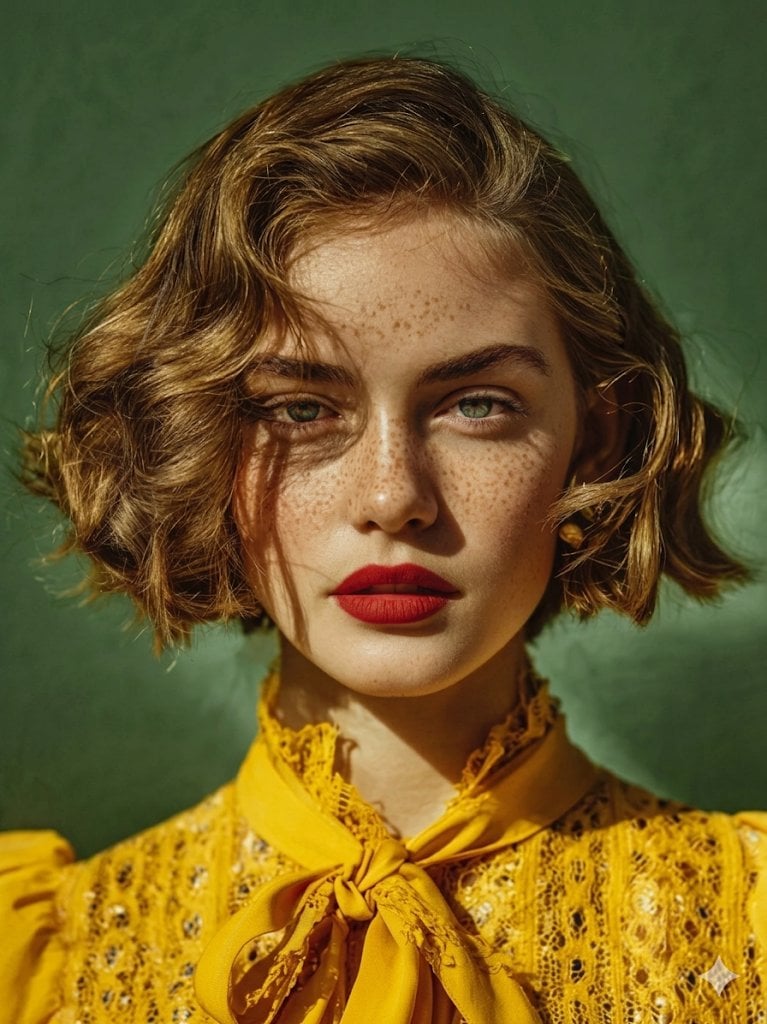
High-Fashion Magazine Cover Portrait

Cel 2D Finale Fireworks

Cel 2D Garden Maze
Make it yours
Cyberpunk Anime Magazine Cover works as-is. These are the safest ways to change it without losing the look.
Change one field
Copy a single group, rewrite it, and generate again so you can see what that field is doing.
Keep the frame, change the subject
Hold the composition and light of Cyberpunk Anime Magazine Cover, then swap wardrobe, props or the person for a new take.
| If the result… | Why | Fix |
|---|---|---|
| The result drifts from the preview | Too many fields changed at once. | Reuse Cyberpunk Anime Magazine Cover as-is first, then change one group — subject, light, or setting. |
| The model over-stylizes the scene | The prose prompt leaves finish and camera underspecified. | Add one camera or lighting sentence and stay on GPT Image 2. |
More GPT Image 2 templates
Other prompts made for GPT Image 2.

Six VTuber Japanese Logo Sheet

Realistic Portrait of Woman and Deer

The Vista Modular Condo Poster

AI Model Routing Comparison Infographic

2.5D Anime Art Board

Isometric Productivity Desk Scene

New York Double Exposure Poster

Four-Panel AI Landscape Comparison

NESCAFÉ Coffee Map Poster

Brutalist Cogito Chinese Typography Poster
More image prompts
Fresh picks from across the catalog.
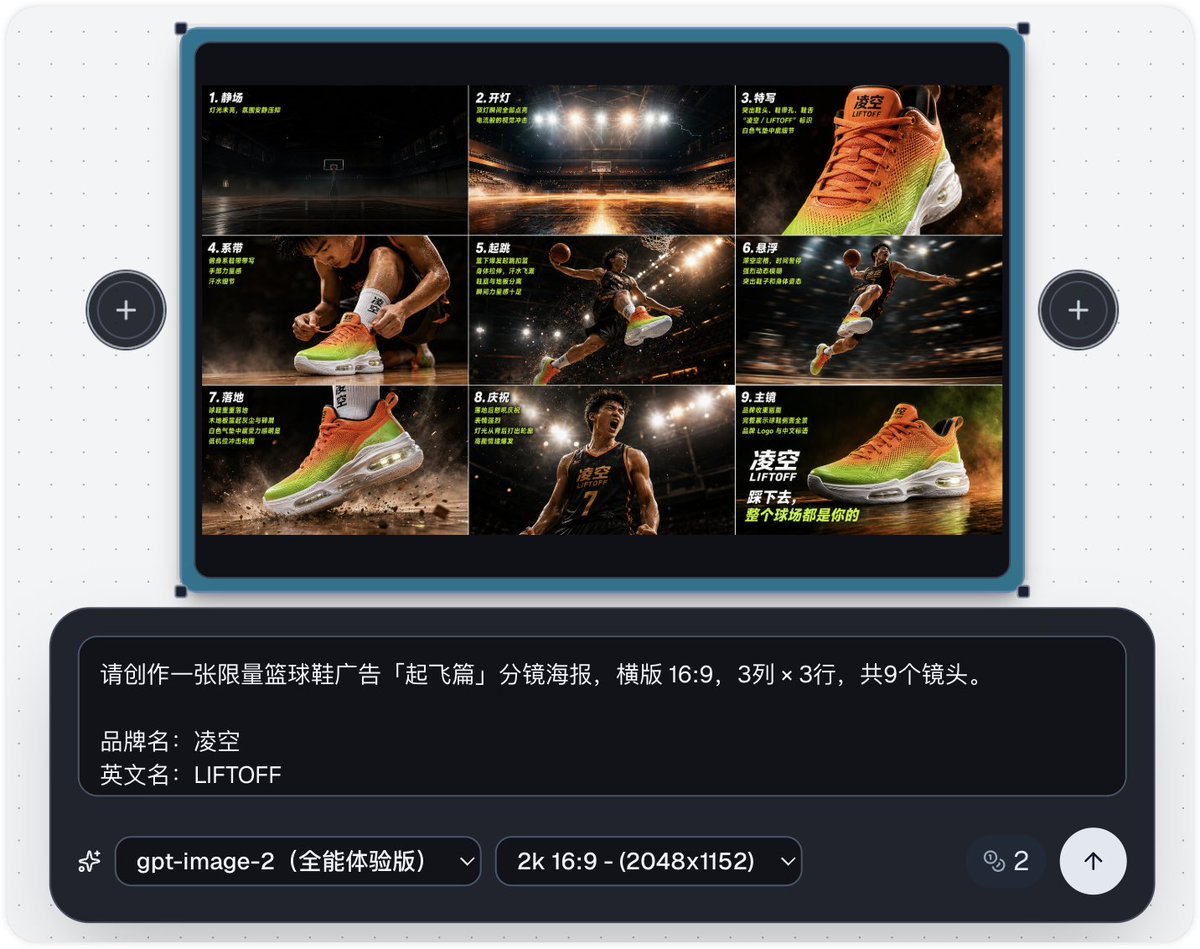
Basketball Shoe Storyboard Advertisement
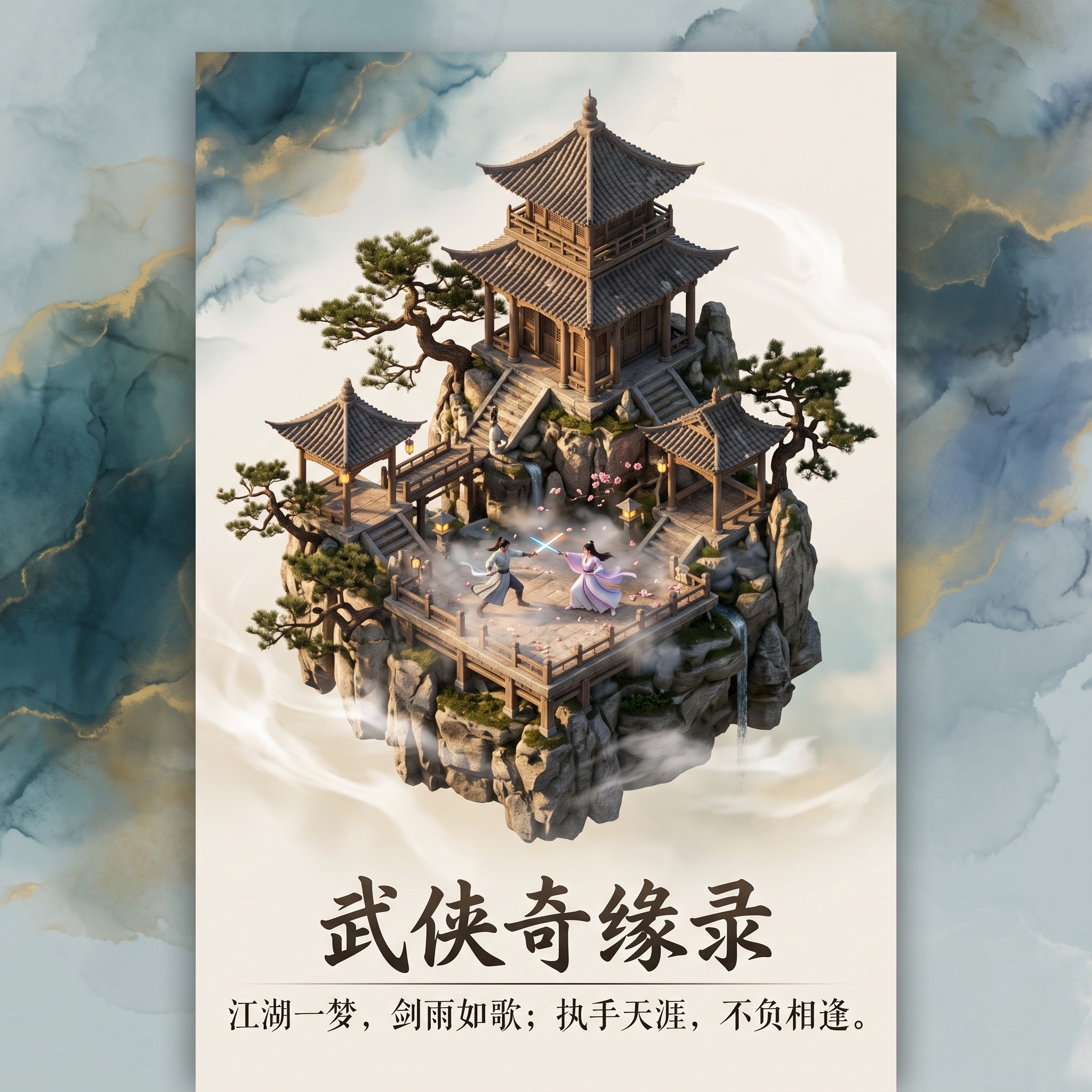
3D Diorama Poster for 'Lord of the Mysteries'

Japanese Y-DNA History Infographic Poster
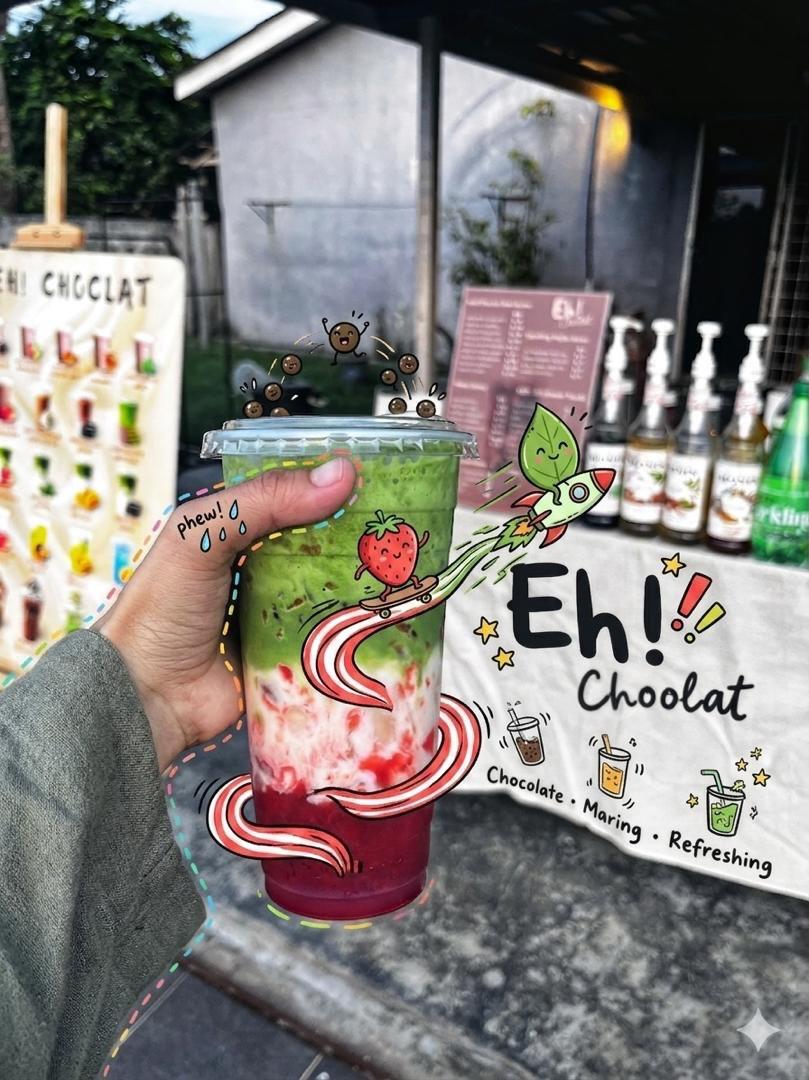
Doodled Strawberry Matcha Drink Photo
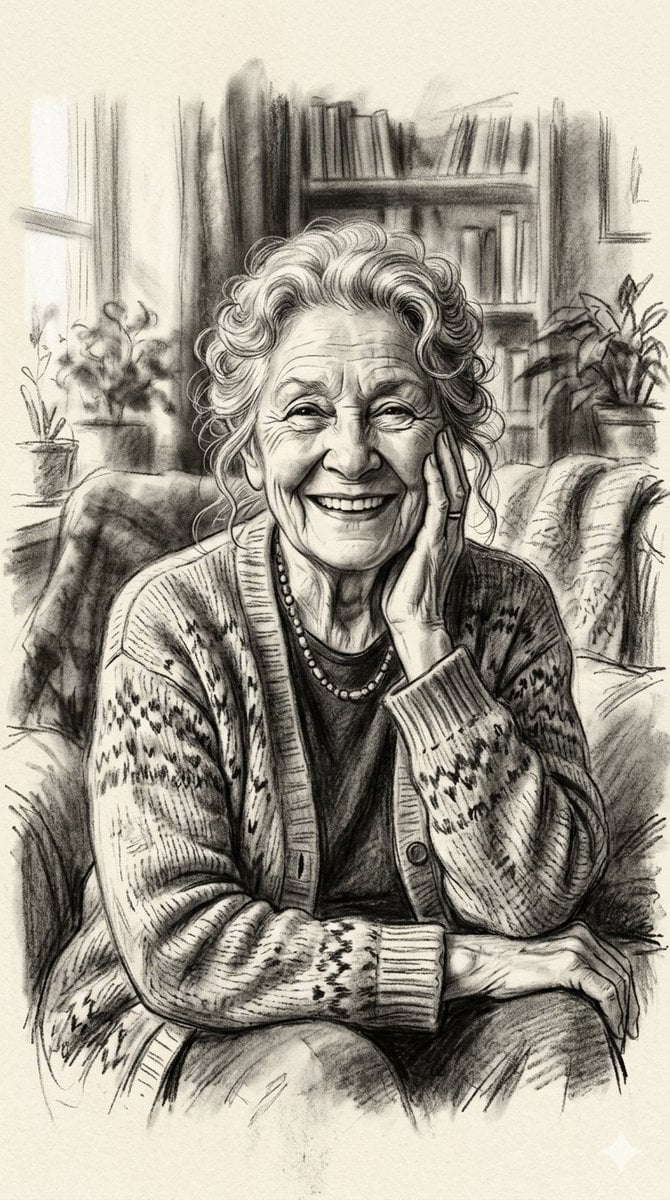
X Minahil42298354 Subject a Heartwarming Portrait
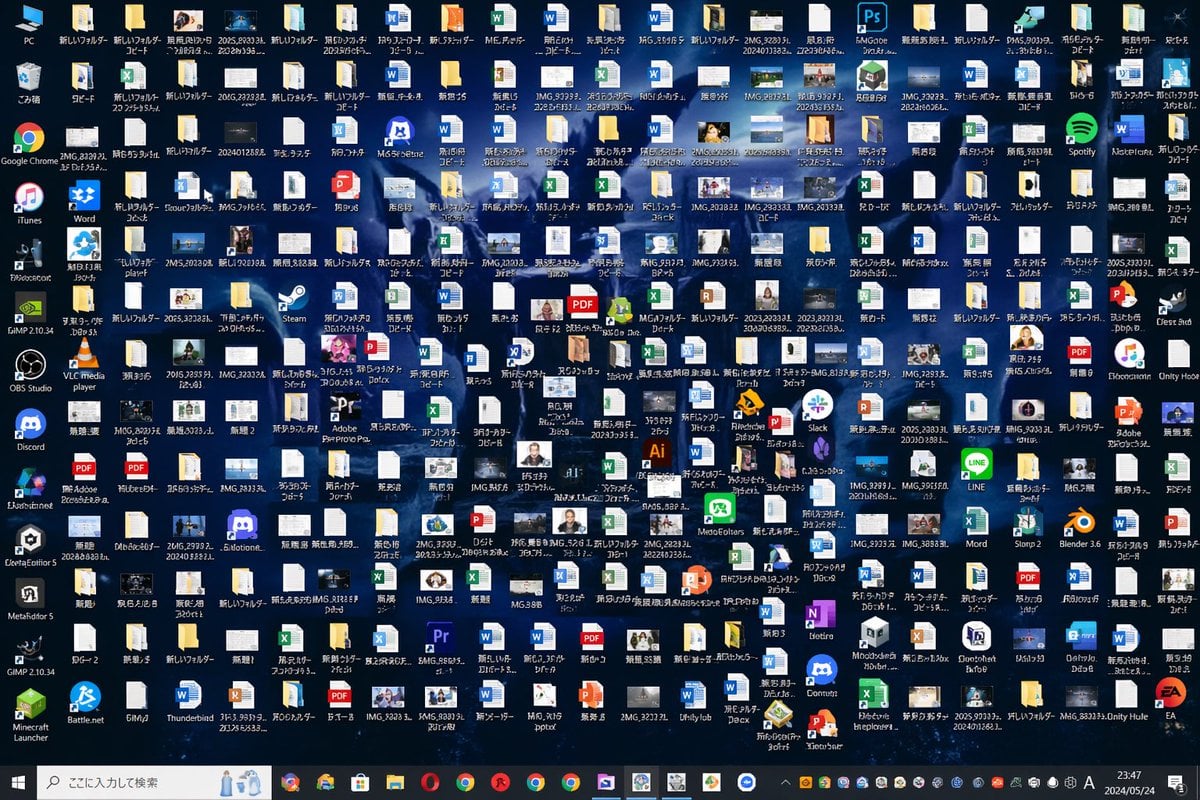
Hopelessly Cluttered Desktop Screen
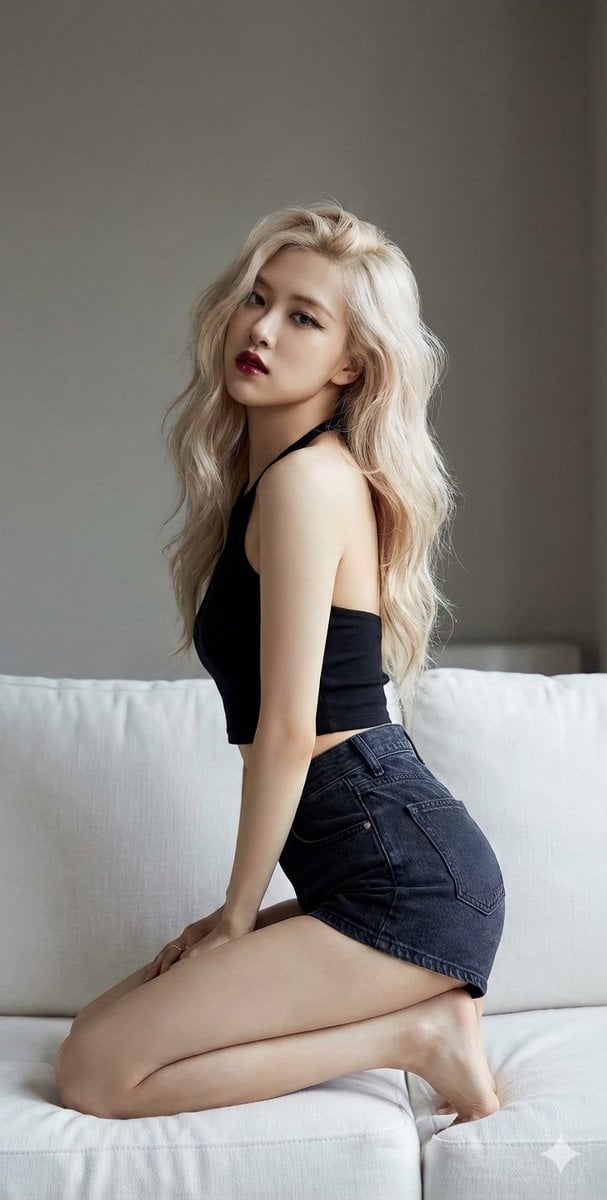
K-Pop Star Rosé High-Fashion Editorial Prompt
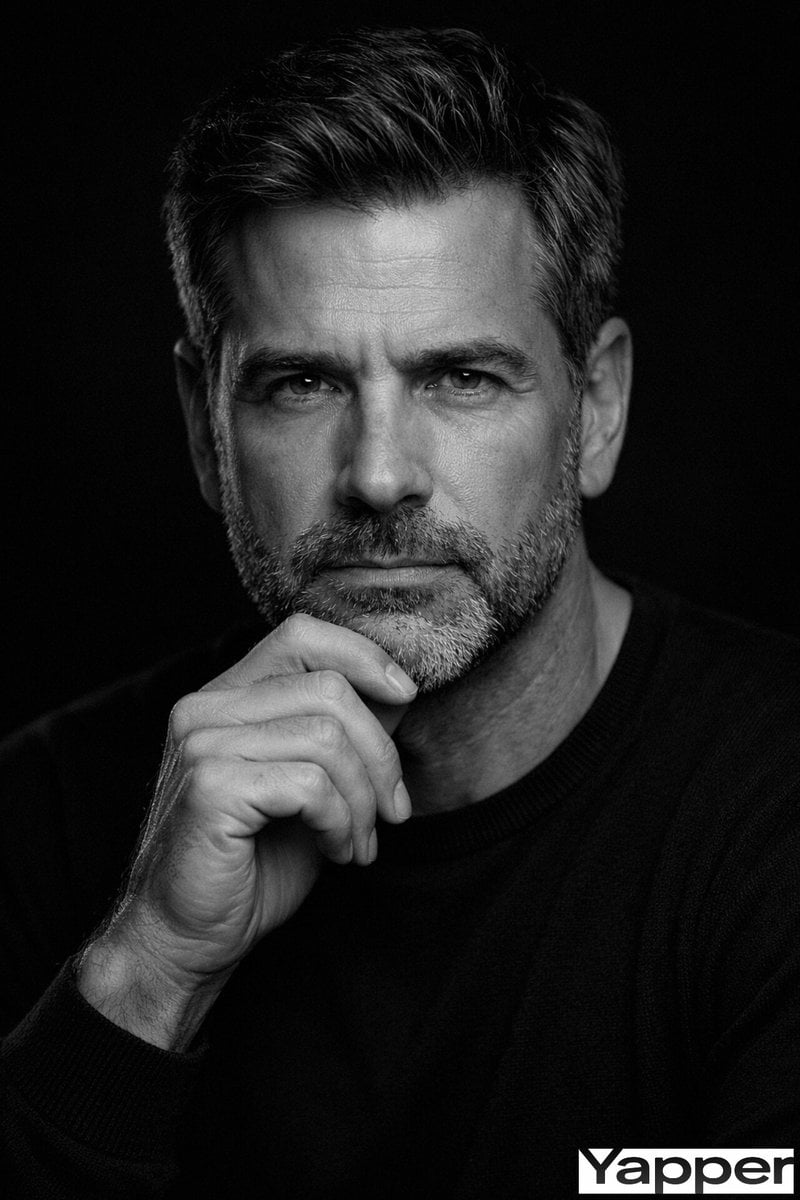
Fine-Art Cinematic Monochrome Studio Portrait Prompt (Reference Match)
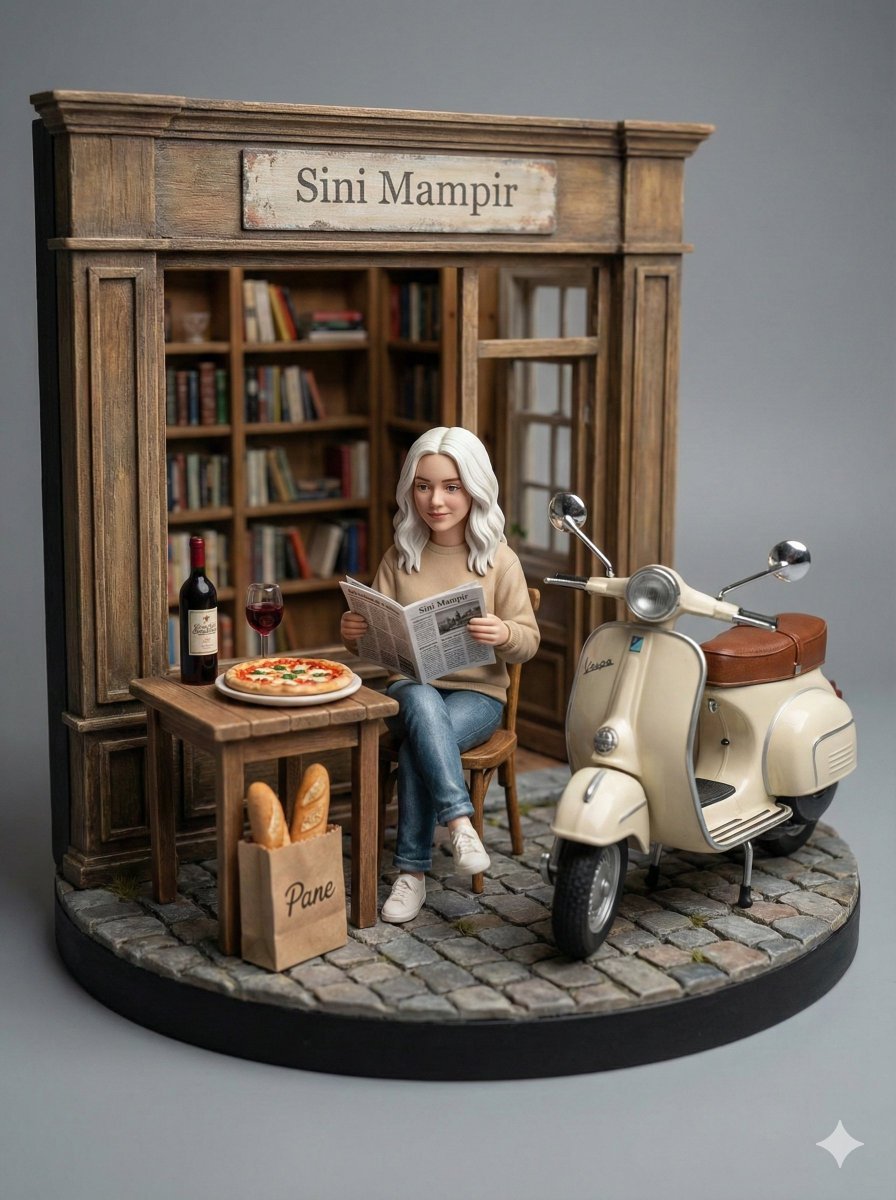
Ultra-Realistic Macro Diorama Product Photography Prompt

Geographic Silhouette Editorial Poster
Browse template categories
Cyberpunk Anime Magazine Cover questions
How do I use the Cyberpunk Anime Magazine Cover template?
Add your photo if the template asks for one, edit the prompt if you like — the template's model and format are already selected — and press Generate. Your version opens in PicX Studio.
Can I customize the Cyberpunk Anime Magazine Cover template?
Yes. You can change the subject, setting, lighting, mood, format, and available model controls before creating your image.
Is the Cyberpunk Anime Magazine Cover template free?
Opening and editing this template is free. Generating uses credits, shown on the Generate button when you are signed in.
Which AI model should I use?
Start with GPT Image 2, which is the model associated with this template. You can compare another compatible model for a different finish.
Looking for something else? Browse all templates.

Your photo, any look
Thousands of ready templates for every top image and video model, from one credit balance.