
Blue Magical Girl Reference Sheet
A polished anime character design sheet for a moon-and-ice magical girl, suitable for reference art, character setting pages, and visual development boards.
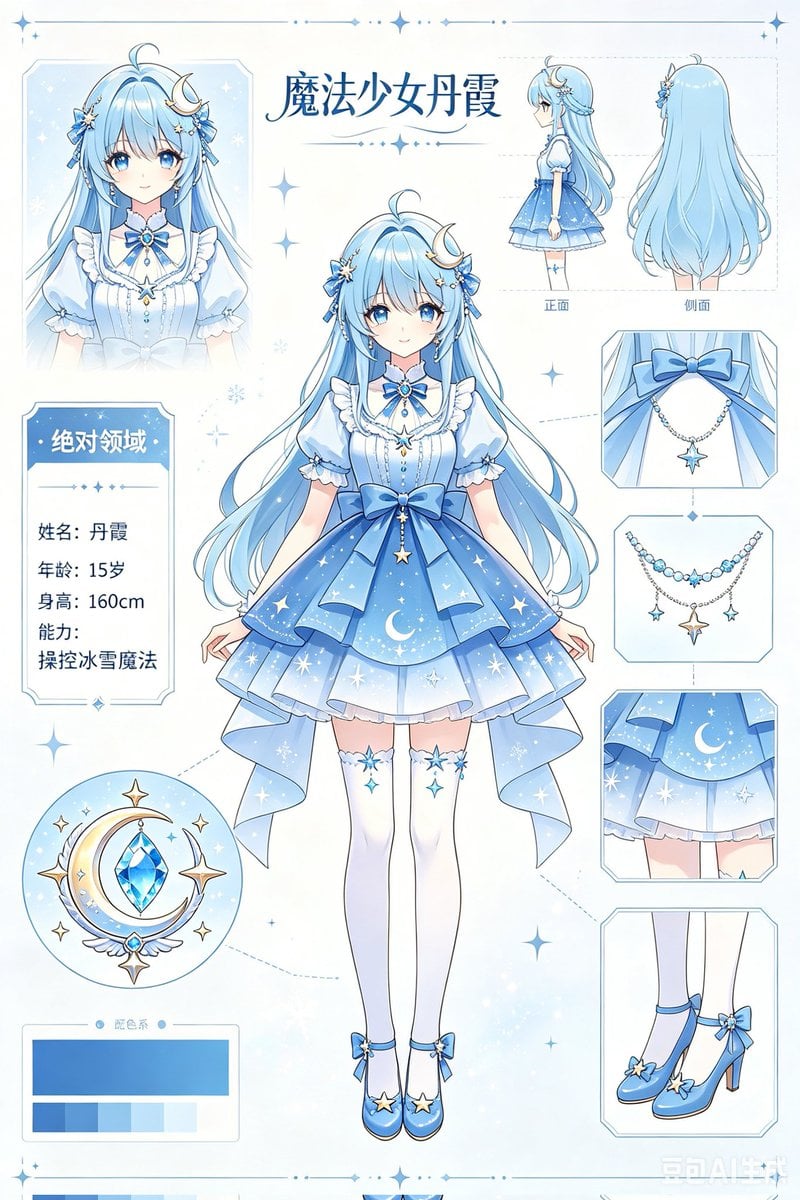
- Prompt included
- Model and format preset
- Free template
The prompt behind this image
Copy the exact prompt behind Blue Magical Girl Reference Sheet, or open it in the studio and make it yours.
{"type":"anime character reference sheet","style":"luxurious pastel magical-girl fashion design board, clean white background, delicate icy-blue ornament lines, soft sparkles, snowflake and star motifs, polished gpt-image-2 anime illustration","character":{"name":"{argument name=\"character name\" default=\"丹霞\"}","theme":"ice and moon magical girl","age":"15","height":"160 cm","appearance":{"gender_presentation":"girl","build":"slender teenage build, long legs","hair":{"color":"{argument name=\"hair color\" default=\"ice blue\"}","style":"very long straight hair with slight waves at the ends, thick bangs, one ahoge strand on top, side braids and ribbon ornaments, crescent moon hair accessory, small flower and bead decorations"},"outfit":{"dress":{"primary_color":"{argument name=\"outfit color\" default=\"light blue and white\"}","design":"short magical-girl dress with puff sleeves, white bodice, blue sailor-style bow at the chest, layered skirt with starry gradient, large waist bow, crescent moon emblem on the apron layer, long trailing side panels, tiny stars and snowflake sparkles across the fabric"},"legwear":"white thigh-high stockings with blue star-and-snowflake garters","shoes":"blue Mary Jane heels with ankle straps, bows, and star charms","accessories":["crescent moon hair ornament","blue ribbon side ornaments","star pendant chest ribbon","layered star-and-bead necklace"]},"power":"{argument name=\"power description\" default=\"操控冰雪魔法\"}"},"layout":{"orientation":"vertical poster","centerpiece":"1 full-body front-facing standing pose in the center","sections":[{"title":"魔法少女丹霞","position":"top center","count":1,"labels":["main title"]},{"title":"character bust portrait","position":"top left","count":1,"labels":["upper-body portrait"]},{"title":"views","position":"top right","count":2,"labels":["正面","侧面"]},{"title":"绝对领域","position":"left middle","count":4,"labels":["姓名:丹霞","年龄:15岁","身高:160cm","能力:操控冰雪魔法"]},{"title":"detail callouts","position":"right side","count":4,"labels":["chest bow and pendant close-up","necklace close-up","skirt fabric and crescent motif close-up","shoe close-up"]},{"title":"magic emblem","position":"bottom left","count":1,"labels":["crescent moon crystal insignia"]},{"title":"配色系","position":"bottom left","count":5,"labels":["5 blue swatches"]}],"decorative_elements":{"count":6,"labels":["ornamental border lines","sparkle stars","snowflakes","dotted callout guide lines","soft gradient panels","tiny diamond dividers"]}},"text_style":"elegant Chinese title typography in deep blue, all other labels in neat printed Chinese","composition":"symmetrical high-end character design sheet with generous negative space, crisp panel framing, refined decorative spacing, premium game concept art presentation","color_palette":["deep royal blue","sky blue","ice blue","powder blue","white","pale gold accents"]}
How to use Blue Magical Girl Reference Sheet in 3 steps
- 1Upload ImagePNG, JPG or paste
Add your photo
Upload the photo the template builds on. The prompt, model and format are already set.
- 2…a portrait of your subject in softgolden-hour light, 85mm…
Personalize
Edit the subject and creative details for your destination.
- 3Generate
Generate
Press Generate — your image is created in PicX Studio, so you can compare it with the original and refine one variable at a time.
More like this
Templates with the same subject, style or setup. Open one to see its prompt.
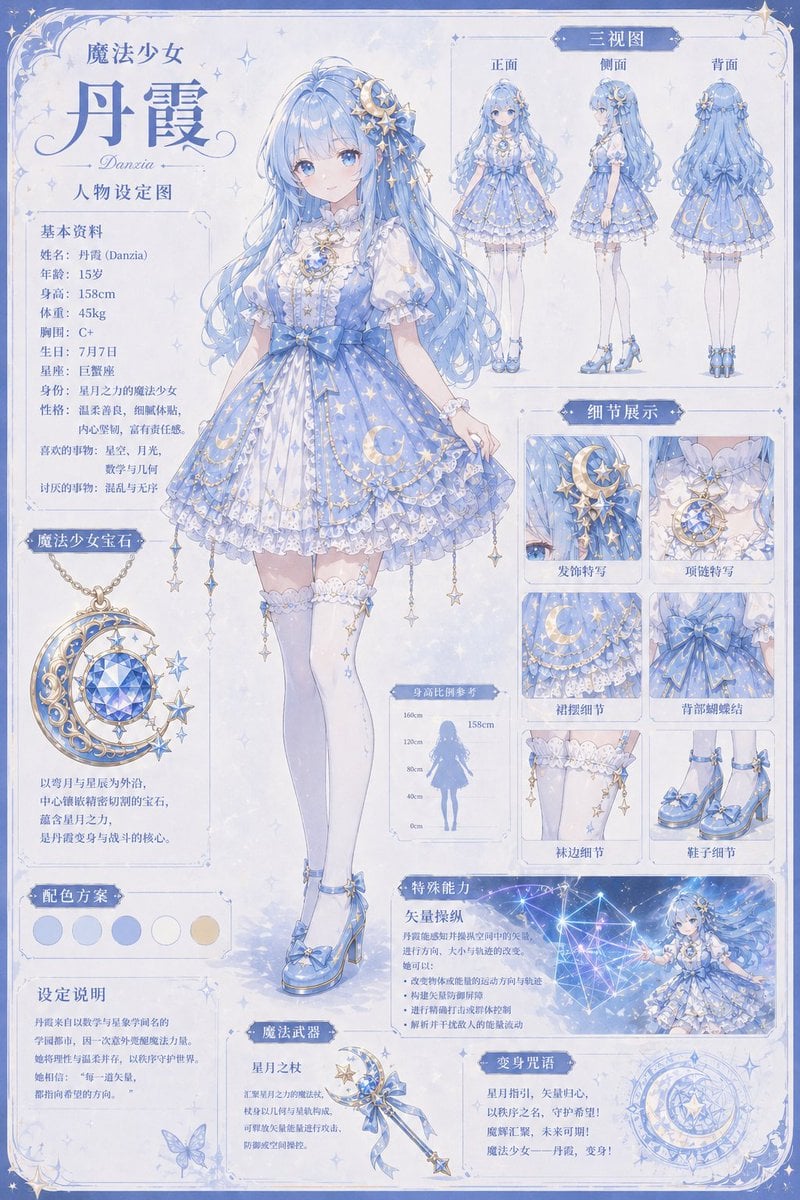
Celestial Magical Girl Reference Sheet
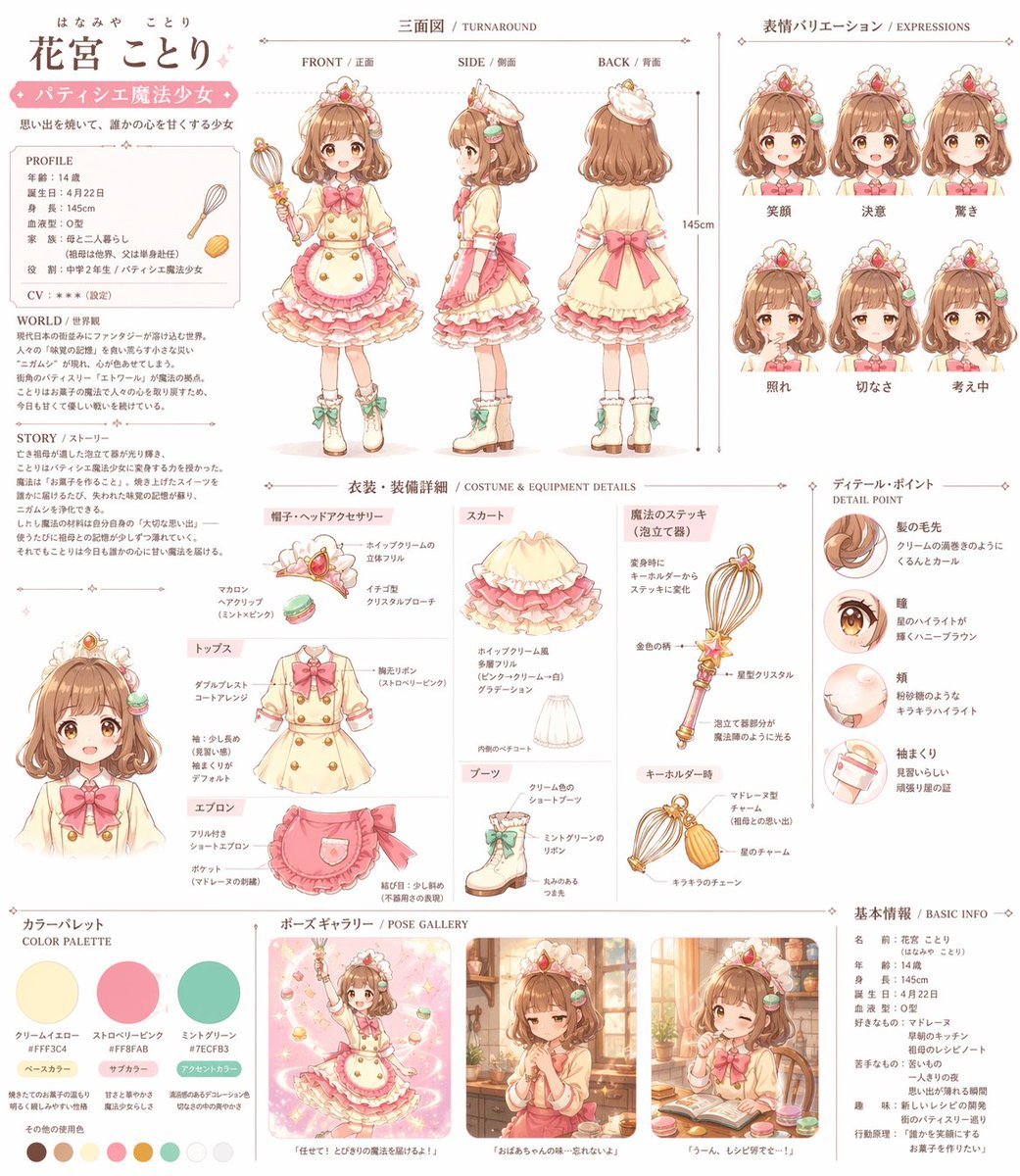
Anime Magical Girl Character Reference Sheet
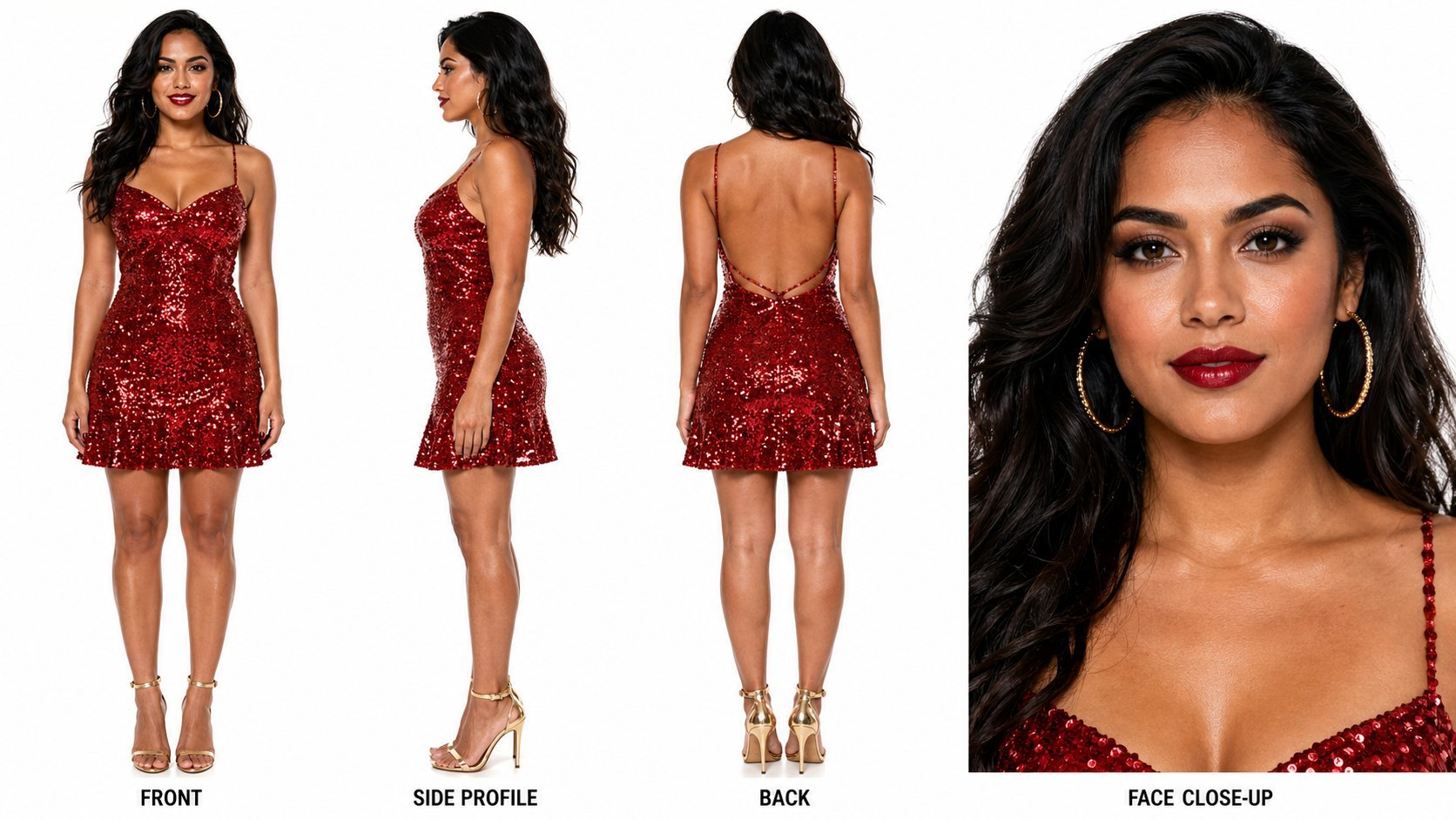
Dancer Character - Four View Reference Sheet
Movement Sheet - Dance Reference (Seedance 2.0)
Teen Girl Alpine Lake Mountain View
Crystal Palace Blue Gown Contact Sheet
Blue Decora Anime Girl Poster
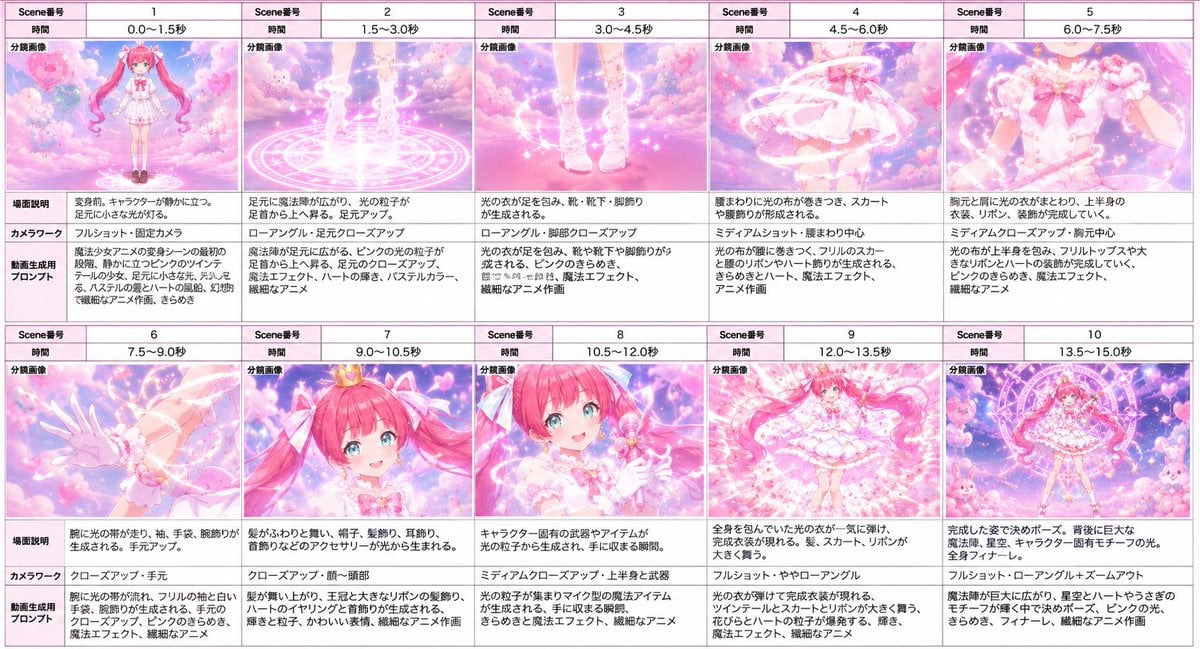
Magical Girl Transformation Storyboard
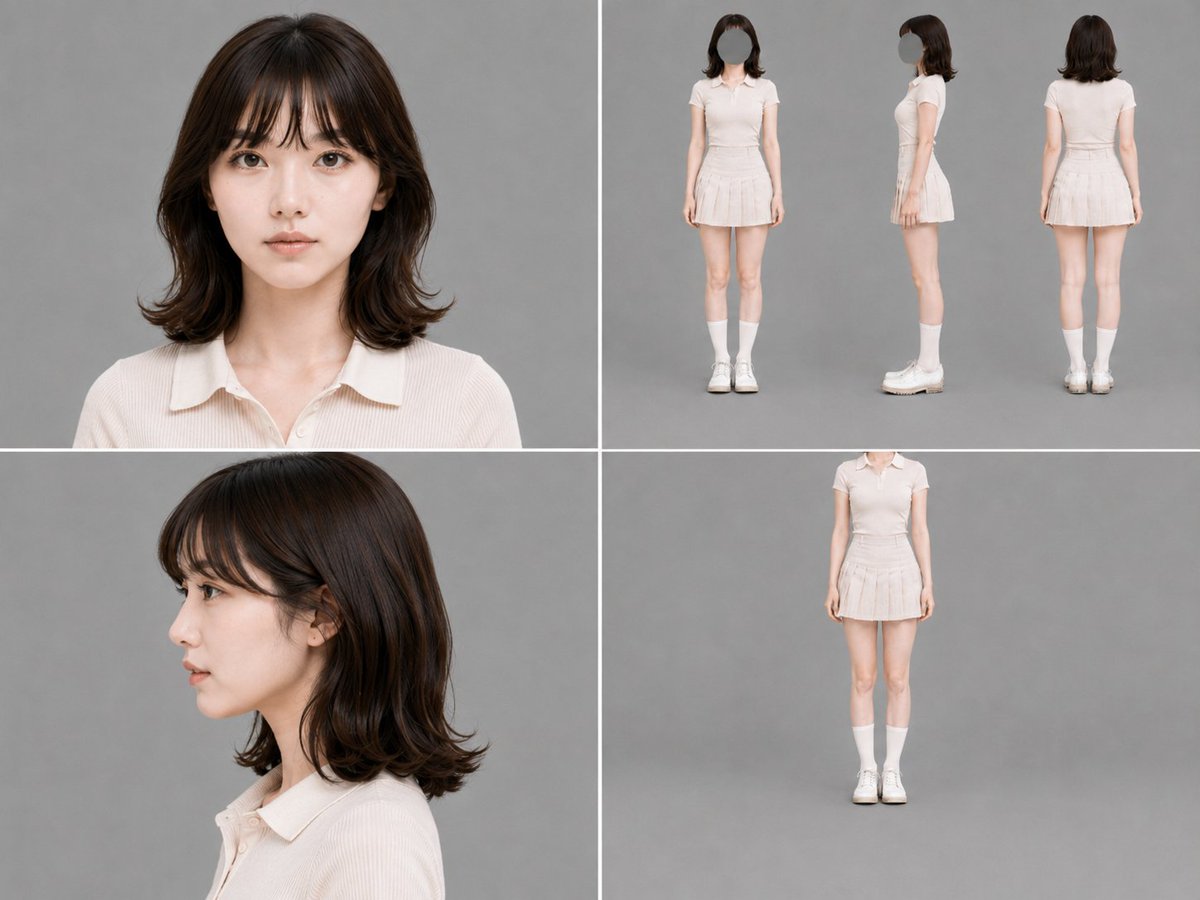
Gray Studio Character Reference Sheet
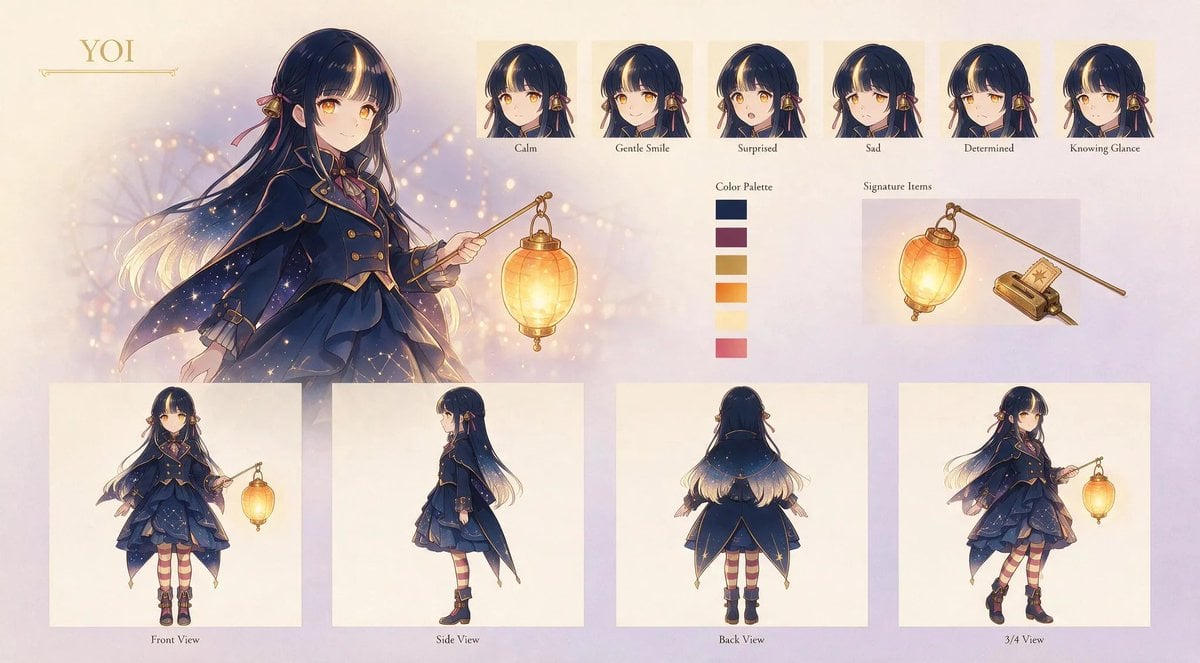
Anime Lantern Girl Character Sheet
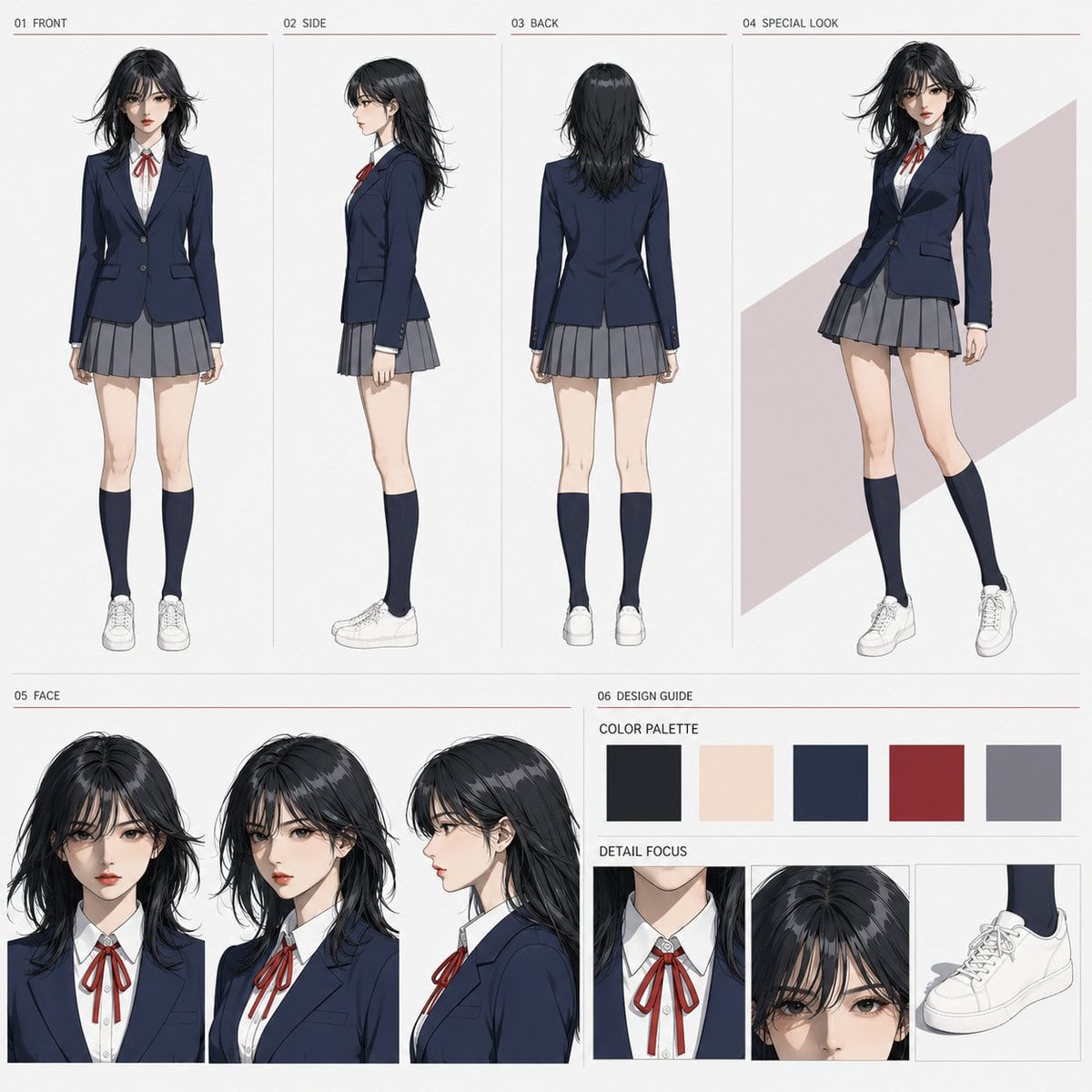
Anime Character Sheet Reference Prompt
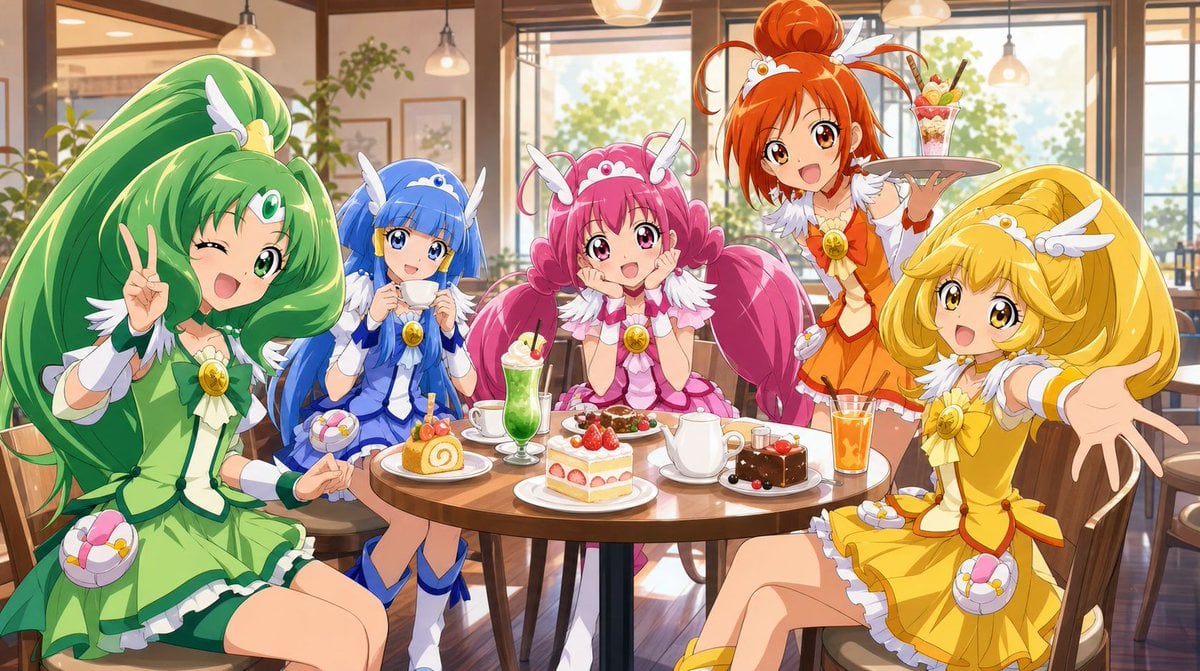
Magical Girls Dessert Café Scene
Make it yours
Blue Magical Girl Reference Sheet works as-is. These are the safest ways to change it without losing the look.
Change one field
Copy a single group, rewrite it, and generate again so you can see what that field is doing.
Keep the frame, change the subject
Hold the composition and light of Blue Magical Girl Reference Sheet, then swap wardrobe, props or the person for a new take.
| If the result… | Why | Fix |
|---|---|---|
| The result drifts from the preview | Too many fields changed at once. | Reuse Blue Magical Girl Reference Sheet as-is first, then change one group — subject, light, or setting. |
| The model over-stylizes the scene | The prose prompt leaves finish and camera underspecified. | Add one camera or lighting sentence and stay on GPT Image 2. |
More GPT Image 2 templates
Other prompts made for GPT Image 2.

Six VTuber Japanese Logo Sheet

Realistic Portrait of Woman and Deer

The Vista Modular Condo Poster

AI Model Routing Comparison Infographic

2.5D Anime Art Board

Isometric Productivity Desk Scene

New York Double Exposure Poster

Four-Panel AI Landscape Comparison

Japanese Tatami Lifestyle Magazine Cover

NESCAFÉ Coffee Map Poster
More image prompts
Fresh picks from across the catalog.
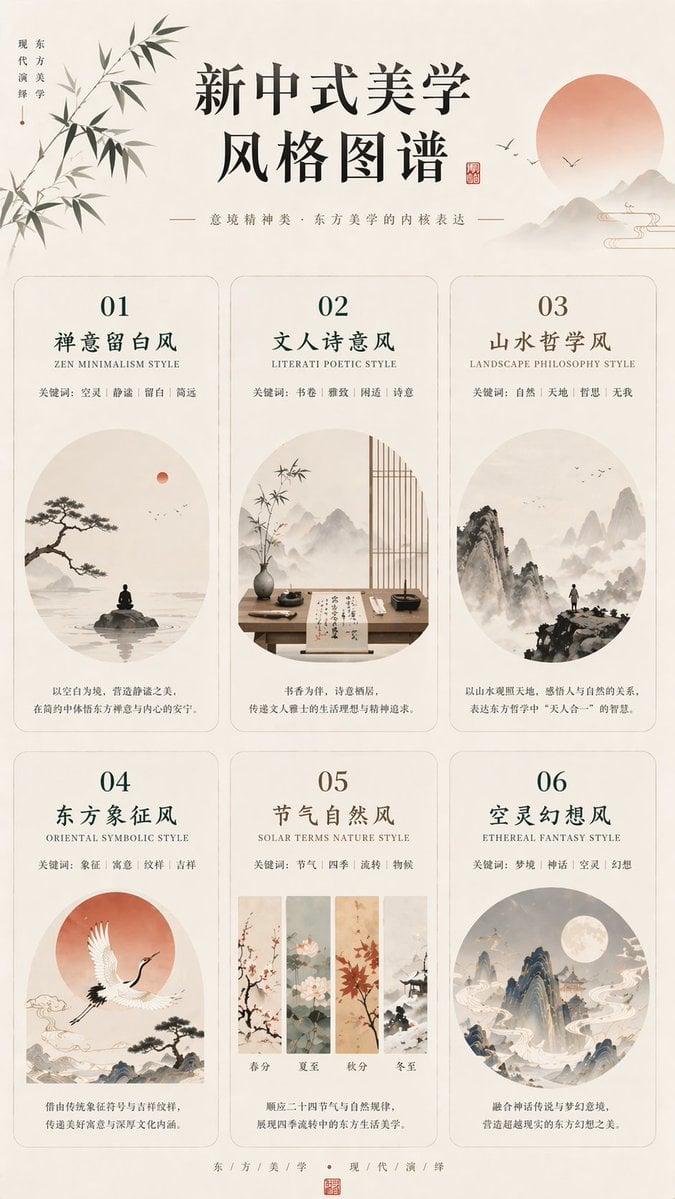
New Chinese Aesthetics Style Atlas
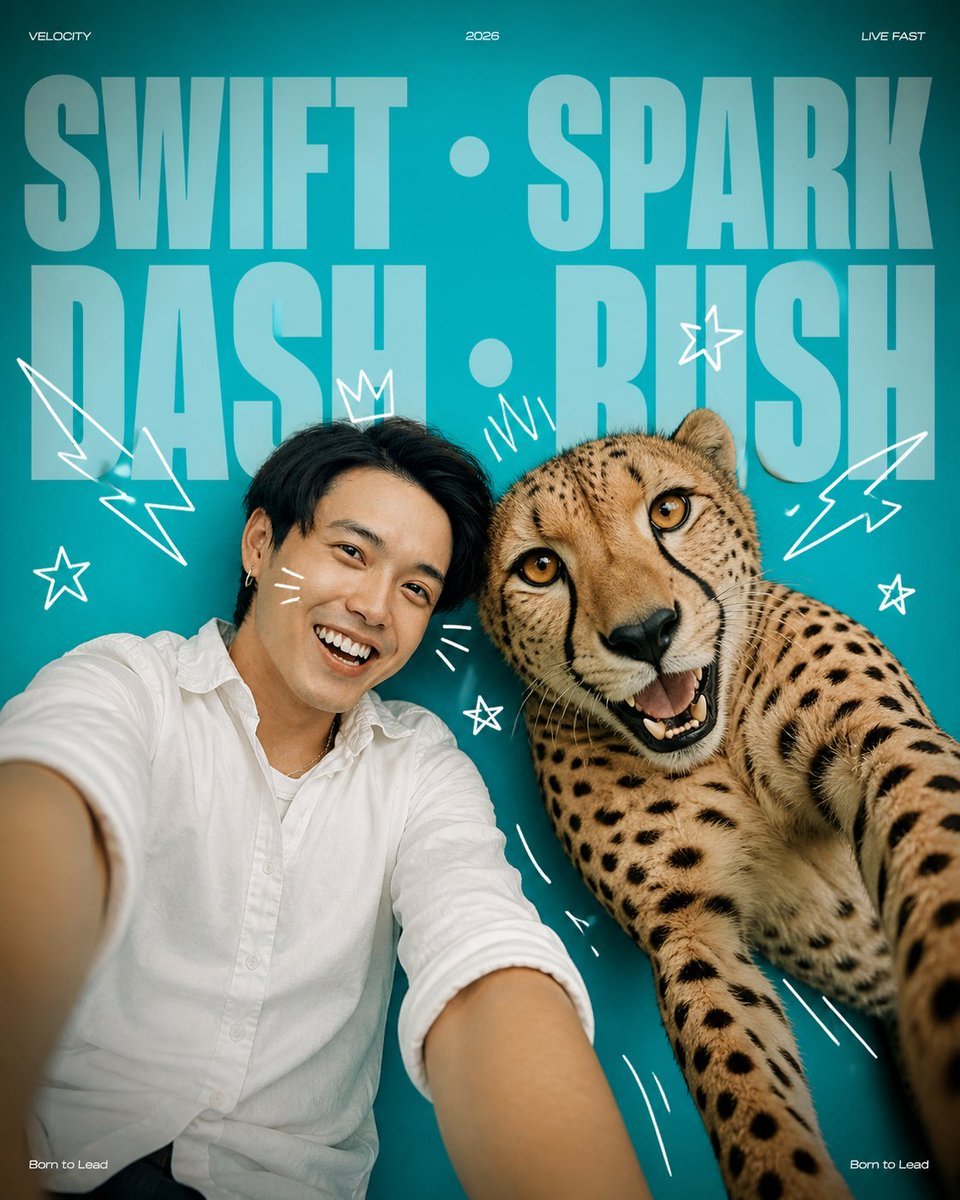
Surreal Macro Selfie with Doodles
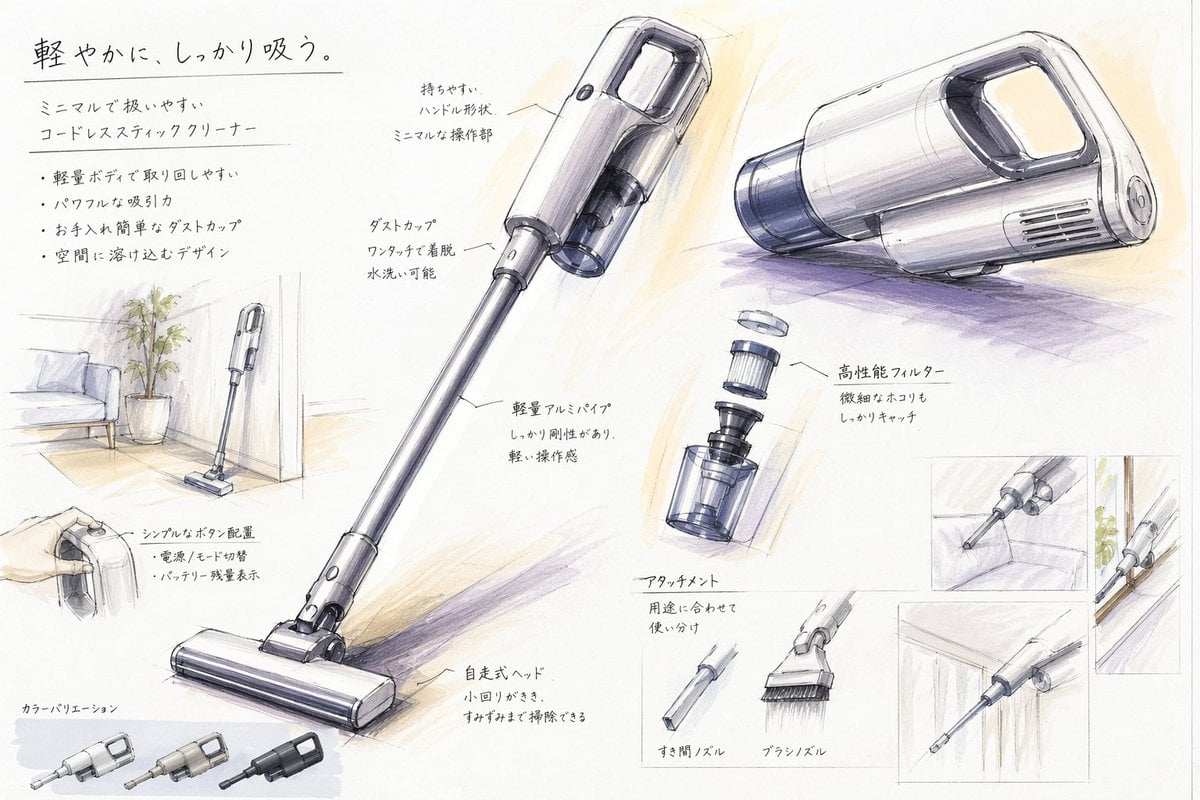
Japanese Vacuum Design Sketch Board
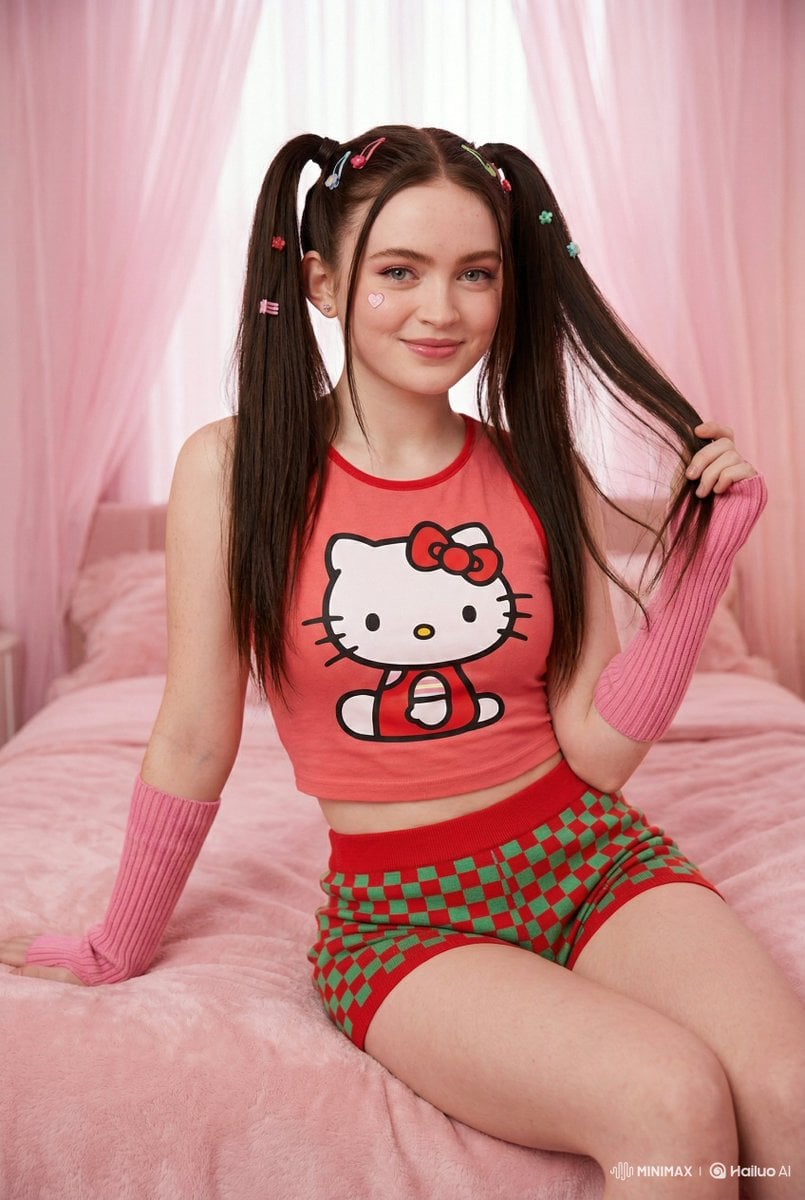
Kawaii-Inspired Cozy Bedroom Portrait
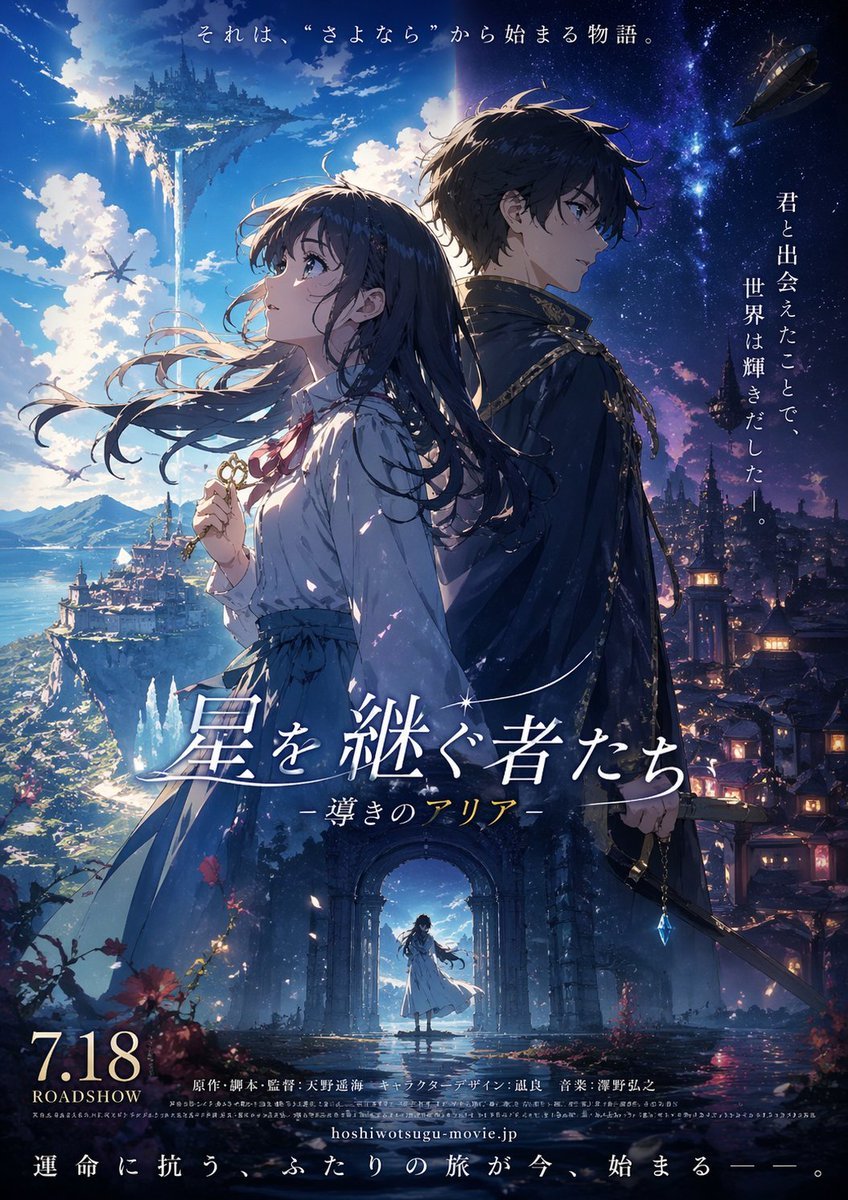
Fictional Anime Movie Poster Generation
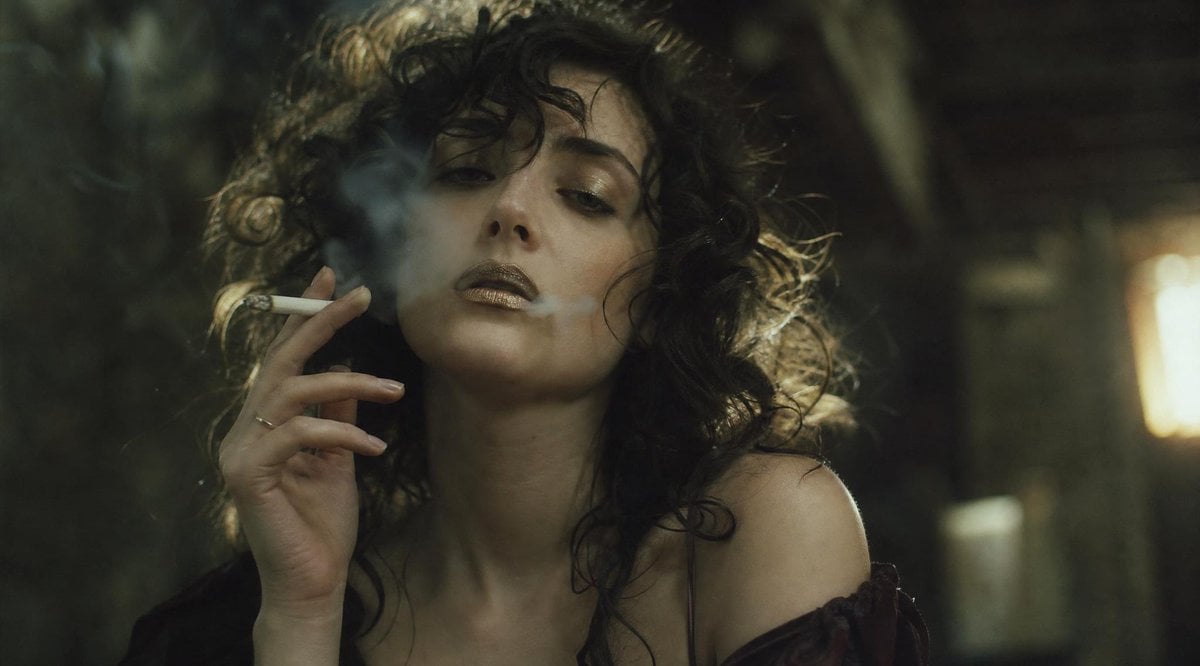
Censored Smoky Film Still
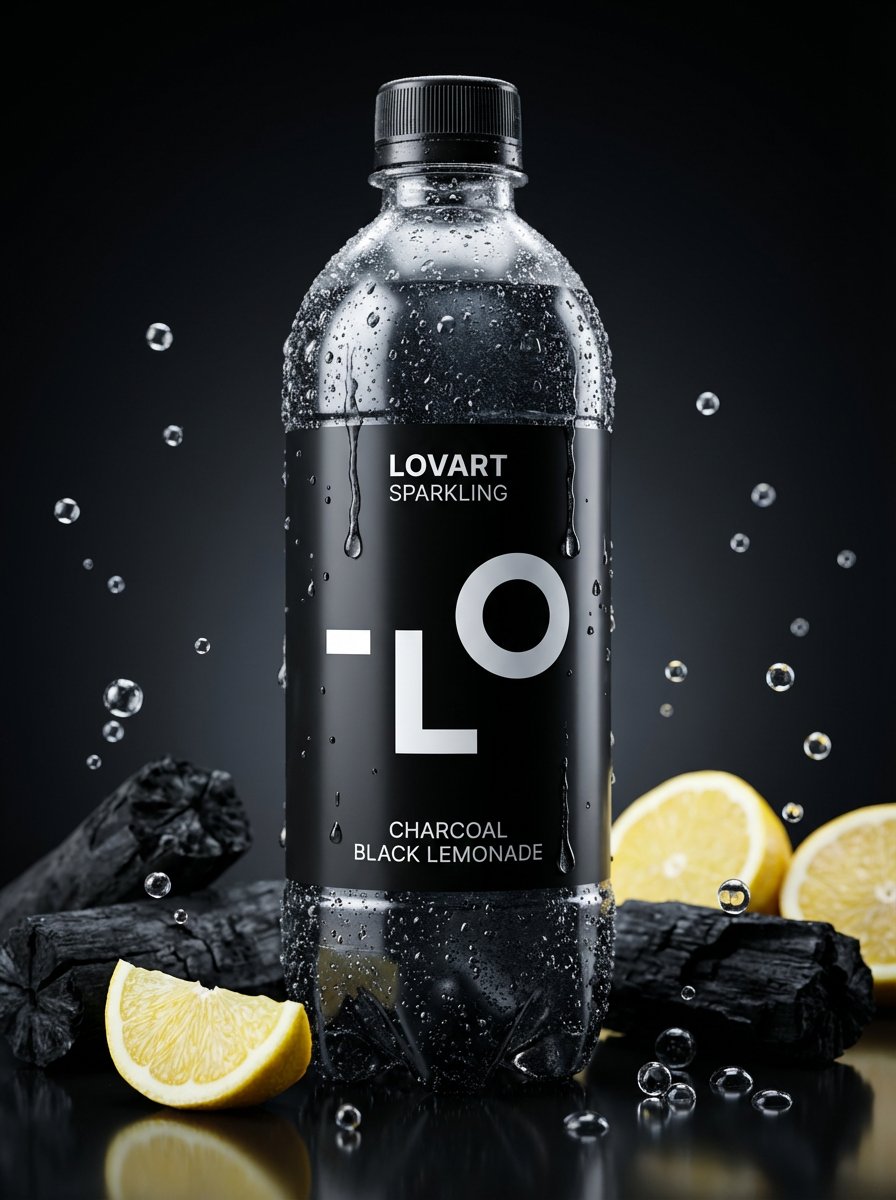
Image-to-Beverage Mockup Conversion
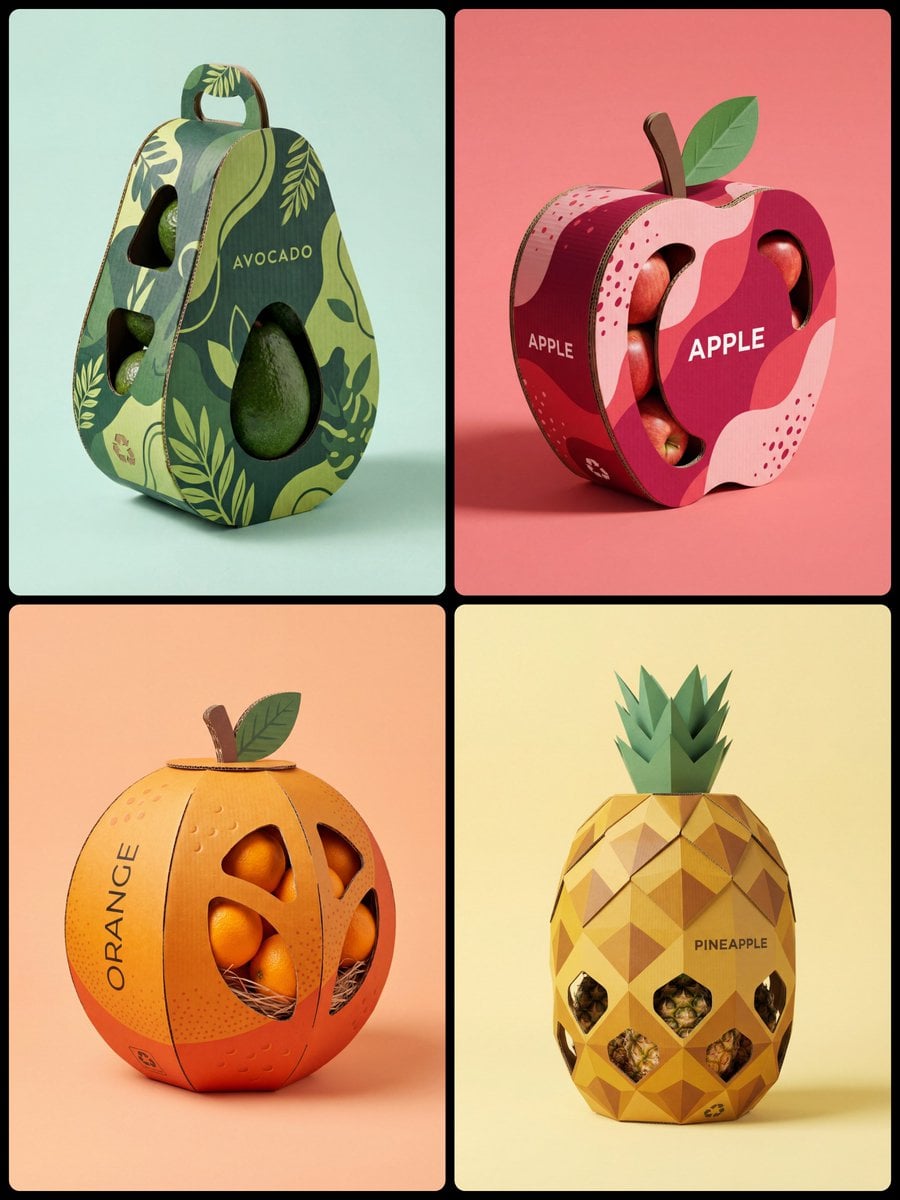
Corrugated Cardboard Fruit Packaging Concept Prompt
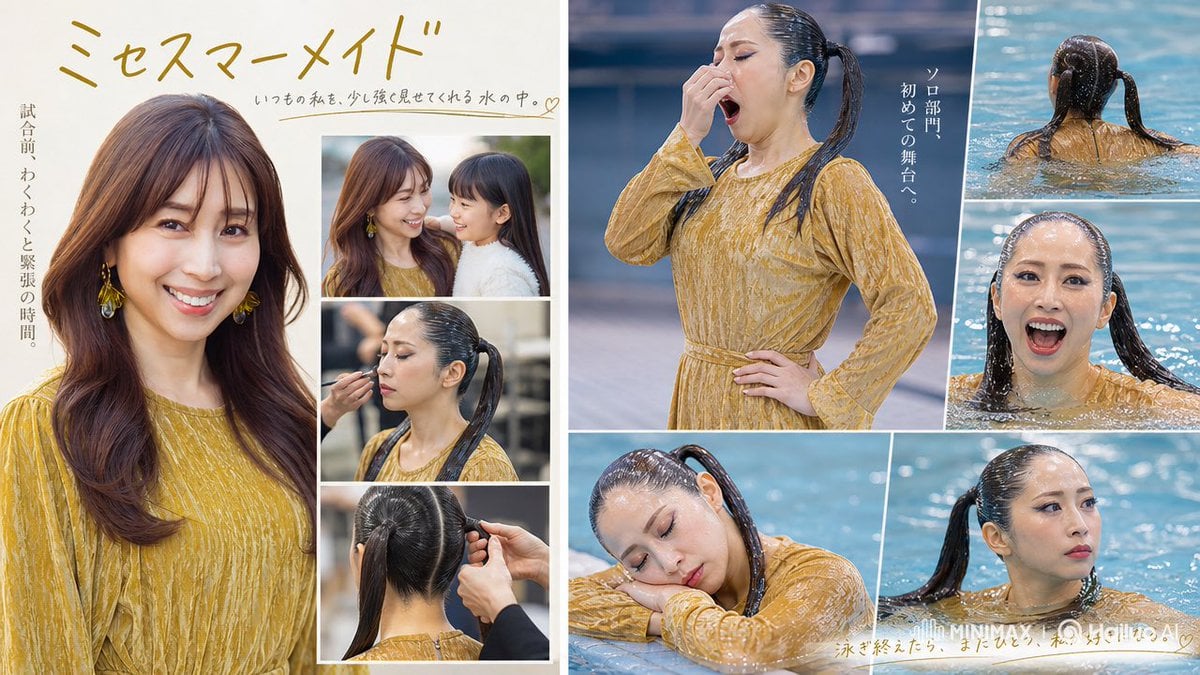
Mrs Mermaid Magazine Collage
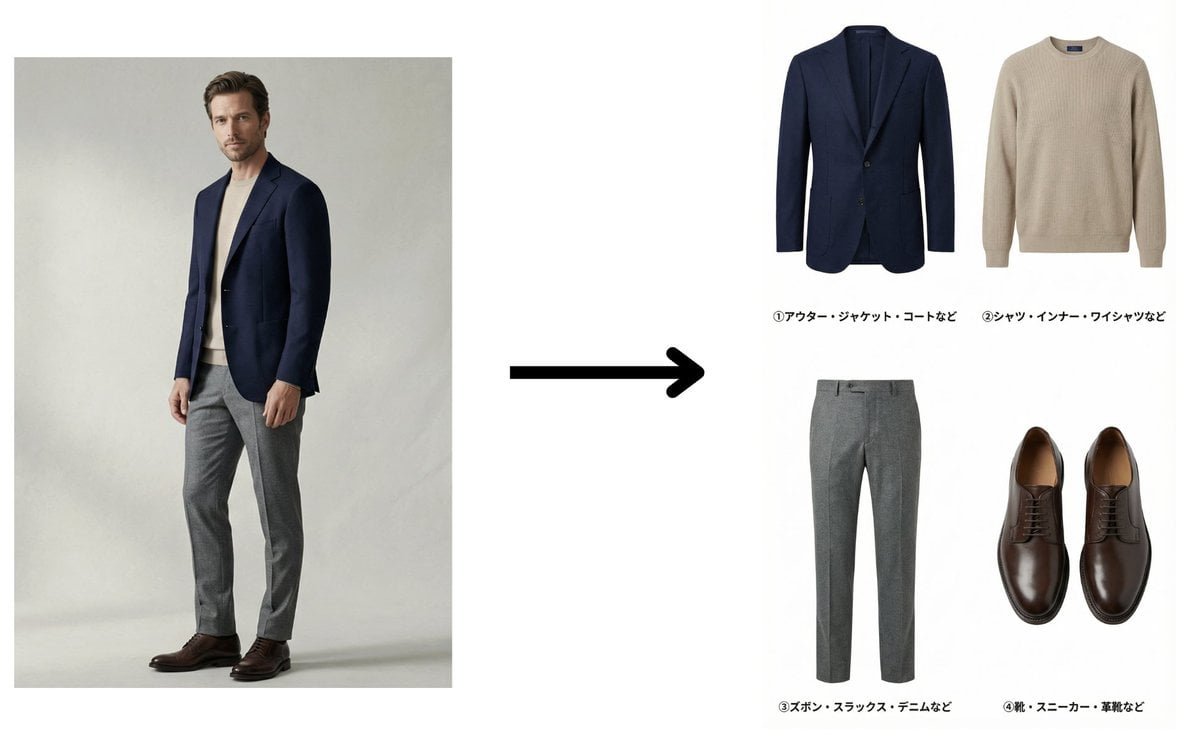
Fashion Catalog Item Extraction from Reference Image
Browse template categories
Blue Magical Girl Reference Sheet questions
How do I use the Blue Magical Girl Reference Sheet template?
Add your photo if the template asks for one, edit the prompt if you like — the template's model and format are already selected — and press Generate. Your version opens in PicX Studio.
Can I customize the Blue Magical Girl Reference Sheet template?
Yes. You can change the subject, setting, lighting, mood, format, and available model controls before creating your image.
Is the Blue Magical Girl Reference Sheet template free?
Opening and editing this template is free. Generating uses credits, shown on the Generate button when you are signed in.
Which AI model should I use?
Start with GPT Image 2, which is the model associated with this template. You can compare another compatible model for a different finish.
Looking for something else? Browse all templates.

Your photo, any look
Thousands of ready templates for every top image and video model, from one credit balance.