
Chinese Brushstroke Xi'an Poster
This prompt generates an elegant Chinese-style city promotion poster using a sweeping brushstroke landscape and iconic historical landmarks, ideal for tourism branding or cultural宣传 artwork.
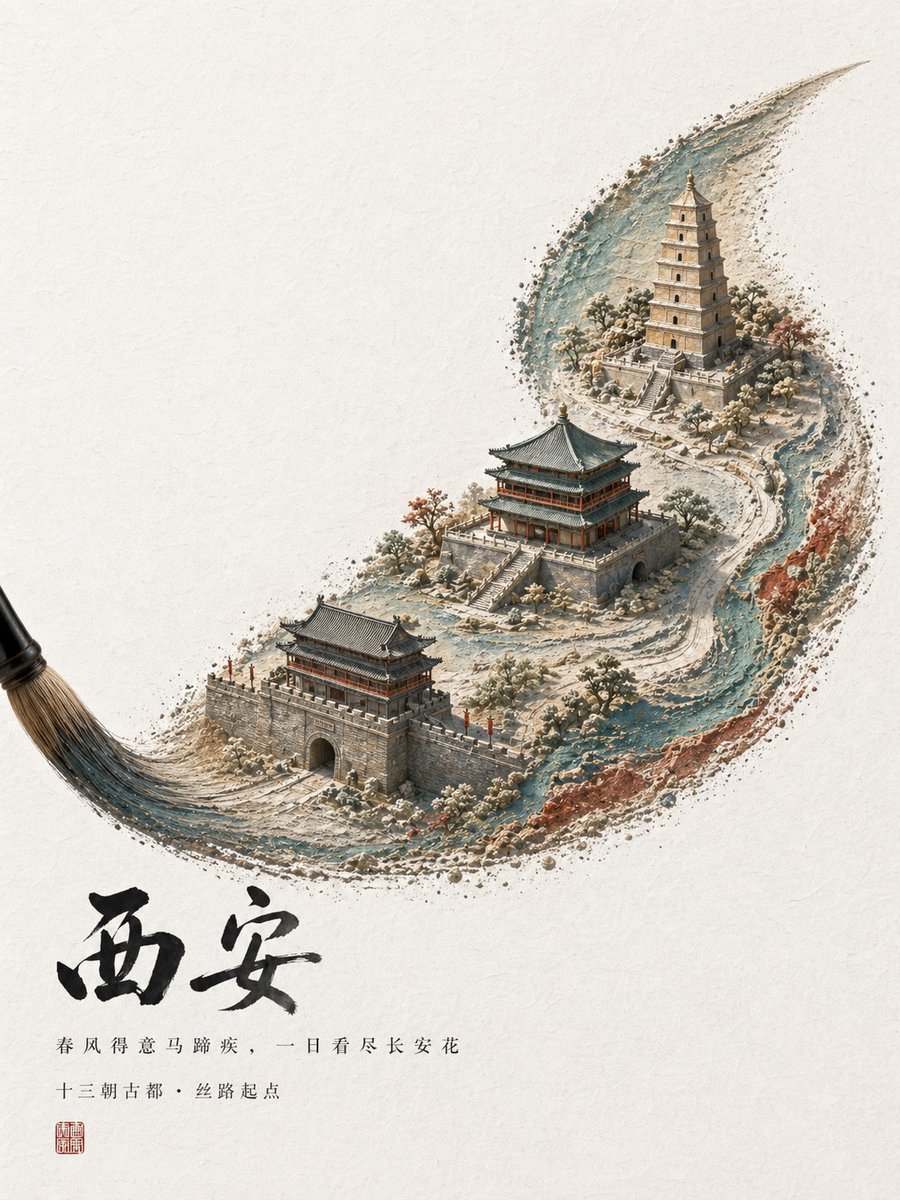
- Prompt included
- Model and format preset
- Free template
The prompt behind this image
Copy the exact prompt behind Chinese Brushstroke Xi'an Poster, or open it in the studio and make it yours.
A refined Chinese cultural tourism poster on textured off-white rice paper with a large amount of negative space, featuring an elegant ink-and-watercolor brushstroke composition that curves upward diagonally from the lower left to the upper right like a sweeping river of paint. At the far left edge, show 1 traditional Chinese calligraphy brush entering the frame, its bristles appearing to paint the scene into existence. Inside the flowing brushstroke, depict a miniature historical landscape of {argument name="city name" default="Xi'an"}: 3 major architectural landmarks arranged along the curved path, including 1 ancient fortified city gate at the lower left with gray stone walls, arched entry, battlements, and a two-tier roofed gate tower; 1 grand traditional pavilion or palace hall in the middle with green-tiled roof, red wooden beams, raised stone platform, and stairways; and 1 tall multi-story brick pagoda at the upper right on a stepped base surrounded by sparse trees. Weave a narrow blue-green river or painted water channel through the scene, with dusty earth tones, scattered rocks, winding roads, tiny shrubs, and touches of muted autumn red foliage. The whole landmark vignette should feel like a handcrafted 3D miniature diorama blended with Chinese ink painting and relief sculpture, with delicate speckled paint dispersion around the edges of the brushstroke. In the lower left beneath the painted scene, place 1 large line of bold black Chinese brush-calligraphy reading "西安". Below it, place 2 smaller lines of neat Chinese text: "春风得意马蹄疾,一日看尽长安花" and "十三朝古都·丝路起点". Add 1 small red seal stamp near the text. Overall style: poetic, premium, museum-quality city publicity artwork, traditional Chinese aesthetic, subtle warm lighting, high detail, balanced composition, vertical poster layout.
How to use Chinese Brushstroke Xi'an Poster in 3 steps
- 1Upload ImagePNG, JPG or paste
Add your photo
Upload the photo the template builds on. The prompt, model and format are already set.
- 2…a portrait of your subject in softgolden-hour light, 85mm…
Personalize
Edit the subject and creative details for your destination.
- 3Generate
Generate
Press Generate — your image is created in PicX Studio, so you can compare it with the original and refine one variable at a time.
More like this
Templates with the same subject, style or setup. Open one to see its prompt.
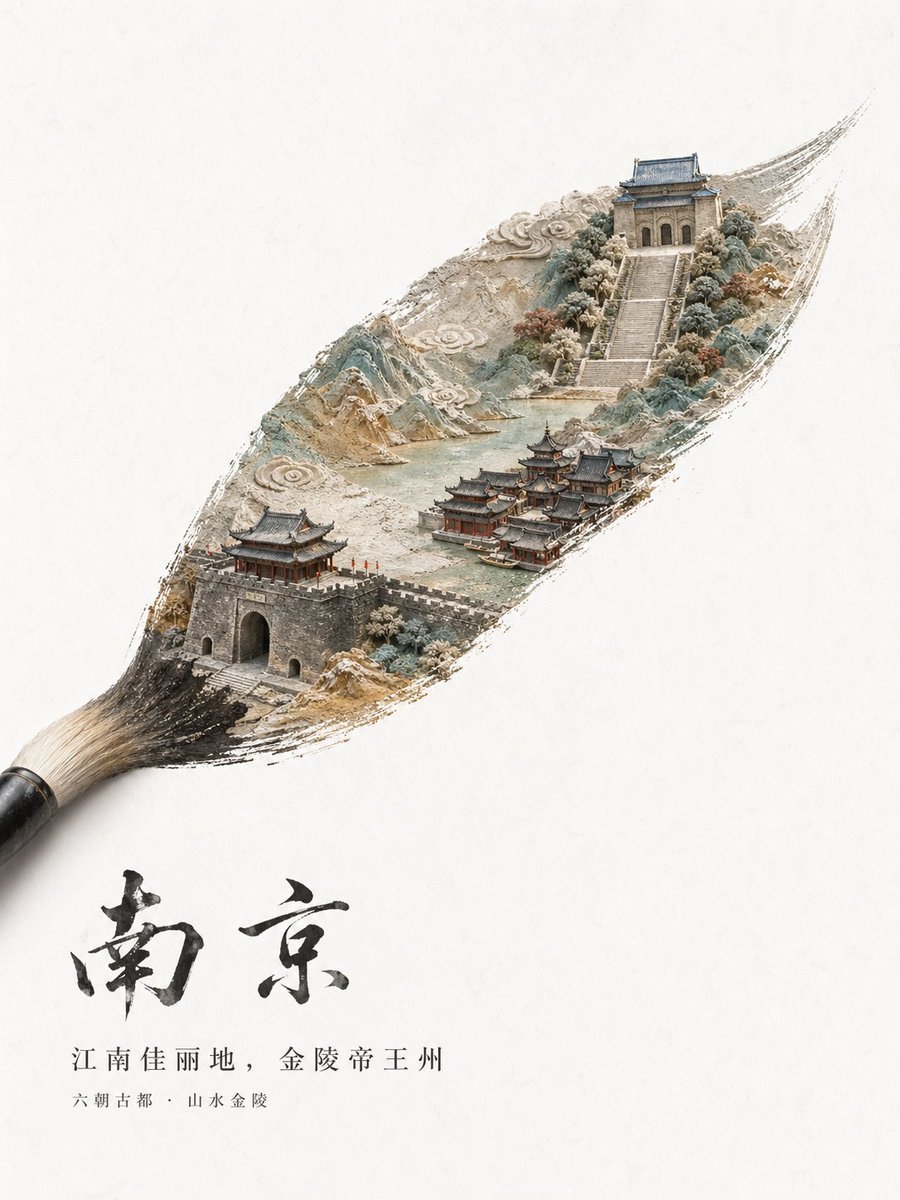
Chinese City Brushstroke Poster
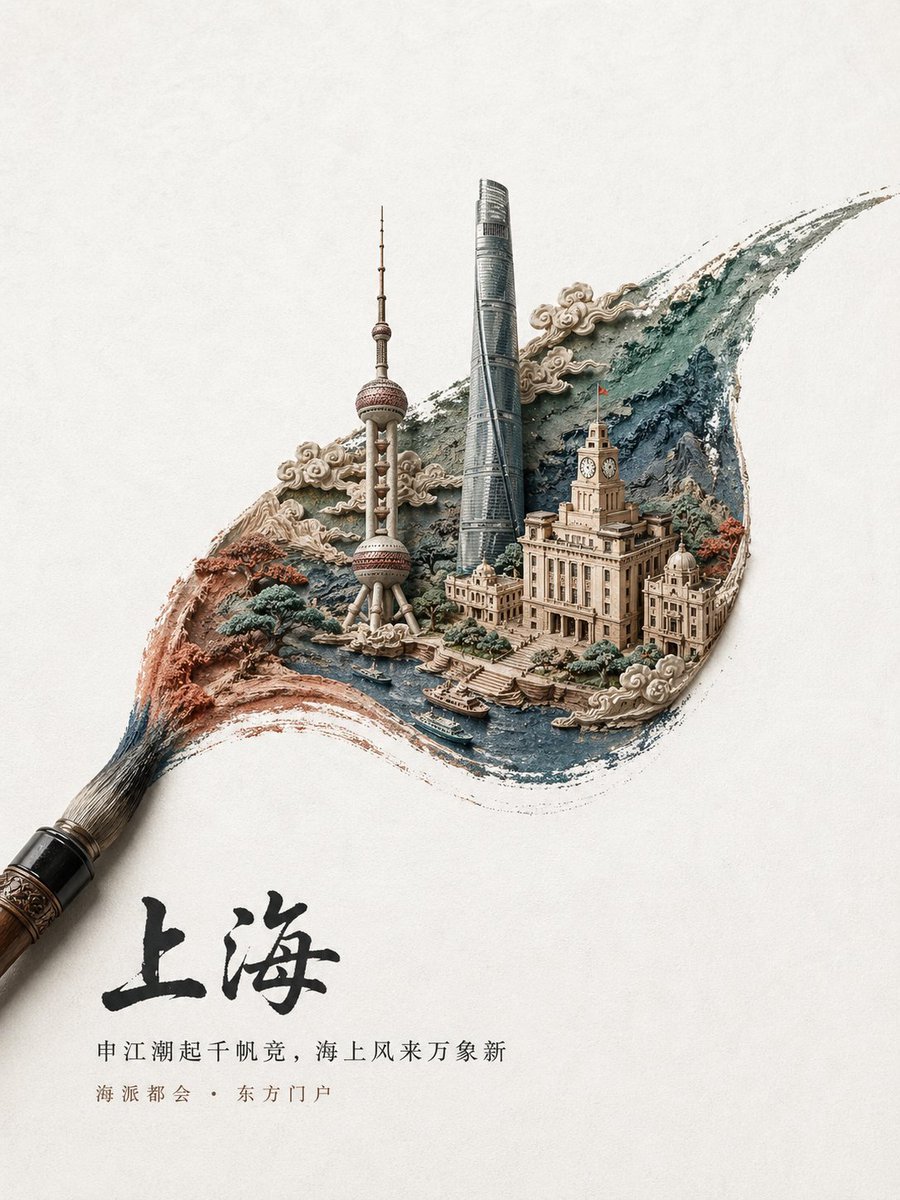
Chinese Brushstroke Shanghai Poster

Japan Travel Brochure Poster

Cartoon TV Show Poster Pack

Trendy Cafe Drink Promo Poster

Urban Fashion Editorial Collage Streetwear Poster

Premium Fashion Editorial Cover Layout System

Polo Ralph Lauren Luxury American Heritage Fashion Campaign

Monochrome Halftone Editorial Fashion Poster

Retro Mirror Luxury Fashion Campaign Poster
Luxury Fashion Campaign Typography Poster System
Premium Fashion Editorial Campaign Poster System
Make it yours
Chinese Brushstroke Xi'an Poster works as-is. These are the safest ways to change it without losing the look.
Change one field
Copy a single group, rewrite it, and generate again so you can see what that field is doing.
Keep the frame, change the subject
Hold the composition and light of Chinese Brushstroke Xi'an Poster, then swap wardrobe, props or the person for a new take.
| If the result… | Why | Fix |
|---|---|---|
| The result drifts from the preview | Too many fields changed at once. | Reuse Chinese Brushstroke Xi'an Poster as-is first, then change one group — subject, light, or setting. |
| The model over-stylizes the scene | The prose prompt leaves finish and camera underspecified. | Add one camera or lighting sentence and stay on GPT Image 2. |
More GPT Image 2 templates
Other prompts made for GPT Image 2.

Six VTuber Japanese Logo Sheet

Realistic Portrait of Woman and Deer

The Vista Modular Condo Poster

AI Model Routing Comparison Infographic

2.5D Anime Art Board

Isometric Productivity Desk Scene

New York Double Exposure Poster

Four-Panel AI Landscape Comparison

Japanese Tatami Lifestyle Magazine Cover

NESCAFÉ Coffee Map Poster
More image prompts
Fresh picks from across the catalog.
Minimalistic Lofi Wallpaper Generation Prompt

3D CG Ethereal Starry Fairy

Fantasy Creature With Milk in Server Room

Chinese Dorm Livestream Screenshot
Reference Image Consistency Prompt Template
Mint Retro EV by the Sea

Japanese AI Consulting OGP Banner
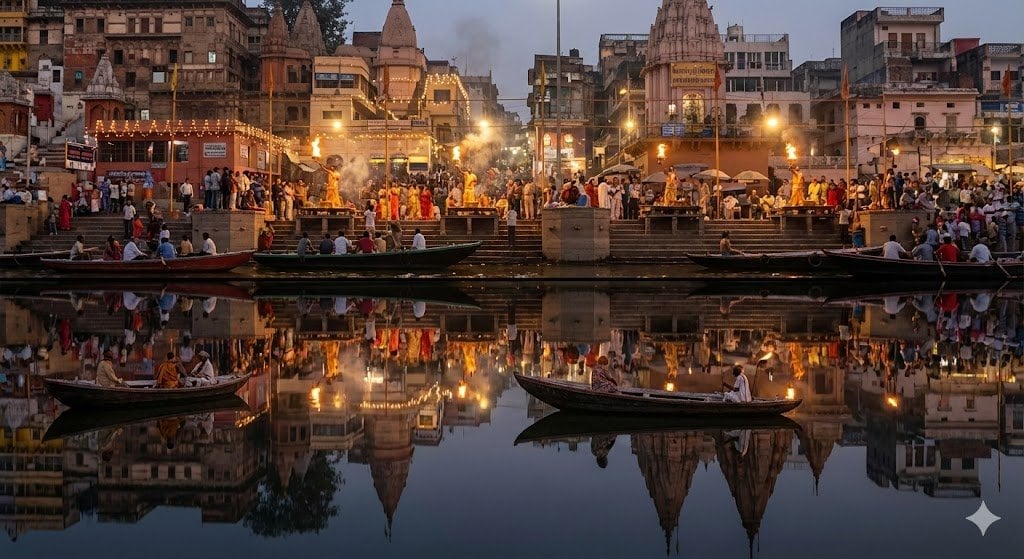
Varanasi ghats dual-timeline reflection scene
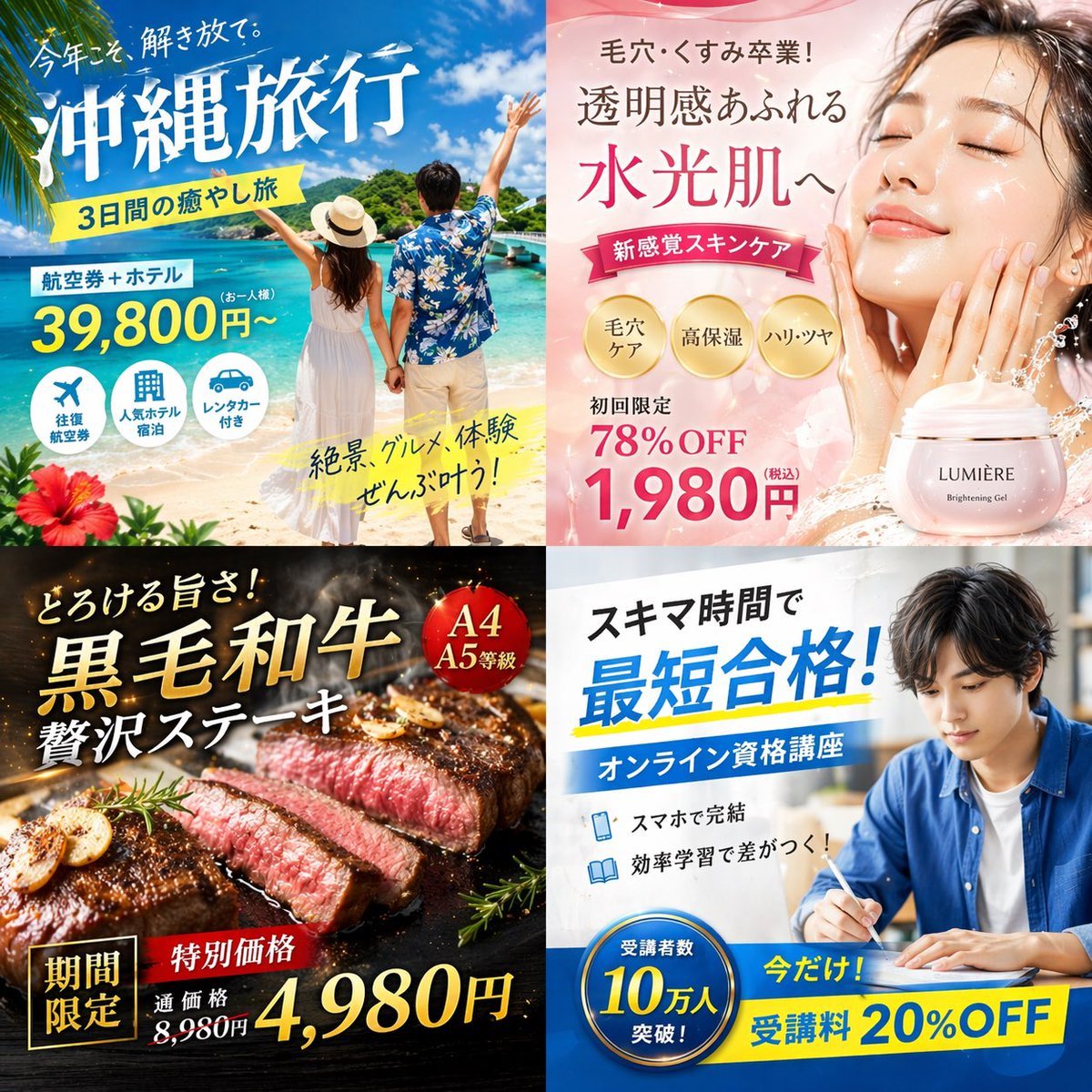
Panel Japanese Digital Ad Banner Grid
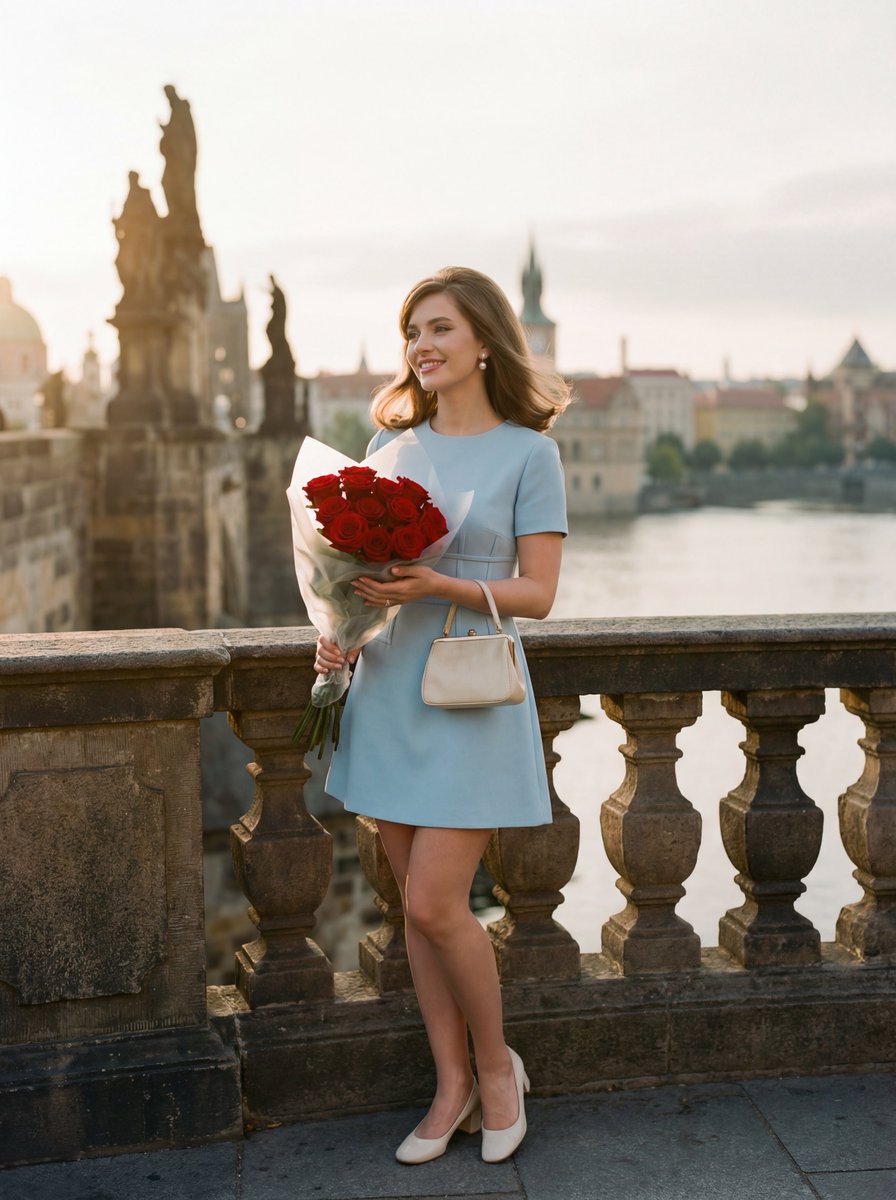
Editorial Photograph of Woman with Roses in Prague (JSON)
Browse template categories
Chinese Brushstroke Xi'an Poster questions
How do I use the Chinese Brushstroke Xi'an Poster template?
Add your photo if the template asks for one, edit the prompt if you like — the template's model and format are already selected — and press Generate. Your version opens in PicX Studio.
Can I customize the Chinese Brushstroke Xi'an Poster template?
Yes. You can change the subject, setting, lighting, mood, format, and available model controls before creating your image.
Is the Chinese Brushstroke Xi'an Poster template free?
Opening and editing this template is free. Generating uses credits, shown on the Generate button when you are signed in.
Which AI model should I use?
Start with GPT Image 2, which is the model associated with this template. You can compare another compatible model for a different finish.
Looking for something else? Browse all templates.

Your photo, any look
Thousands of ready templates for every top image and video model, from one credit balance.