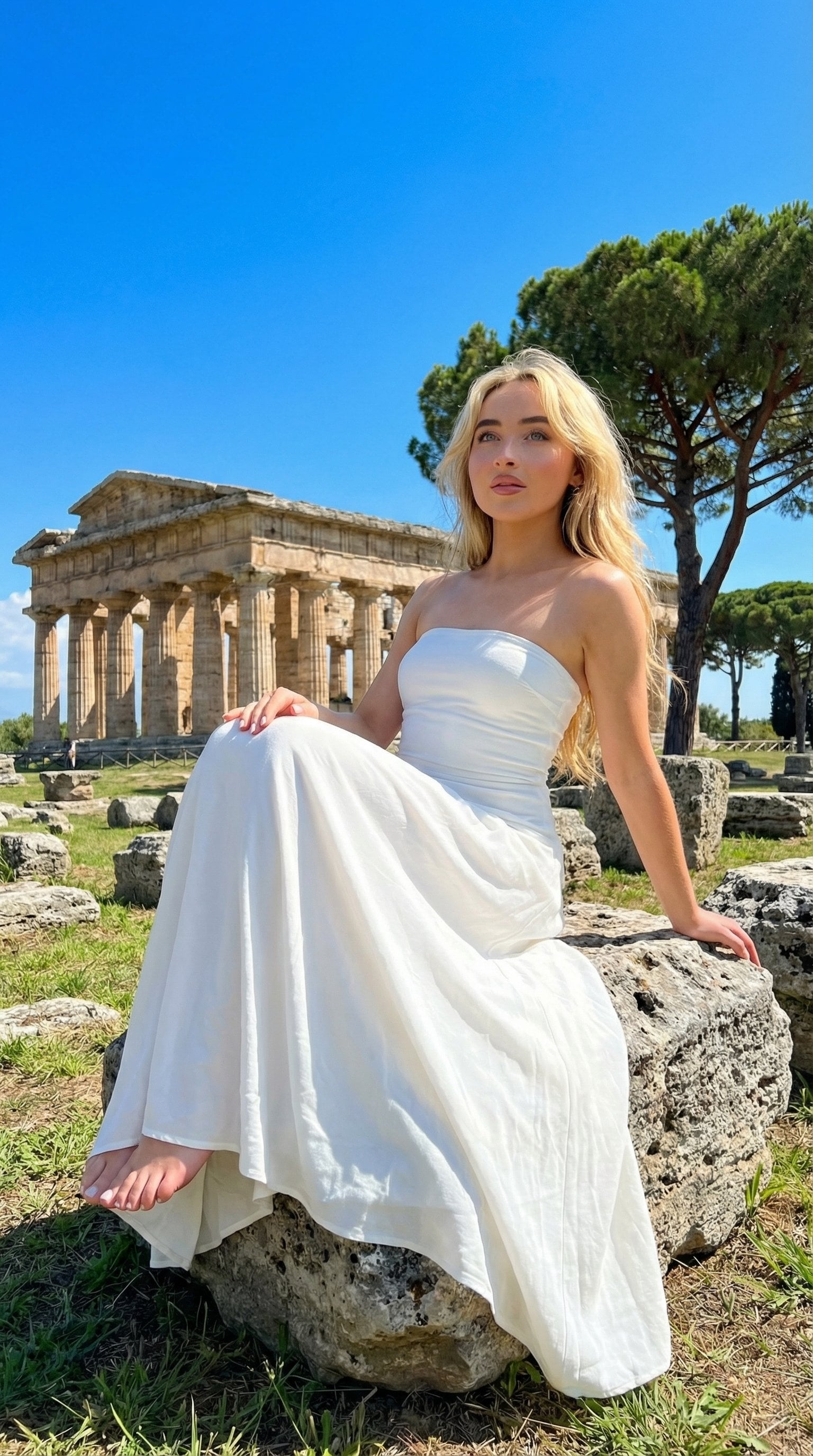
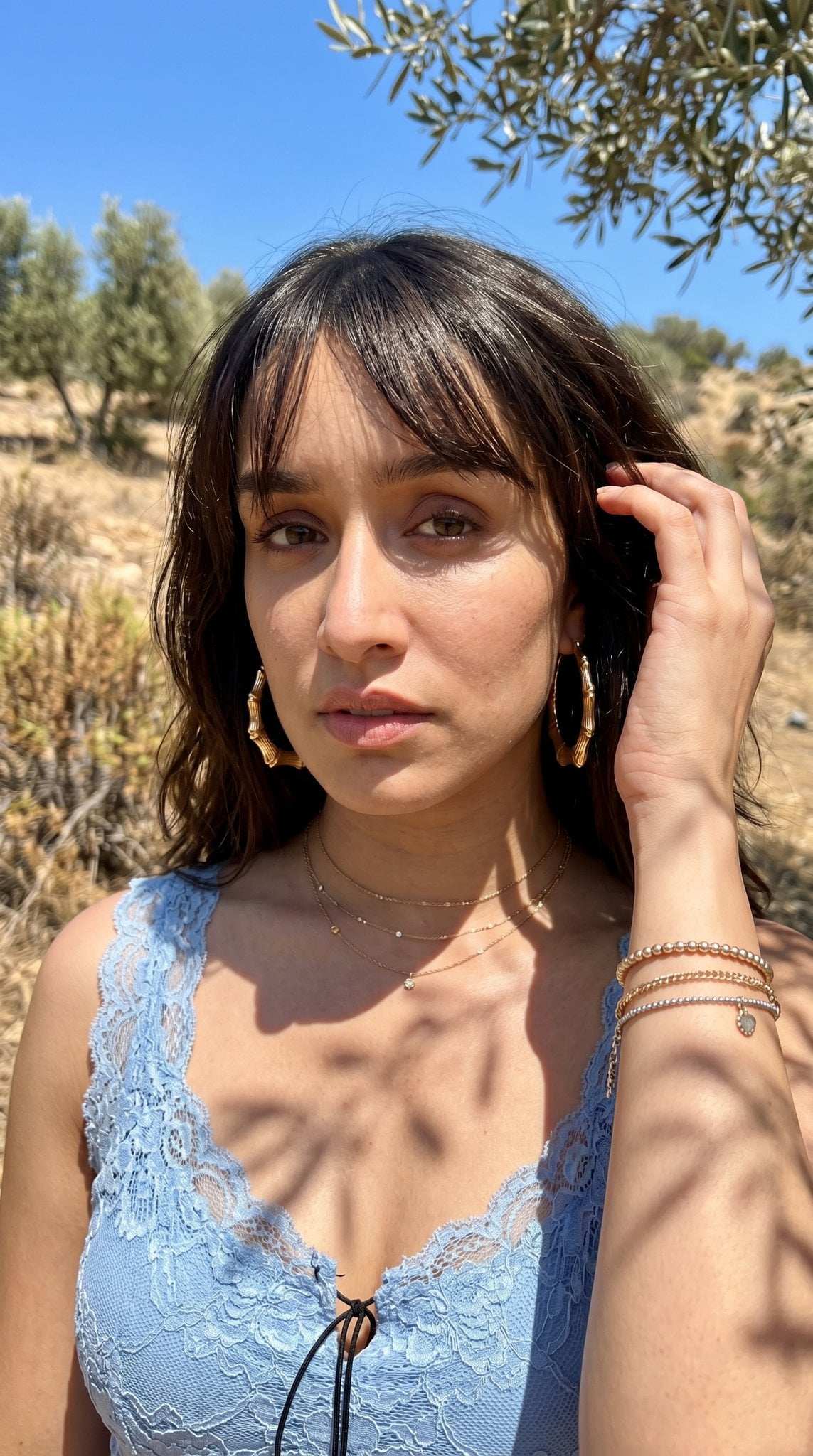
How do I use the Outdoor Poolside Realistic Portrait template?
Choose the primary action to open PicX Studio with the available template settings. Review the model and format, personalize the creative direction, and generate when ready.
A comprehensive prompt for a raw, unedited outdoor portrait of a woman reclining by a pool, focusing on natural daylight, wet skin textures, and sharp backgroun
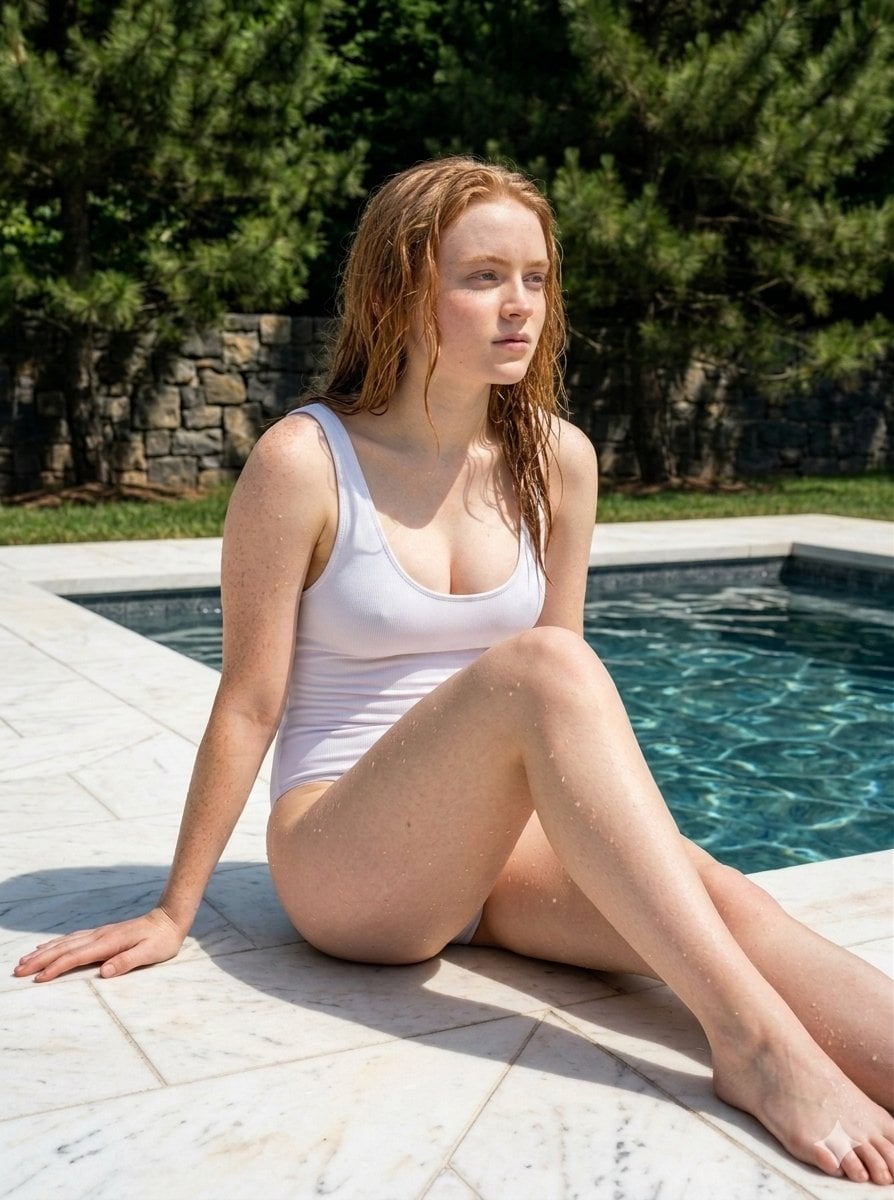
{ "image_description": { "prompt": "A raw, unedited outdoor portrait photograph capturing a woman reclining on a sunlit white tiled surface by a pool. The background is completely in sharp focus, revealing detailed green pine trees, a stone wall, and a glimpse of grass under bright daylight. She wears a {argument name="swimsuit style" default="one-piece black swimsuit"} and has wet hair and glistening skin, looking slightly off-camera with her lips parted. One hand rests near her waist, and she is wearing small gold hoop earrings.", "quality_modifiers": "raw photo, unedited, ultra-high-resolution, 4k, HD, realistic photography, sharp focus everywhere, deep depth of field, natural lighting", "details": { "subject": { "gender": "female", "pose": "reclining, leaning back on hand", "expression": "sultry, slightly open mouth, confident", "physical_features": [ "wet hair, brushed back", "glistening skin with water droplets", "natural, unretouched skin texture" ], "clothing": "{argument name="swimsuit color" default="one-piece neon swimsuit"}, high-cut style, thin straps", "accessories": "small gold hoop earrings" }, "environment": { "location": "{argument name="location" default="poolside"}", "surface": "tiled ground (pool edge), white tiles with dark grout lines, pool water visible in the foreground edge", "background": { "natural_elements": "tall pine trees, bright green foliage, clear daylight shadows", "structures": "low stone wall in the distance", "properties": "sharp focus, deep depth of field, zero blur, crisp details" } }, "composition": { "viewpoint": "full body to medium shot, subject centered", "lighting": { "type": "natural harsh daylight, bright sun", "effect": "realistic shadows cast by trees and subject, bright highlights on wet skin and white tiles" } } } } }
Choose the primary action to open PicX Studio with the available template settings. Review the model and format, personalize the creative direction, and generate when ready.
Yes. You can change the subject, setting, lighting, mood, format, and available model controls before creating your image.
This template is free to open and customize. Generation usage is shown in PicX Studio before you create.
Start with Nano Banana 2, which is the model associated with this template. You can compare another compatible model for a different finish.
Follow a topic to a crawlable collection of related PicX Studio templates.