
Luxury Skincare Editorial Collage
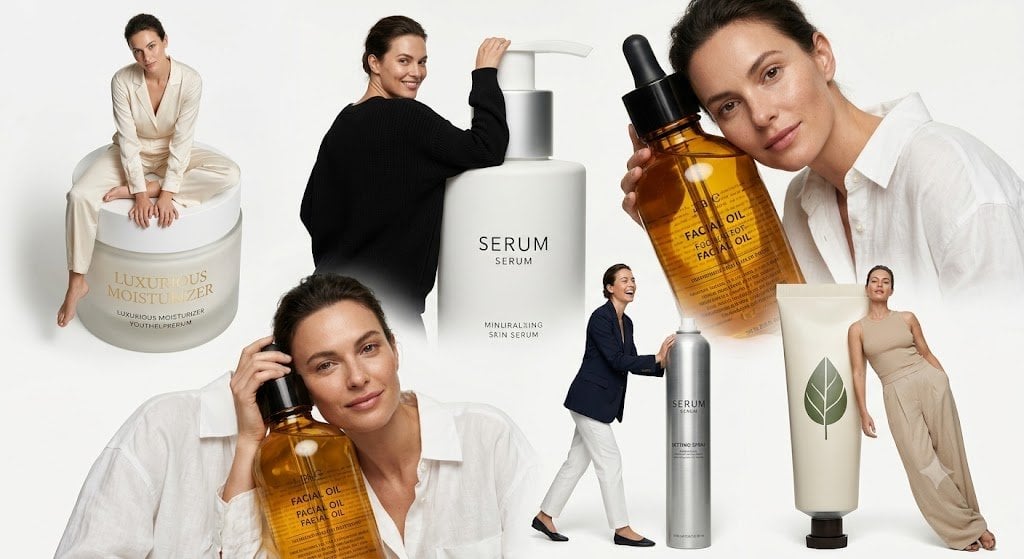
Generates a photorealistic luxury skincare campaign collage with six models interacting with oversized cosmetic products.
- Prompt included
- Model and format preset
- Premium template
The prompt behind this image
Copy the exact prompt behind Luxury Skincare Editorial Collage, or open it in the studio and make it yours.
Goal: Create a high-fashion skincare advertising collage on a clean white studio background, combining oversized cosmetic products with editorial model poses. The concept should feel like a minimalist luxury beauty campaign with surreal scale, where people interact with giant product packaging. Canvas: Wide horizontal banner, approximately 16:9 ratio, bright off-white background, soft studio lighting, subtle shadows, no borders or watermark. Layout: Arrange exactly 6 human figures and exactly 6 main skincare products in an overlapping editorial collage. Use realistic photography style with slightly surreal product scale. Keep the composition airy but dense, with the largest faces intentionally obscured by smooth rectangular skin-tone blur blocks. Human figures, exactly 6: 1. Top left: a seated female model in an ivory satin wrap blouse and wide-leg pants, barefoot, sitting on top of a giant round cream jar. 2. Center: a model seen mostly from the back wearing a loose black sweater, leaning on or touching the pump of a giant white serum bottle. 3. Upper right: a large cropped female model in a white button-up shirt holding an oversized amber facial oil dropper bottle near her face; her face is covered by a large square skin-tone blur. 4. Lower left: a large cropped female model in a white shirt holding another oversized amber facial oil bottle close to her cheek; her face is covered by a square skin-tone blur. 5. Lower center-right: a small full-body model in a navy blazer, white trousers, and black flats, standing beside and touching a tall metallic silver serum bottle. 6. Far right: a female model in a beige sleeveless top and loose beige trousers, leaning casually against a giant cream-colored cosmetic tube. Skincare products, exactly 6: 1. A giant round cream jar at the top left with gold serif text reading “LUXURIOUS MOISTURIZER” and smaller understated product copy below. 2. A giant matte white pump bottle in the center labeled “SERUM” with smaller text underneath, minimal black typography. 3. An oversized amber glass dropper bottle in the upper right with a black dropper cap and label text including “FACIAL OIL”. 4. A second oversized amber glass dropper bottle in the lower left, partly overlapping the model, also labeled “FACIAL OIL”. 5. A tall metallic silver cylindrical bottle near the lower center-right labeled “SERUM” with small technical text beneath. 6. A giant cream-colored squeeze tube on the far right with a green leaf icon and a dark cap at the bottom. Visual style: Photorealistic luxury beauty campaign, clean editorial collage, neutral palette of ivory, beige, white, black, amber, muted green, and silver. Use soft natural studio shadows and crisp product edges. Typography on packaging should be elegant, minimal, and believable, with some tiny unreadable filler text allowed. Face treatment: Obscure the visible faces with smooth skin-tone rectangular blur blocks, especially the larger figures; smaller distant faces may also be softly blurred. Do not show identifiable facial features. Customizable details: The central bottle should read {argument name="main product name" default="SERUM"}; the cream jar headline should read {argument name="moisturizer label" default="LUXURIOUS MOISTURIZER"}; the amber bottle label should read {argument name="oil label" default="FACIAL OIL"}; use a {argument name="color palette" default="ivory beige white amber silver muted green"} luxury palette; keep the overall campaign mood {argument name="campaign mood" default="minimalist editorial skincare luxury"}. Constraints: Keep exactly 6 human figures and 6 main skincare products. Do not add extra products, extra models, logos, watermarks, decorative props, or background scenery. Maintain a clean white studio background and a polished fashion-magazine advertising look.
How to use Luxury Skincare Editorial Collage in 3 steps
- 1Upload ImagePNG, JPG or paste
Add your photo
Upload the photo the template builds on. The prompt, model and format are already set.
- 2…a portrait of your subject in softgolden-hour light, 85mm…
Personalize
Edit the subject and creative details for your destination.
- 3Generate
Generate
Press Generate — your image is created in PicX Studio, so you can compare it with the original and refine one variable at a time.
More like this
Templates with the same subject, style or setup. Open one to see its prompt.
01 Skincare Split Portrait — Nano Banana 2

Skincare Editorial Photography Collage Prompt

19 Luxury Helicopter Travel — California Series

08 Rodeo Drive Luxury Exit — California Series
Luxury Skincare Product Advertisement
Luxury Skincare Product Ad
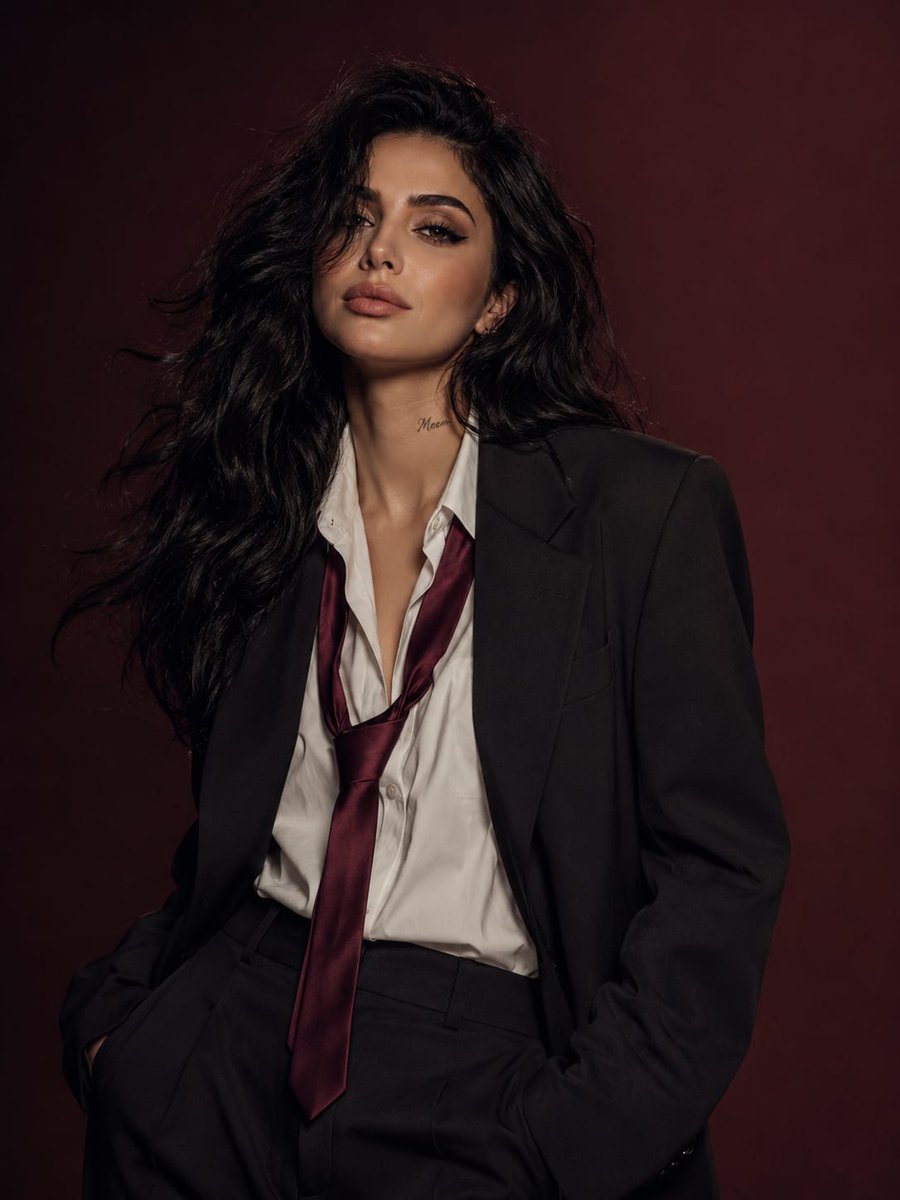
Power Suit Luxury Editorial
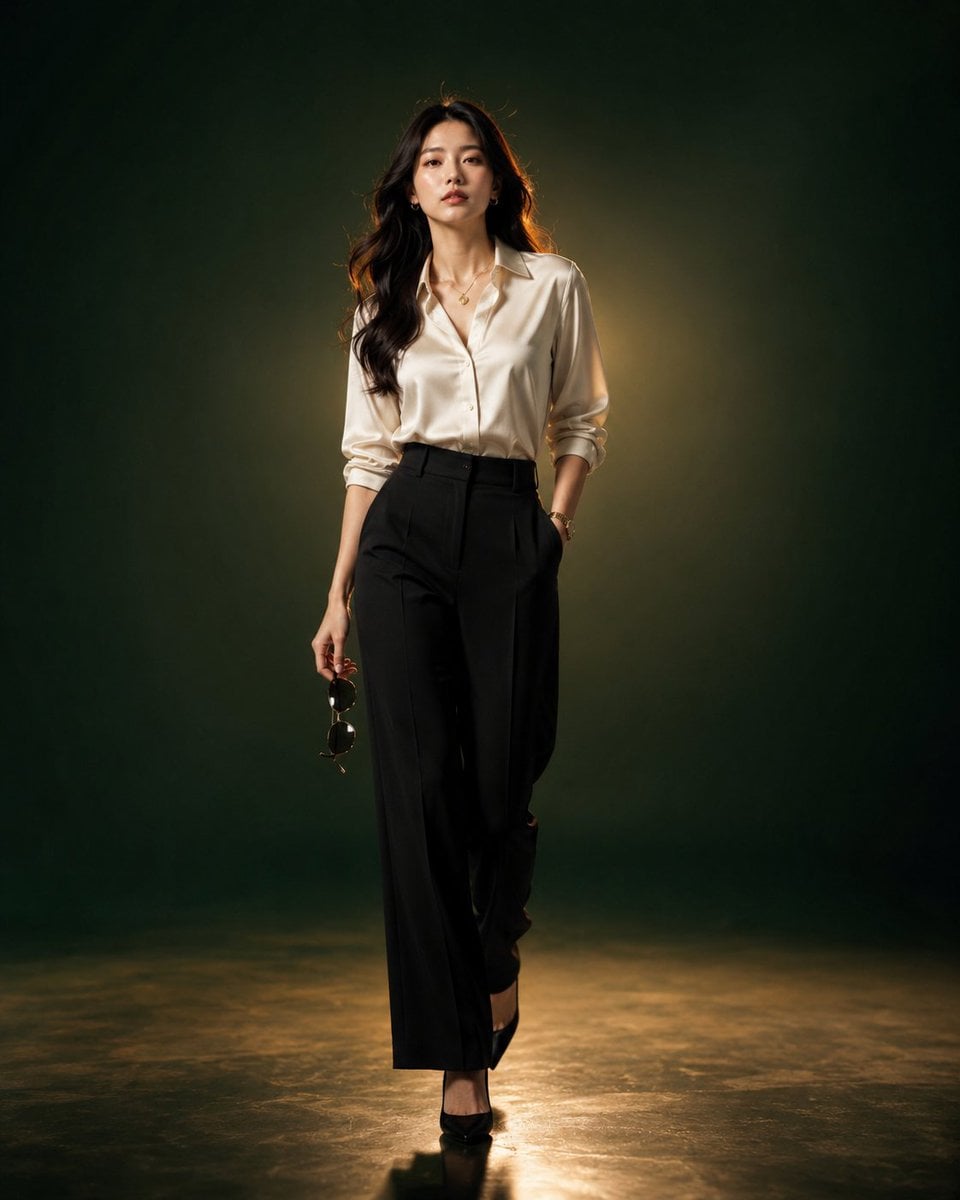
Luxury Fashion Editorial Portrait
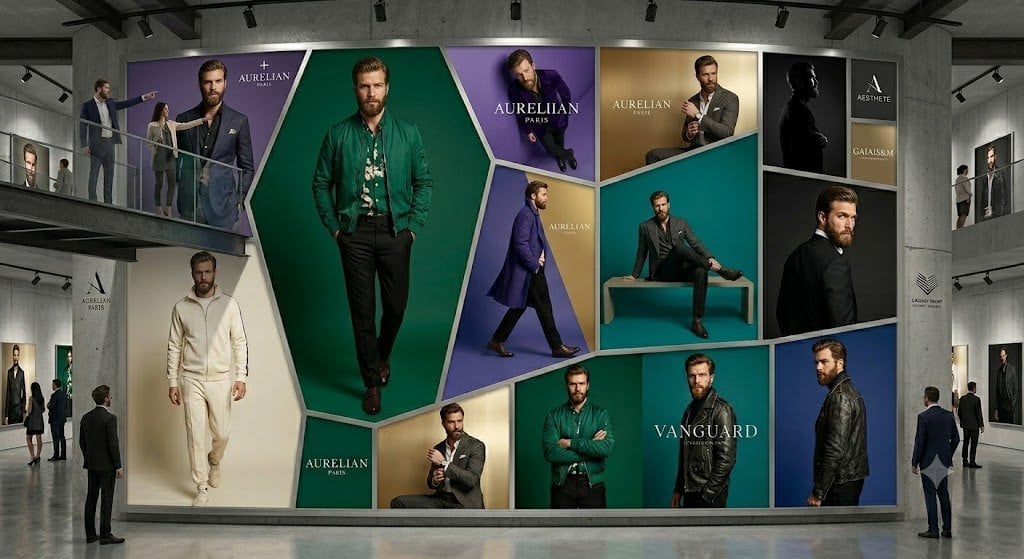
Luxury Menswear Gallery Collage
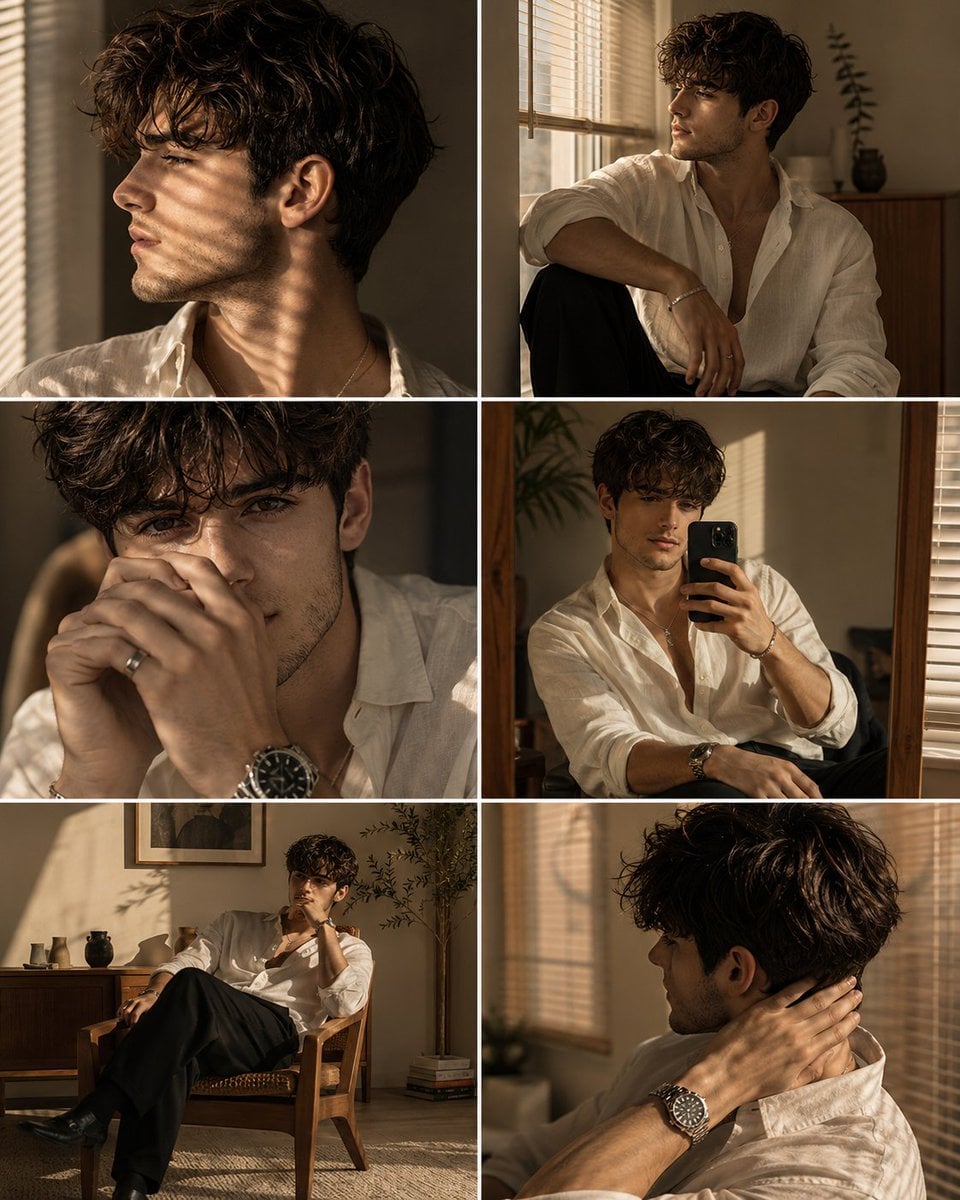
Luxury Men's Golden Hour Collage
Luxury Fashion Editorial Scrapbook
Luxury Skincare Product Photography
Make it yours
Luxury Skincare Editorial Collage works as-is. These are the safest ways to change it without losing the look.
Change one field
Copy a single group, rewrite it, and generate again so you can see what that field is doing.
Keep the frame, change the subject
Hold the composition and light of Luxury Skincare Editorial Collage, then swap wardrobe, props or the person for a new take.
| If the result… | Why | Fix |
|---|---|---|
| The result drifts from the preview | Too many fields changed at once. | Reuse Luxury Skincare Editorial Collage as-is first, then change one group — subject, light, or setting. |
| The model over-stylizes the scene | The prose prompt leaves finish and camera underspecified. | Add one camera or lighting sentence and stay on GPT Image 2. |
More GPT Image 2 templates
Other prompts made for GPT Image 2.

Six VTuber Japanese Logo Sheet

Realistic Portrait of Woman and Deer

The Vista Modular Condo Poster

AI Model Routing Comparison Infographic

2.5D Anime Art Board

Isometric Productivity Desk Scene

New York Double Exposure Poster

Four-Panel AI Landscape Comparison

Japanese Tatami Lifestyle Magazine Cover

NESCAFÉ Coffee Map Poster
More image prompts
Fresh picks from across the catalog.
Vintage Bakery Anime Illustration
Anime Love Stamp Sheet
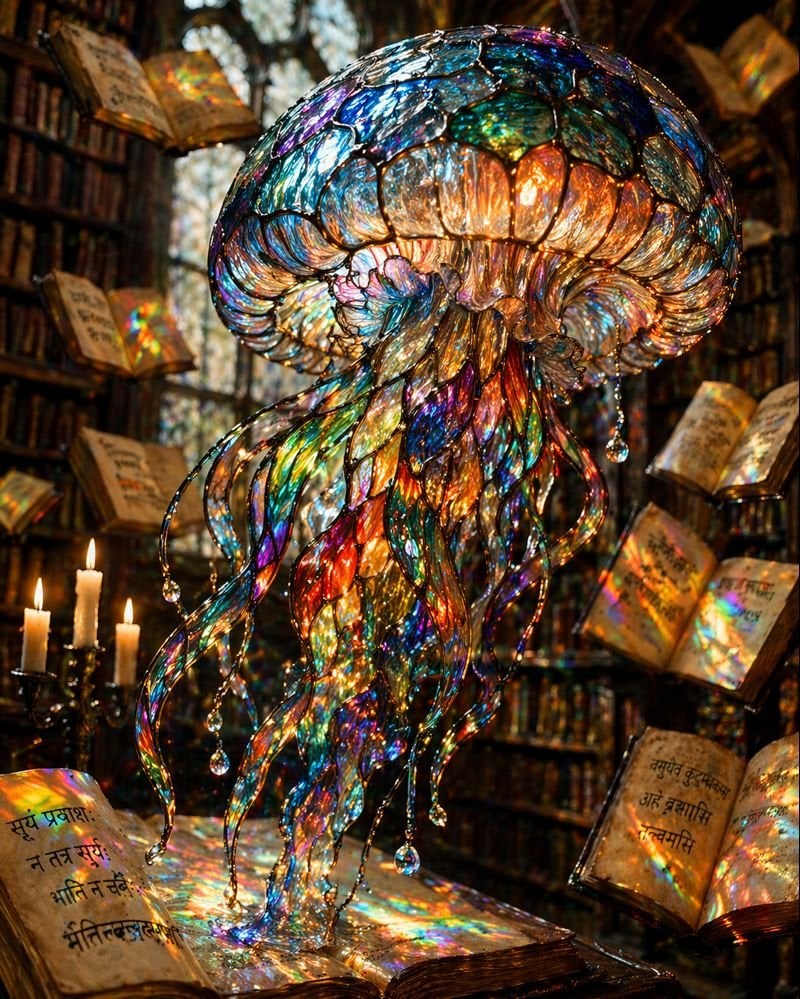
Macro Stained Glass Jellyfish

Retro AI Creative Brand Poster
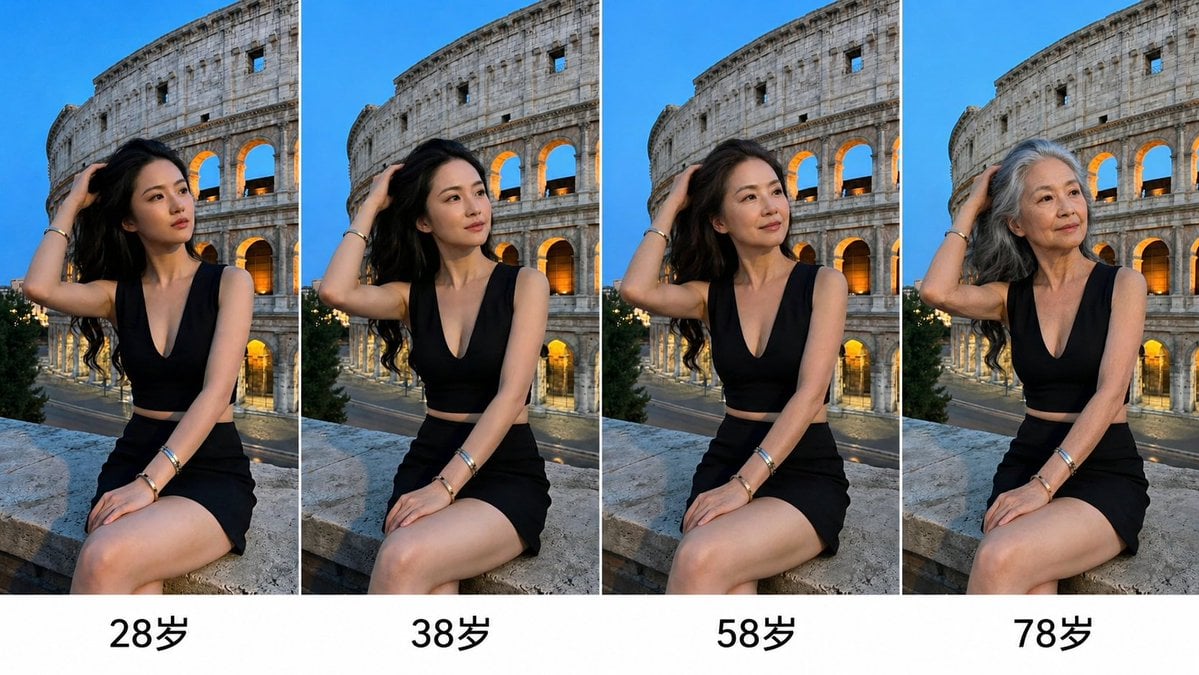
Aging Progression Grid
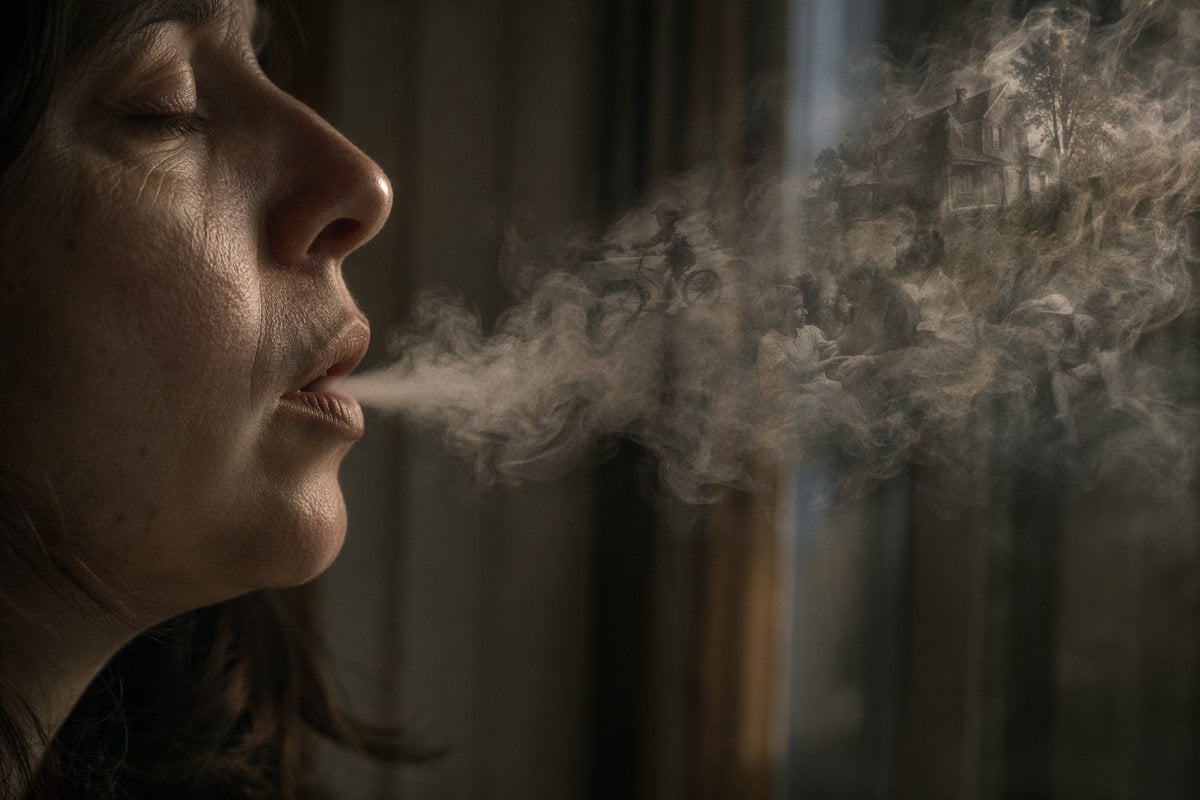
Smoke Memory Portrait
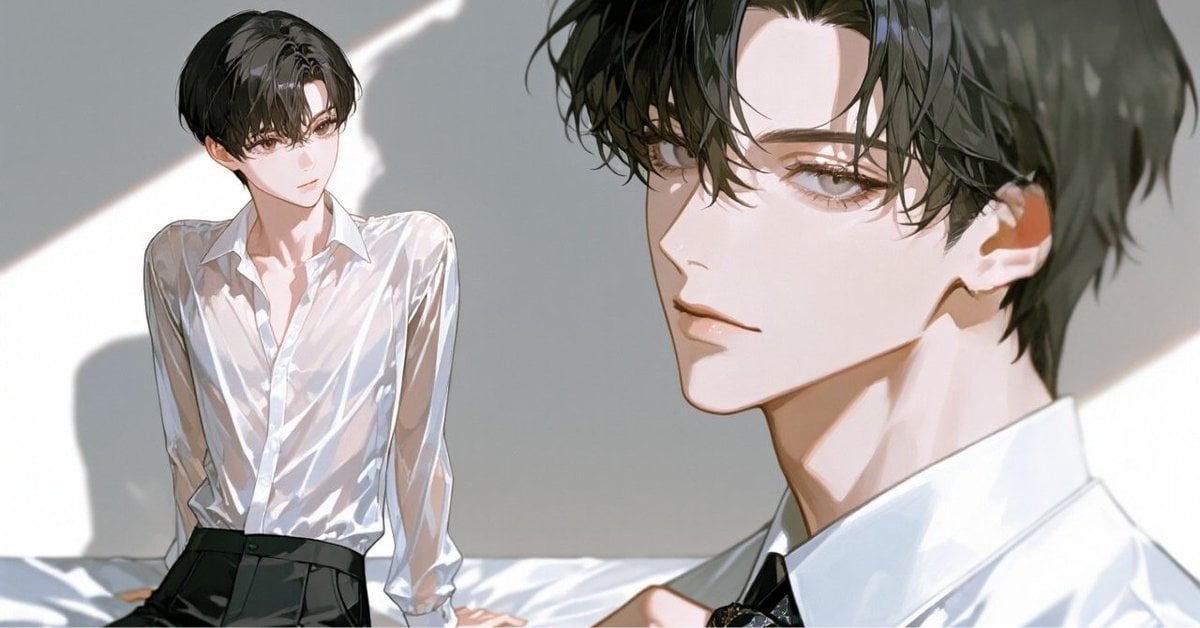
Anime Style Keyframe Prompt for Music Video Scene Generation
X Aiwithkhan Gpt Image 2 on Chatgpt
Post-Apocalyptic Times Square Horde
Long Exposure Light Trace Art Photography Portrait
Browse template categories
Luxury Skincare Editorial Collage questions
How do I use the Luxury Skincare Editorial Collage template?
Add your photo if the template asks for one, edit the prompt if you like — the template's model and format are already selected — and press Generate. Your version opens in PicX Studio.
Can I customize the Luxury Skincare Editorial Collage template?
Yes. You can change the subject, setting, lighting, mood, format, and available model controls before creating your image.
Is the Luxury Skincare Editorial Collage template free?
Opening and editing this template is free. Generating uses credits, shown on the Generate button when you are signed in.
Which AI model should I use?
Start with GPT Image 2, which is the model associated with this template. You can compare another compatible model for a different finish.
Looking for something else? Browse all templates.

Your photo, any look
Thousands of ready templates for every top image and video model, from one credit balance.