
Jeju Island Naive Folk-Art Illustration
Transform a seaside photo into a Korean-inspired naive folk-art illustration featuring Jeju Island vibes, traditional motifs, and a warm summer mood.
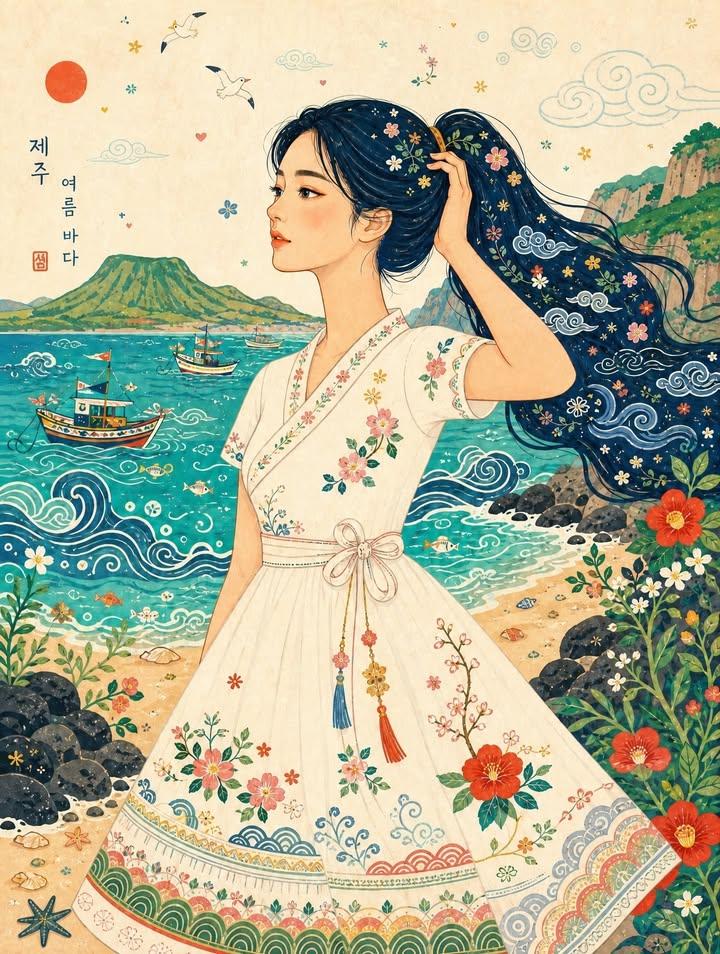
- Prompt included
- Model and format preset
- Premium template
The prompt behind this image
Copy the exact prompt behind Jeju Island Naive Folk-Art Illustration, or open it in the studio and make it yours.
Use the bottom photograph as the main content and composition reference, and use the top image only as the illustration-style reference. Transform the woman and the entire seaside scene into a bright, playful, {argument name="style" default="Korean-inspired naïve folk-art"} editorial illustration. Preserve the original woman’s side-profile pose, body proportions, hand holding her long ponytail, three-quarter body framing, and the overall camera composition, but reinterpret the setting with the atmosphere of a serene {argument name="location" default="Korean summer coast"}. Set the scene on a dreamy Korean seaside inspired by Jeju Island or the South Coast of Korea. Replace the tropical-exotic mood with a warm and lyrical Korean summer mood: clear emerald-blue water, a gentle sandy shoreline, soft sea breeze, calm waves, and dark volcanic rocks or softly rounded coastal cliffs reminiscent of Jeju. The background should feel peaceful, nostalgic, and distinctly Korean rather than tropical resort-like. Illustrate the woman with a warm peach skin tone, an elegant simplified side-profile face, minimal facial details, gently elongated proportions, and clean five-finger hands. Keep her long dark ponytail, but reinterpret it as a flowing deep indigo or navy graphic hair shape decorated with delicate Korean-inspired decorative motifs such as stars, cloud swirls, leaves, tiny flowers, and subtle patterns inspired by minhwa and traditional folk ornament. Keep the original white halter crop top and flowing summer skirt silhouette, but reinterpret the outfit as a charming Korean summer folk-style resort dress inspired by modernized hanbok details. Add decorative embroidery and pattern accents inspired by Korean aesthetics: small mugunghwa, camellia, wildflowers, plum blossoms, simplified dancheong-like borders, wave motifs, and hand-drawn stitched details. The outfit should remain light, feminine, and summery, while feeling rooted in Korean visual sensibility. Simplify the entire environment into flat, colorful graphic shapes with a handmade look. Render the sea as a vivid jade-turquoise or blue-green color field with hand-drawn white and indigo wave lines inspired by traditional decorative patterns. Replace the tropical boats with small Korean fishing boats, simple leisure boats, or stylized boats inspired by the Korean coast, rendered in colorful folk-art form with playful geometric decoration. Turn the cliffs and shoreline into rounded green hills, basalt rocks, coastal plants, and simplified seaside vegetation that feel natural to Korea. Add small decorative details that evoke Korean summer by the sea: tiny fish, shells, bubbles, wild coastal flowers, seabirds, hearts, stars, stylized seaweed, and a few whimsical minhwa-like elements, but keep the composition airy and not overcrowded. Avoid overly exotic tropical creatures; instead, focus on a gentle Korean coastal atmosphere. Use a cheerful but refined color palette inspired by Korean folk painting and summer landscapes: jade turquoise, ce
How to use Jeju Island Naive Folk-Art Illustration in 3 steps
- 1Upload ImagePNG, JPG or paste
Add your photo
Upload the photo the template builds on. The prompt, model and format are already set.
- 2…a portrait of your subject in softgolden-hour light, 85mm…
Personalize
Edit the subject and creative details for your destination.
- 3Generate
Generate
Press Generate — your image is created in PicX Studio, so you can compare it with the original and refine one variable at a time.
More like this
Templates with the same subject, style or setup. Open one to see its prompt.
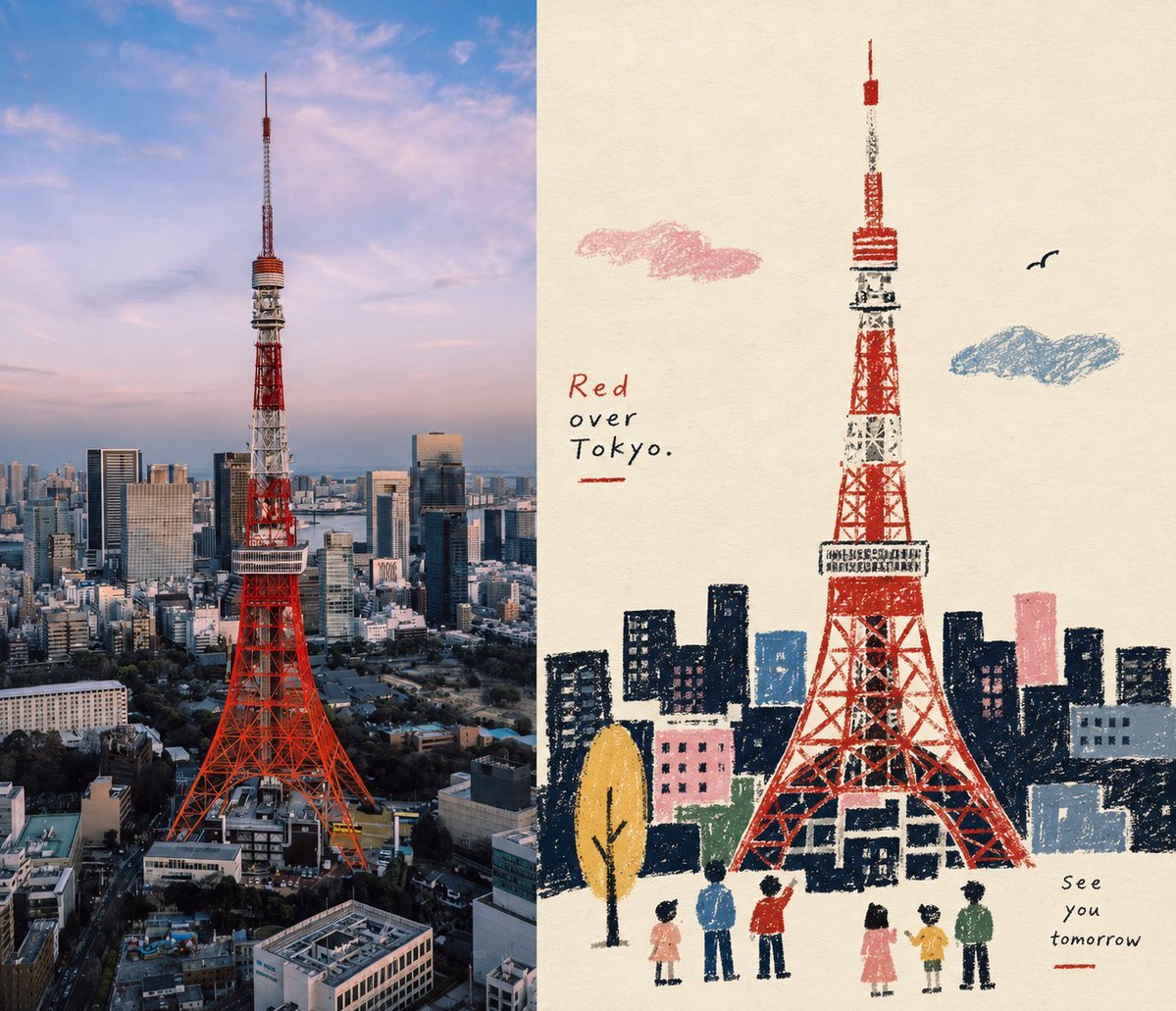
Naive Folk Art Poster Design

Quiet Minimalist Anime Style Guide

Real Illustration Split Portrait Transition
Quiet Minimalist Anime Style Guide

Watercolor Café Cheesecake Editorial Illustration
Real Illustration Split Portrait Transition

Bold Side Profile Superhero Poster

Hero Portrait Comic Multi-Panel Poster

Spider-Verse Painterly Portrait Poster

Captain Tsubasa Anime World Cup Poster

Anime Character Charm Analysis Sheet
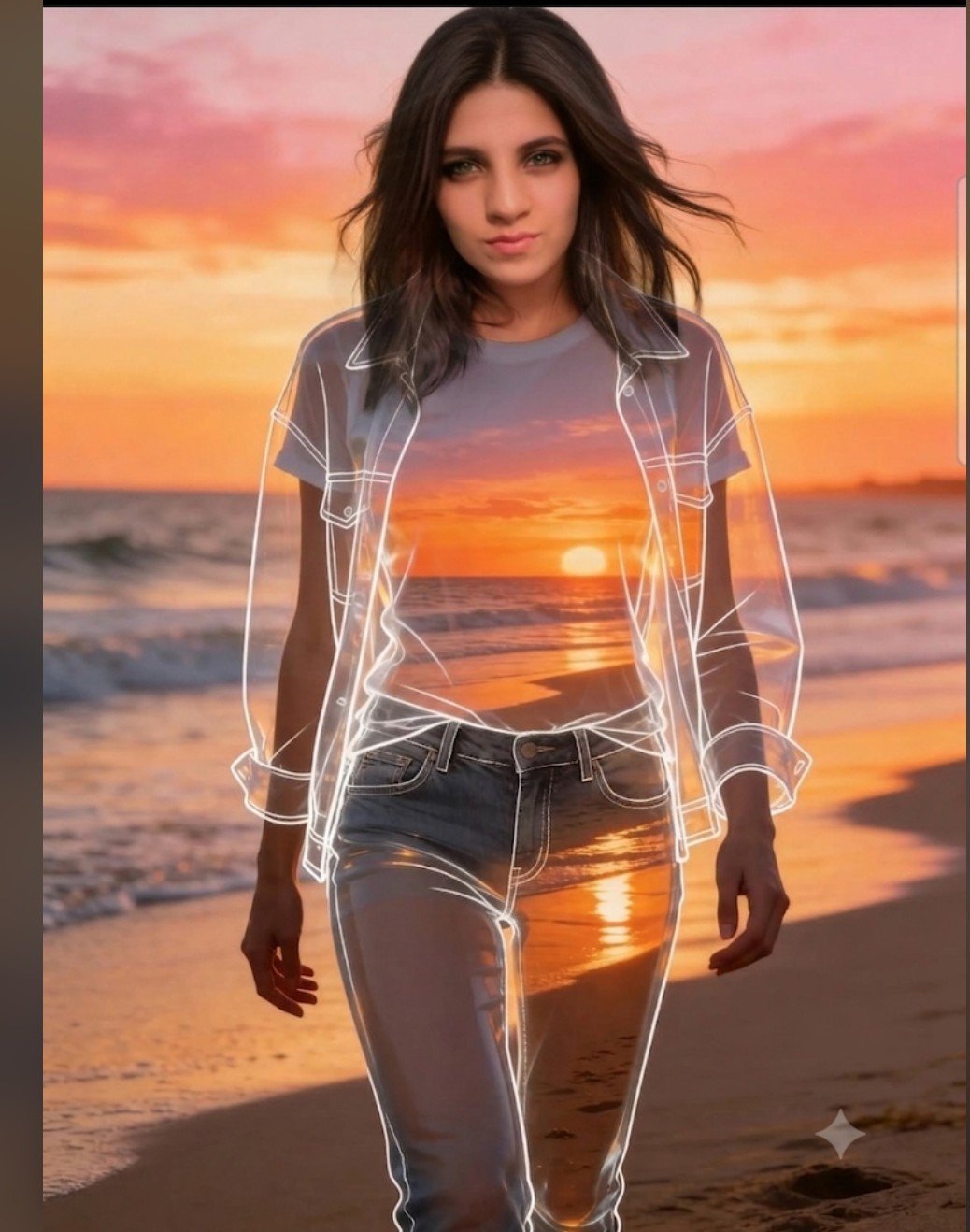
Beach Sunset Double Exposure Wireframe Portrait
Make it yours
Jeju Island Naive Folk-Art Illustration works as-is. These are the safest ways to change it without losing the look.
Change one field
Copy a single group, rewrite it, and generate again so you can see what that field is doing.
Keep the frame, change the subject
Hold the composition and light of Jeju Island Naive Folk-Art Illustration, then swap wardrobe, props or the person for a new take.
| If the result… | Why | Fix |
|---|---|---|
| The result drifts from the preview | Too many fields changed at once. | Reuse Jeju Island Naive Folk-Art Illustration as-is first, then change one group — subject, light, or setting. |
| The model over-stylizes the scene | The prose prompt leaves finish and camera underspecified. | Add one camera or lighting sentence and stay on GPT Image 2. |
More GPT Image 2 templates
Other prompts made for GPT Image 2.

Six VTuber Japanese Logo Sheet

Realistic Portrait of Woman and Deer

The Vista Modular Condo Poster

AI Model Routing Comparison Infographic

2.5D Anime Art Board

Isometric Productivity Desk Scene

New York Double Exposure Poster

Four-Panel AI Landscape Comparison

Japanese Tatami Lifestyle Magazine Cover

NESCAFÉ Coffee Map Poster
More image prompts
Fresh picks from across the catalog.
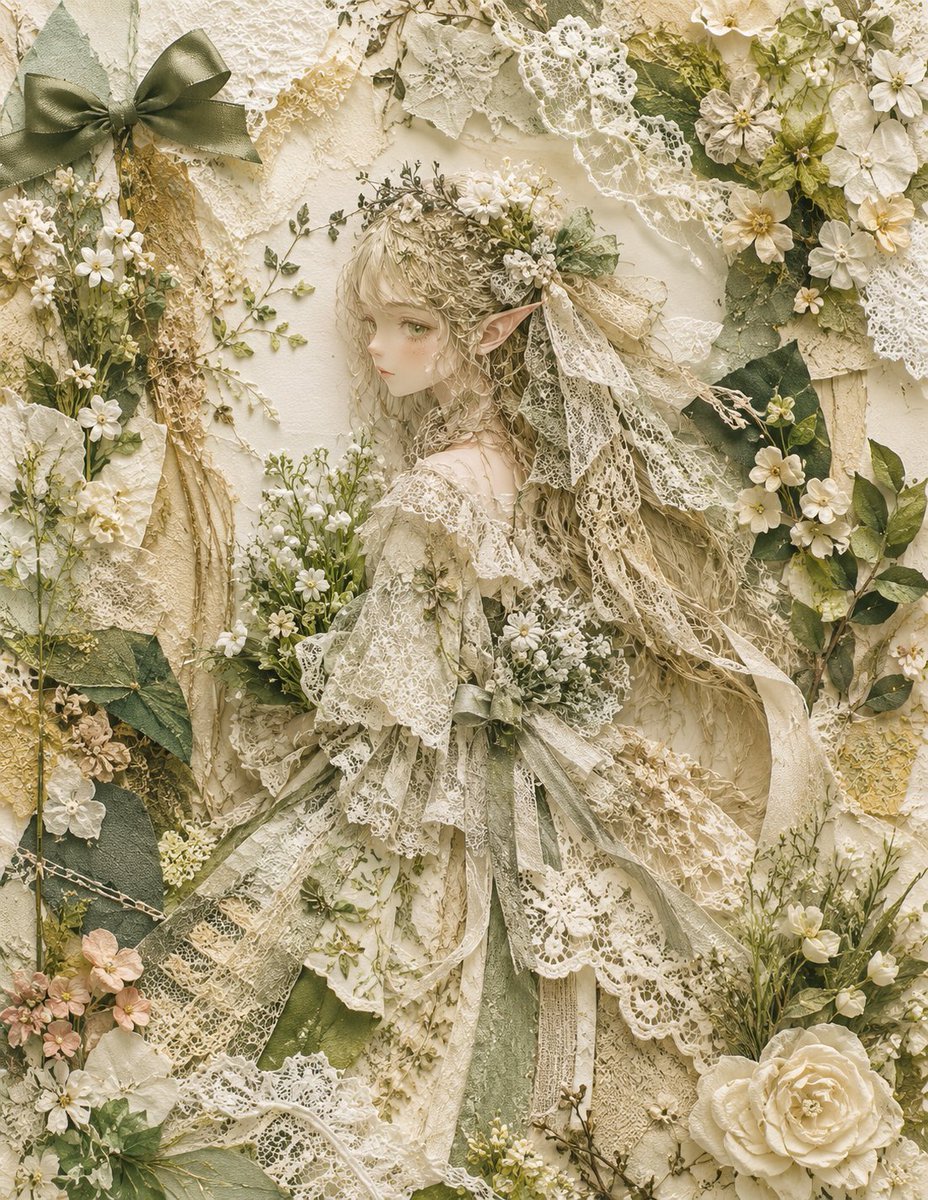
Textile Collage Elf Maiden
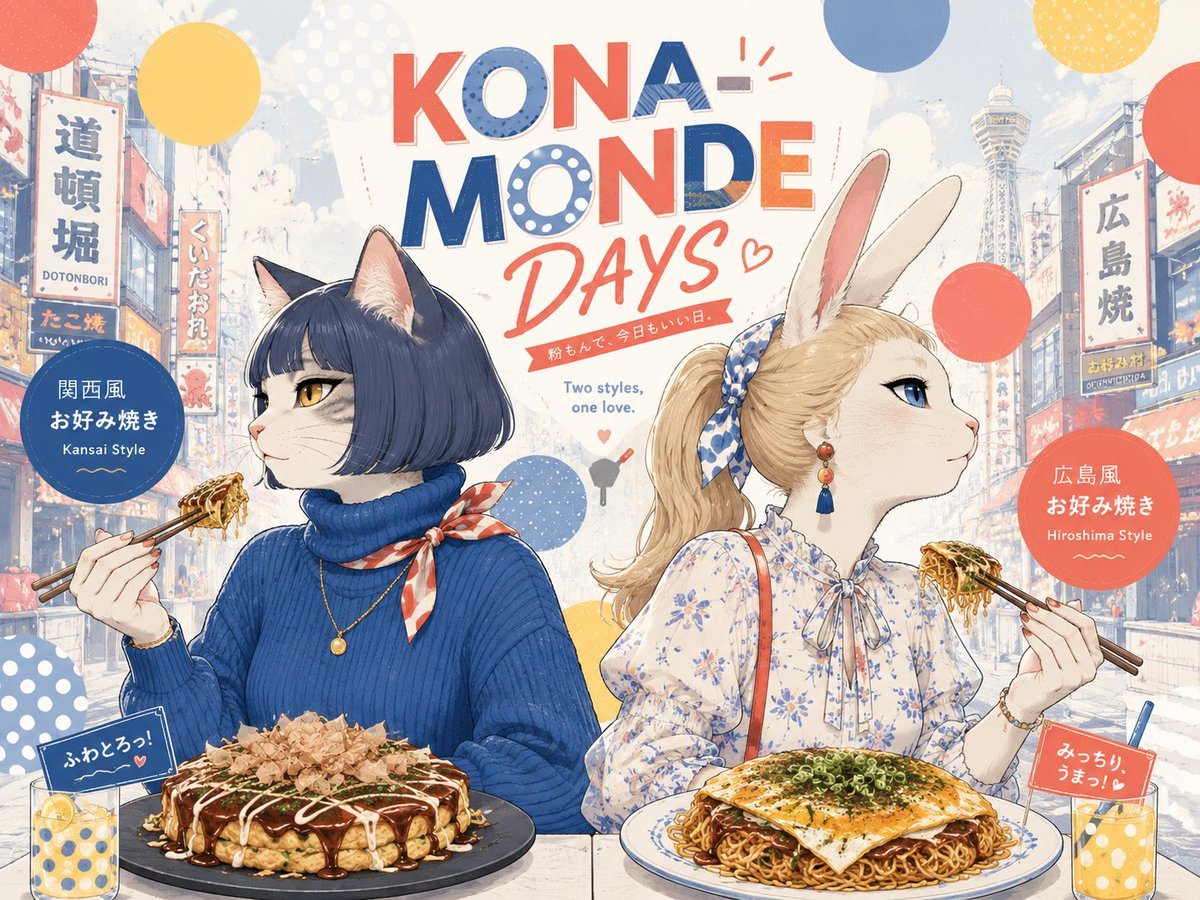
Kona-Monde Okonomiyaki Ladies Poster

Gpt2 Infographic Edu Visual Vintage Claude Shannon Infographic Poster
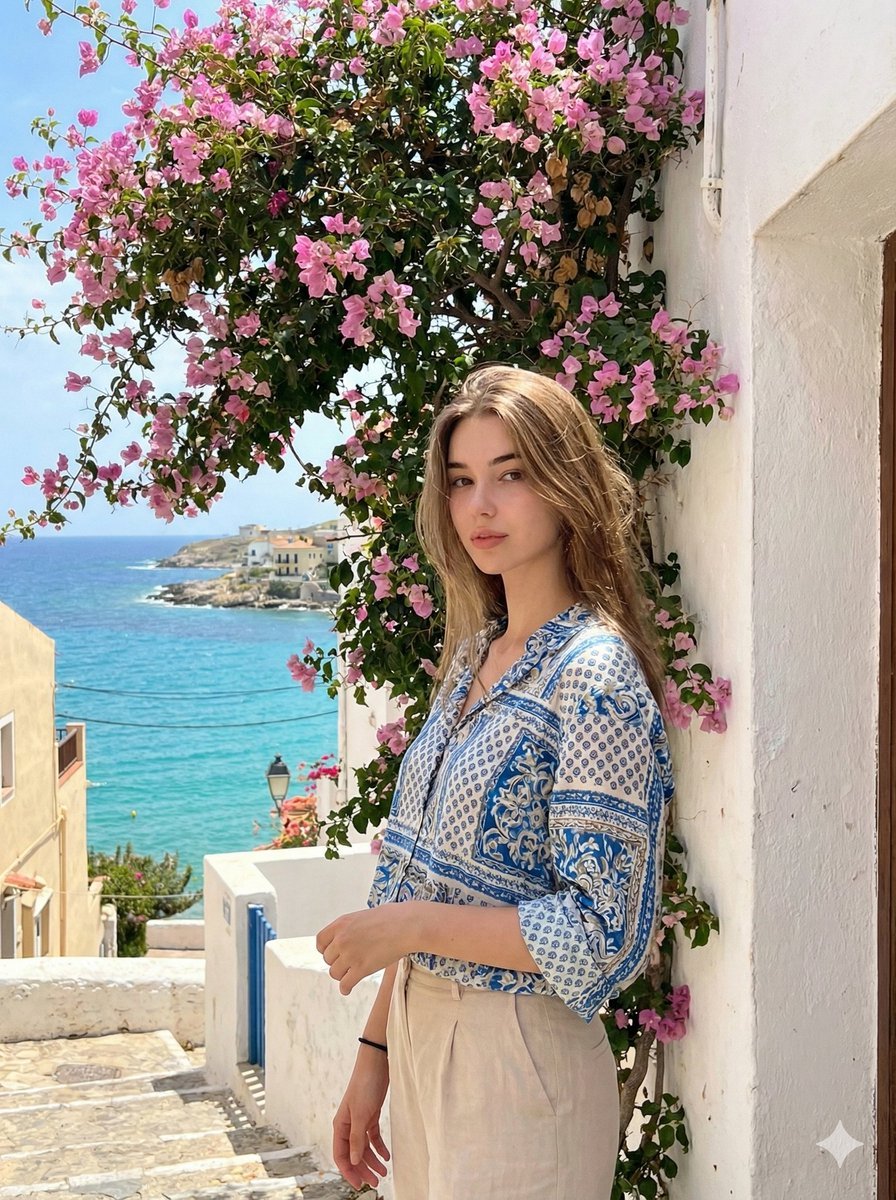
Mediterranean Identity Preservation Prompt
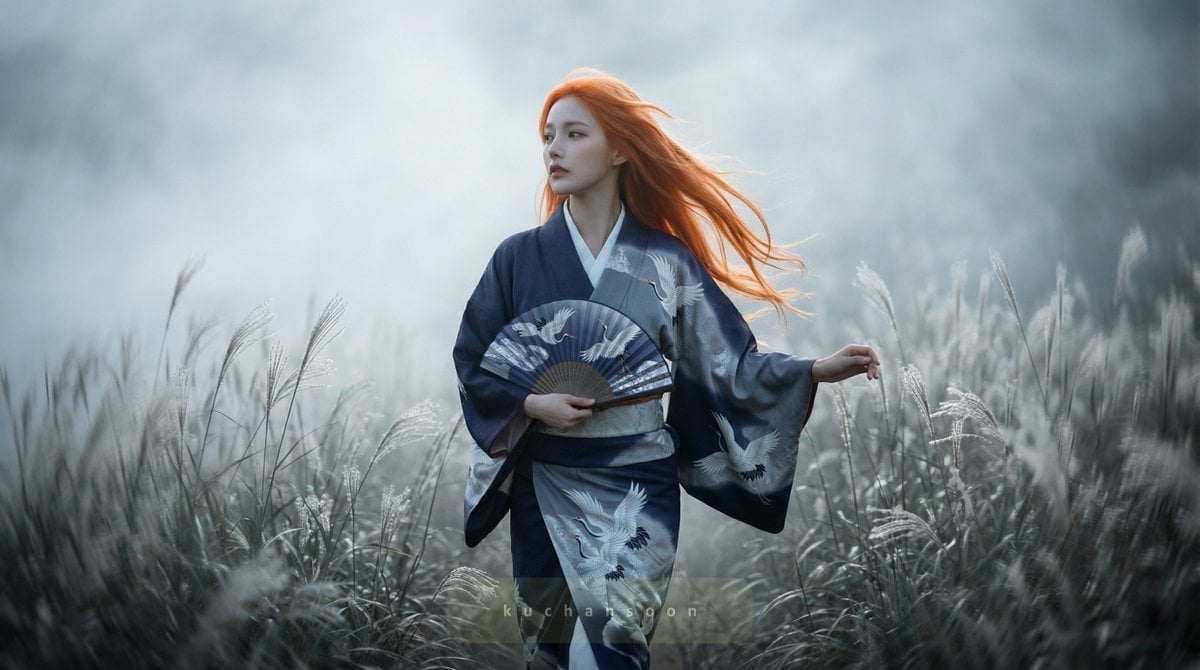
Cinematic frame of silver silence
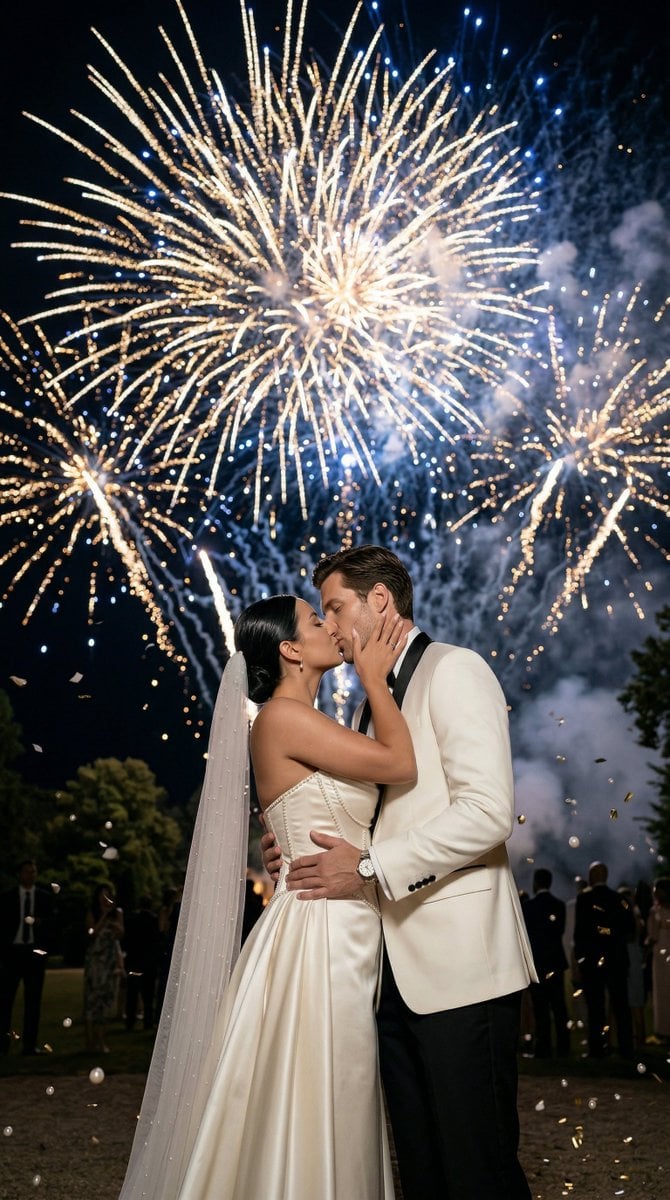
Epic Firework Wedding Kiss Image-to-Image Prompt for Nano Banana 2
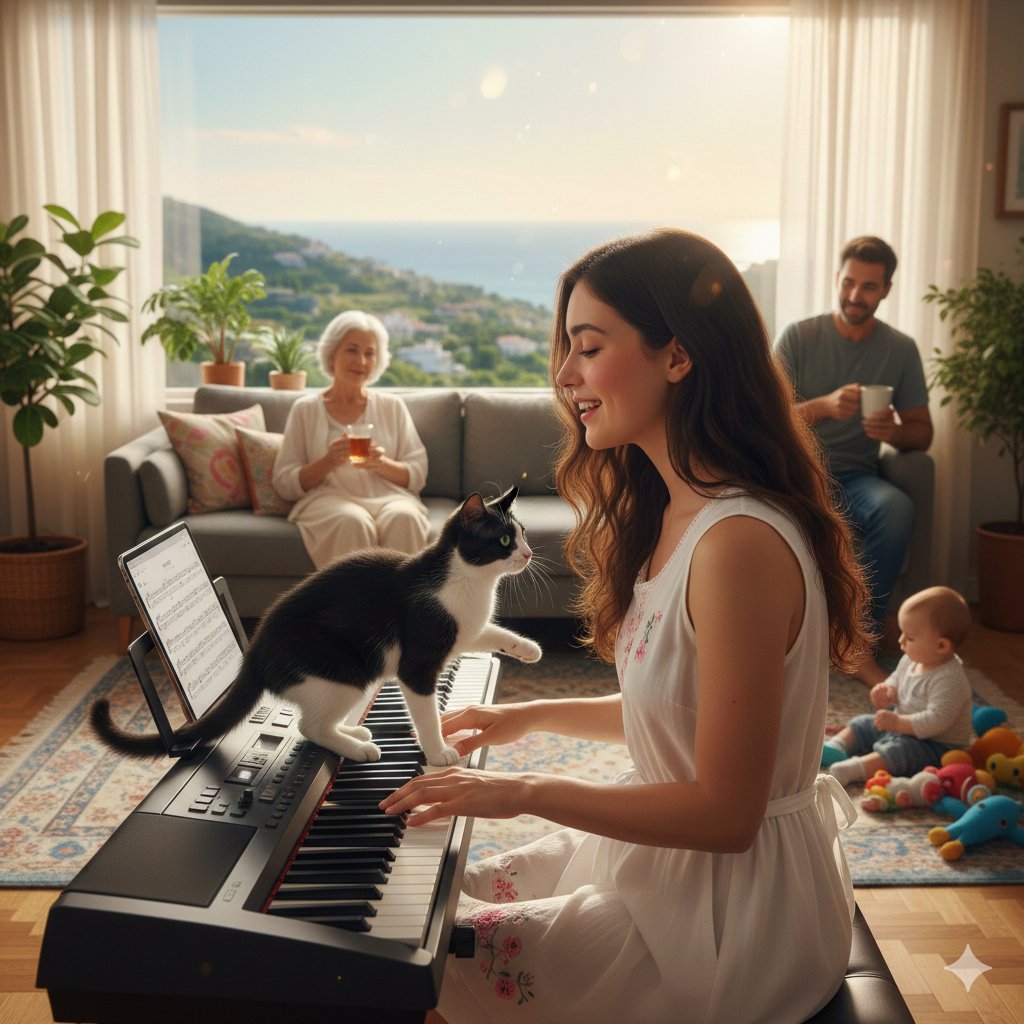
Cinematic Family Gathering Scene
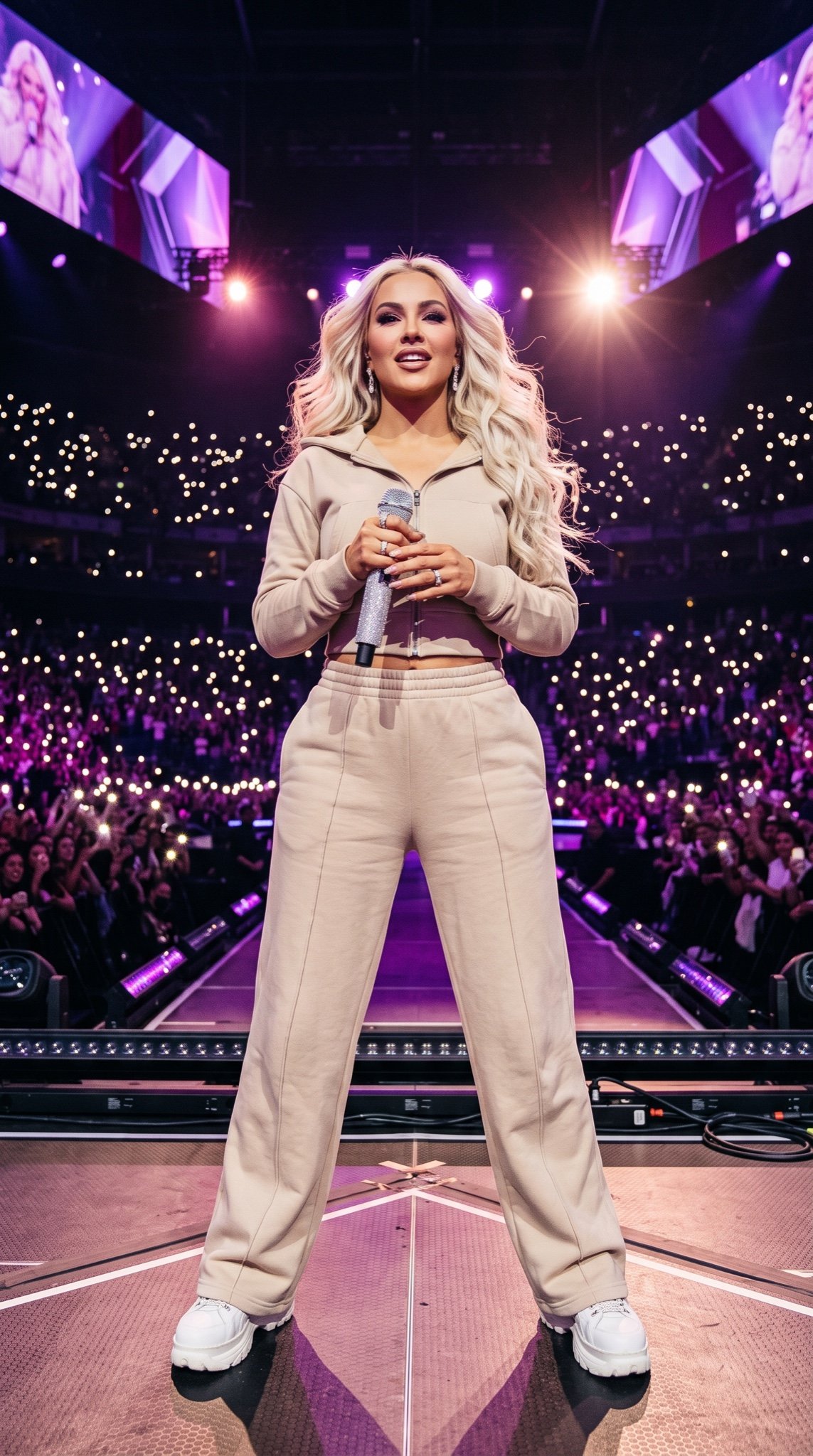
Pop Star Concert Photography
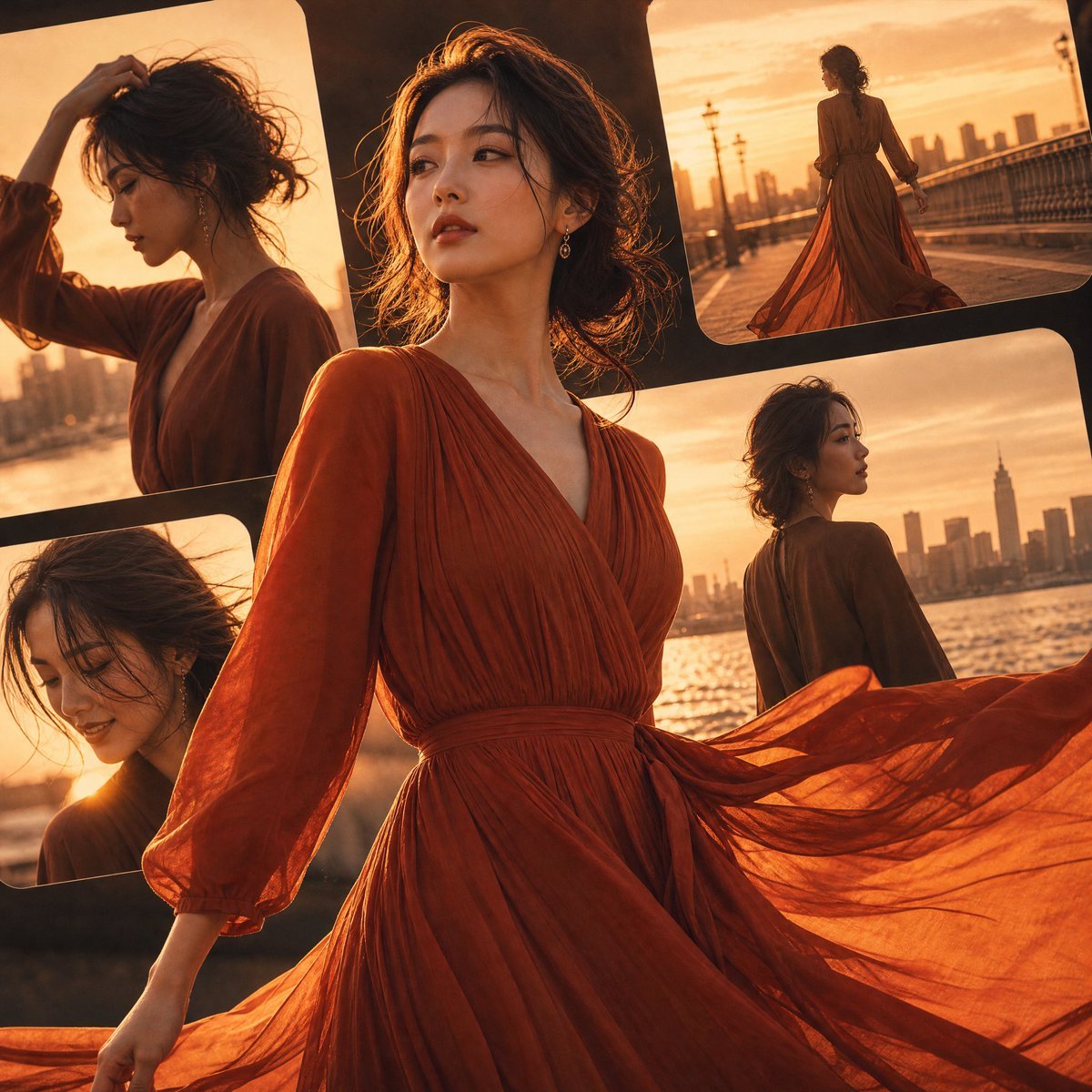
Japanese Fashion Golden Hour Collage
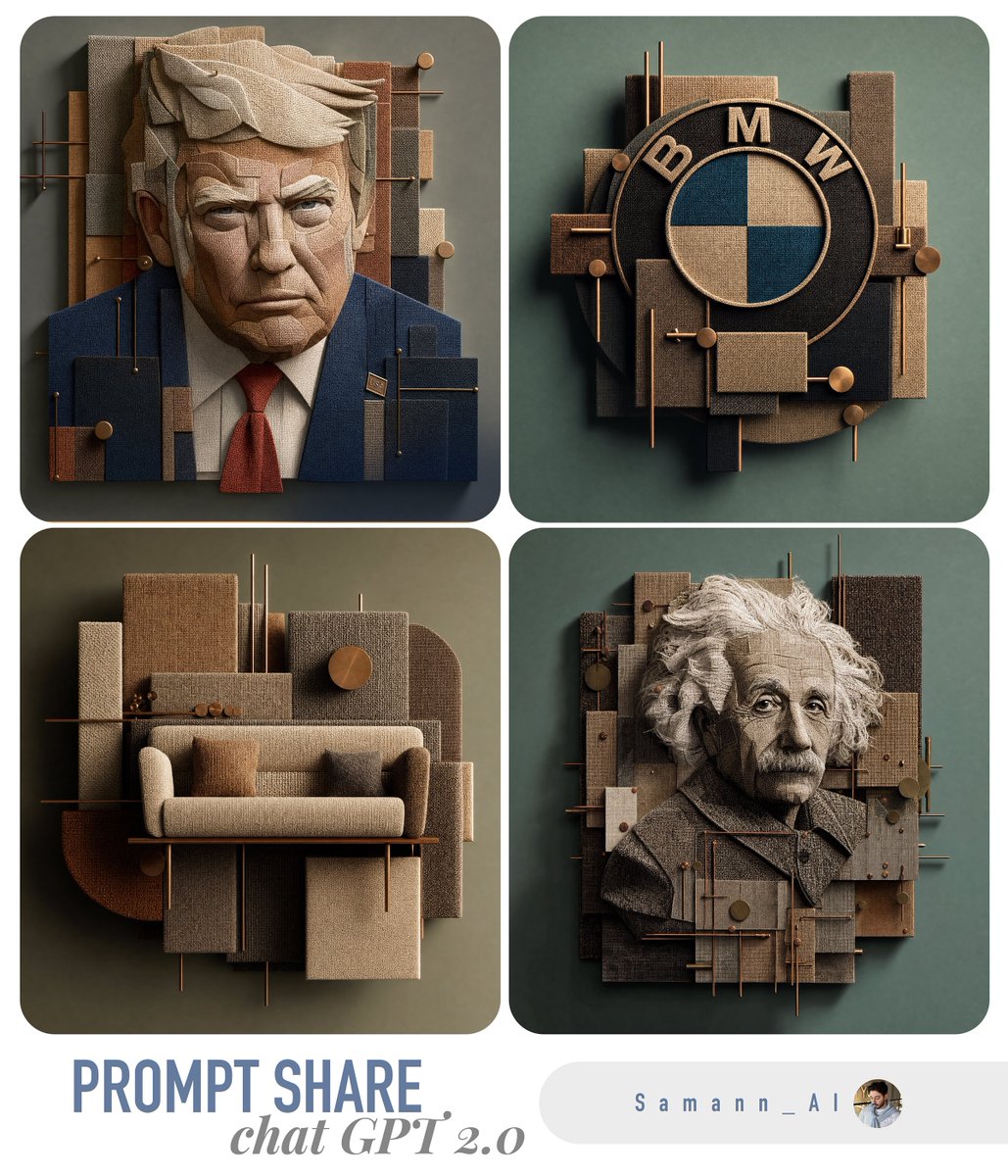
3D Fabric Art Prompt Share Collage
Browse template categories
Jeju Island Naive Folk-Art Illustration questions
How do I use the Jeju Island Naive Folk-Art Illustration template?
Add your photo if the template asks for one, edit the prompt if you like — the template's model and format are already selected — and press Generate. Your version opens in PicX Studio.
Can I customize the Jeju Island Naive Folk-Art Illustration template?
Yes. You can change the subject, setting, lighting, mood, format, and available model controls before creating your image.
Is the Jeju Island Naive Folk-Art Illustration template free?
Opening and editing this template is free. Generating uses credits, shown on the Generate button when you are signed in.
Which AI model should I use?
Start with GPT Image 2, which is the model associated with this template. You can compare another compatible model for a different finish.
Looking for something else? Browse all templates.

Your photo, any look
Thousands of ready templates for every top image and video model, from one credit balance.