
Gritty Bounty Hunter Turnaround
Creates a photorealistic four-view character turnaround sheet for a weathered cyberpunk-western bounty hunter with distressed clothing and realistic grime.
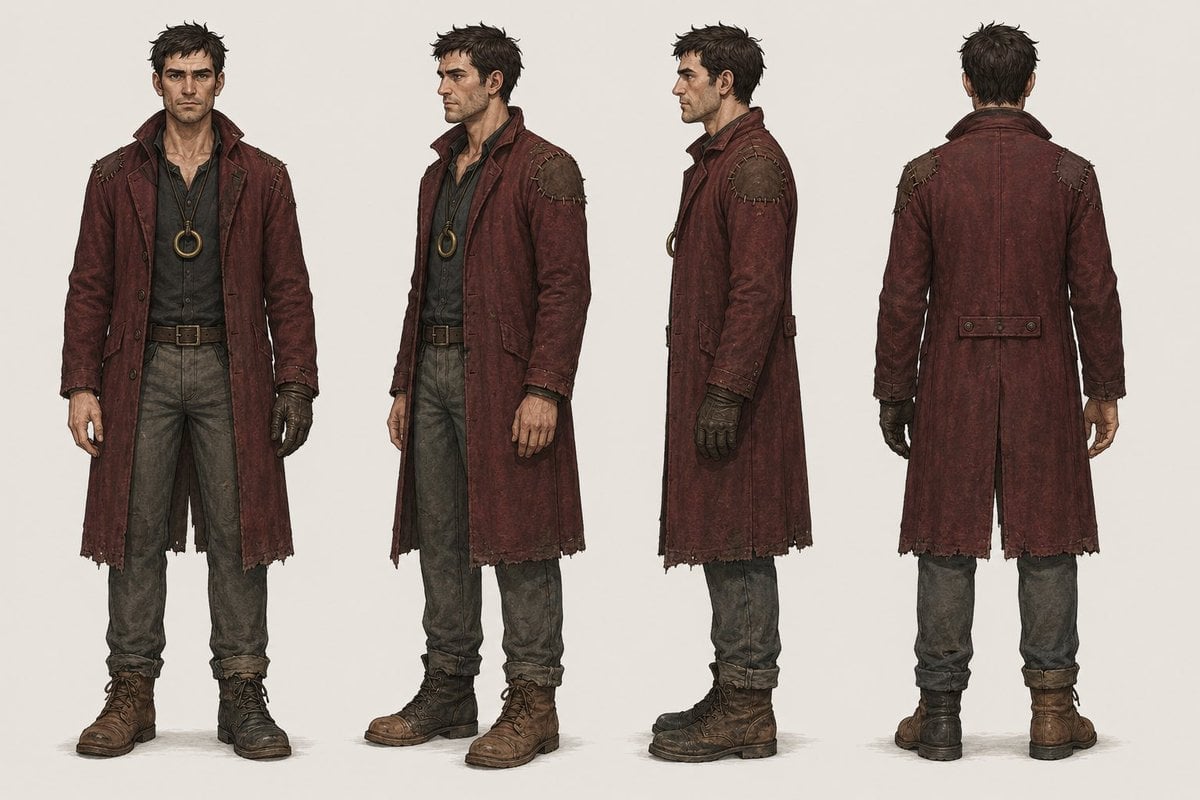
- Prompt included
- Model and format preset
- Premium template
The prompt behind this image
Copy the exact prompt behind Gritty Bounty Hunter Turnaround, or open it in the studio and make it yours.
Goal: Create a full-body character design turnaround sheet for a gritty cyberpunk-western bounty hunter named {argument name="character name" default="Vane"}, emphasizing realistic worn materials, dust, grime, and lived-in clothing. Canvas: Wide horizontal concept-art sheet on a plain warm off-white studio background, no scenery, no props except worn clothing and accessories. Use soft neutral lighting and subtle contact shadows under the boots. Layout: Show exactly 4 full-body standing views of the same male character, evenly spaced left to right: 1) front view facing camera, 2) three-quarter front view turned slightly to the viewer’s right, 3) strict side profile facing right, 4) back view. Keep proportions consistent across all four views and align the feet on the same ground line. Subject details: Adult rugged male bounty hunter with messy short dark hair, lean build, weathered posture, and a realistic human body. The face should be deliberately obscured by a soft rectangular blur/censor block in the first three visible-face views, while the back view shows only the back of the head. Outfit includes exactly 7 main visible clothing/accessory elements: 1) long distressed oxblood-red duster coat with high collar, frayed hem, patched shoulders, seams, worn cuffs, and dirty leather texture; 2) dark charcoal button-up shirt beneath the coat; 3) circular brass pendant or ring amulet hanging at the chest; 4) brown leather belt with square metal buckle; 5) faded gray-green work trousers, dusty and creased; 6) rugged brown lace-up boots, scuffed and muddy; 7) one dark fingerless glove on the character’s right hand, visibly worn and dirty. Visual style: Photorealistic character concept art with high material realism, detailed leather grain, fabric fraying, stitching, dirt, scratches, sweat-darkened cloth, grime in seams, and believable wear. The coat color should be {argument name="coat color" default="weathered oxblood red"}; the setting should feel like a {argument name="genre mood" default="cyberpunk western"} world without adding futuristic gadgets. Use muted earthy colors and a grounded, practical costume-design presentation. Constraints: No text labels, no weapons, no hats, no extra characters, no dramatic background, no cinematic action pose. Keep the design clean, centered, and readable as a professional turnaround reference sheet.
How to use Gritty Bounty Hunter Turnaround in 3 steps
- 1Upload ImagePNG, JPG or paste
Add your photo
Upload the photo the template builds on. The prompt, model and format are already set.
- 2…a portrait of your subject in softgolden-hour light, 85mm…
Personalize
Edit the subject and creative details for your destination.
- 3Generate
Generate
Press Generate — your image is created in PicX Studio, so you can compare it with the original and refine one variable at a time.
More like this
Templates with the same subject, style or setup. Open one to see its prompt.
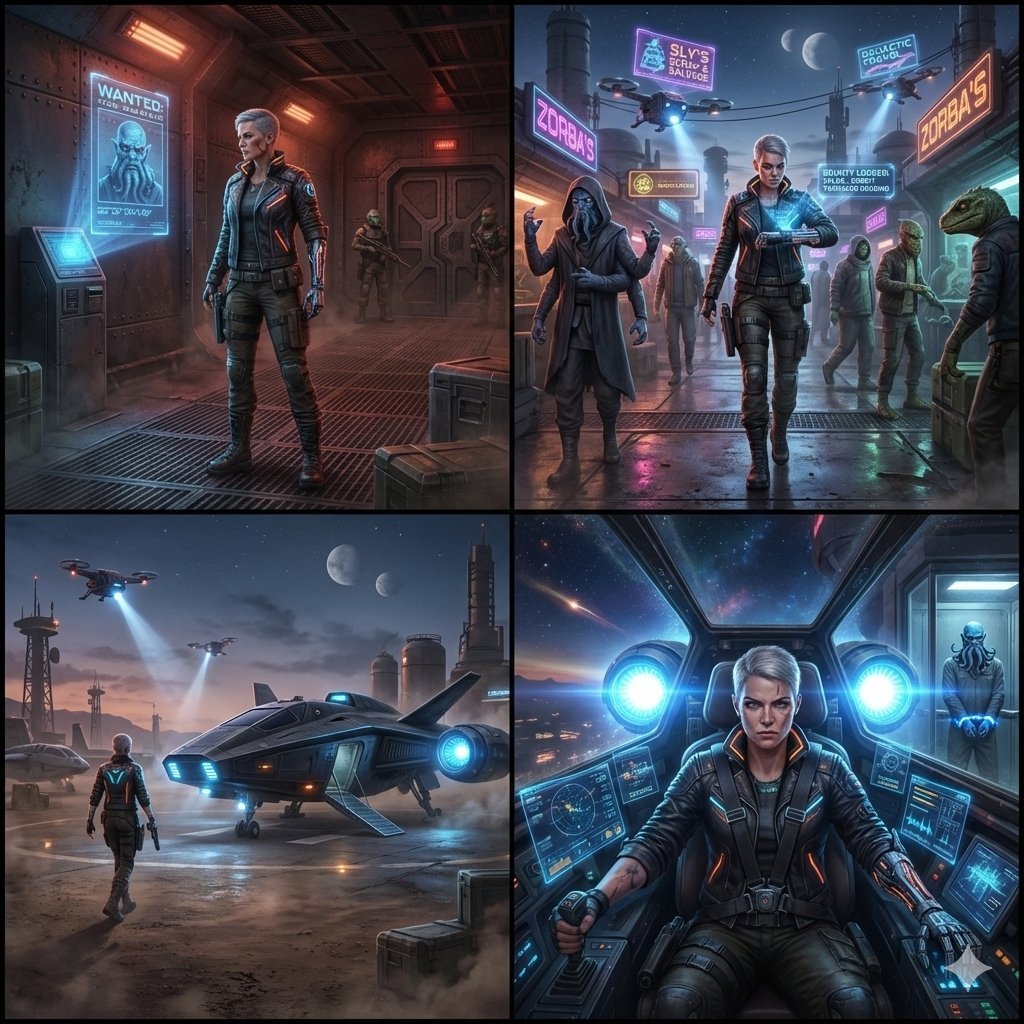
Sequential Sci-Fi Bounty Hunter Story Grid
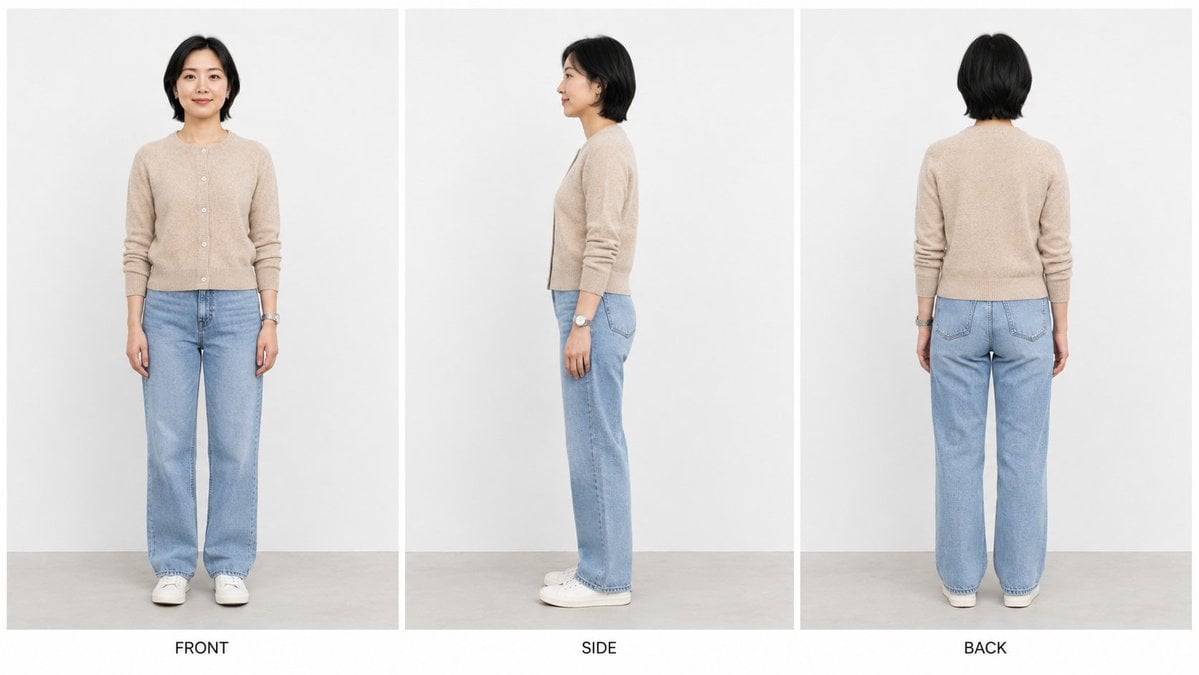
Three-View Character Turnaround
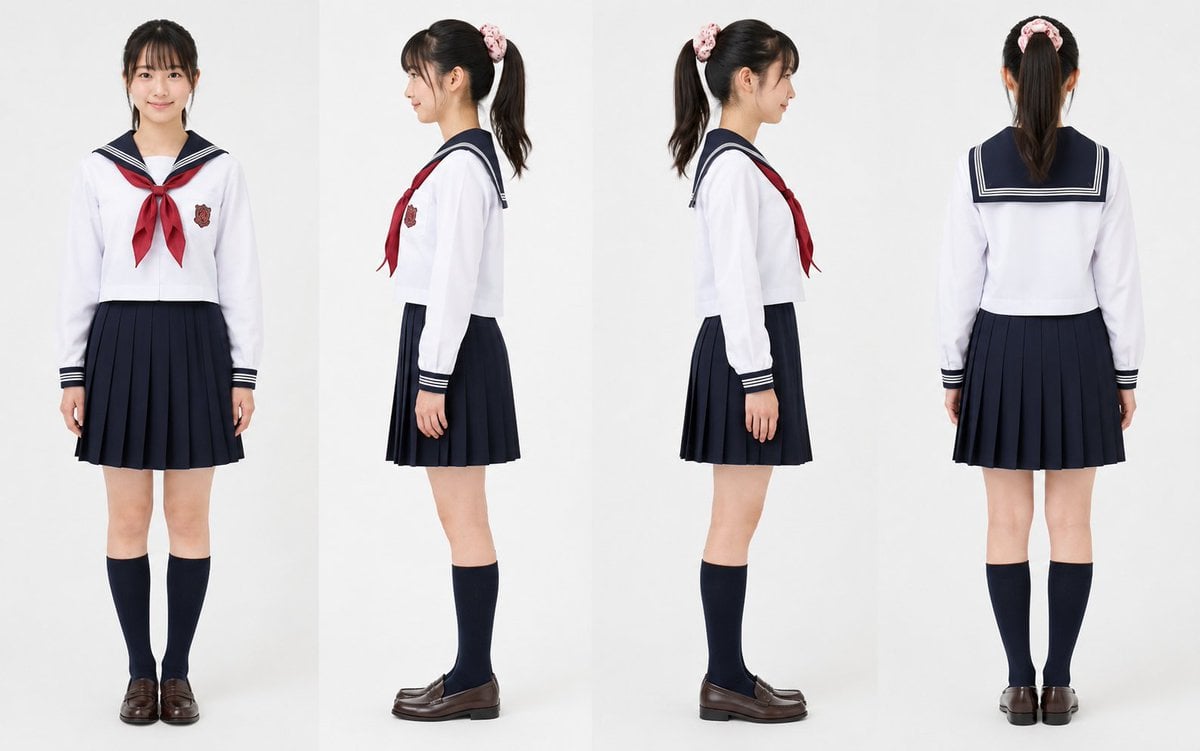
Realistic Schoolgirl Turnaround Sheet
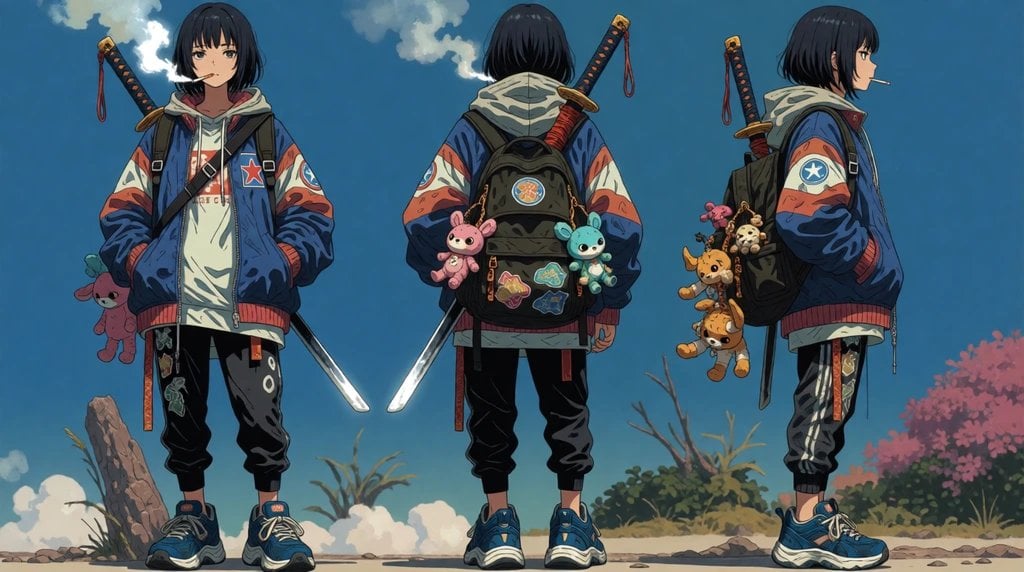
Urban Samurai Girl Turnaround Sheet

Anime Elf Maid Turnaround Sheet
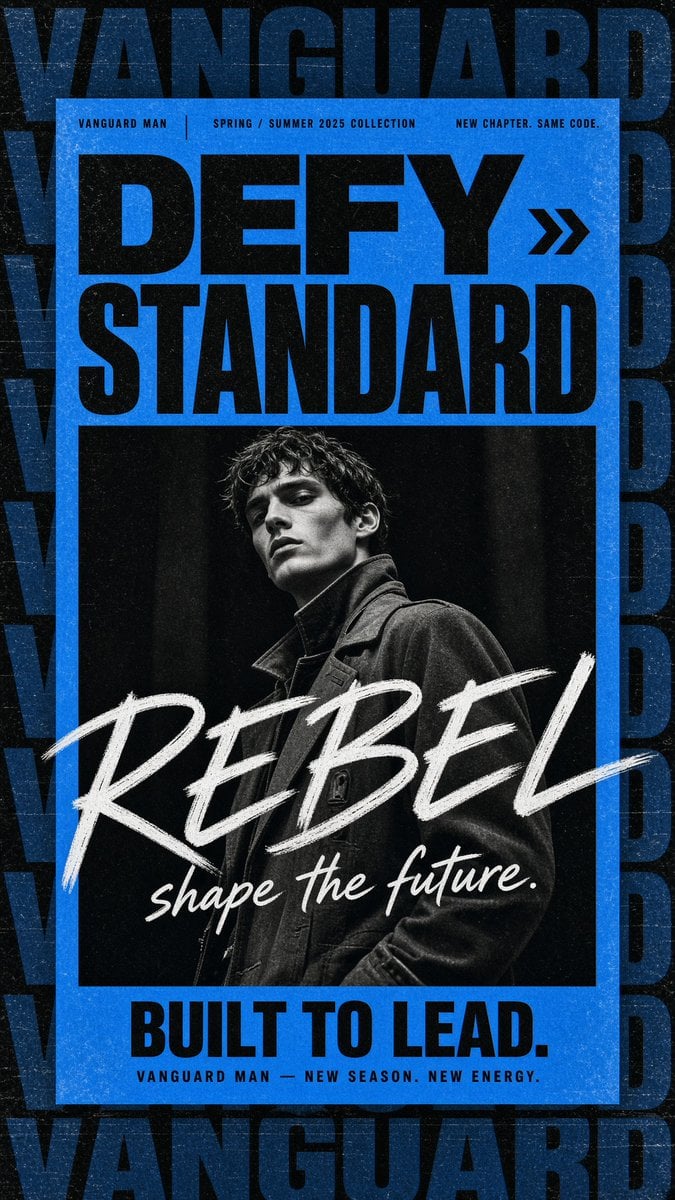
Gritty Vanguard Menswear Poster
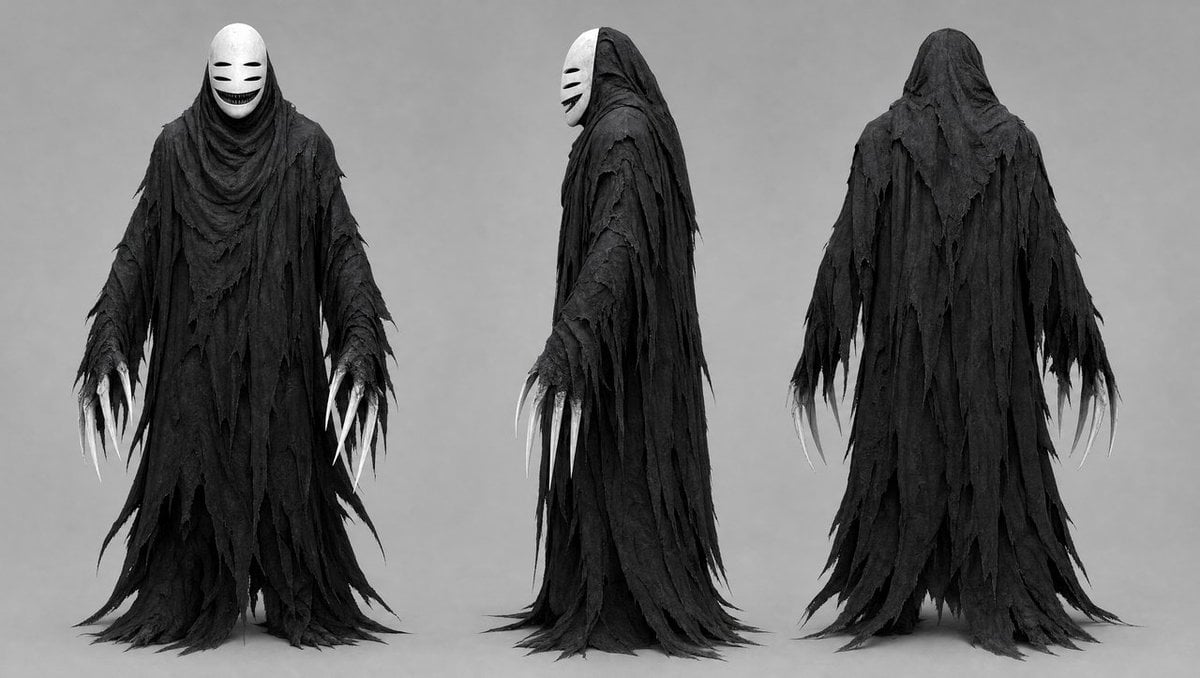
Dark Ghost Spirit Turnaround
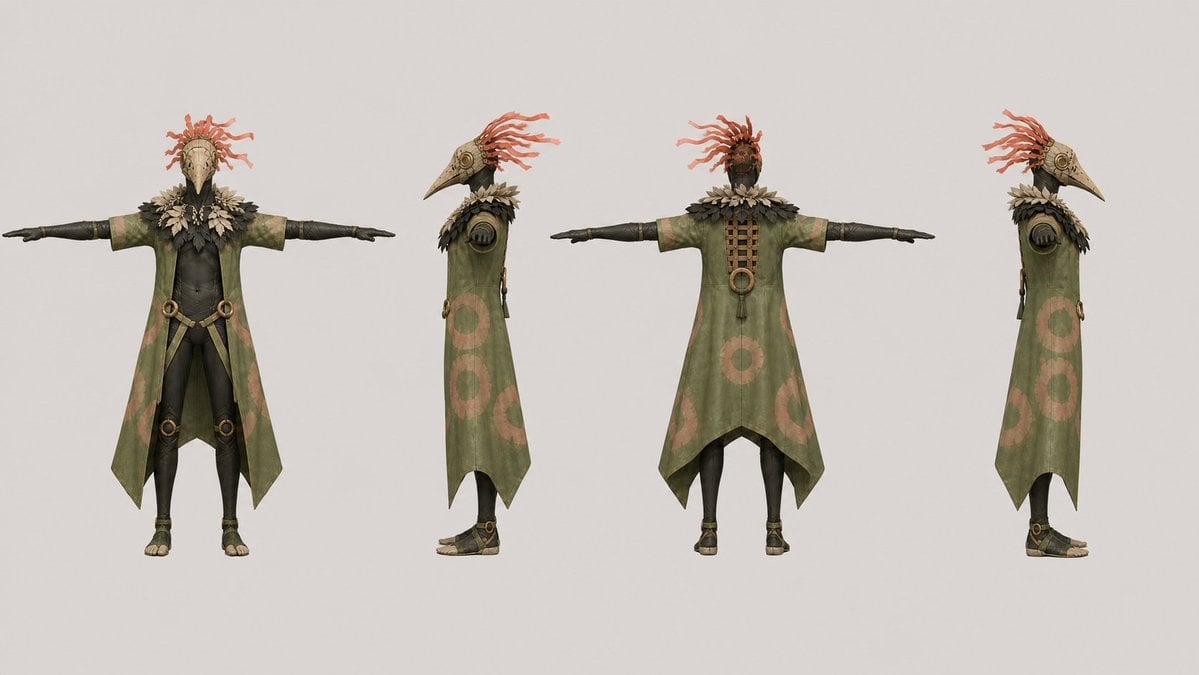
Bird Shaman Character Turnaround
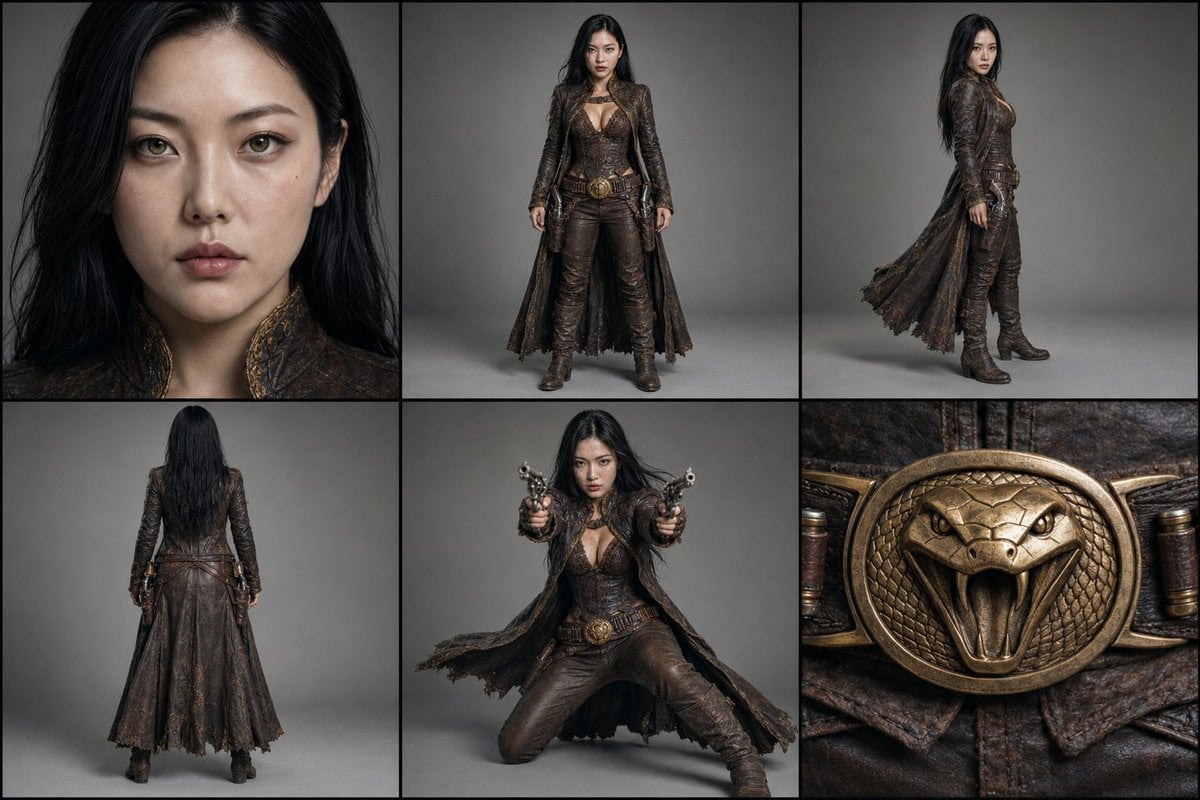
Character Reference Turnaround Sheet
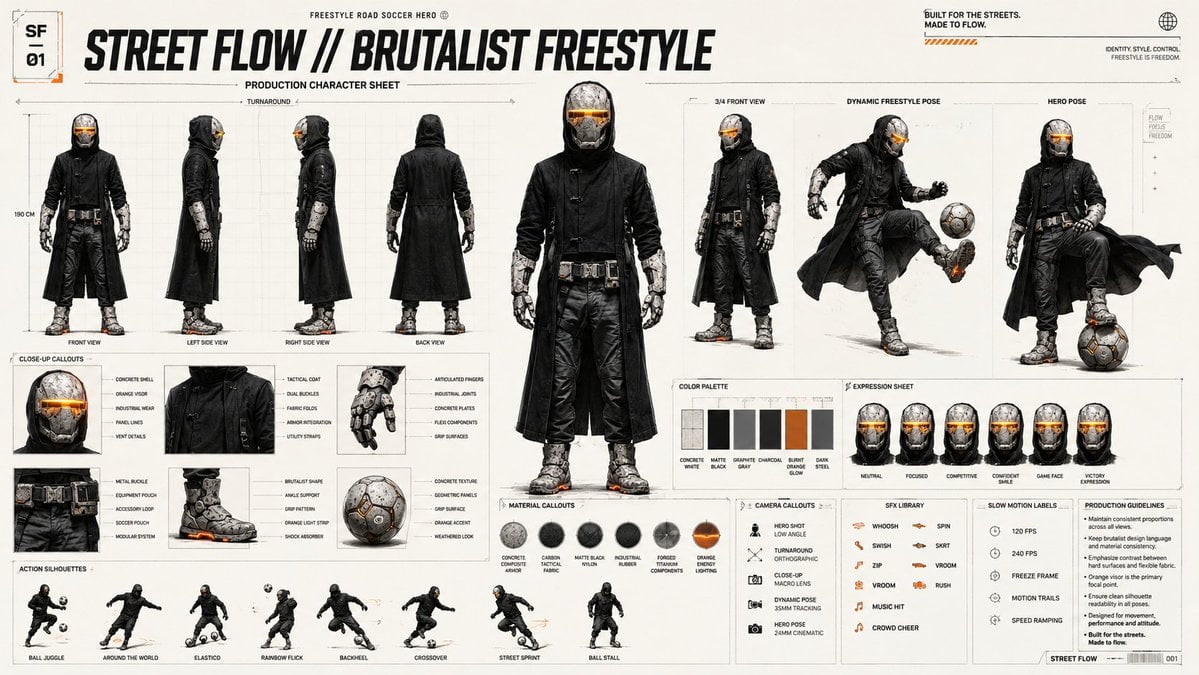
Futuristic Scout Turnaround Sheet
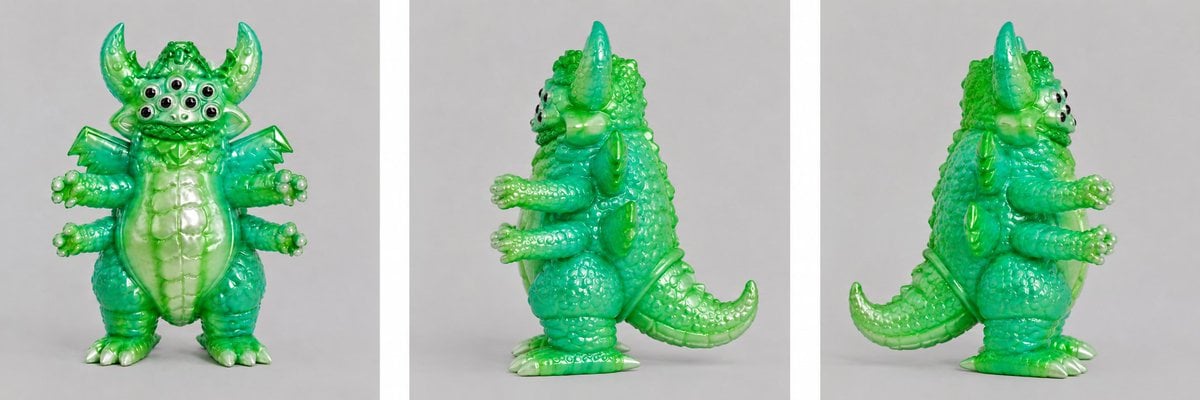
Green Vinyl Monster Turnaround
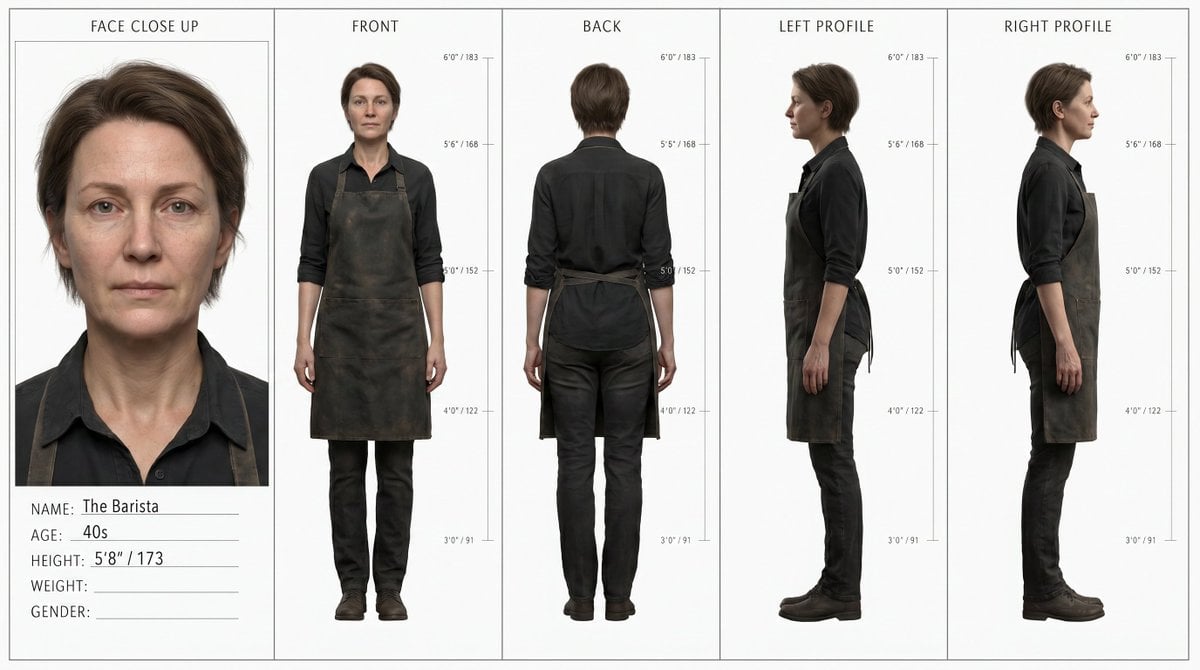
Barista Character Turnaround Reference
Make it yours
Gritty Bounty Hunter Turnaround works as-is. These are the safest ways to change it without losing the look.
Change one field
Copy a single group, rewrite it, and generate again so you can see what that field is doing.
Keep the frame, change the subject
Hold the composition and light of Gritty Bounty Hunter Turnaround, then swap wardrobe, props or the person for a new take.
| If the result… | Why | Fix |
|---|---|---|
| The result drifts from the preview | Too many fields changed at once. | Reuse Gritty Bounty Hunter Turnaround as-is first, then change one group — subject, light, or setting. |
| The model over-stylizes the scene | The prose prompt leaves finish and camera underspecified. | Add one camera or lighting sentence and stay on GPT Image 2. |
More GPT Image 2 templates
Other prompts made for GPT Image 2.

Six VTuber Japanese Logo Sheet

Realistic Portrait of Woman and Deer

The Vista Modular Condo Poster

AI Model Routing Comparison Infographic

2.5D Anime Art Board

Isometric Productivity Desk Scene

New York Double Exposure Poster

Four-Panel AI Landscape Comparison

Japanese Tatami Lifestyle Magazine Cover

NESCAFÉ Coffee Map Poster
More image prompts
Fresh picks from across the catalog.
Regal Morning Portrait in a European Villa Prompt
Ultra-Cinematic Beverage Advertising Shot
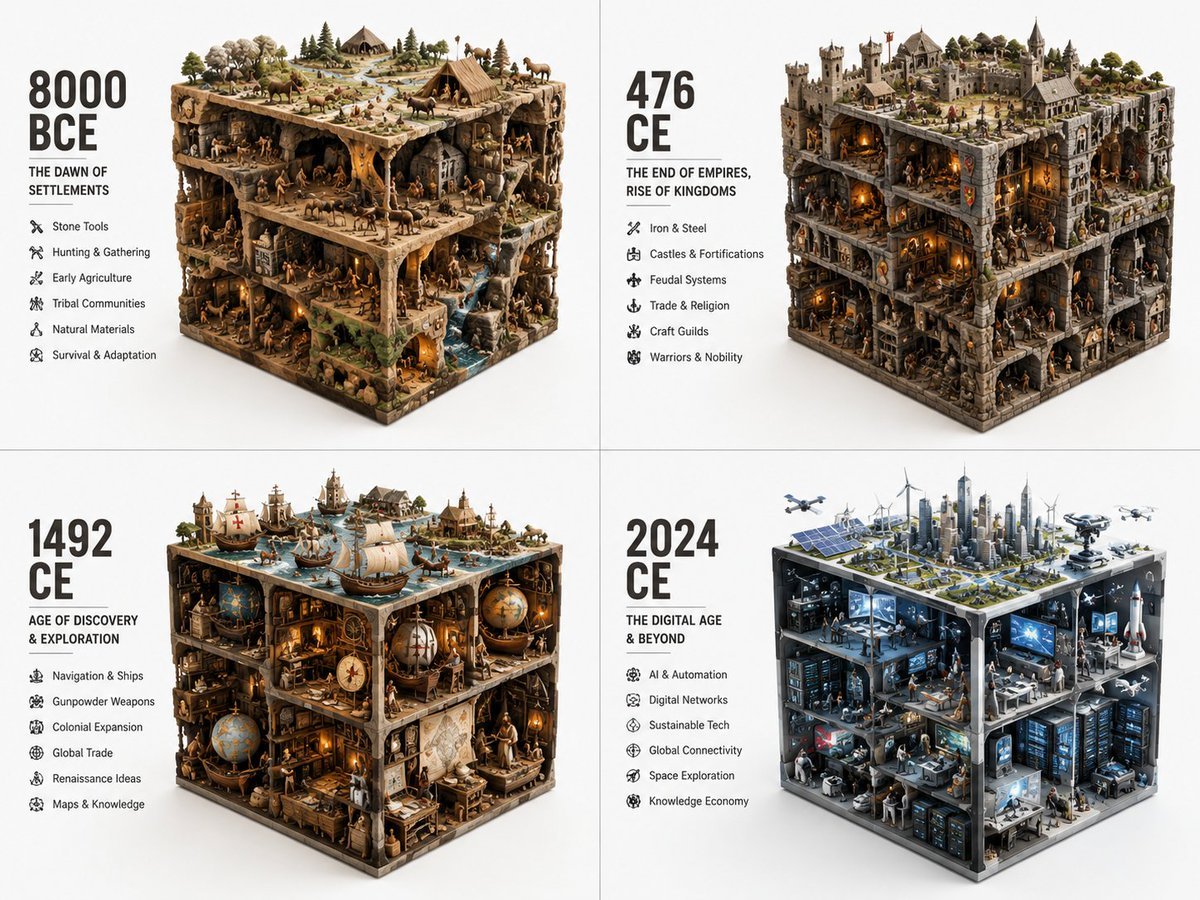
Historical Era Visualization Cube
Rosé (BLACKPINK) at Sunset Beach
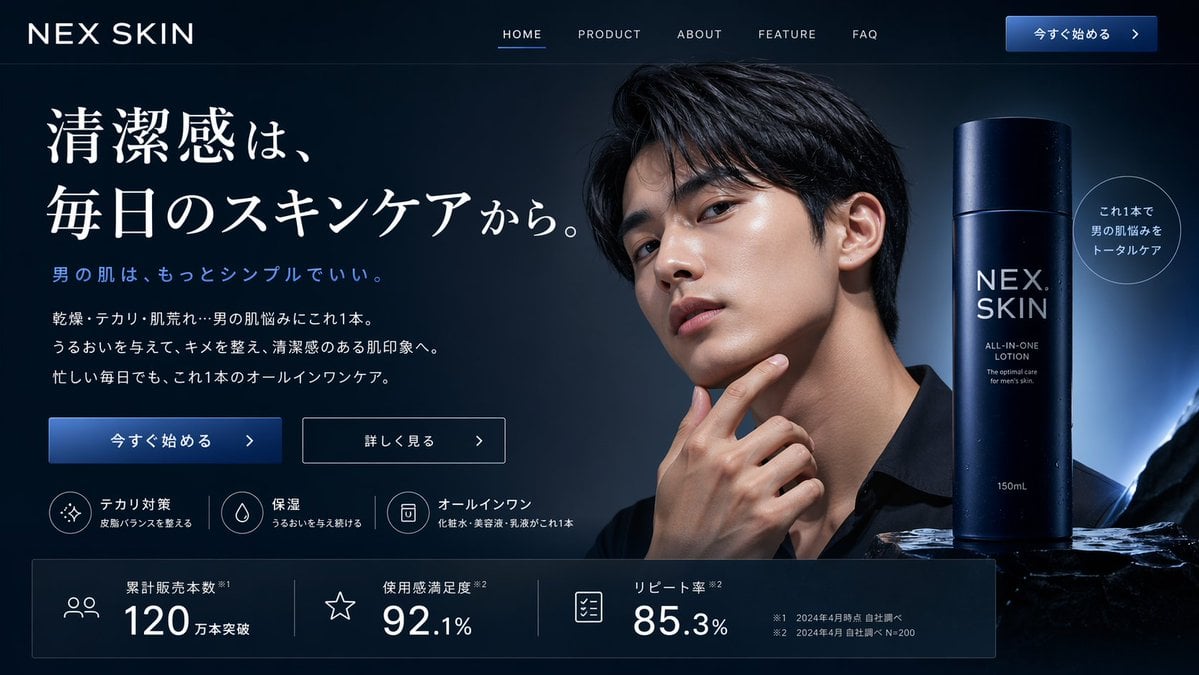
Men's Skincare Website Landing Page Mockup
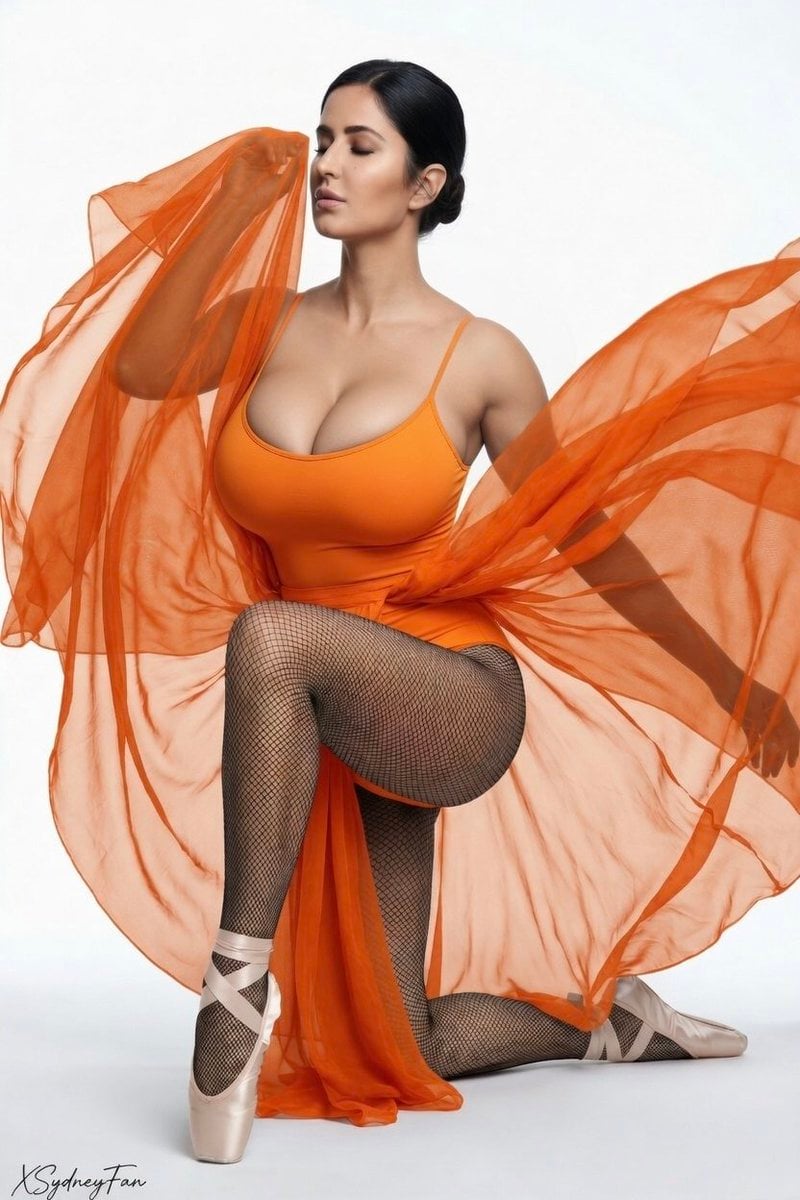
Editorial Fashion Ballerina
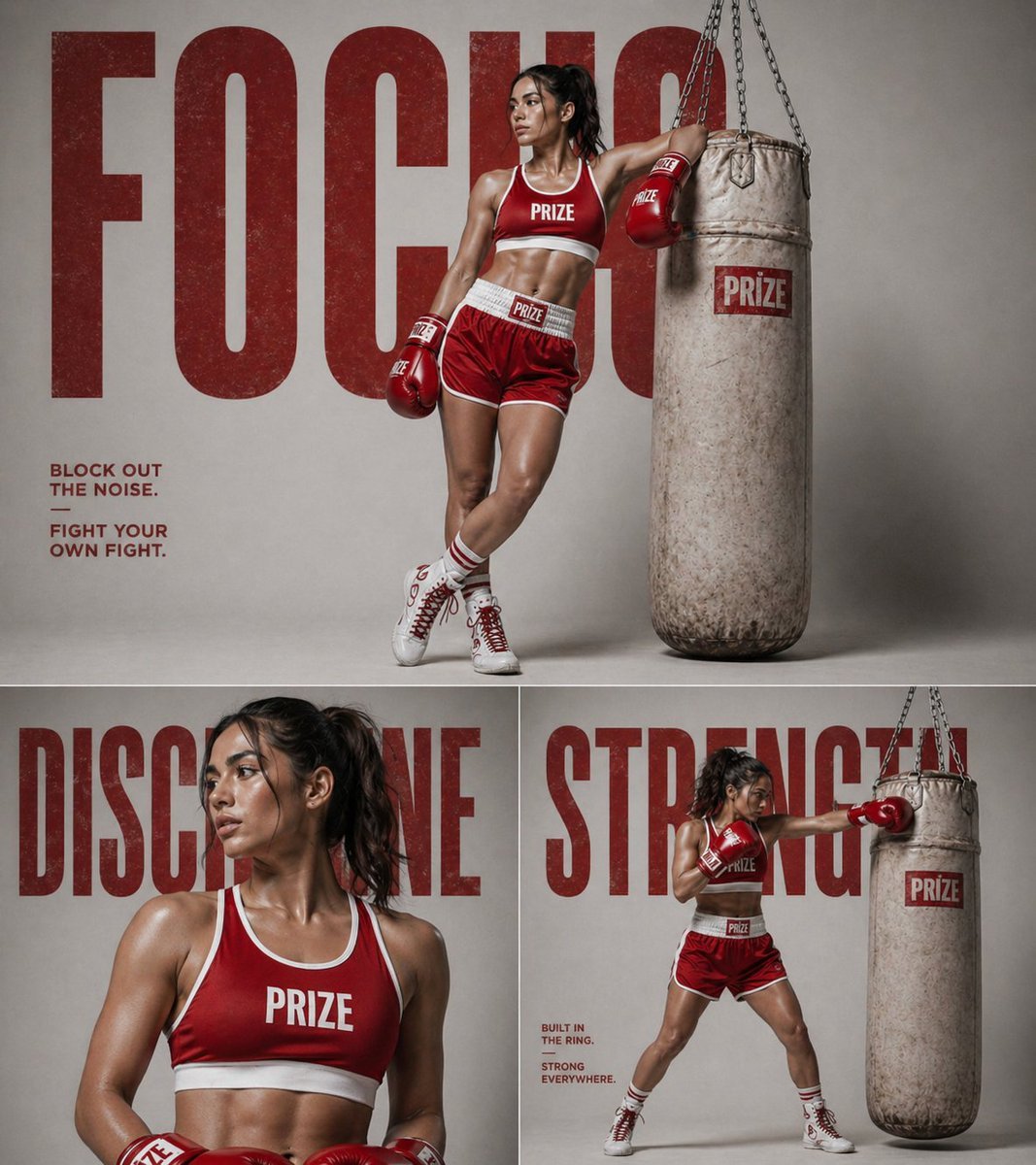
panel fitness boxing poster prompt
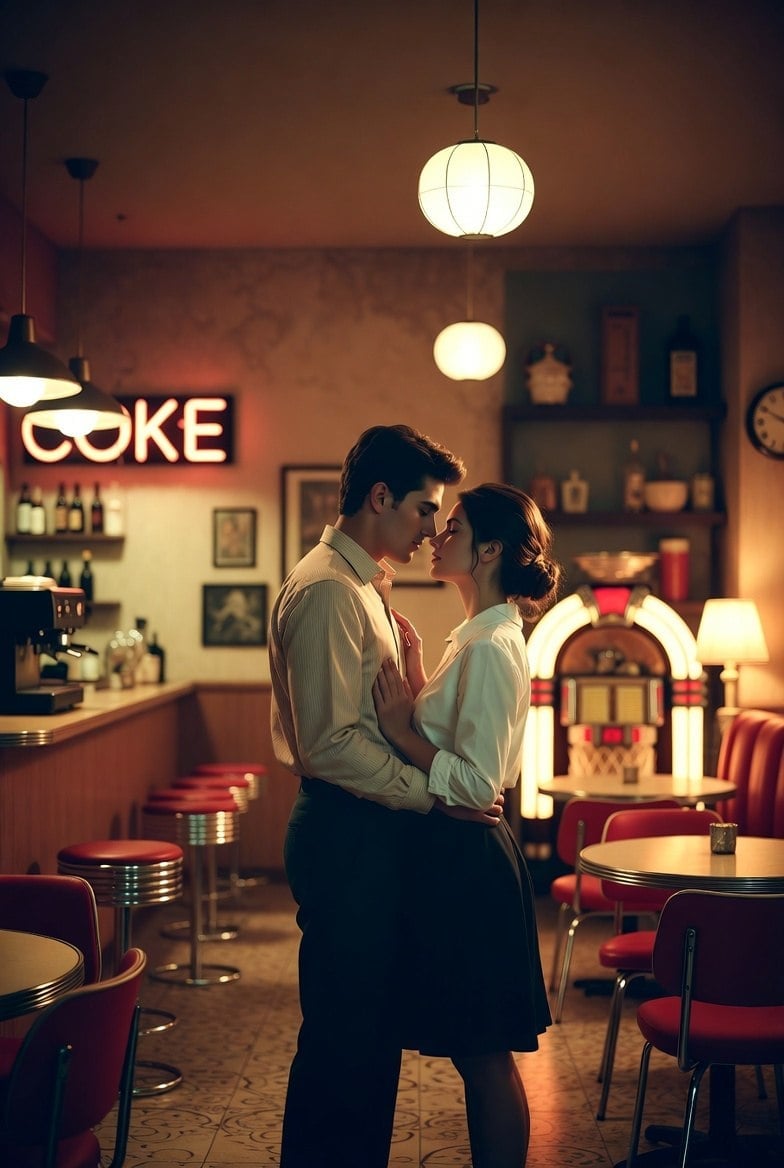
Romantic 1950s Diner Scene
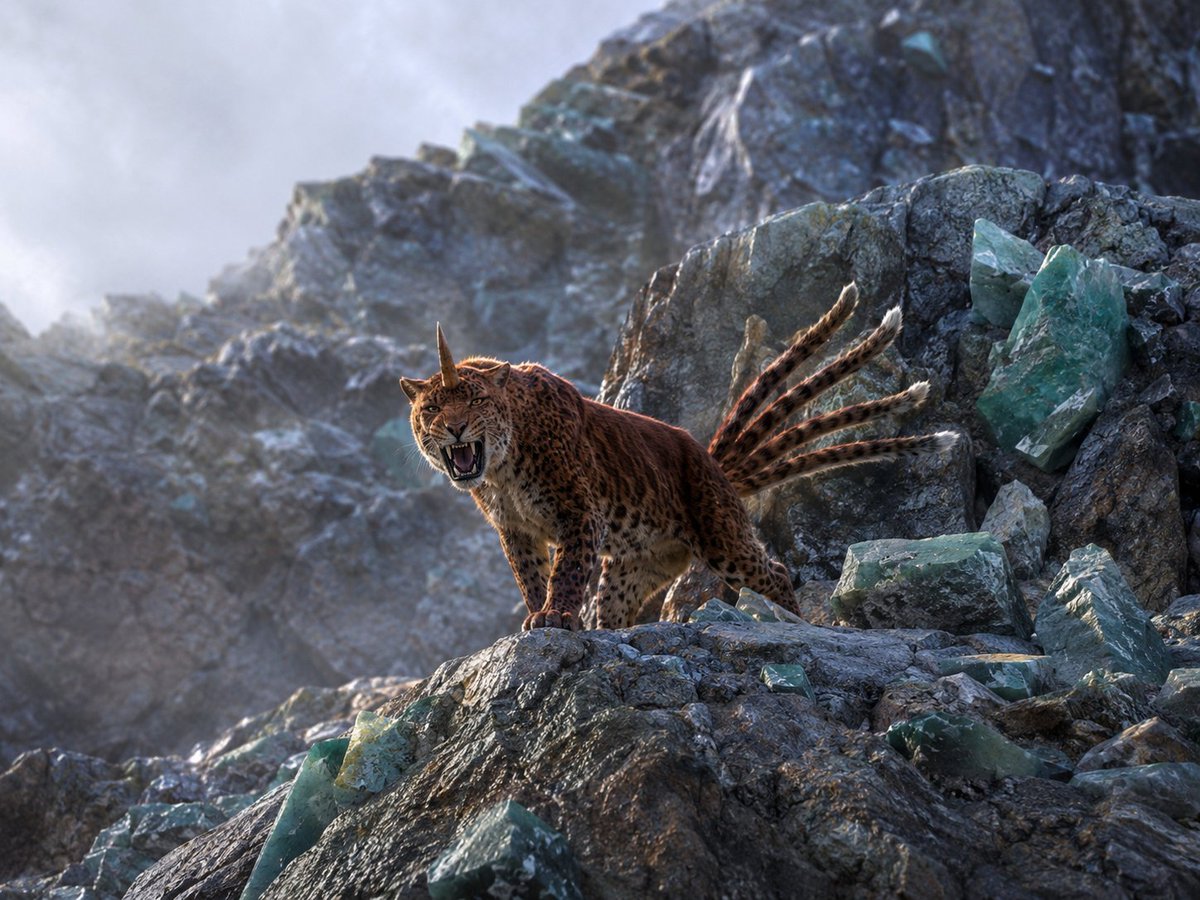
Horned Seven-Tailed Mountain Beast
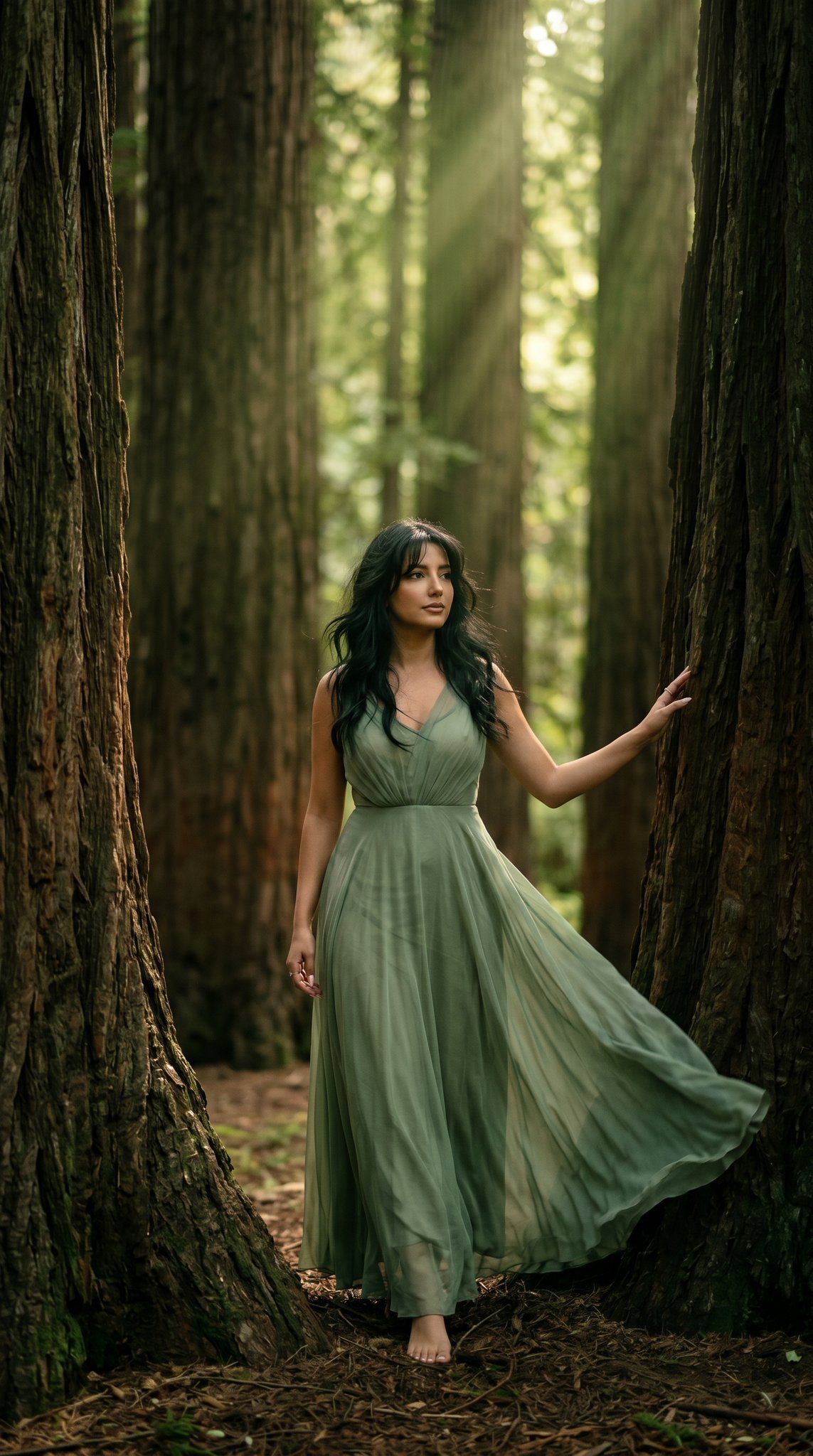
23 California Redwood Forest — California Series
Browse template categories
Gritty Bounty Hunter Turnaround questions
How do I use the Gritty Bounty Hunter Turnaround template?
Add your photo if the template asks for one, edit the prompt if you like — the template's model and format are already selected — and press Generate. Your version opens in PicX Studio.
Can I customize the Gritty Bounty Hunter Turnaround template?
Yes. You can change the subject, setting, lighting, mood, format, and available model controls before creating your image.
Is the Gritty Bounty Hunter Turnaround template free?
Opening and editing this template is free. Generating uses credits, shown on the Generate button when you are signed in.
Which AI model should I use?
Start with GPT Image 2, which is the model associated with this template. You can compare another compatible model for a different finish.
Looking for something else? Browse all templates.

Your photo, any look
Thousands of ready templates for every top image and video model, from one credit balance.