
Gothic Echo Chamber Fashion Cover
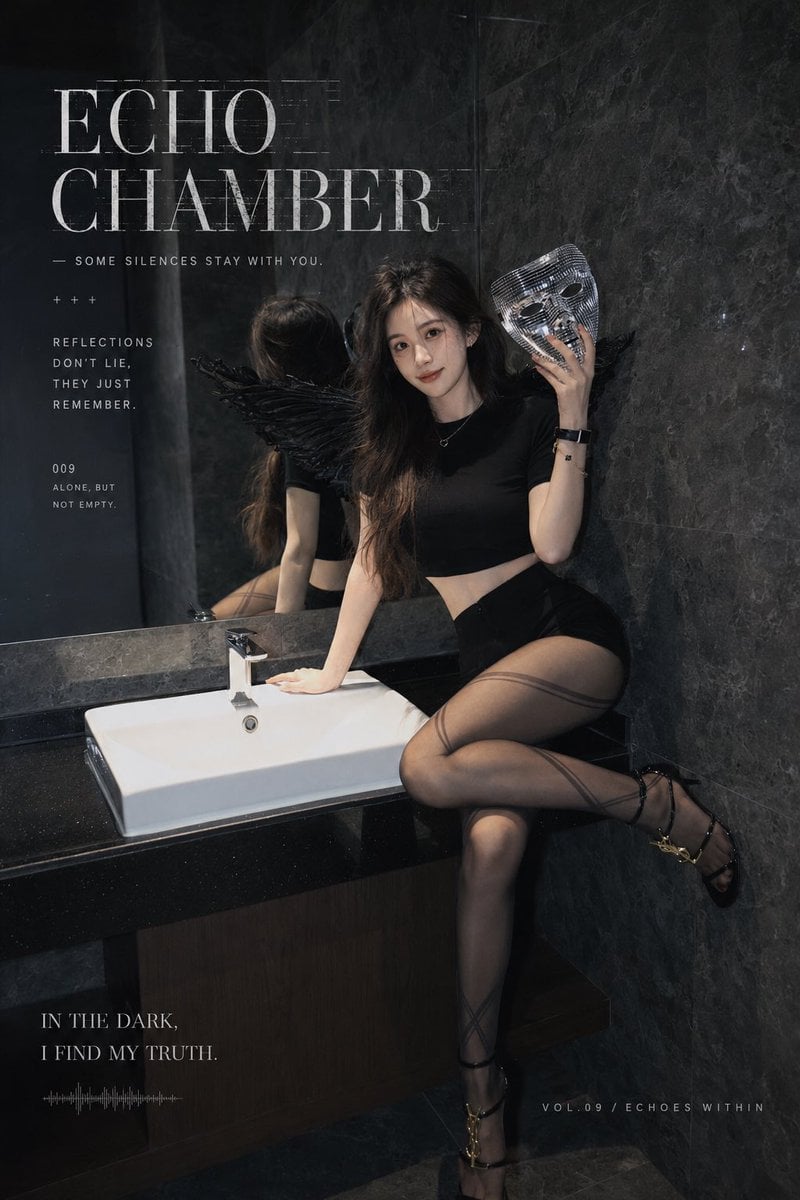
A vertical dark gothic fashion magazine cover featuring an Asian model with black angel wing, mirrored mask, and moody bathroom editorial styling.
- Prompt included
- Model and format preset
- Premium template
The prompt behind this image
Copy the exact prompt behind Gothic Echo Chamber Fashion Cover, or open it in the studio and make it yours.
Create a dark gothic fashion magazine editorial poster in a vertical 2:3 format. The scene is a dim, luxurious bathroom with dark gray marble walls, a black stone vanity, a white rectangular sink, a chrome faucet, and a large mirror reflecting the model’s back and black feather wing. Feature one adult Asian female model, {argument name="character name" default="unnamed model"}, with cool sweet facial features, long slightly messy dark brown wavy hair, pale skin, and a restrained mysterious smile. She is sitting sideways on the black vanity beside the sink: one hand rests on the sink edge, one knee bent up on the counter, the other leg extended downward toward the floor, creating an elegant fashion pose. Outfit: fitted black short-sleeve crop top, high-waisted black mini shorts or micro skirt, semi-transparent smoky black patterned tights with diagonal stripe details, black thin-strap high-heeled sandals with metallic gold accents, a delicate silver necklace with a tiny pendant, and a black wristwatch. Add one visible black feather angel wing behind her on the left side, partly reflected in the mirror. She holds one silver mirrored mosaic masquerade mask beside her face with her raised right hand; the mask should be shiny, tiled, and reflective with cutout eyes. Lighting is low-key cinematic, moody charcoal and black palette, soft directional light from the front-left, subtle reflections, glossy marble texture, quiet lonely atmosphere, high-fashion editorial photography, realistic skin and fabric textures, slight film grain, no nudity, no extra people. Add magazine-style typography integrated into the image: large distressed serif headline at upper left reading {argument name="headline text" default="ECHO CHAMBER"}; small subtitle beneath reading {argument name="subtitle text" default="— SOME SILENCES STAY WITH YOU."}; small plus signs and left-column text reading “REFLECTIONS / DON’T LIE, / THEY JUST / REMEMBER.”; small issue block reading “009 / ALONE, BUT / NOT EMPTY.”; bottom-left quote reading {argument name="bottom quote" default="IN THE DARK, I FIND MY TRUTH."} with a tiny audio waveform line below; bottom-right footer reading {argument name="footer text" default="VOL.09 / ECHOES WITHIN"}. Keep all text white or pale gray, elegant, spaced, slightly distressed, aligned like a modern gothic magazine cover.
How to use Gothic Echo Chamber Fashion Cover in 3 steps
- 1Upload ImagePNG, JPG or paste
Add your photo
Upload the photo the template builds on. The prompt, model and format are already set.
- 2…a portrait of your subject in softgolden-hour light, 85mm…
Personalize
Edit the subject and creative details for your destination.
- 3Generate
Generate
Press Generate — your image is created in PicX Studio, so you can compare it with the original and refine one variable at a time.
More like this
Templates with the same subject, style or setup. Open one to see its prompt.

High-Fashion Editorial Magazine Cover ICON

80s College Gate

1988 Mall Style

80s Polka Dot Saree

Off Duty Fashion Magazine Cover
Gothic Archway Street Fashion

Polo Ralph Lauren Luxury American Heritage Fashion Campaign

Cinematic Street Fashion Photographer Portrait

Fine Art Monochrome Fashion Portrait

Korean Streetwear Minimalist Campaign Portrait

Cinematic Korean Streetwear Street Portrait

Korean Model Floating Magazine Pages Campaign
Make it yours
Gothic Echo Chamber Fashion Cover works as-is. These are the safest ways to change it without losing the look.
Change one field
Copy a single group, rewrite it, and generate again so you can see what that field is doing.
Keep the frame, change the subject
Hold the composition and light of Gothic Echo Chamber Fashion Cover, then swap wardrobe, props or the person for a new take.
| If the result… | Why | Fix |
|---|---|---|
| The result drifts from the preview | Too many fields changed at once. | Reuse Gothic Echo Chamber Fashion Cover as-is first, then change one group — subject, light, or setting. |
| The model over-stylizes the scene | The prose prompt leaves finish and camera underspecified. | Add one camera or lighting sentence and stay on GPT Image 2. |
More GPT Image 2 templates
Other prompts made for GPT Image 2.

Six VTuber Japanese Logo Sheet

Realistic Portrait of Woman and Deer

The Vista Modular Condo Poster

AI Model Routing Comparison Infographic

2.5D Anime Art Board

Isometric Productivity Desk Scene

New York Double Exposure Poster

Four-Panel AI Landscape Comparison

Japanese Tatami Lifestyle Magazine Cover

NESCAFÉ Coffee Map Poster
More image prompts
Fresh picks from across the catalog.

Structured Candid Indoor Portrait Prompt

Ishihara Color Blindness Test Plate
Futuristic Branded Drone Product Poster

Suspended Vespa Explosion Scene Prompt
Good Night Nano Banana Pro
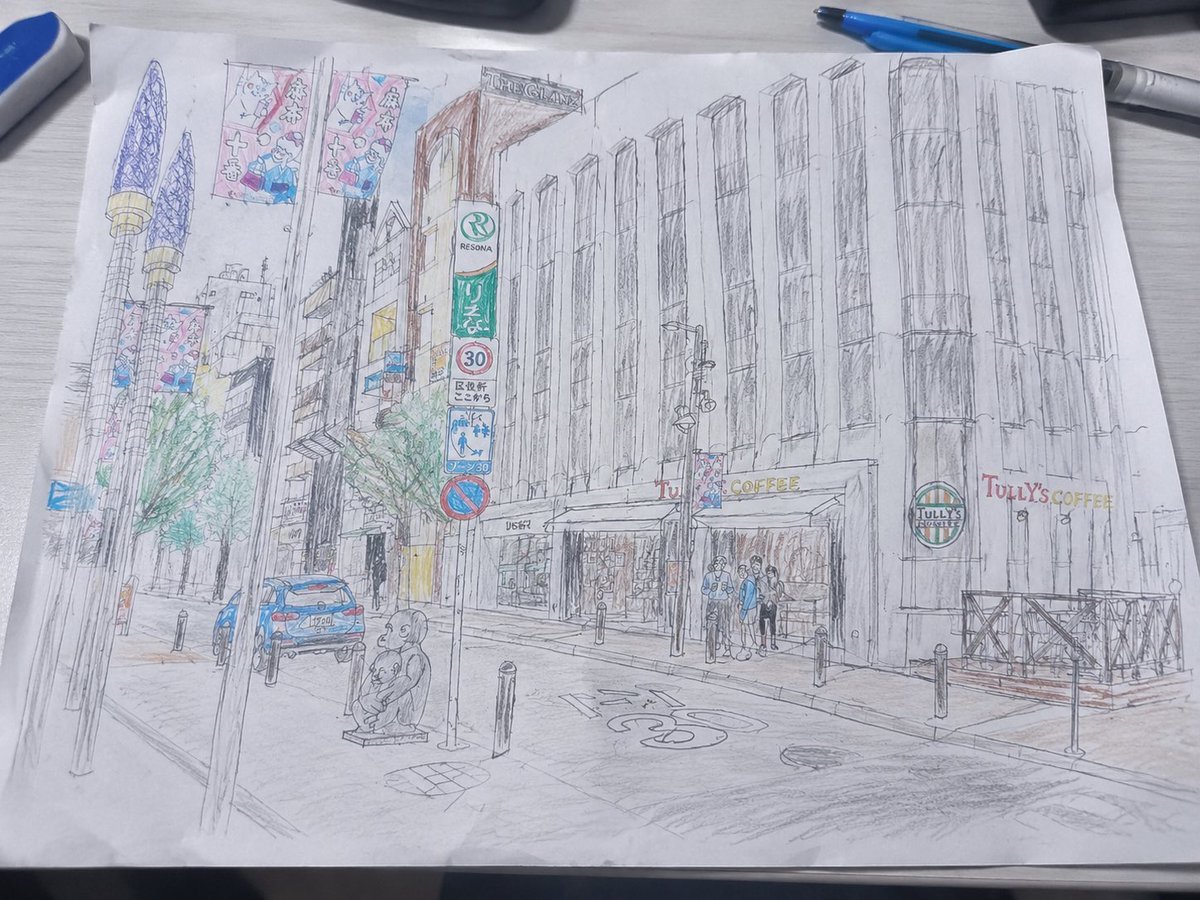
Mediocre Drawing Style Illustration
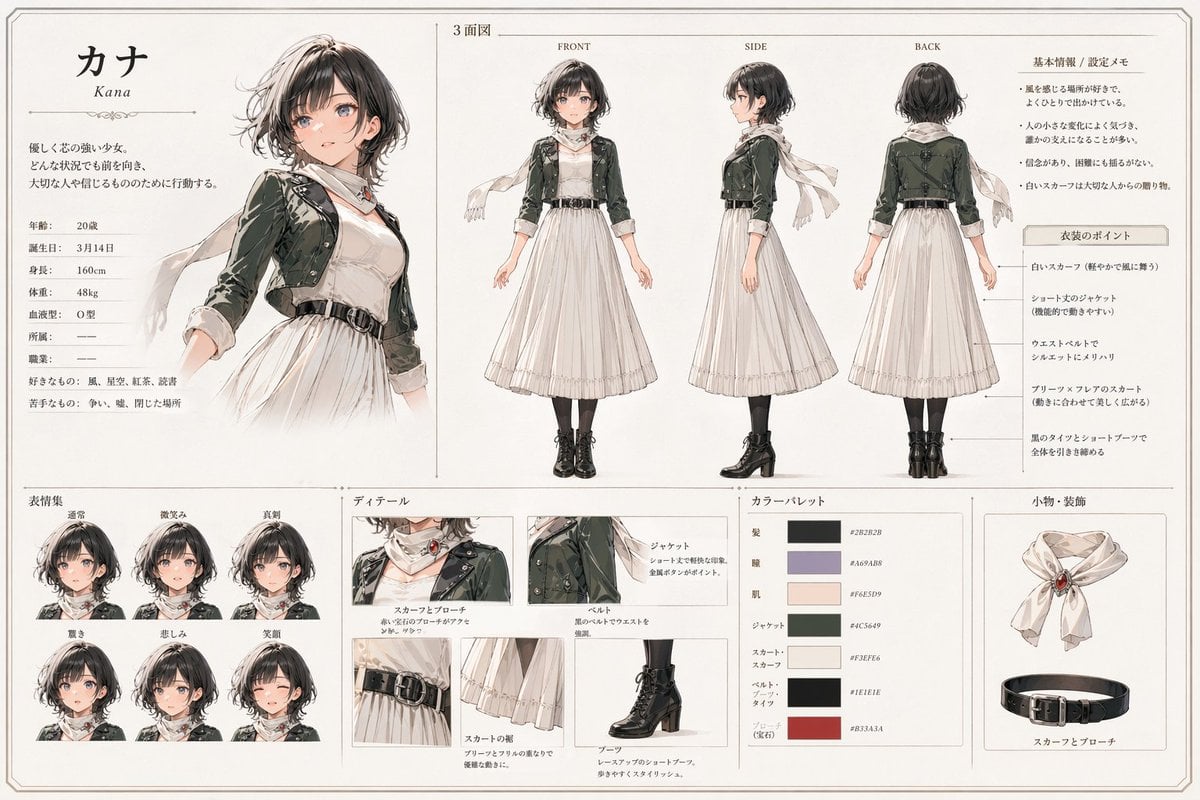
Kana Anime Character Reference Sheet
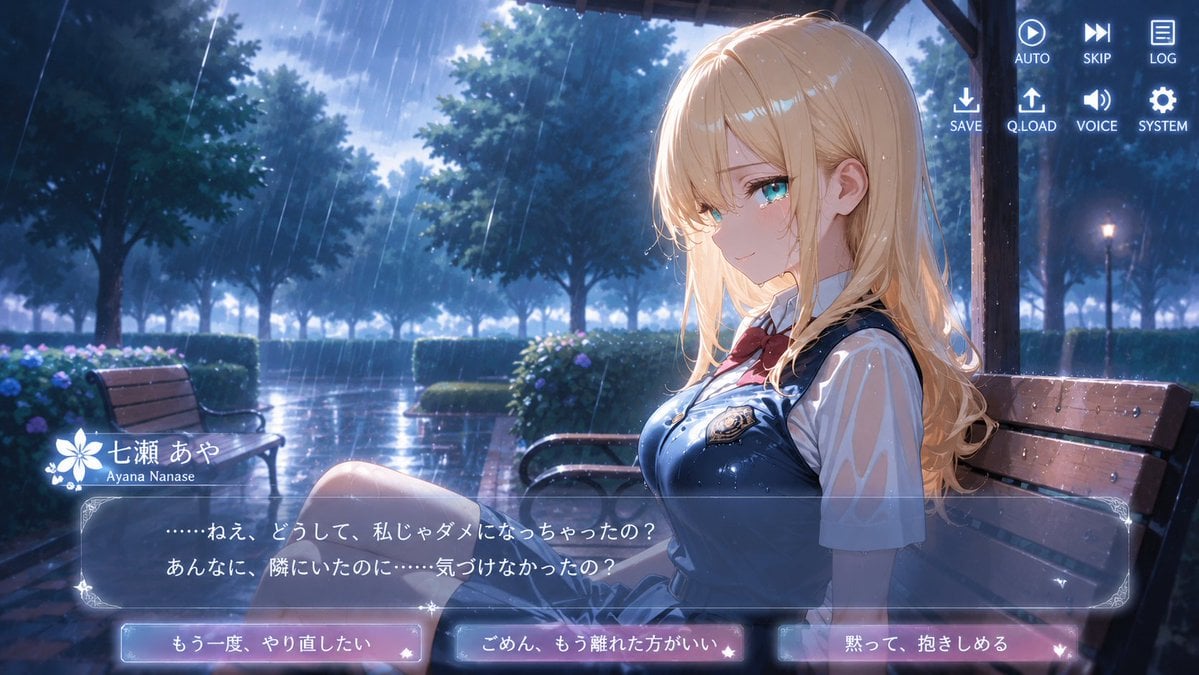
Rainy Park Visual Novel CG

Tropical Vacation Selfie — Nano Banana (Chryzleen)

Anime Girl Eating Ramen Edit
Browse template categories
Gothic Echo Chamber Fashion Cover questions
How do I use the Gothic Echo Chamber Fashion Cover template?
Add your photo if the template asks for one, edit the prompt if you like — the template's model and format are already selected — and press Generate. Your version opens in PicX Studio.
Can I customize the Gothic Echo Chamber Fashion Cover template?
Yes. You can change the subject, setting, lighting, mood, format, and available model controls before creating your image.
Is the Gothic Echo Chamber Fashion Cover template free?
Opening and editing this template is free. Generating uses credits, shown on the Generate button when you are signed in.
Which AI model should I use?
Start with GPT Image 2, which is the model associated with this template. You can compare another compatible model for a different finish.
Looking for something else? Browse all templates.

Your photo, any look
Thousands of ready templates for every top image and video model, from one credit balance.