
Annoyed Chibi Sticker Sheet
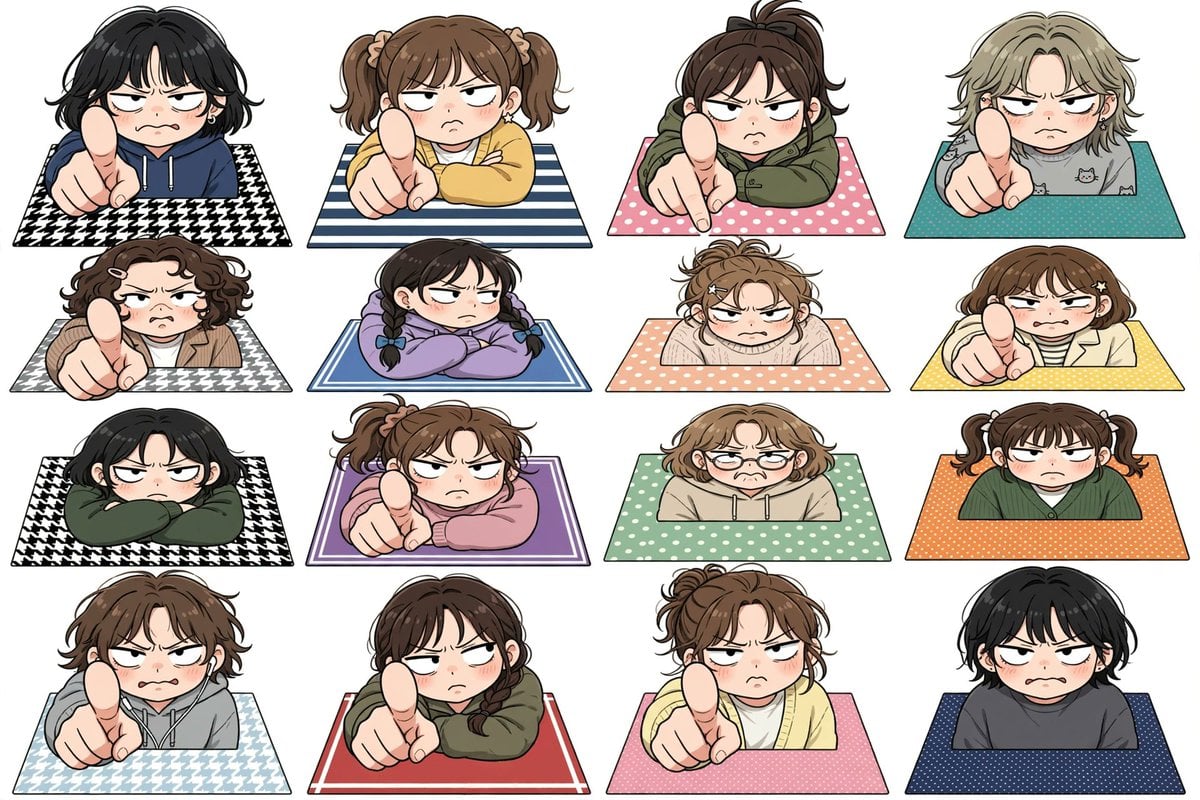
Generates a 4x4 grid of cute angry chibi characters pointing and glaring, useful for sticker sheets, emoji packs, or character expression references.
- Prompt included
- Model and format preset
- Premium template
The prompt behind this image
Copy the exact prompt behind Annoyed Chibi Sticker Sheet, or open it in the studio and make it yours.
Create a clean white-background anime sticker-sheet illustration showing exactly 16 chibi-style annoyed people popping up from rectangular patterned mats, arranged in a precise 4 columns by 4 rows grid. Each character is cropped at the torso behind the mat edge, with oversized heads, rosy cheeks, heavy-lidded angry eyes, small frowning mouths, expressive messy hair, thick black line art, soft cel shading, and a cute but confrontational mood. Several characters thrust an oversized index finger toward the viewer in strong foreshortened perspective as if scolding or saying “you”; others glare with folded arms or a slumped irritated posture. Use no text, no speech bubbles, no watermark, and keep generous white spacing between all stickers. The 16 discrete characters are: 1) black short wavy hair, navy hoodie, pointing, black-and-white houndstooth mat; 2) brown twin ponytails, yellow sweater, pointing, blue-and-white striped mat; 3) dark brown high ponytail, olive hoodie, pointing, pink polka-dot mat; 4) ash-blond short hair, gray cat-print shirt, pointing, teal dotted mat; 5) curly dark-brown bob with hair clips, tan jacket, pointing, gray houndstooth mat; 6) black hair in two braids, lavender sweatshirt, arms folded, blue double-border mat; 7) messy light-brown bun, cream sweater, arms crossed on peach polka-dot mat; 8) brown bob with star hair clips, cream cardigan over striped shirt, pointing, yellow dotted mat; 9) black bob, dark green hoodie, arms crossed, black-and-white houndstooth mat; 10) brown ponytail, pink sweatshirt, pointing, purple bordered mat; 11) light-brown wavy bob with round glasses, beige hoodie, worried-annoyed expression, mint polka-dot mat; 12) brown twin pigtails, dark green cardigan, flat unimpressed stare, orange dotted mat; 13) tousled brown hair, gray hoodie, pointing, pale blue houndstooth mat; 14) dark brown ponytail, olive hoodie, pointing, red mat with thin white border; 15) messy brown bun, pale yellow cardigan, pointing, pink dotted mat; 16) short black hair, charcoal sweatshirt, blushing scowl, navy dotted mat. Overall style: Japanese kawaii manga character sheet, sticker illustration, crisp outlines, flat white background, soft pastel clothing and mats, consistent scale and perspective across all 16 characters.
How to use Annoyed Chibi Sticker Sheet in 3 steps
- 1Upload ImagePNG, JPG or paste
Add your photo
Upload the photo the template builds on. The prompt, model and format are already set.
- 2…a portrait of your subject in softgolden-hour light, 85mm…
Personalize
Edit the subject and creative details for your destination.
- 3Generate
Generate
Press Generate — your image is created in PicX Studio, so you can compare it with the original and refine one variable at a time.
More like this
Templates with the same subject, style or setup. Open one to see its prompt.
Chibi Anime Ninja Sticker Sheet
Puffy Chibi Sticker Sheet
Kawaii Chibi Sticker Sheet
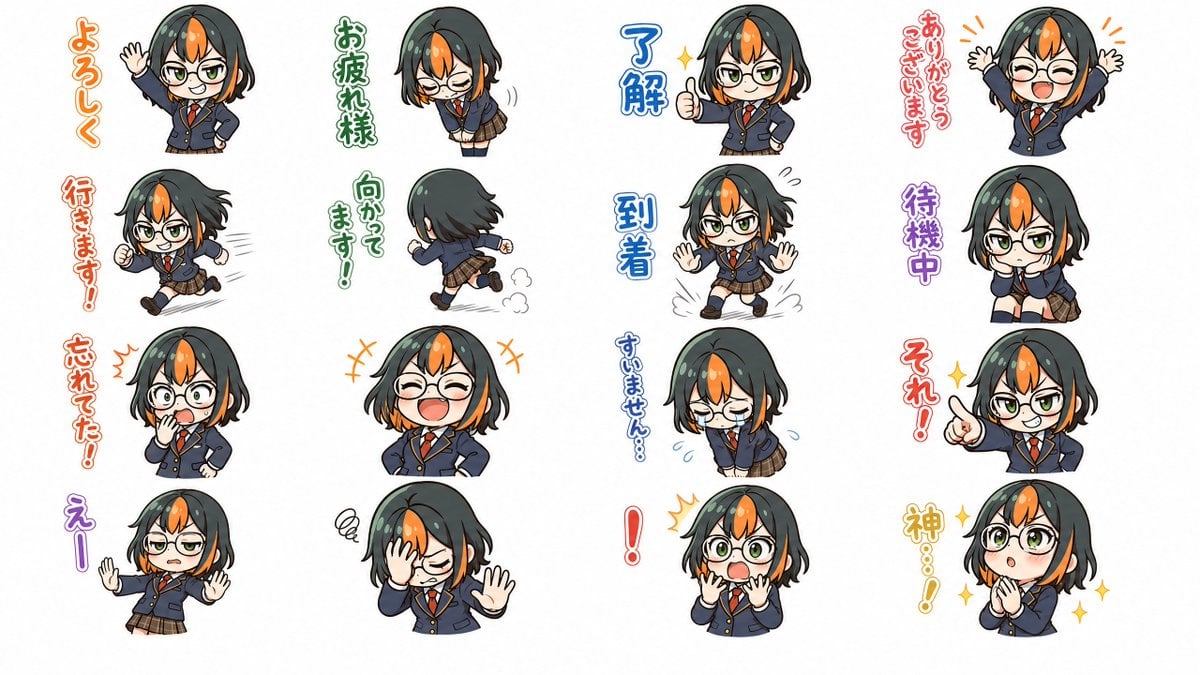
Chibi Japanese Schoolgirl Sticker Sheet
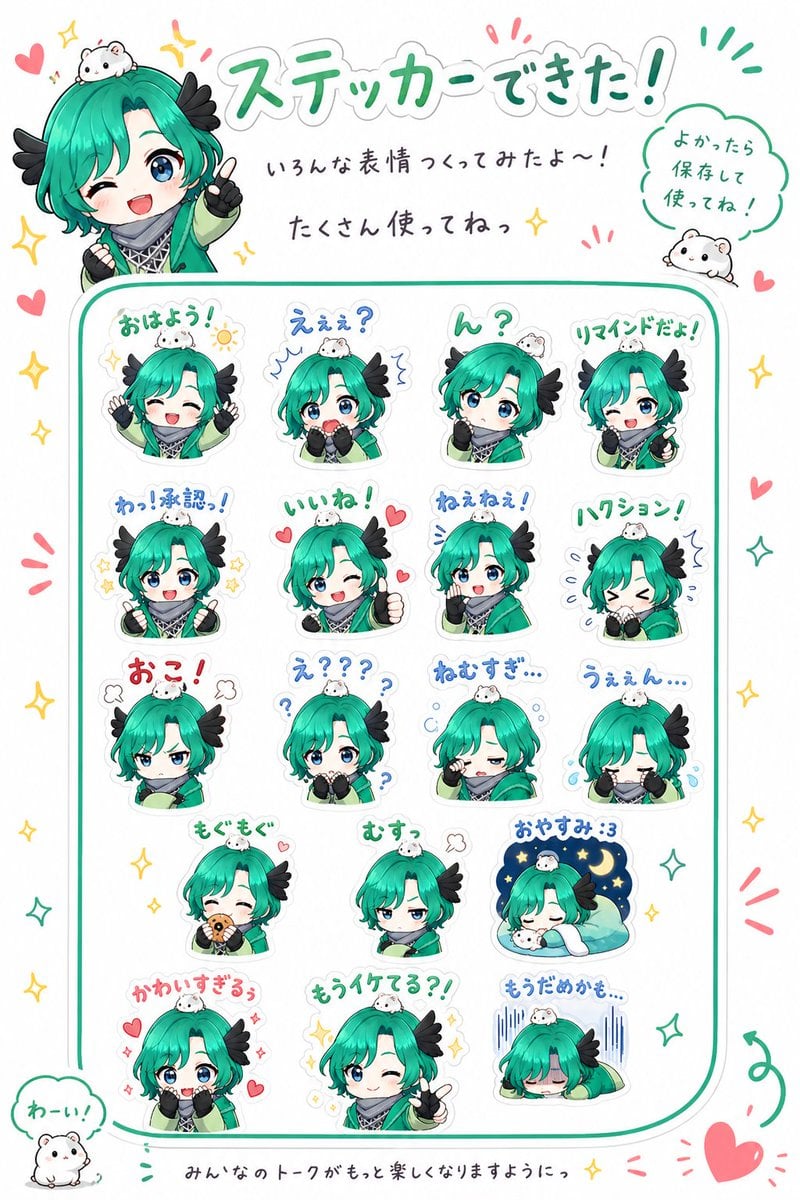
Chibi Character Sticker Sheet Ad
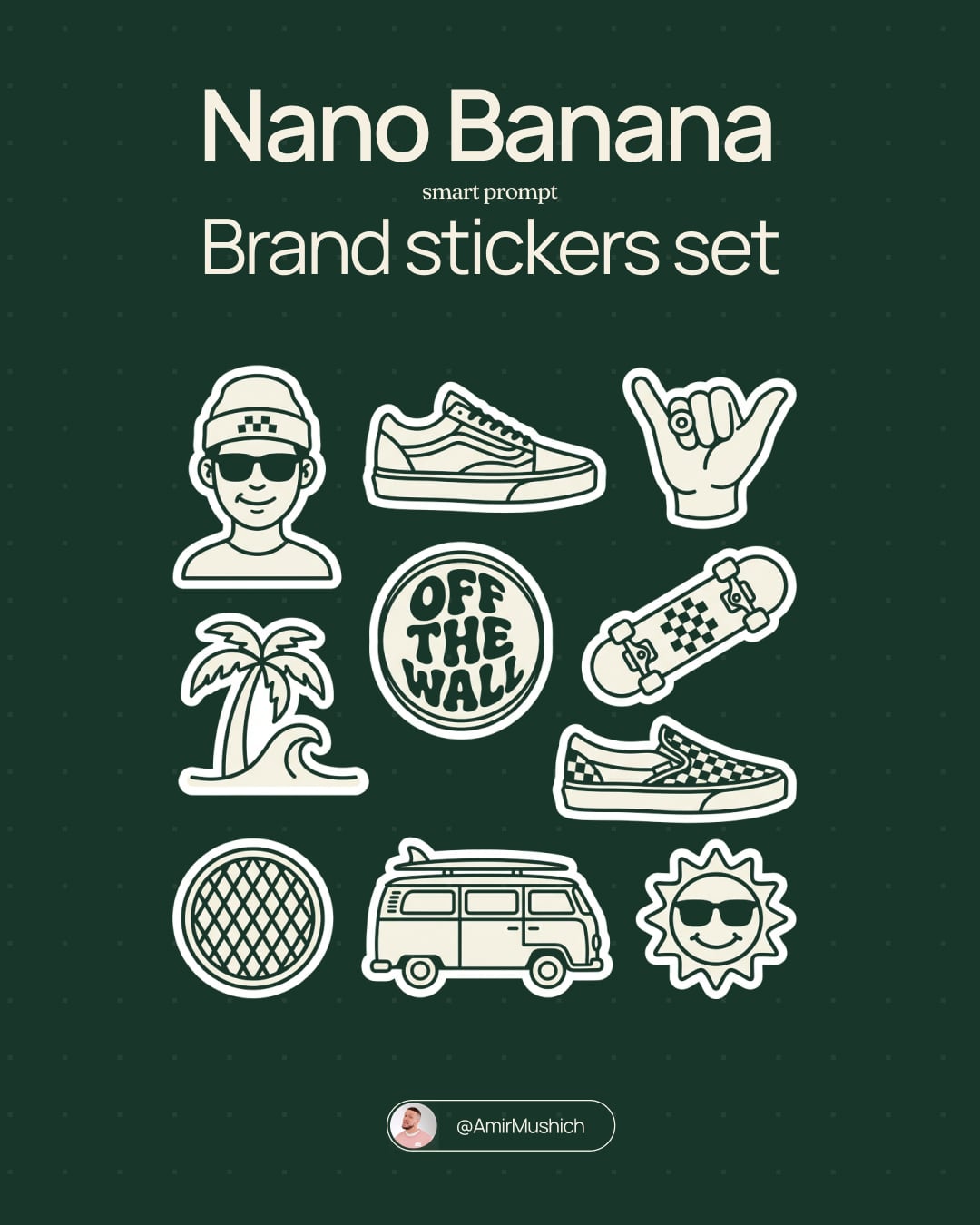
Brand Sticker Sheet Monoline Vector
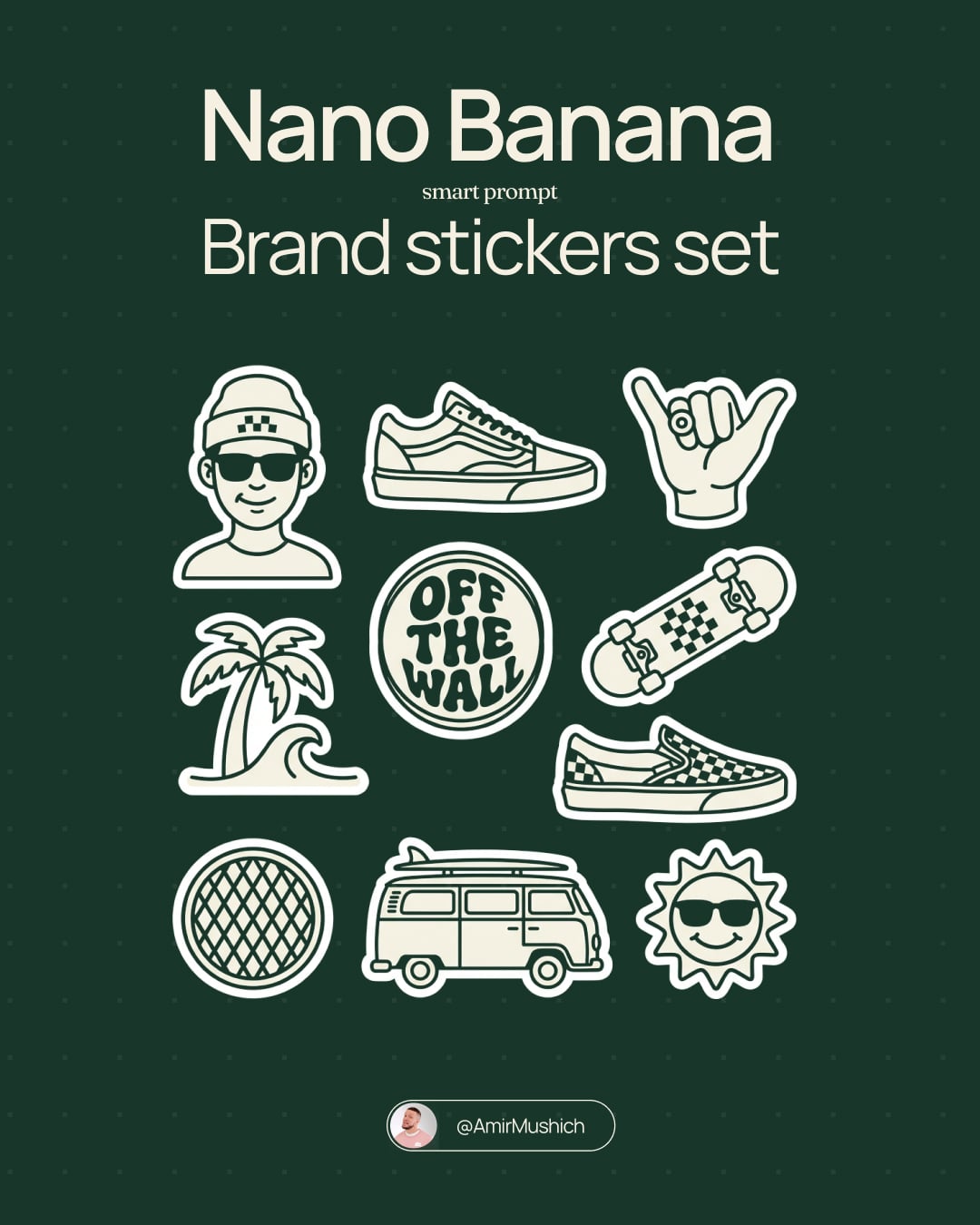
A trendy, high-end Sticker Sheet set
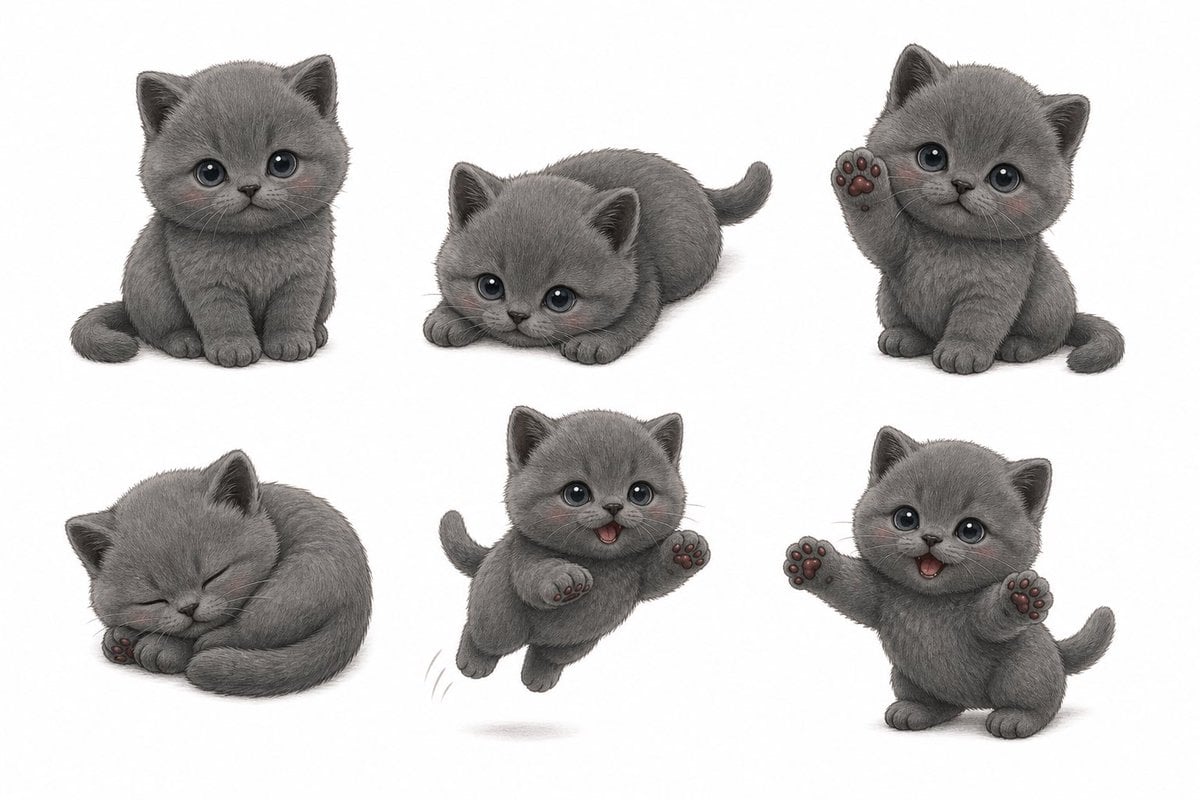
Gray Kitten Sticker Pack Sheet
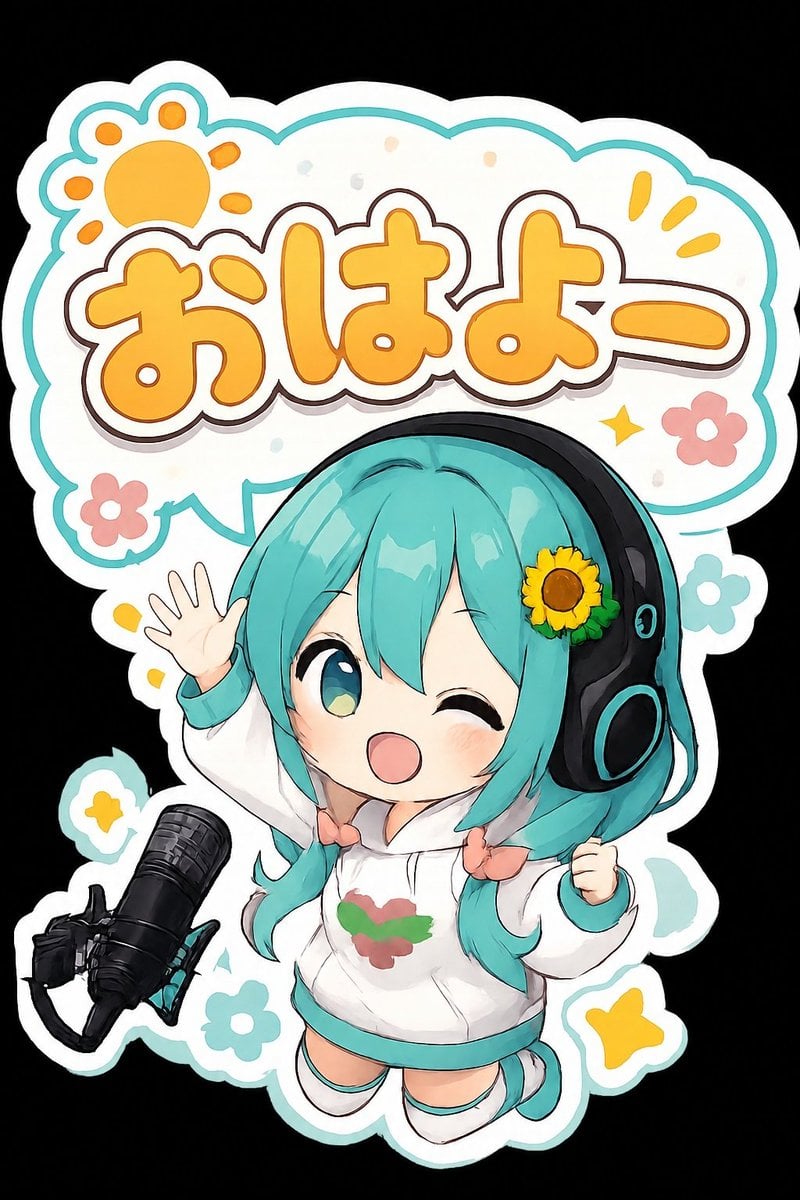
Chibi Morning Greeting Sticker
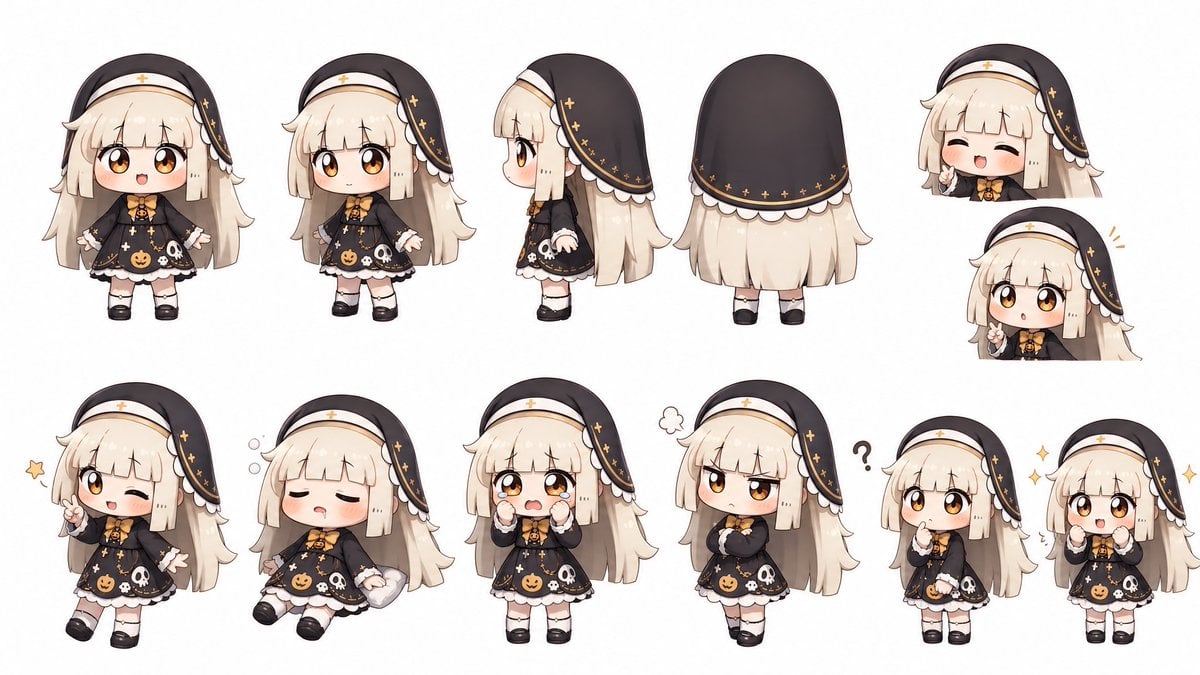
Halloween Nun Chibi Character Sheet
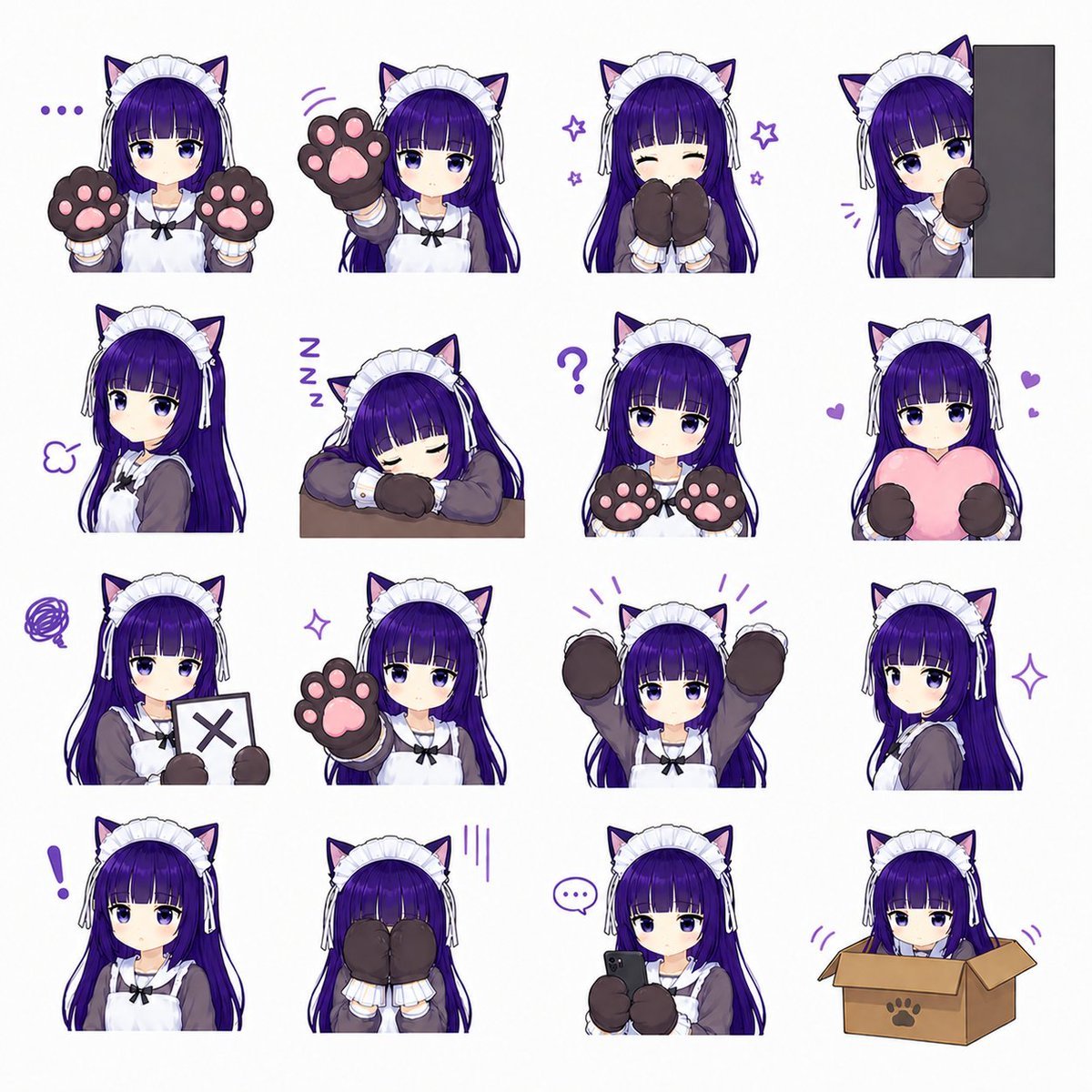
Cat-Eared Maid Emote Sticker Sheet
Cute Layered Paper Cut Chibi Girl
Make it yours
Annoyed Chibi Sticker Sheet works as-is. These are the safest ways to change it without losing the look.
Change one field
Copy a single group, rewrite it, and generate again so you can see what that field is doing.
Keep the frame, change the subject
Hold the composition and light of Annoyed Chibi Sticker Sheet, then swap wardrobe, props or the person for a new take.
| If the result… | Why | Fix |
|---|---|---|
| The result drifts from the preview | Too many fields changed at once. | Reuse Annoyed Chibi Sticker Sheet as-is first, then change one group — subject, light, or setting. |
| The model over-stylizes the scene | The prose prompt leaves finish and camera underspecified. | Add one camera or lighting sentence and stay on GPT Image 2. |
More GPT Image 2 templates
Other prompts made for GPT Image 2.

Six VTuber Japanese Logo Sheet

Realistic Portrait of Woman and Deer

The Vista Modular Condo Poster

AI Model Routing Comparison Infographic

2.5D Anime Art Board

Isometric Productivity Desk Scene

New York Double Exposure Poster

Four-Panel AI Landscape Comparison

Japanese Tatami Lifestyle Magazine Cover

NESCAFÉ Coffee Map Poster
More image prompts
Fresh picks from across the catalog.

Dark, High-Contrast Poster Design Prompt with Amber Lenses
Holy Knight in a Castle City
Lo-Fi Warm Studio Motion Contact Sheet 3x3 Grid

Red Studio Fashion Editorial with Motion Echo Effect
Nano Banana Pro Fitness Editorial Grid Prompt (Pink Activewear)
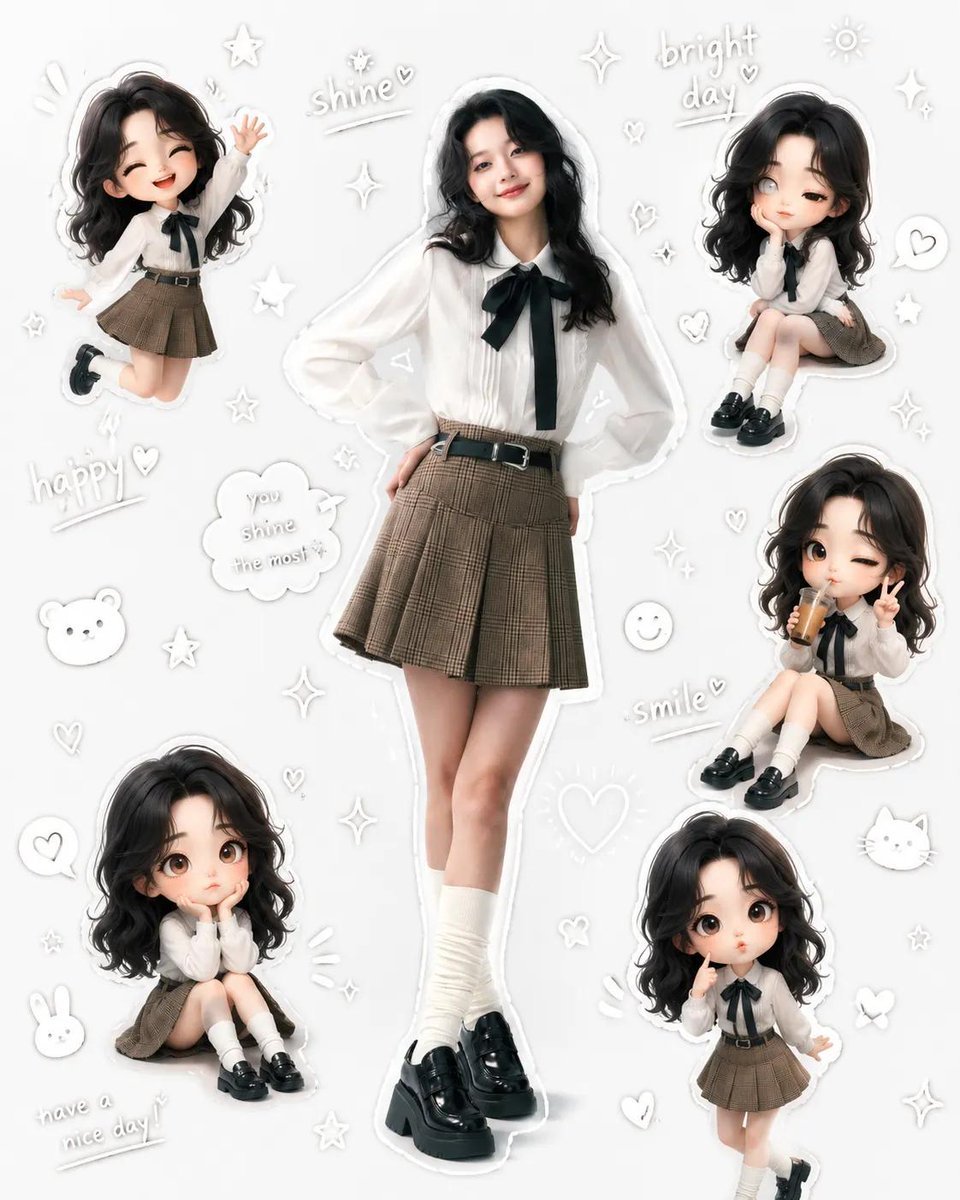
Kawaii School Girl Aesthetic Collage
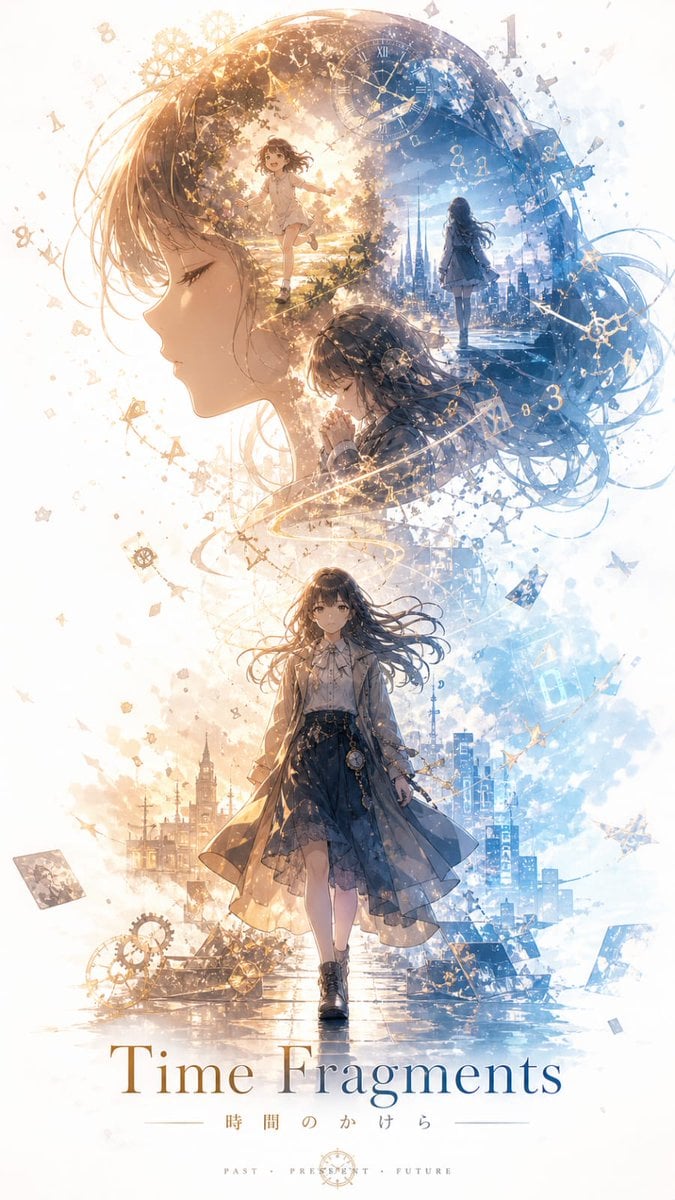
Time Fragments Anime Poster
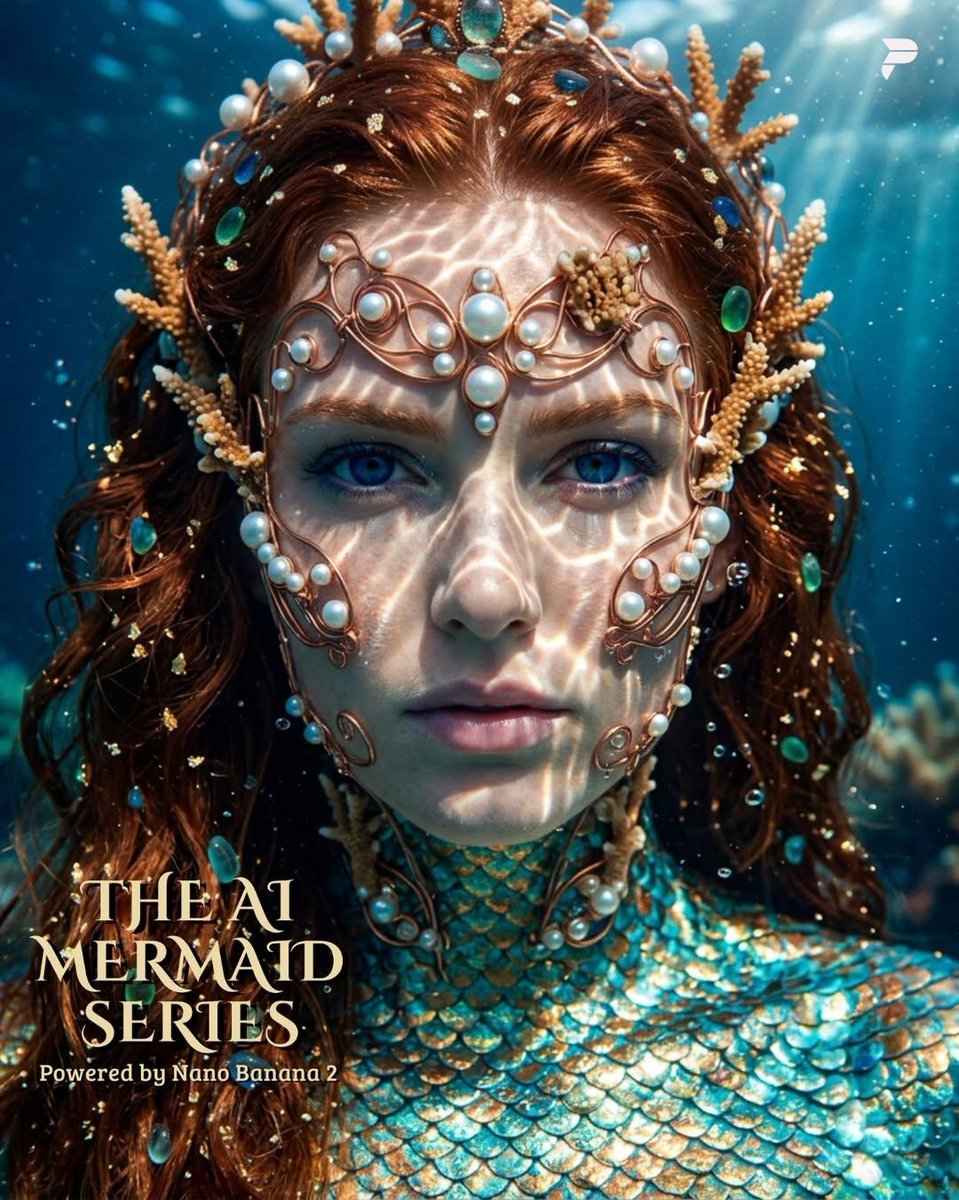
Hyper-Realistic Mermaid Sovereign Portrait
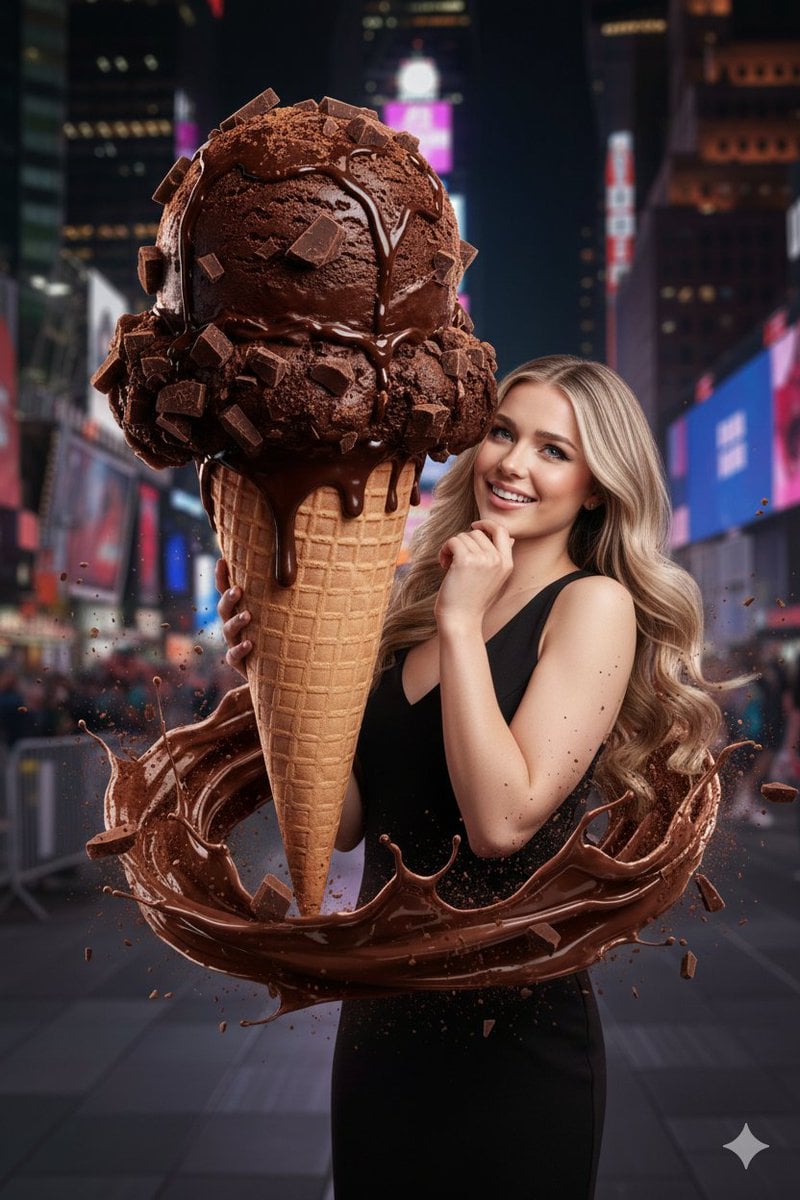
Hyperrealistic Chocolate Ice Cream Commercial Prompt
Monday Morning Photo Discovery Prompt
Browse template categories
Annoyed Chibi Sticker Sheet questions
How do I use the Annoyed Chibi Sticker Sheet template?
Add your photo if the template asks for one, edit the prompt if you like — the template's model and format are already selected — and press Generate. Your version opens in PicX Studio.
Can I customize the Annoyed Chibi Sticker Sheet template?
Yes. You can change the subject, setting, lighting, mood, format, and available model controls before creating your image.
Is the Annoyed Chibi Sticker Sheet template free?
Opening and editing this template is free. Generating uses credits, shown on the Generate button when you are signed in.
Which AI model should I use?
Start with GPT Image 2, which is the model associated with this template. You can compare another compatible model for a different finish.
Looking for something else? Browse all templates.

Your photo, any look
Thousands of ready templates for every top image and video model, from one credit balance.