
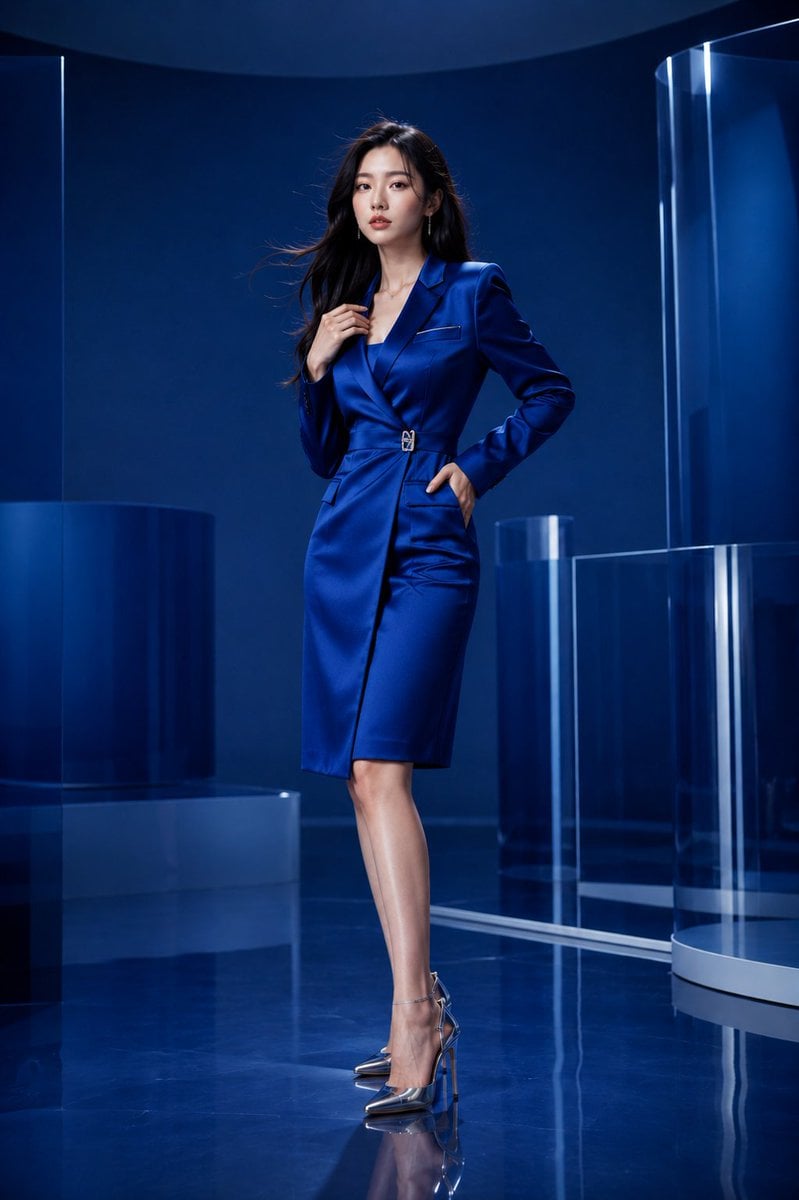
Luxury Sapphire Blue Fashion Editorial
A comprehensive prompt for a high-end fashion magazine shoot in a monochromatic blue studio.
- Prompt included
- Model and format preset
- Premium template
The prompt behind this image
Copy the exact prompt behind Luxury Sapphire Blue Fashion Editorial, or open it in the studio and make it yours.
A breathtaking {argument name="subject" default="young Korean woman"} in a luxury fashion editorial photoshoot, standing inside an elegant monochromatic studio designed entirely around rich {argument name="color palette" default="sapphire-blue tones"}. The studio features seamless curved walls, glossy reflective flooring, layered translucent acrylic panels, and soft architectural shapes that create depth without distracting from the model. The environment feels modern, premium, and artistic, resembling a high-end luxury fashion campaign. She wears a sophisticated designer outfit featuring a {argument name="outfit" default="fitted cobalt-blue satin blazer dress"} with a tailored silhouette, subtle asymmetrical detailing, and refined silver accents. The outfit is stylish, elegant, and fashion-forward, highlighting confidence and sophistication rather than revealing styling. Paired with sleek metallic heels, minimalist jewelry, and impeccable styling, she embodies contemporary luxury. Her long silky hair flows naturally with soft movement, framing her face beautifully. Natural makeup with luminous skin, subtle glossy lips, defined eyes, and a confident editorial expression. She stands with one leg slightly forward, one hand resting at her waist while the other gently touches the lapel of the blazer, creating a powerful fashion-magazine pose. The studio lighting consists of a massive diffused softbox positioned above and slightly in front, creating smooth highlights across her face and outfit. Additional soft rim lights separate her silhouette from the deep blue background, producing rich dimensionality and elegant contrast. Soft reflections on the floor enhance the premium atmosphere. Ultra-realistic DSLR photography, luxury fashion campaign, Vogue editorial quality, premium beauty and style photography, 85mm lens, f/1.8, shallow depth of field, tack-sharp focus on the model, realistic skin texture, exceptional fabric detail, cinematic lighting, rich tonal depth, sapphire-blue color palette, luxury advertising aesthetic, photorealistic, RAW photo quality, masterpiece composition, high-end fashion magazine cover quality, 8K resolution, highly detailed, focused entirely on the model.
How to use Luxury Sapphire Blue Fashion Editorial in 3 steps
- 1
Open
The prompt is already in the box next to the preview, with the template's model and format selected.
- 2…a portrait of your subject in softgolden-hour light, 85mm…
Personalize
Edit the subject and creative details for your destination.
- 3Generate
Generate
Press Generate — your image is created in PicX Studio, so you can compare it with the original and refine one variable at a time.
More like this
Templates with the same subject, style or setup. Open one to see its prompt.

19 Luxury Helicopter Travel — California Series

08 Rodeo Drive Luxury Exit — California Series

Google Gemini Nano Banana Pro

Conceptual Fashion Portrait in Spider We

01 Skincare Split Portrait — Nano Banana 2

24 The Getty Center — California Series

21 Glass Floor Skyscraper — California Series

03 Beverly Hills Convertible — California Series

Gpt Image 2 Fashion Portrait

Caution Tape Fashion — Industrial Editorial

Nano Banana - Evening Champagne Blue

Nano Banana - Paris Cafe Editorial
Make it yours
Luxury Sapphire Blue Fashion Editorial works as-is. These are the safest ways to change it without losing the look.
Change one field
Copy a single group, rewrite it, and generate again so you can see what that field is doing.
Keep the frame, change the subject
Hold the composition and light of Luxury Sapphire Blue Fashion Editorial, then swap wardrobe, props or the person for a new take.
| If the result… | Why | Fix |
|---|---|---|
| The result drifts from the preview | Too many fields changed at once. | Reuse Luxury Sapphire Blue Fashion Editorial as-is first, then change one group — subject, light, or setting. |
| The model over-stylizes the scene | The prose prompt leaves finish and camera underspecified. | Add one camera or lighting sentence and stay on GPT Image 2. |
More GPT Image 2 templates
Other prompts made for GPT Image 2.

Six VTuber Japanese Logo Sheet

Realistic Portrait of Woman and Deer

The Vista Modular Condo Poster

AI Model Routing Comparison Infographic

2.5D Anime Art Board

Isometric Productivity Desk Scene

New York Double Exposure Poster

Four-Panel AI Landscape Comparison

Japanese Tatami Lifestyle Magazine Cover

NESCAFÉ Coffee Map Poster
More image prompts
Fresh picks from across the catalog.
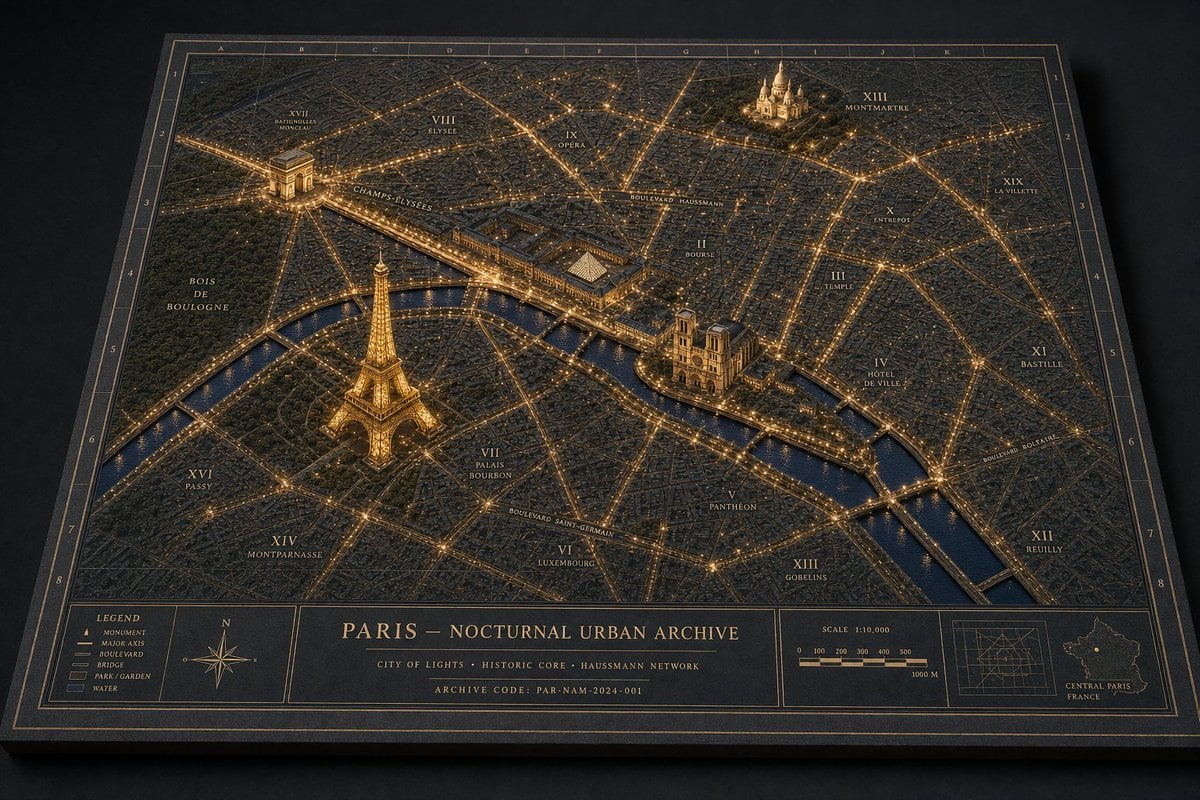
Paris Nocturnal Urban Archive Map
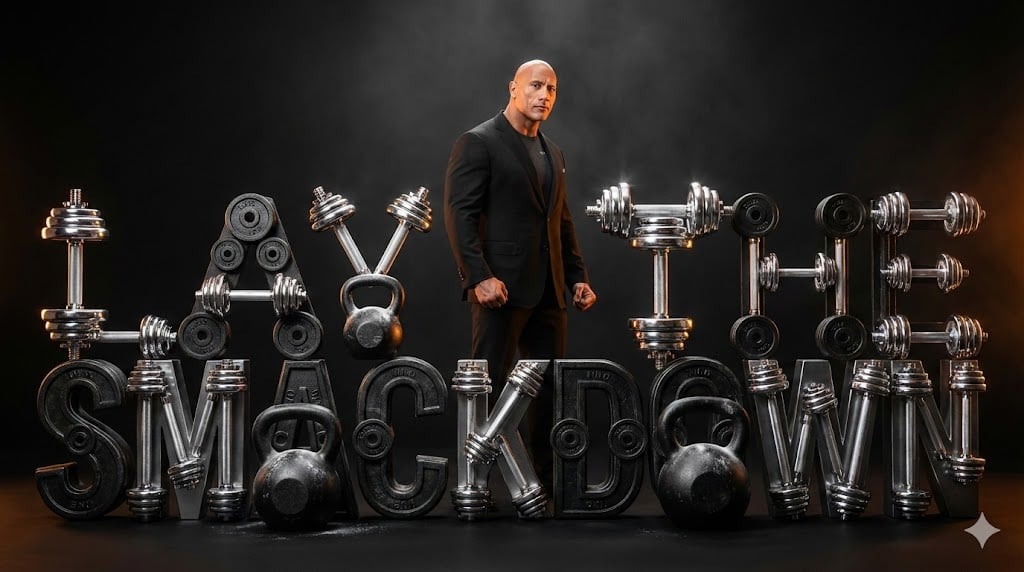
The Rock 'Lay the Smackdown' Cinematic Visual
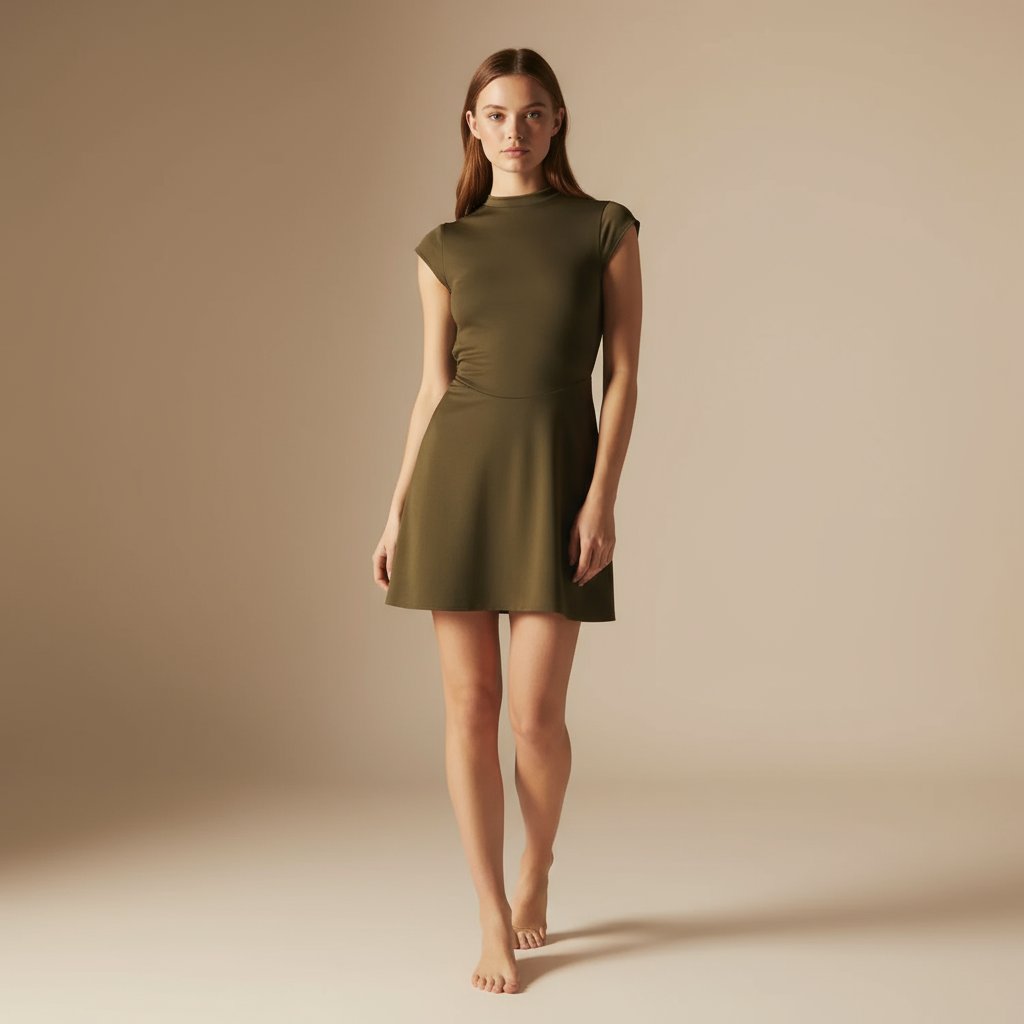
E-commerce Full-Body Product Shot Prompt (Olive Green Dress)
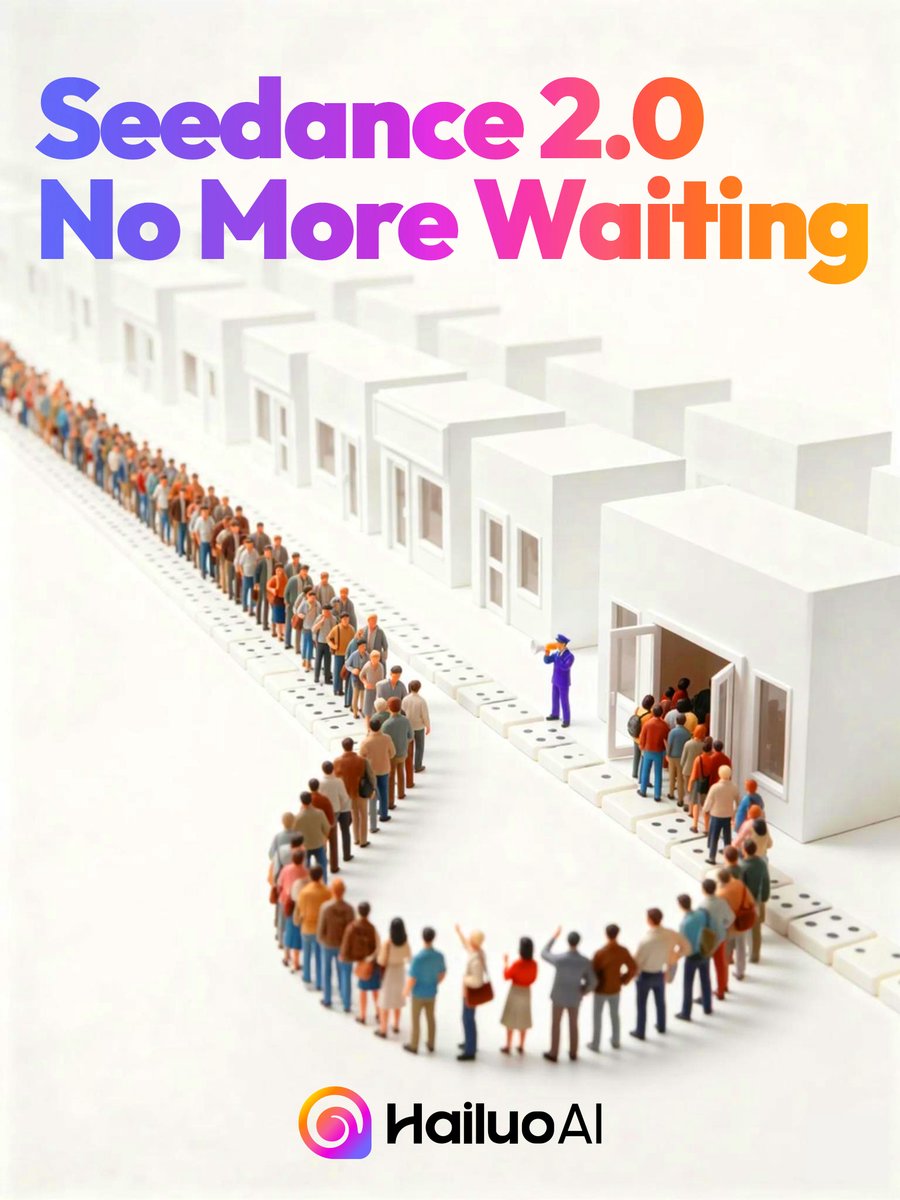
Seedance 2.0 Waiting Queue Poster
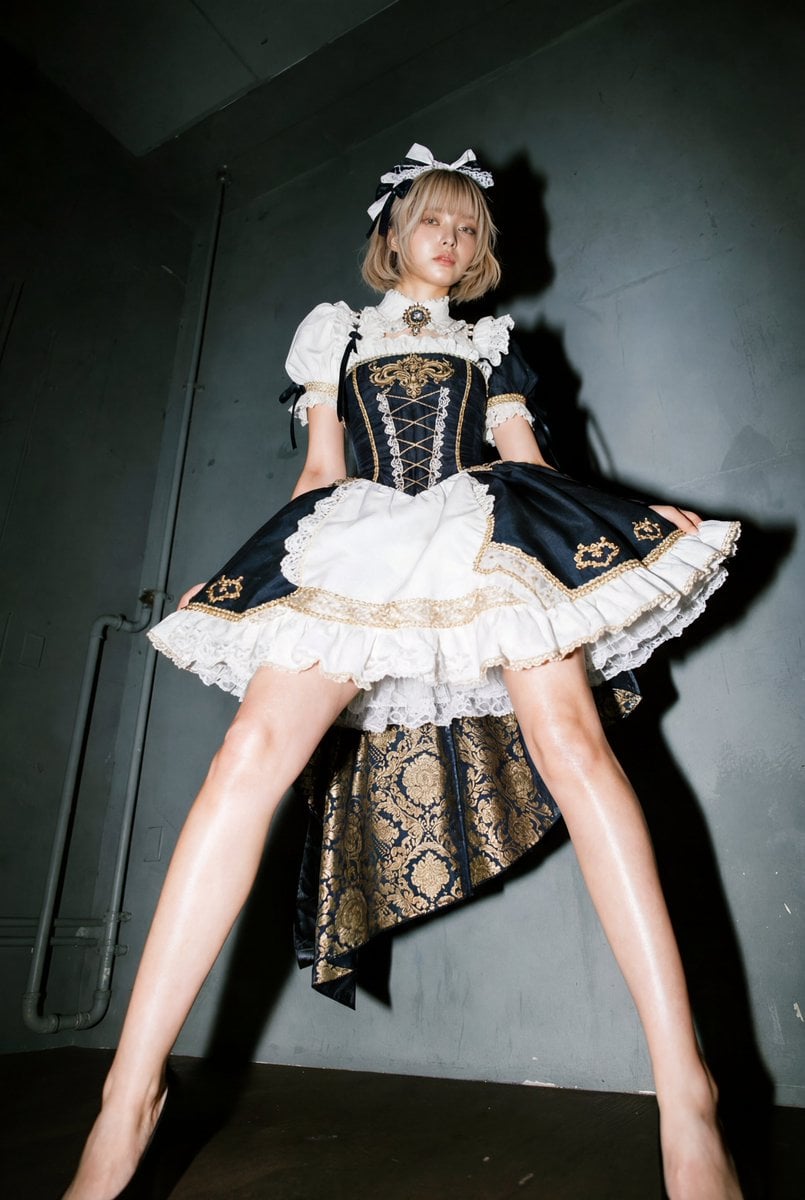
Exaggerated Long Legs Image Generation Prompt (Seedream 4.5)
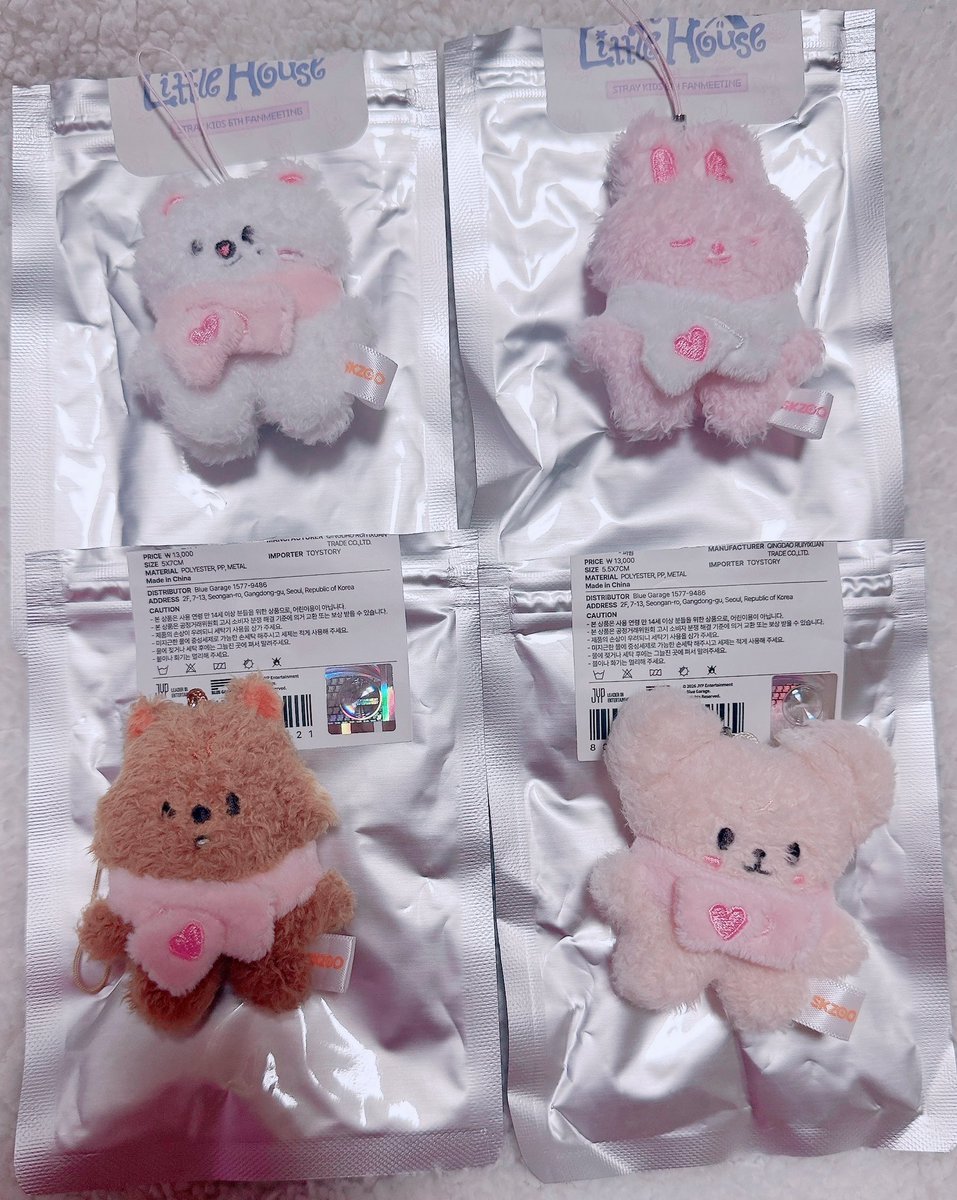
Micro Strawberry Rabbit
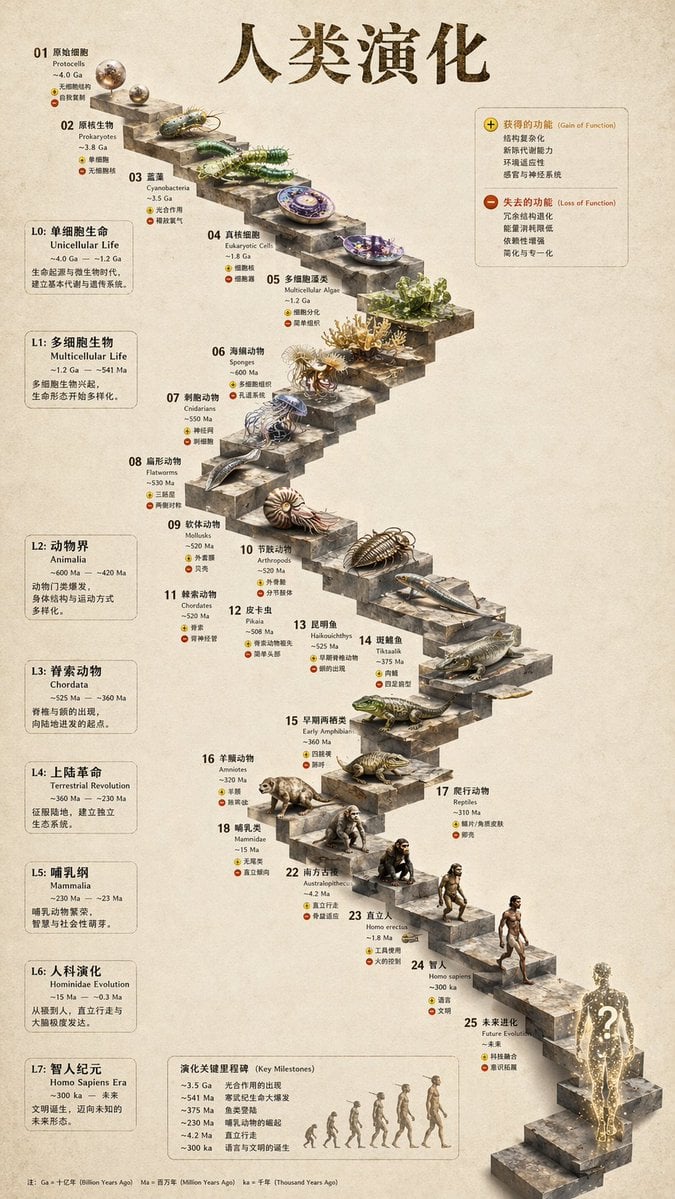
Gpt2 3d Stone Staircase Evolution Infographic
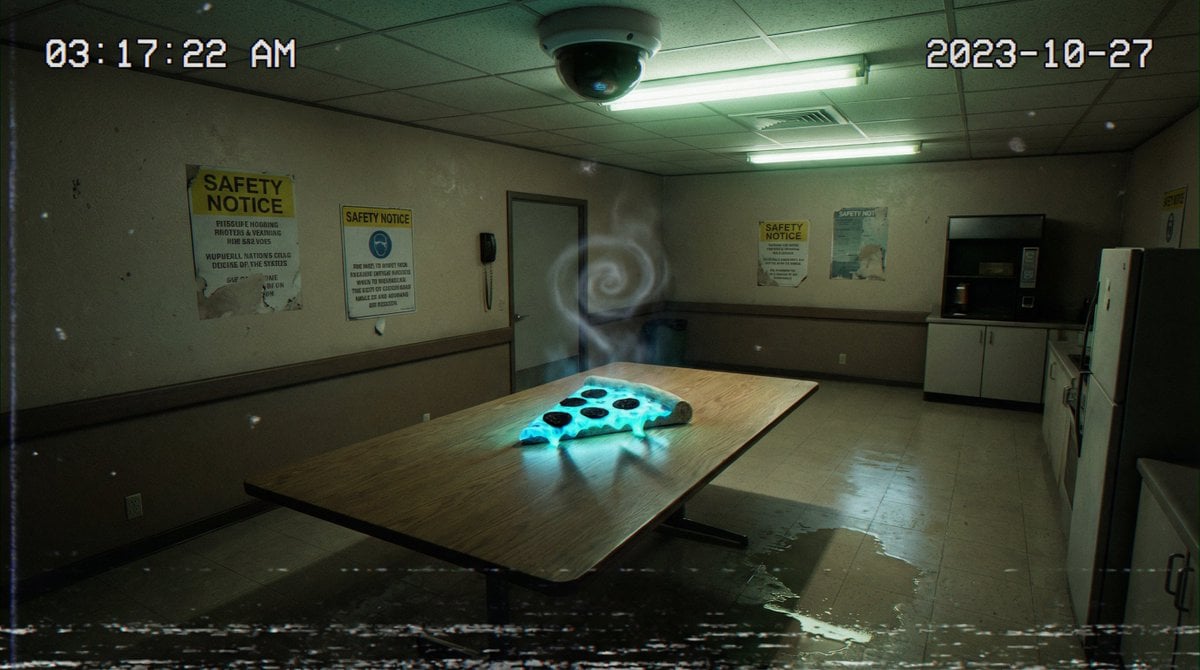
Forensic Surrealist Photography Prompt for Liminal Breakroom Incident

Epic Fantasy Double-Exposure Poster
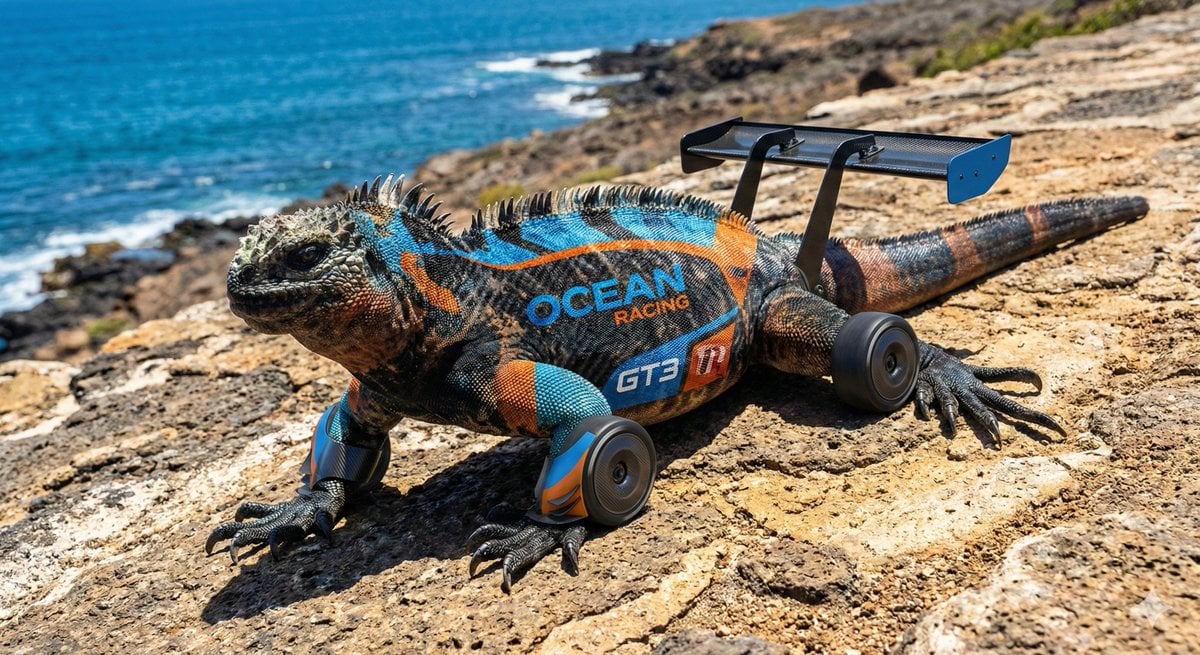
LMGT3-Class Car Inspired Sea Iguana
Browse template categories
Luxury Sapphire Blue Fashion Editorial questions
How do I use the Luxury Sapphire Blue Fashion Editorial template?
Add your photo if the template asks for one, edit the prompt if you like — the template's model and format are already selected — and press Generate. Your version opens in PicX Studio.
Can I customize the Luxury Sapphire Blue Fashion Editorial template?
Yes. You can change the subject, setting, lighting, mood, format, and available model controls before creating your image.
Is the Luxury Sapphire Blue Fashion Editorial template free?
Opening and editing this template is free. Generating uses credits, shown on the Generate button when you are signed in.
Which AI model should I use?
Start with GPT Image 2, which is the model associated with this template. You can compare another compatible model for a different finish.
Looking for something else? Browse all templates.

Your photo, any look
Thousands of ready templates for every top image and video model, from one credit balance.