
Artistic Long Exposure Beauty Portrait
A sophisticated fashion editorial prompt for generating photorealistic portraits with intentional motion blur and elegant golden lighting.
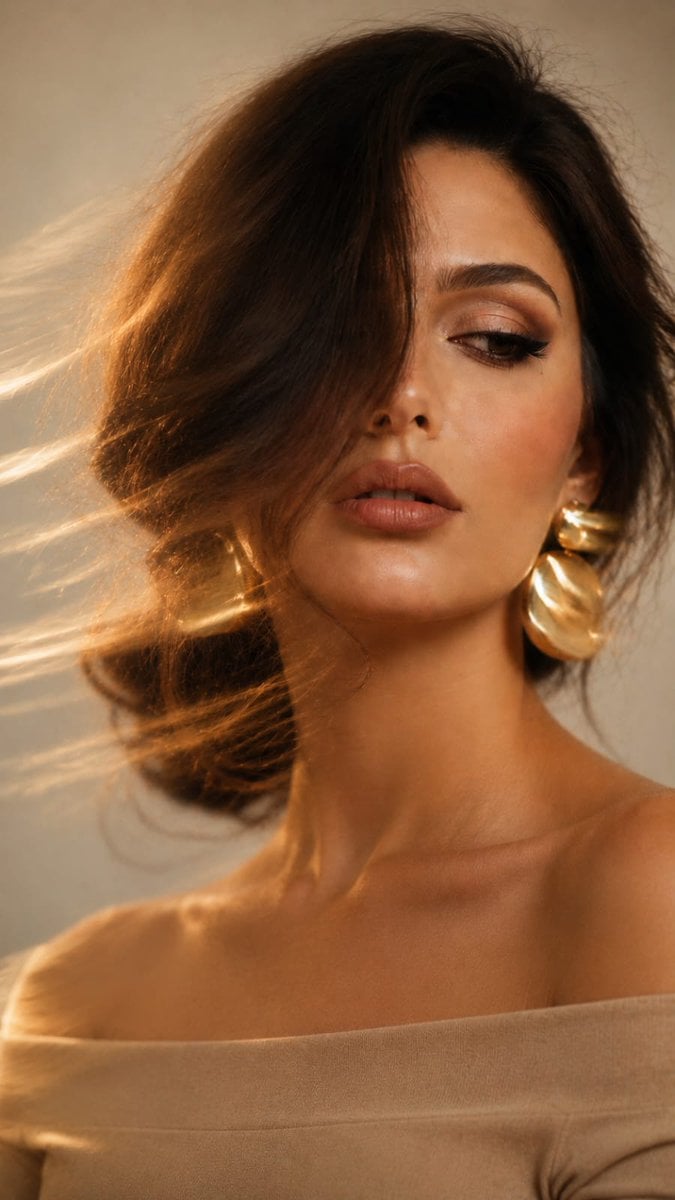
- Prompt included
- Model and format preset
- Free template
The prompt behind this image
Copy the exact prompt behind Artistic Long Exposure Beauty Portrait, or open it in the studio and make it yours.
Do not alter the face in any way. Preserve 100% facial identity, proportions, and resemblance with complete accuracy. Create a photorealistic artistic long-exposure beauty editorial portrait of a woman captured with a smartphone or professional camera using intentional movement during exposure. Her hair is styled in a {argument name="hairstyle" default="relaxed braided low bun"}, with a long soft strand cascading across nearly half of her face. Her head is gently angled downward while her gaze drifts to the side, leaving one eye mostly obscured. Her lips remain slightly open, creating a calm and enigmatic expression. She is wearing {argument name="jewelry" default="oversized sculptural gold earrings"} and an off-shoulder styling that leaves her shoulders elegantly exposed. Her makeup is refined and luminous: smooth radiant skin, soft peach and rosy blush, delicate highlighter, lightly defined eyes, natural eyeshadow, long lashes, and dusty-rose matte lips enhanced with a slightly deeper lip contour. Extreme close-up vertical composition (9:16), framed from the upper chest upward, with her face occupying most of the frame and positioned subtly off-center toward the right. Background is minimal and clean, using {argument name="background colors" default="soft ivory, off-white, or pale gray"} tones. Illumination comes from diffused natural window light, producing creamy golden warmth and soft shadows that sculpt the face naturally. Pronounced long-exposure motion blur sweeps through the image, especially around the hair and metallic earrings, creating elegant flowing golden trails, while the central facial features remain comparatively sharper. Minimal grain, soft contrast, and delicate editorial retouching. Overall atmosphere: cinematic, mysterious, luxurious, artistic fashion editorial with an effortless sense of sophistication and modern elegance.
How to use Artistic Long Exposure Beauty Portrait in 3 steps
- 1Upload ImagePNG, JPG or paste
Add your photo
Upload the photo the template builds on. The prompt, model and format are already set.
- 2…a portrait of your subject in softgolden-hour light, 85mm…
Personalize
Edit the subject and creative details for your destination.
- 3Generate
Generate
Press Generate — your image is created in PicX Studio, so you can compare it with the original and refine one variable at a time.
More like this
Templates with the same subject, style or setup. Open one to see its prompt.

Artistic Patchwork Fashion Portrait Spring Festival
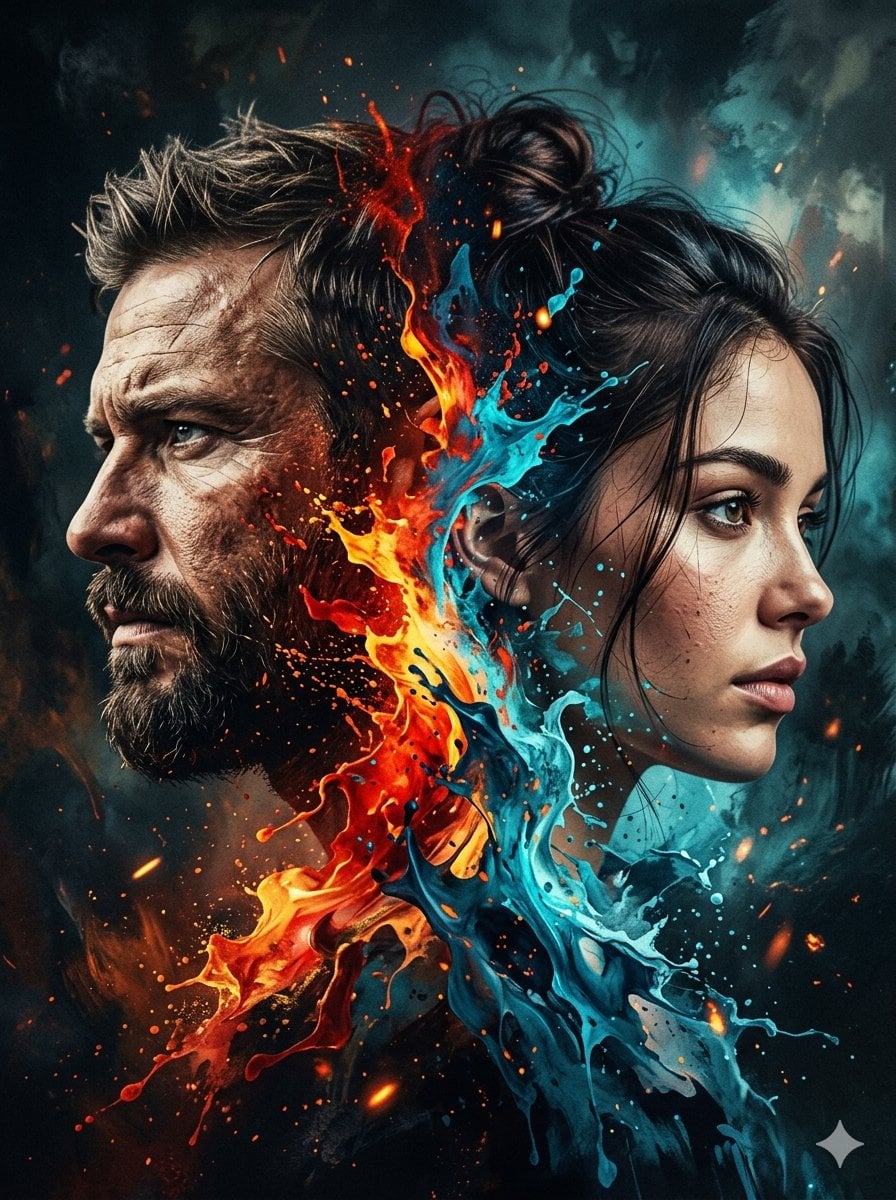
Dynamic Double-Exposure Artistic Portrait
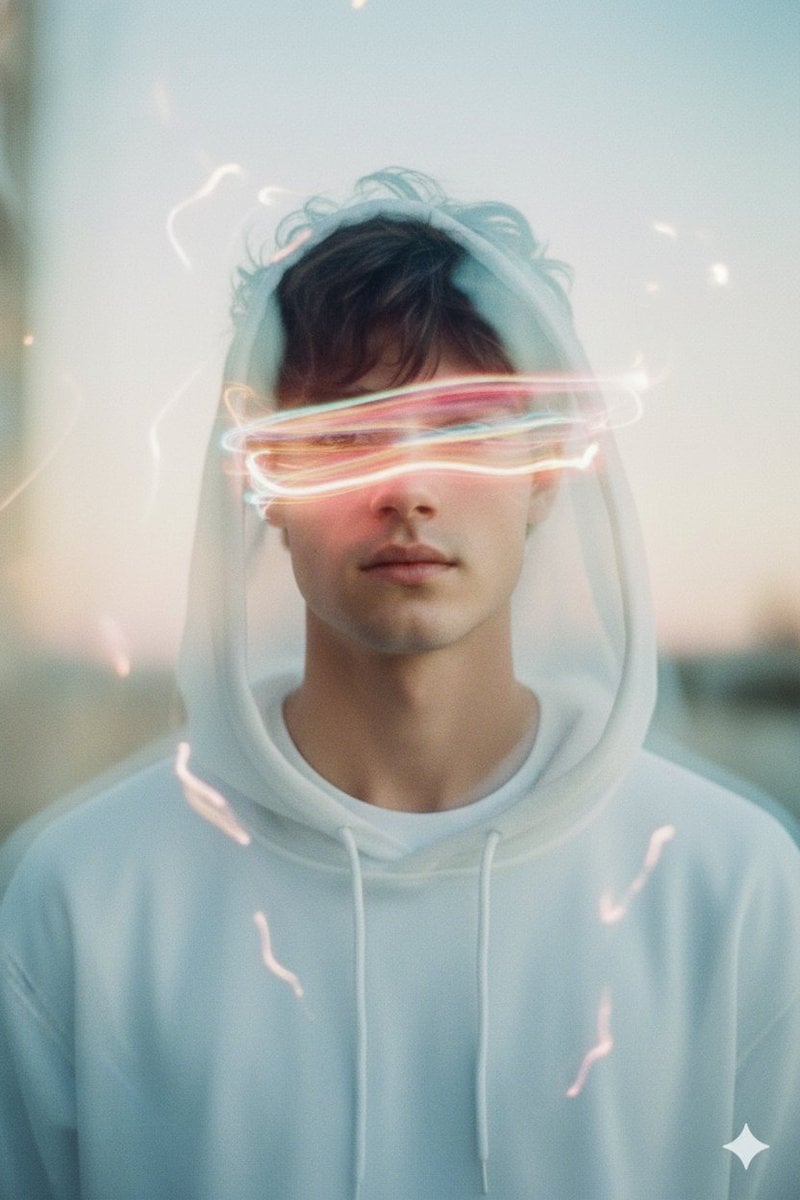
Long Exposure Light Trace Art Photography Portrait
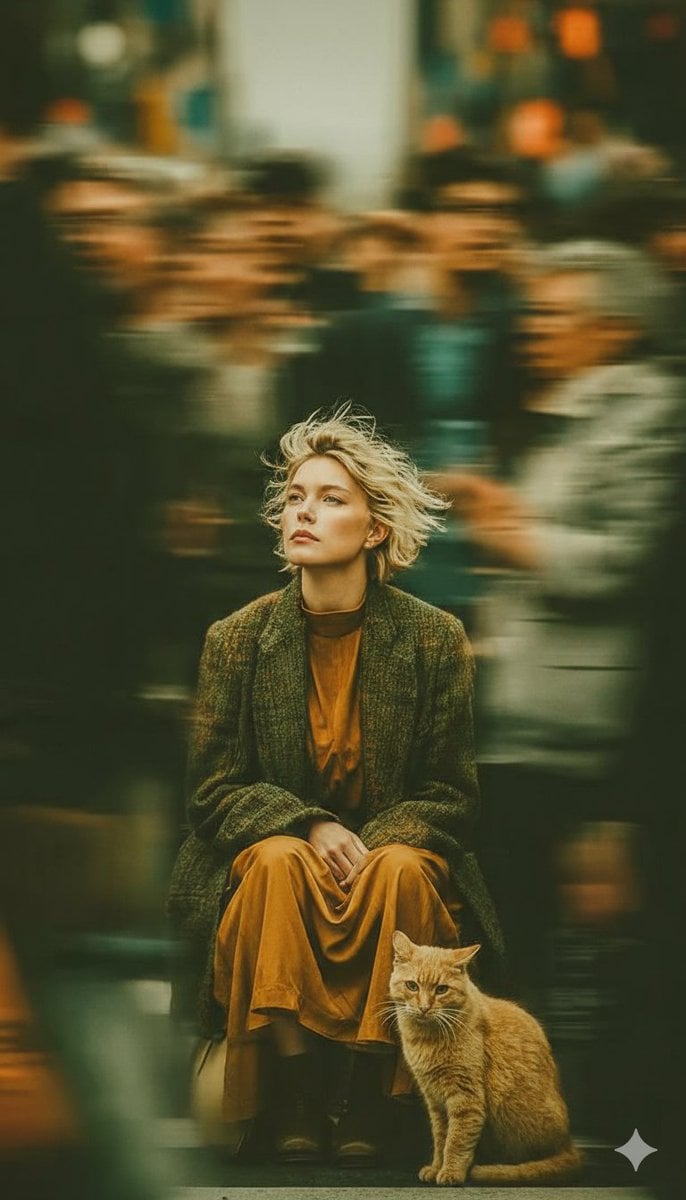
Long-Exposure Cinematic Street Photography Portrait
Ethereal Long Exposure Cinematic Portrait Prompt

Found Photograph: Us, 1970

80s Couple Studio Portrait

80s Bollywood Star

80s Golden Hour Cinema

Me in 1985

1985 Studio Portrait

Hyper-Realistic Minecraft POV Portrait
Make it yours
Artistic Long Exposure Beauty Portrait works as-is. These are the safest ways to change it without losing the look.
Change one field
Copy a single group, rewrite it, and generate again so you can see what that field is doing.
Keep the frame, change the subject
Hold the composition and light of Artistic Long Exposure Beauty Portrait, then swap wardrobe, props or the person for a new take.
| If the result… | Why | Fix |
|---|---|---|
| The result drifts from the preview | Too many fields changed at once. | Reuse Artistic Long Exposure Beauty Portrait as-is first, then change one group — subject, light, or setting. |
| The model over-stylizes the scene | The prose prompt leaves finish and camera underspecified. | Add one camera or lighting sentence and stay on GPT Image 2. |
More GPT Image 2 templates
Other prompts made for GPT Image 2.

Six VTuber Japanese Logo Sheet

Realistic Portrait of Woman and Deer

The Vista Modular Condo Poster

AI Model Routing Comparison Infographic

2.5D Anime Art Board

Isometric Productivity Desk Scene

New York Double Exposure Poster

Four-Panel AI Landscape Comparison

Japanese Tatami Lifestyle Magazine Cover

NESCAFÉ Coffee Map Poster
More image prompts
Fresh picks from across the catalog.
Cherry Blossom School Gate Manga Page
Luxury Ocean Princess Chocolate Box
Editorial Surrealism Portrait (Amber Trance)
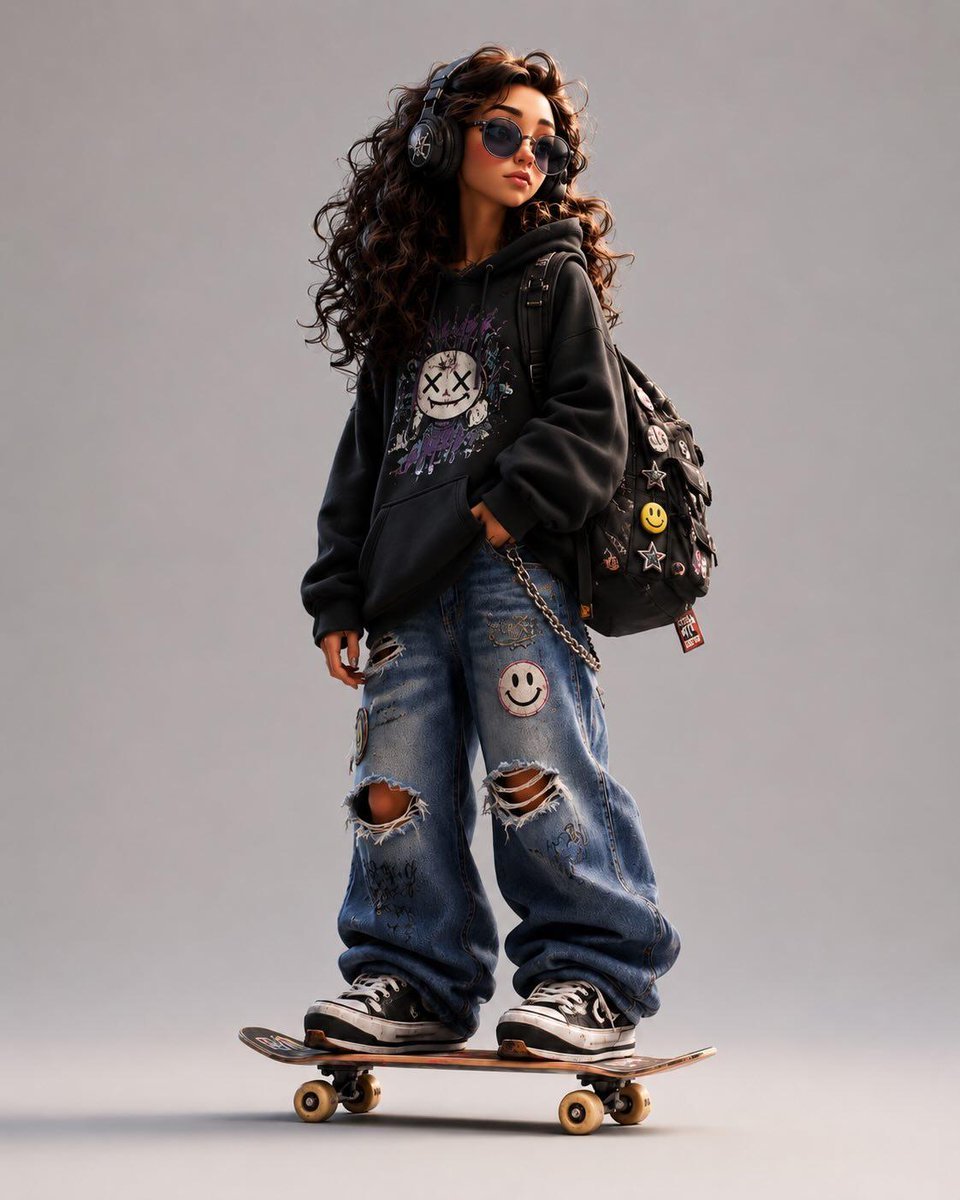
3D Stylized Cartoon Skater
JSON Seedance - Fairy Macro Flight
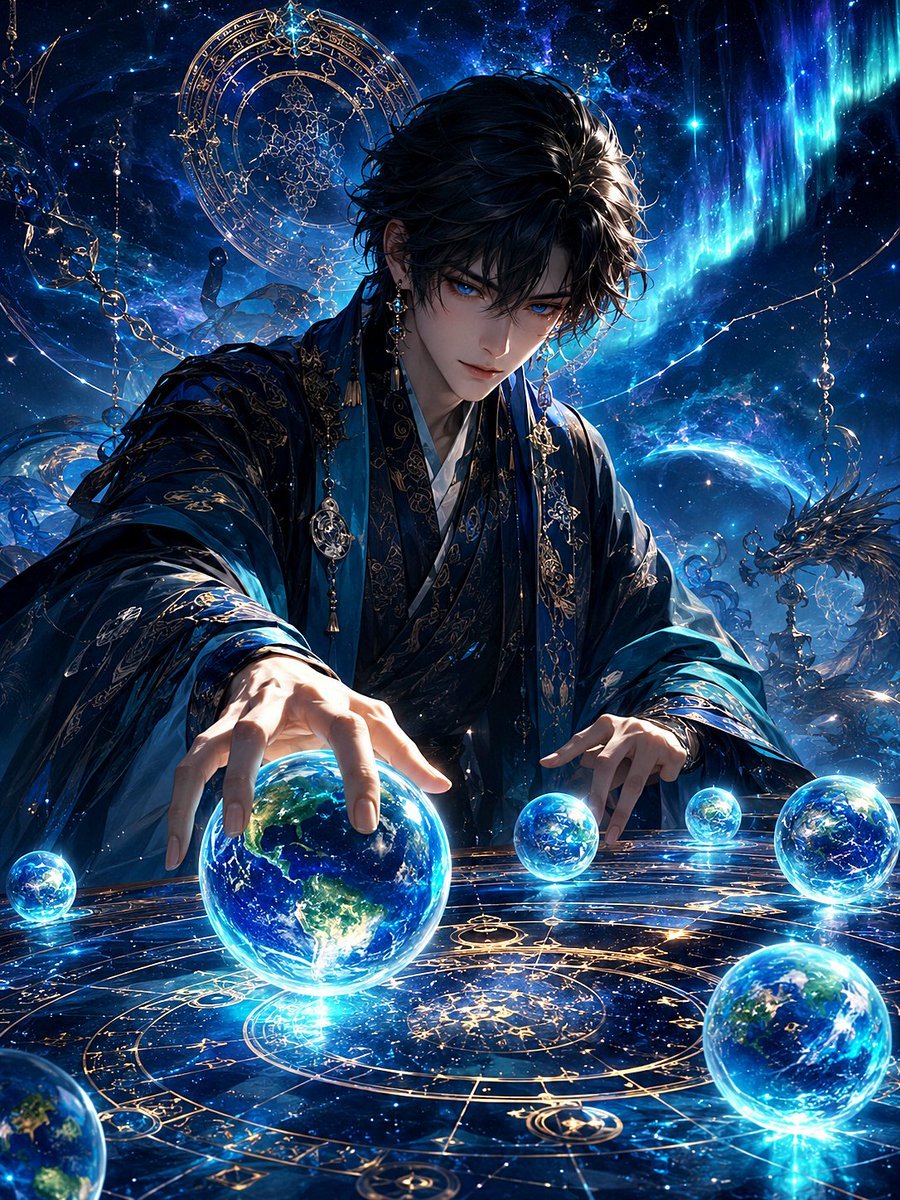
Mystic Astrologer at Cosmic Table
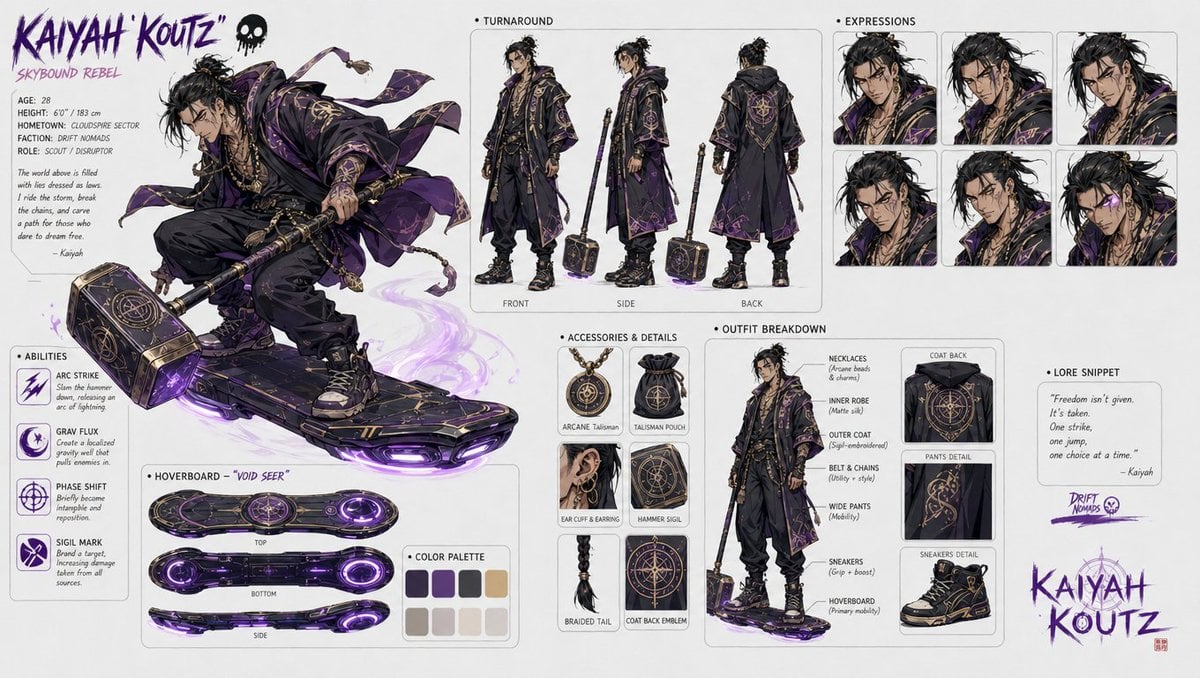
Character design refinement
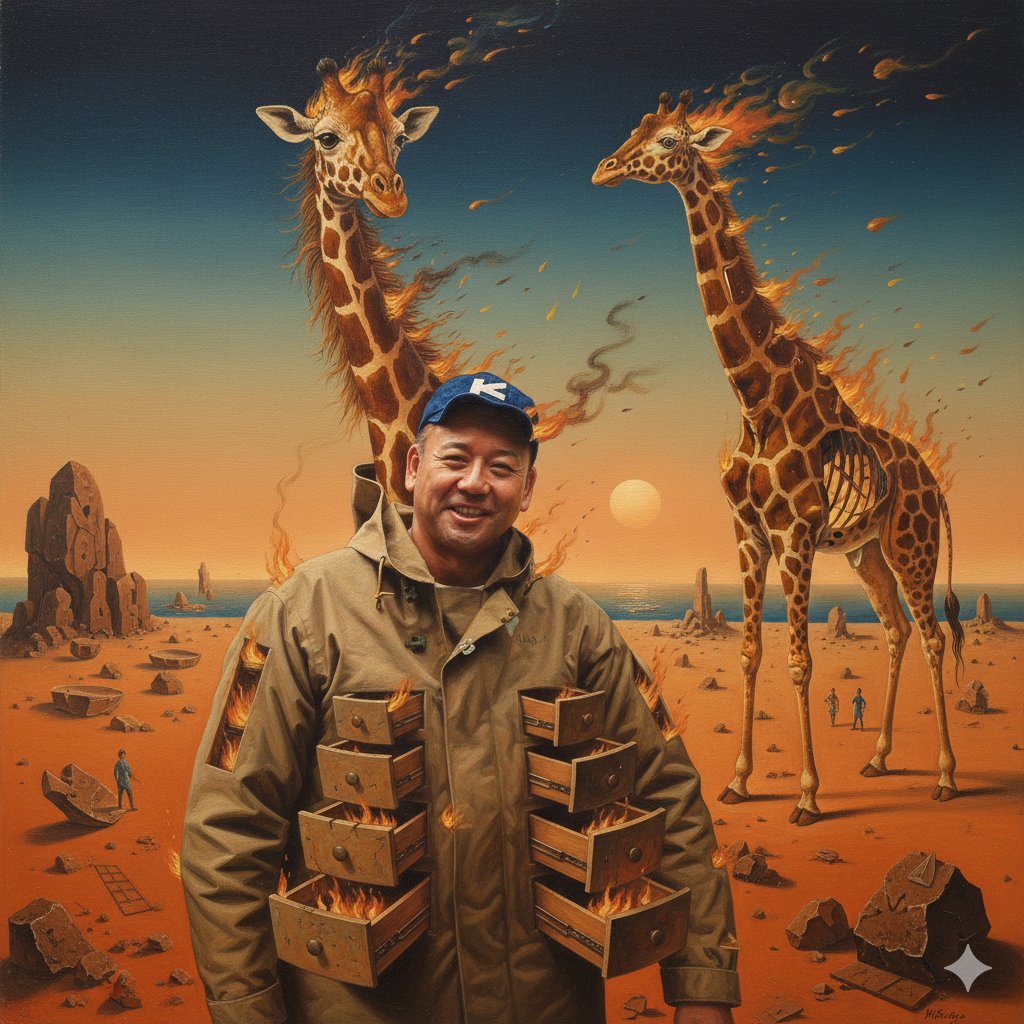
Image Style Transfer Prompt: Viking to Dali's 'Burning Giraffe' Style
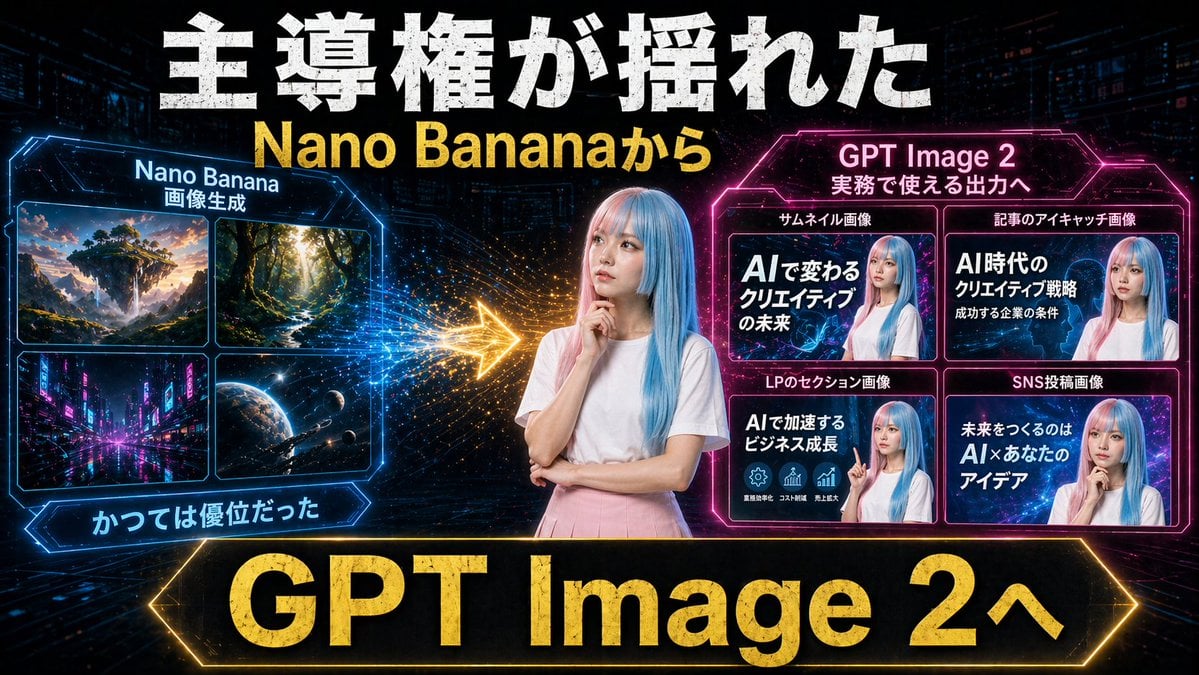
Gpt2 Youtube Thumbnail Neon Ai Thumbnail Comparison
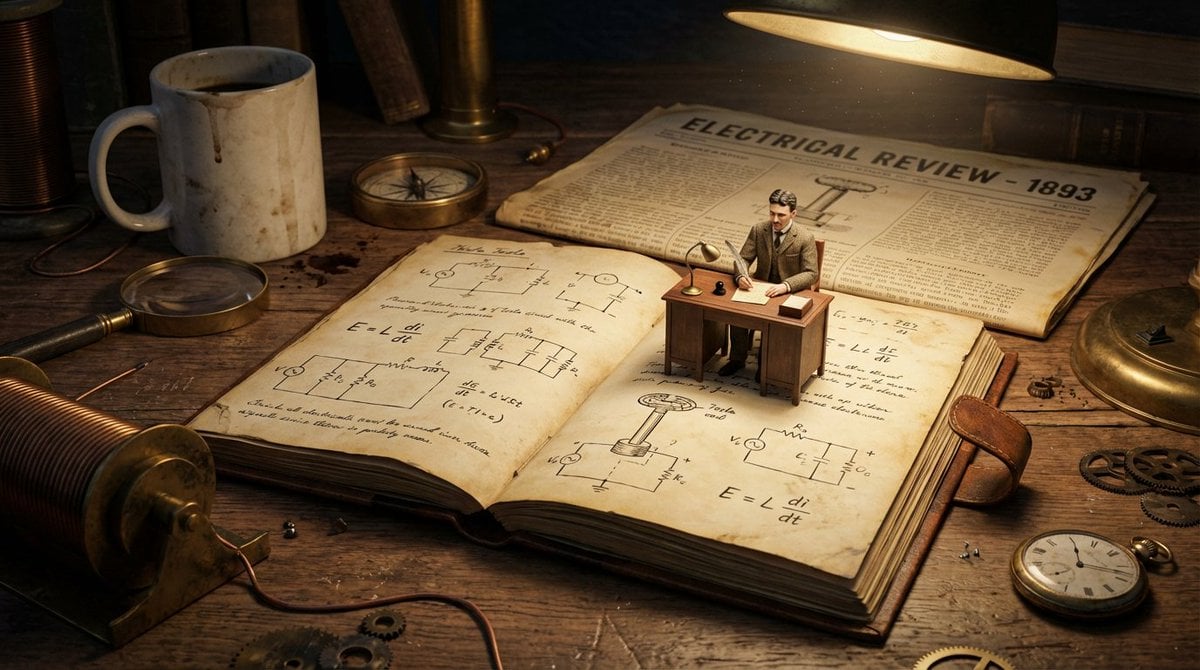
Macro Diorama of a Scientist's Historical Workspace
Browse template categories
Artistic Long Exposure Beauty Portrait questions
How do I use the Artistic Long Exposure Beauty Portrait template?
Add your photo if the template asks for one, edit the prompt if you like — the template's model and format are already selected — and press Generate. Your version opens in PicX Studio.
Can I customize the Artistic Long Exposure Beauty Portrait template?
Yes. You can change the subject, setting, lighting, mood, format, and available model controls before creating your image.
Is the Artistic Long Exposure Beauty Portrait template free?
Opening and editing this template is free. Generating uses credits, shown on the Generate button when you are signed in.
Which AI model should I use?
Start with GPT Image 2, which is the model associated with this template. You can compare another compatible model for a different finish.
Looking for something else? Browse all templates.

Your photo, any look
Thousands of ready templates for every top image and video model, from one credit balance.