How do I use the Cyberpunk Anime Fashion Magazine Cover template?
Choose the primary action to open PicX Studio with the available template settings. Review the model and format, personalize the creative direction, and generate when ready.
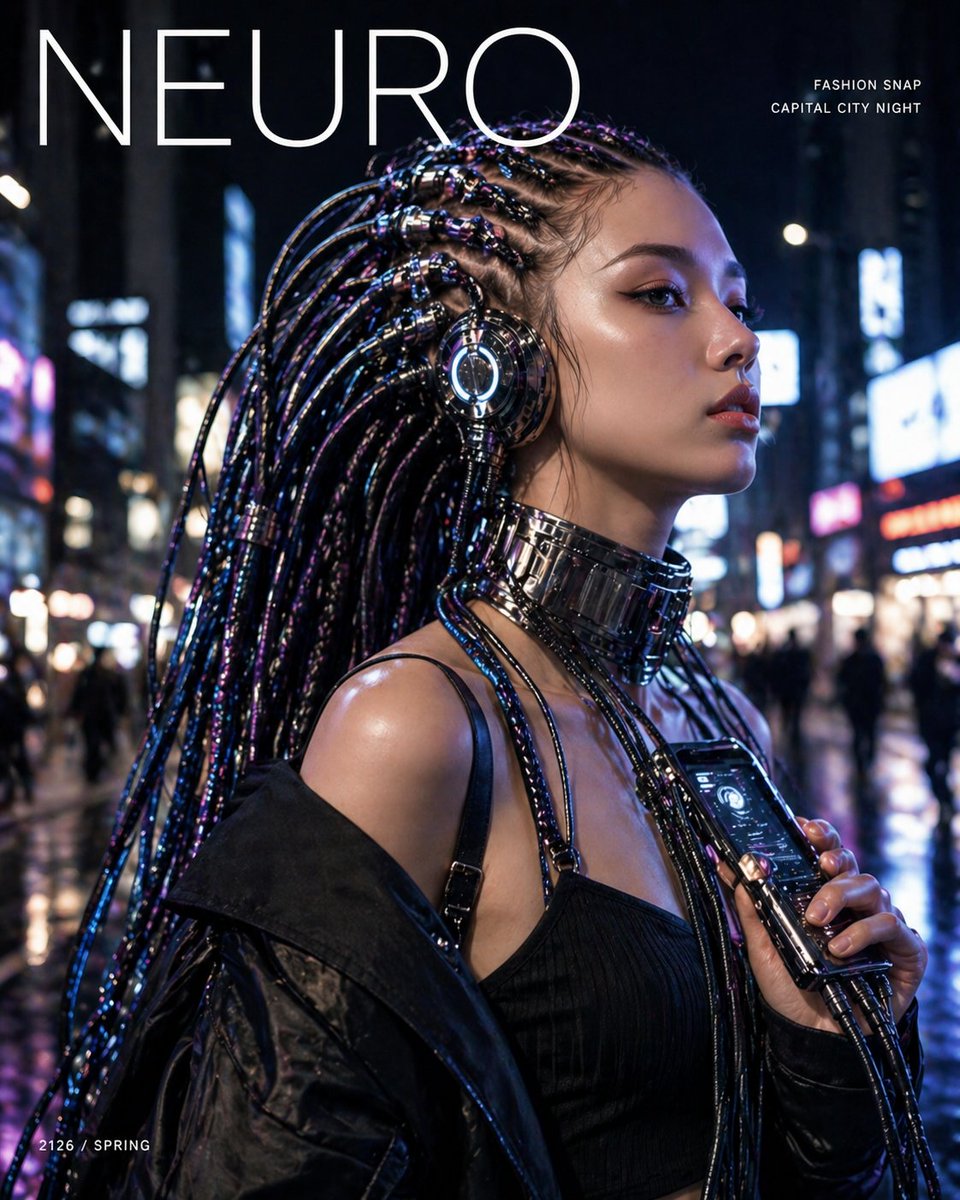
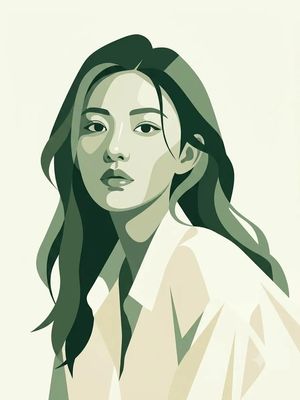
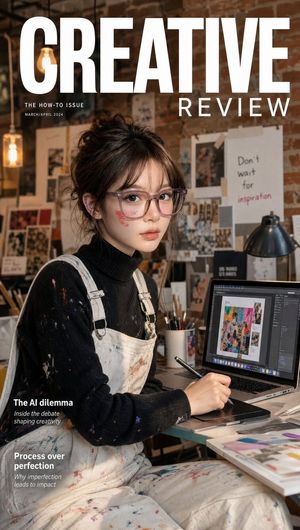
An ultra-detailed luxury anime illustration for a futuristic magazine cover, combining high-end streetwear with cyber-tech motifs.
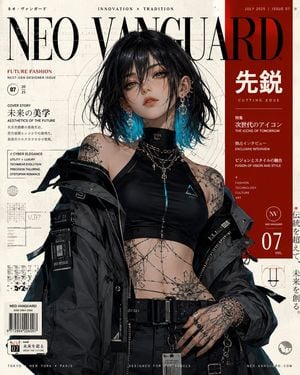
Ultra-detailed luxury anime fashion cover illustration of a futuristic trendsetting young woman with shoulder-length raven hair featuring {argument name="hair highlights" default="electric cyan underlights"}, wispy face-framing strands, luminous {argument name="eye color" default="amber"} eyes, smooth porcelain skin, subtle glossy makeup, and a poised, self-assured expression. She wears an oversized asymmetric charcoal utility jacket layered over a sleek black high-neck crop top with metallic teal accents, accessorized with layered silver chains, ear cuffs, stacked rings, and elegant fine-line cyber tattoos extending across her collarbone, hands, and midriff. She stands against a premium avant-garde magazine cover composition titled “{argument name="magazine title" default="NEO VANGUARD"}”, surrounded by sophisticated editorial typography, futuristic interface graphics, Japanese-inspired design motifs, blueprint elements, abstract grids, barcode details, and bold crimson accent panels over a textured ivory backdrop. The scene blends luxury streetwear aesthetics with next-generation designer campaign energy. Sharp anime line art fused with realistic cinematic lighting, highly detailed fabric textures, reflective metallic accessories, soft skin rendering, dramatic shadows, glossy hair reflections, immaculate magazine layout design, centered fashion portrait composition, contemporary urban futurism, rebellious elegance, luxury advertising aesthetic, high-end graphic design, ArtStation trending quality, masterpiece, ultra-detailed, 8k resolution, professional color grading, crisp contrast, premium editorial atmosphere, fashion photography merged with anime illustration, collector’s edition cover design.
Choose the primary action to open PicX Studio with the available template settings. Review the model and format, personalize the creative direction, and generate when ready.
Yes. You can change the subject, setting, lighting, mood, format, and available model controls before creating your image.
This template is free to open and customize. Generation usage is shown in PicX Studio before you create.
Start with GPT Image 2, which is the model associated with this template. You can compare another compatible model for a different finish.
Follow a topic to a crawlable collection of related PicX Studio templates.