
Magazine Cover on Desk with Cowboy Chameleon
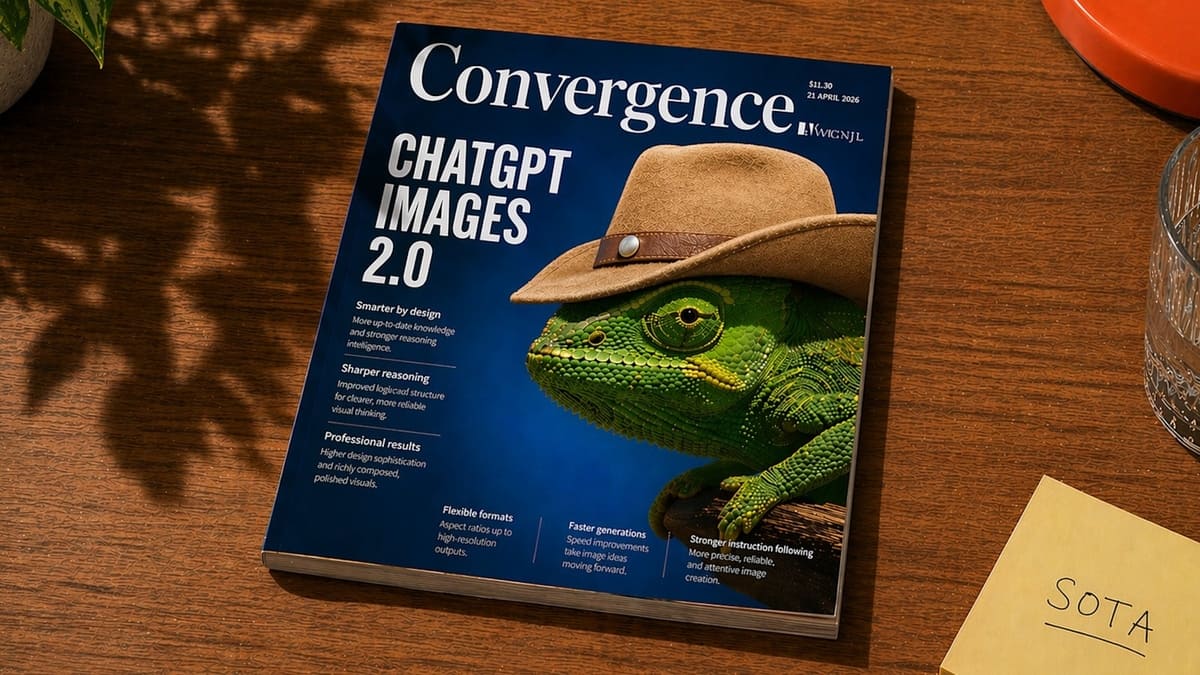
This prompt generates a photorealistic lifestyle shot of a tech magazine on a wooden desk, ideal for editorial mockups, AI feature announcements, or magazine-cover concept art.
- Prompt included
- Model and format preset
- Free template
The prompt behind this image
Copy the exact prompt behind Magazine Cover on Desk with Cowboy Chameleon, or open it in the studio and make it yours.
A realistic editorial product photo of a glossy magazine lying diagonally on a warm medium-brown wooden table, viewed from above at a slight angle. The magazine dominates the frame and has a deep cobalt-blue cover with a large elegant serif masthead reading {argument name="magazine title" default="Convergence"} across the top. On the left side of the cover, a huge stacked white sans-serif headline reads {argument name="cover headline" default="CHATGPT IMAGES 2.0"}. The main cover image is a highly detailed green chameleon in close-up profile facing left, wearing a tan cowboy hat with a brown leather band and metal stud, creating a surreal but polished magazine-cover concept. Add small editorial cover lines in white text beneath and along the bottom, arranged in neat columns like a technology or design magazine, with tiny issue details in the upper right including a price and date. The magazine should look physically printed, with visible page thickness, subtle edge wear, and realistic reflections on the glossy cover. Surrounding environment: soft leafy shadows fall across the tabletop from the upper left, a clear faceted drinking glass is partially visible on the right edge, an orange-red plate peeks in from the top right corner, a pale yellow sticky note in the lower right reads {argument name="sticky note text" default="SOTA"} in handwritten uppercase letters, and a hint of a green houseplant appears in the upper left. Use warm natural afternoon sunlight, cinematic shadows, crisp focus, and photorealistic materials for a premium lifestyle desk scene.
How to use Magazine Cover on Desk with Cowboy Chameleon in 3 steps
- 1Upload ImagePNG, JPG or paste
Add your photo
Upload the photo the template builds on. The prompt, model and format are already set.
- 2…a portrait of your subject in softgolden-hour light, 85mm…
Personalize
Edit the subject and creative details for your destination.
- 3Generate
Generate
Press Generate — your image is created in PicX Studio, so you can compare it with the original and refine one variable at a time.
More like this
Templates with the same subject, style or setup. Open one to see its prompt.

Off Duty Fashion Magazine Cover

Japanese Tatami Lifestyle Magazine Cover

Ethereal Bloom Magazine Cover

Tropical Macaw Magazine Cover

Anime Mahjong Magazine Cover

Neon Anime Fireworks Magazine Cover

High-Fashion Magazine Cover Portrait

Open Magazine Luxury Fashion Editorial Layout

Monochrome Halftone Editorial Fashion Poster

Korean Model Floating Magazine Pages Campaign

Blue Hour Editorial Fashion Portrait
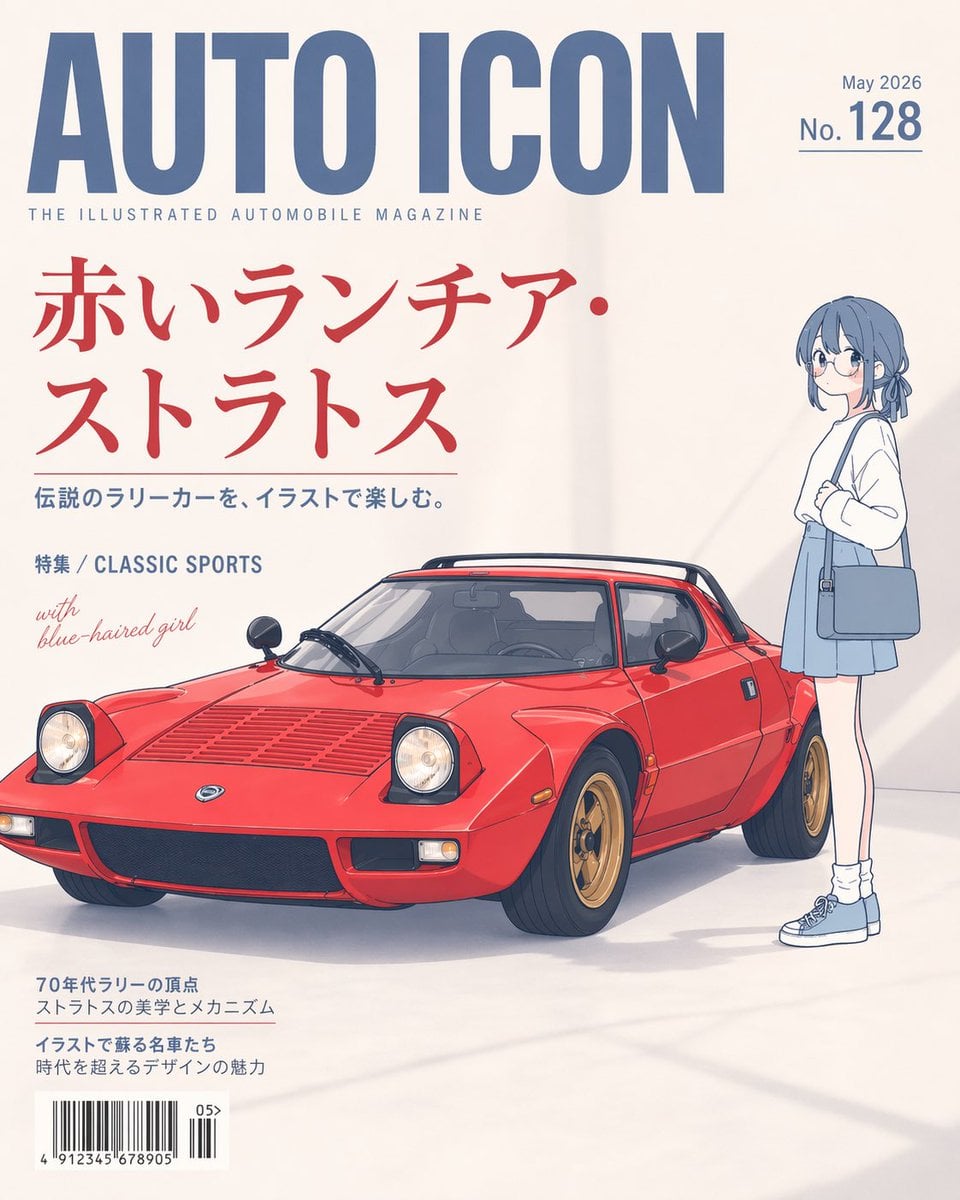
Illustrated Classic Car Magazine Cover
Make it yours
Magazine Cover on Desk with Cowboy Chameleon works as-is. These are the safest ways to change it without losing the look.
Change one field
Copy a single group, rewrite it, and generate again so you can see what that field is doing.
Keep the frame, change the subject
Hold the composition and light of Magazine Cover on Desk with Cowboy Chameleon, then swap wardrobe, props or the person for a new take.
| If the result… | Why | Fix |
|---|---|---|
| The result drifts from the preview | Too many fields changed at once. | Reuse Magazine Cover on Desk with Cowboy Chameleon as-is first, then change one group — subject, light, or setting. |
| The model over-stylizes the scene | The prose prompt leaves finish and camera underspecified. | Add one camera or lighting sentence and stay on GPT Image 2. |
More GPT Image 2 templates
Other prompts made for GPT Image 2.

Six VTuber Japanese Logo Sheet

Realistic Portrait of Woman and Deer

The Vista Modular Condo Poster

AI Model Routing Comparison Infographic

2.5D Anime Art Board

Isometric Productivity Desk Scene

New York Double Exposure Poster

Four-Panel AI Landscape Comparison

NESCAFÉ Coffee Map Poster

Brutalist Cogito Chinese Typography Poster
More image prompts
Fresh picks from across the catalog.
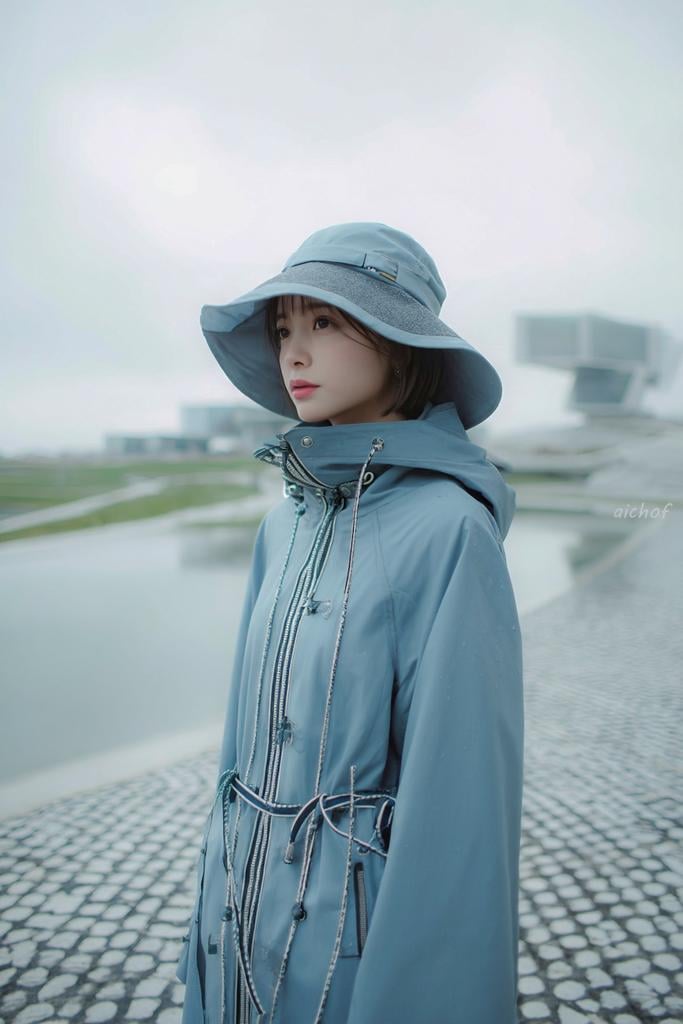
Rainy Blue Editorial Portrait
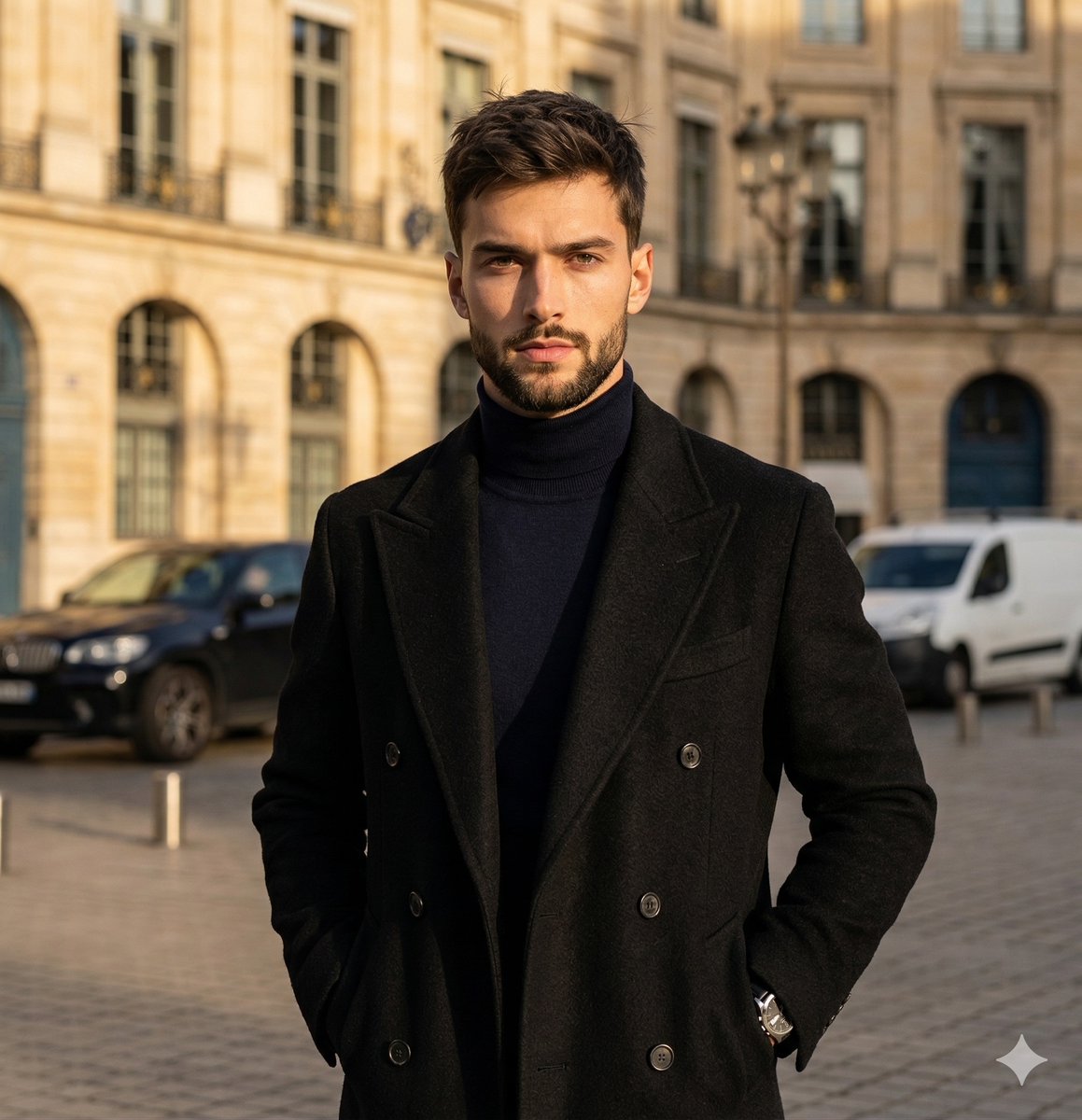
High-Contrast Street Fashion Editorial Portrait
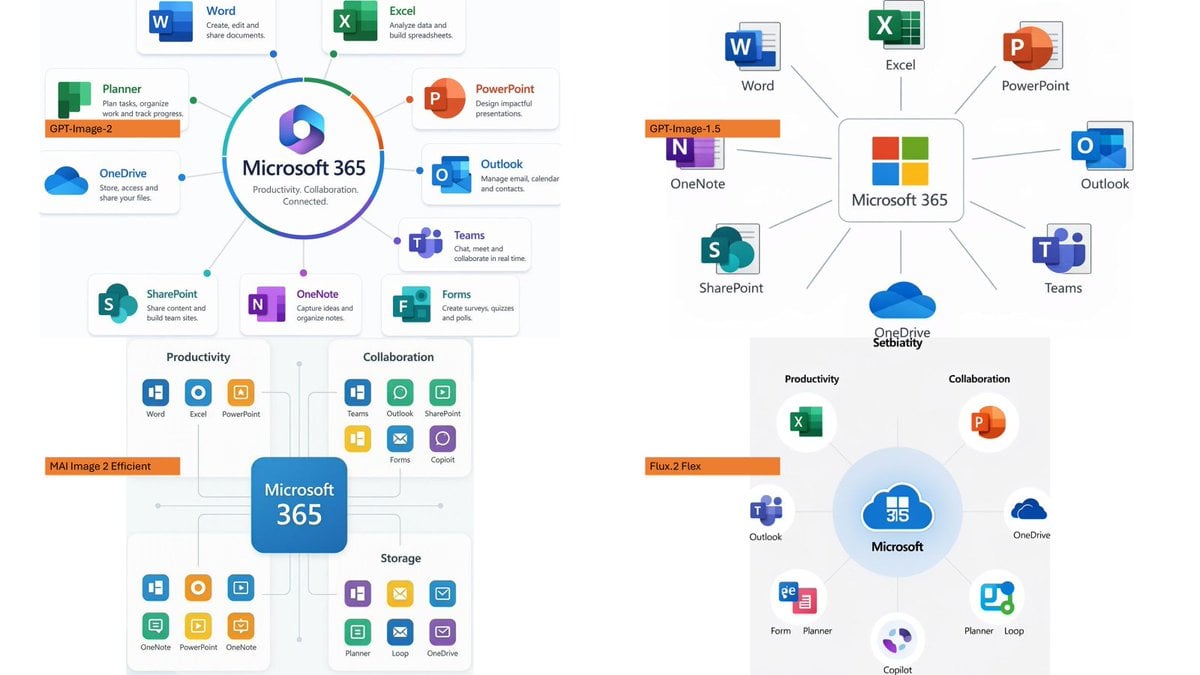
Microsoft 365 Model Comparison Infographic
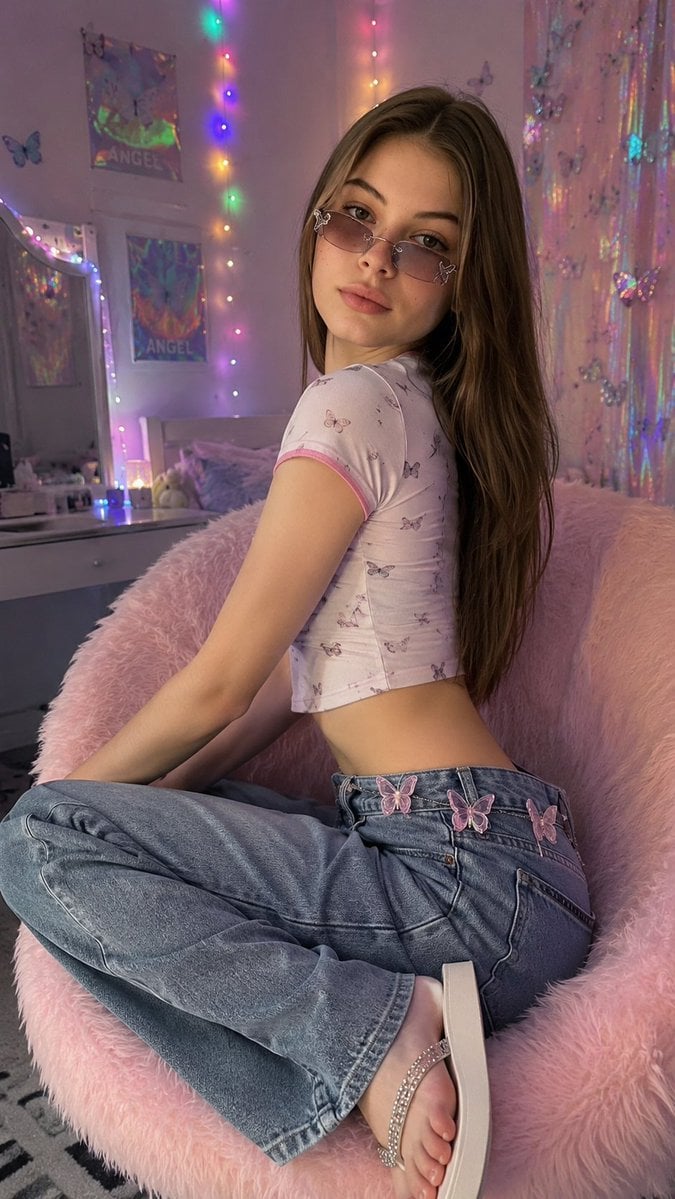
Y2K Aesthetic Bedroom Portrait
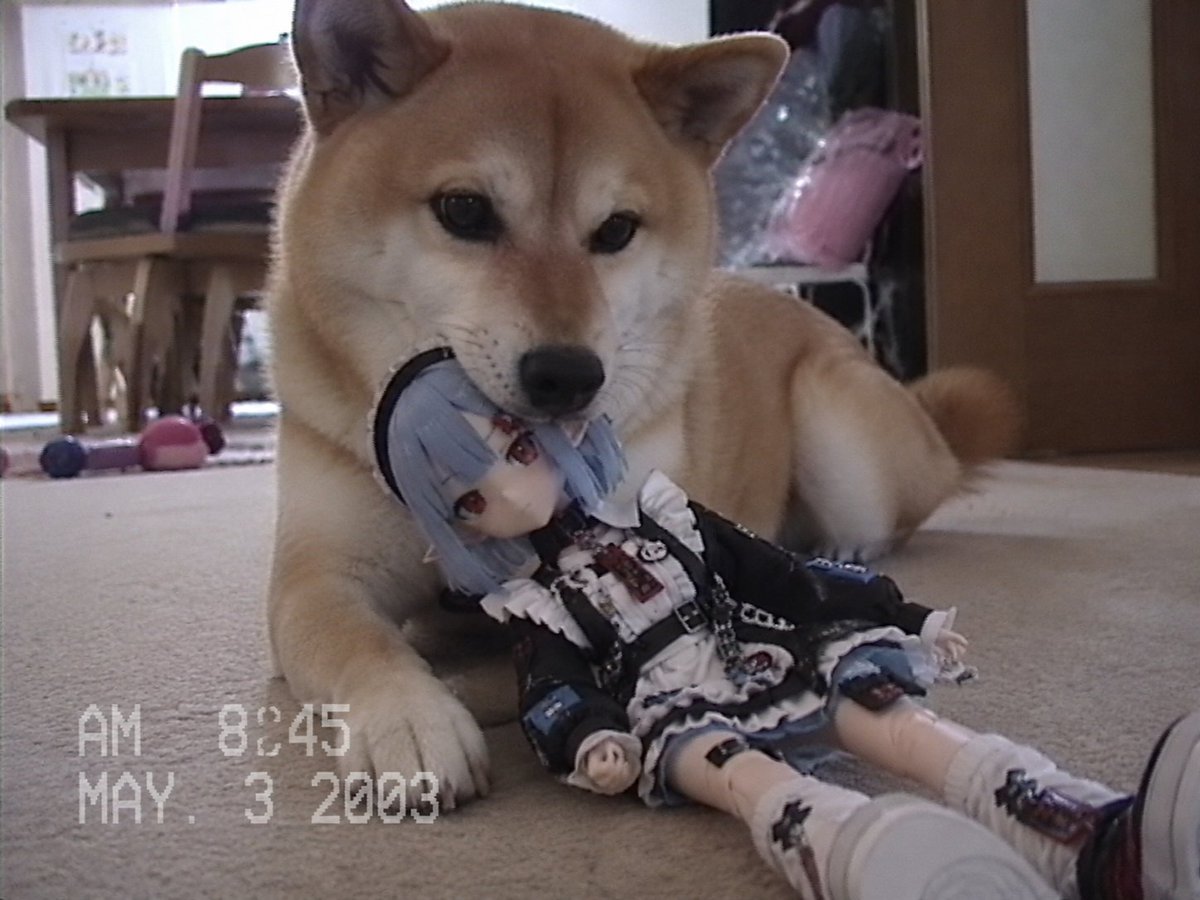
Nostalgic Home Video Doll Effect
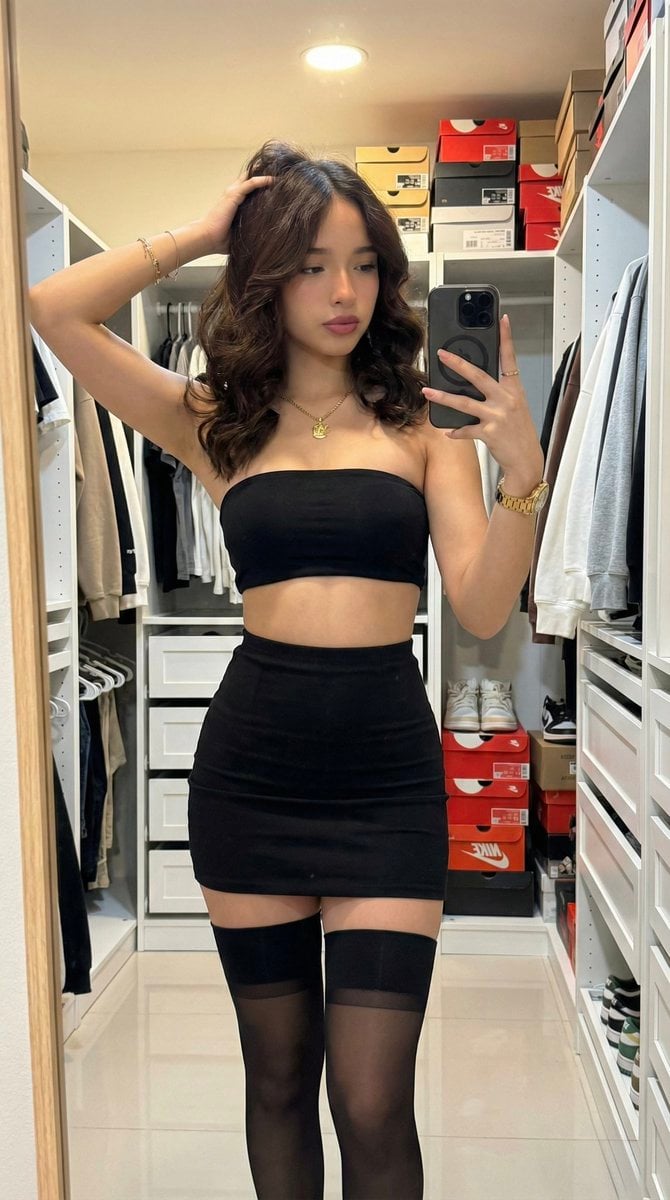
Raw High-Fidelity Mirror Selfie in Walk-in Closet
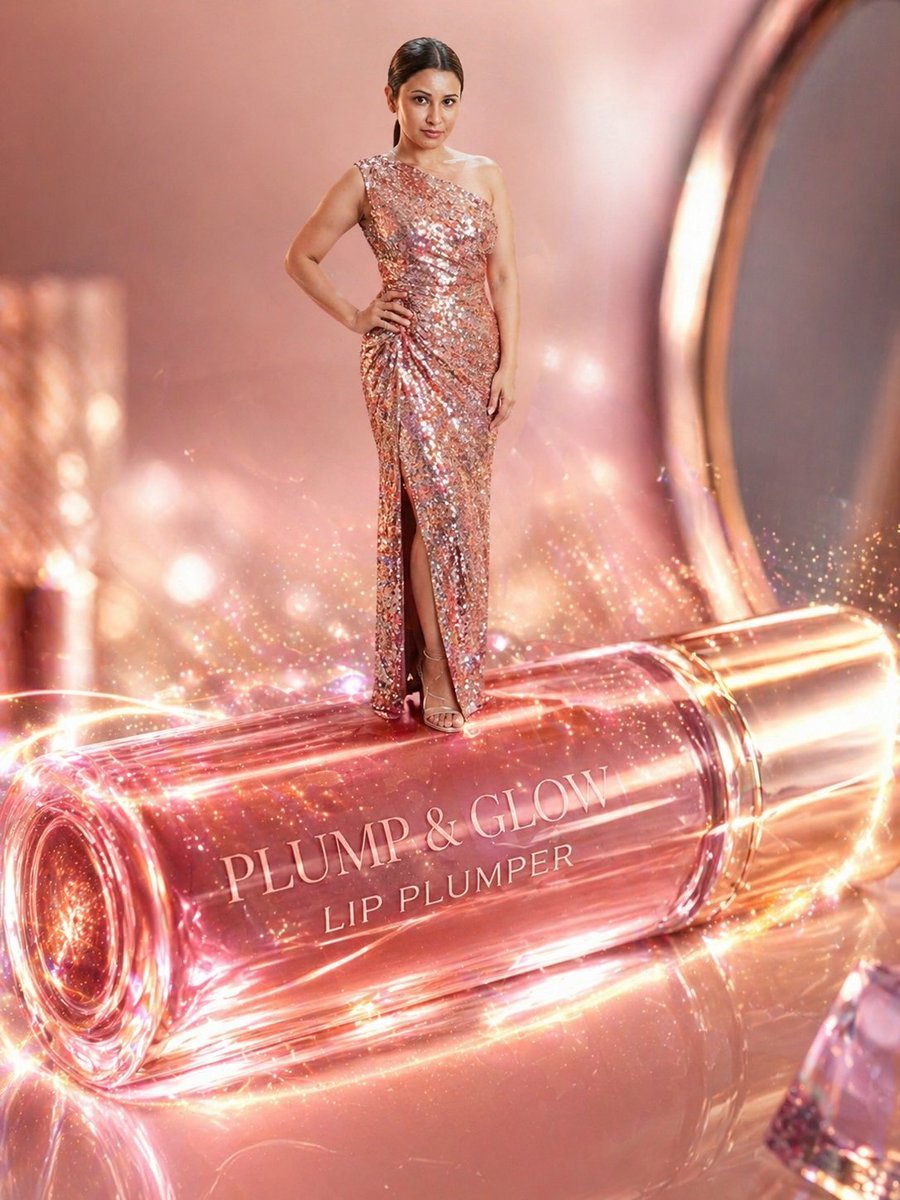
Surreal Beauty Ad with Face Reference
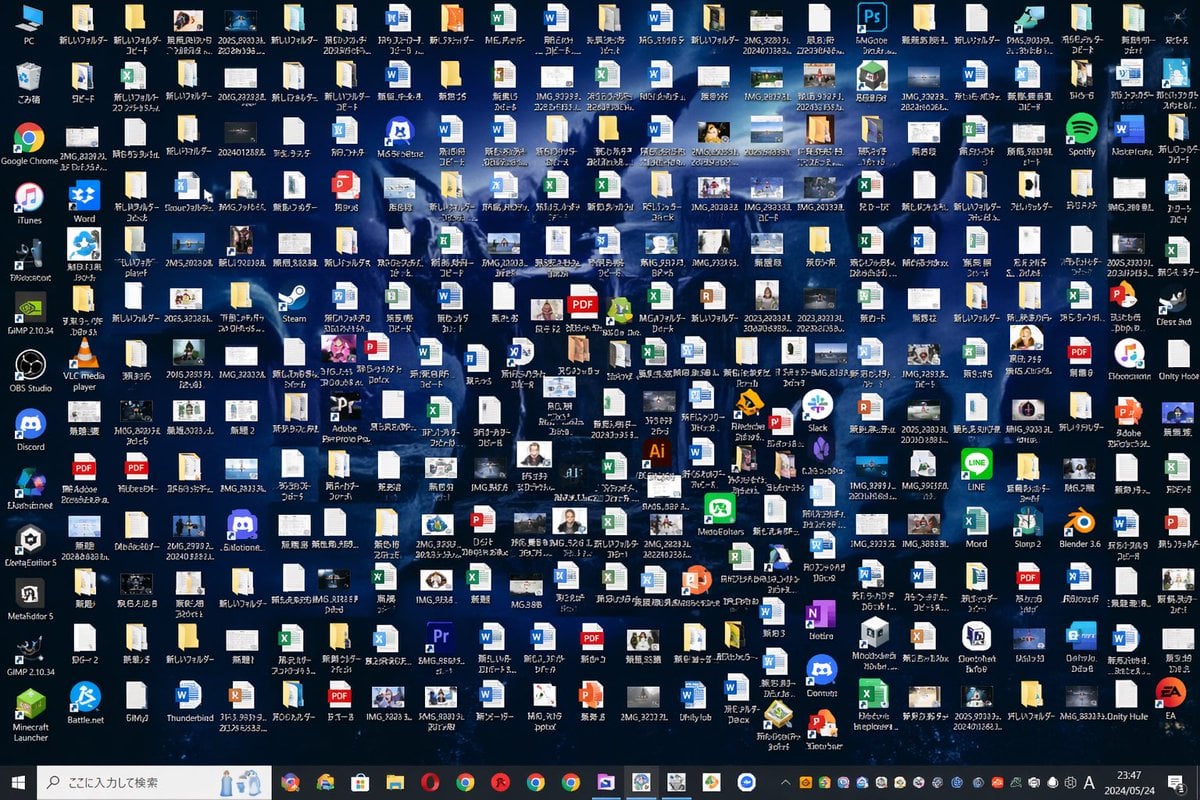
Hopelessly Cluttered Desktop Screen
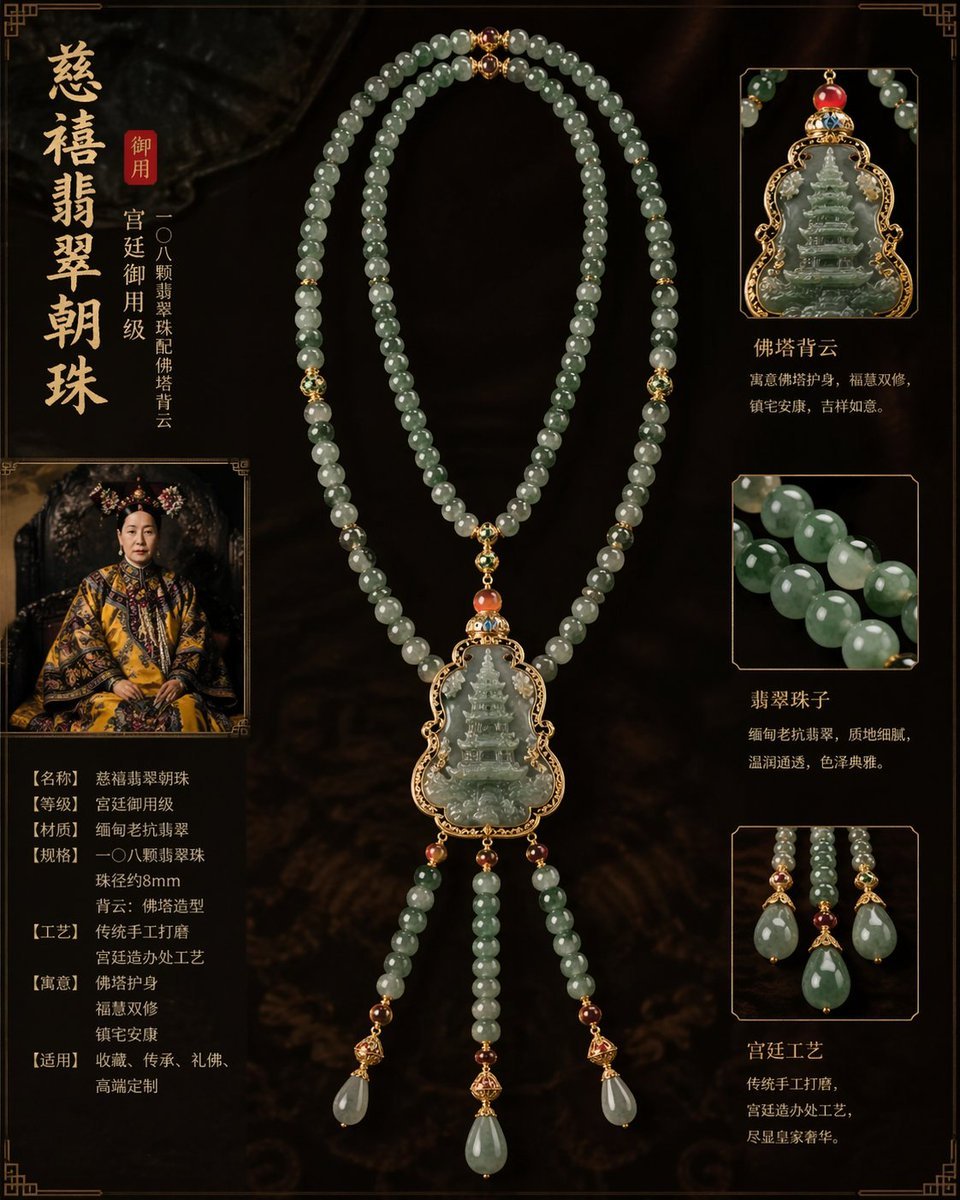
Imperial jewelry design prompt
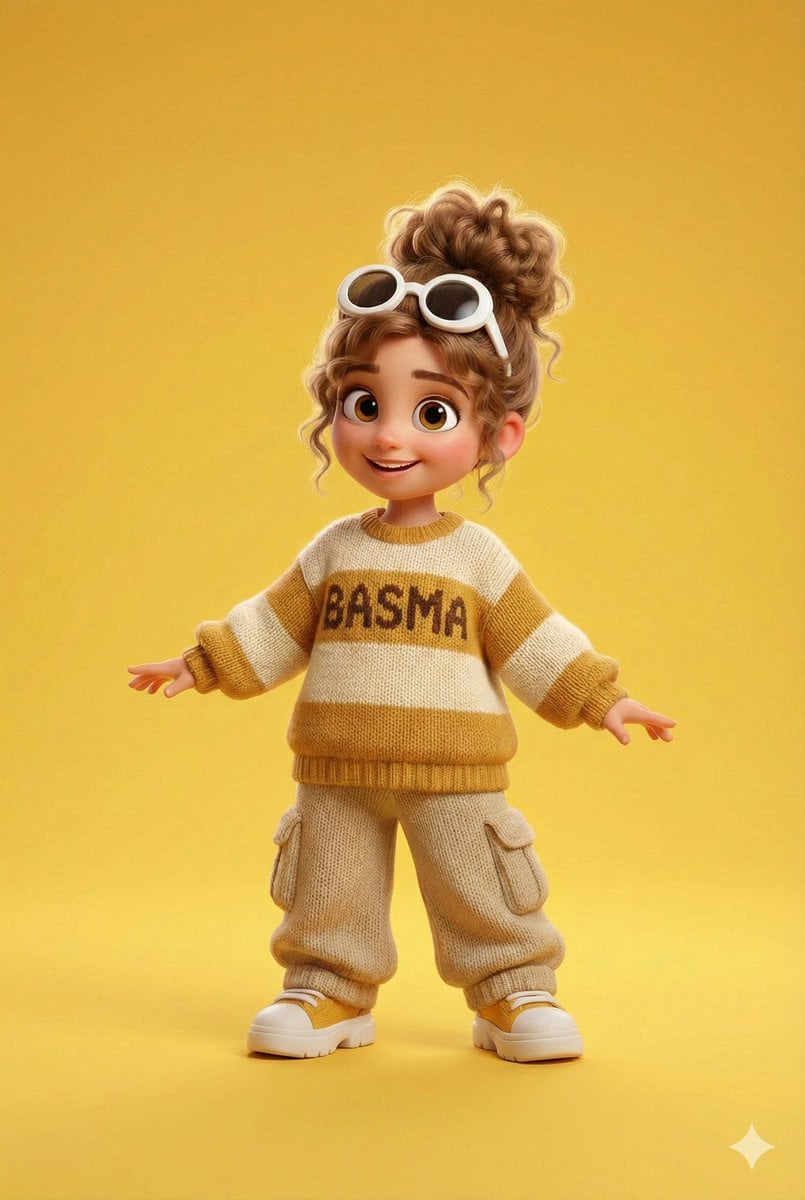
Pixar/Disney 3D Cartoon Character with Knitted Name
Browse template categories
Magazine Cover on Desk with Cowboy Chameleon questions
How do I use the Magazine Cover on Desk with Cowboy Chameleon template?
Add your photo if the template asks for one, edit the prompt if you like — the template's model and format are already selected — and press Generate. Your version opens in PicX Studio.
Can I customize the Magazine Cover on Desk with Cowboy Chameleon template?
Yes. You can change the subject, setting, lighting, mood, format, and available model controls before creating your image.
Is the Magazine Cover on Desk with Cowboy Chameleon template free?
Opening and editing this template is free. Generating uses credits, shown on the Generate button when you are signed in.
Which AI model should I use?
Start with GPT Image 2, which is the model associated with this template. You can compare another compatible model for a different finish.
Looking for something else? Browse all templates.

Your photo, any look
Thousands of ready templates for every top image and video model, from one credit balance.