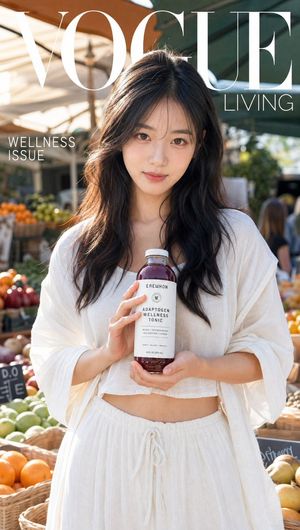
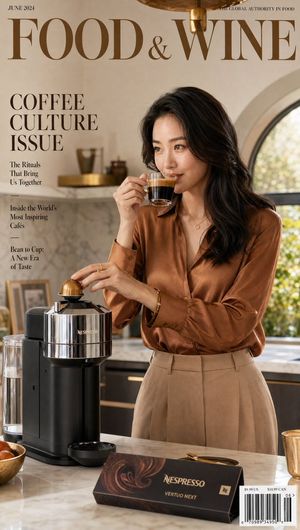
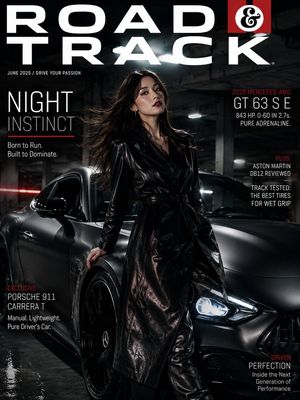
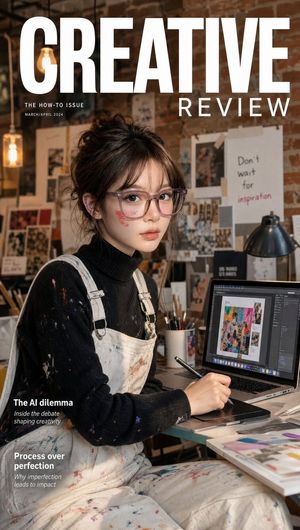
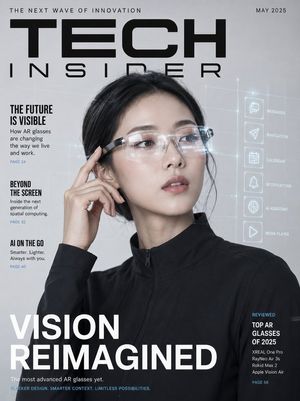
How do I use the Modern Fashion Magazine Cover template?
Choose the primary action to open PicX Studio with the available template settings. Review the model and format, personalize the creative direction, and generate when ready.
A professional prompt for generating a high-end luxury fashion magazine cover with motion blur effects and minimalist typography.

A high-end fashion magazine cover titled "{argument name="magazine title" default="VANTAGE"}" in a bold, black, minimalist sans-serif font across the top. The subtext reads "SUMMER EDITION" on the left and "2024" on the right. The central subject is a stylish young woman with long, voluminous wavy hair, wearing a black baseball cap, oversized designer sunglasses, an oversized {argument name="shirt color" default="light-blue"} short-sleeved button-down shirt loosely tucked into baggy black jeans, a slim black tie, and chunky fashion sneakers. She leans confidently against an off-white concrete wall under bright summer sunlight, exuding effortless street-style elegance and modern fashion-editorial energy. Flanking her on both sides are multiple heavily motion-blurred silhouettes of the same woman walking past, creating a striking sense of speed, movement, and urban rhythm. The blurred figures maintain the same outfit and hairstyle while remaining intentionally indistinct. In the bottom left corner, sleek editorial typography reads: "STREET REFINED: THE NEW CODE OF STYLE" "MOTION CULTURE: MOVING FAST. LOOKING SHARP." "SUMMER STATE OF MIND: LIGHTER DAYS. BOLDER MOVES." Luxury fashion magazine aesthetic, realistic editorial photography, Vogue-quality cover design, sharp focus on the central subject, dynamic motion blur on the sides, high-contrast sunlight, crisp shadows, premium color grading, cinematic composition, urban sophistication, contemporary street fashion, photorealistic 8K, professional fashion photography, magazine-cover masterpiece.
Choose the primary action to open PicX Studio with the available template settings. Review the model and format, personalize the creative direction, and generate when ready.
Yes. You can change the subject, setting, lighting, mood, format, and available model controls before creating your image.
This template is free to open and customize. Generation usage is shown in PicX Studio before you create.
Start with GPT Image 2, which is the model associated with this template. You can compare another compatible model for a different finish.
Follow a topic to a crawlable collection of related PicX Studio templates.