How do I use the Chibi Mini Me Street Fashion template?
Edit the prompt in the box under the preview — the template's model and format are already selected — and press Generate. Your version appears right on this page.
A cute and detailed prompt for a fashion portrait featuring a person, their chibi version, and pets in matching outfits.

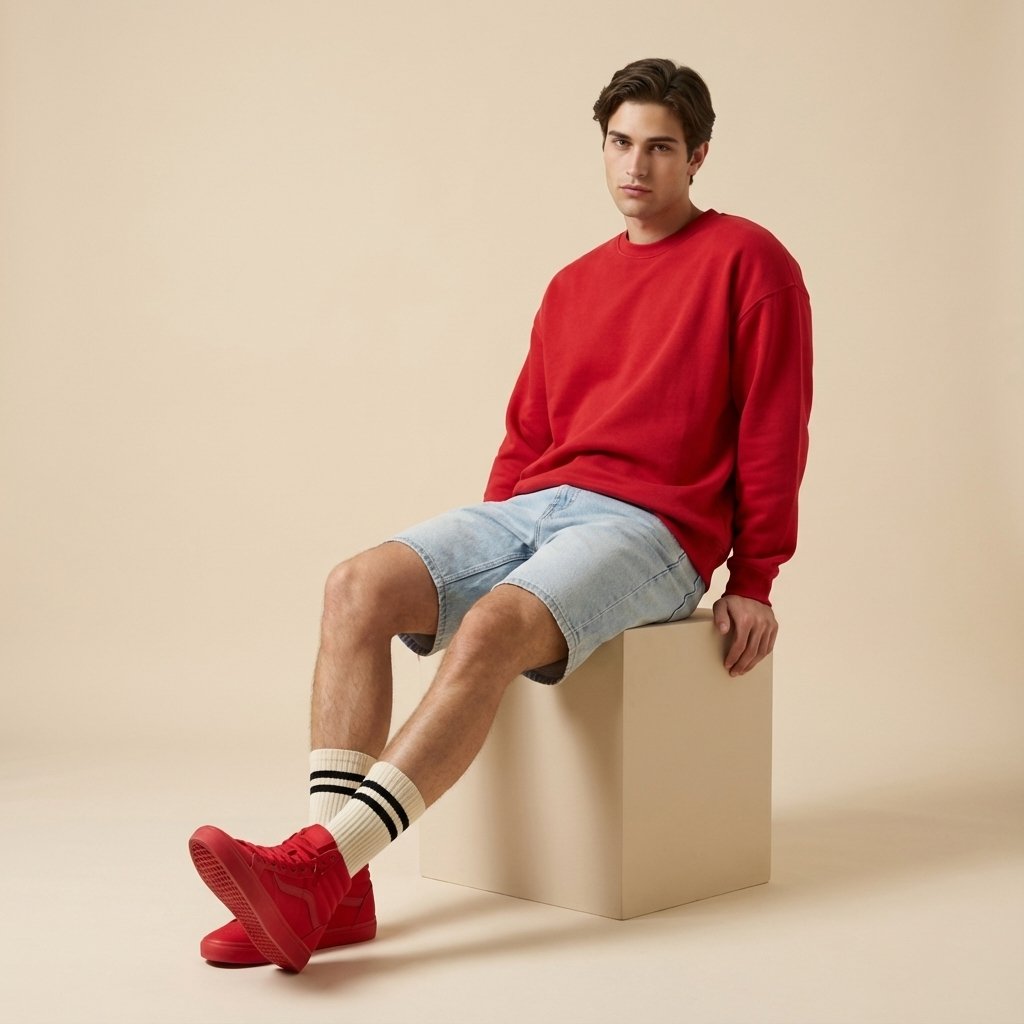
Create a highly detailed, ultra-cute street fashion portrait featuring a {argument name="subject" default="stylish young man"}, his adorable {argument name="chibi version" default="chibi mini version"}, and {argument name="pets" default="two fluffy Maine Coon cats"}. All characters wear matching {argument name="outfit" default="oversized red sports jerseys with the number 27, distressed light-blue jeans, white sneakers, and red baseball caps worn backwards"}. The chibi character has large expressive eyes, cartoon proportions, and a charming smile. The cats are sitting calmly on both sides wearing matching red jerseys. Background is a modern urban street with industrial architecture, soft cinematic lighting, shallow depth of field, luxury fashion photography style, vibrant colors, realistic textures, professional composition, 8K resolution, Pixar-meets-realism aesthetic, Instagram viral quality, cute and wholesome atmosphere.
Create a highly detailed, ultra-cute street fashion portrait featuring a {argument name="subject" default="stylish young man"}, his adorable {argument name="chibi version" default="chibi mini version"}, and {argument name="pets" default="two fluffy Maine Coon cats"}. All characters wear matching {argument name="outfit" default="oversized red sports jerseys with the number 27, distressed light-blue jeans, white sneakers, and red baseball caps worn backwards"}. The chibi character has large expressive eyes, cartoon proportions, and a charming smile. The cats are sitting calmly on both sides wearing matching red jerseys. Background is a modern urban street with industrial architecture, soft cinematic lighting, shallow depth of field, luxury fashion photography style, vibrant colors, realistic textures, professional composition, 8K resolution, Pixar-meets-realism aesthetic, Instagram viral quality, cute and wholesome atmosphere.
Edit the prompt in the box under the preview — the template's model and format are already selected — and press Generate. Your version appears right on this page.
Yes. You can change the subject, setting, lighting, mood, format, and available model controls before creating your image.
Opening and editing this template is free. Generating uses credits, shown on the Generate button when you are signed in.
Start with GPT Image 2, which is the model associated with this template. You can compare another compatible model for a different finish.
Follow a topic to a crawlable collection of related PicX Studio templates.