
Abstract Ink Particle Minimalism
A minimalist Japanese avant-garde prompt using spray particles to create a dissolving monochrome silhouette.
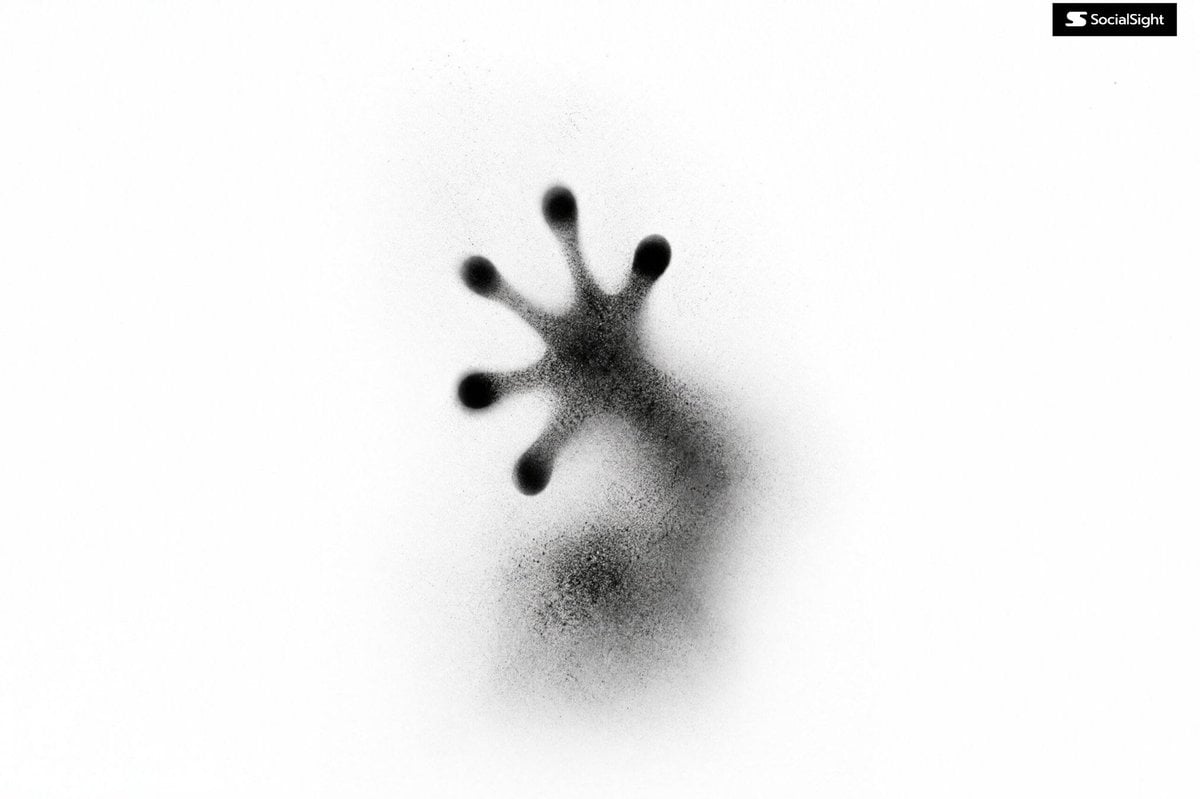
- Prompt included
- Model and format preset
- Free template
The prompt behind this image
Copy the exact prompt behind Abstract Ink Particle Minimalism, or open it in the studio and make it yours.
Abstract {argument name="subject" default="Your Subject"} formed from thousands of {argument name="particles" default="soft black spray particles"}, fading into a {argument name="background" default="pure white background"}, face rendered as a smooth black void, airbrush gradient transitions, disappearing silhouette, delicate aerosol grain, Japanese avant-garde poster design, experimental minimalism, ghost animal, visual silence, extreme negative space, subtle blur, ink cloud aesthetic, contemporary gallery artwork, monochrome, white background, black pigment only, soft diffusion, dissolving edges, low detail, atmospheric abstraction
How to use Abstract Ink Particle Minimalism in 3 steps
- 1
Open
The prompt is already in the box next to the preview, with the template's model and format selected.
- 2…a portrait of your subject in softgolden-hour light, 85mm…
Personalize
Edit the subject and creative details for your destination.
- 3Generate
Generate
Press Generate — your image is created in PicX Studio, so you can compare it with the original and refine one variable at a time.
More like this
Templates with the same subject, style or setup. Open one to see its prompt.
Master Blind Embossed Paper Art — White-on-White Monochromatic Luxury Stationery

Floraverse Botanical Fusion

FLORAVERSE BOTANICAL FUSION

Vintage Lithograph Retro World Cup Poster
Vintage Lithograph Retro World Cup Poster
Abstract Fine-Art Editorial Portrait
Minimal Ink Vignette Archive
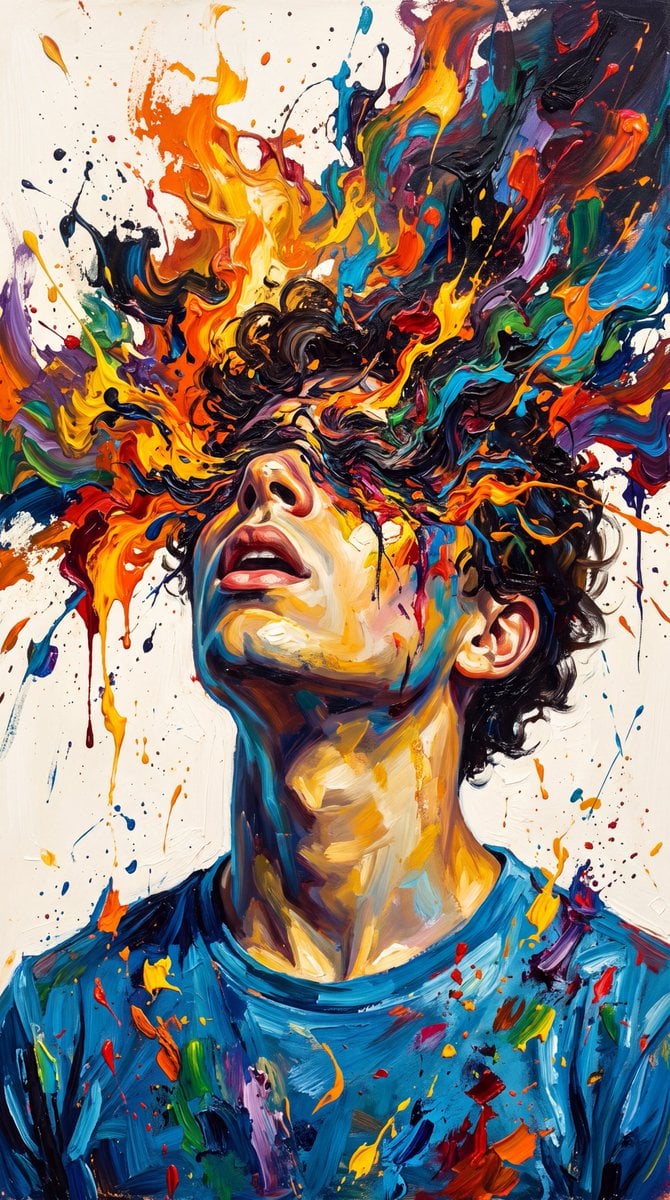
Abstract Expressionist Paint Eruption

Music Album Cover Abstract Liquid Mercury
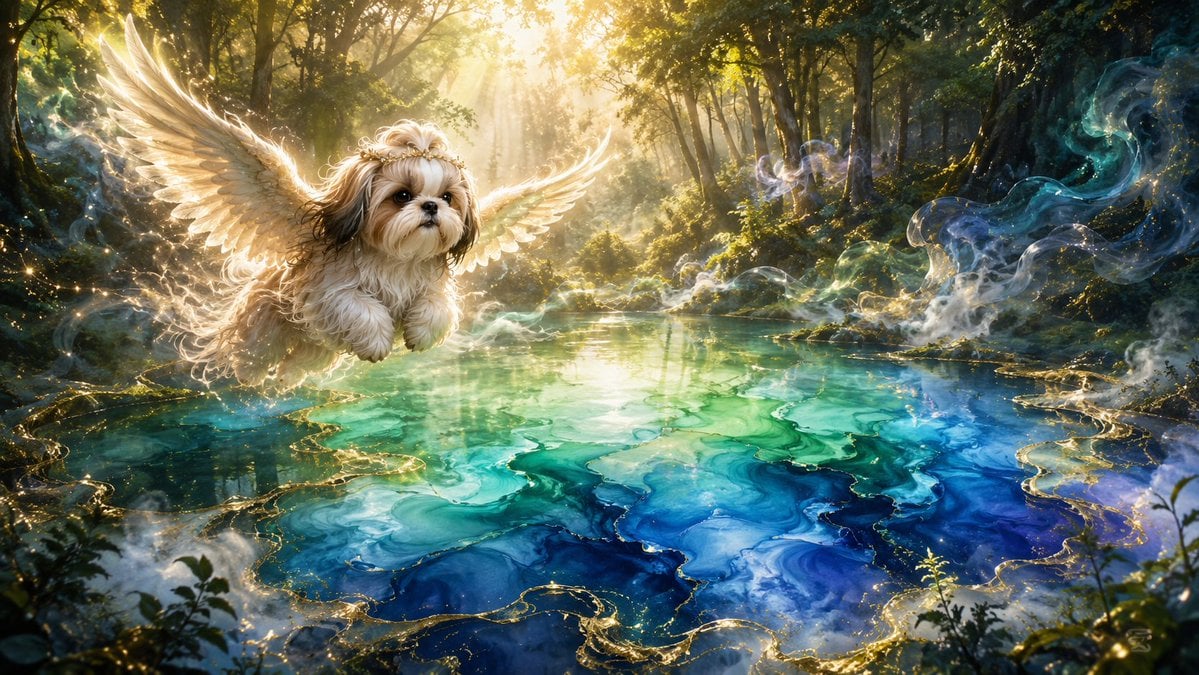
Angel Shih Tzu Over Ink Pond
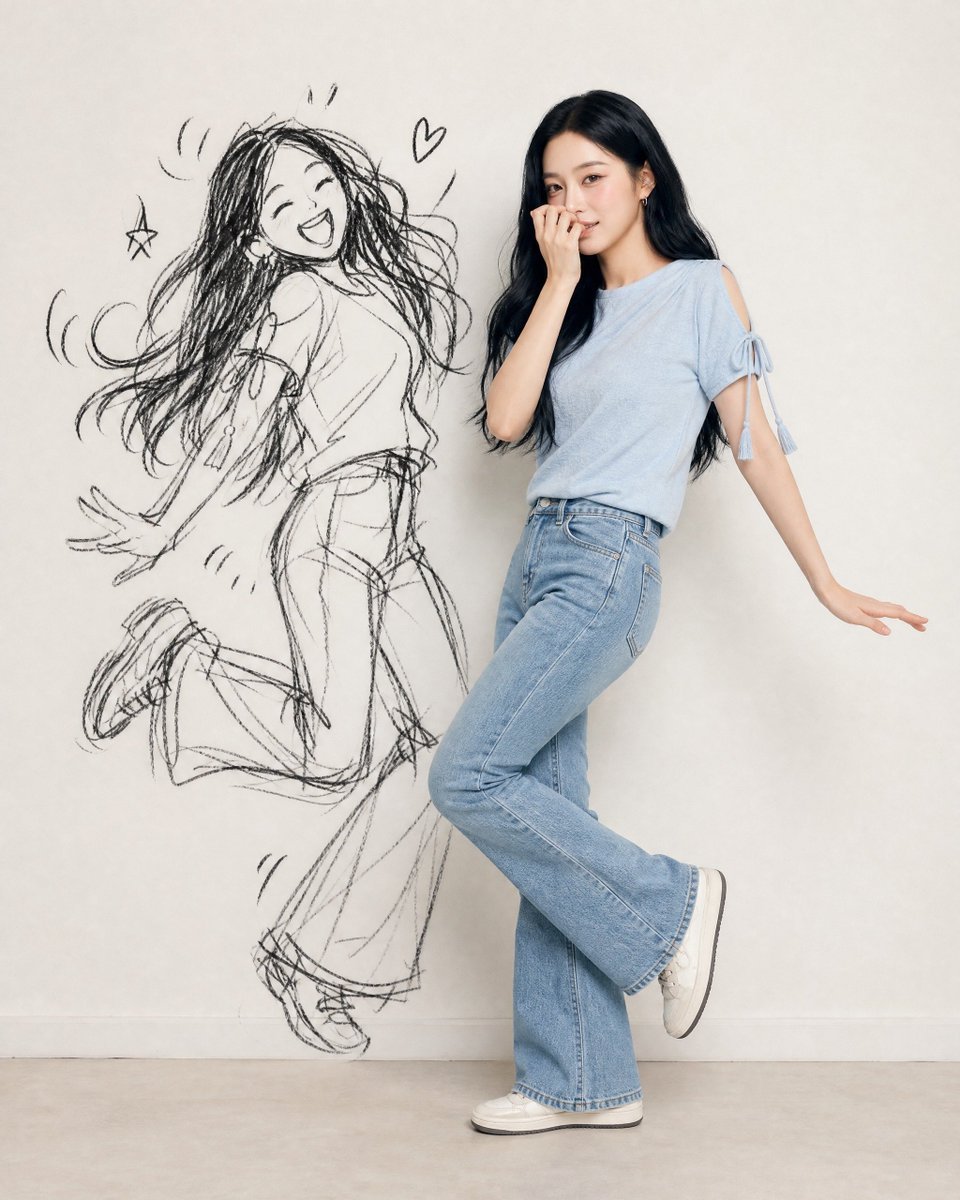
Ink-Twin Doodle Stylization
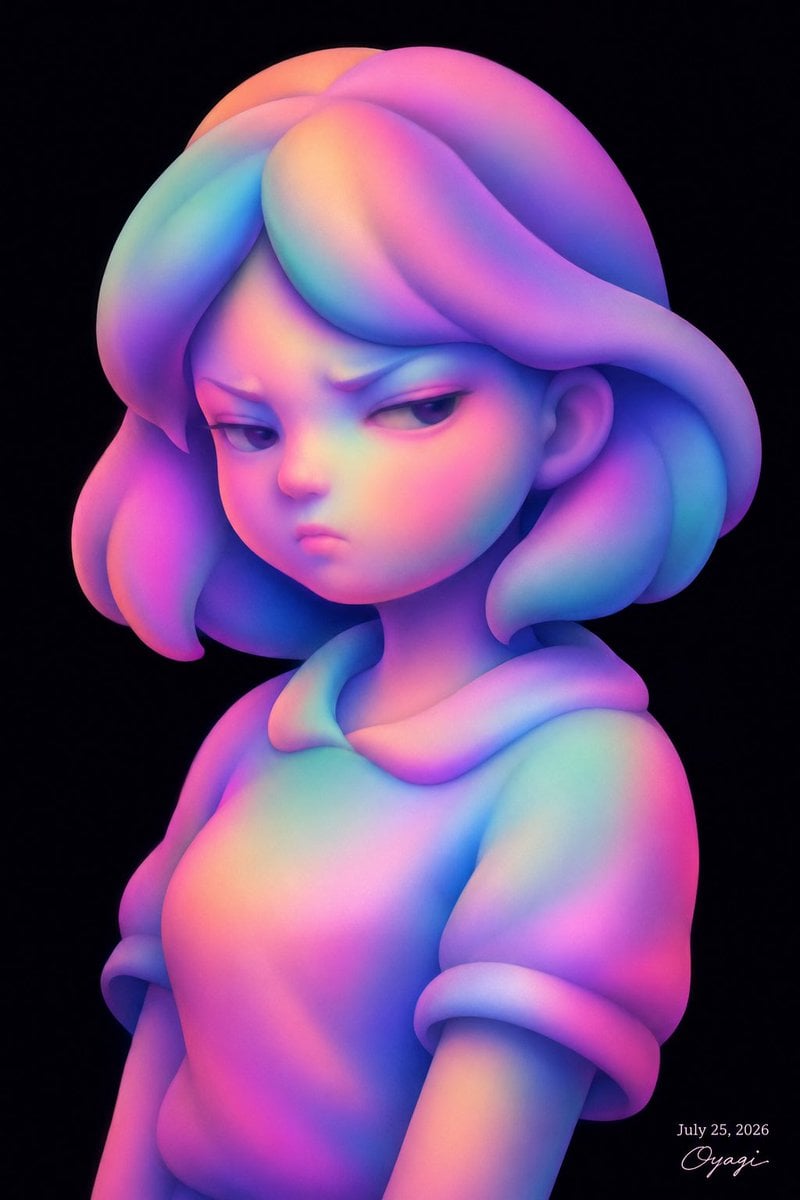
Iridescent Abstract Girl Portrait
Make it yours
Abstract Ink Particle Minimalism works as-is. These are the safest ways to change it without losing the look.
Change one field
Copy a single group, rewrite it, and generate again so you can see what that field is doing.
Keep the frame, change the subject
Hold the composition and light of Abstract Ink Particle Minimalism, then swap wardrobe, props or the person for a new take.
| If the result… | Why | Fix |
|---|---|---|
| The result drifts from the preview | Too many fields changed at once. | Reuse Abstract Ink Particle Minimalism as-is first, then change one group — subject, light, or setting. |
| The model over-stylizes the scene | The prose prompt leaves finish and camera underspecified. | Add one camera or lighting sentence and stay on GPT Image 2. |
More GPT Image 2 templates
Other prompts made for GPT Image 2.

Six VTuber Japanese Logo Sheet

Realistic Portrait of Woman and Deer

The Vista Modular Condo Poster

AI Model Routing Comparison Infographic

2.5D Anime Art Board

Isometric Productivity Desk Scene

New York Double Exposure Poster

Four-Panel AI Landscape Comparison

Japanese Tatami Lifestyle Magazine Cover

NESCAFÉ Coffee Map Poster
More image prompts
Fresh picks from across the catalog.
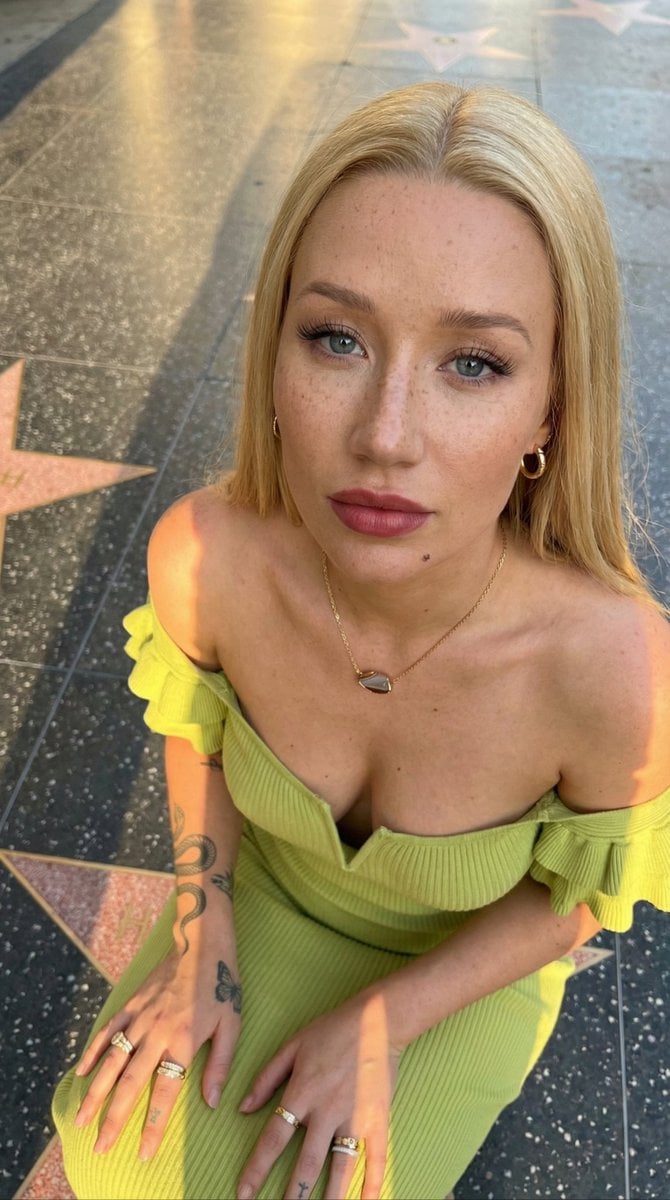
Iggy Azalea Walk of Fame Portrait Prompt
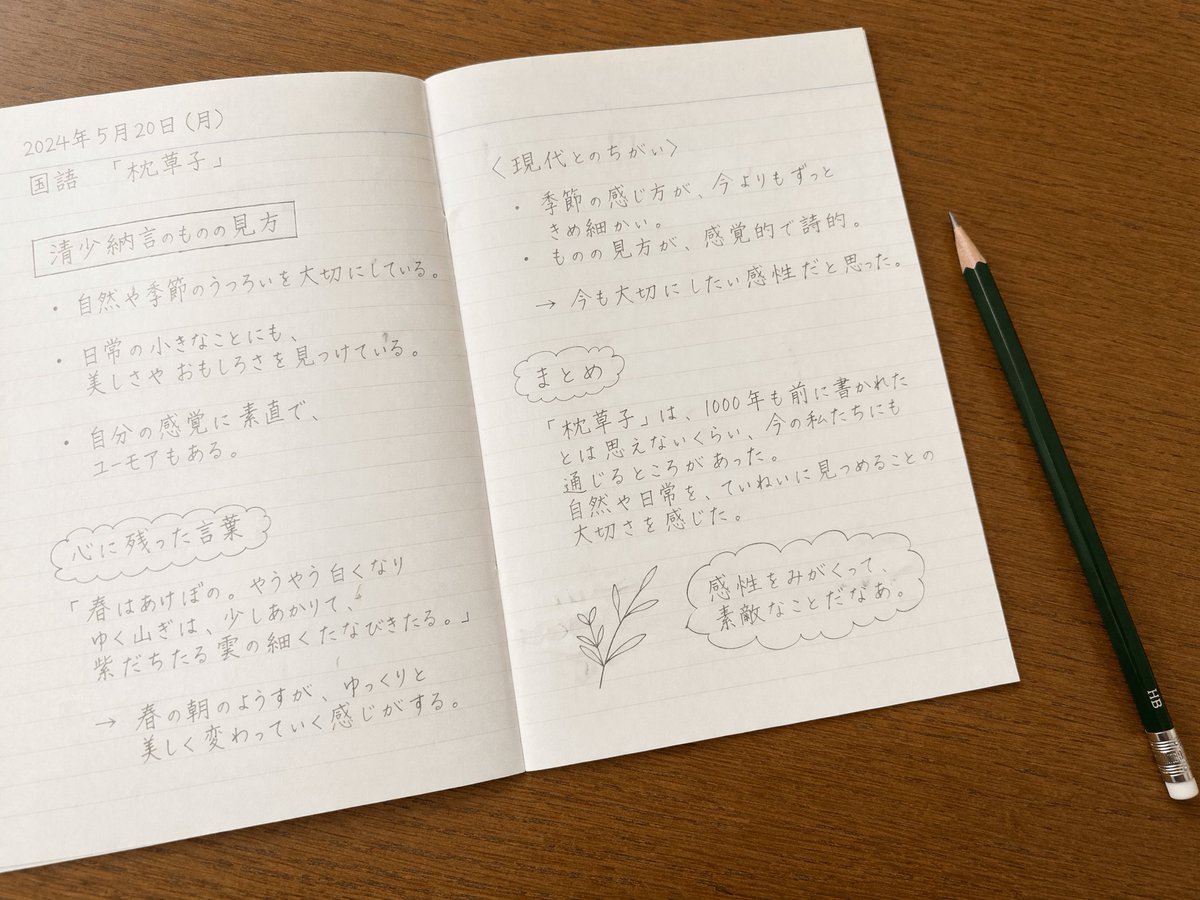
Handwritten Japanese Study Notes
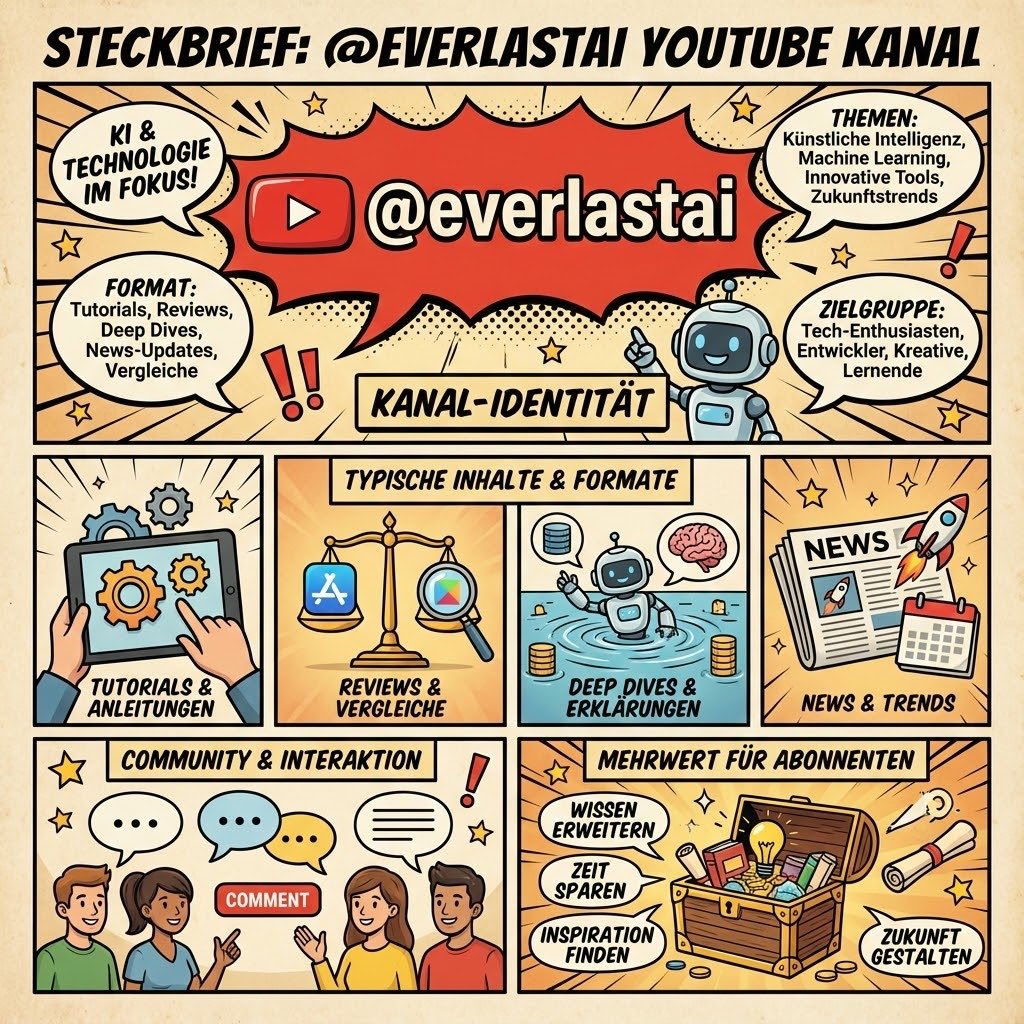
YouTube channel infographic design
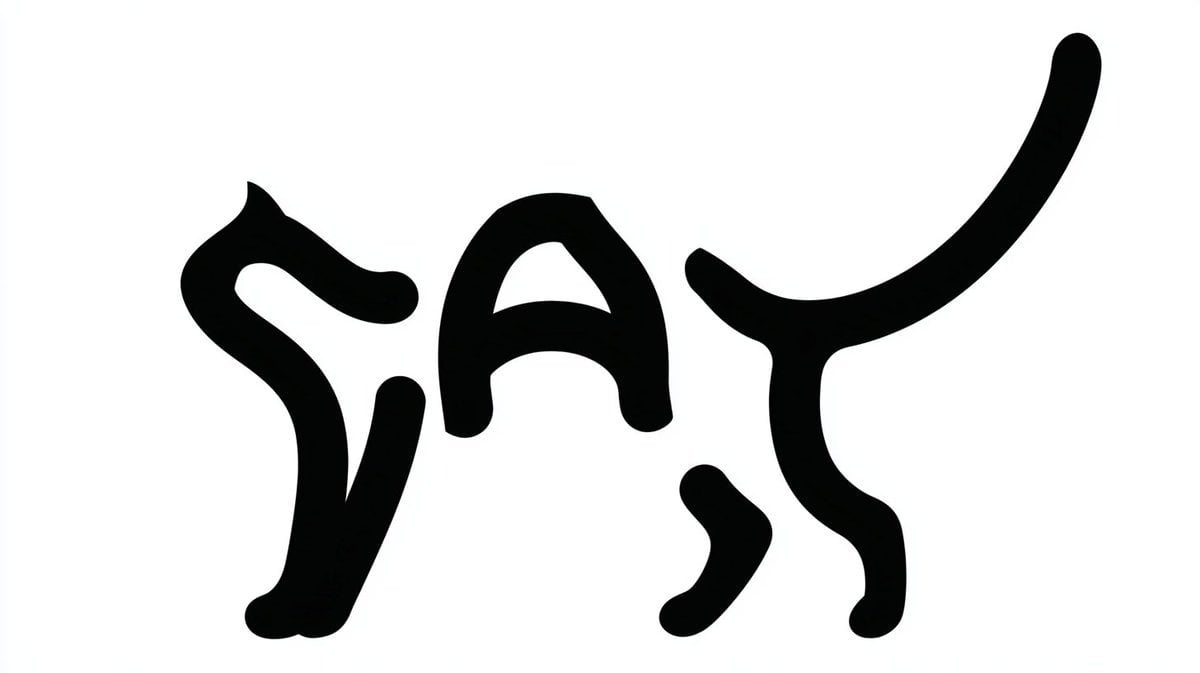
Monochrome Typographic Cat Illustration
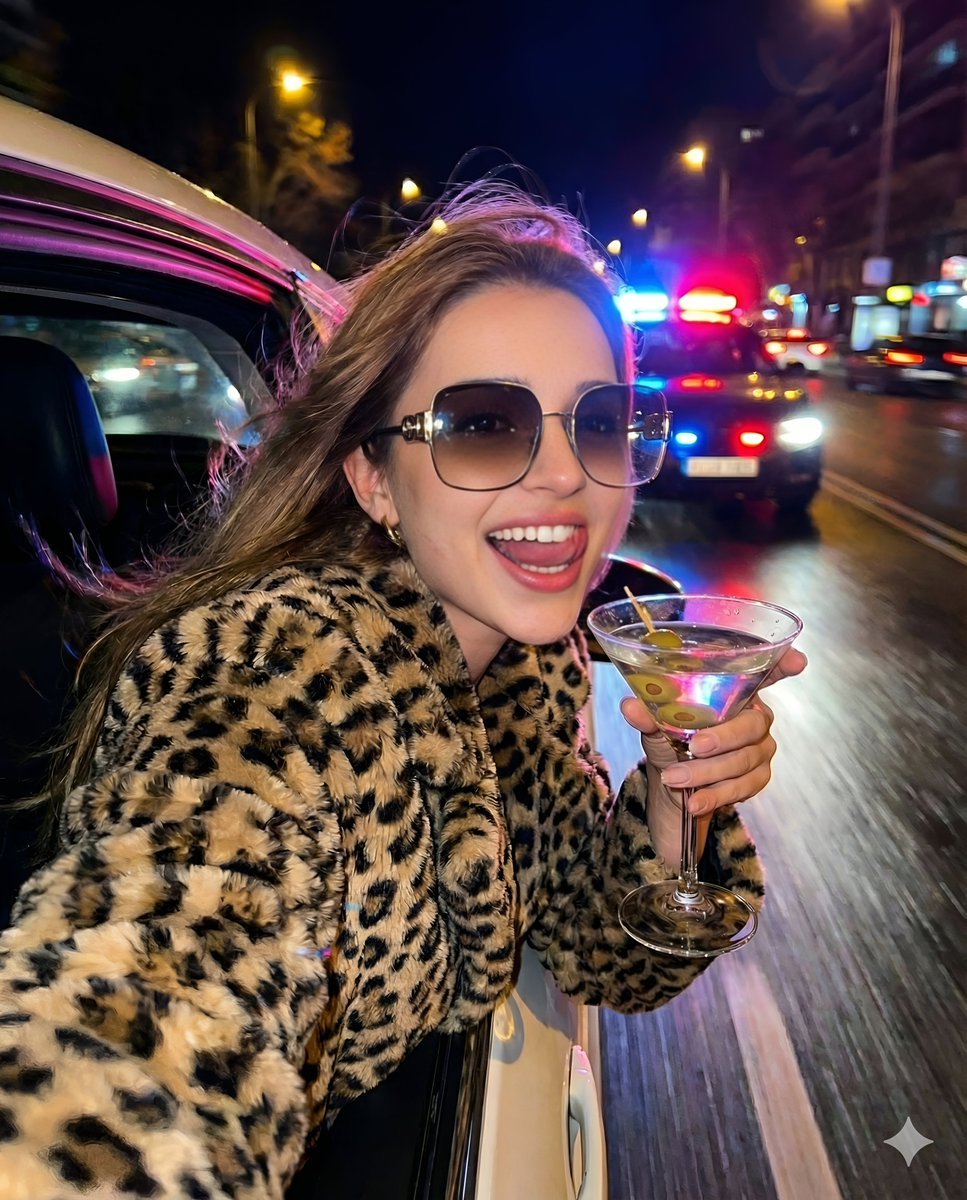
Nightlife Fashion Portrait in Luxury Car
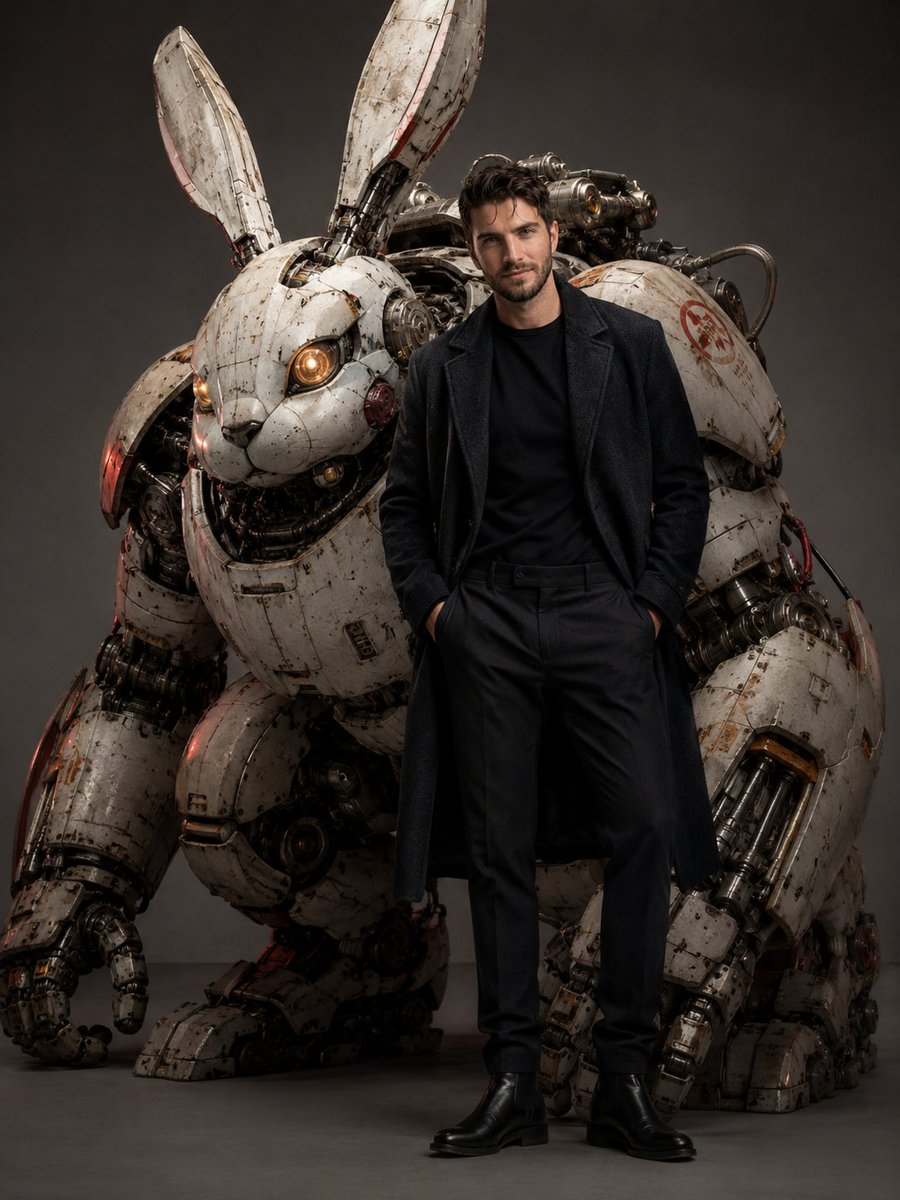
Dieselpunk Mecha Rabbit Companion
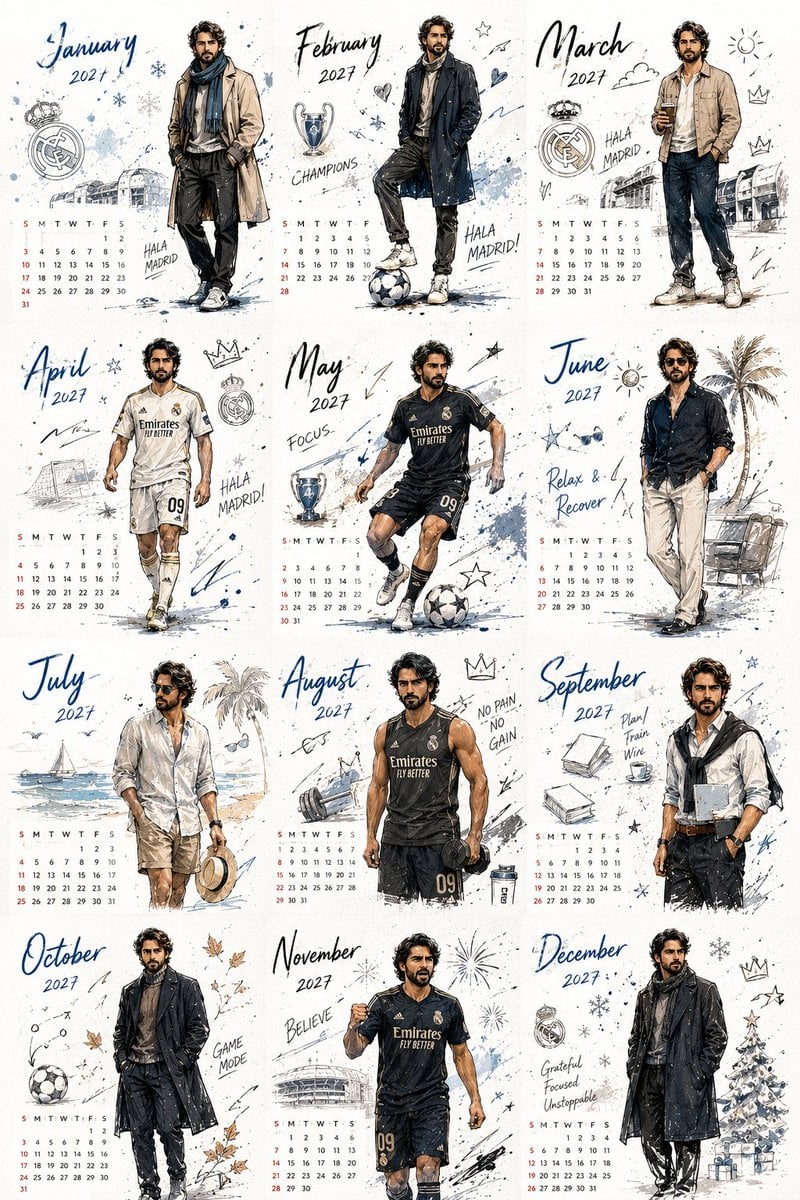
Korean Style Desktop Calendar 2027
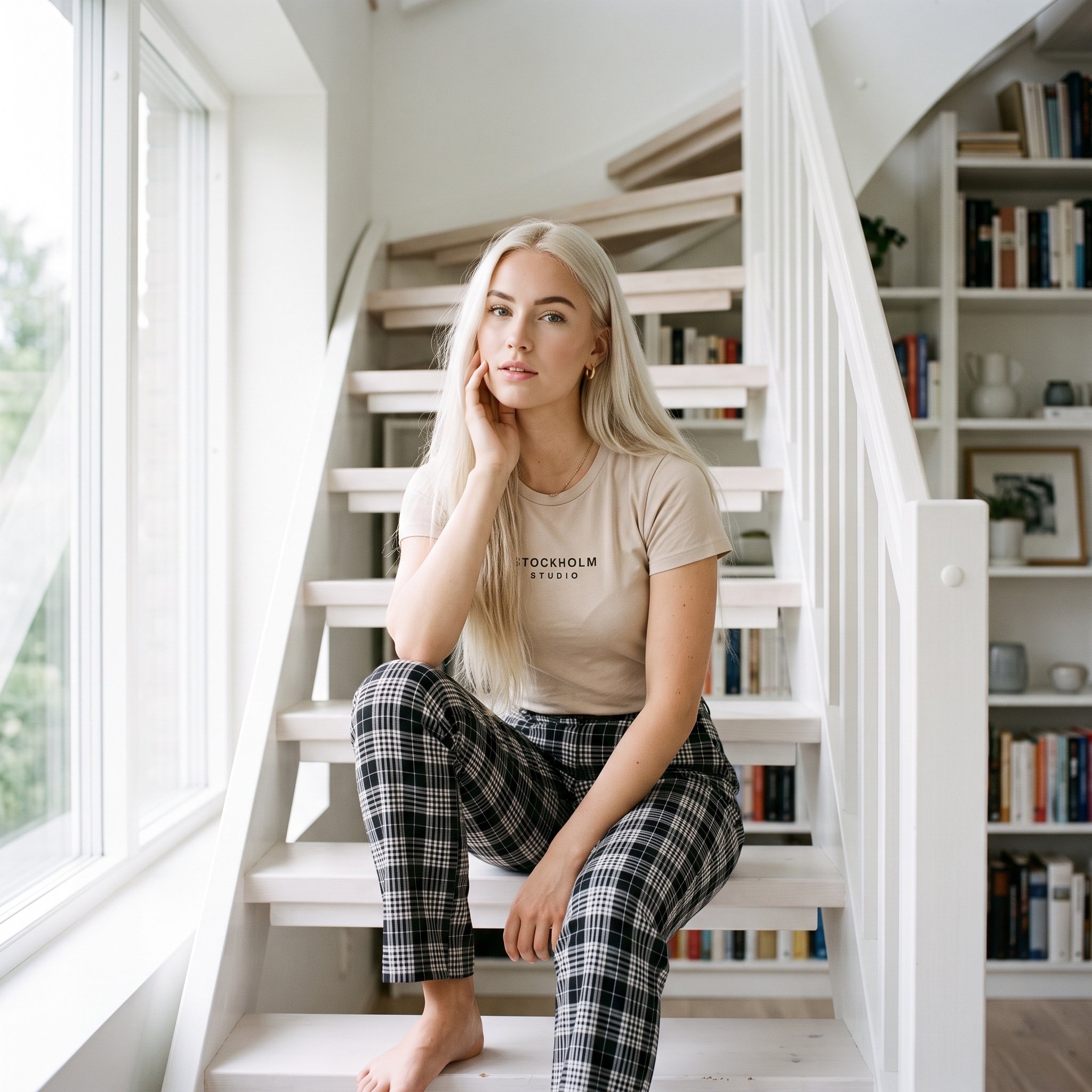
Scandinavian Interior Editorial Portrait Prompt
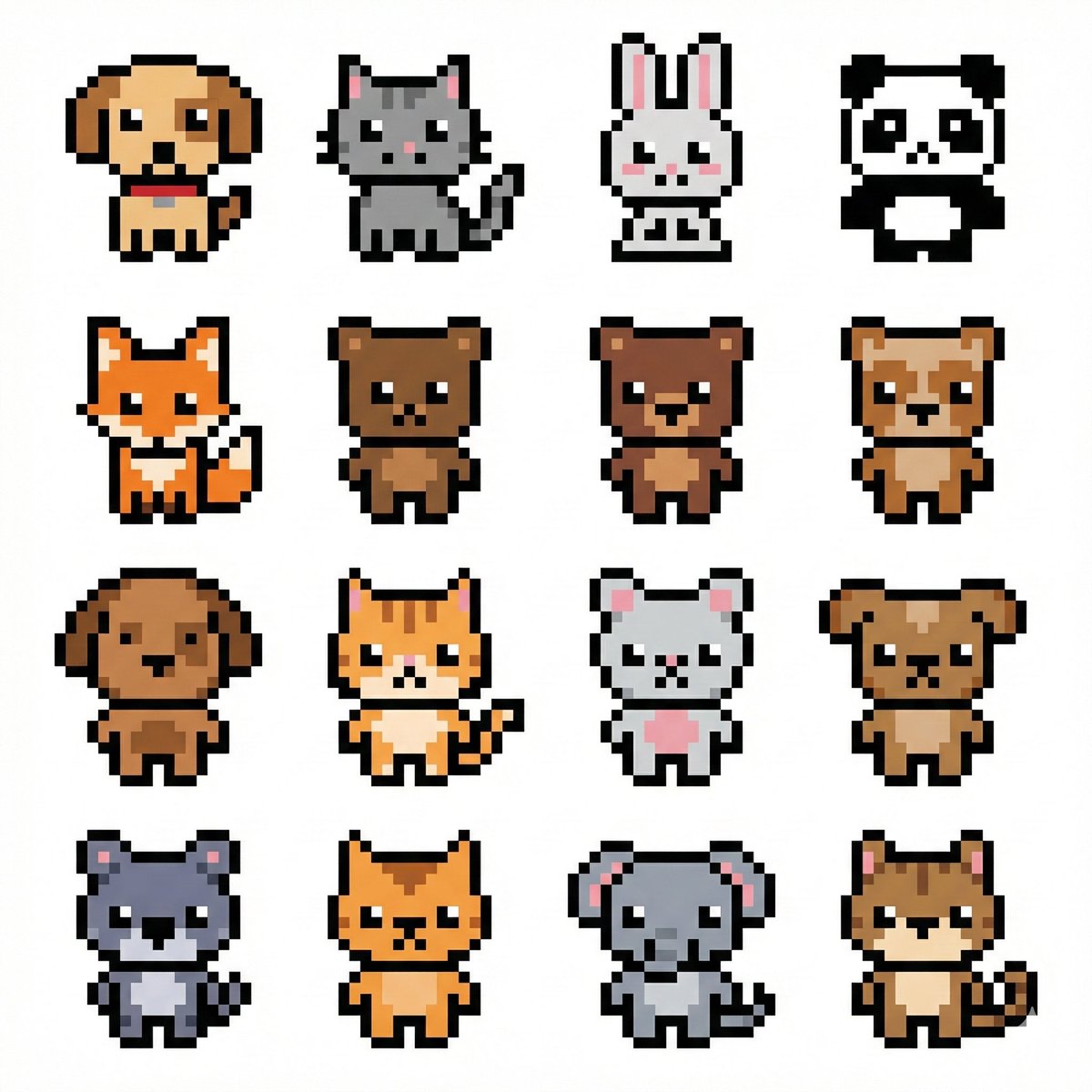
Pixel Art Animal Grid for APNG
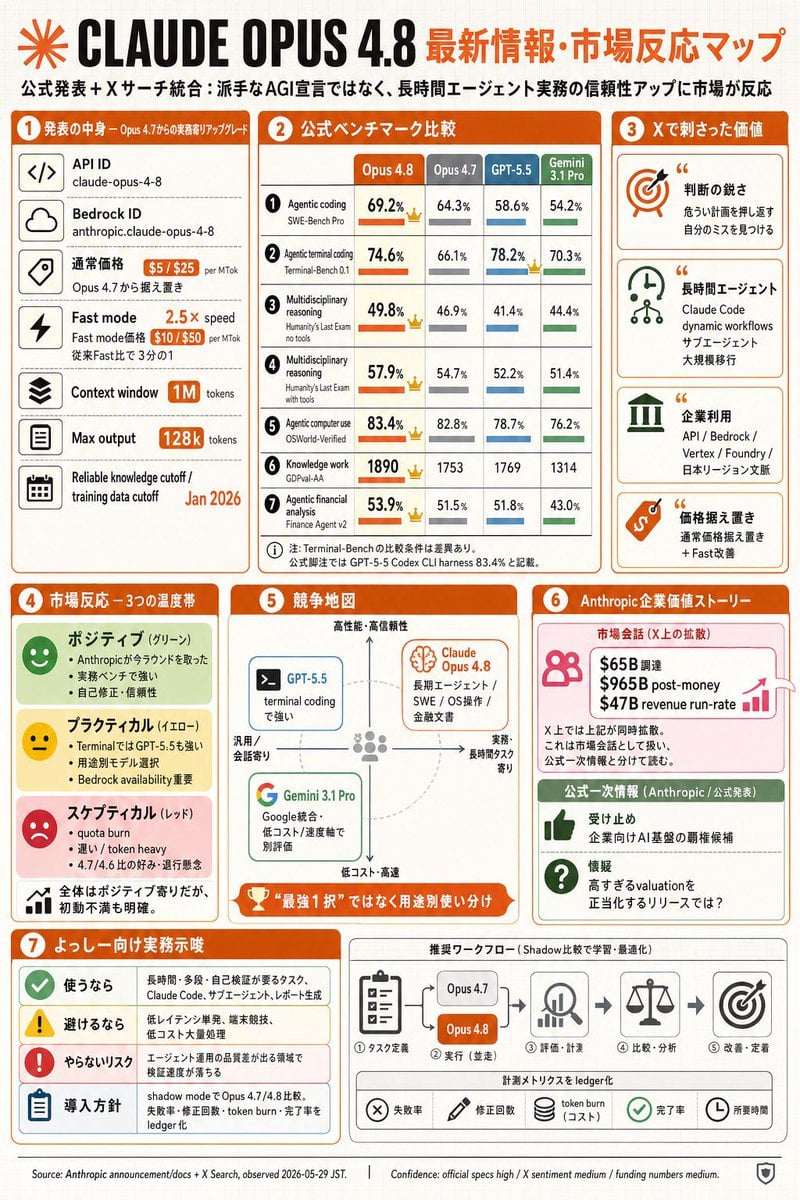
Claude Opus 4.8 Market Infographic
Browse template categories
Abstract Ink Particle Minimalism questions
How do I use the Abstract Ink Particle Minimalism template?
Add your photo if the template asks for one, edit the prompt if you like — the template's model and format are already selected — and press Generate. Your version opens in PicX Studio.
Can I customize the Abstract Ink Particle Minimalism template?
Yes. You can change the subject, setting, lighting, mood, format, and available model controls before creating your image.
Is the Abstract Ink Particle Minimalism template free?
Opening and editing this template is free. Generating uses credits, shown on the Generate button when you are signed in.
Which AI model should I use?
Start with GPT Image 2, which is the model associated with this template. You can compare another compatible model for a different finish.
Looking for something else? Browse all templates.

Your photo, any look
Thousands of ready templates for every top image and video model, from one credit balance.