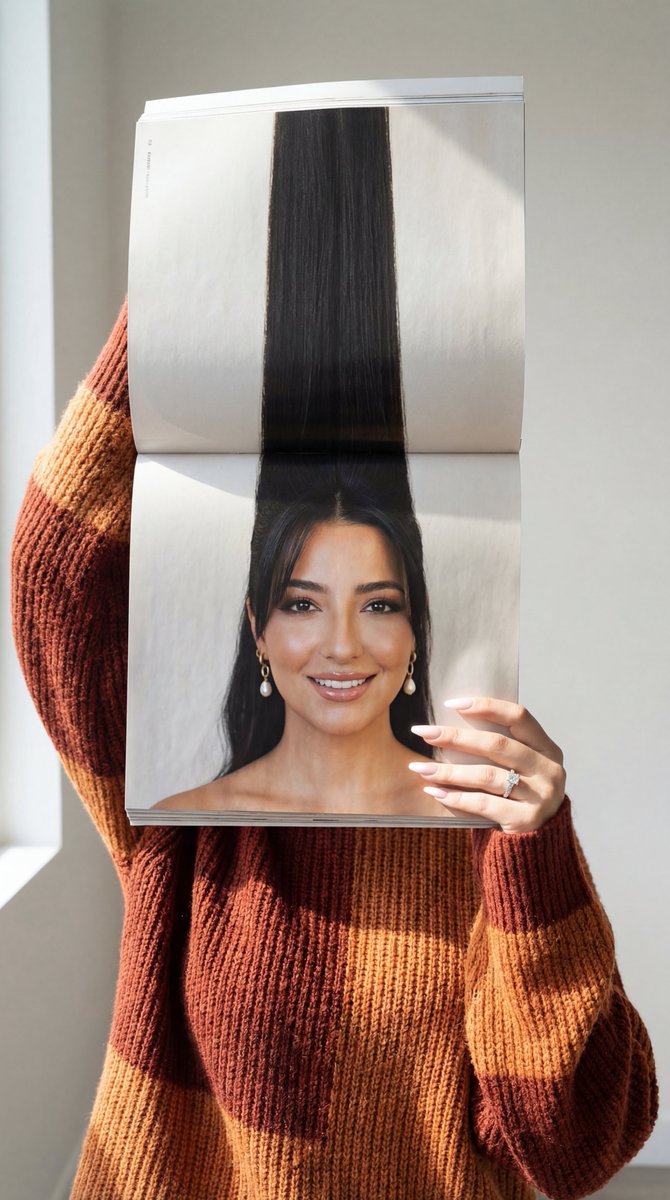
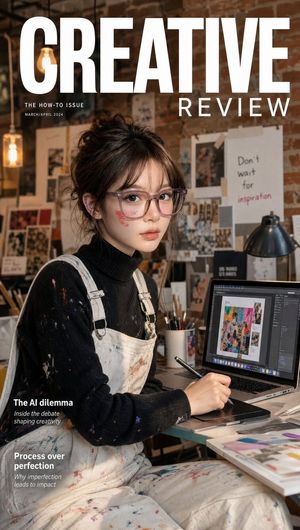
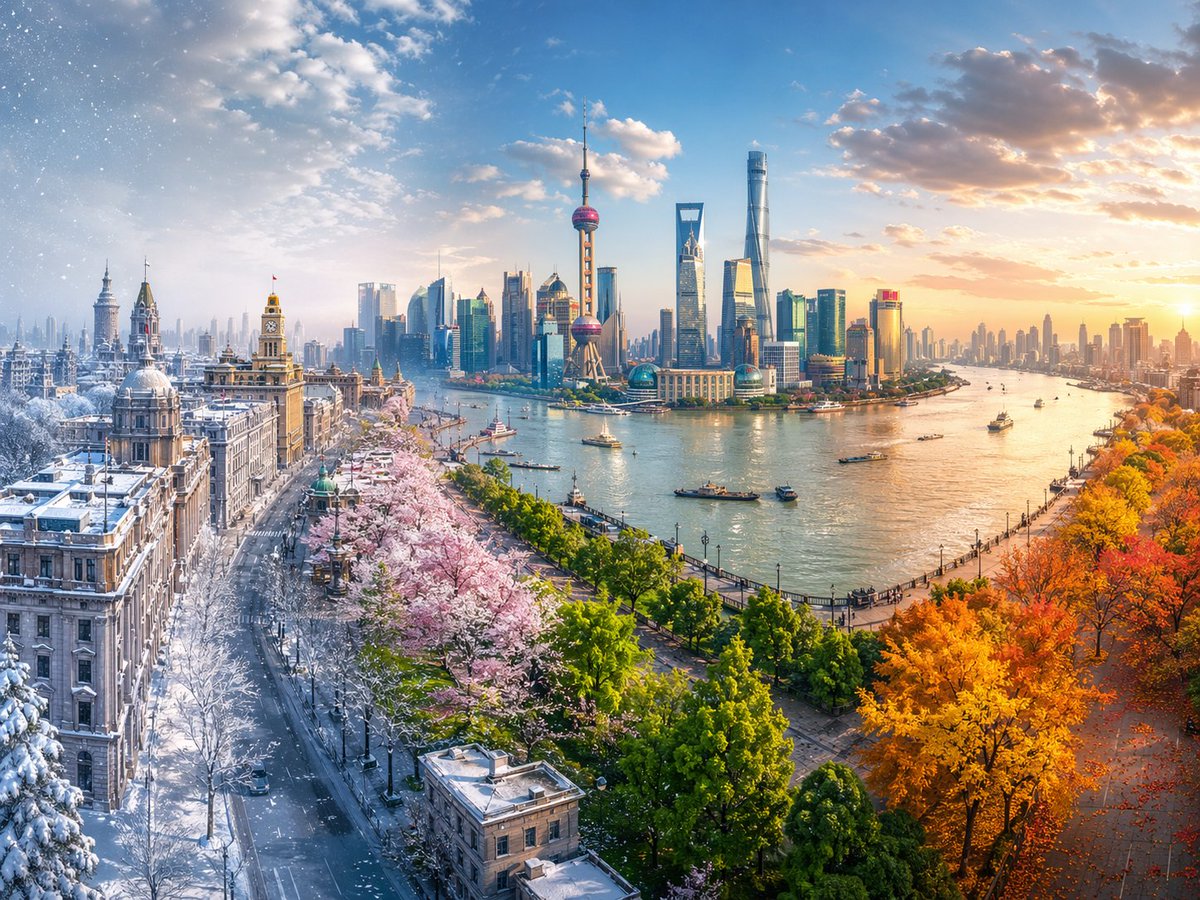
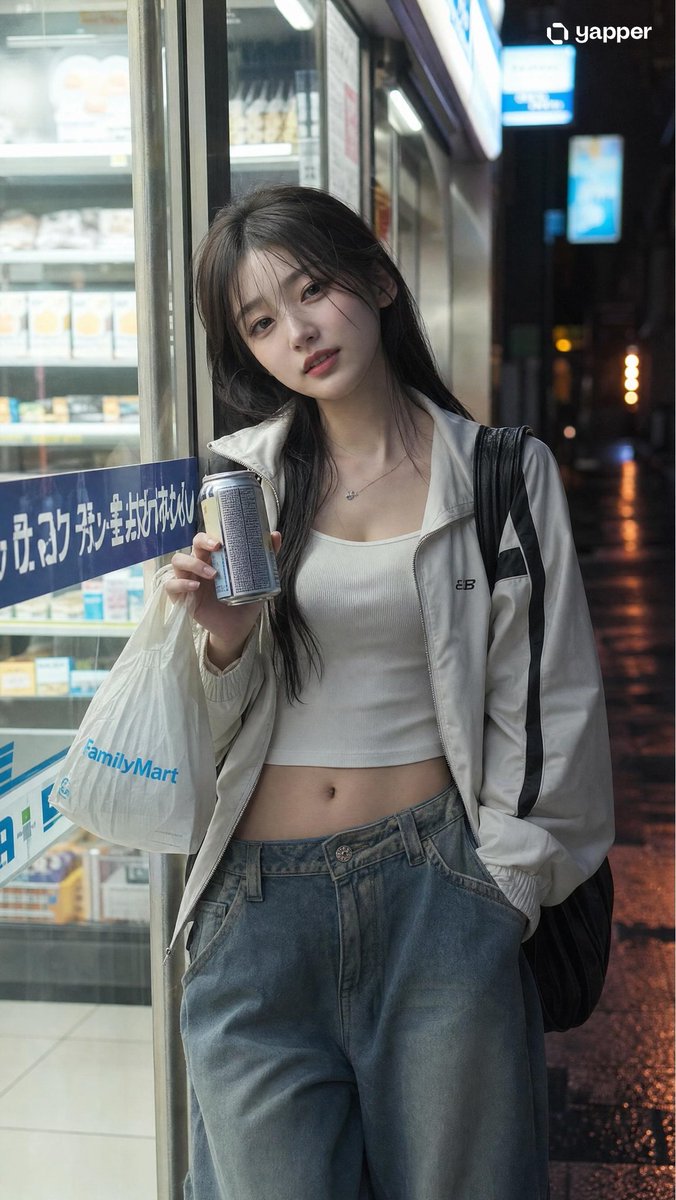
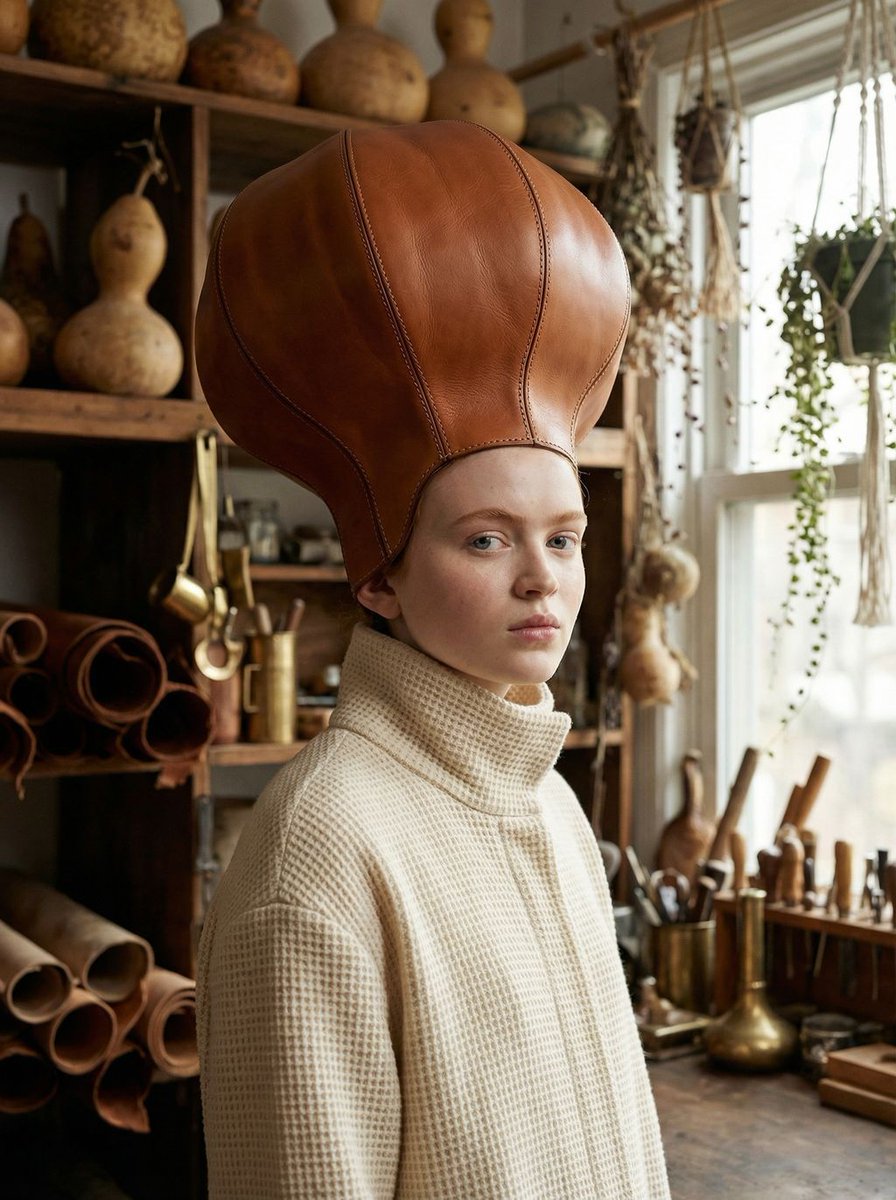
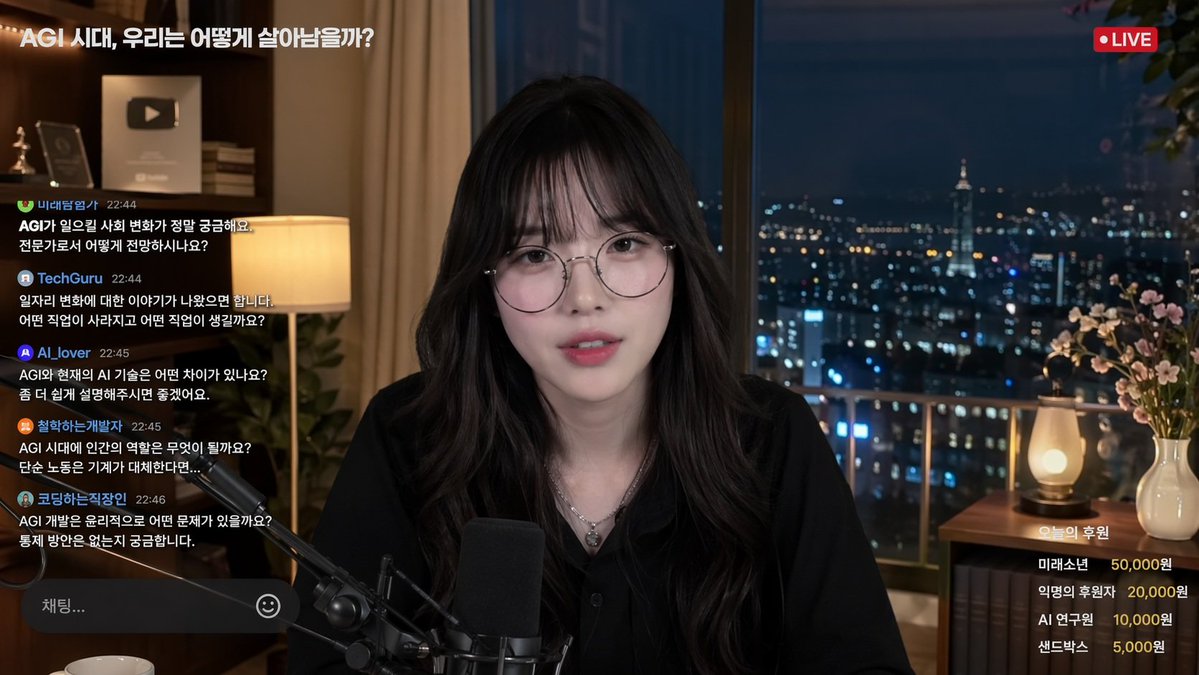
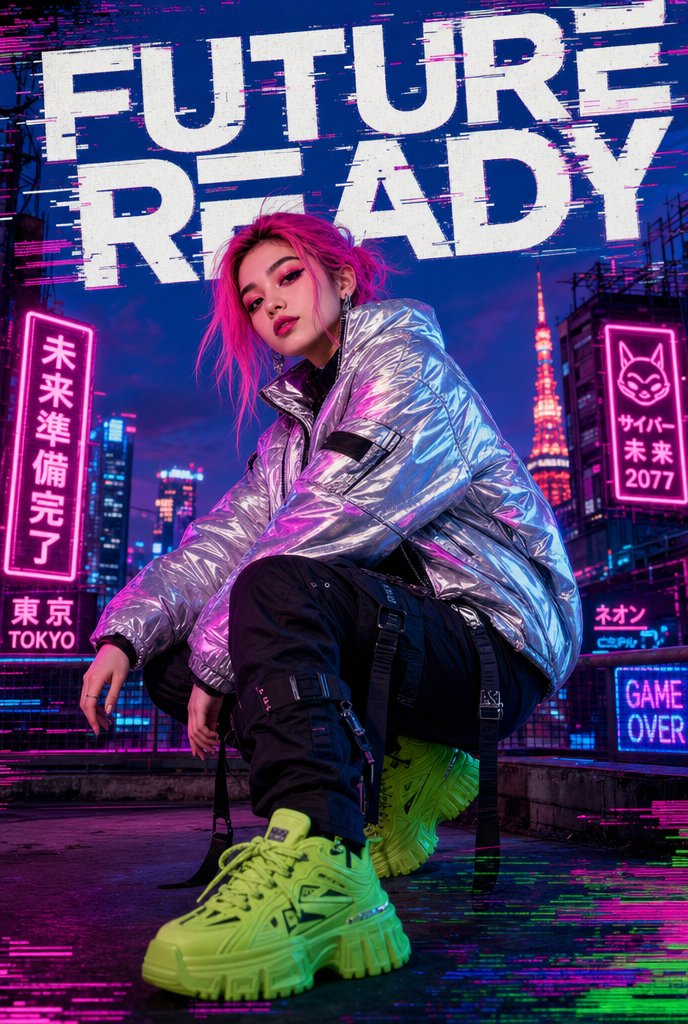
How do I use the High-Fashion Magazine Cover Identity Lock template?
Choose the primary action to open PicX Studio with the available template settings. Review the model and format, personalize the creative direction, and generate when ready.
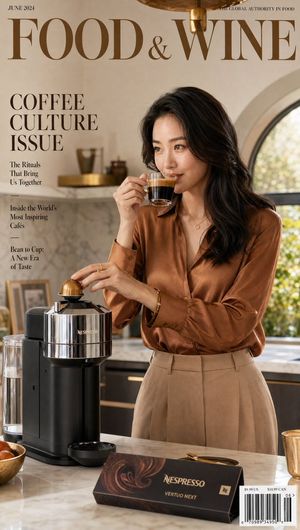
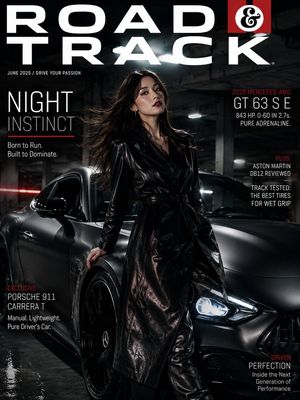
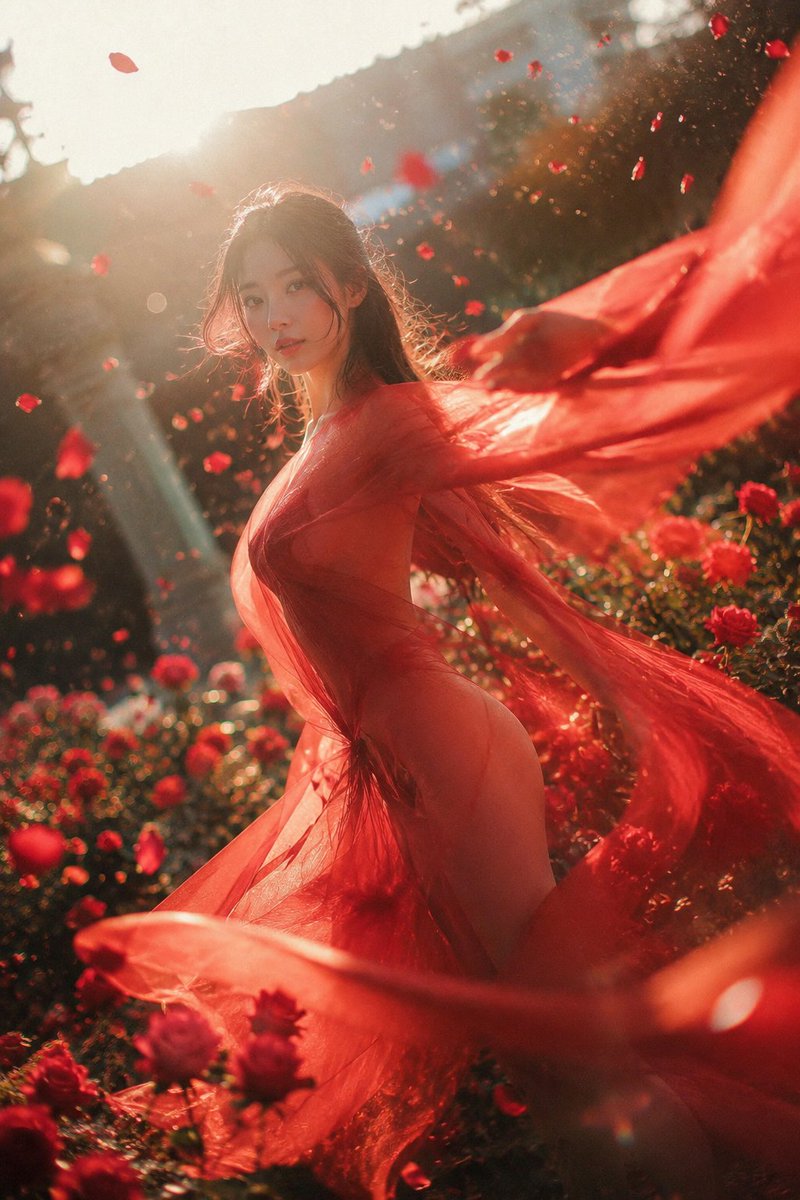
A comprehensive prompt for creating a luxurious fashion editorial portrait that maintains precise facial likeness of the user.
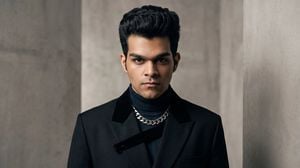
high-fashion editorial portrait of me, preserving my facial identity, features, skin tone, hairstyle, and overall likeness accurately, styled like a {argument name="style" default="luxury fashion magazine cover shoot"} with a sophisticated designer outfit, confident model-like pose, intense yet natural expression, dramatic cinematic studio lighting, sculpted shadows, premium minimalist backdrop, sharp facial details, realistic skin texture, refined grooming, elegant composition, subtle depth of field, sophisticated color grading, ultra-realistic photography, high-end fashion campaign aesthetic, bold visual hierarchy, professional full-frame camera quality, {argument name="lens" default="85mm portrait lens"} look, crisp focus, luxurious, modern, artistic, cinematic, photorealistic, and visually striking
Choose the primary action to open PicX Studio with the available template settings. Review the model and format, personalize the creative direction, and generate when ready.
Yes. You can change the subject, setting, lighting, mood, format, and available model controls before creating your image.
This template is free to open and customize. Generation usage is shown in PicX Studio before you create.
Start with gemini-3-pro-image-preview, which is the model associated with this template. You can compare another compatible model for a different finish.
Follow a topic to a crawlable collection of related PicX Studio templates.