How do I use the High Fashion Girl Studio Portrait template?
Choose the primary action to open PicX Studio with the available template settings. Review the model and format, personalize the creative direction, and generate when ready.
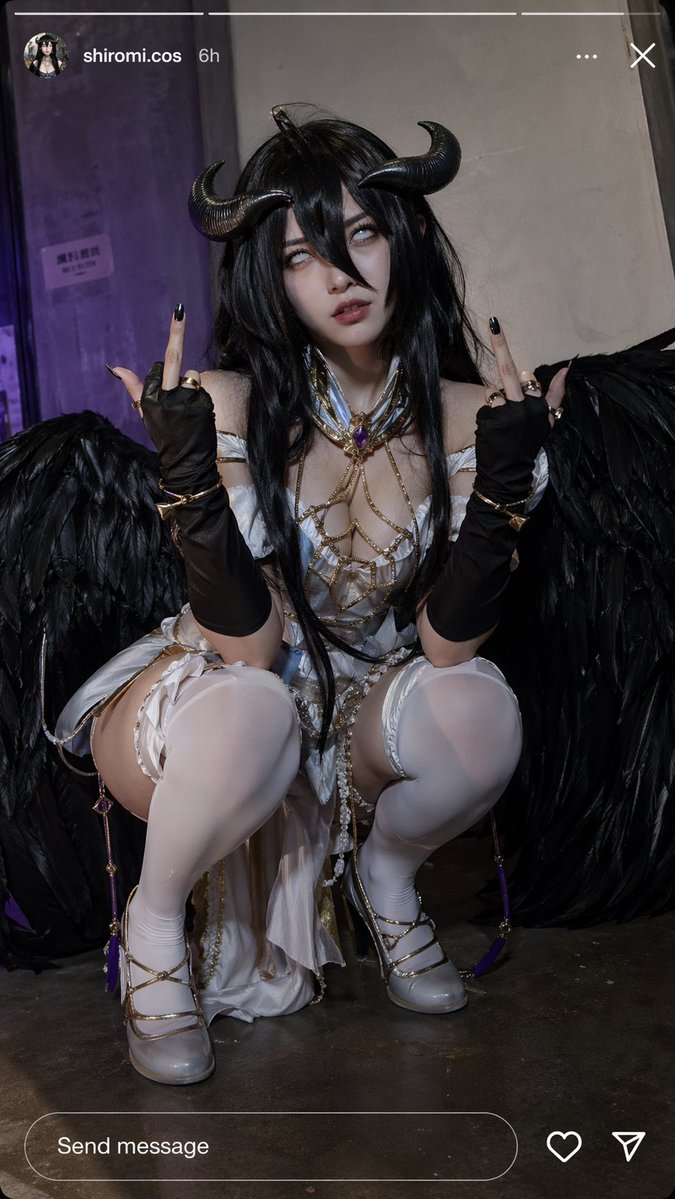
A high-detail prompt for generating a high-fashion studio portrait featuring elegant makeup, beachy waves, and hyper-realistic textures.
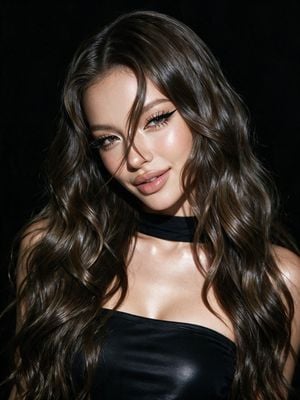
Close-up of a {argument name="subject" default="girl's face"} in the style of "high fashion". Thick, waist-length shiny hair with beachy waves. Elegant eye makeup with long sharp black arrows, long thick lashes with a ray effect, lower lashes are made up. Highlighter in the inner corners and on the cheekbones. Plump lips slightly parted in a light smirk, light gloss and light brown pencil around the edges. Head is tilted to the side, a lock of hair falls over the face. She is wearing a {argument name="clothing" default="black strapless top"}. The body and neckline are highlighted with highlighter. Black fabric on the neck. High detail of skin, clothing and hair textures. Facial features are completely preserved as in the reference photo. {argument name="background" default="Black studio background"}, dark all around, her face is illuminated by a bright 8k lamp, dark background without anything. Hyperrealism, add grain.
Choose the primary action to open PicX Studio with the available template settings. Review the model and format, personalize the creative direction, and generate when ready.
Yes. You can change the subject, setting, lighting, mood, format, and available model controls before creating your image.
This template is free to open and customize. Generation usage is shown in PicX Studio before you create.
Start with gemini-3-pro-image-preview, which is the model associated with this template. You can compare another compatible model for a different finish.
Follow a topic to a crawlable collection of related PicX Studio templates.