
Black and White Pencil Sketch Portrait
A prompt to transform a reference photo into a high-end black and white artistic pencil and charcoal sketch of a person reading.
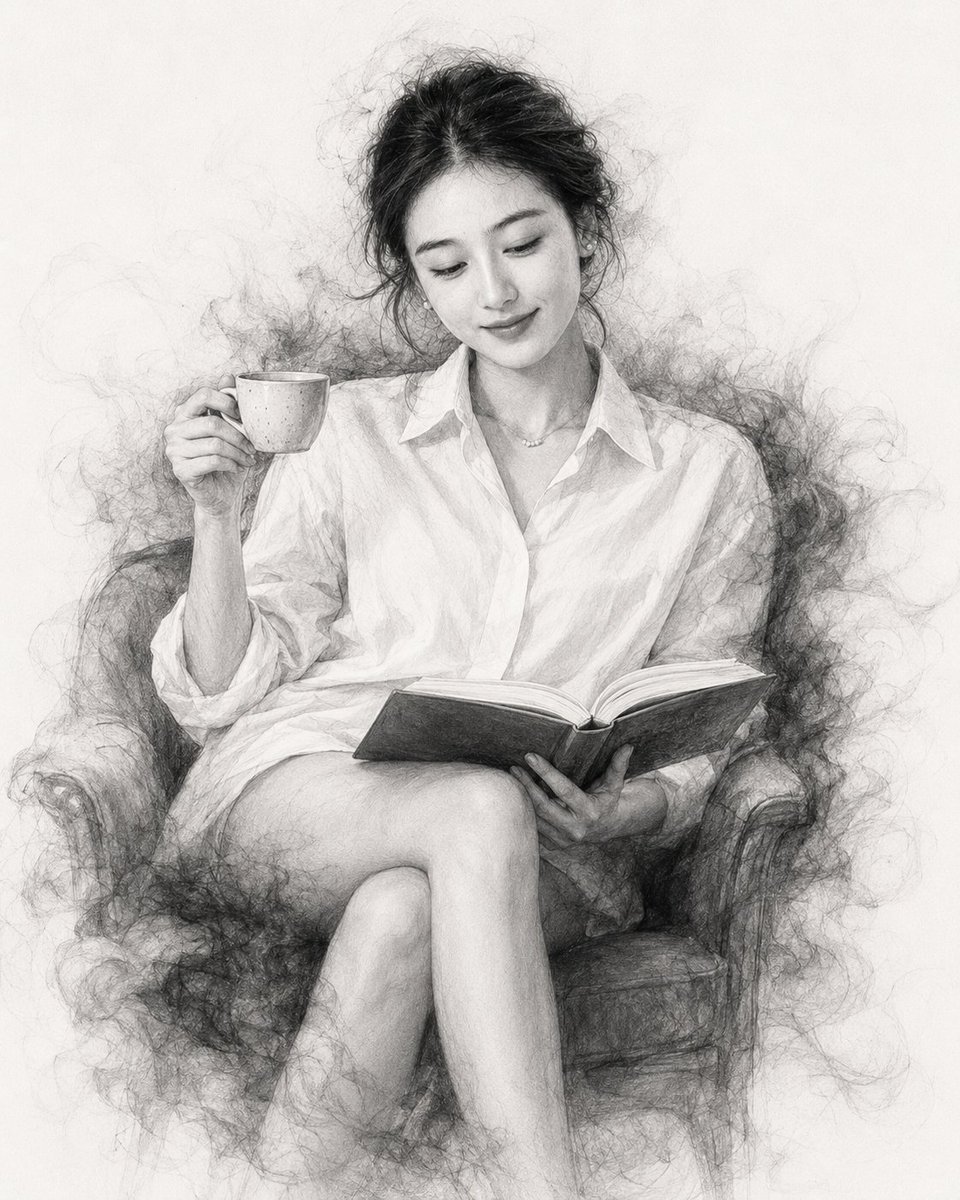
- Prompt included
- Model and format preset
- Free template
The prompt behind this image
Copy the exact prompt behind Black and White Pencil Sketch Portrait, or open it in the studio and make it yours.
以上传的照片作为此人唯一的身份参考。 将此人转化为一幅高级黑白艺术肖像:舒适地坐着,一边阅读一本摊开的书,一只手拿着小咖啡杯。 保留身份特征: 保持此人可辨认的面部结构、眼睛、眉毛、鼻子、嘴唇、下颌线、皮肤特征、发型、发质以及整体相似度,忠实于上传的参考照片。 姿势: 人物以放松、优雅的姿态坐着,自然低头看向摊开的书,正在阅读。一只手轻轻握着陶瓷咖啡杯,另一只手托着或扶着摊开的书。姿势应自然、安静、不做作。 服装: 在合适的情况下保留参考照片中人物的服装,呈现真实的织物质感和自然褶皱。整体穿搭保持精致、低调。 艺术风格: 将整个场景转化为精细的单色{argument name="绘画材质" default="铅笔与炭笔素描"},结合写实编辑肖像摄影风格。 使用极其细腻的石墨铅笔线条、精致的交叉排线、写实的炭笔明暗、细腻的纸张纹理、微妙的墨迹笔触、手绘边缘和柔和的色调过渡。 烟雾效果: 人物周围环绕优美流动的炭笔烟雾、石墨粉尘、细腻的素描颗粒和墨迹线条。烟雾应自然地围绕人物的头发、肩膀、手臂、衣服、书本和下半身浮现,逐渐淡入白色背景。 咖啡杯: 陶瓷咖啡杯必须清晰可辨地出现在人物手中,完全用写实的铅笔和炭笔明暗呈现。 书: 摊开的书必须清晰可见且细节丰富,有写实的书页和微妙的类似手写感的页面纹理。不要在书页上添加可读的文字或标志。 背景: 干净的白色或暖白色纹理纸背景。极简构图,人物从周围烟雾般的素描艺术中浮现。 颜色: 严格黑白和柔和灰色单色。不要任何彩色。 光线: 柔和的电影感肖像光线转化为单色调,面部高光细节丰富,阴影自然。 质量: 超精细、写实的人体结构、高度精细的发丝、写实的手和手指、精细的服装、写实的陶瓷杯和书本、专业画廊级铅笔与炭笔素描。 构图: 居中肖像,完整呈现人物、咖啡杯和书本。头部、头发、手、杯子、书和身体都在画面内。烟雾艺术边缘周围留出充足的干净白色空间。 重要: 上传的图片仅用于身份参考。 保留人物的身份和相似度。 不要替换面部。 不要添加文字、标志、水印、边框或画中画框。 不要制作拼贴。 不要做成彩色。 不要做成卡通或 3D 效果。 不要裁切咖啡杯或书本。 最终结果应看起来像一张写实照片被转化为精致的黑白铅笔与炭笔杰作。 宽高比:4:5
Reference images included
Black and White Pencil Sketch Portrait needs input media to work. They load alongside the prompt when you open it in the studio.
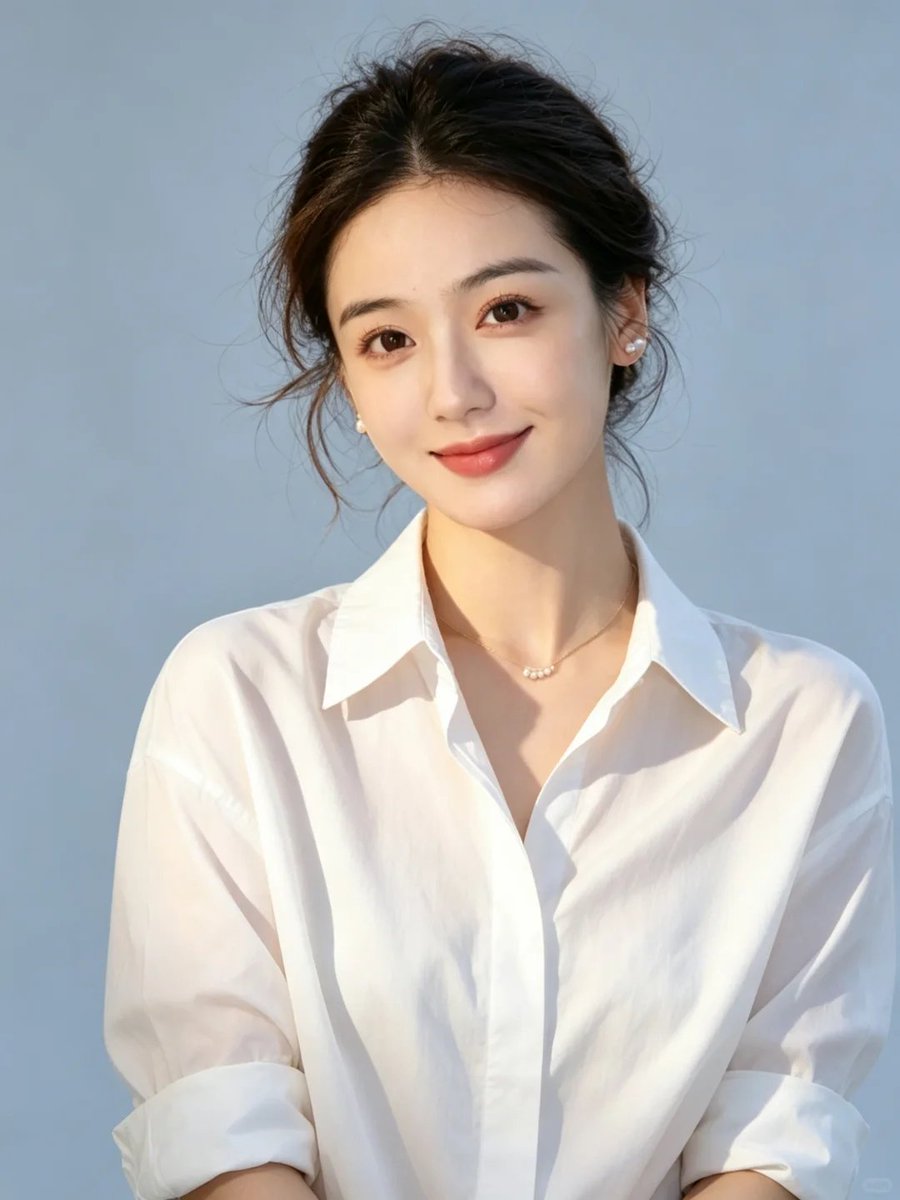
How to use Black and White Pencil Sketch Portrait in 3 steps
- 1Upload ImagePNG, JPG or paste
Add your photo
Upload the photo the template builds on. The prompt, model and format are already set.
- 2…a portrait of your subject in softgolden-hour light, 85mm…
Personalize
Edit the subject and creative details for your destination.
- 3Generate
Generate
Press Generate — your image is created in PicX Studio, so you can compare it with the original and refine one variable at a time.
More like this
Templates with the same subject, style or setup. Open one to see its prompt.
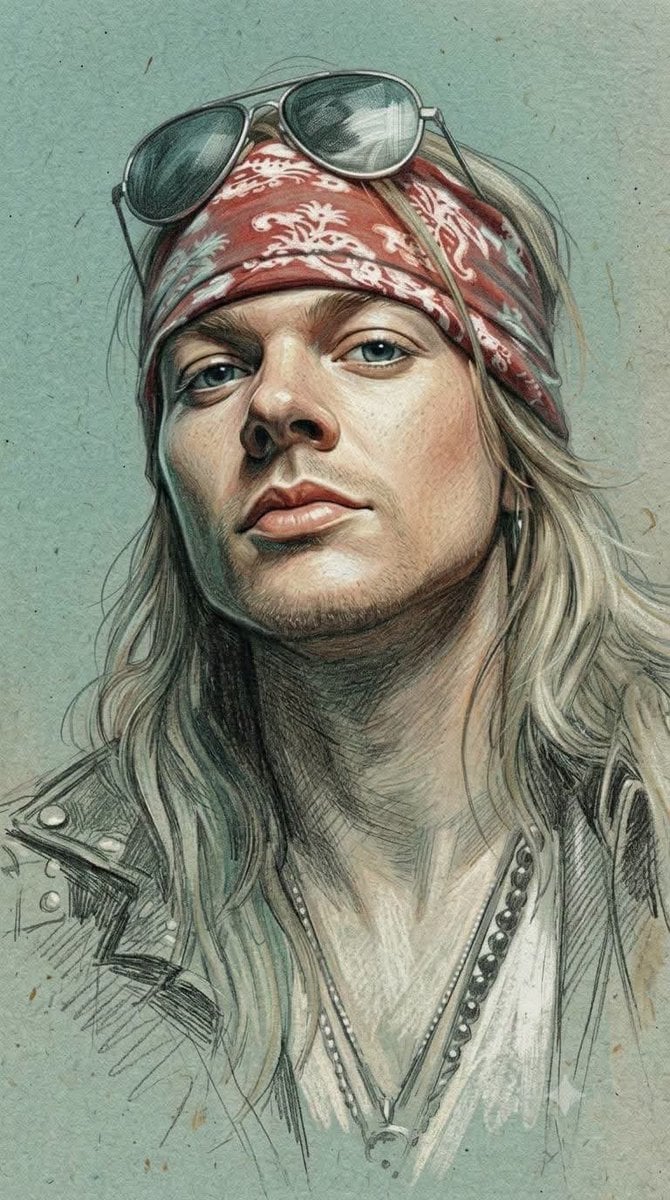
Traditional Colored Pencil Portrait Sketch
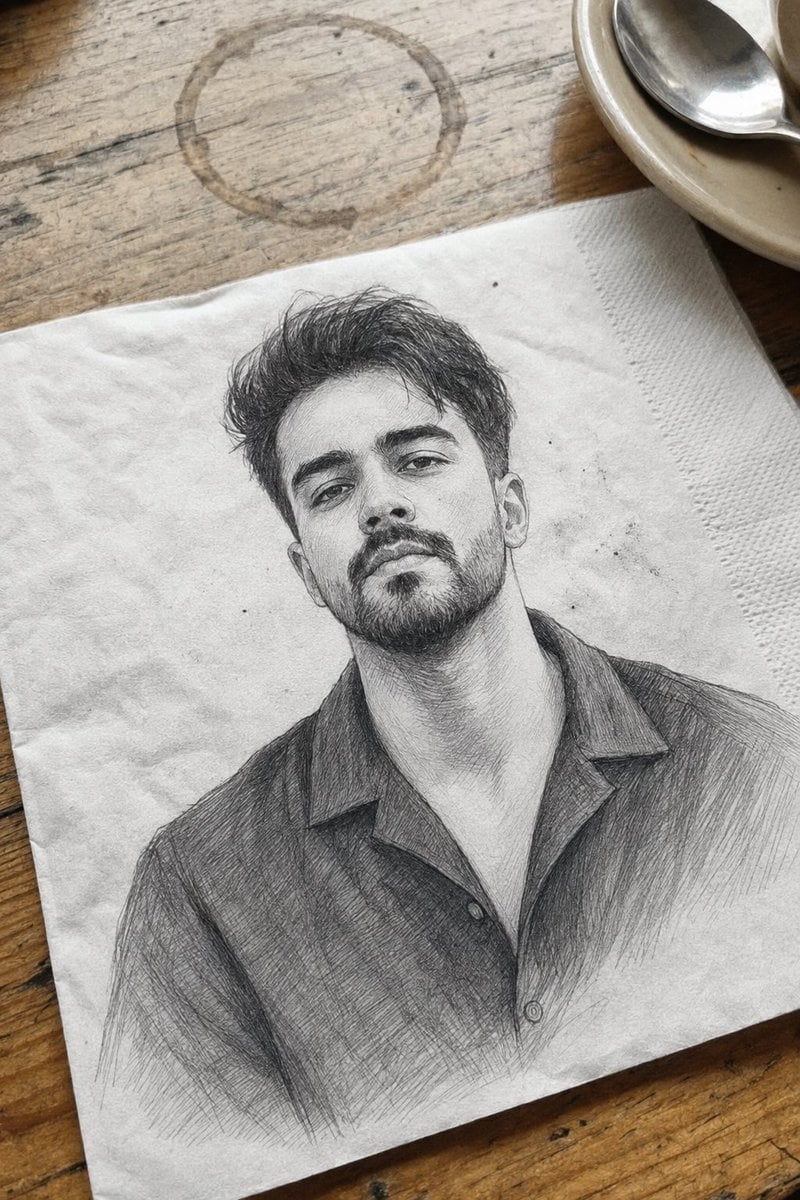
Professional Graphite Pencil Sketch Portrait
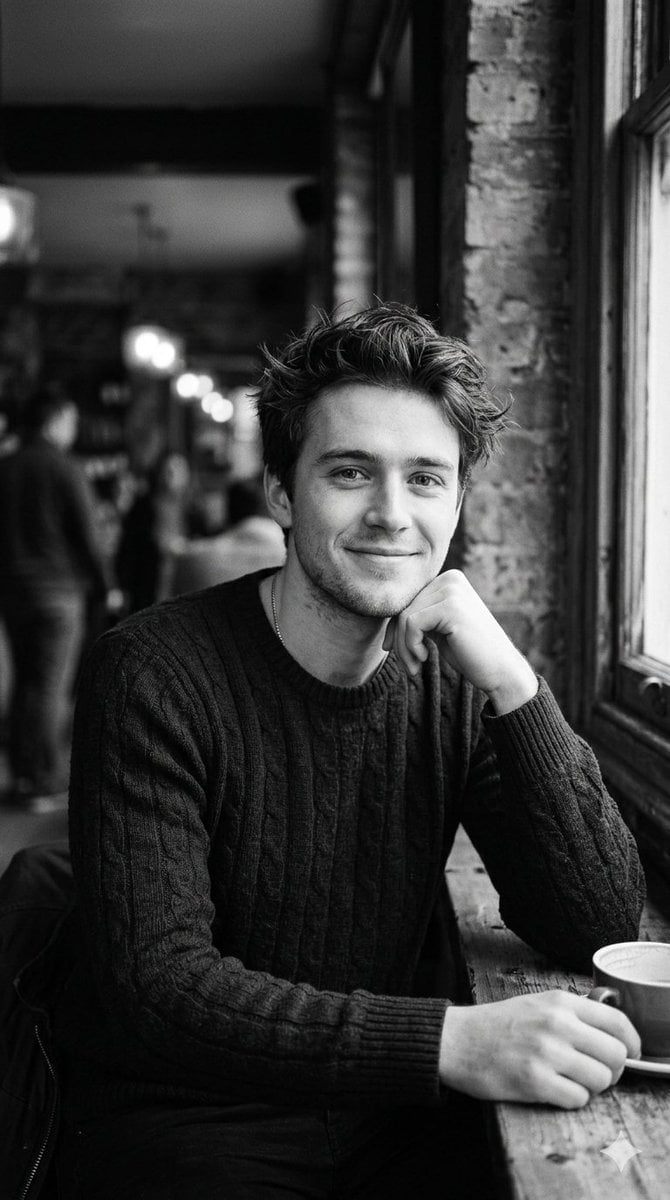
Black and White Cafe Portrait
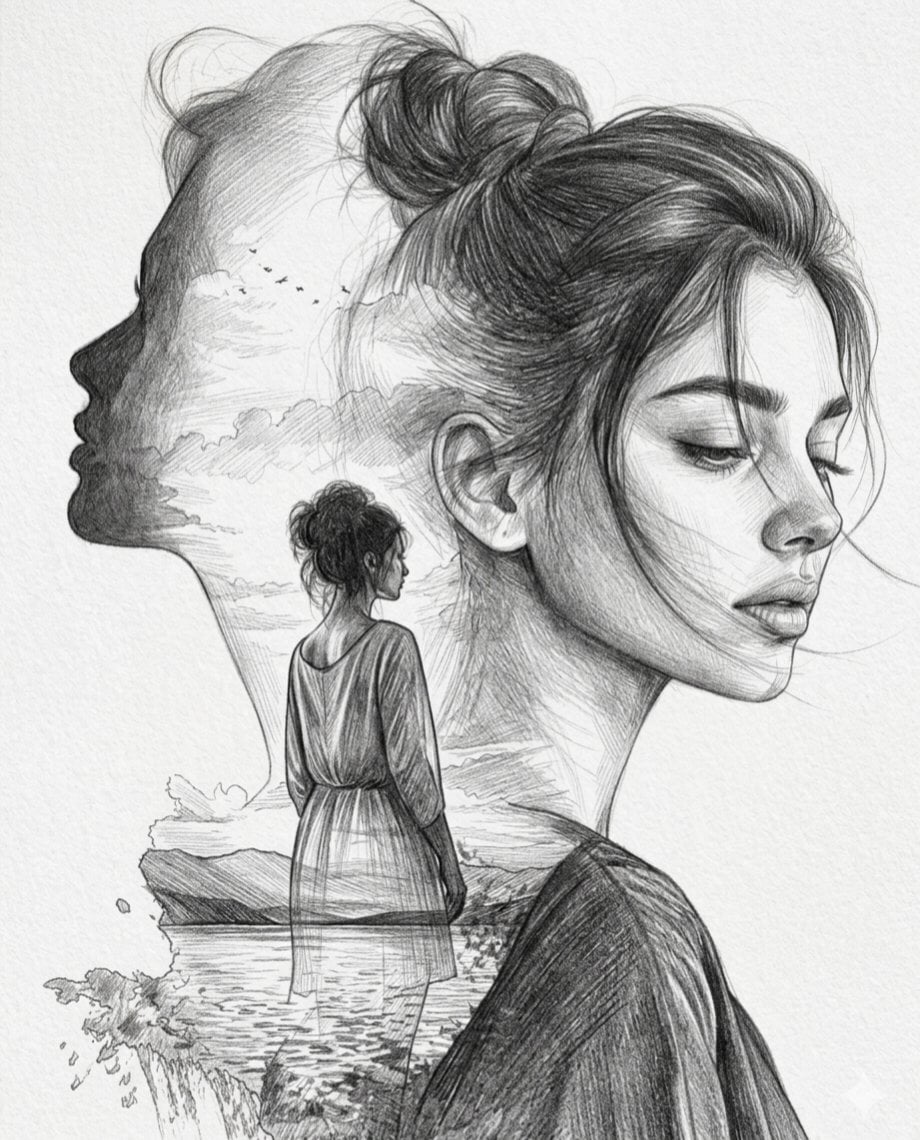
Double Exposure Pencil Sketch Portrait
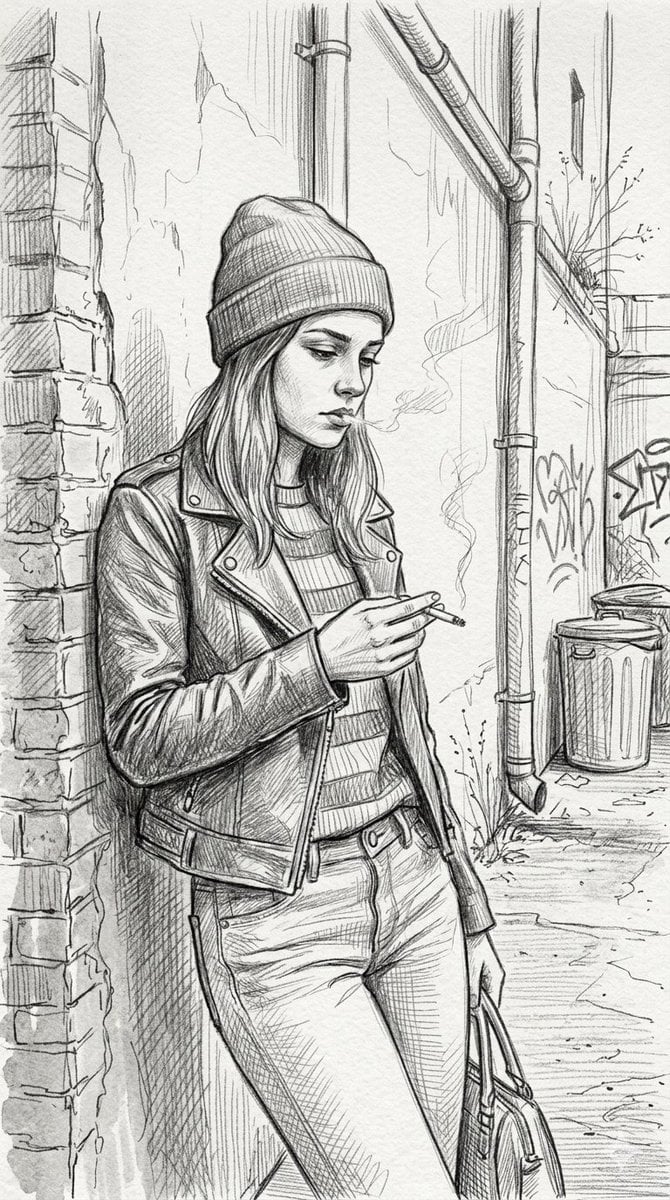
Gritty urban pencil sketch portrait
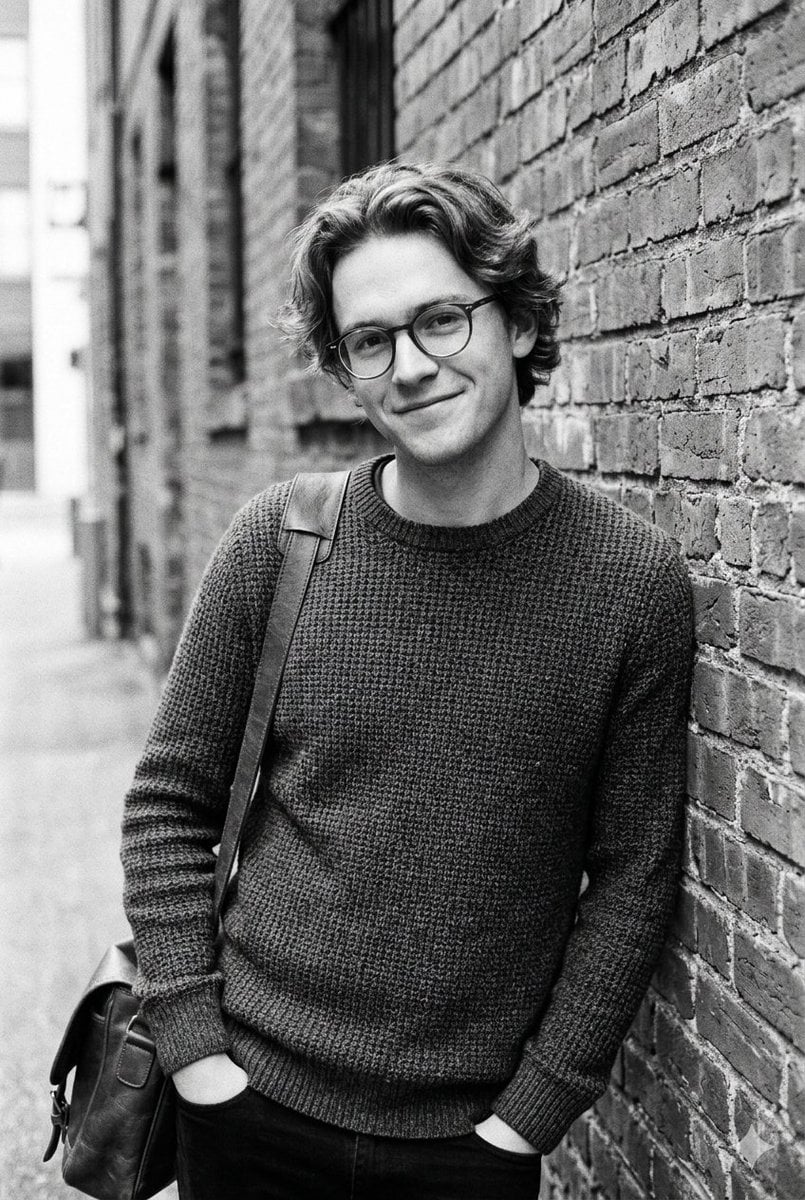
Black and White Urban Male Portrait
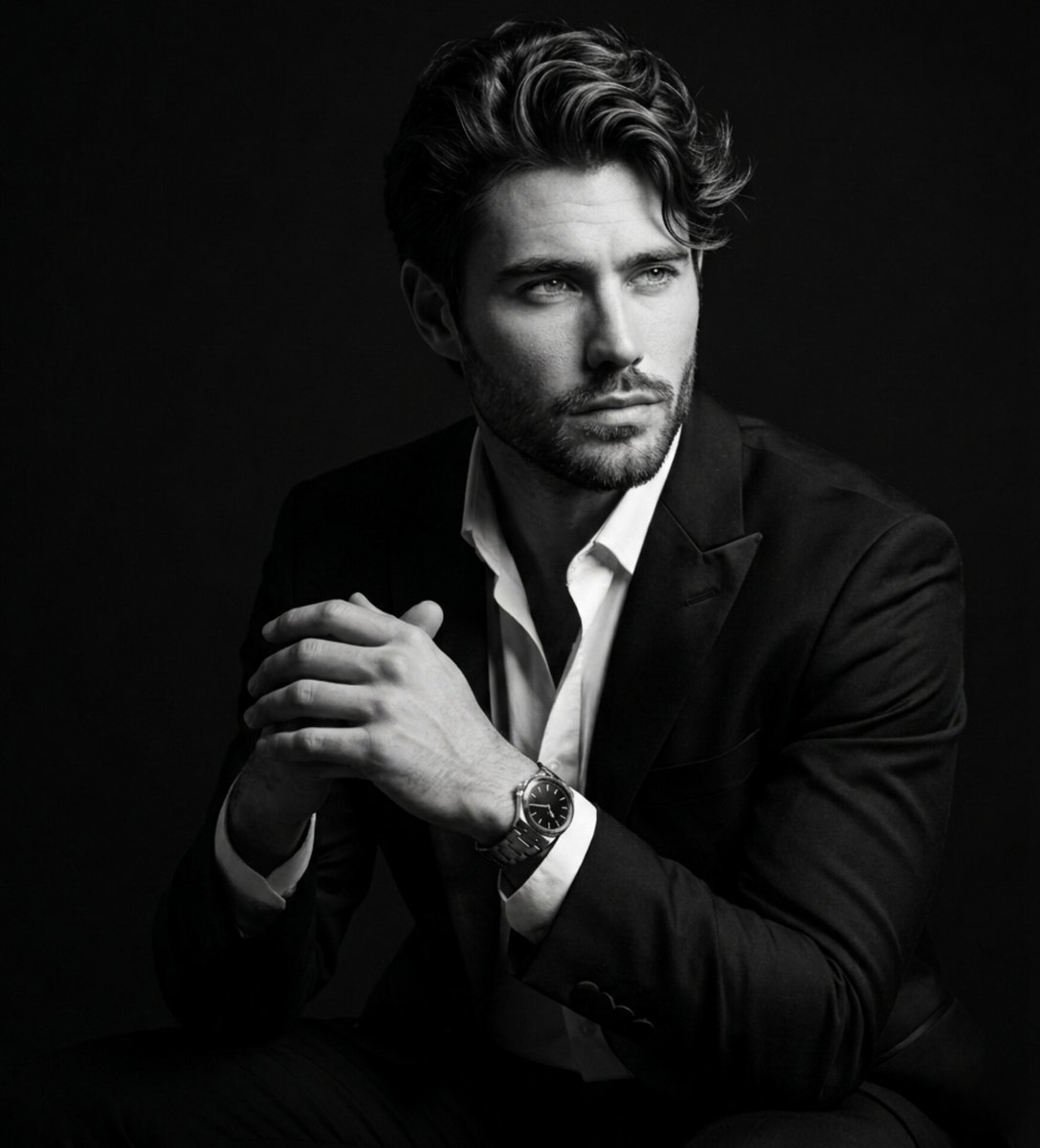
Fine Art Black and White Portrait
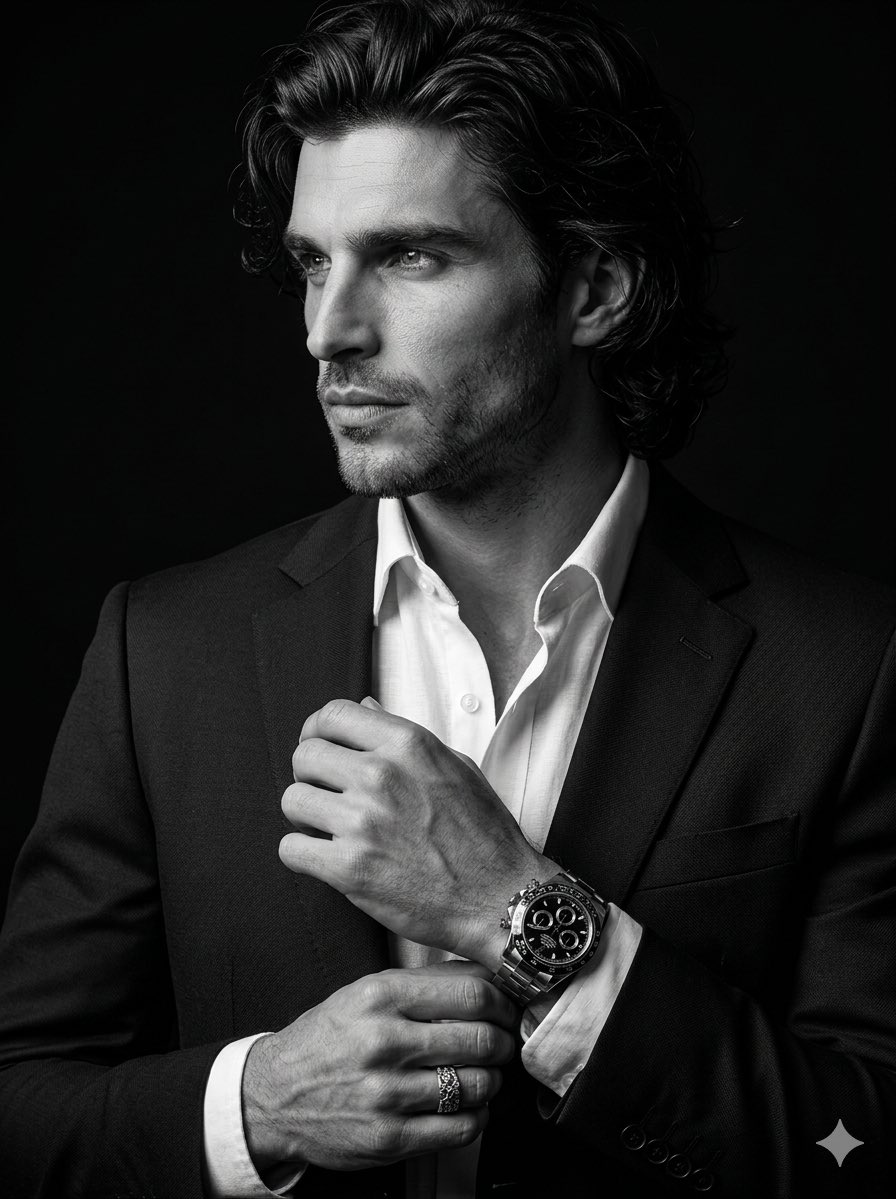
Cinematic Black-and-White Suit Portrait
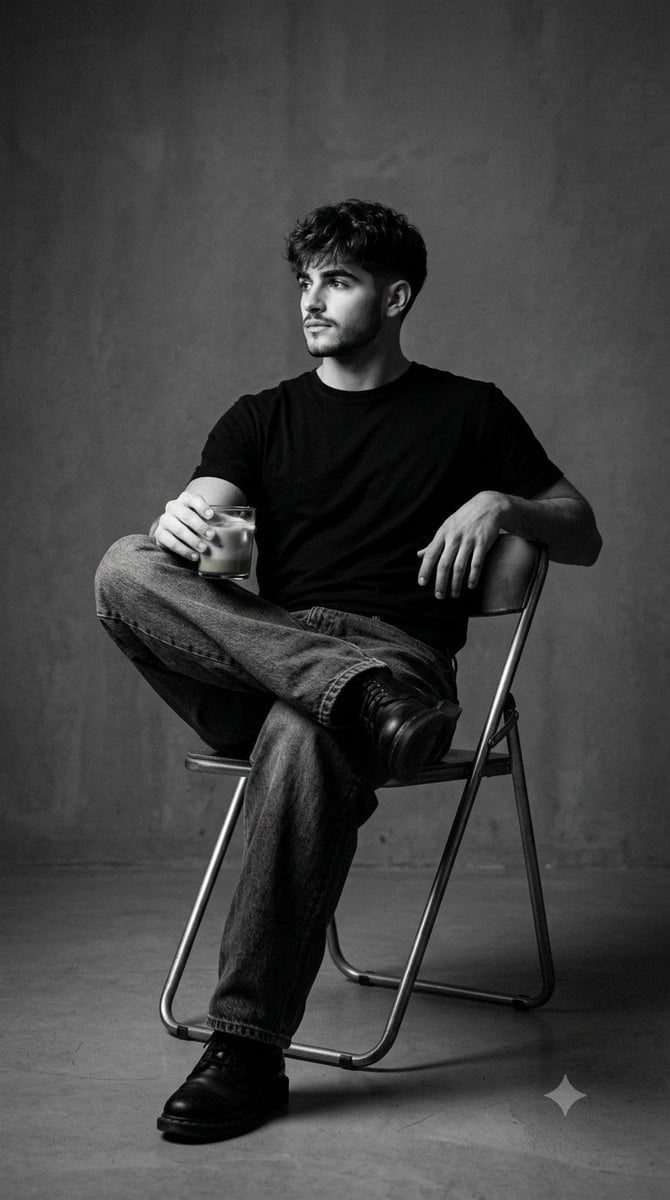
Black and White Studio Portrait
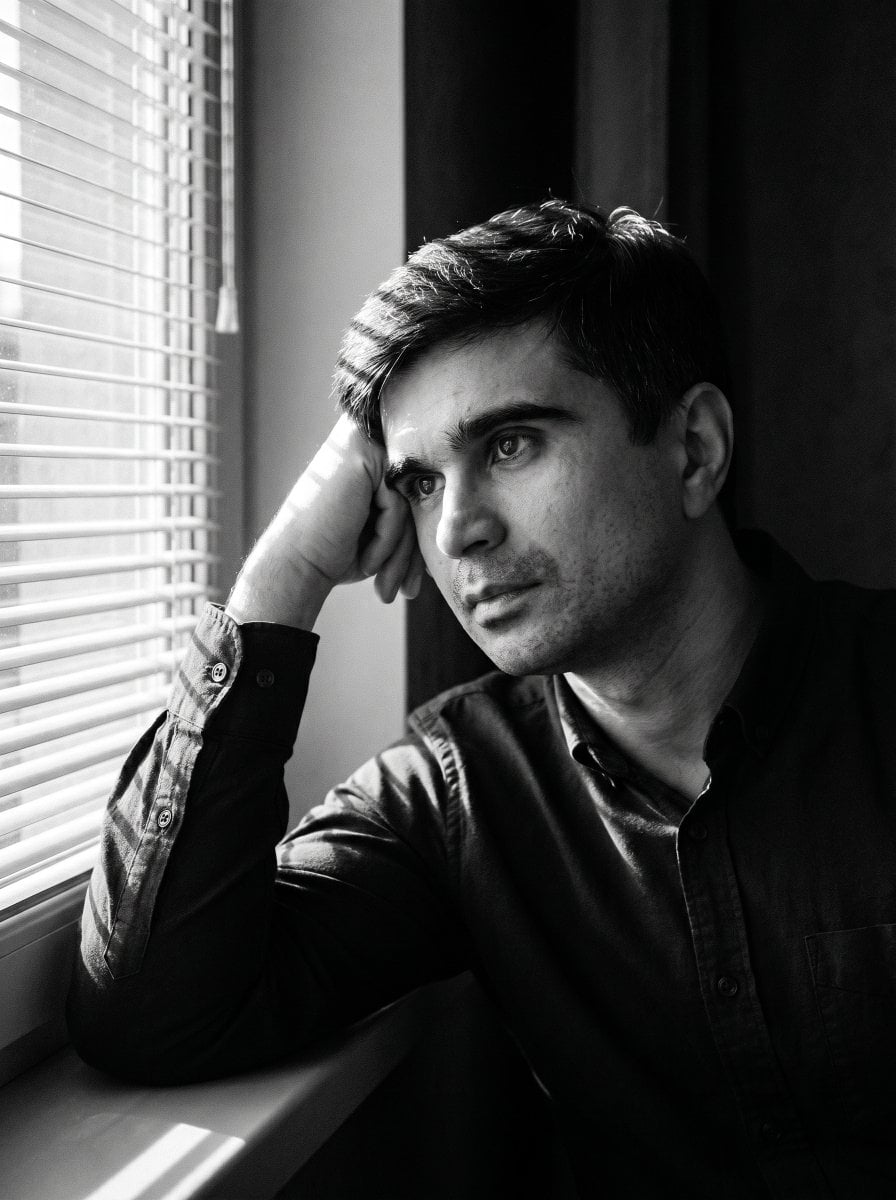
Moody Black and White Portrait
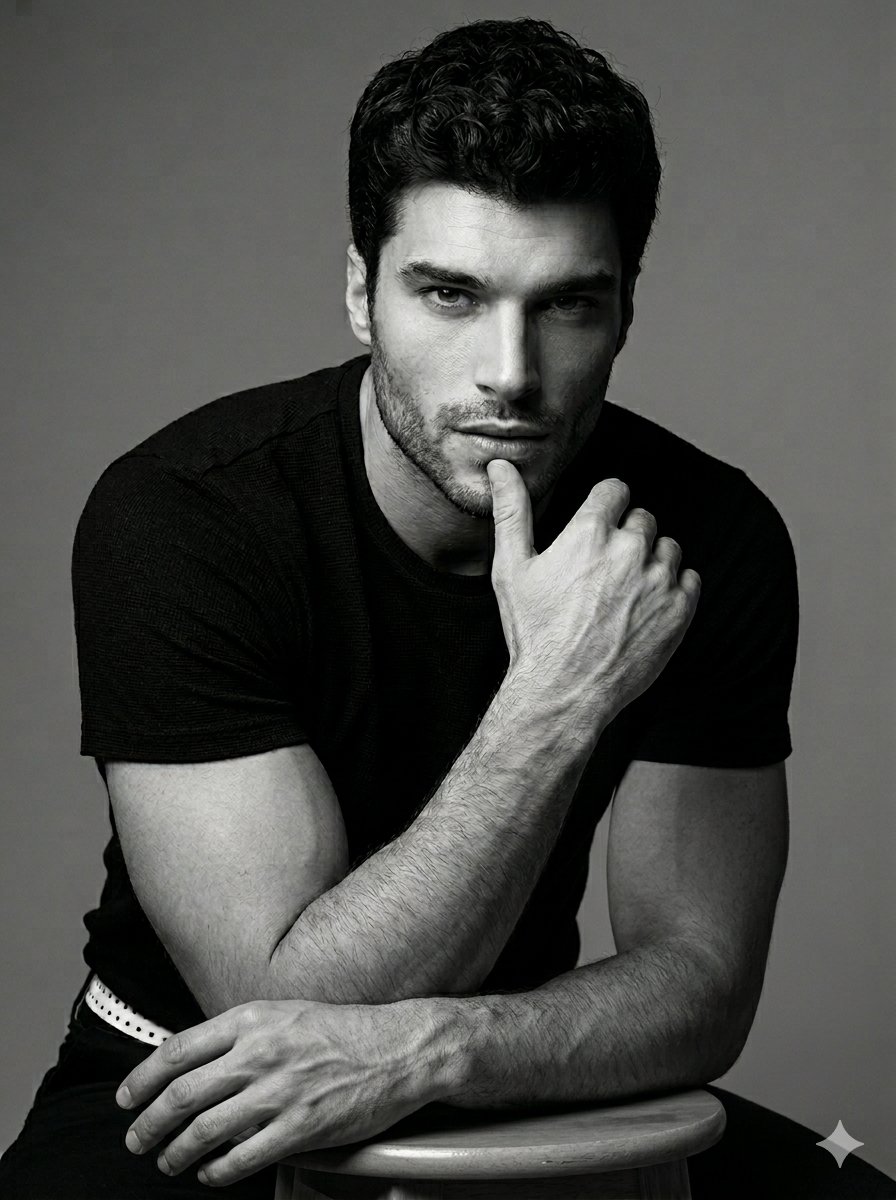
Black and White Male Studio Portrait
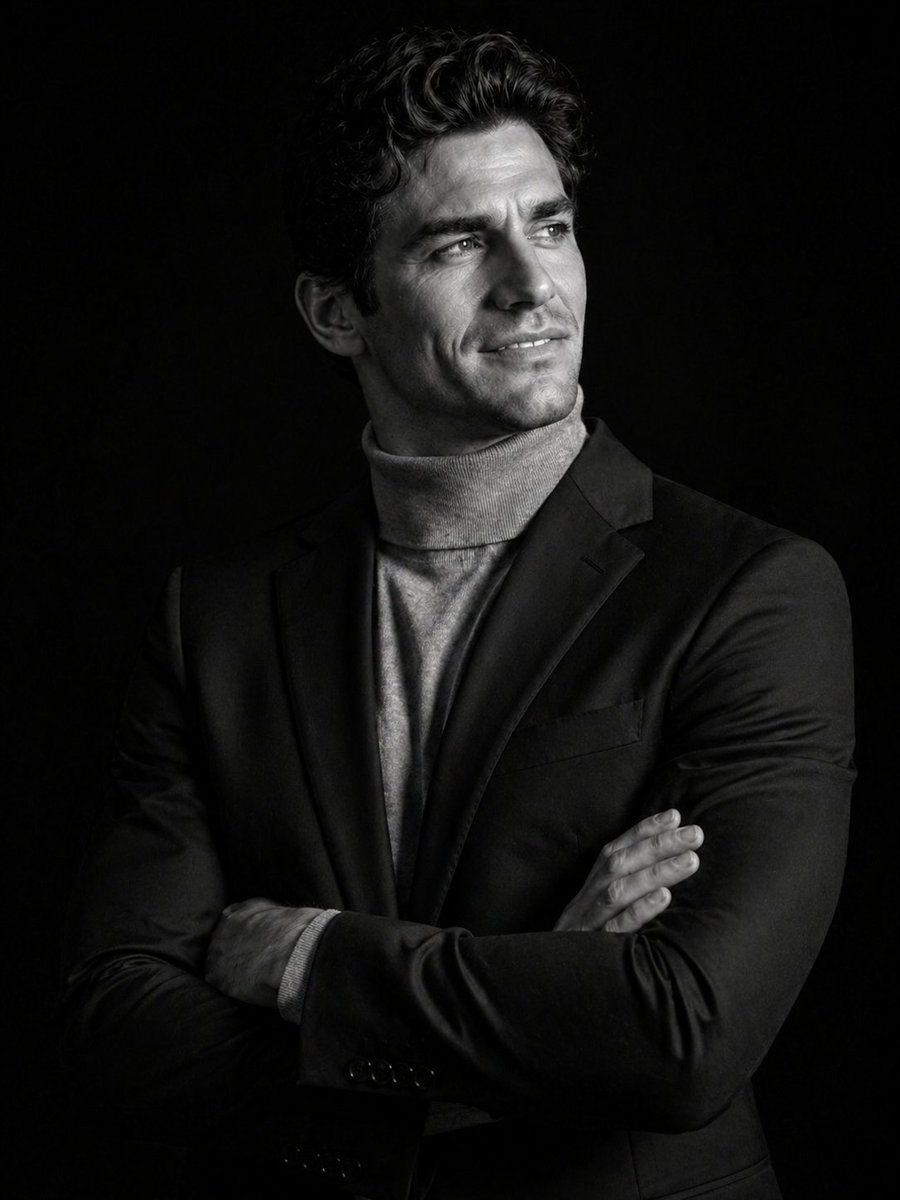
Cinematic Black and White Studio Portrait
Make it yours
Black and White Pencil Sketch Portrait works as-is. These are the safest ways to change it without losing the look.
Change one field
Copy a single group, rewrite it, and generate again so you can see what that field is doing.
Keep the frame, change the subject
Hold the composition and light of Black and White Pencil Sketch Portrait, then swap wardrobe, props or the person for a new take.
| If the result… | Why | Fix |
|---|---|---|
| The result drifts from the preview | Too many fields changed at once. | Reuse Black and White Pencil Sketch Portrait as-is first, then change one group — subject, light, or setting. |
| The model over-stylizes the scene | The prose prompt leaves finish and camera underspecified. | Add one camera or lighting sentence and stay on GPT Image 2. |
More GPT Image 2 templates
Other prompts made for GPT Image 2.

Six VTuber Japanese Logo Sheet

Realistic Portrait of Woman and Deer

The Vista Modular Condo Poster

AI Model Routing Comparison Infographic

2.5D Anime Art Board

Isometric Productivity Desk Scene

New York Double Exposure Poster

Four-Panel AI Landscape Comparison

Japanese Tatami Lifestyle Magazine Cover

NESCAFÉ Coffee Map Poster
More image prompts
Fresh picks from across the catalog.
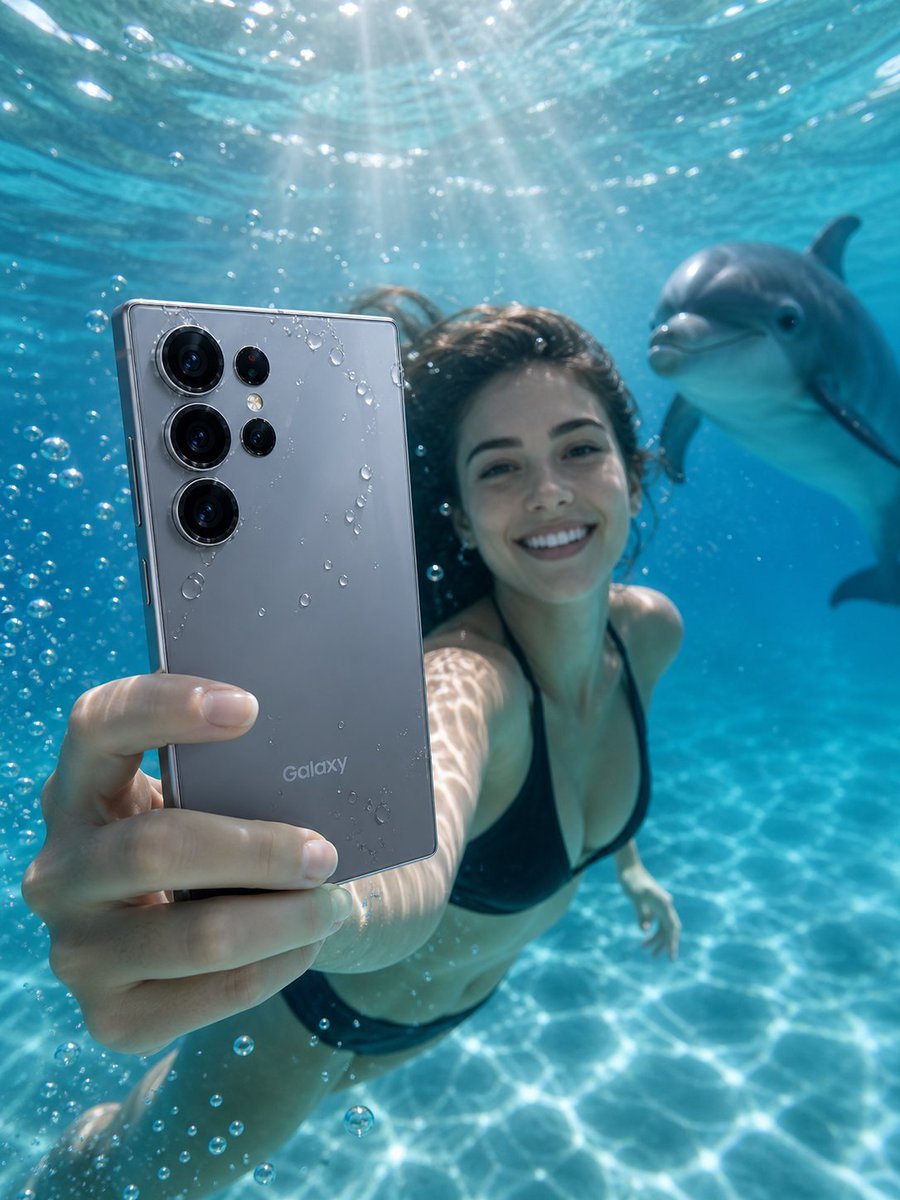
Underwater Smartphone Product Shoot
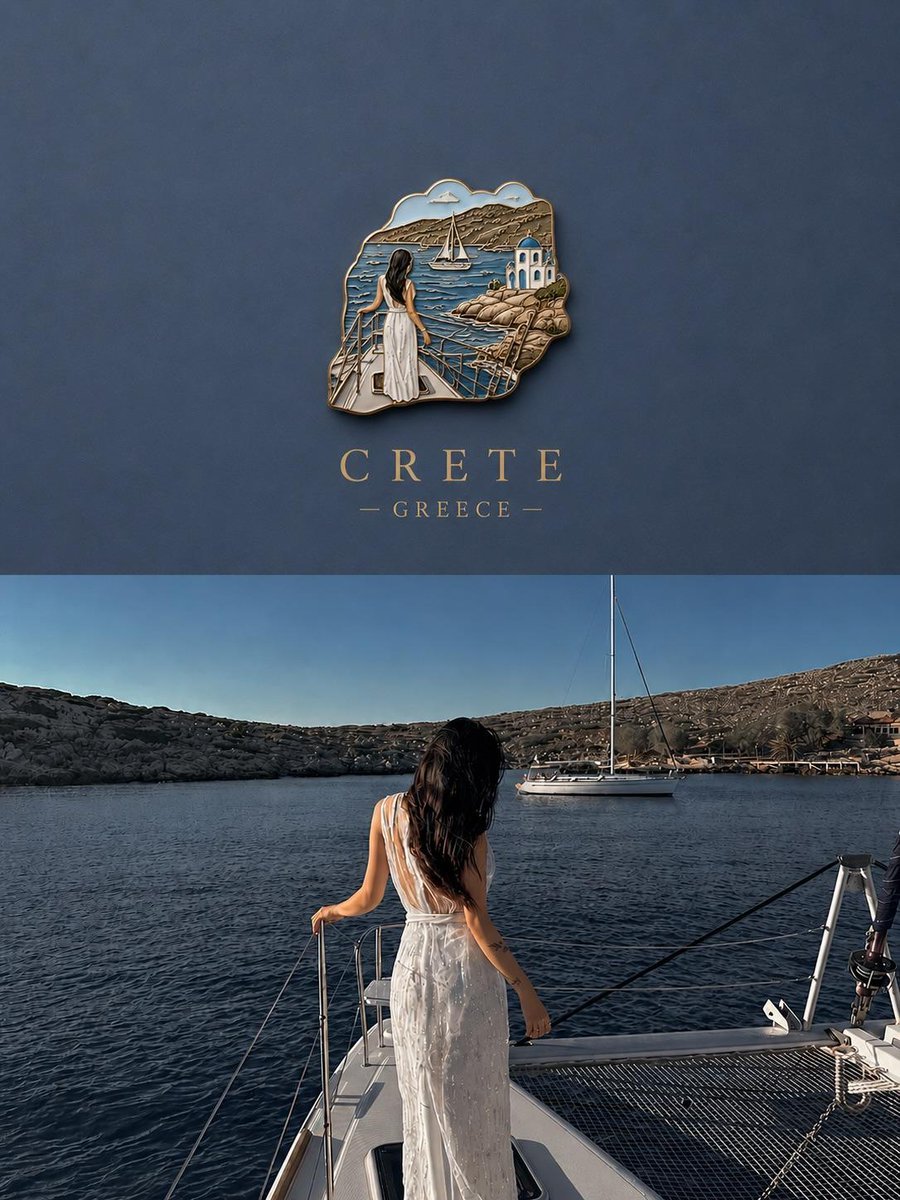
3D Souvenir Badge Travel Poster
Professional Identity-Preserving Corporate Portrait
Epic Car Chase Action Shot

Night Sky Brand Canvas Prompt
Blue Hour Volcanic Fashion Editorial
Japanese AI Tool Comparison Thumbnail
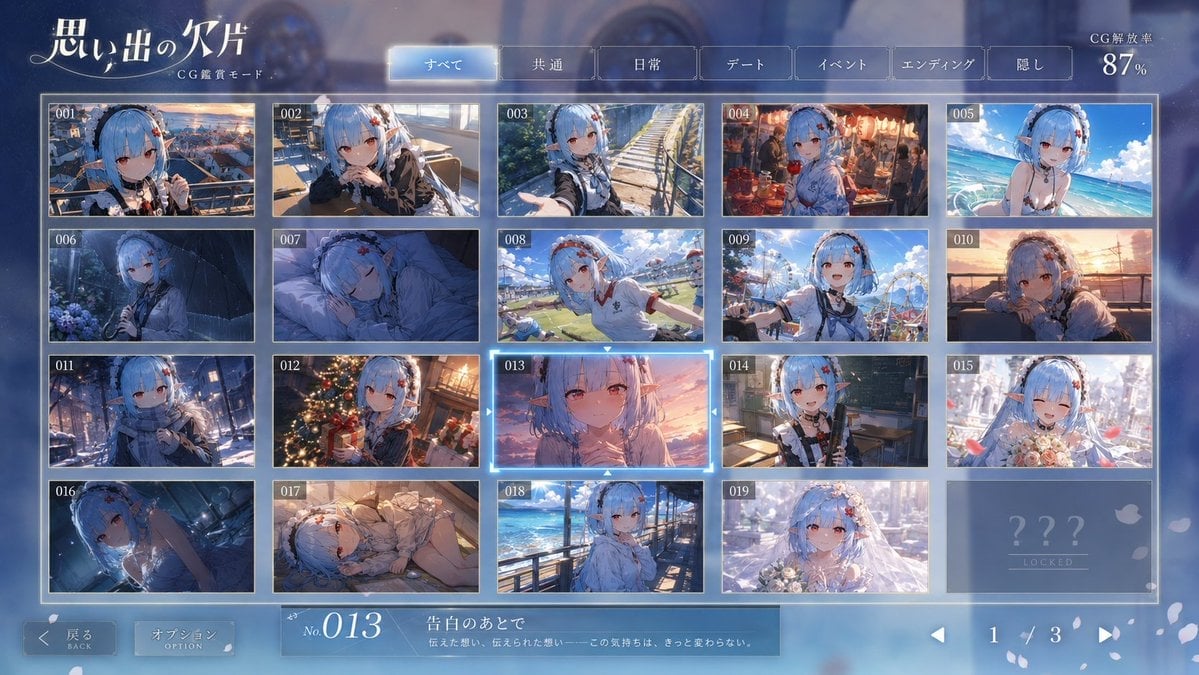
Romance Adventure Game CG Gallery UI
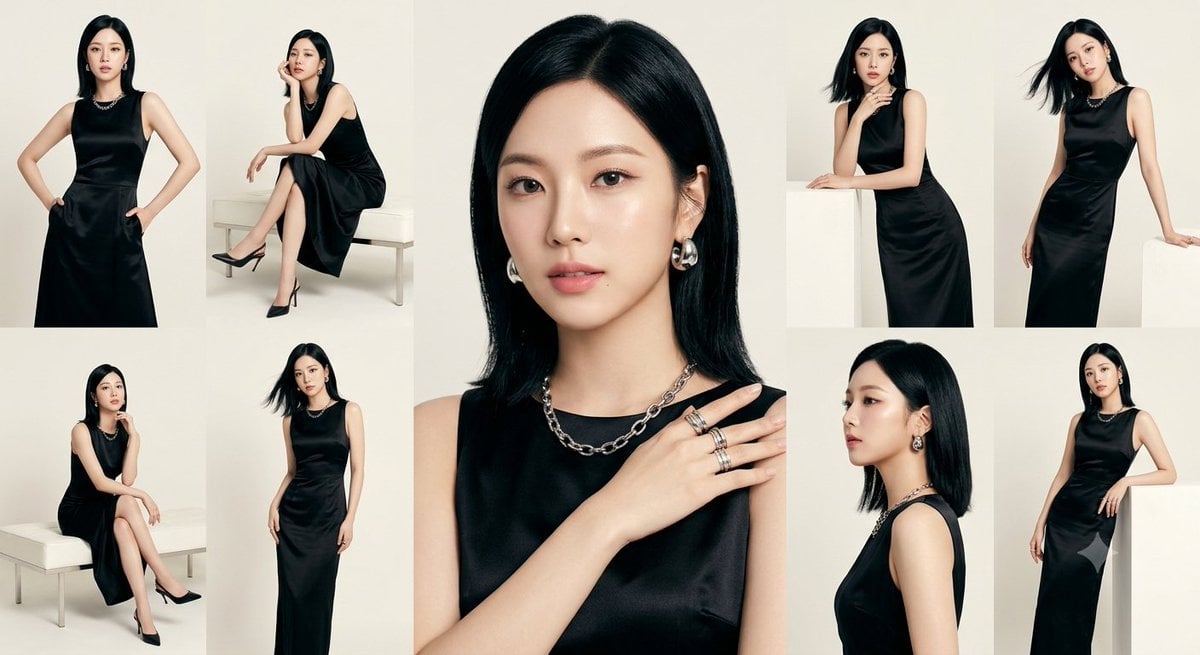
Anonymous Black Dress Fashion Collage
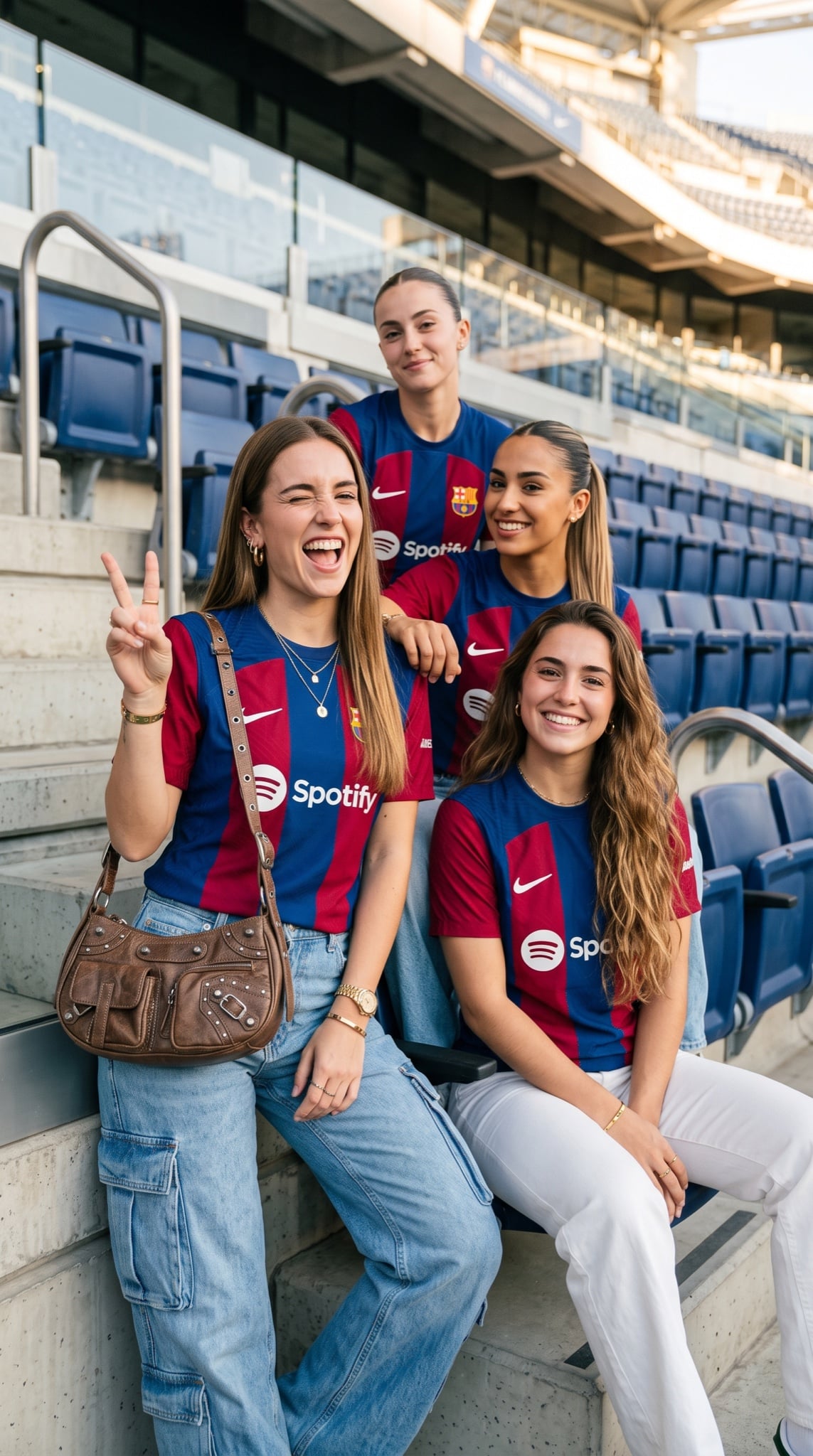
Barcelona Fan Girls Group Portrait
Browse template categories
Black and White Pencil Sketch Portrait questions
How do I use the Black and White Pencil Sketch Portrait template?
Add your photo if the template asks for one, edit the prompt if you like — the template's model and format are already selected — and press Generate. Your version opens in PicX Studio.
Can I customize the Black and White Pencil Sketch Portrait template?
Yes. You can change the subject, setting, lighting, mood, format, and available model controls before creating your image.
Is the Black and White Pencil Sketch Portrait template free?
Opening and editing this template is free. Generating uses credits, shown on the Generate button when you are signed in.
Which AI model should I use?
Start with GPT Image 2, which is the model associated with this template. You can compare another compatible model for a different finish.
Looking for something else? Browse all templates.

Your photo, any look
Thousands of ready templates for every top image and video model, from one credit balance.