
Vintage Kunming Morning Poster
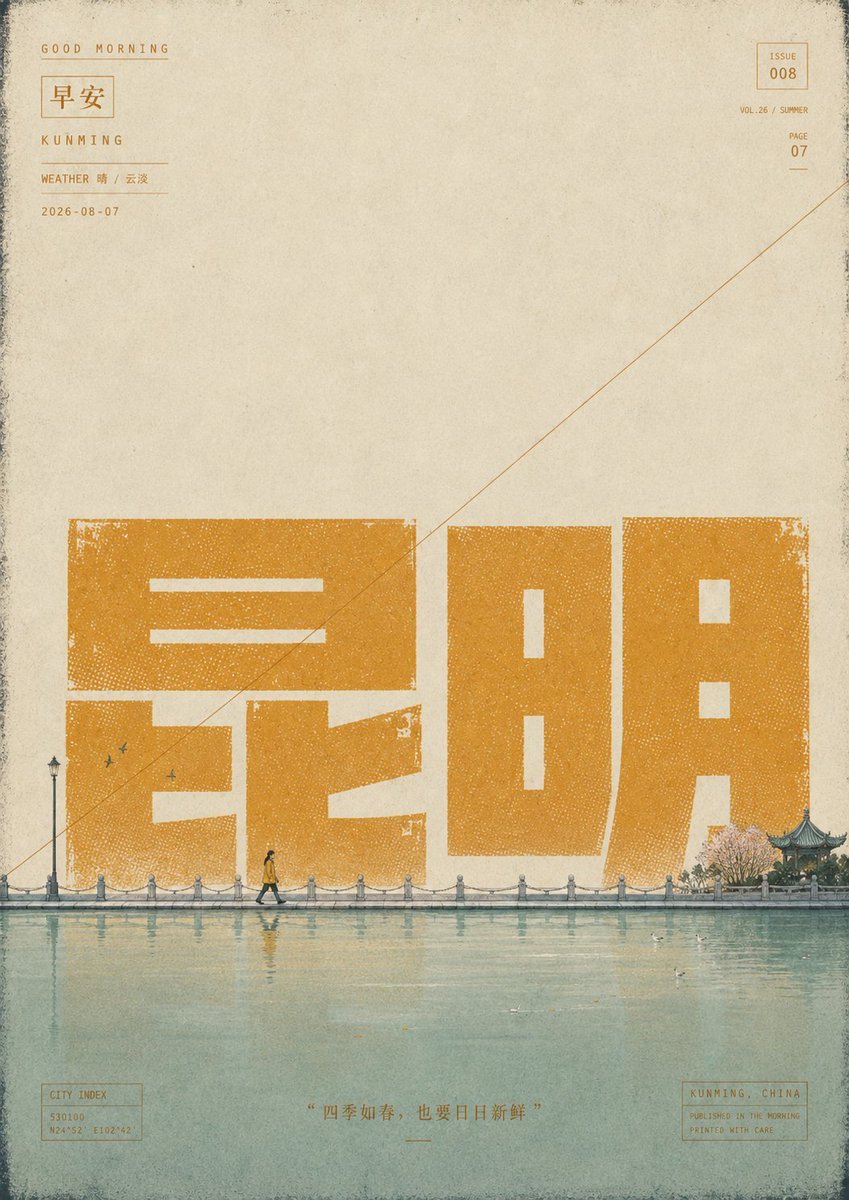
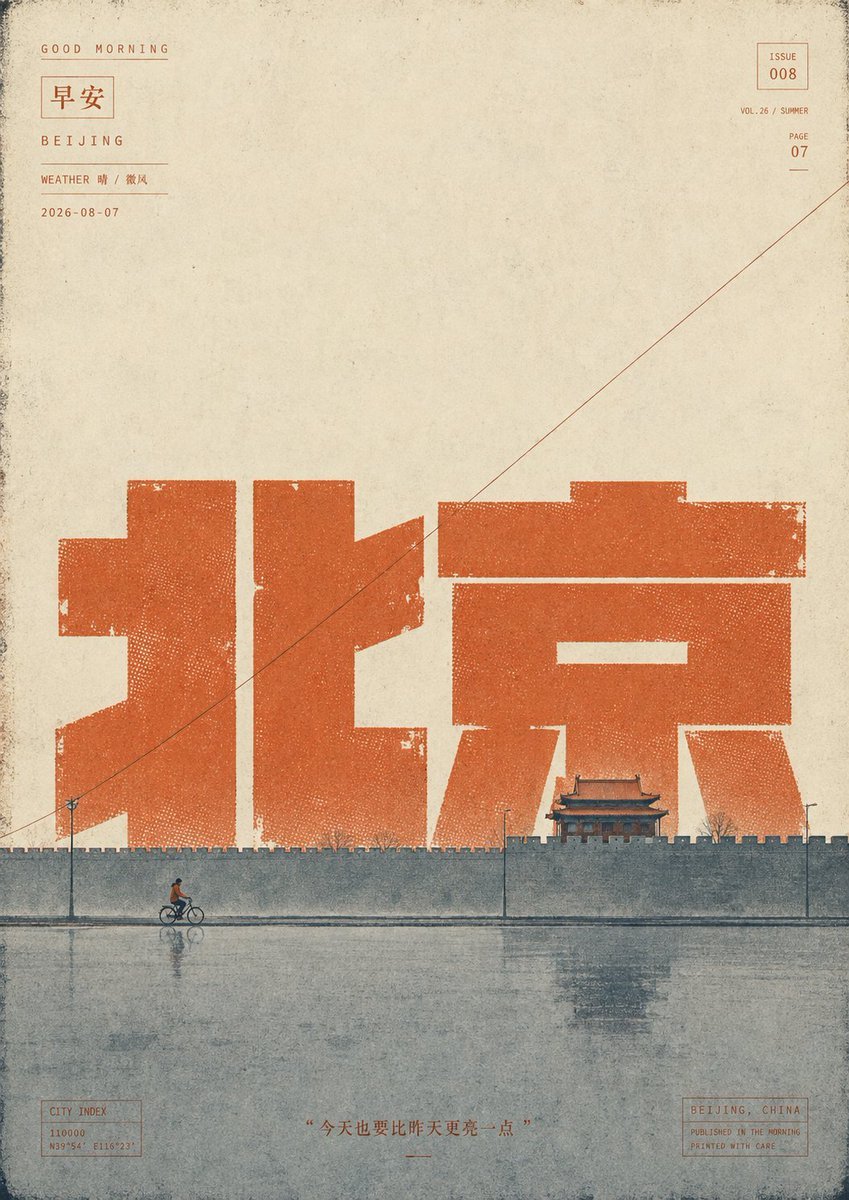
Transforms the reference Beijing morning poster into a distressed vintage Kunming waterfront travel poster with updated typography, city metadata, and seasonal scenery.
- Prompt included
- Model and format preset
- Free template
The prompt behind this image
Copy the exact prompt behind Vintage Kunming Morning Poster, or open it in the studio and make it yours.
Using the provided reference poster as the base, create a sister “Good Morning” city poster for {argument name="city name" default="Kunming"} instead of Beijing while preserving the same vertical vintage editorial layout, aged paper texture, ink gaps, halftone dot erosion, thin border grime, small issue/page metadata blocks, diagonal hairline, bottom quote placement, and calm morning atmosphere. Transform the main city typography: replace the giant central Chinese characters with {argument name="large Chinese city text" default="昆明"}, rendered as oversized blocky orange-yellow letterpress shapes with distressed edges and visible halftone speckling. Update the small top-left location label to “KUNMING,” the weather line to {argument name="weather text" default="WEATHER 晴 / 云淡"}, and keep the date format as {argument name="date" default="2026-08-07"}. Update the bottom-right location box to “KUNMING, CHINA,” and adjust the city index coordinates to match Kunming. Replace the Beijing wall-and-cyclist scene with a tranquil Kunming waterfront promenade: add exactly 1 walking pedestrian in front of the large characters, exactly 1 tall streetlamp at the left, a row of short stone bollards connected along the water’s edge, exactly 3 small flying birds near the left side of the typography, a calm lake in the foreground with soft reflections, and on the right add a small traditional pavilion beside pale pink flowering trees. Keep the composition sparse with large empty paper space above. Use a muted warm ochre palette for the typography instead of the deeper red-orange in the reference, with blue-green gray water and delicate faded ink printing. Maintain the same nostalgic Chinese magazine-cover / travel-poster aesthetic, including worn ink, misregistration, rough paper grain, and subtle stains. Bottom quote text: {argument name="bottom quote" default="“四季如春,也要日日新鲜”"}. Avoid adding any extra modern objects, logos, or unnecessary text.
Reference images included
Vintage Kunming Morning Poster needs input media to work. They load alongside the prompt when you open it in the studio.
How to use Vintage Kunming Morning Poster in 3 steps
- 1Upload ImagePNG, JPG or paste
Add your photo
Upload the photo the template builds on. The prompt, model and format are already set.
- 2…a portrait of your subject in softgolden-hour light, 85mm…
Personalize
Edit the subject and creative details for your destination.
- 3Generate
Generate
Press Generate — your image is created in PicX Studio, so you can compare it with the original and refine one variable at a time.
More like this
Templates with the same subject, style or setup. Open one to see its prompt.












Make it yours
Vintage Kunming Morning Poster works as-is. These are the safest ways to change it without losing the look.
Change one field
Copy a single group, rewrite it, and generate again so you can see what that field is doing.
Keep the frame, change the subject
Hold the composition and light of Vintage Kunming Morning Poster, then swap wardrobe, props or the person for a new take.
| If the result… | Why | Fix |
|---|---|---|
| The result drifts from the preview | Too many fields changed at once. | Reuse Vintage Kunming Morning Poster as-is first, then change one group — subject, light, or setting. |
| The model over-stylizes the scene | The prose prompt leaves finish and camera underspecified. | Add one camera or lighting sentence and stay on GPT Image 2. |
More GPT Image 2 templates
Other prompts made for GPT Image 2.

Six VTuber Japanese Logo Sheet

Realistic Portrait of Woman and Deer

The Vista Modular Condo Poster

AI Model Routing Comparison Infographic

2.5D Anime Art Board

Isometric Productivity Desk Scene

New York Double Exposure Poster

Four-Panel AI Landscape Comparison

Japanese Tatami Lifestyle Magazine Cover

NESCAFÉ Coffee Map Poster
More image prompts
Fresh picks from across the catalog.
Dramatic Water Emergence Portrait
Cinematic Desert Rest Stop Portrait at Golden Hour

Ultra-Realistic Studio Fashion Model Portrait Prompt
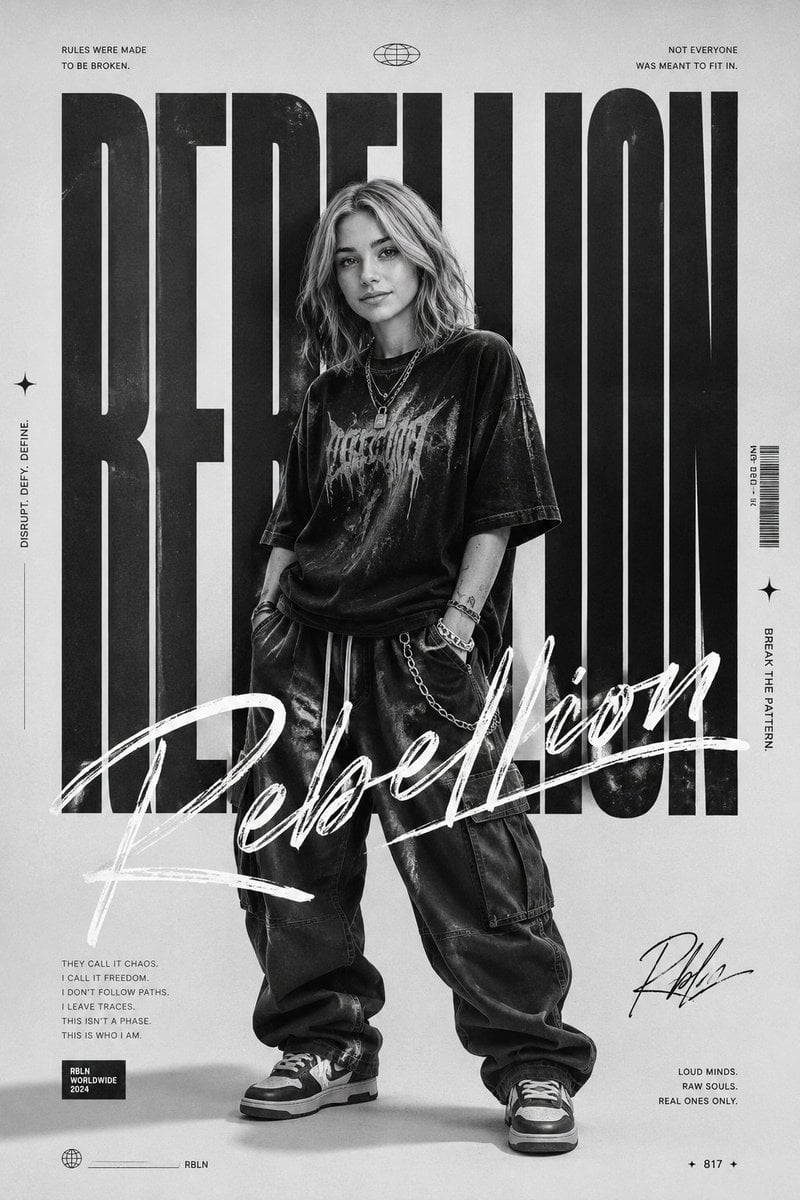
Monochrome Rebellion Streetwear Poster
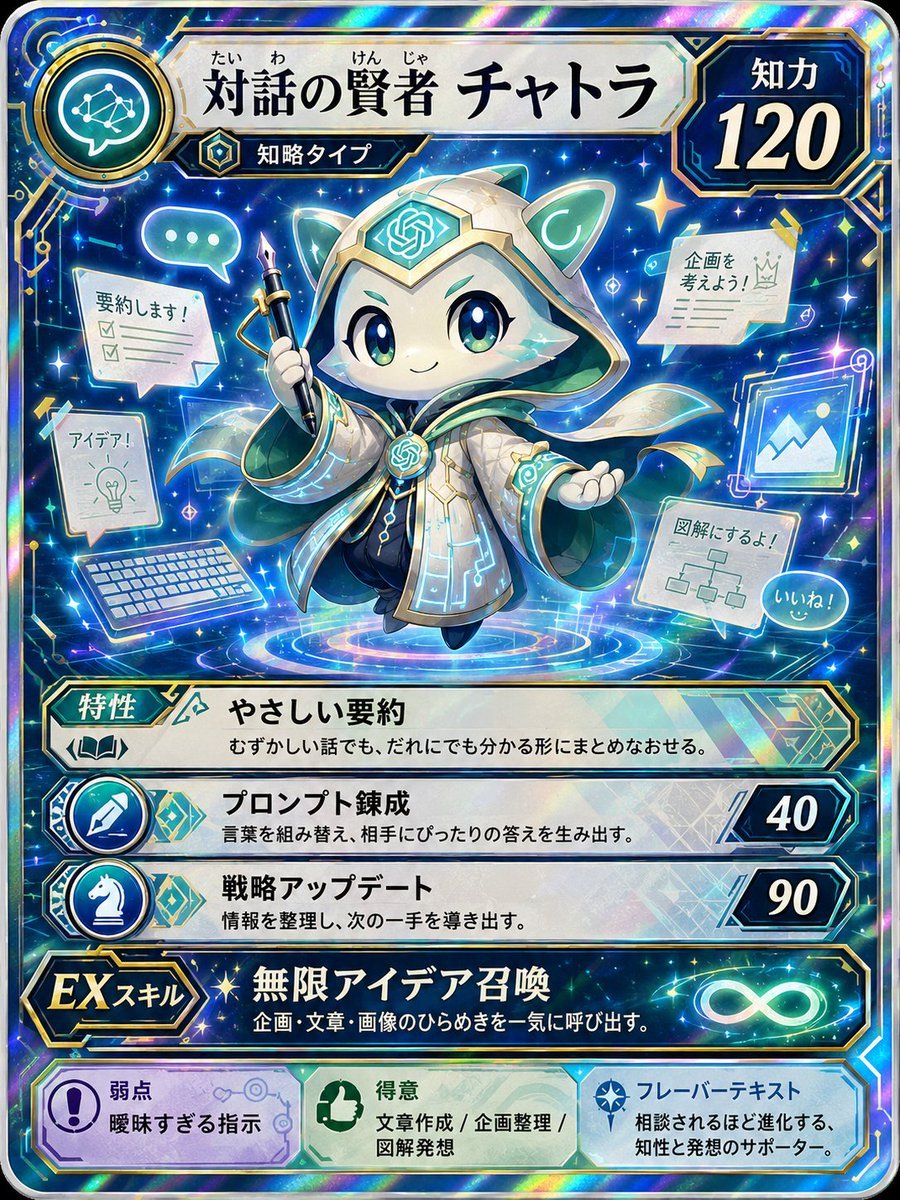
Pokemon Card Style Character
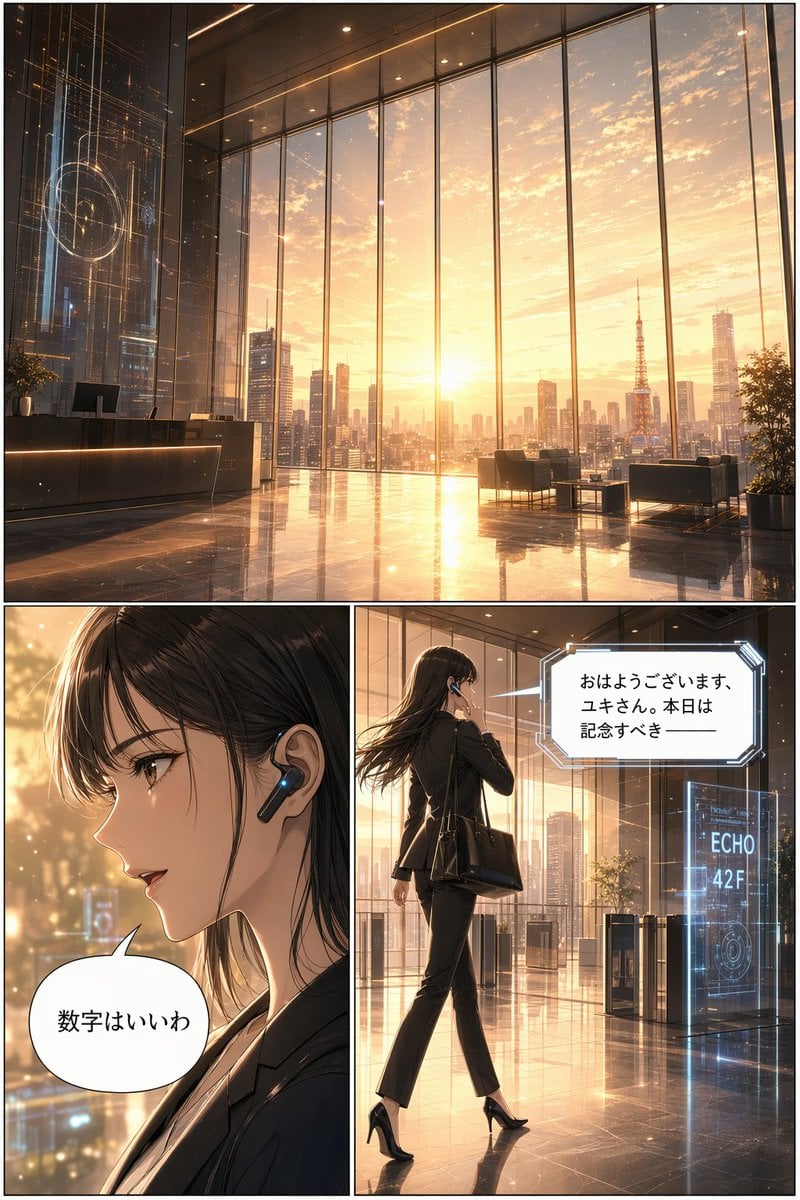
Futuristic Corporate 3-Panel Manga Page
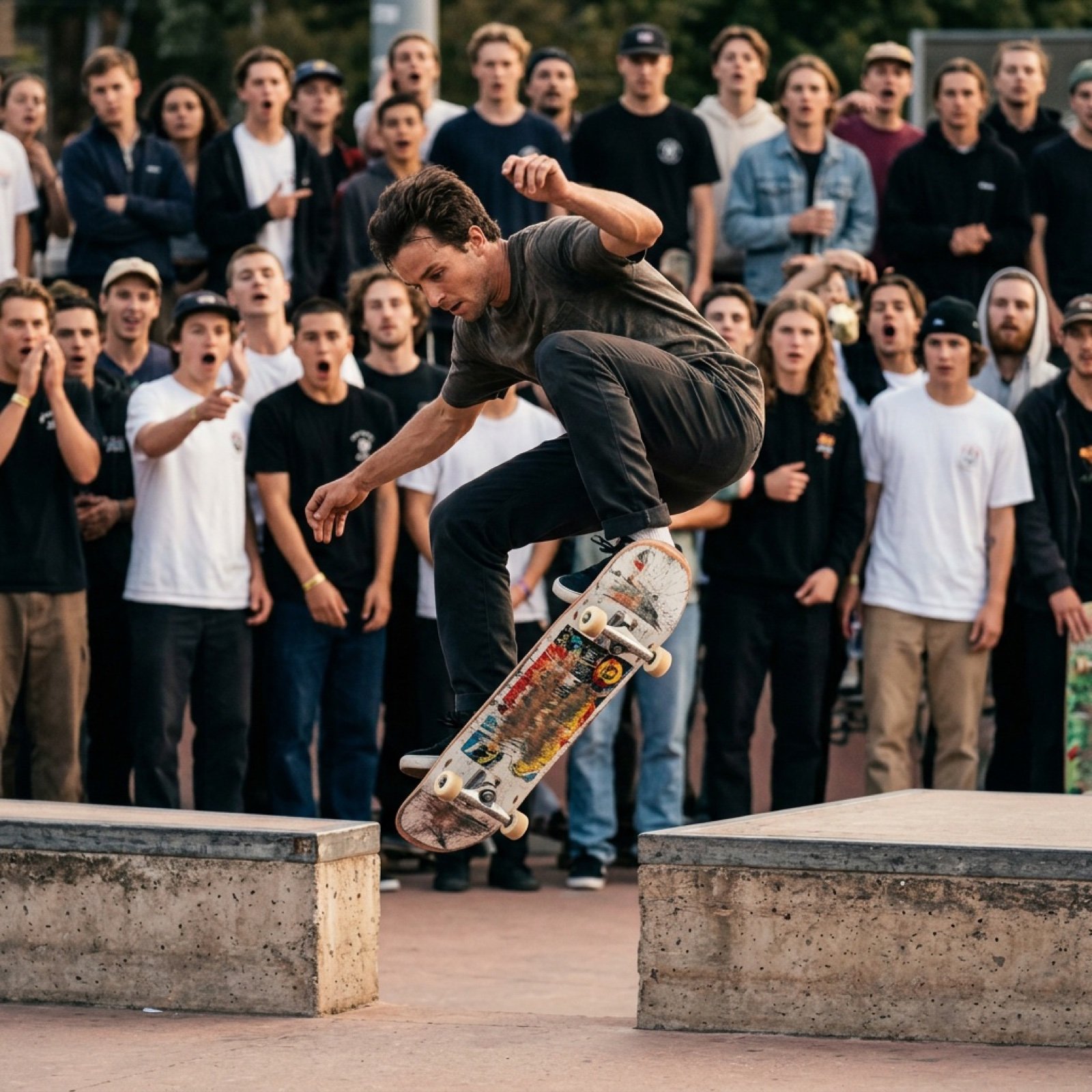
Grok Video Prompt: High-Speed Skateboard Tricks

Structured Prompt for Automated Manga Generation

GPT-Image2 E-Commerce Course Banner
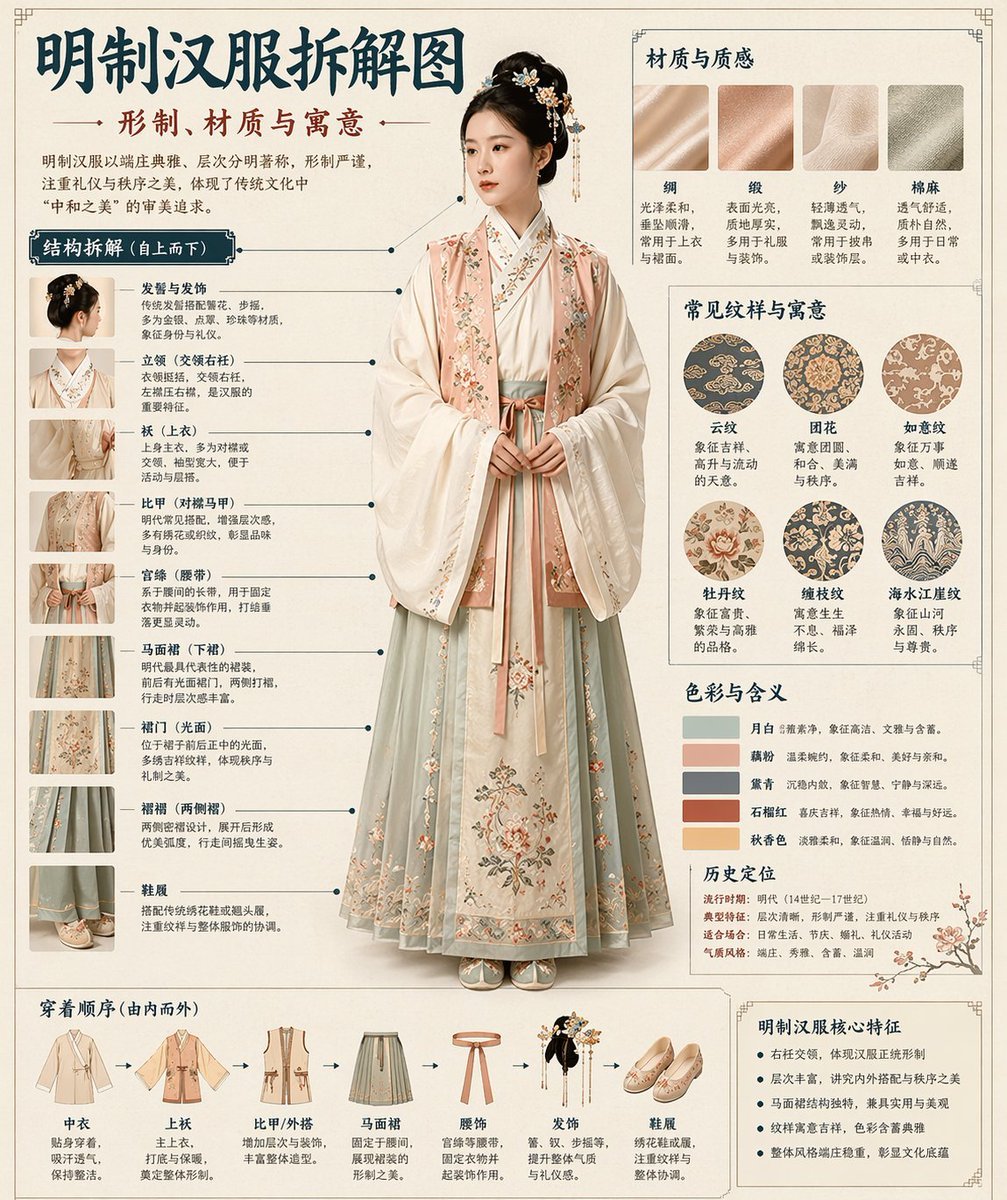
Chinese Museum Deconstruction Infographic
Browse template categories
Vintage Kunming Morning Poster questions
How do I use the Vintage Kunming Morning Poster template?
Add your photo if the template asks for one, edit the prompt if you like — the template's model and format are already selected — and press Generate. Your version opens in PicX Studio.
Can I customize the Vintage Kunming Morning Poster template?
Yes. You can change the subject, setting, lighting, mood, format, and available model controls before creating your image.
Is the Vintage Kunming Morning Poster template free?
Opening and editing this template is free. Generating uses credits, shown on the Generate button when you are signed in.
Which AI model should I use?
Start with GPT Image 2, which is the model associated with this template. You can compare another compatible model for a different finish.
Looking for something else? Browse all templates.

Your photo, any look
Thousands of ready templates for every top image and video model, from one credit balance.