
Commercial Storyboard Story Sheet
A comprehensive instruction for generating a professional 6-panel commercial storyboard sheet, complete with camera directions and visual descriptions.
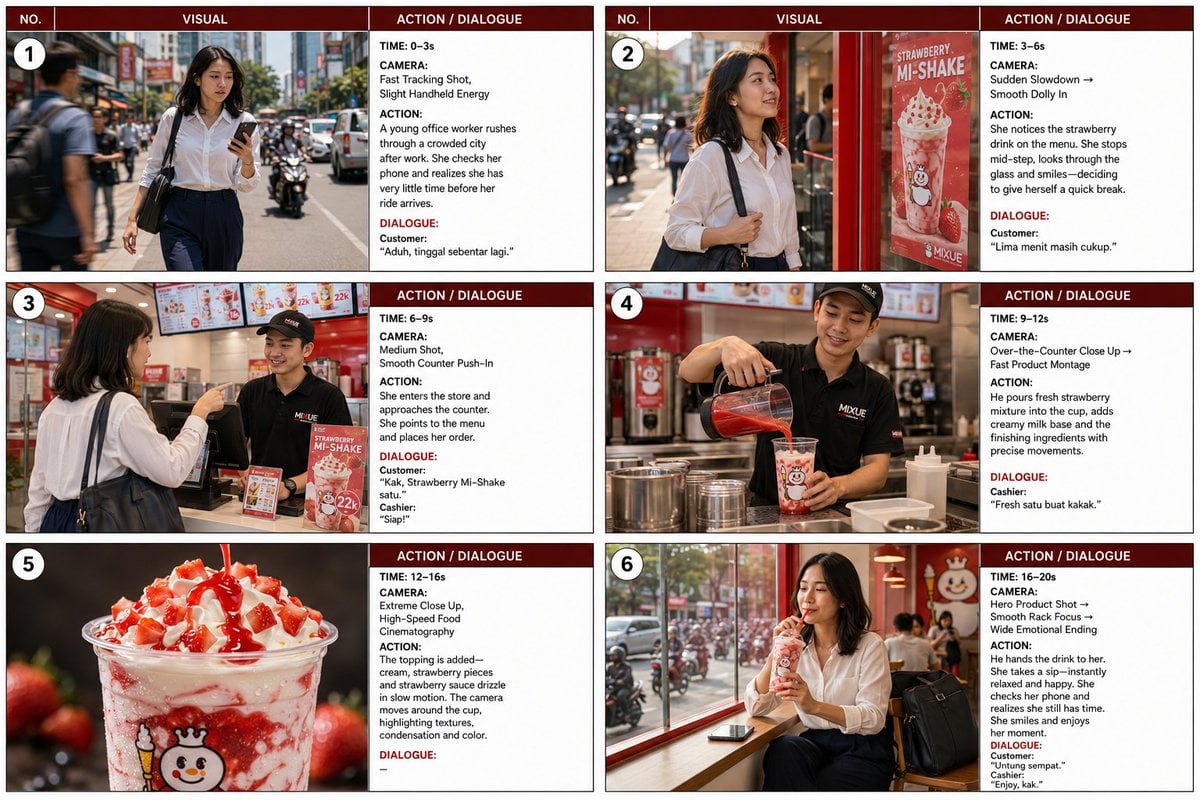
- Prompt included
- Model and format preset
- Free template
The prompt behind this image
Copy the exact prompt behind Commercial Storyboard Story Sheet, or open it in the studio and make it yours.
Create a premium professional 20-second commercial storyboard sheet in 3:4 landscape, designed like a real advertising-agency production storyboard. - Exactly 6 panels, 2×3 grid - Each panel = 3–4 seconds - Dark deep-red header: NO. | VISUAL | ACTION / DIALOGUE - Large cinematic visual area + narrow white information area - White numbered circle in upper-left of every visual - Thin black/gray borders, clean white background - Sharp, highly legible text - Photorealistic commercial photography - No extra panels, title, or decorative elements - One finished storyboard sheet only STORY: “THE LAST 20 MINUTES” A young Indonesian office worker rushes through the city after work, discovers a MIXUE outlet, takes a spontaneous five-minute break, and enjoys a Strawberry Mi-Shake. RUSH → PAUSE → DISCOVERY → ORDER → CREATION → HAPPY RESET PANEL 1 — 0–3s CAMERA: Fast Tracking Shot, Handheld ACTION: Indonesian woman, mid-20s, shoulder-length dark hair, white blouse, navy trousers, white sneakers and black laptop bag rushes through a busy sidewalk while checking her phone. DIALOGUE: “Aduh, tinggal sebentar lagi.” VISUAL: Busy Indonesian street, office workers, motorcycles, traffic and late-afternoon light with energetic motion. PANEL 2 — 3–6s CAMERA: Slowdown → Smooth Dolly In ACTION: She notices a MIXUE strawberry drink poster, stops, smiles and decides to enter. DIALOGUE: “Lima menit masih cukup.” VISUAL: Motion-blurred city around her while she remains sharp. Bright red MIXUE storefront and strawberry drink visible through glass. Cinematic “world stops” effect. PANEL 3 — 6–9s CAMERA: Medium Shot, Smooth Counter Push-In ACTION: She enters and orders from a cheerful young male cashier in a black MIXUE uniform and cap. DIALOGUE: Customer: “Kak, Strawberry Mi-Shake satu.” Cashier: “Siap!” VISUAL: Authentic Indonesian MIXUE interior, menu boards, POS counter and natural interaction. PANEL 4 — 9–12s CAMERA: Over-the-Counter Close-Up ACTION: Cashier prepares the Strawberry Mi-Shake, pouring fresh strawberry mixture and creamy milk into a transparent branded cup. DIALOGUE: “Fresh satu buat kakak.” VISUAL: Premium preparation shot with red strawberry layer, creamy milk, realistic liquid movement, condensation and stainless-steel equipment. PANEL 5 — 12–16s CAMERA: Extreme Close-Up, Slow Motion Food Cinematography ACTION: Creamy topping, strawberry pieces and glossy strawberry sauce are added. DIALOGUE: — VISUAL: Macro hero shot of strawberry sauce flowing over cream, fresh fruit, condensation, rich red-and-white contrast and shallow depth of field. PANEL 6 — 16–20s CAMERA: Hero Product Shot → Rack Focus ACTION: Cashier hands her the drink. She takes a sip, relaxes, checks her phone, realizes she still has time and sits by the window. DIALOGUE: Customer: “Untung sempat.” Cashier: “Enjoy, kak.” VISUAL: Strawberry drink foreground, woman smiling in middle ground, busy city softly blurred
How to use Commercial Storyboard Story Sheet in 3 steps
- 1
Open
The prompt is already in the box next to the preview, with the template's model and format selected.
- 2…a portrait of your subject in softgolden-hour light, 85mm…
Personalize
Edit the subject and creative details for your destination.
- 3Generate
Generate
Press Generate — your image is created in PicX Studio, so you can compare it with the original and refine one variable at a time.
More like this
Templates with the same subject, style or setup. Open one to see its prompt.
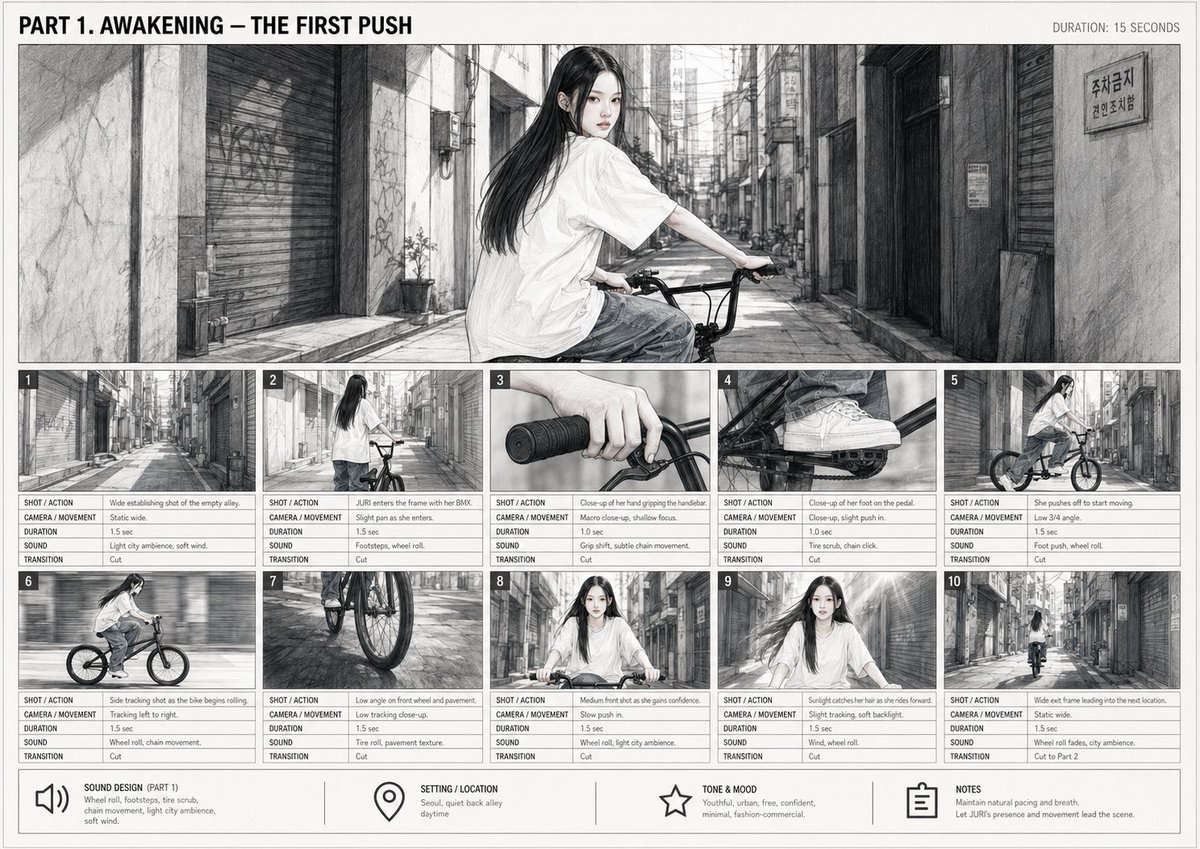
Cinematic BMX Storyboard Sheet
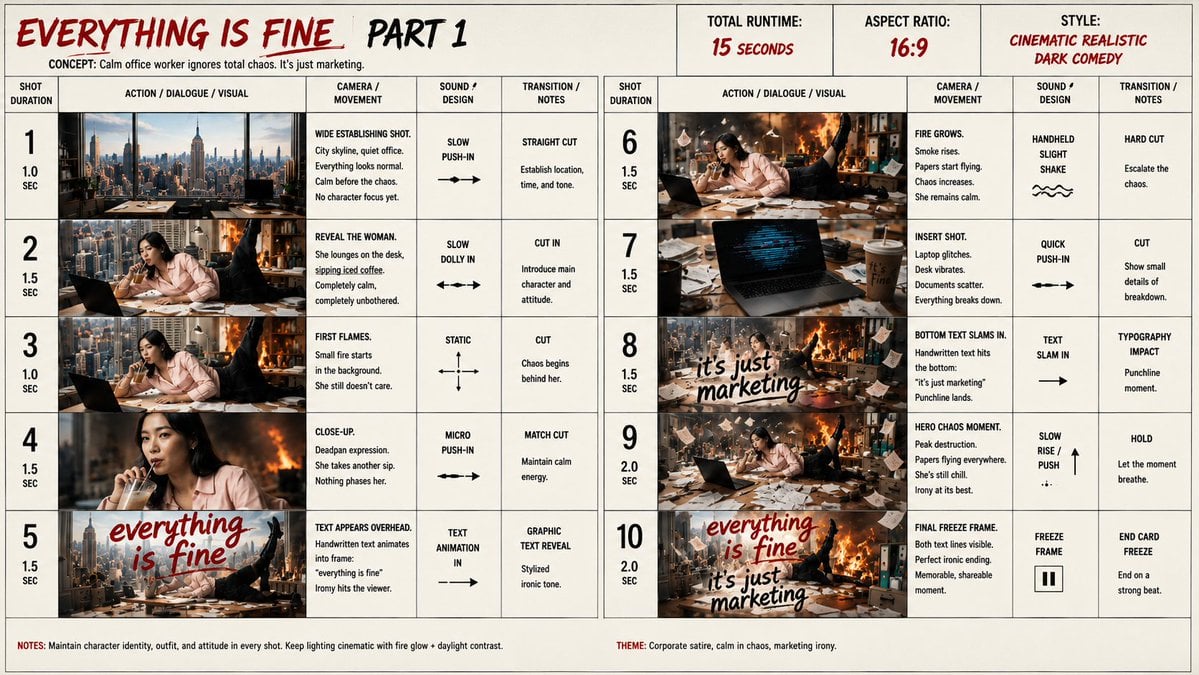
Everything Is Fine Storyboard Sheet
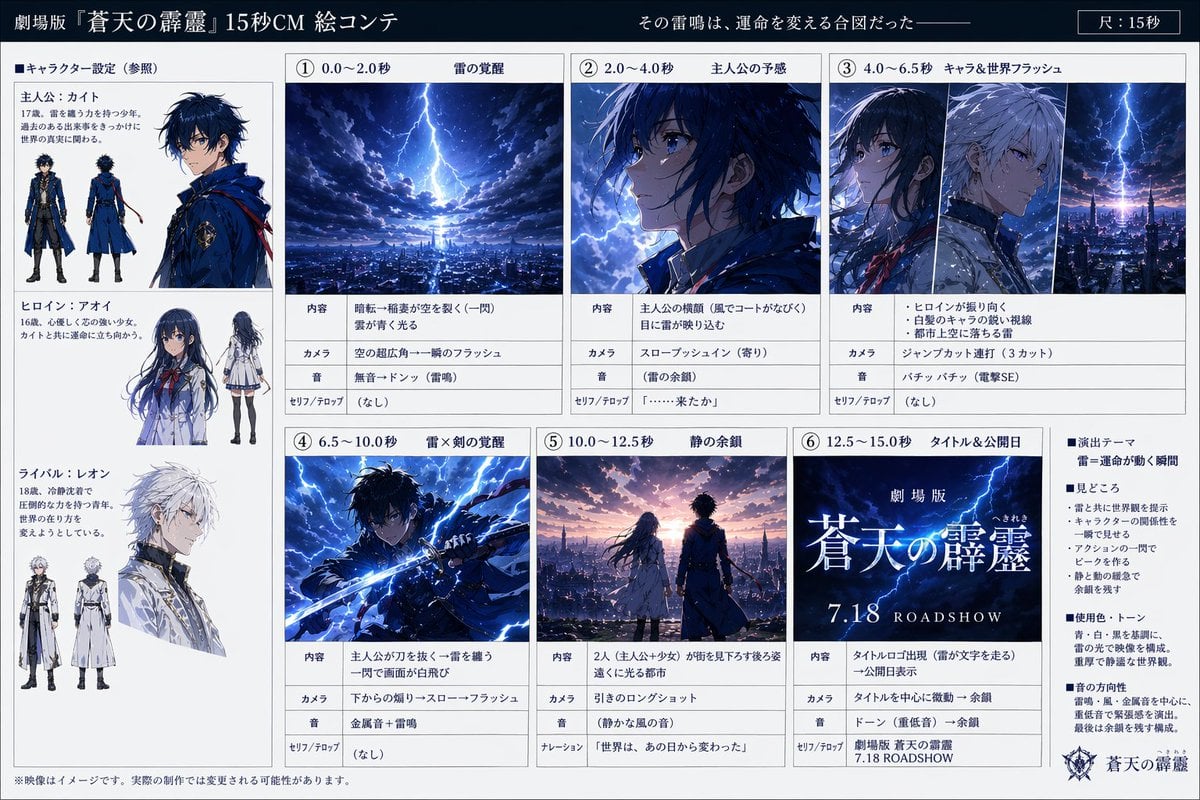
Anime Film CM Storyboard Sheet
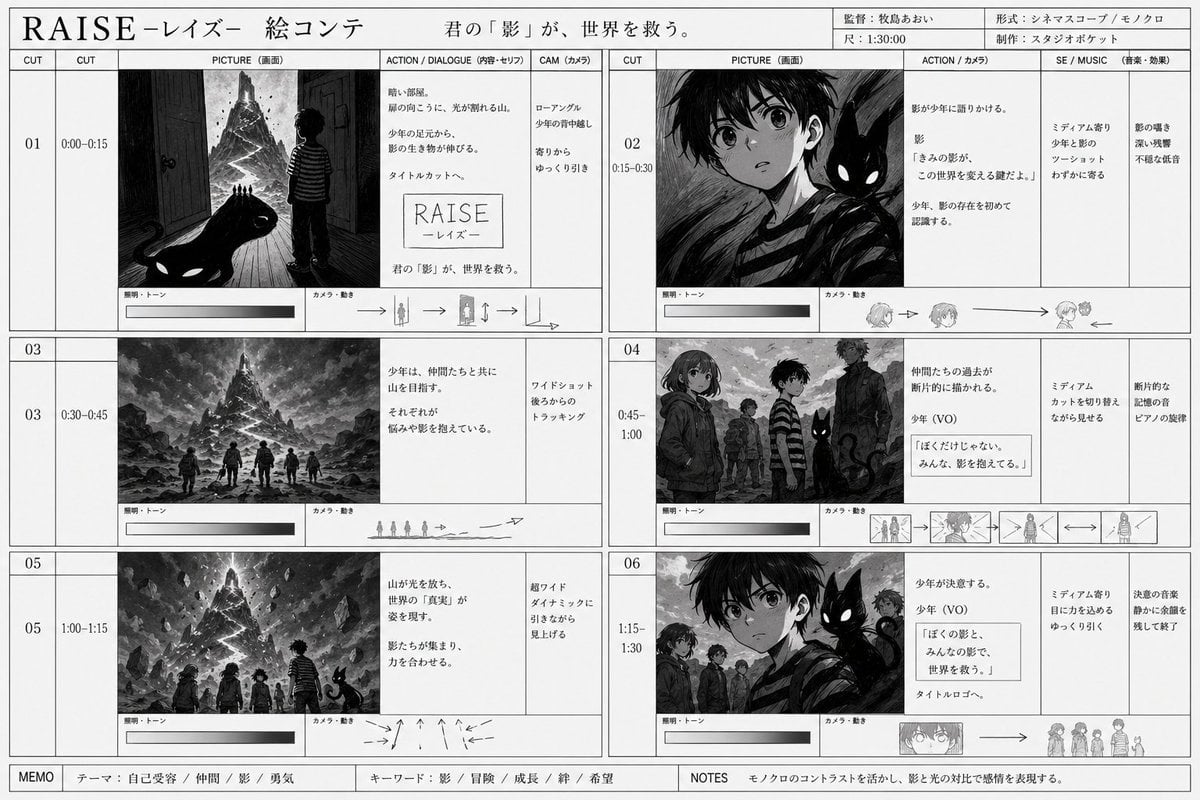
Monochrome Fantasy Storyboard Sheet
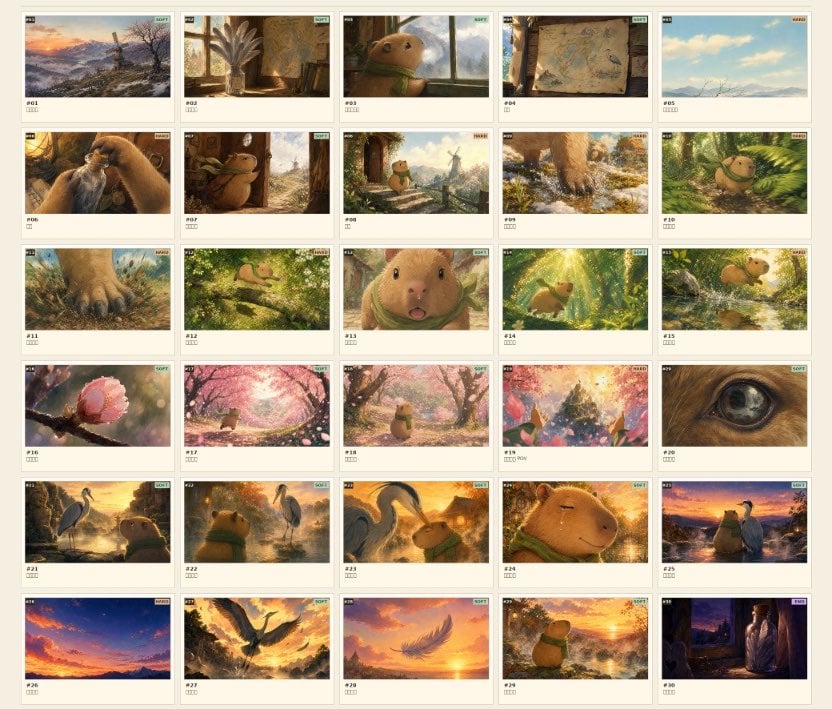
Frame Ghibli-Style Storyboard Sheet
Seedance - Storyboard to Movie

Pencil Sketch Coffee Storyboard
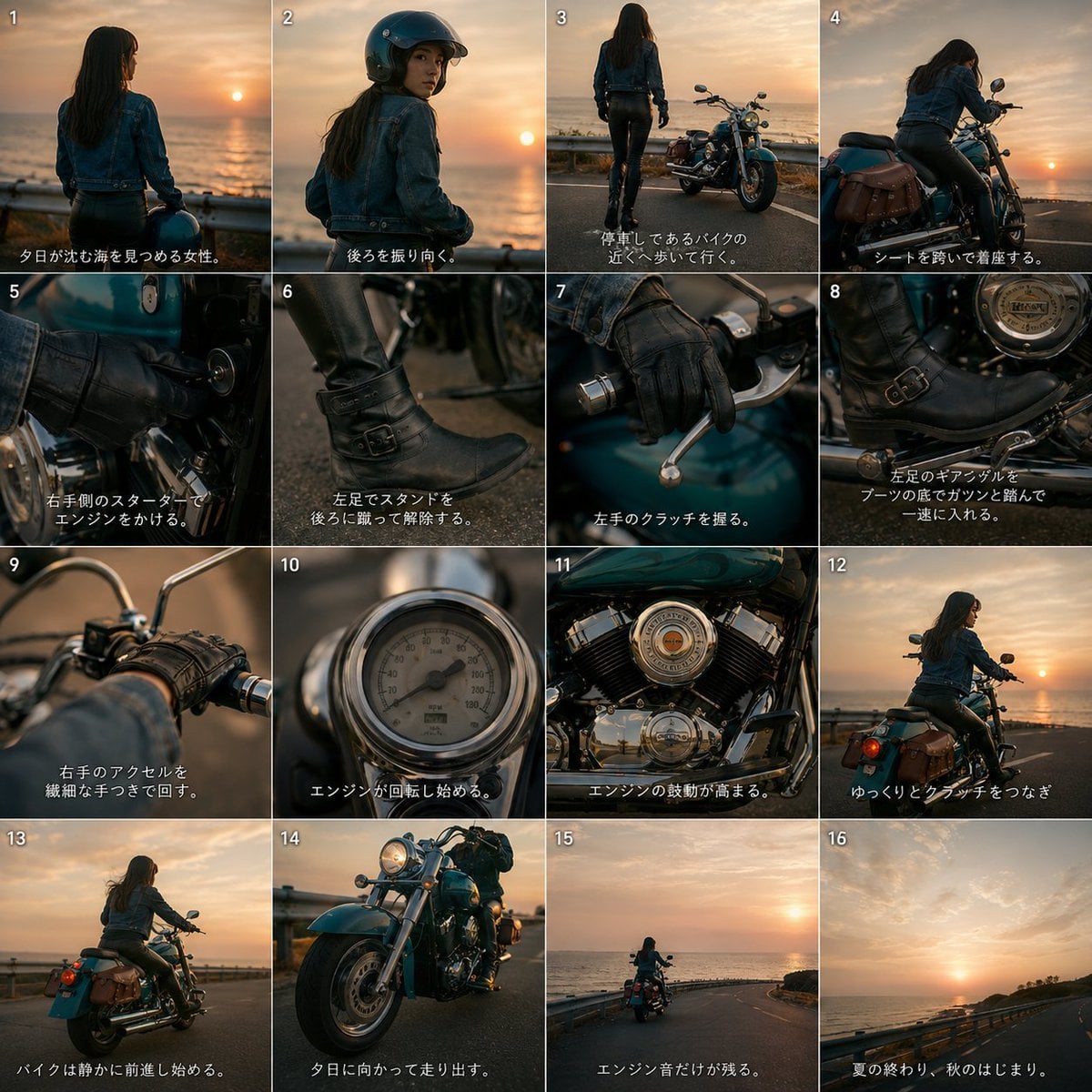
Cinematic Motorcycle Storyboard
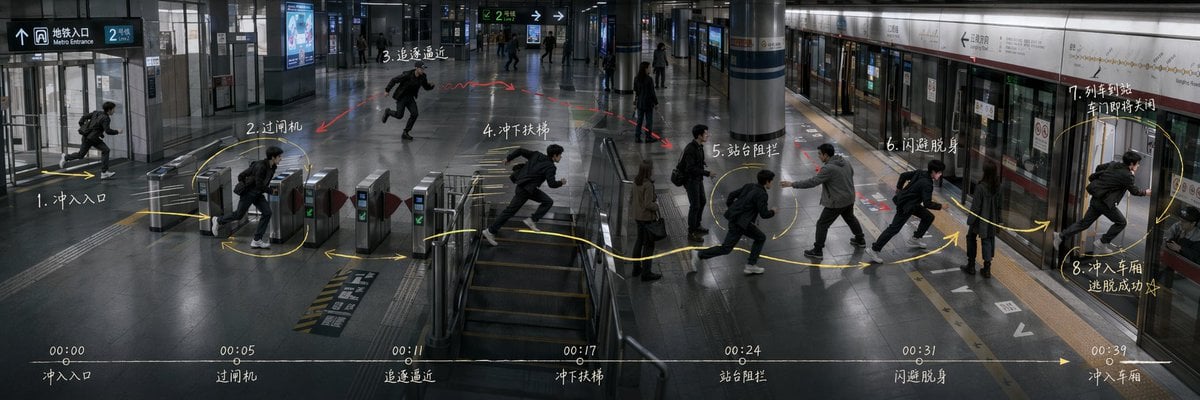
Subway Escape Storyboard Route
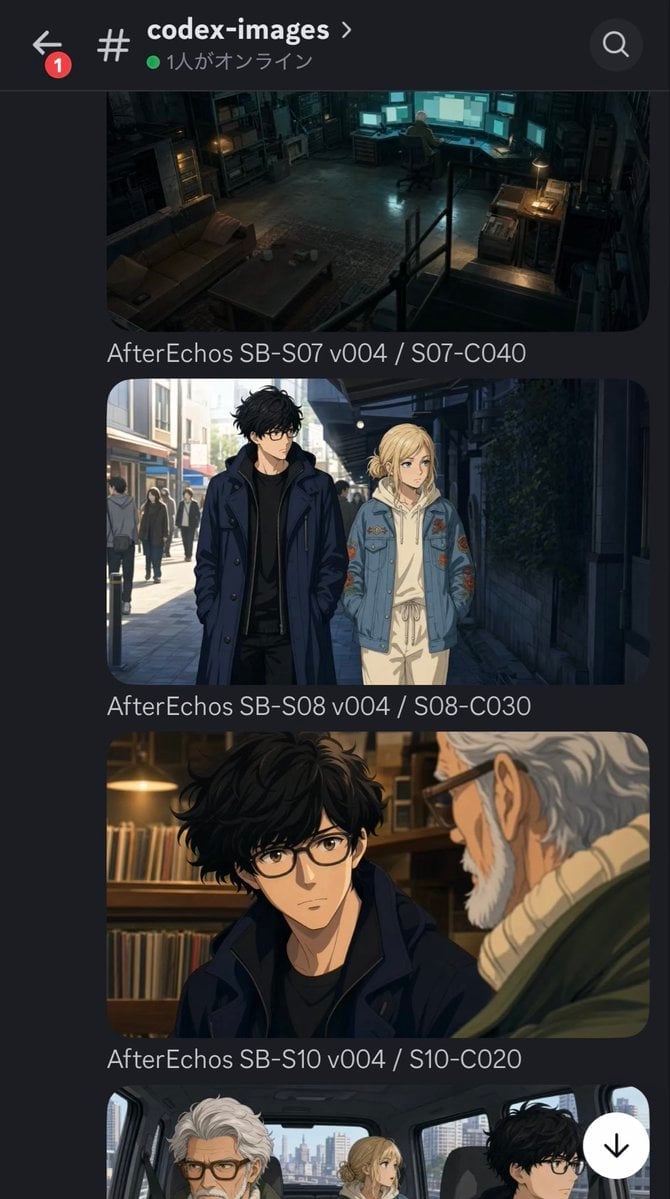
Discord Anime Storyboard Feed
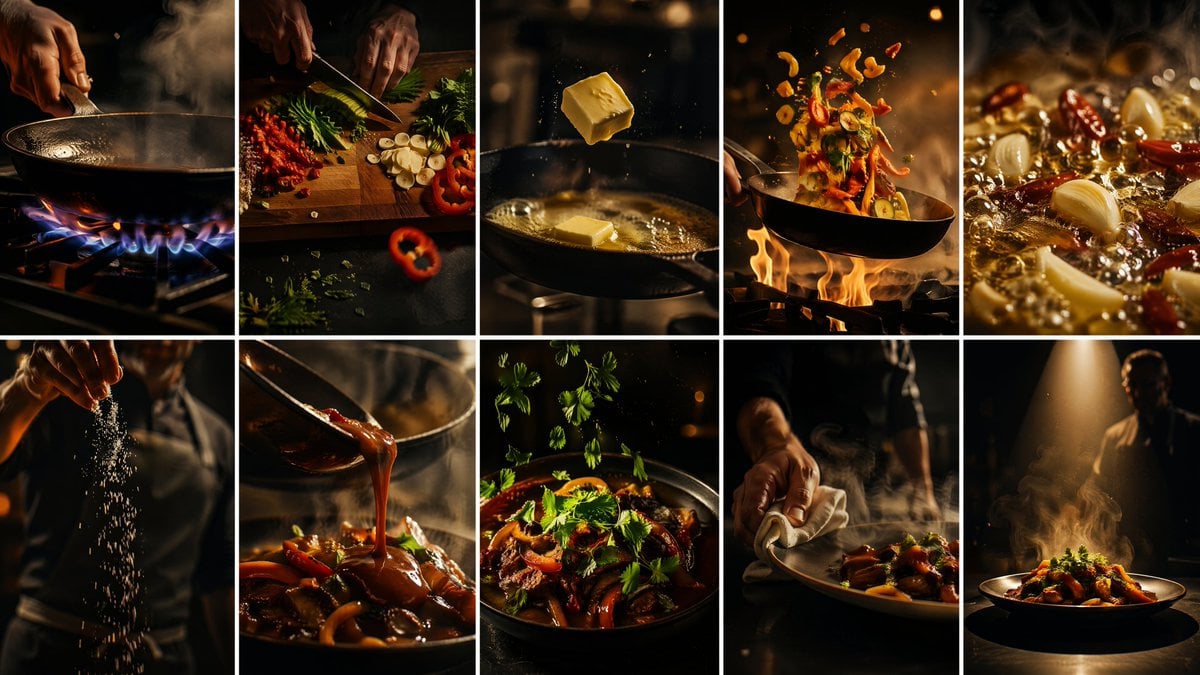
Cinematic Flame Chef Storyboard
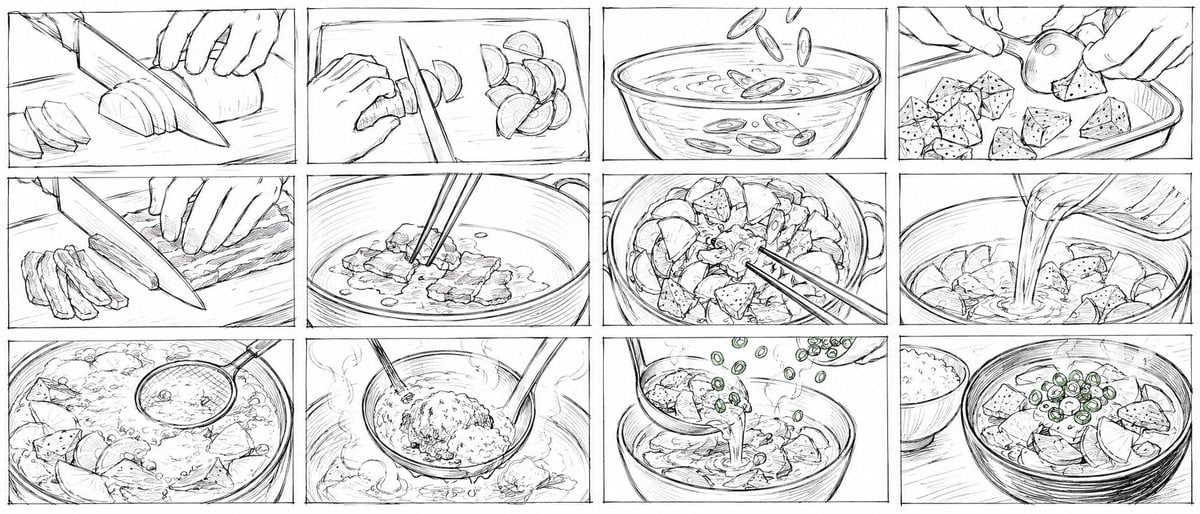
Rough Tonjiru Cooking Storyboard
Make it yours
Commercial Storyboard Story Sheet works as-is. These are the safest ways to change it without losing the look.
Change one field
Copy a single group, rewrite it, and generate again so you can see what that field is doing.
Keep the frame, change the subject
Hold the composition and light of Commercial Storyboard Story Sheet, then swap wardrobe, props or the person for a new take.
| If the result… | Why | Fix |
|---|---|---|
| The result drifts from the preview | Too many fields changed at once. | Reuse Commercial Storyboard Story Sheet as-is first, then change one group — subject, light, or setting. |
| The model over-stylizes the scene | The prose prompt leaves finish and camera underspecified. | Add one camera or lighting sentence and stay on GPT Image 2. |
More GPT Image 2 templates
Other prompts made for GPT Image 2.

Six VTuber Japanese Logo Sheet

Realistic Portrait of Woman and Deer

The Vista Modular Condo Poster

AI Model Routing Comparison Infographic

2.5D Anime Art Board

Isometric Productivity Desk Scene

New York Double Exposure Poster

Four-Panel AI Landscape Comparison

Japanese Tatami Lifestyle Magazine Cover

NESCAFÉ Coffee Map Poster
More image prompts
Fresh picks from across the catalog.

Cinematic Eid Portrait Transformation

Photorealistic Parisian Cafe Scene
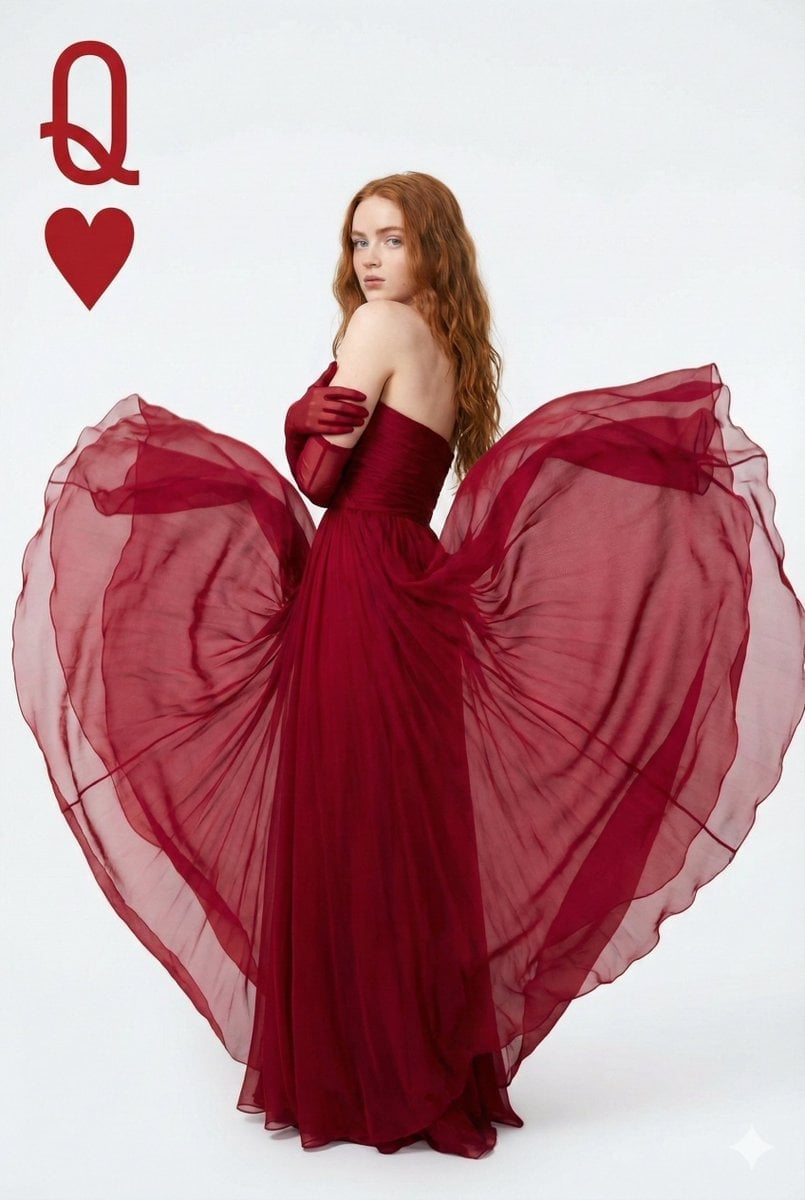
Sadia Sink Queen of Hearts Fashion Portrait

Premium Lavender Balm Product Shot

New Year Recipe Article Eyecatch Image Prompt (Neo-Japanese Style)
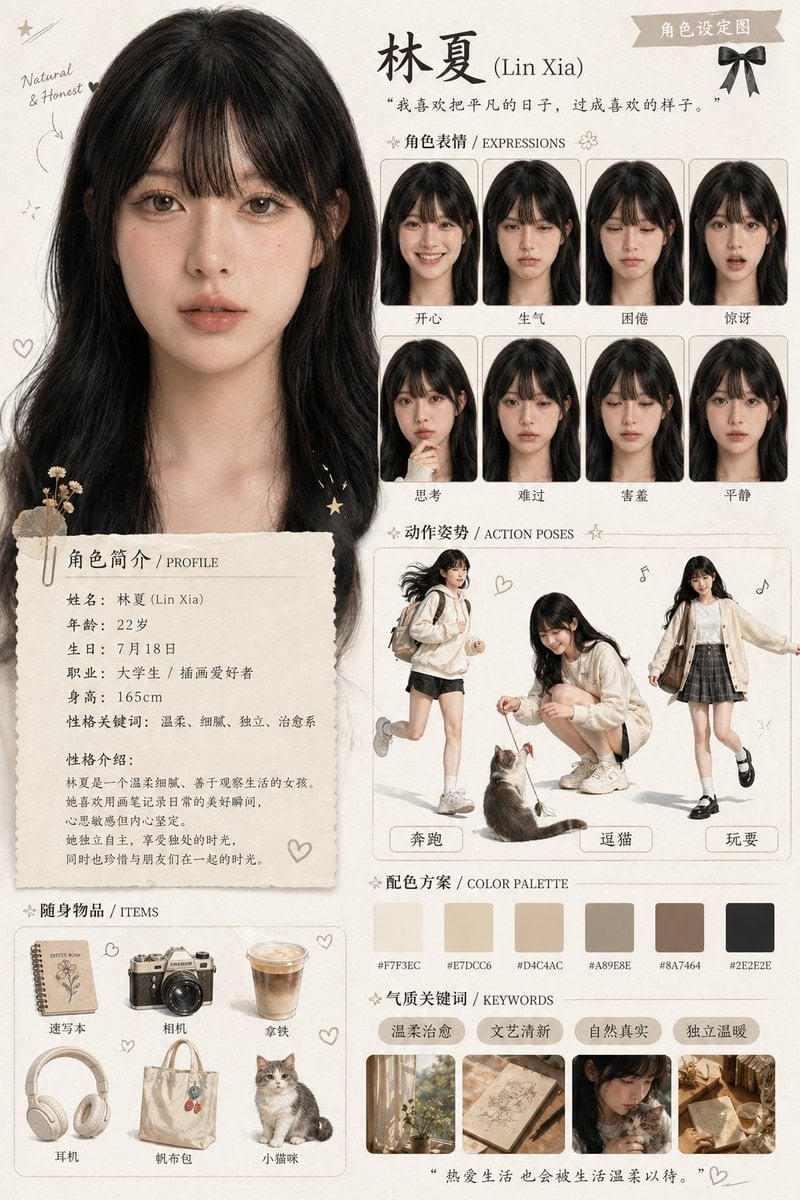
Character Asset Design Card
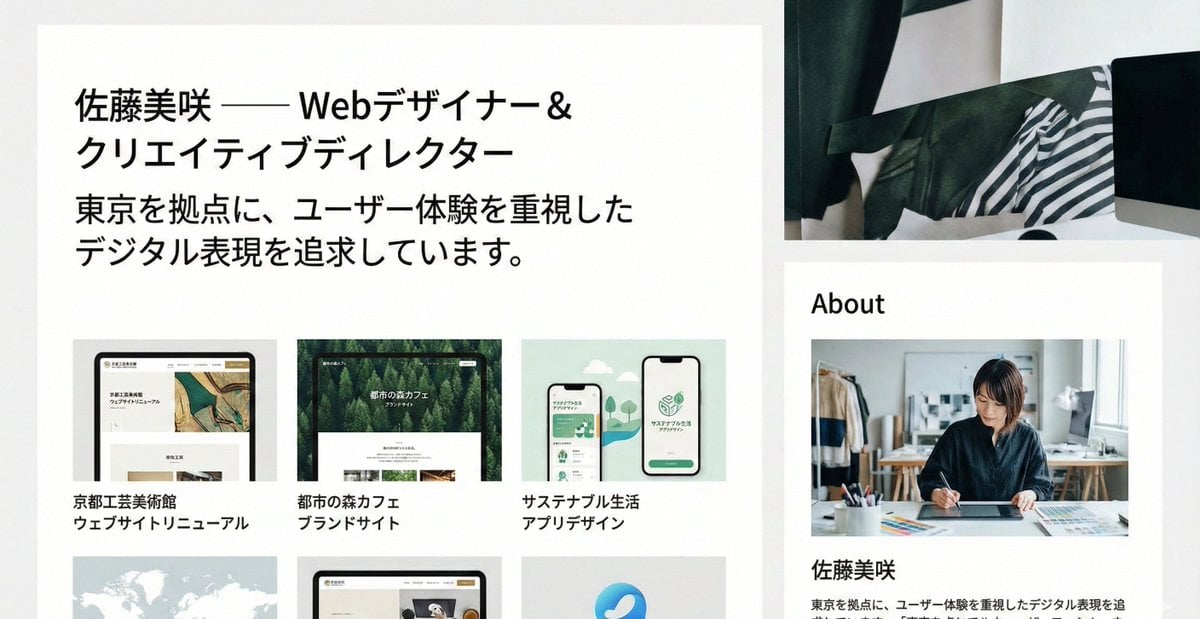
Portfolio image for a fictional web designer
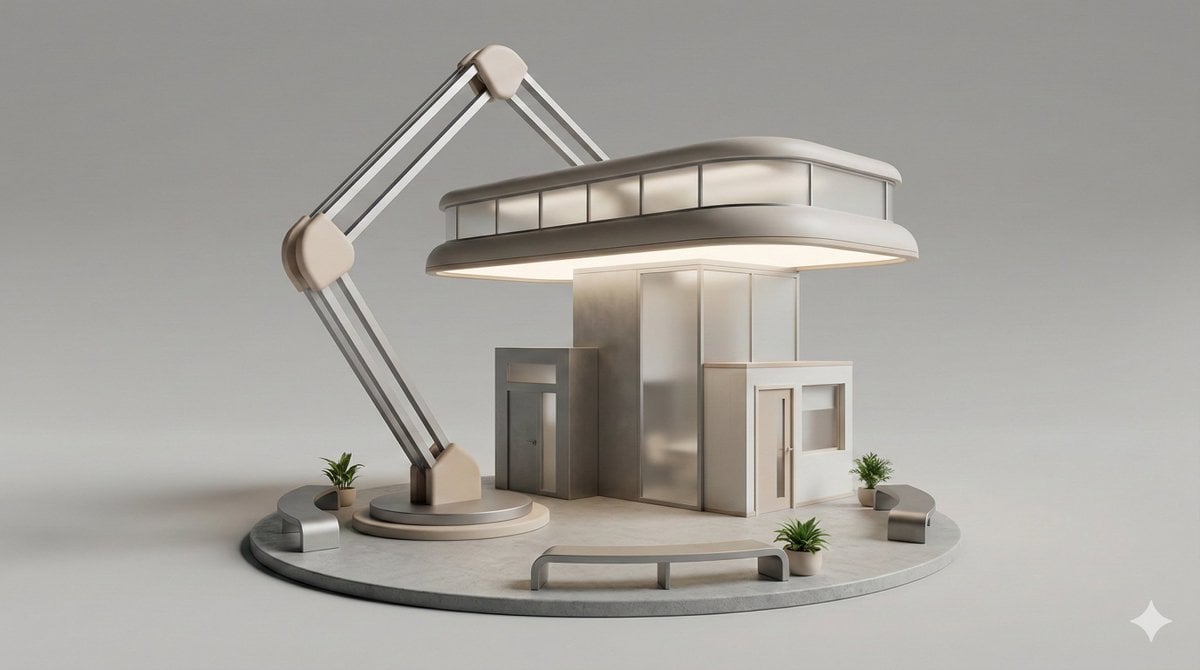
3D Isometric Diorama of a Household Object as Architecture
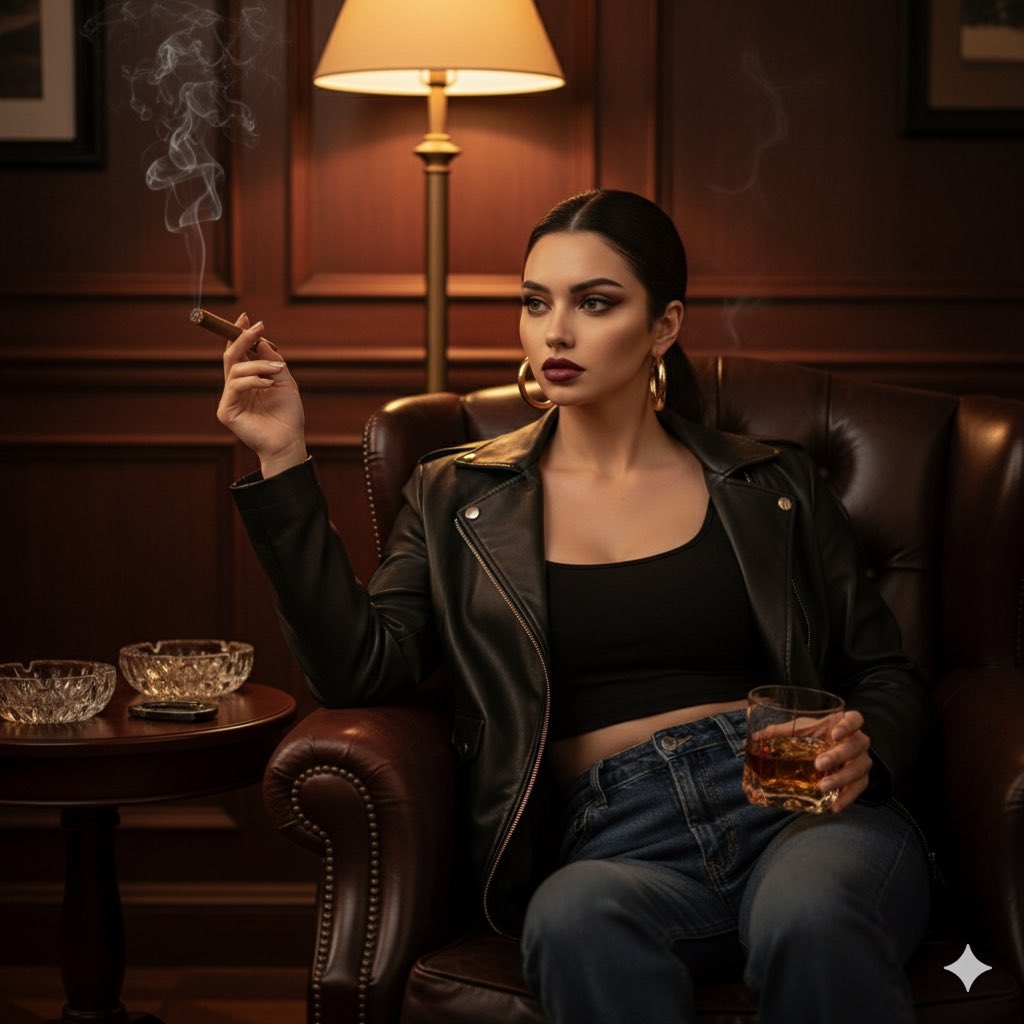
Gemini Nano Banana 2
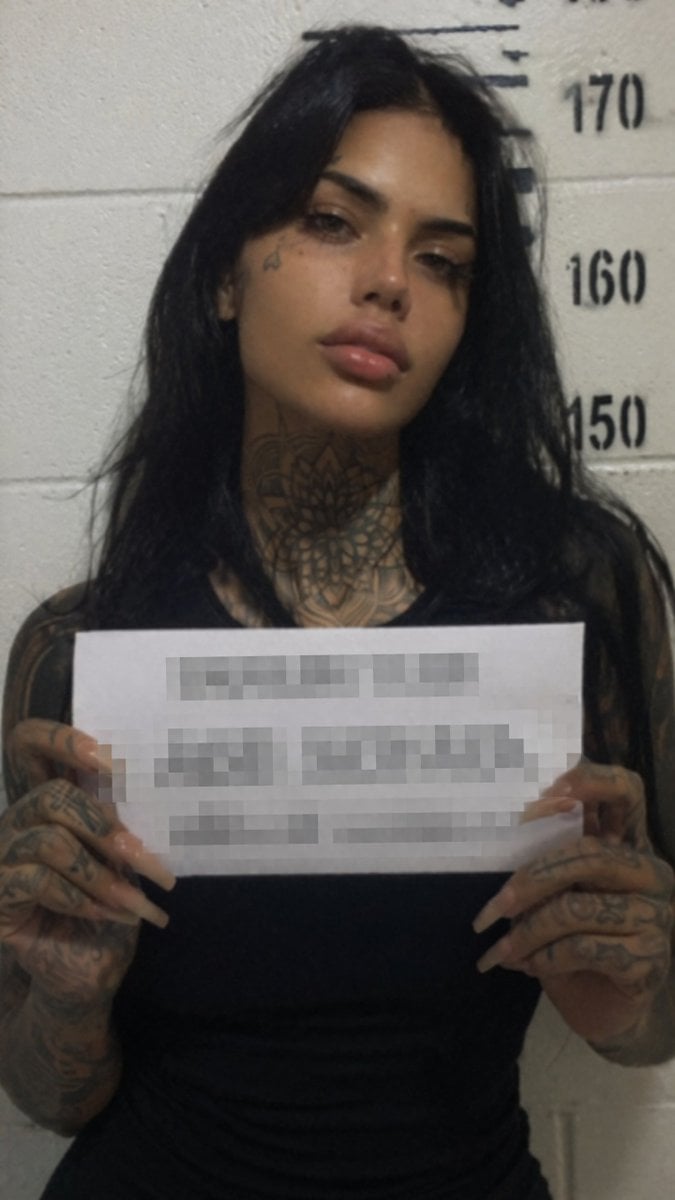
Gritty Tattooed Woman Mugshot
Browse template categories
Commercial Storyboard Story Sheet questions
How do I use the Commercial Storyboard Story Sheet template?
Add your photo if the template asks for one, edit the prompt if you like — the template's model and format are already selected — and press Generate. Your version opens in PicX Studio.
Can I customize the Commercial Storyboard Story Sheet template?
Yes. You can change the subject, setting, lighting, mood, format, and available model controls before creating your image.
Is the Commercial Storyboard Story Sheet template free?
Opening and editing this template is free. Generating uses credits, shown on the Generate button when you are signed in.
Which AI model should I use?
Start with GPT Image 2, which is the model associated with this template. You can compare another compatible model for a different finish.
Looking for something else? Browse all templates.

Your photo, any look
Thousands of ready templates for every top image and video model, from one credit balance.