
Photorealistic Studio Portrait of a Man
A highly detailed prompt for a high-end studio portrait of a European man in a suit, focusing on lighting and realistic textures.
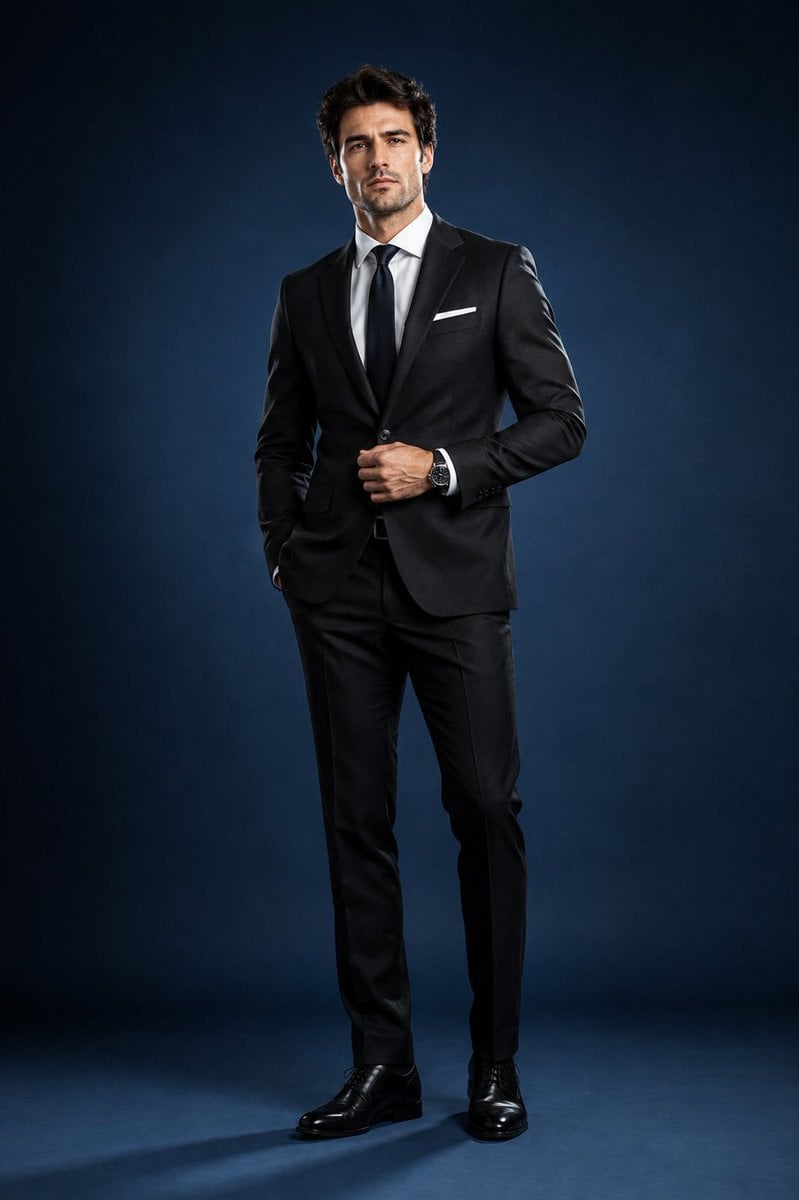
- Prompt included
- Model and format preset
- Free template
The prompt behind this image
Copy the exact prompt behind Photorealistic Studio Portrait of a Man, or open it in the studio and make it yours.
Create an ultra-photorealistic, high-end studio portrait of a {argument name="subject" default="handsome European man"} in {argument name="attire" default="sophisticated formal attire"}. He has refined masculine features, fair-to-light natural skin, neatly styled dark-brown hair, subtle well-groomed stubble, and a confident yet relaxed expression.\n\nDress him in a perfectly tailored charcoal-black suit with a crisp white dress shirt, elegant black tie, matching tailored trousers, polished black leather dress shoes, and minimal classic accessories, including a refined wristwatch.\n\nPlace him in a premium professional photography studio with a clean, seamless {argument name="background" default="deep-blue"} background. Use controlled, minimalist lighting focused almost entirely on the subject: a soft key light on his face and upper body, an extremely subtle rim light separating his silhouette from the background, and gentle, natural-looking shadows. Keep the background dark and understated so the man remains the sole visual focus.\n\nPose him naturally with confident editorial body language—standing upright with relaxed shoulders, one hand lightly adjusting his jacket and the other resting naturally at his side.\n\nPrioritize authentic realism: detailed skin texture, subtle facial imperfections, individual hair strands, sharp natural eyes, realistic fabric texture, precise suit tailoring, accurate proportions, and believable shadows.\n\nStyle: luxury fashion editorial, sophisticated corporate portrait, cinematic depth, shallow depth of field, premium professional photography, 85mm portrait lens, f/2.0, soft bokeh, crisp facial detail, subtle film grain, balanced contrast, ultra-photorealistic, 8K quality.\n\nAvoid: distracting props, text, logos, excessive lighting, artificial skin, exaggerated retouching, distorted anatomy, unrealistic proportions, or anything that takes attention away from the subject.
How to use Photorealistic Studio Portrait of a Man in 3 steps
- 1
Open
The prompt is already in the box next to the preview, with the template's model and format selected.
- 2…a portrait of your subject in softgolden-hour light, 85mm…
Personalize
Edit the subject and creative details for your destination.
- 3Generate
Generate
Press Generate — your image is created in PicX Studio, so you can compare it with the original and refine one variable at a time.
More like this
Templates with the same subject, style or setup. Open one to see its prompt.

80s Couple Studio Portrait

1985 Studio Portrait
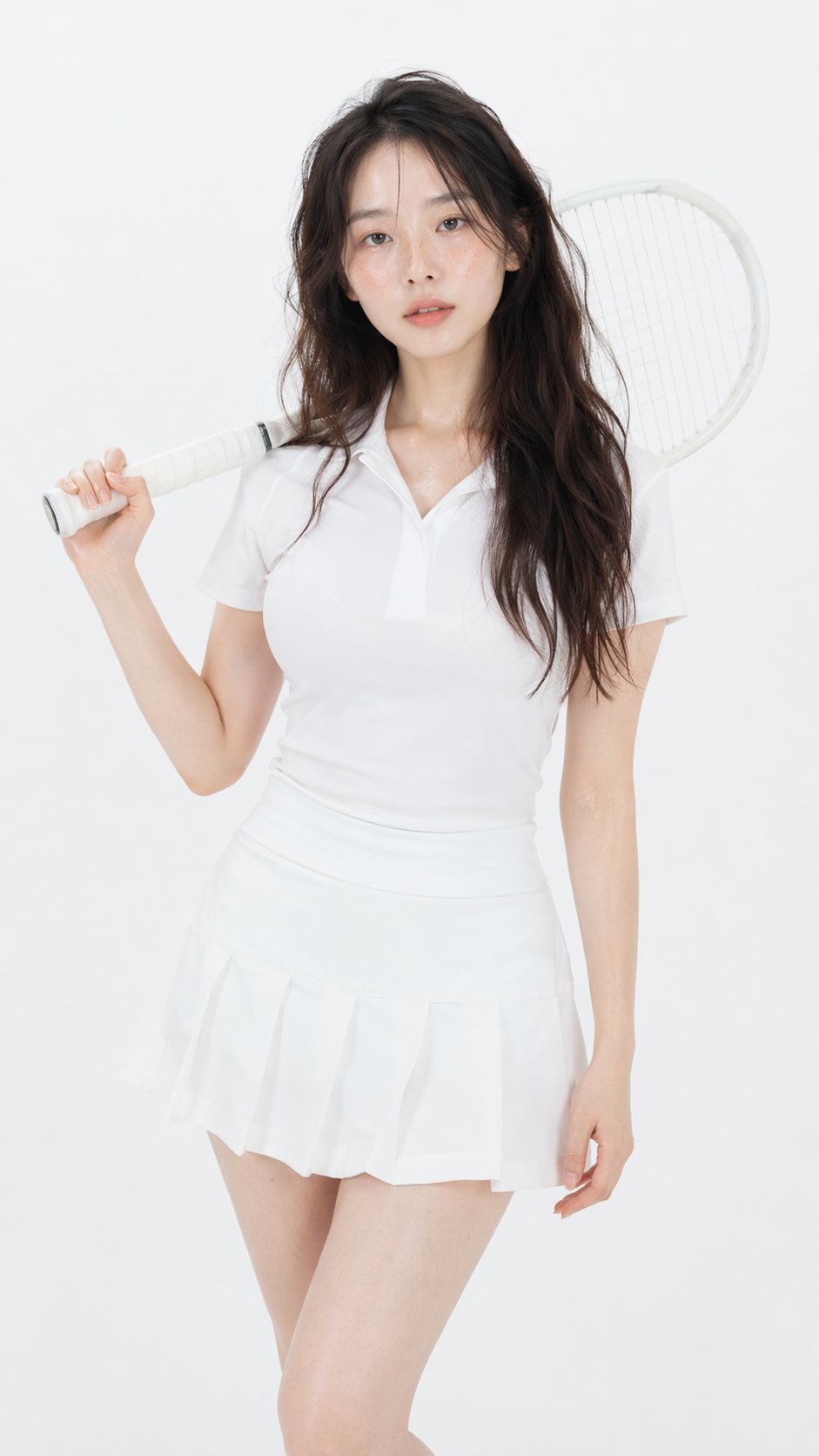
Gpt Image 2 Fashion Portrait
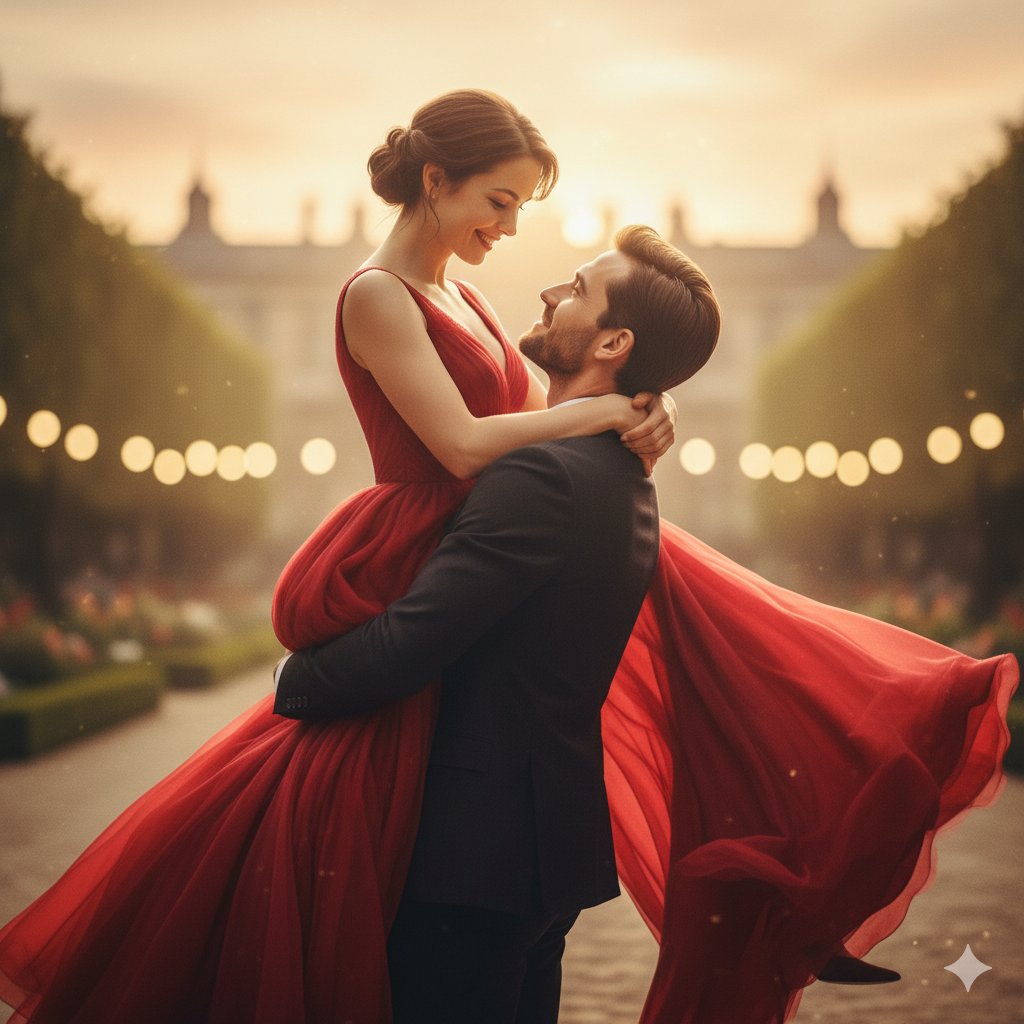
Romantic Cinematic Still of a Couple in

Couture Fashion Editorial Woman and Drag
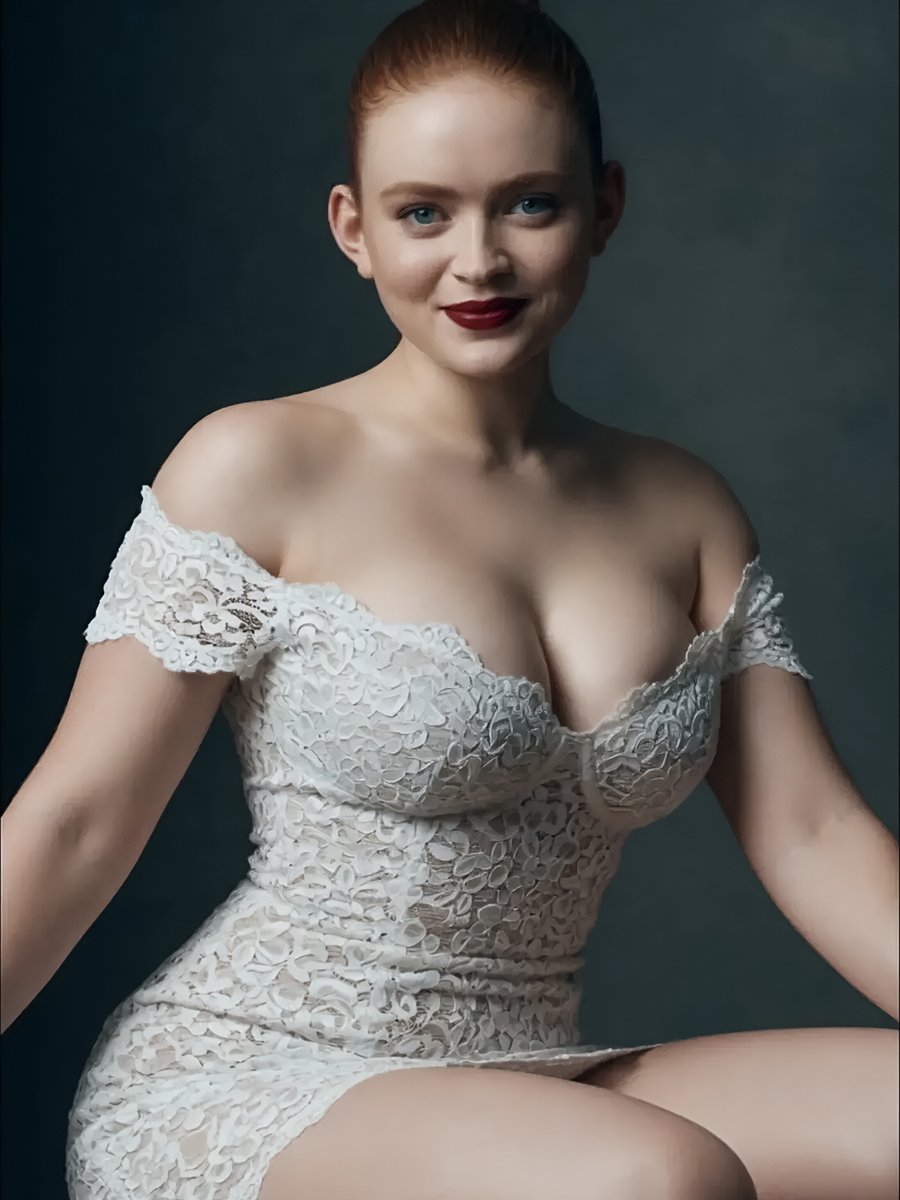
Studio Portrait of Woman in Lace Dress
Indoor Photorealistic Woman Portrait
Photorealistic Tennis Player Studio Portrait
Photorealistic Portrait of a Young Woman

Gpt2 Fisheye Sky Crouch Portrait

Found Photograph: Us, 1970

80s Bollywood Star
Make it yours
Photorealistic Studio Portrait of a Man works as-is. These are the safest ways to change it without losing the look.
Change one field
Copy a single group, rewrite it, and generate again so you can see what that field is doing.
Keep the frame, change the subject
Hold the composition and light of Photorealistic Studio Portrait of a Man, then swap wardrobe, props or the person for a new take.
| If the result… | Why | Fix |
|---|---|---|
| The result drifts from the preview | Too many fields changed at once. | Reuse Photorealistic Studio Portrait of a Man as-is first, then change one group — subject, light, or setting. |
| The model over-stylizes the scene | The prose prompt leaves finish and camera underspecified. | Add one camera or lighting sentence and stay on GPT Image 2. |
More GPT Image 2 templates
Other prompts made for GPT Image 2.

Six VTuber Japanese Logo Sheet

Realistic Portrait of Woman and Deer

The Vista Modular Condo Poster

AI Model Routing Comparison Infographic

2.5D Anime Art Board

Isometric Productivity Desk Scene

New York Double Exposure Poster

Four-Panel AI Landscape Comparison

Japanese Tatami Lifestyle Magazine Cover

NESCAFÉ Coffee Map Poster
More image prompts
Fresh picks from across the catalog.
Photo-Style Line Drawing Sketch Prompt

Ultra Realistic Cinematic Winter
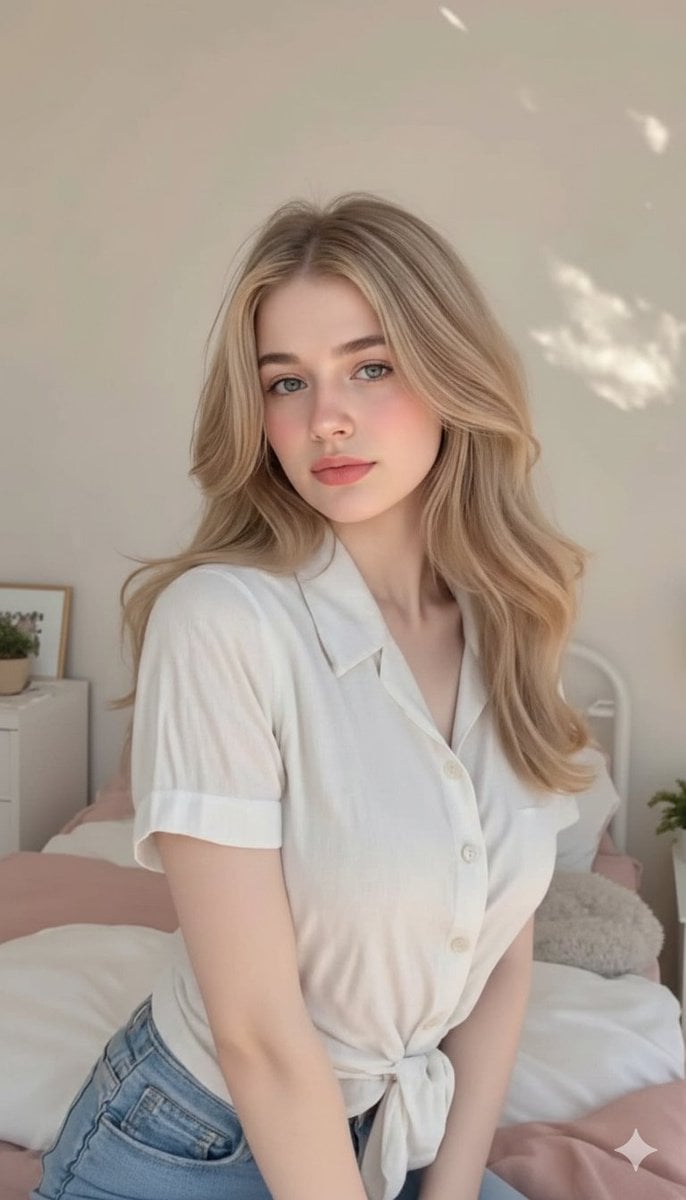
Aesthetic Bedroom Portrait of a Woman
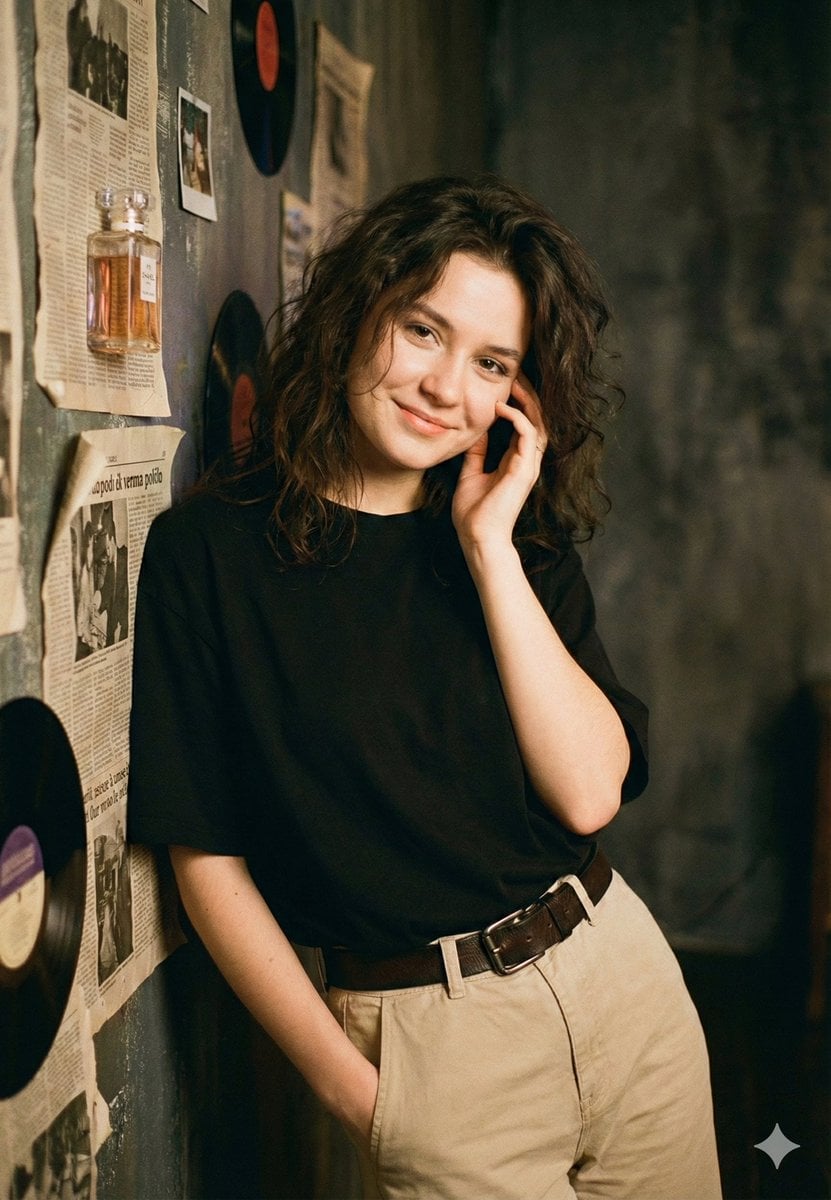
Vintage Rhythms Portrait Prompt
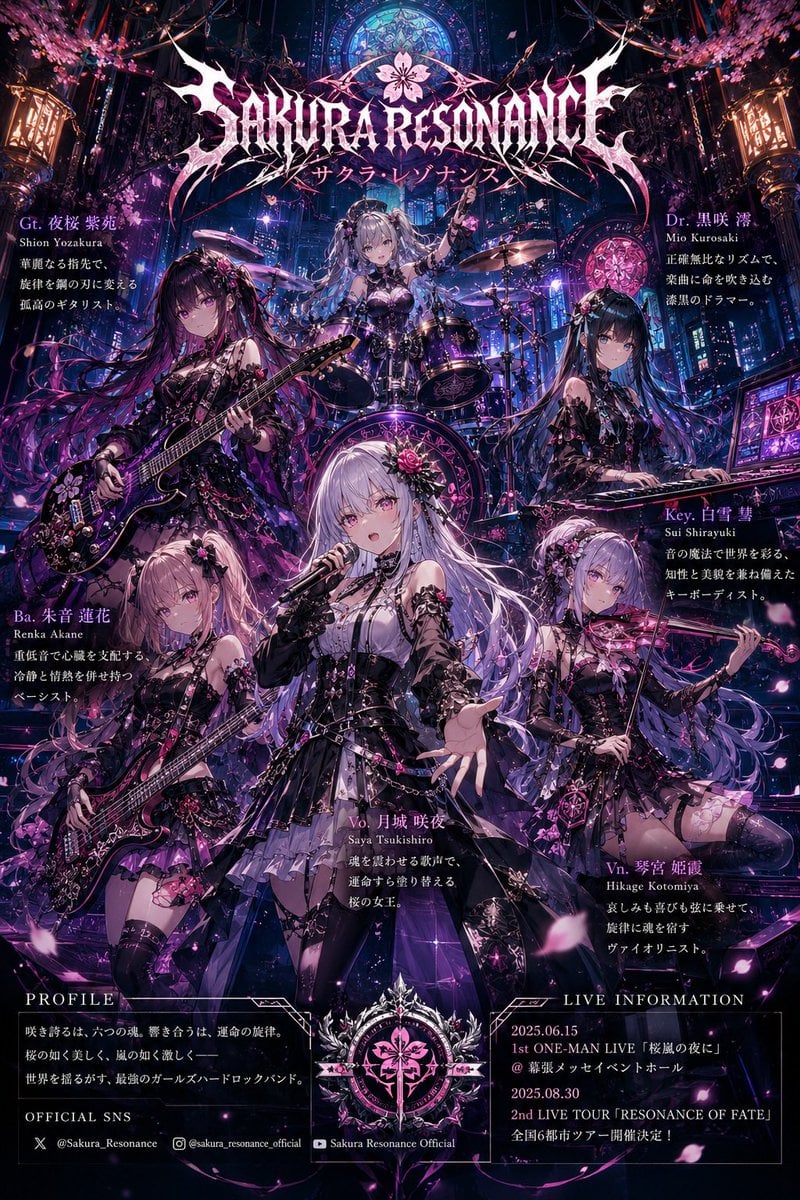
Anime Hard Rock Band Poster

Dark Samurai Ink Wash Poster
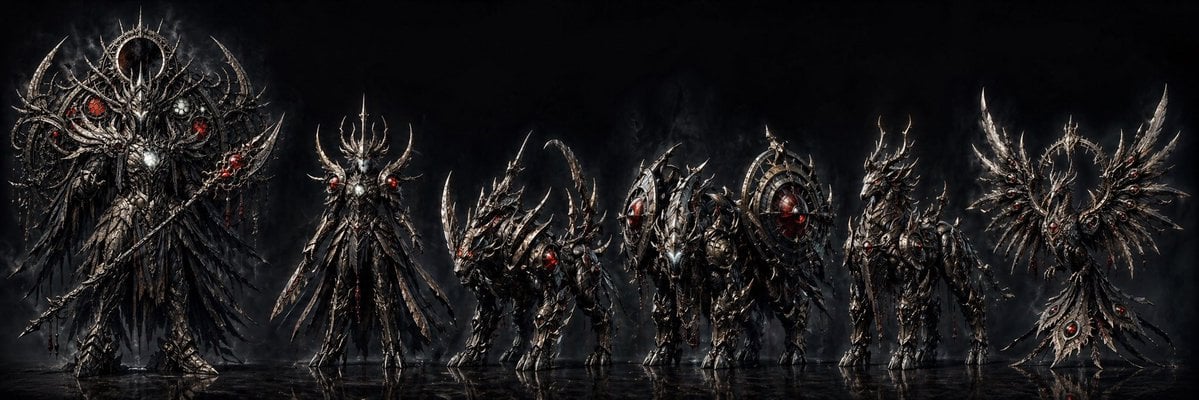
Dark Fantasy Combining Mecha Lineup
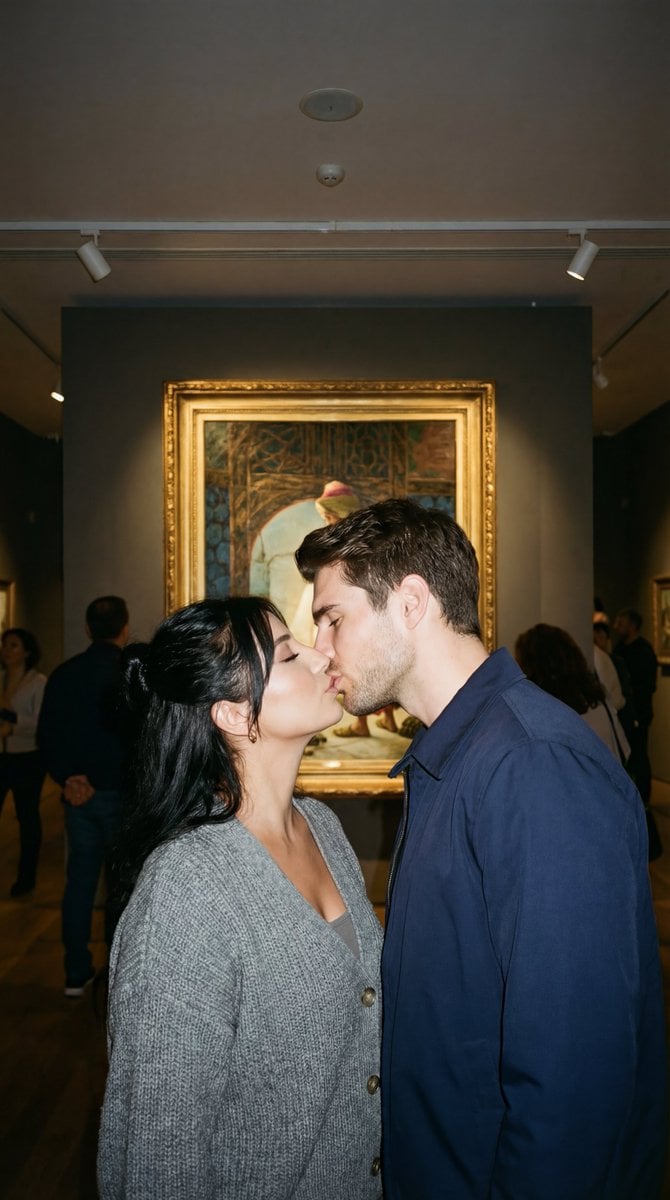
Candid Kiss in Pera Museum Film Still
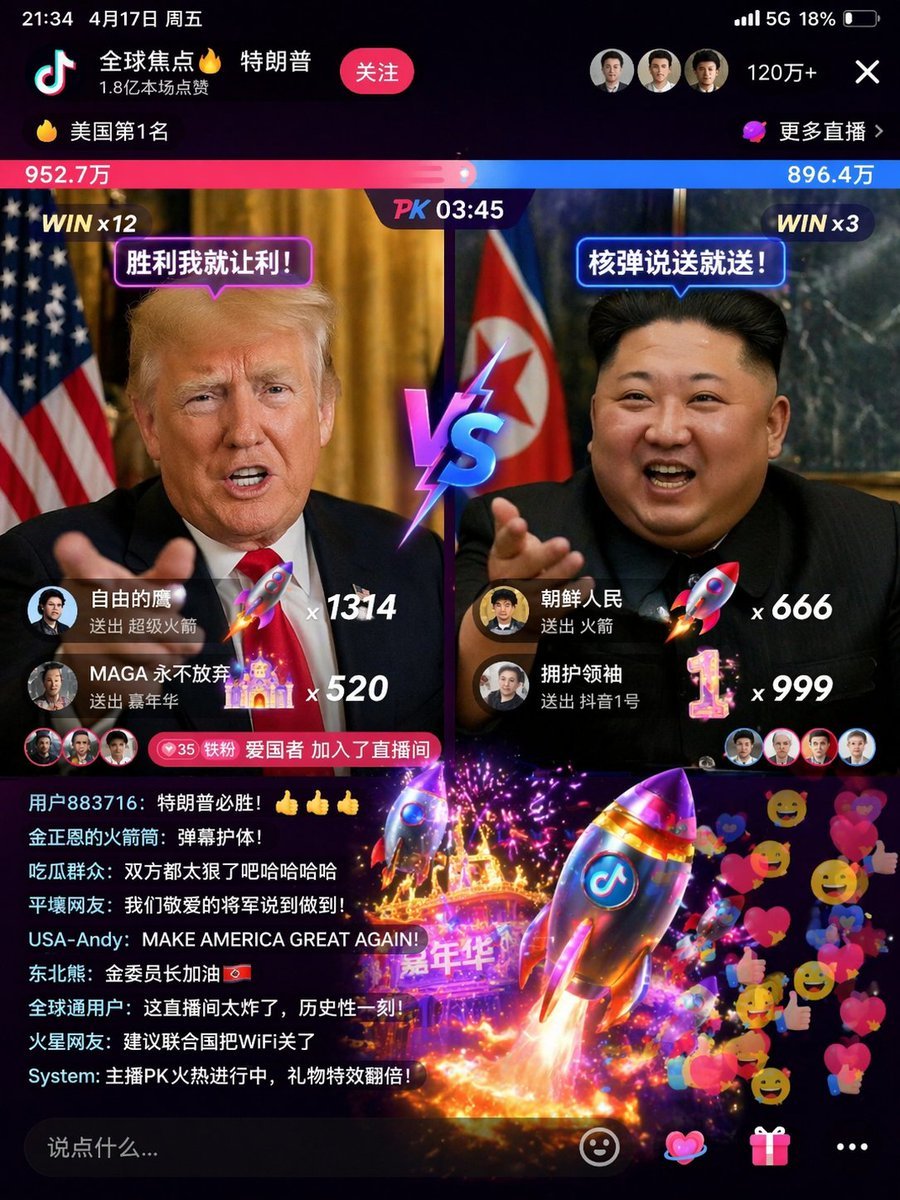
Realistic Chalkboard Text Rendering
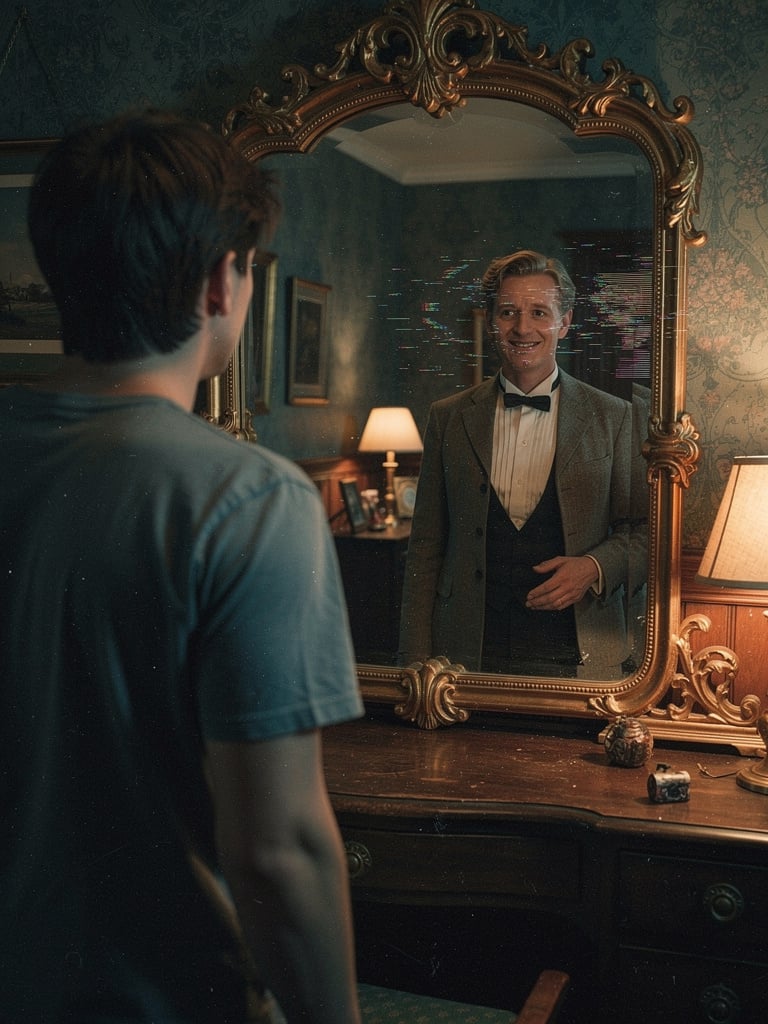
Body Swap Mirror Reflection
Browse template categories
Photorealistic Studio Portrait of a Man questions
How do I use the Photorealistic Studio Portrait of a Man template?
Add your photo if the template asks for one, edit the prompt if you like — the template's model and format are already selected — and press Generate. Your version opens in PicX Studio.
Can I customize the Photorealistic Studio Portrait of a Man template?
Yes. You can change the subject, setting, lighting, mood, format, and available model controls before creating your image.
Is the Photorealistic Studio Portrait of a Man template free?
Opening and editing this template is free. Generating uses credits, shown on the Generate button when you are signed in.
Which AI model should I use?
Start with GPT Image 2, which is the model associated with this template. You can compare another compatible model for a different finish.
Looking for something else? Browse all templates.

Your photo, any look
Thousands of ready templates for every top image and video model, from one credit balance.