
Censored Samurai Engraving
A stark black-and-white vintage-style samurai armor portrait with a censored face, suitable for editorial art, poster design, or minimalist concept imagery.
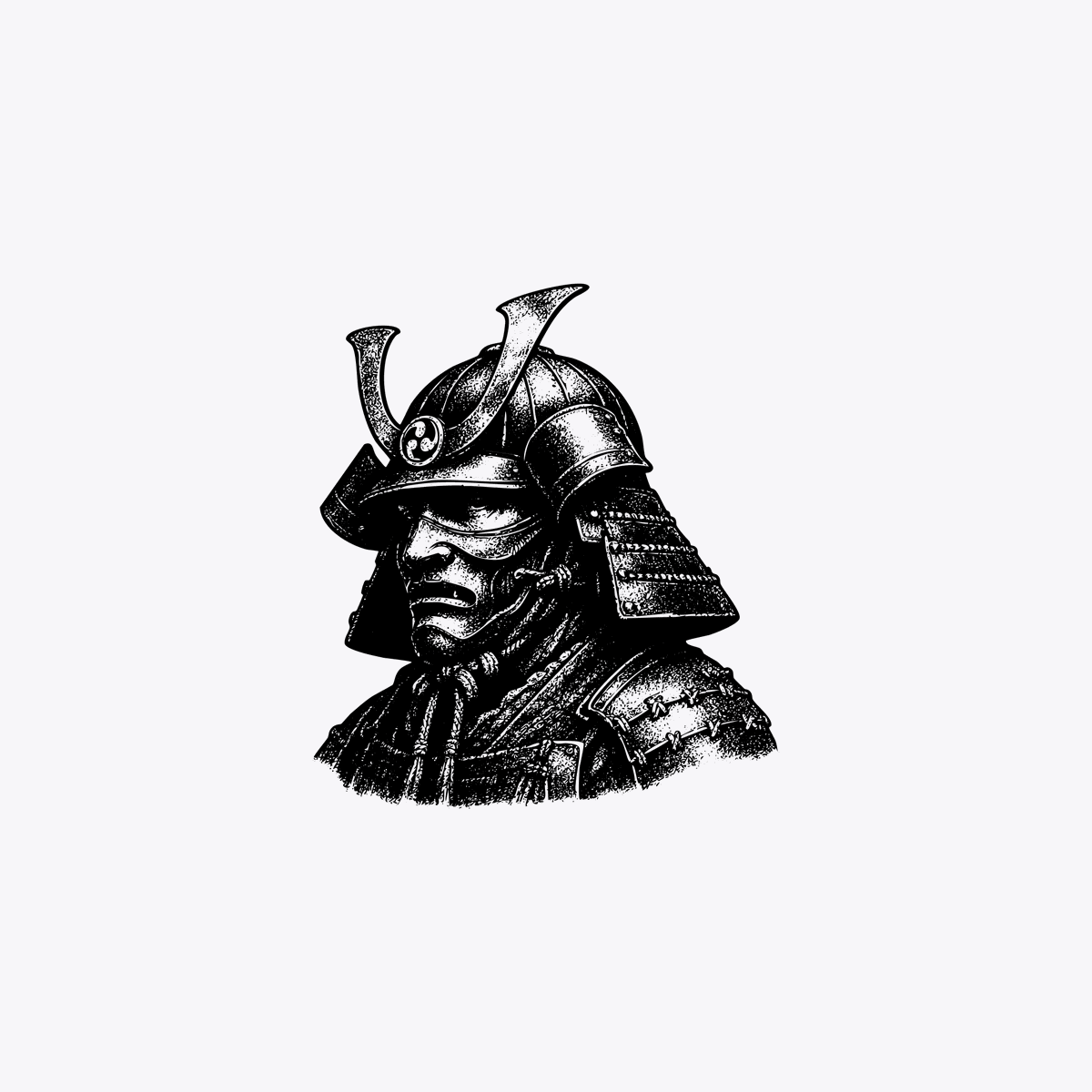
- Prompt included
- Model and format preset
- Free template
The prompt behind this image
Copy the exact prompt behind Censored Samurai Engraving, or open it in the studio and make it yours.
A minimalist monochrome illustration of a traditional Japanese samurai helmet and shoulder armor, shown as a centered bust-length portrait on a plain light gray background. The armor is rendered in black ink engraving style with high contrast, dense stippling, etched linework, and vintage woodcut texture. The kabuto has two tall curved crest horns and layered side guards, with detailed lacing and plate construction visible on the shoulder section. The face area is completely obscured by a centered vertical black rectangle censor bar with slightly soft edges, covering the mask and most of the front of the helmet opening. Keep the composition small and isolated in the middle of the canvas with large negative space around it, no additional objects, no text, no border.
How to use Censored Samurai Engraving in 3 steps
- 1Upload ImagePNG, JPG or paste
Add your photo
Upload the photo the template builds on. The prompt, model and format are already set.
- 2…a portrait of your subject in softgolden-hour light, 85mm…
Personalize
Edit the subject and creative details for your destination.
- 3Generate
Generate
Press Generate — your image is created in PicX Studio, so you can compare it with the original and refine one variable at a time.
More like this
Templates with the same subject, style or setup. Open one to see its prompt.
Woodcut Linocut Portrait Illustration
Hyper-Detailed Engraving Line Art Portrait
Japanese Samurai Ukiyo-e Triptych
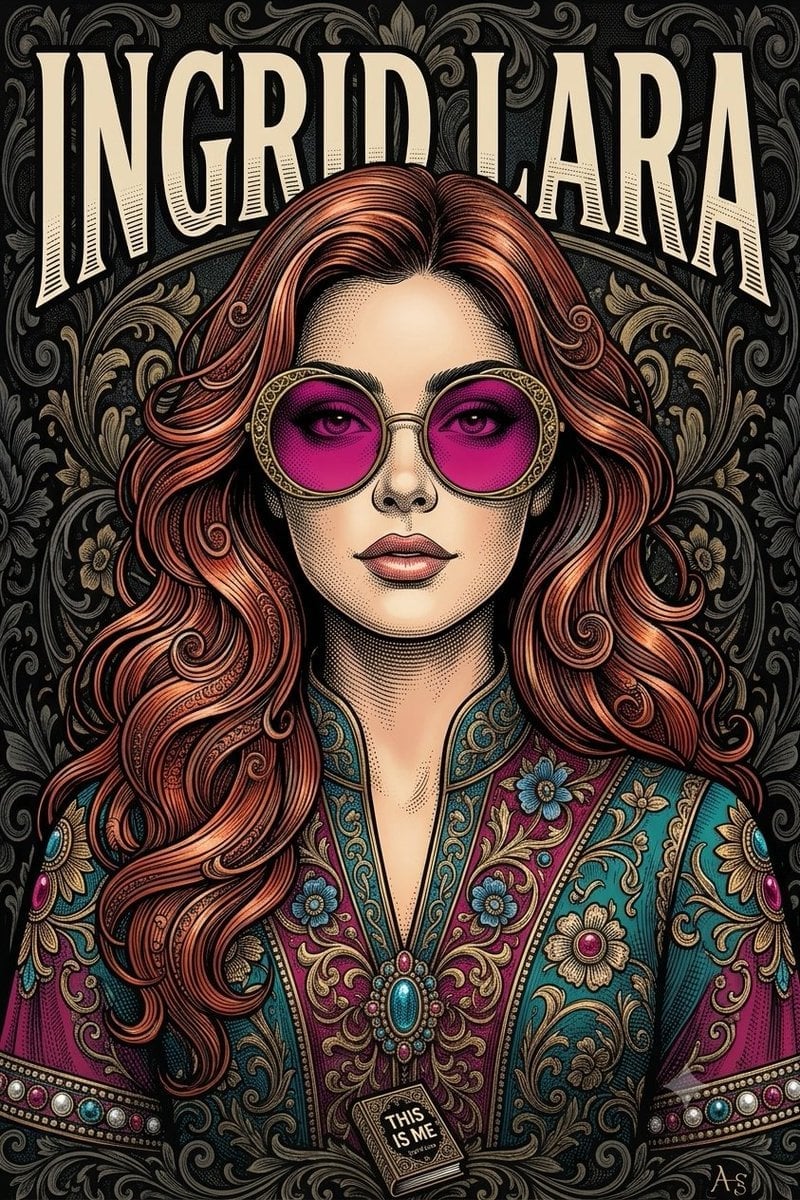
Vintage Engraving Style Portrait
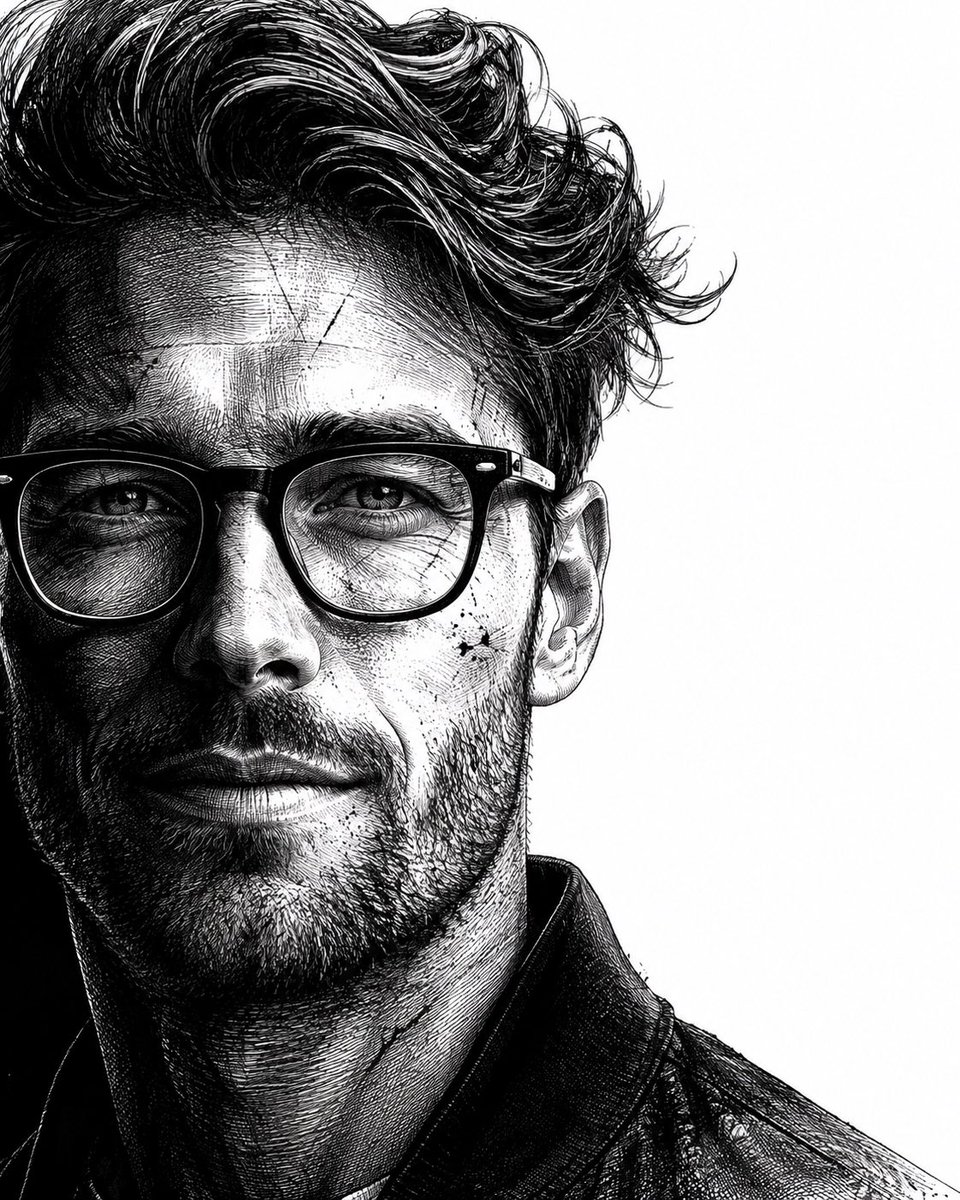
Neo-noir assassin portrait ink engraving
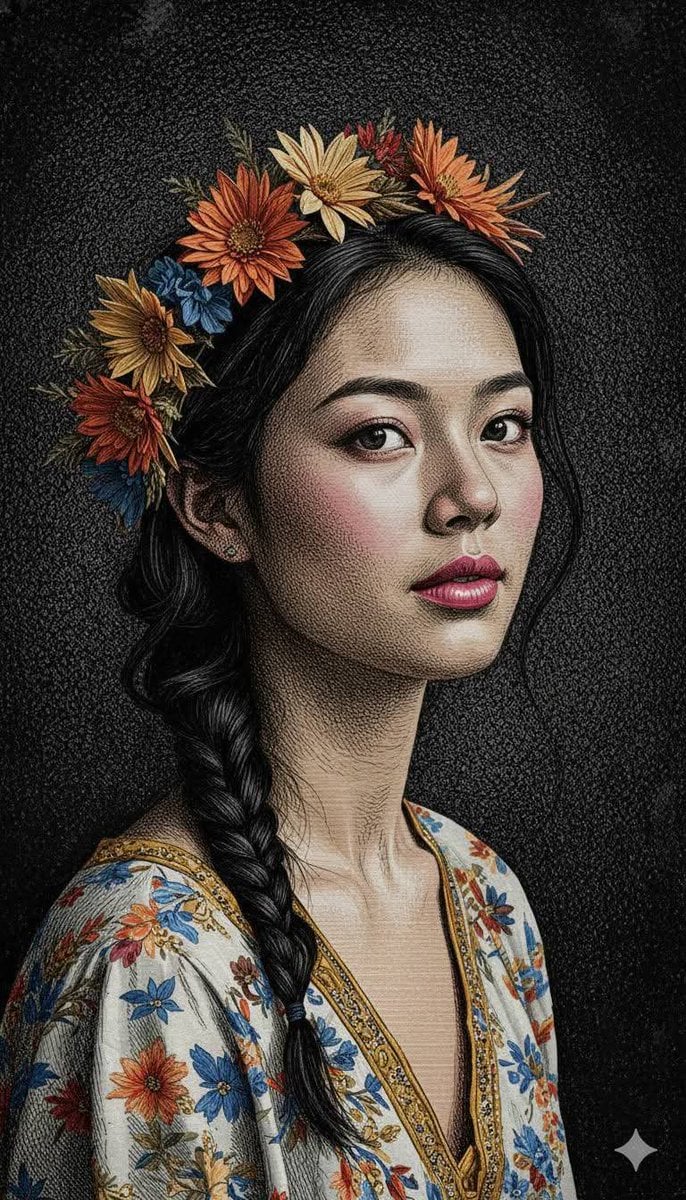
Classical Engraving Illustration Style
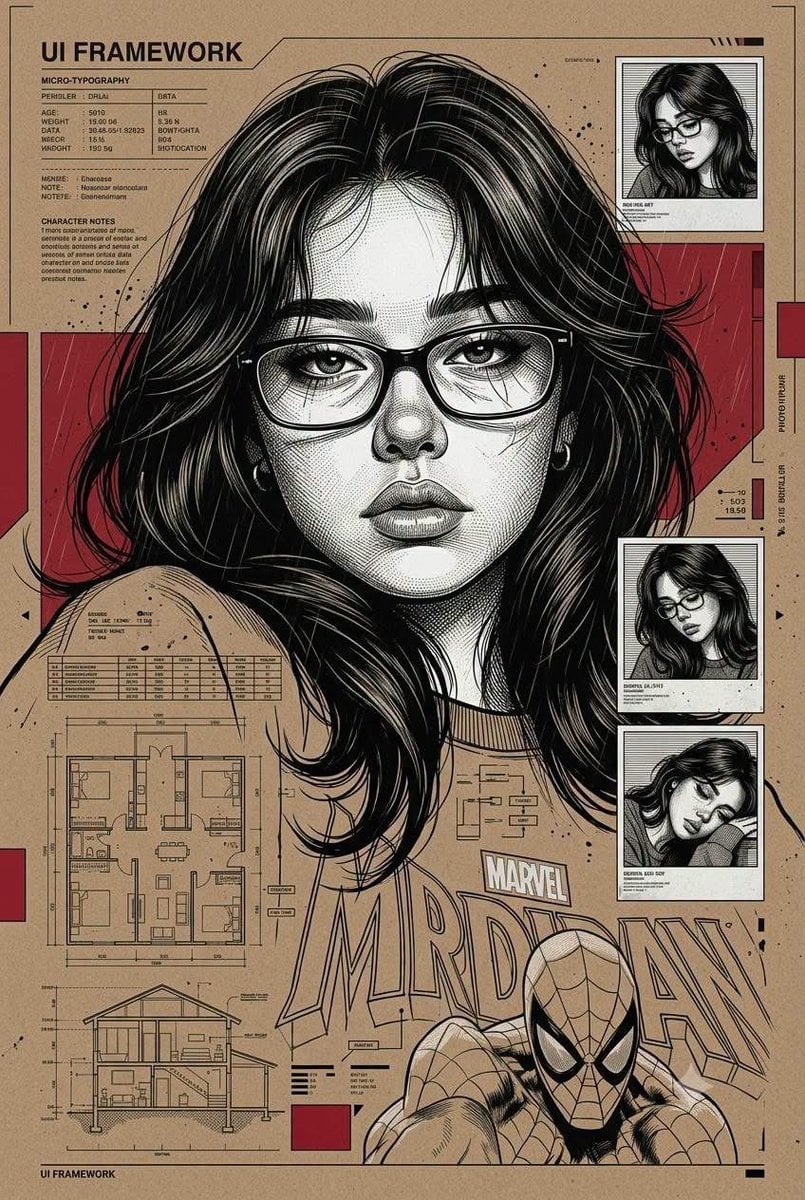
Technical Engraving Editorial Portrait
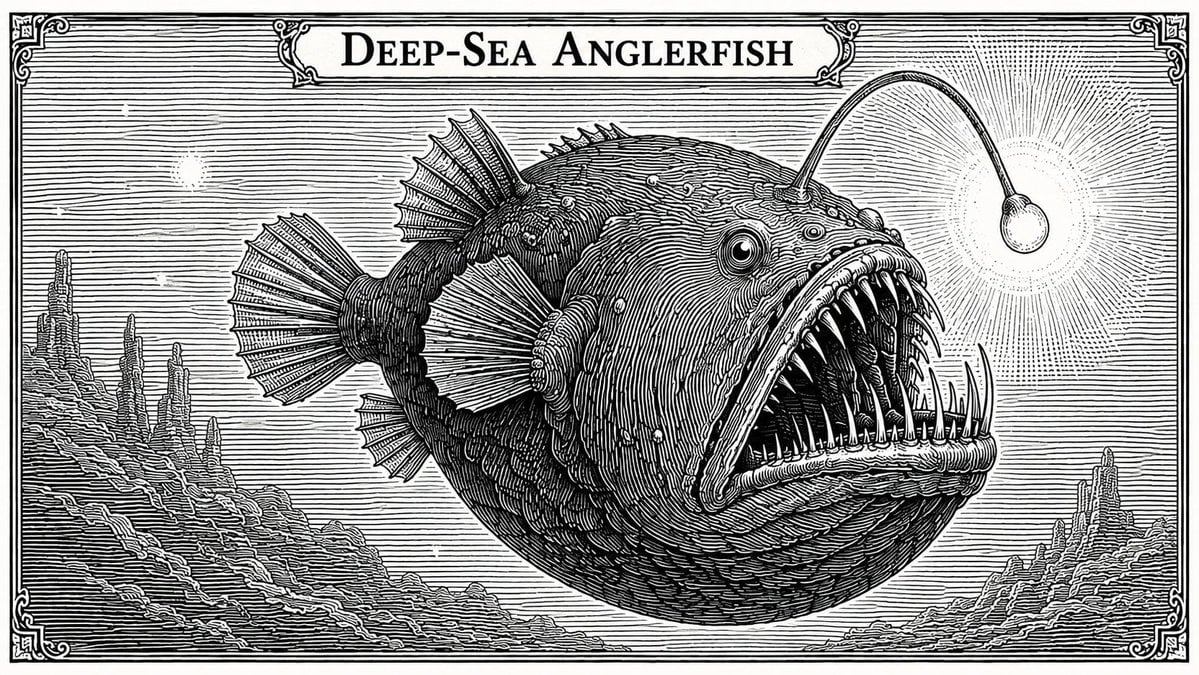
Banknote Engraving Deep Sea Creatures
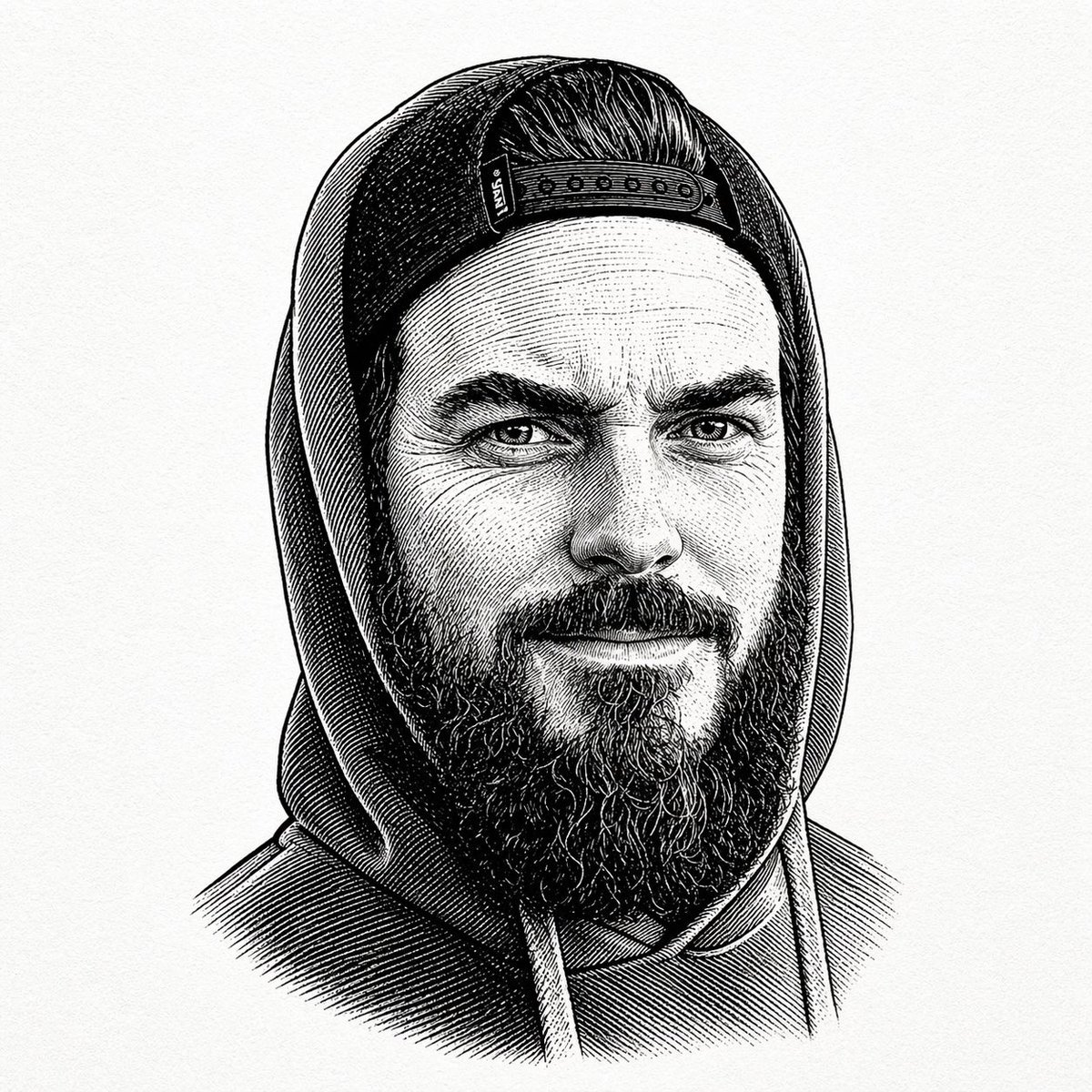
Vintage 19th Century Black and White Engraving

Cyber Samurai Empress Portrait
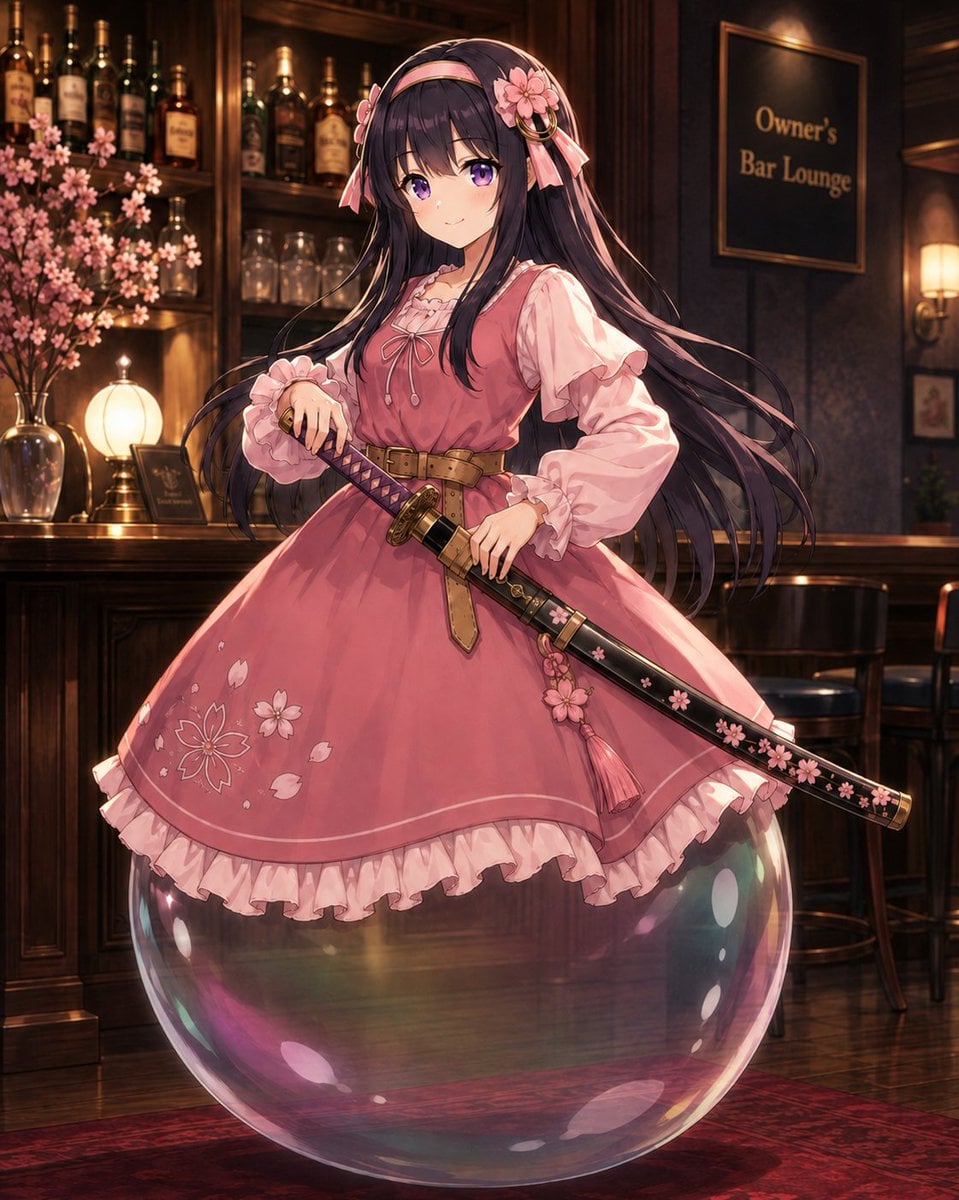
Anime Bubble Samurai in Bar Lounge
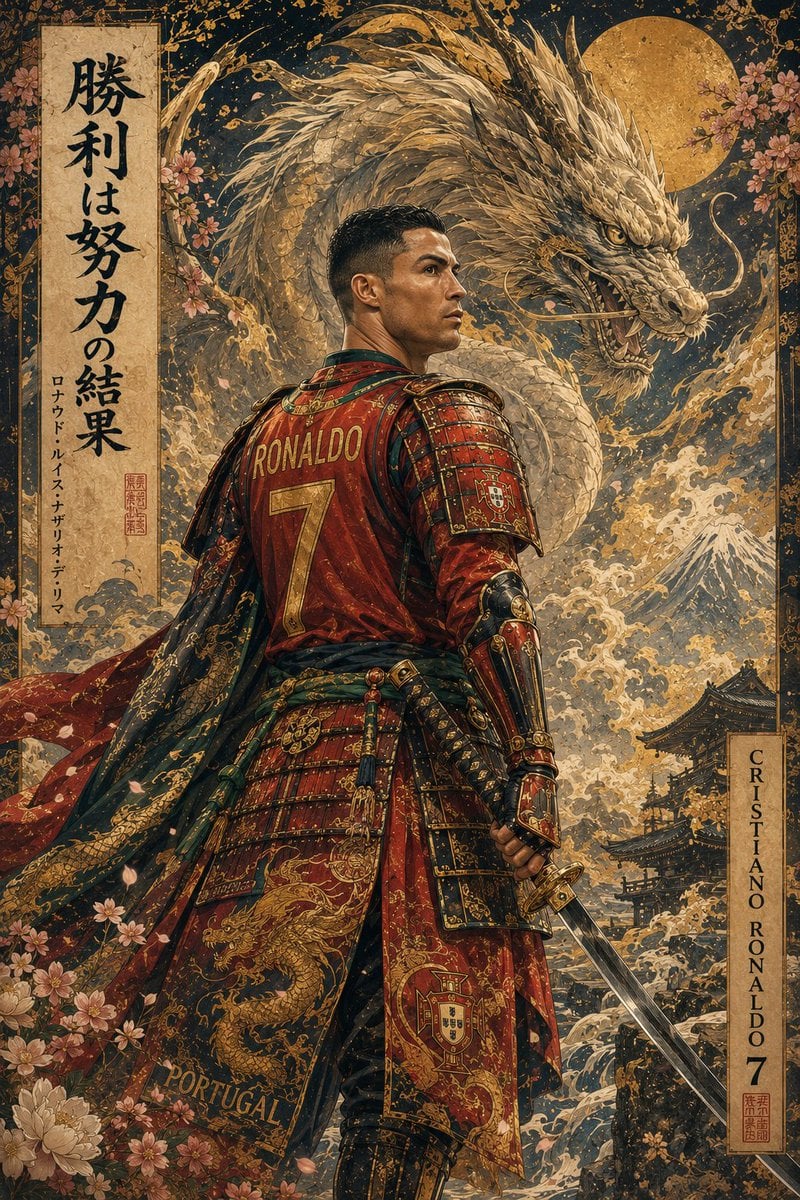
Ukiyo-e Mythological Samurai Portrait
Make it yours
Censored Samurai Engraving works as-is. These are the safest ways to change it without losing the look.
Change one field
Copy a single group, rewrite it, and generate again so you can see what that field is doing.
Keep the frame, change the subject
Hold the composition and light of Censored Samurai Engraving, then swap wardrobe, props or the person for a new take.
| If the result… | Why | Fix |
|---|---|---|
| The result drifts from the preview | Too many fields changed at once. | Reuse Censored Samurai Engraving as-is first, then change one group — subject, light, or setting. |
| The model over-stylizes the scene | The prose prompt leaves finish and camera underspecified. | Add one camera or lighting sentence and stay on GPT Image 2. |
More GPT Image 2 templates
Other prompts made for GPT Image 2.

Six VTuber Japanese Logo Sheet

Realistic Portrait of Woman and Deer

The Vista Modular Condo Poster

AI Model Routing Comparison Infographic

2.5D Anime Art Board

Isometric Productivity Desk Scene

New York Double Exposure Poster

Four-Panel AI Landscape Comparison

Japanese Tatami Lifestyle Magazine Cover

NESCAFÉ Coffee Map Poster
More image prompts
Fresh picks from across the catalog.
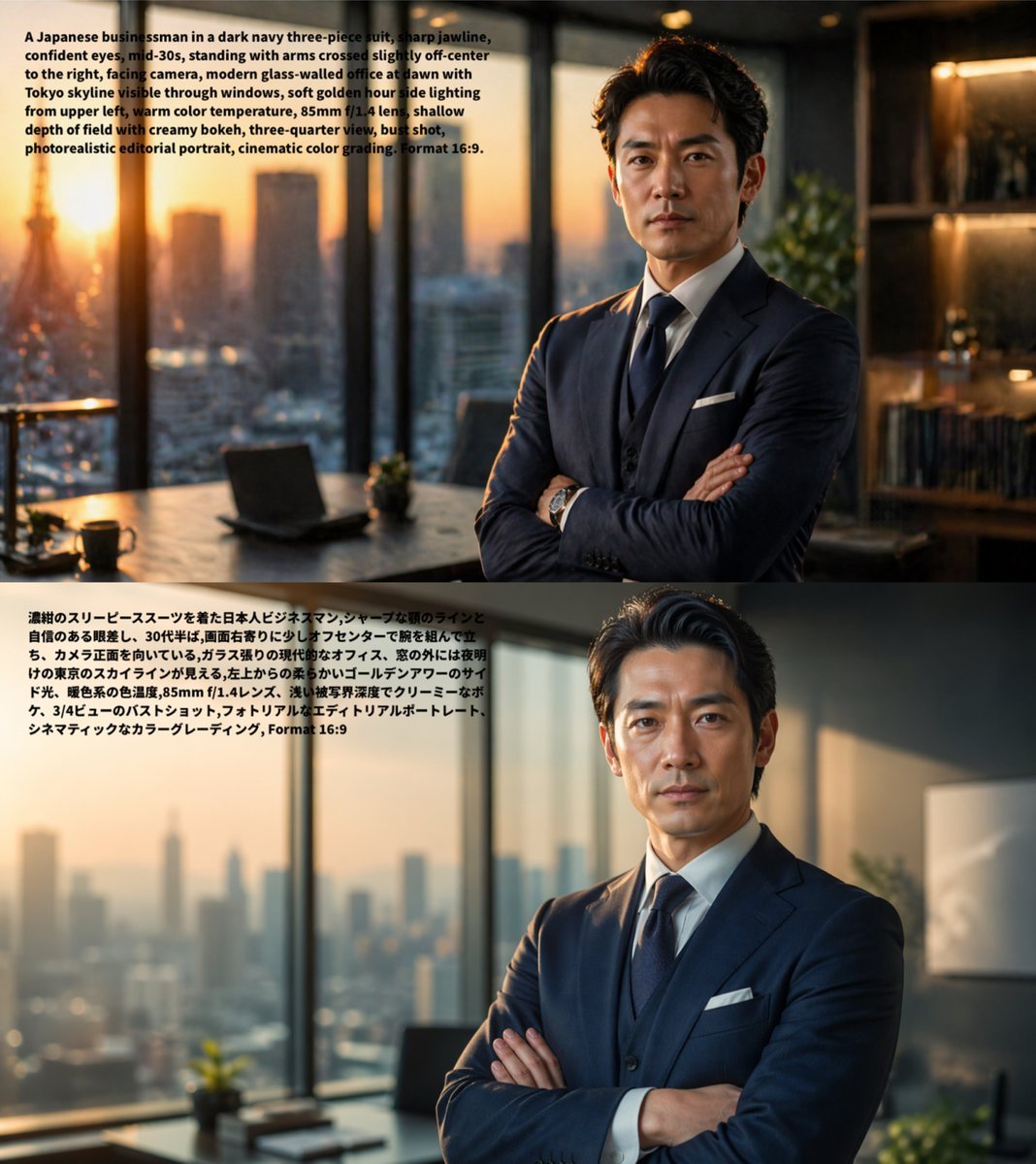
Bilingual Prompt Comparison Portrait
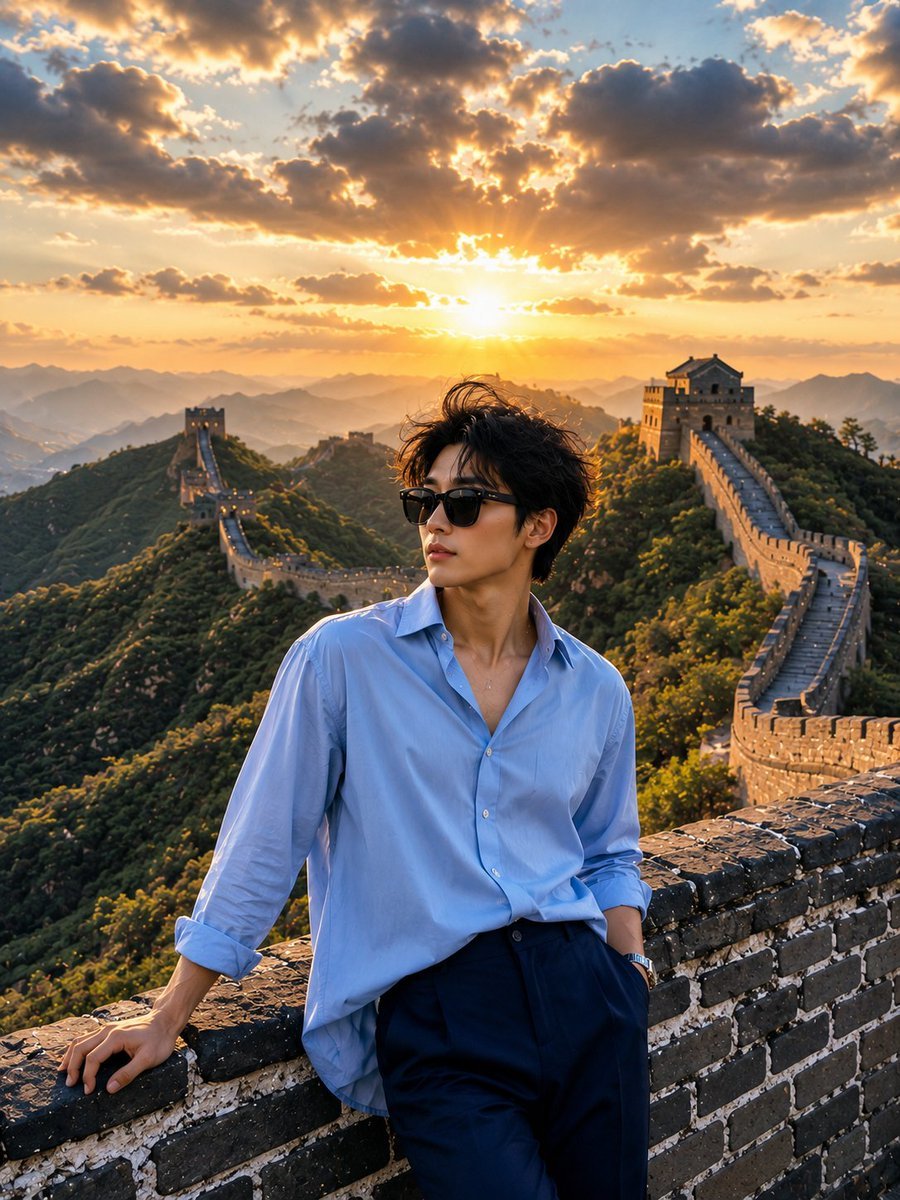
Great Wall Travel Photography
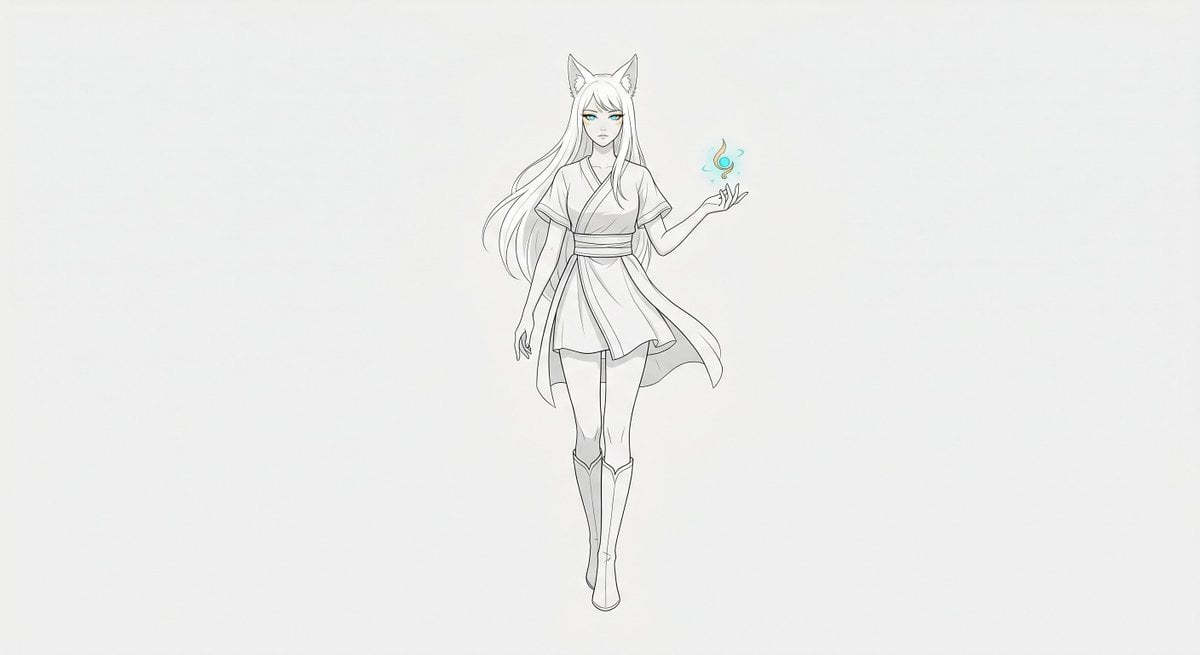
Minimal Fox Spirit Character Sketch
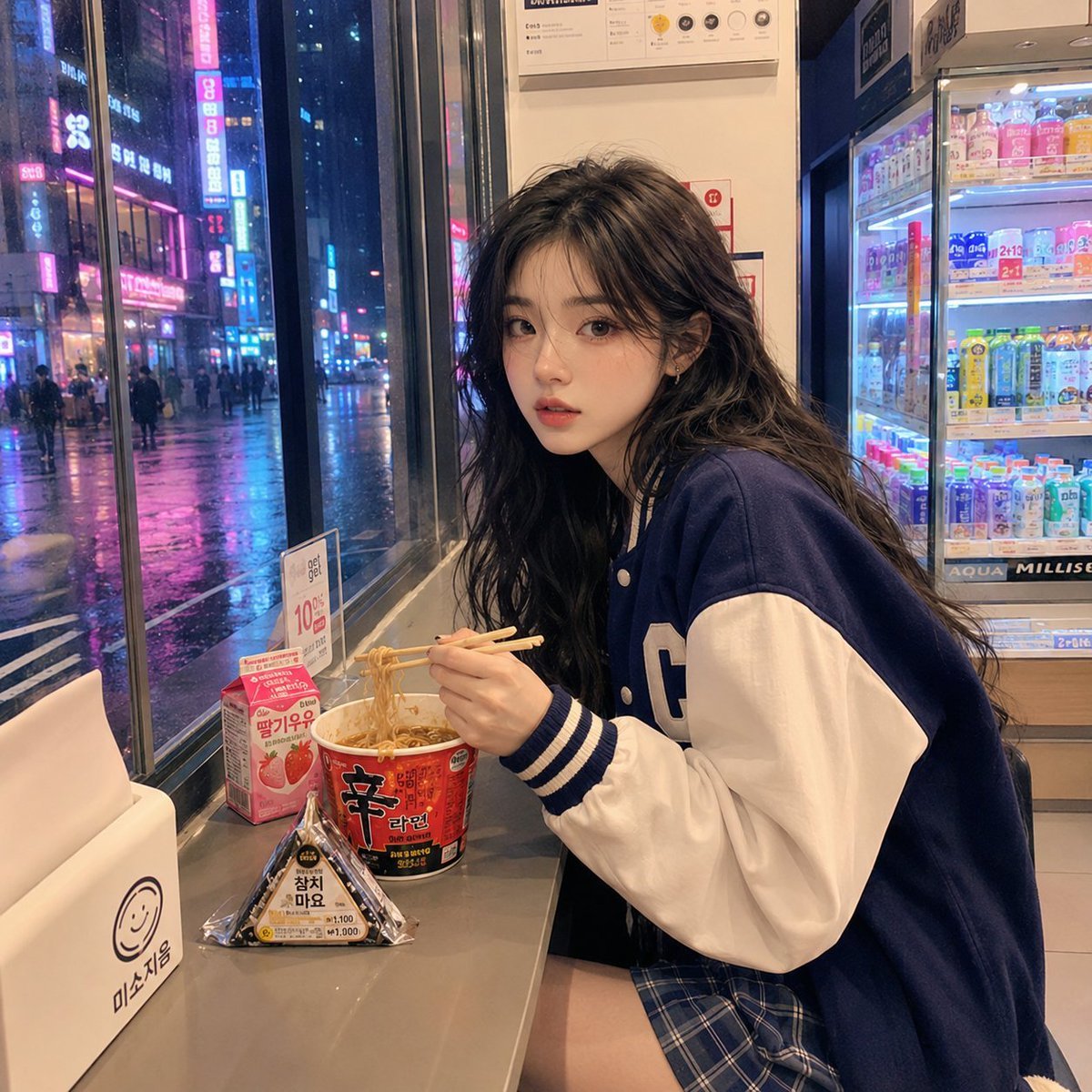
Korean Girl Convenience Store Photography
Image-to-Snowman Conversion Prompt for Nano Banana Pro
Prompt: Create a cinematic vintage Coca Cola adver
Censored Purple Turtleneck Portrait
High-Contrast Black and White Cinematic Portrait
Epic Fantasy Novel Cover for Nezha

Idol flyer stuck on a steamed bun vending machine
Browse template categories
Censored Samurai Engraving questions
How do I use the Censored Samurai Engraving template?
Add your photo if the template asks for one, edit the prompt if you like — the template's model and format are already selected — and press Generate. Your version opens in PicX Studio.
Can I customize the Censored Samurai Engraving template?
Yes. You can change the subject, setting, lighting, mood, format, and available model controls before creating your image.
Is the Censored Samurai Engraving template free?
Opening and editing this template is free. Generating uses credits, shown on the Generate button when you are signed in.
Which AI model should I use?
Start with GPT Image 2, which is the model associated with this template. You can compare another compatible model for a different finish.
Looking for something else? Browse all templates.

Your photo, any look
Thousands of ready templates for every top image and video model, from one credit balance.