
Mixed Media Parisian Cafe Scene
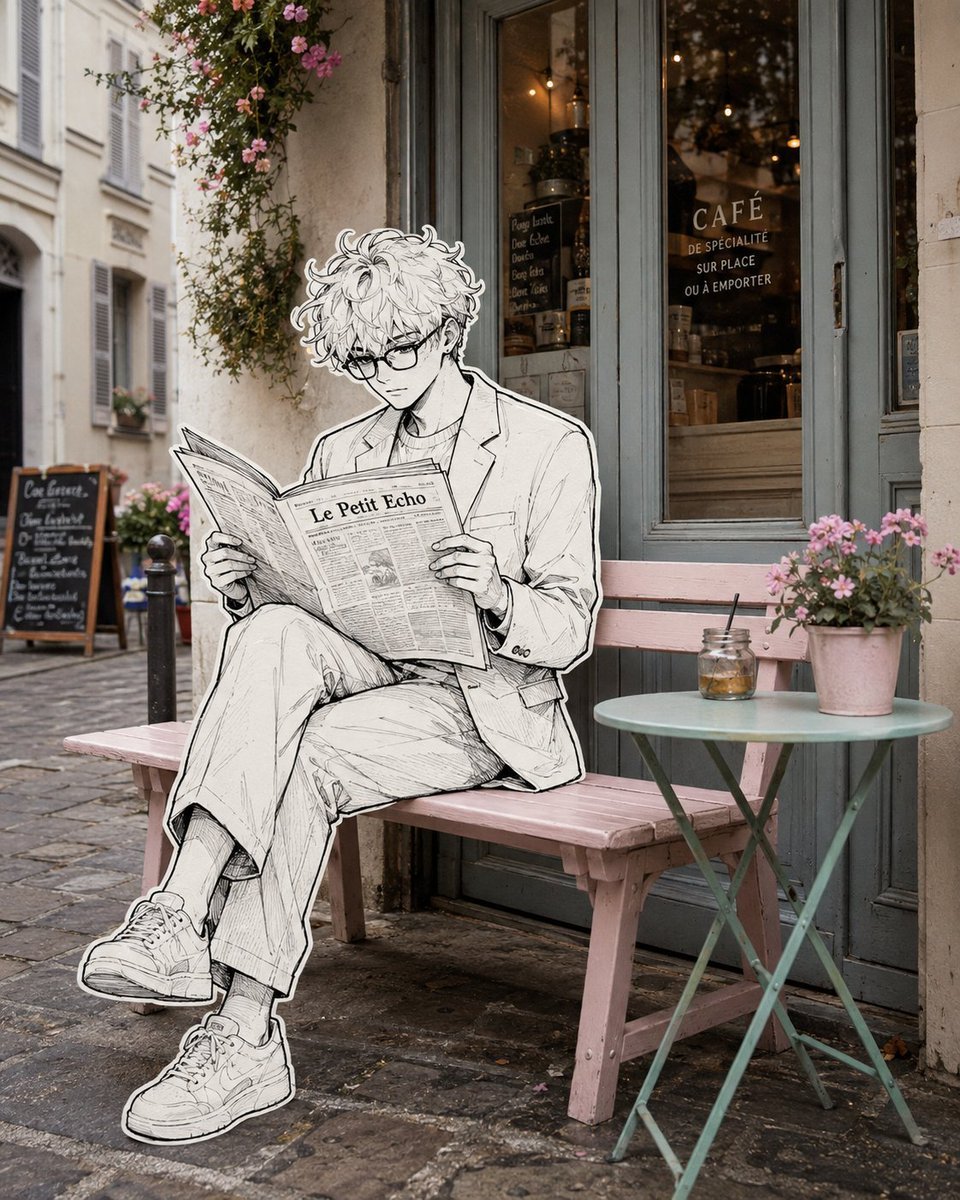
A surreal mixed-media prompt blending a photorealistic Parisian cafe with a hand-drawn black-and-white ink illustration of a woman.
- Prompt included
- Model and format preset
- Free template
The prompt behind this image
Copy the exact prompt behind Mixed Media Parisian Cafe Scene, or open it in the studio and make it yours.
Create a surreal editorial street photograph that seamlessly blends a real-life {argument name="setting" default="Parisian café exterior"} with a {argument name="character style" default="hand-drawn black-and-white illustrated character"}. A {argument name="subject" default="stylish young woman with long wavy hair"}, rectangular glasses, a tailored light blazer and wide-leg trousers sits naturally on a pastel pink wooden bench outside a charming French café, legs crossed, calmly reading a large newspaper. Render the entire woman, her clothing, shoes, hands and newspaper as a detailed monochrome ink illustration with expressive fine linework, delicate cross-hatching, subtle sketch texture and a clean thick white sticker-like outline around her entire silhouette. Keep the café environment completely photorealistic and softly colored: weathered French architecture, muted blue-gray café doors and windows, warm interior lights, cobblestone pavement, climbing flowers, a small mint-green round café table, pink flower pot and glass jar. The illustrated character must physically interact with the real bench and environment with accurate perspective, scale, contact shadows and natural placement. Elegant whimsical mixed-media photography, 2D hand-drawn illustration merged into reality, sophisticated European street aesthetic, subtle film grain, soft natural daylight, realistic depth of field, highly detailed, cinematic composition, photorealistic background, vertical 4:5.
How to use Mixed Media Parisian Cafe Scene in 3 steps
- 1
Open
The prompt is already in the box next to the preview, with the template's model and format selected.
- 2…a portrait of your subject in softgolden-hour light, 85mm…
Personalize
Edit the subject and creative details for your destination.
- 3Generate
Generate
Press Generate — your image is created in PicX Studio, so you can compare it with the original and refine one variable at a time.
More like this
Templates with the same subject, style or setup. Open one to see its prompt.
Mixed-Media Editorial Illustration

Cat Photobomb Selfie — 0.5x Wide Angle Café Chaos
Mixed-media Chibi portrait
Mixed Media Urban Fashion Editorial
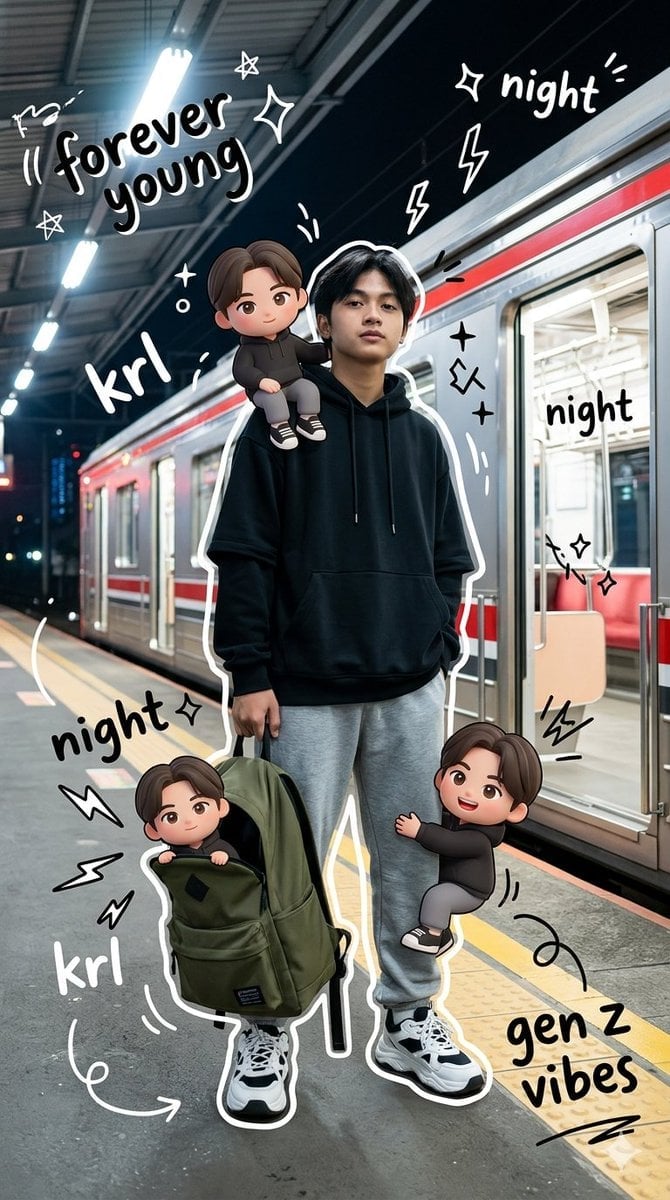
Gen Z Mixed-Media Portrait with Chibi Effects
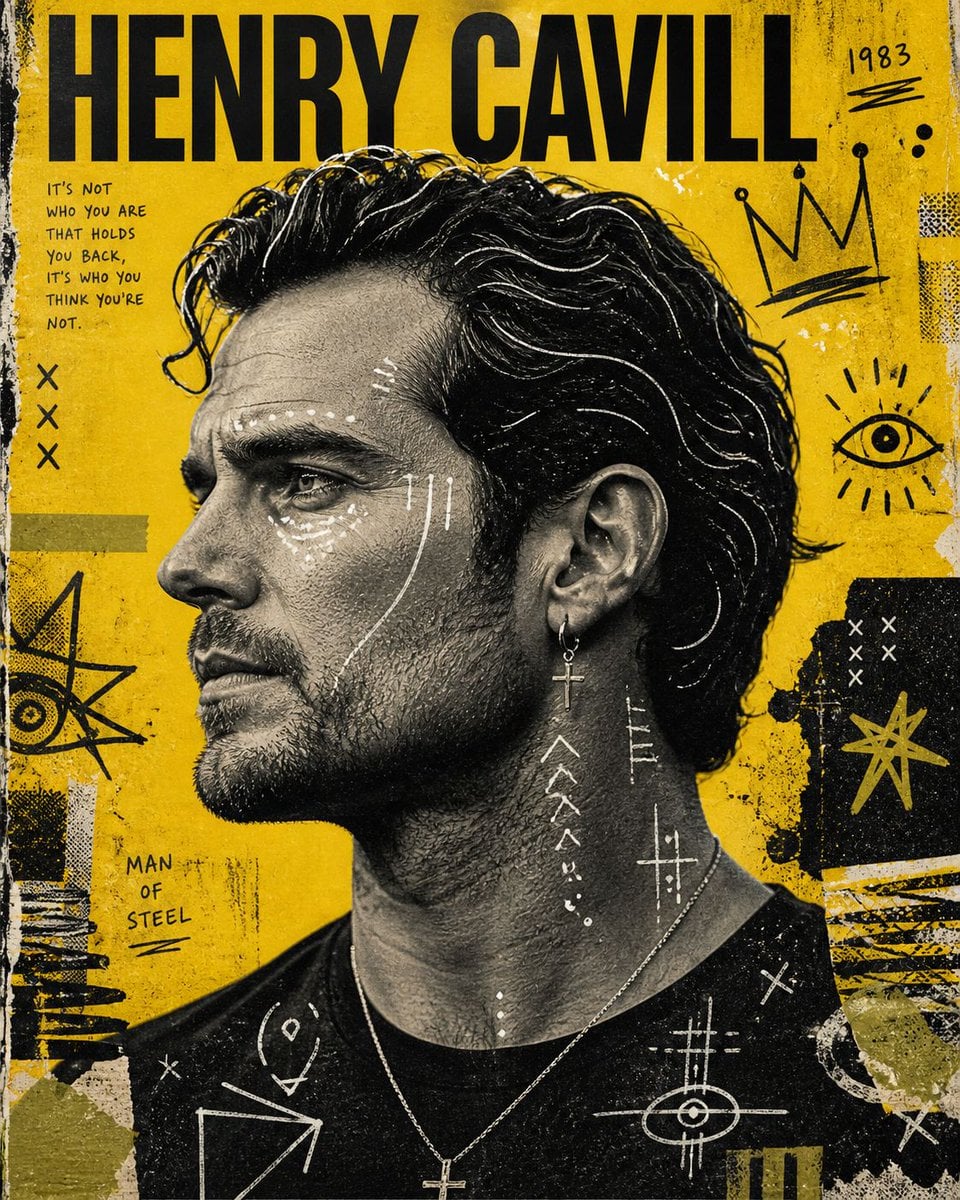
Raw Mixed-Media Street Art Poster
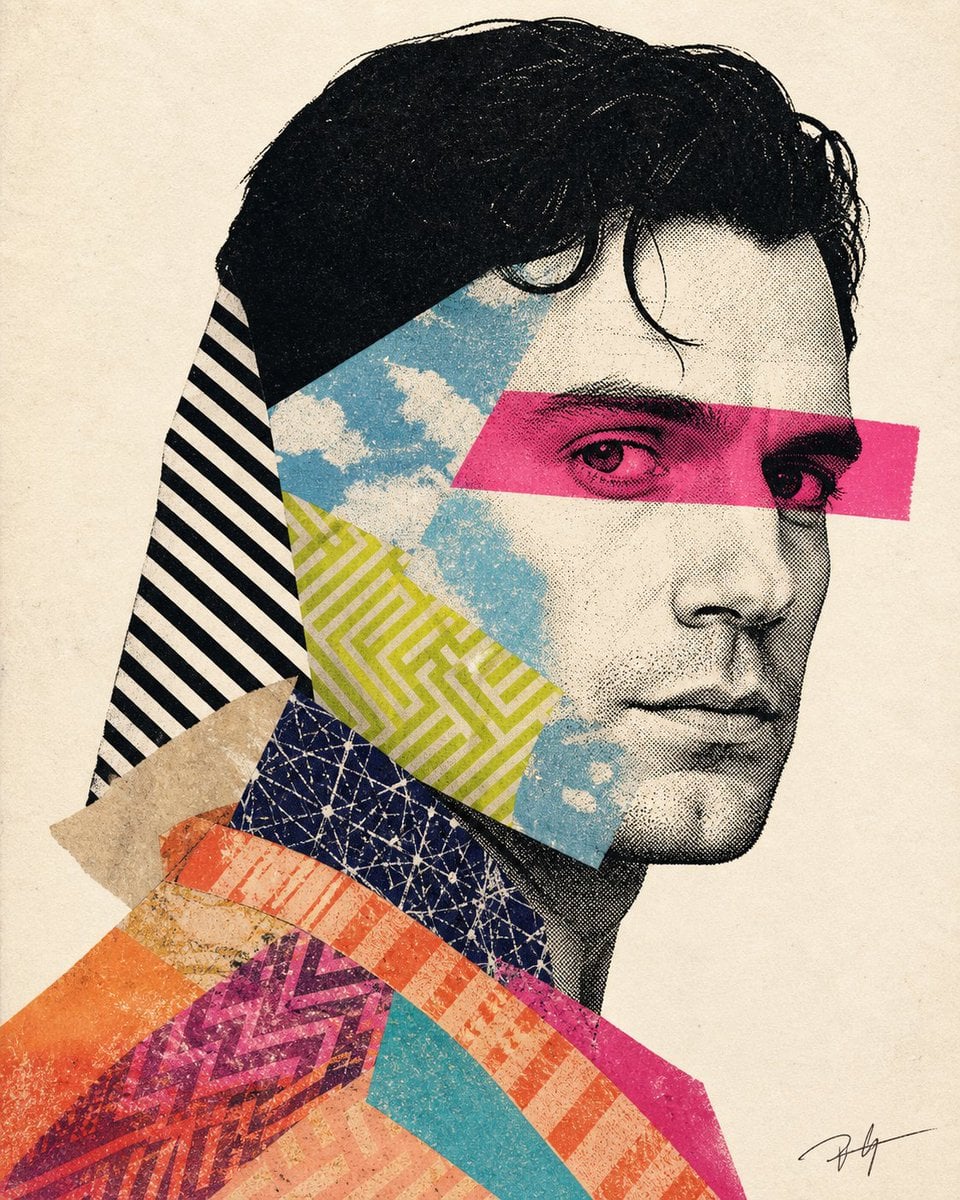
Mixed-media collage portrait illustration
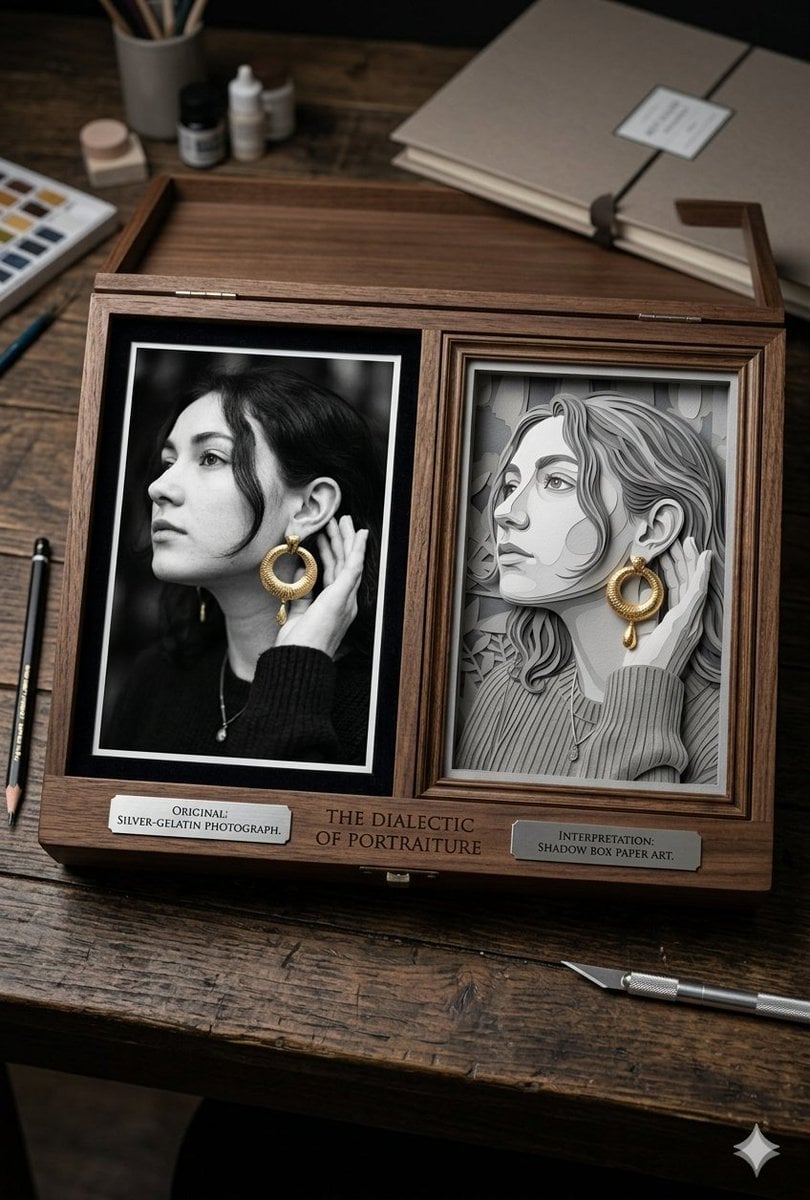
Mixed Media Artist Studio Display
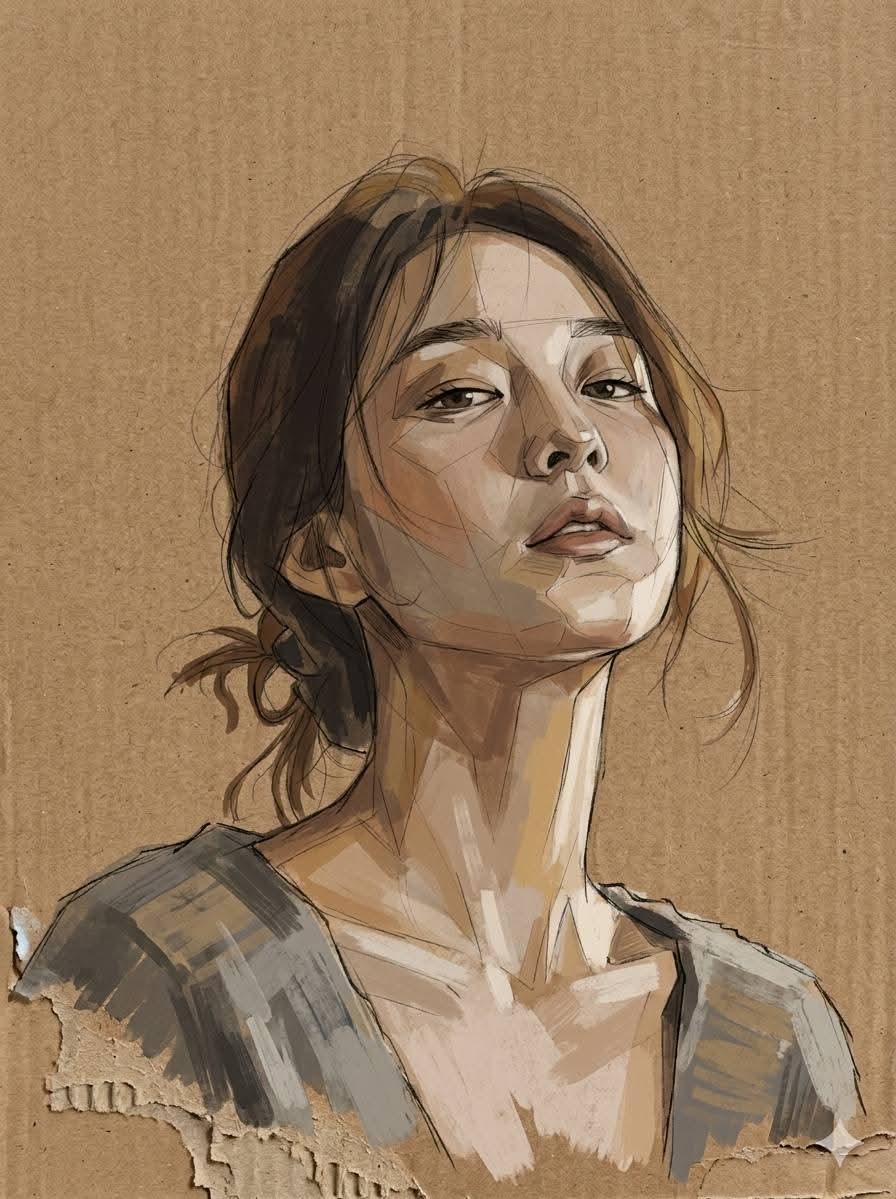
Cardboard Mixed Media Portrait
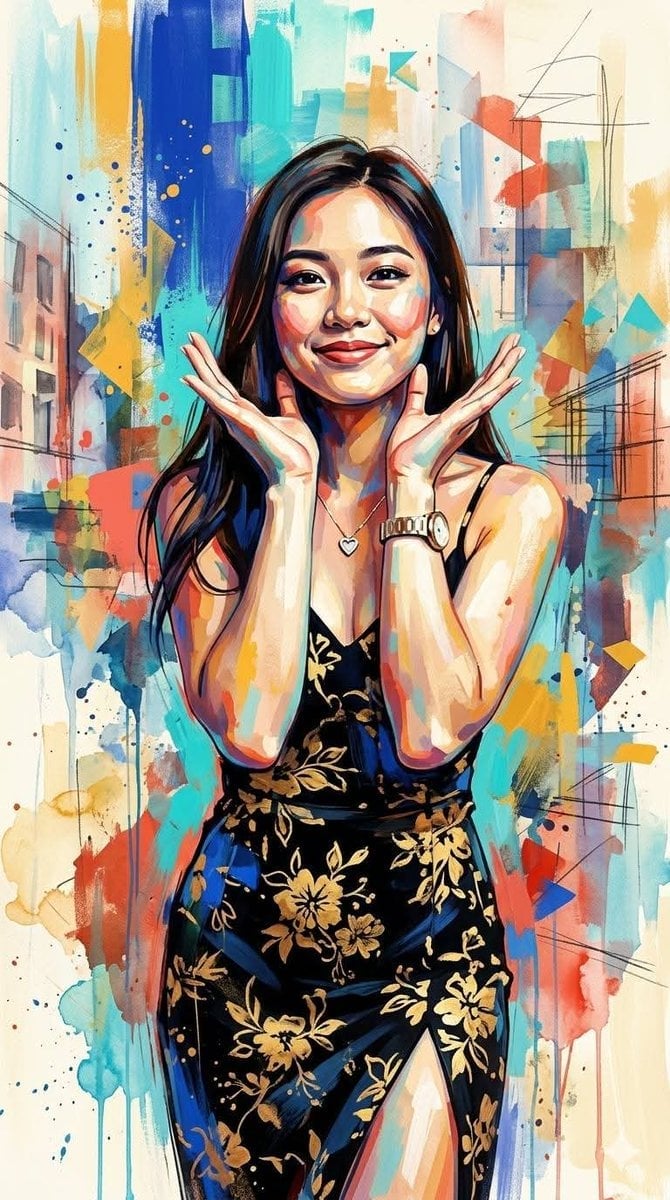
Contemporary Mixed-Media Abstract Portrait
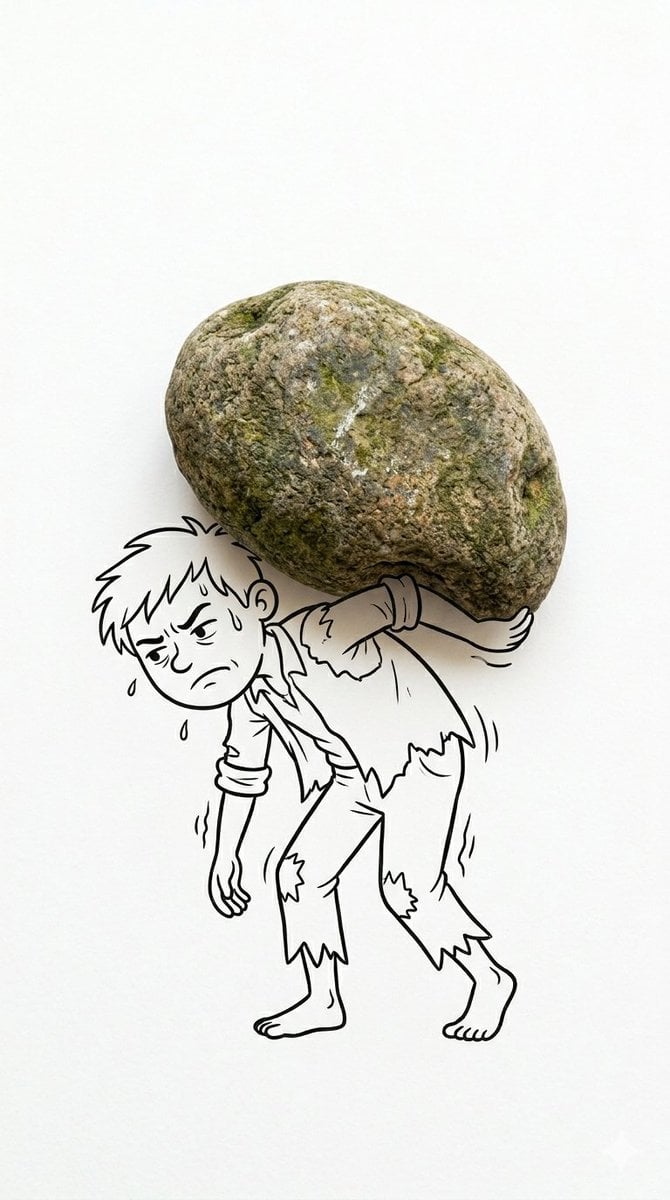
Creative Mixed Media Photo and Ink Illustration Fusion
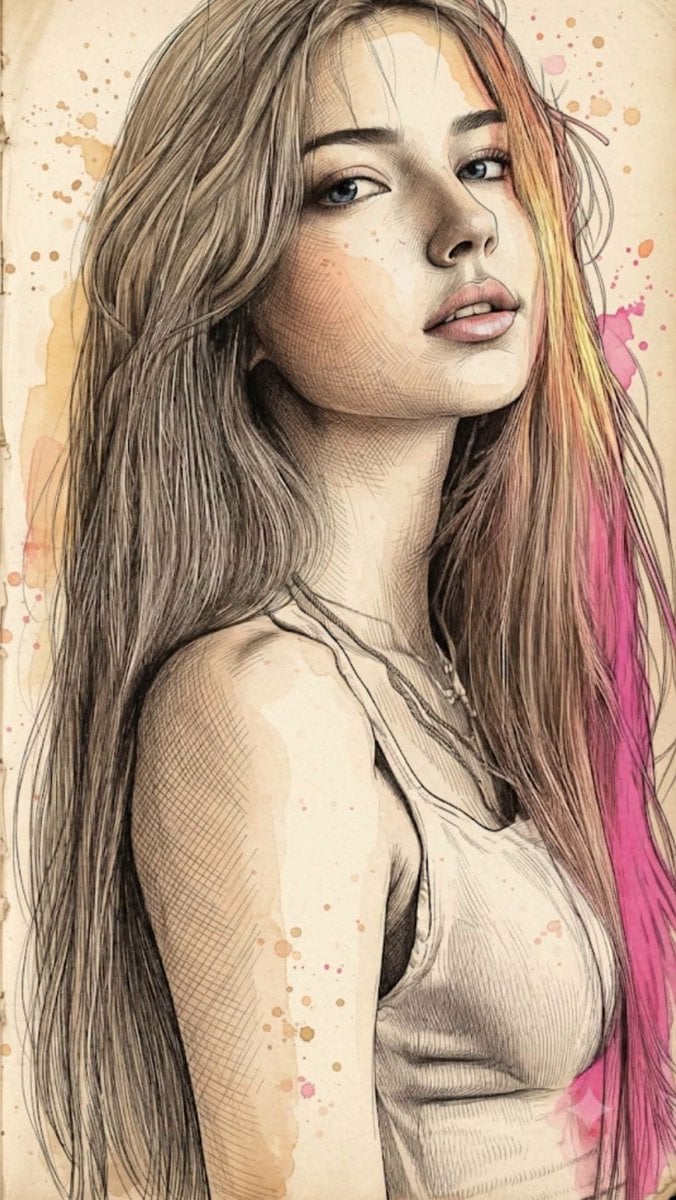
Fine Art Mixed-Media Portrait Illustration
Make it yours
Mixed Media Parisian Cafe Scene works as-is. These are the safest ways to change it without losing the look.
Change one field
Copy a single group, rewrite it, and generate again so you can see what that field is doing.
Keep the frame, change the subject
Hold the composition and light of Mixed Media Parisian Cafe Scene, then swap wardrobe, props or the person for a new take.
| If the result… | Why | Fix |
|---|---|---|
| The result drifts from the preview | Too many fields changed at once. | Reuse Mixed Media Parisian Cafe Scene as-is first, then change one group — subject, light, or setting. |
| The model over-stylizes the scene | The prose prompt leaves finish and camera underspecified. | Add one camera or lighting sentence and stay on GPT Image 2. |
More GPT Image 2 templates
Other prompts made for GPT Image 2.

Six VTuber Japanese Logo Sheet

Realistic Portrait of Woman and Deer

The Vista Modular Condo Poster

AI Model Routing Comparison Infographic

2.5D Anime Art Board

Isometric Productivity Desk Scene

New York Double Exposure Poster

Four-Panel AI Landscape Comparison

Japanese Tatami Lifestyle Magazine Cover

NESCAFÉ Coffee Map Poster
More image prompts
Fresh picks from across the catalog.
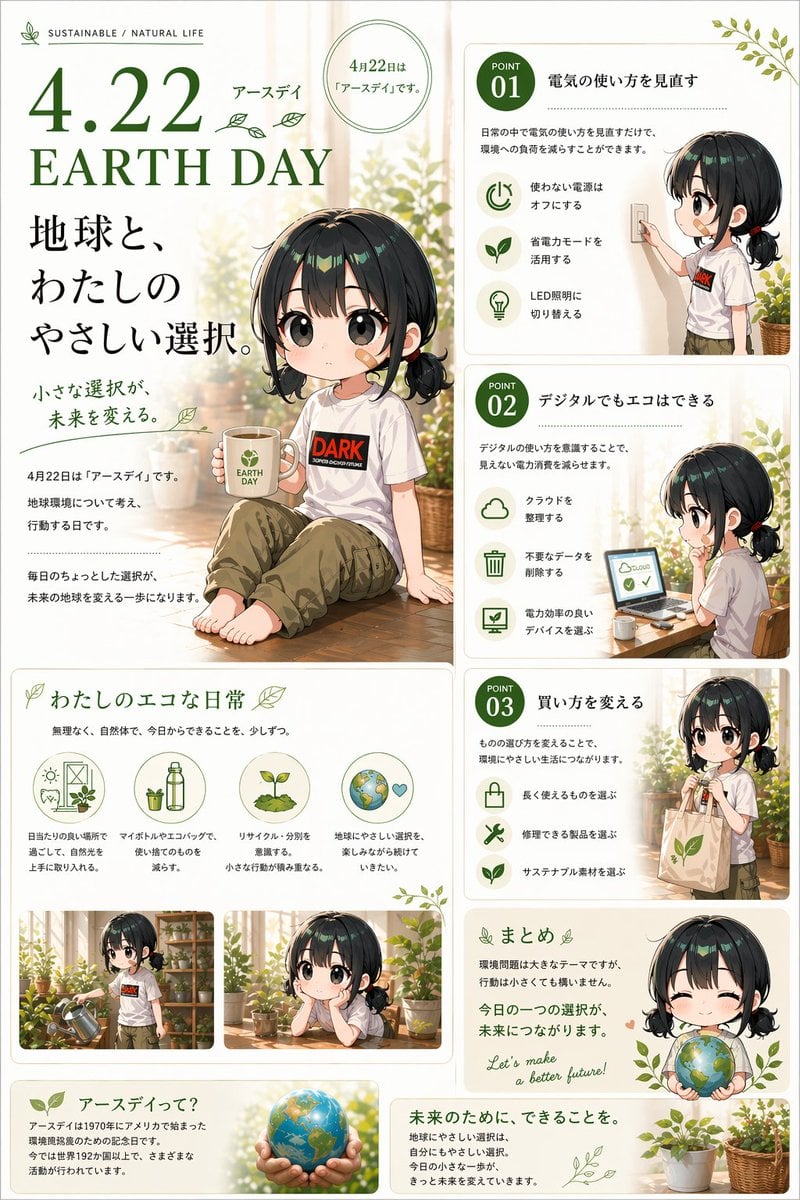
Japanese Earth Day Anime Poster

Professional Studio Portrait Headshots
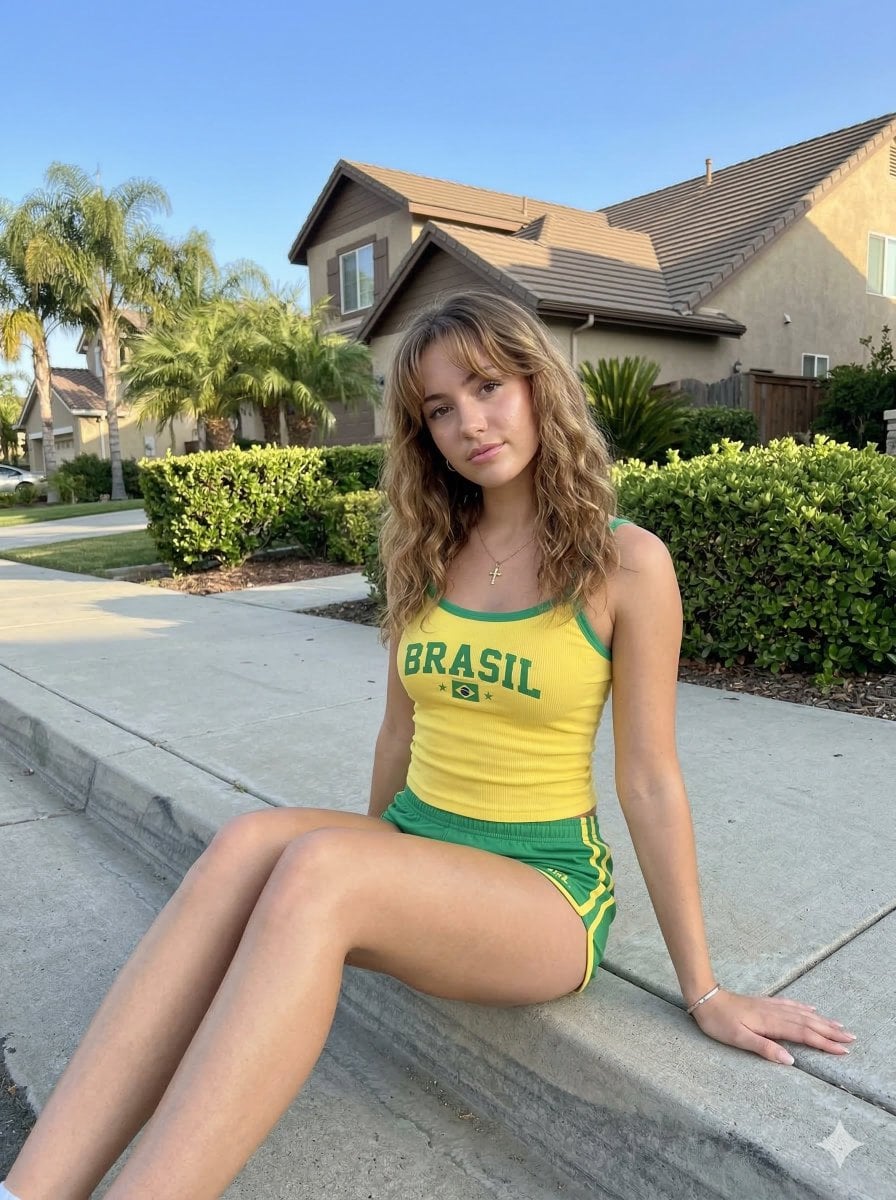
Casual Smartphone Photo of a Woman on a Curb
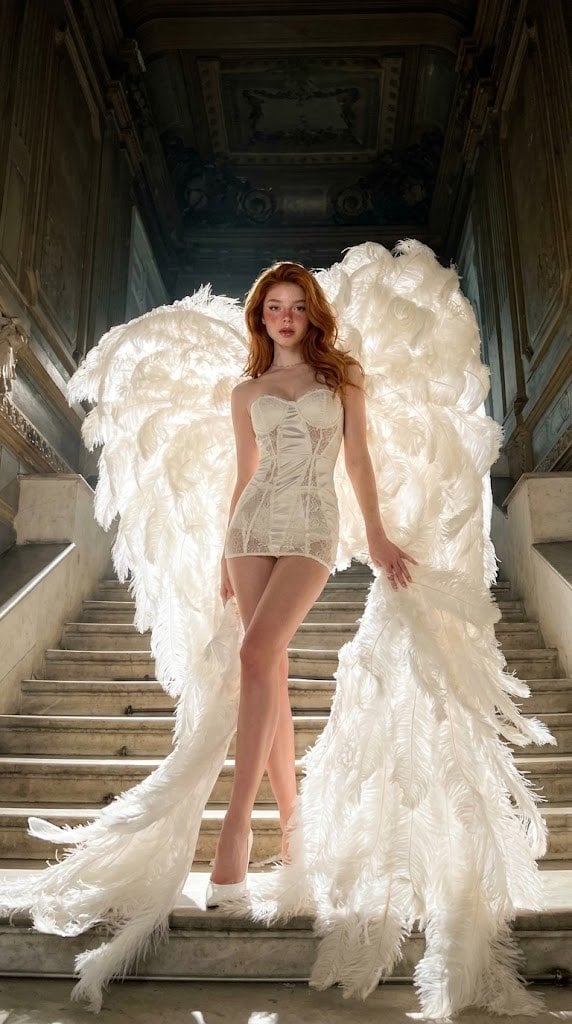
Angelic Haute Couture Editorial
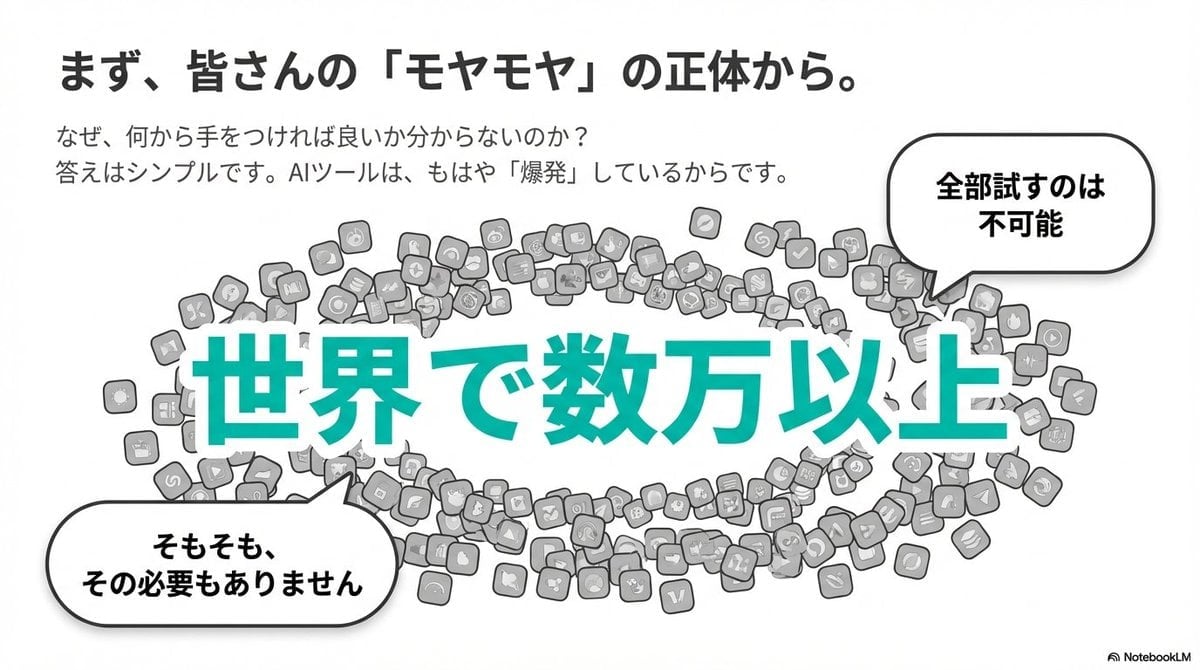
Clean flat slide design style guide for NotebookLM
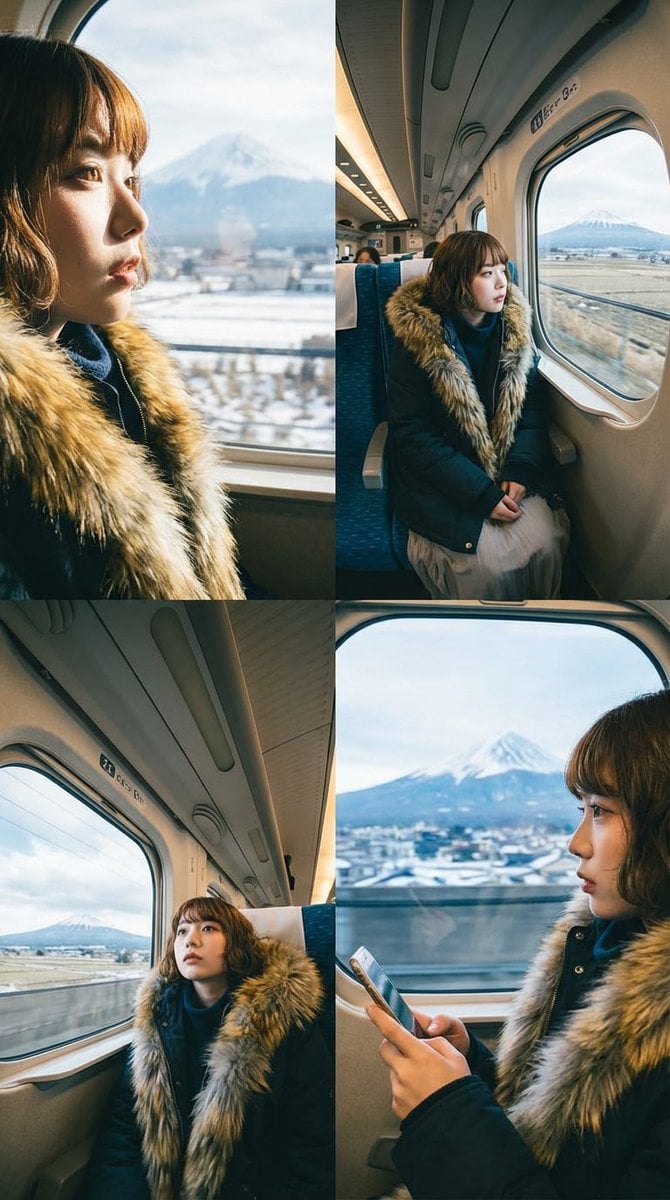
Four-Panel Image Generation with Specific Location and Perspective Prompt

Tropical Kayaking Travel Photography
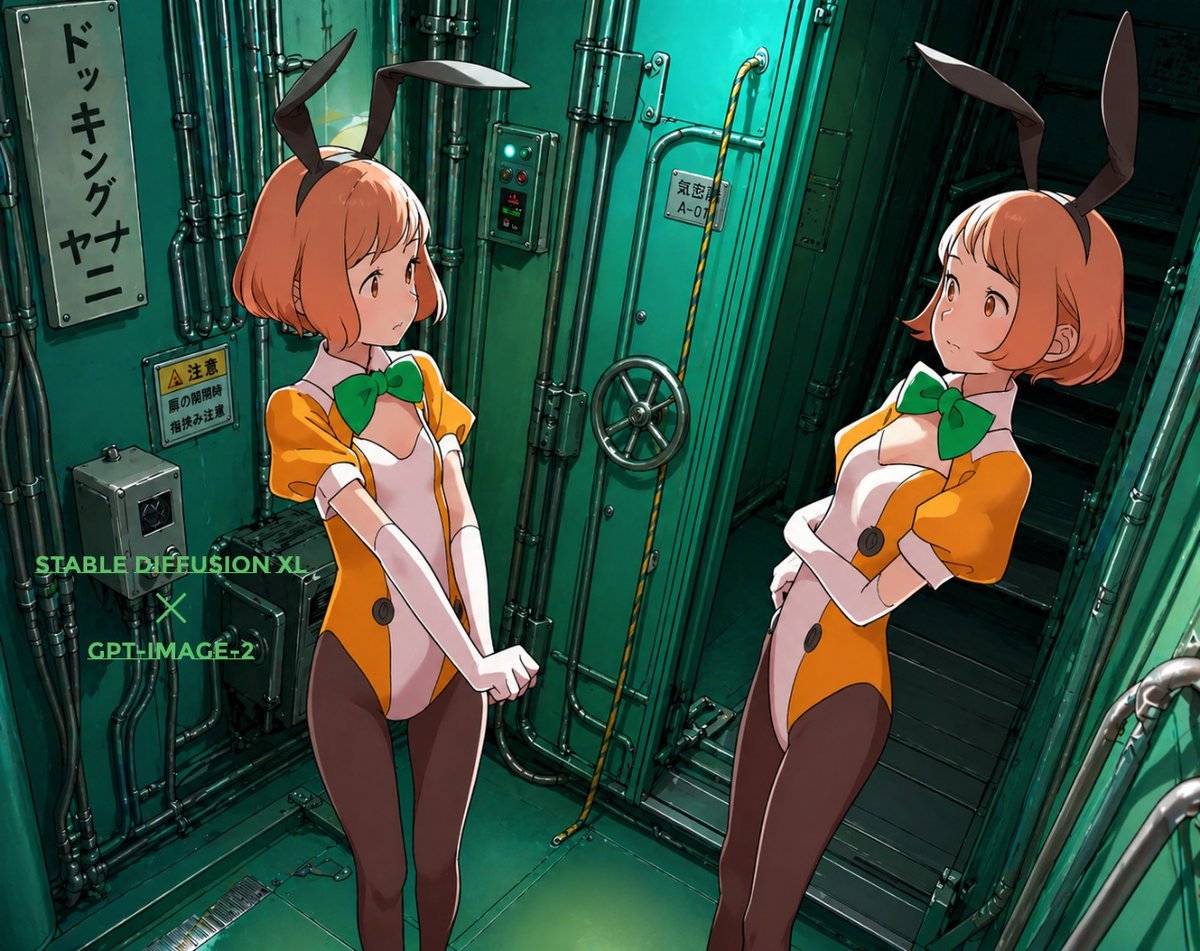
Background Realism Enhancement Prompt
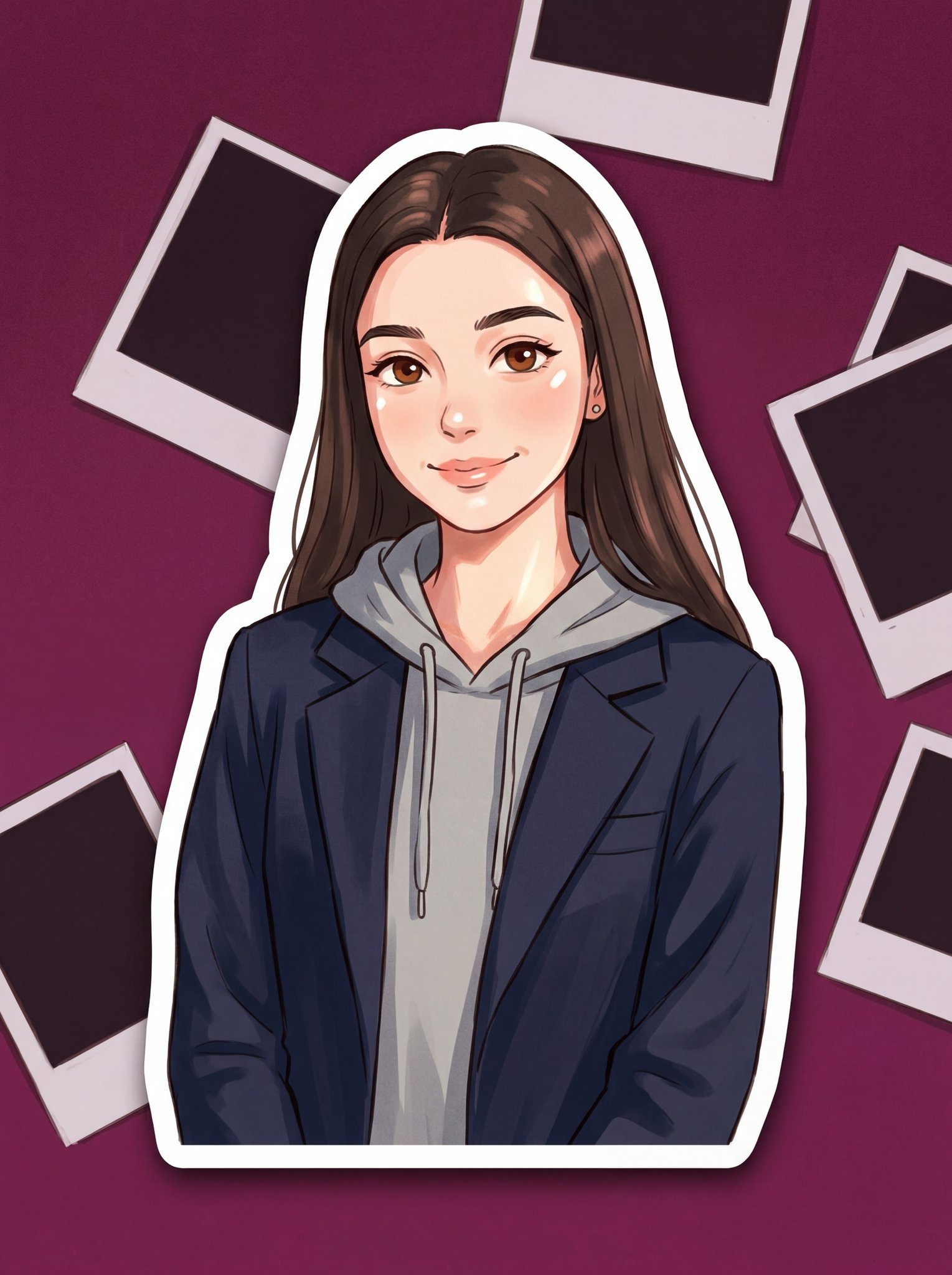
Turn Your Photo Into Ghibli Style with N
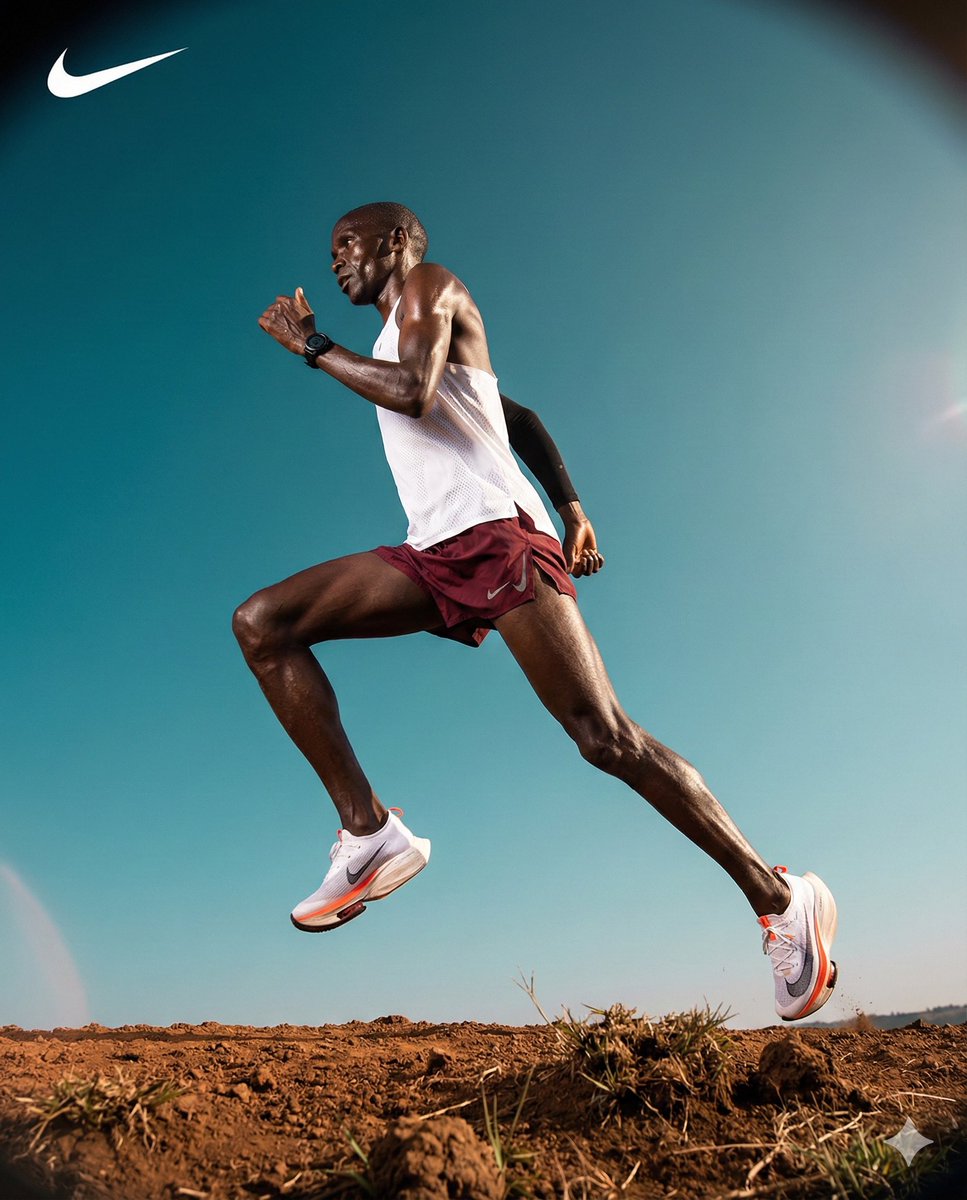
High-Contrast Commercial Sports Photography of Runner
Browse template categories
Mixed Media Parisian Cafe Scene questions
How do I use the Mixed Media Parisian Cafe Scene template?
Add your photo if the template asks for one, edit the prompt if you like — the template's model and format are already selected — and press Generate. Your version opens in PicX Studio.
Can I customize the Mixed Media Parisian Cafe Scene template?
Yes. You can change the subject, setting, lighting, mood, format, and available model controls before creating your image.
Is the Mixed Media Parisian Cafe Scene template free?
Opening and editing this template is free. Generating uses credits, shown on the Generate button when you are signed in.
Which AI model should I use?
Start with GPT Image 2, which is the model associated with this template. You can compare another compatible model for a different finish.
Looking for something else? Browse all templates.

Your photo, any look
Thousands of ready templates for every top image and video model, from one credit balance.