
Mixed-Media Fashion Train Illustration
A sophisticated fashion illustration that blends photorealism with graphite sketches and watercolor, featuring a man in a historic train station.
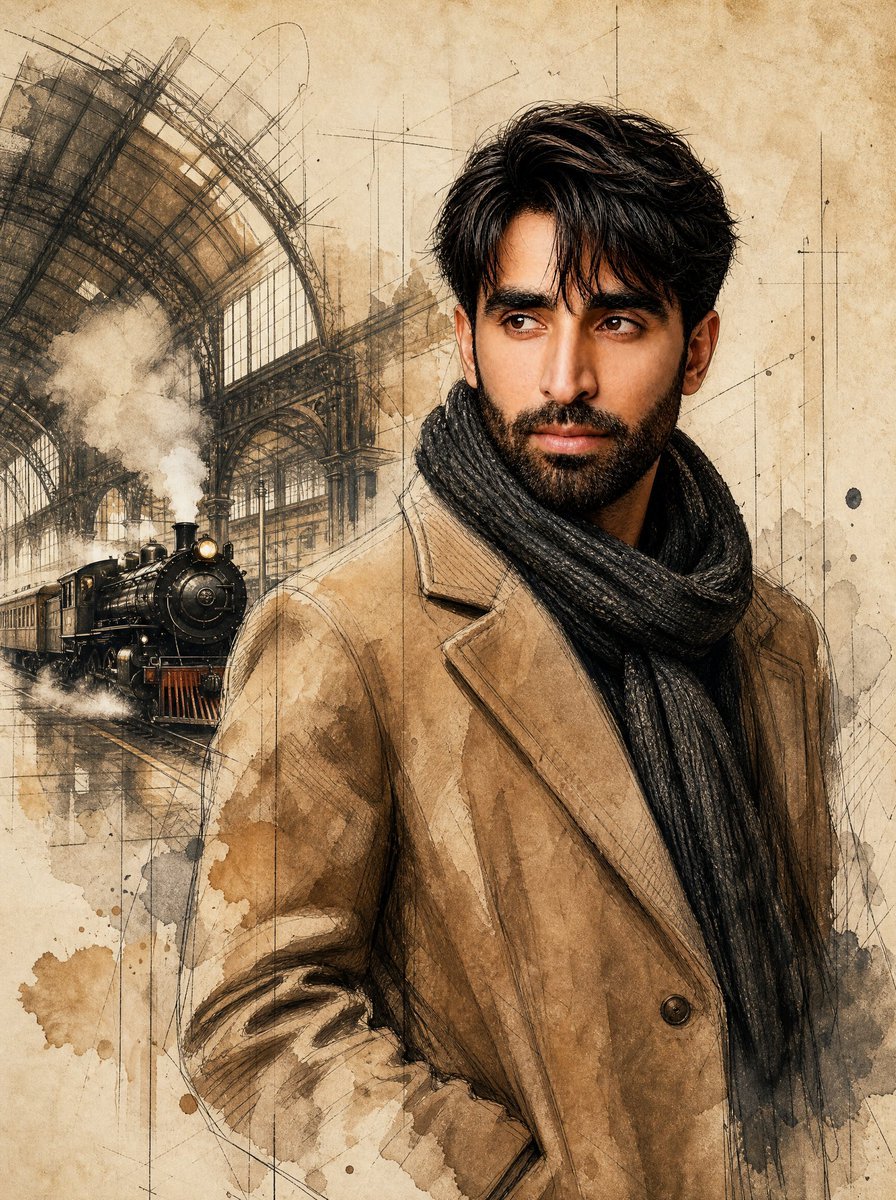
- Prompt included
- Model and format preset
- Free template
The prompt behind this image
Copy the exact prompt behind Mixed-Media Fashion Train Illustration, or open it in the studio and make it yours.
Use the uploaded image strictly ONLY for face matching and identity reference. Create a striking, high-end mixed-media fashion illustration featuring a {argument name="subject" default="handsome man"} standing inside a {argument name="location" default="grand historic train station"}. The artwork seamlessly blends photorealistic portraiture with expressive graphite sketching, watercolor painting, and ink illustration techniques. The subject has neatly styled hair with texture. He wears a {argument name="outfit" default="tailored camel-colored wool overcoat layered over a dark charcoal chunky-knit scarf"} wrapped elegantly around his neck. Pose & Expression: Medium portrait composition. The man stands confidently with his left hand tucked into his coat pocket and his right arm resting naturally at his side. He gazes thoughtfully off-camera to the left with a stoic, contemplative, and slightly nostalgic expression, conveying quiet confidence and timeless elegance. Background & Environment: The left side of the composition transitions into an atmospheric train station interior featuring soaring iron-and-glass architecture, vaulted arches, and an approaching vintage steam locomotive emerging through drifting steam. The environment gradually dissolves into loose architectural sketches, construction lines, and expressive hand-drawn details. No text and extra element. Art Style & Medium: A sophisticated fusion of graphite pencil drawing, watercolor washes, fine ink linework, and subtle digital painting. The illustration should feature rough sketch marks, visible pencil strokes, architectural drafting lines, monochromatic and sepia-toned watercolor textures, ink splatters, paint drips, and soft smoke effects. The entire artwork is rendered on aged parchment paper with weathered stains, subtle creases, and vintage paper texture. The portrait remains highly detailed while the surrounding elements fade into artistic abstraction. Color Palette: Warm sepia, beige, camel, charcoal black, soft gray, ivory parchment tones, and muted watercolor browns with subtle cool accents in the eyes. Lighting: Soft cinematic ambient lighting with gentle highlights on the face and coat, creating depth and contrast while maintaining the hand-painted aesthetic. Quality & Detail: Masterpiece, museum-quality illustration, ultra-detailed facial features, highly detailed clothing textures, expressive brushwork, dynamic visual contrast, elegant composition, fine-art editorial style, professional mixed-media artwork, 8K resolution, sharp focus, intricate textures, watercolor and graphite fusion, premium fashion illustration. Aspect Ratio: 4:5.
How to use Mixed-Media Fashion Train Illustration in 3 steps
- 1Upload ImagePNG, JPG or paste
Add your photo
Upload the photo the template builds on. The prompt, model and format are already set.
- 2…a portrait of your subject in softgolden-hour light, 85mm…
Personalize
Edit the subject and creative details for your destination.
- 3Generate
Generate
Press Generate — your image is created in PicX Studio, so you can compare it with the original and refine one variable at a time.
More like this
Templates with the same subject, style or setup. Open one to see its prompt.
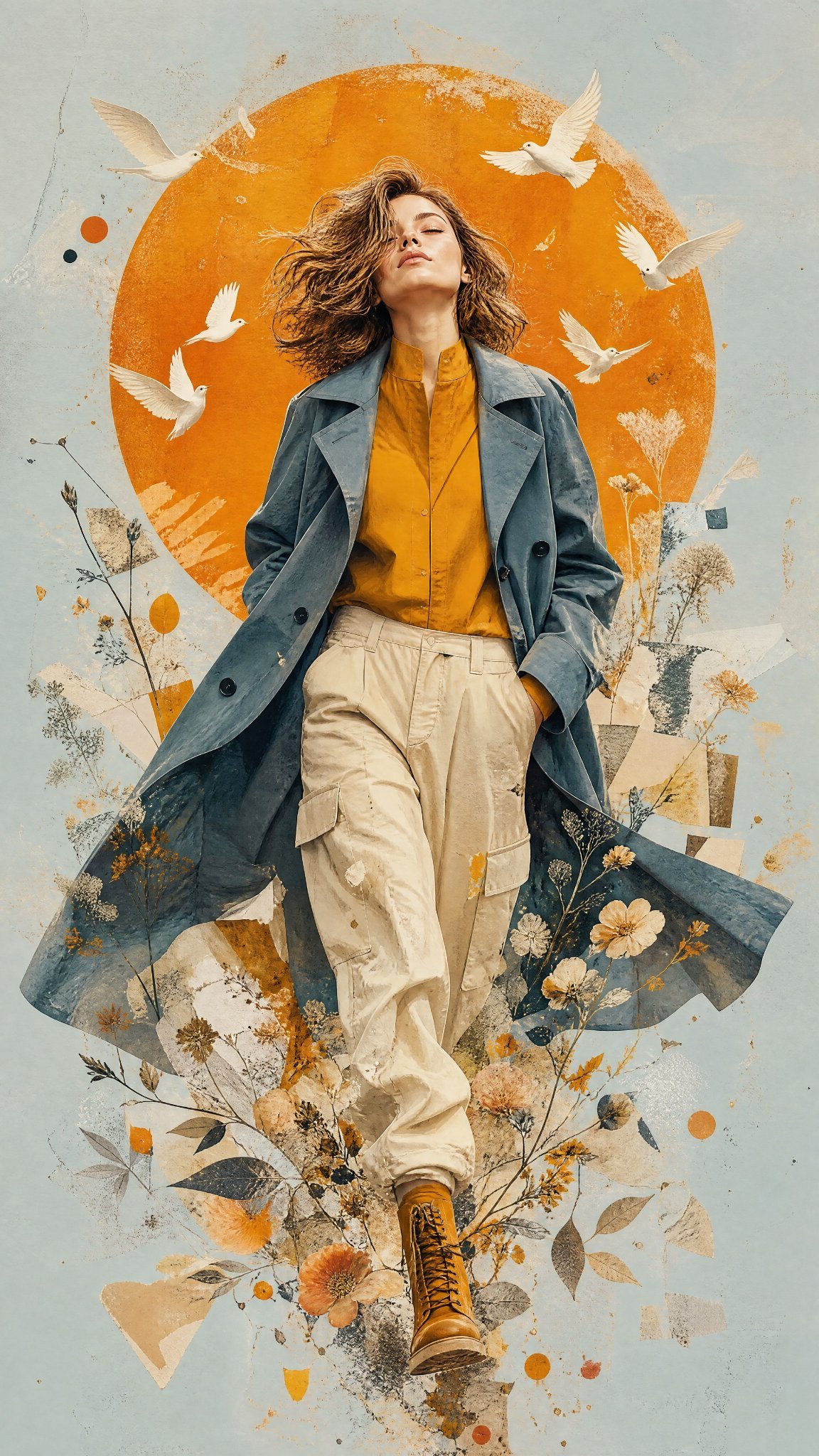
Mixed Media Editorial Woman Illustration
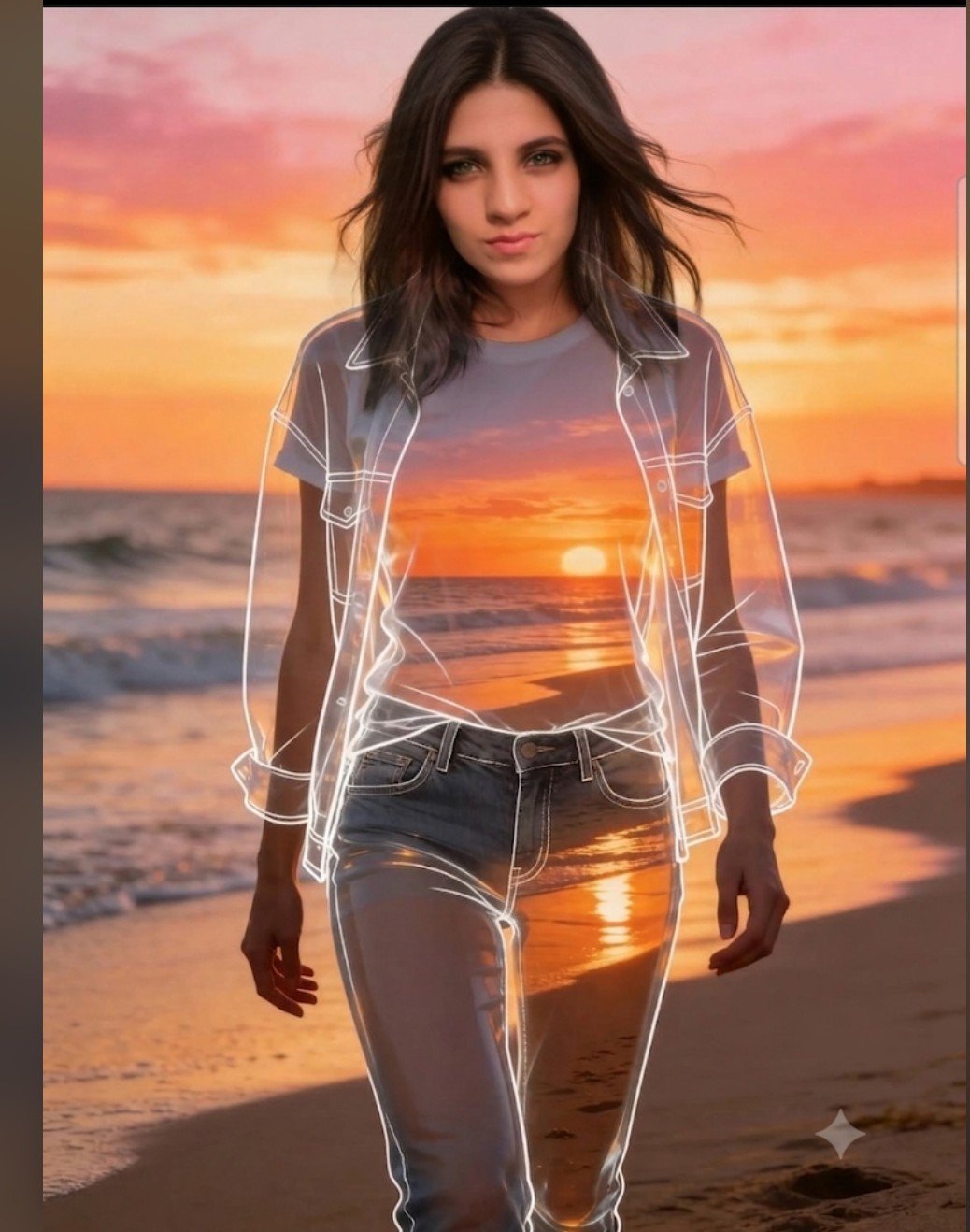
Beach Sunset Double Exposure Wireframe Portrait
Mixed Media Fashion Film - Seedance 2.0
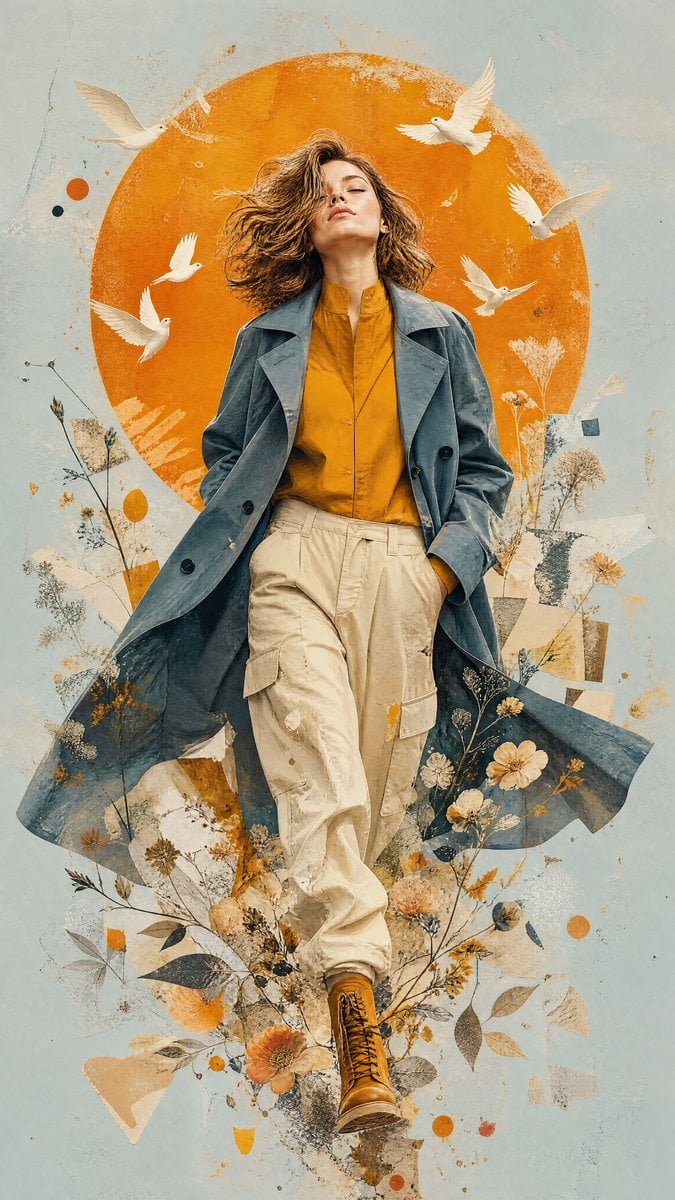
Mixed-Media Editorial Illustration
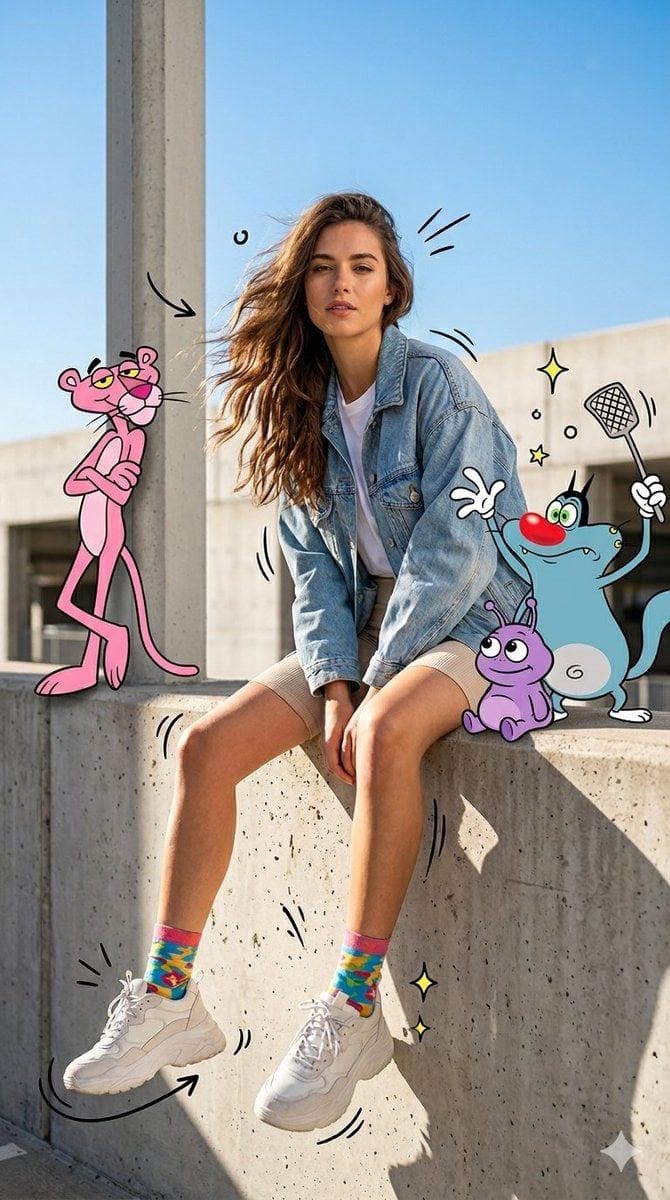
Mixed Media Urban Fashion Editorial
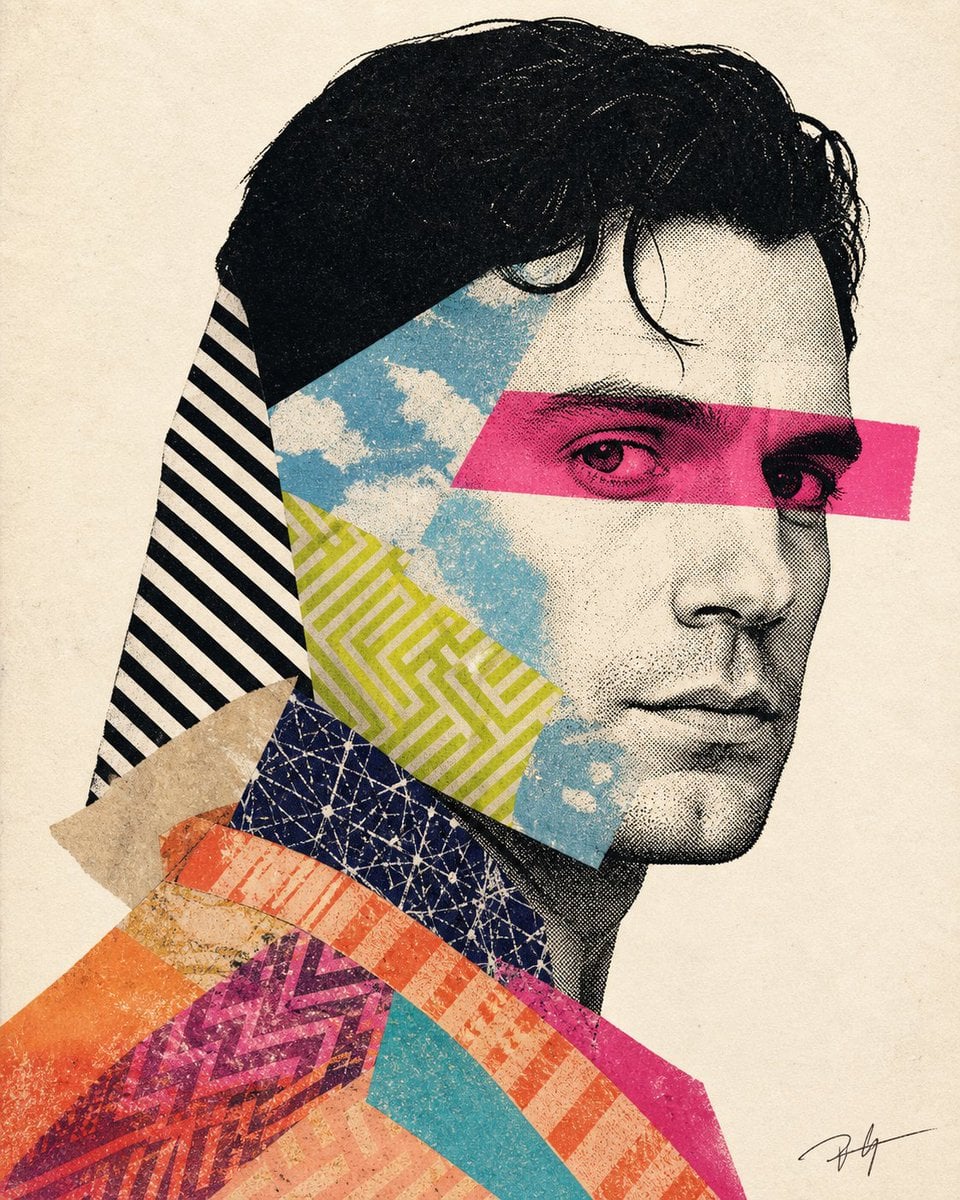
Mixed-media collage portrait illustration
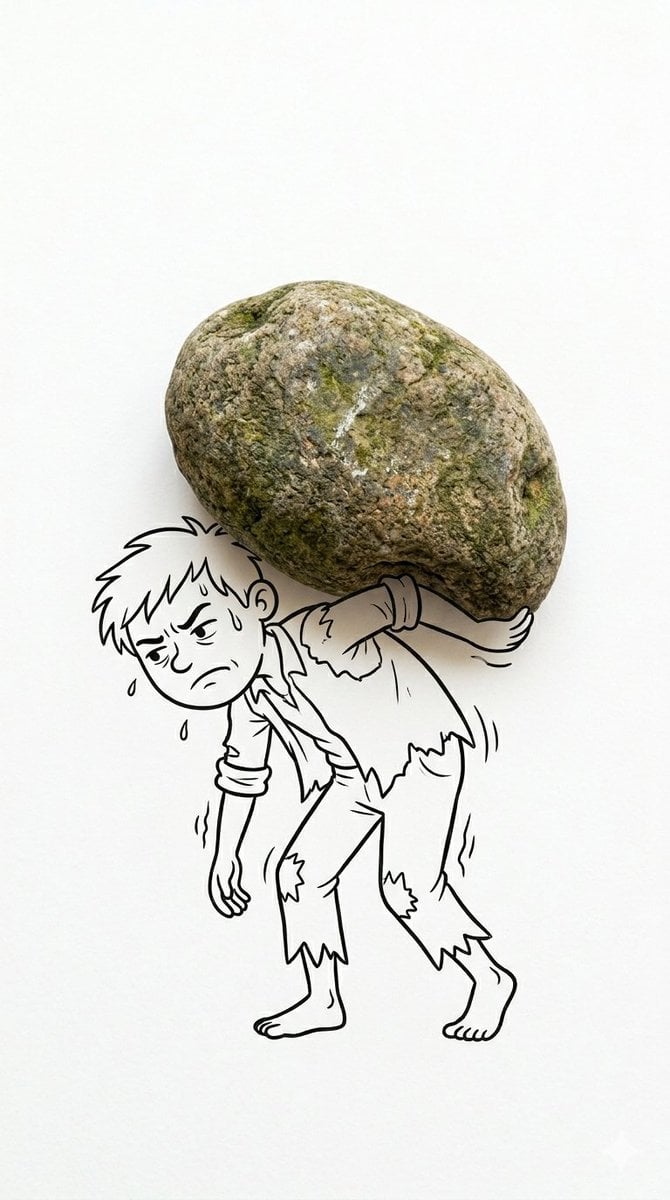
Creative Mixed Media Photo and Ink Illustration Fusion
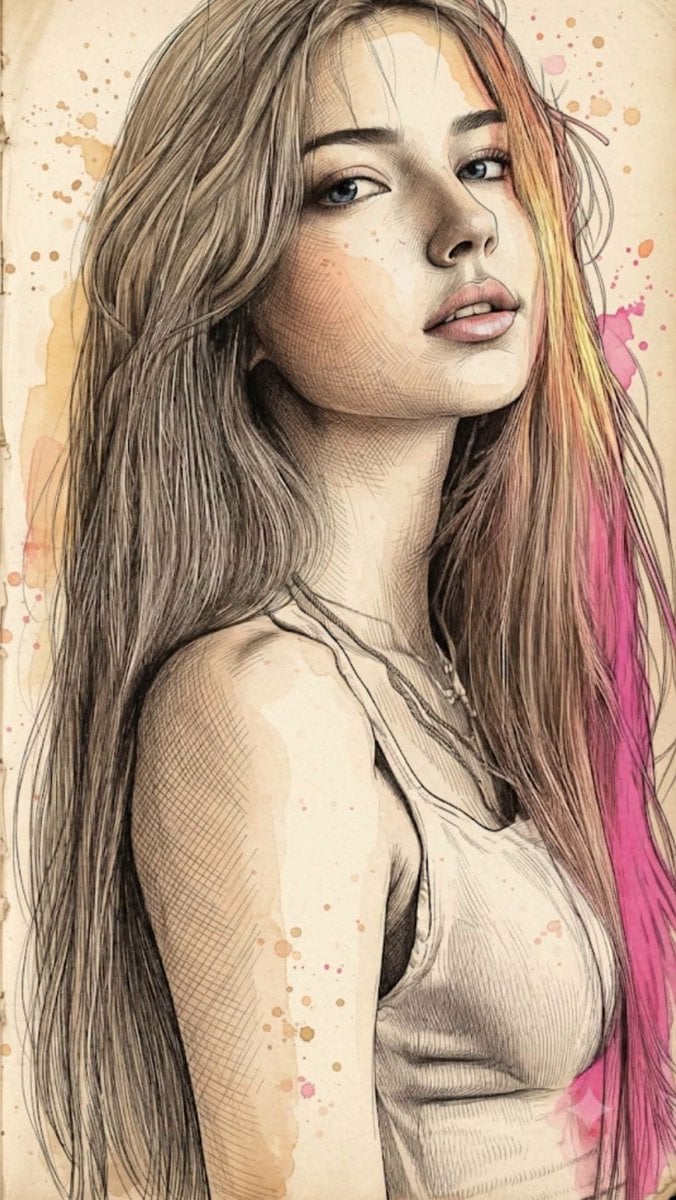
Fine Art Mixed-Media Portrait Illustration
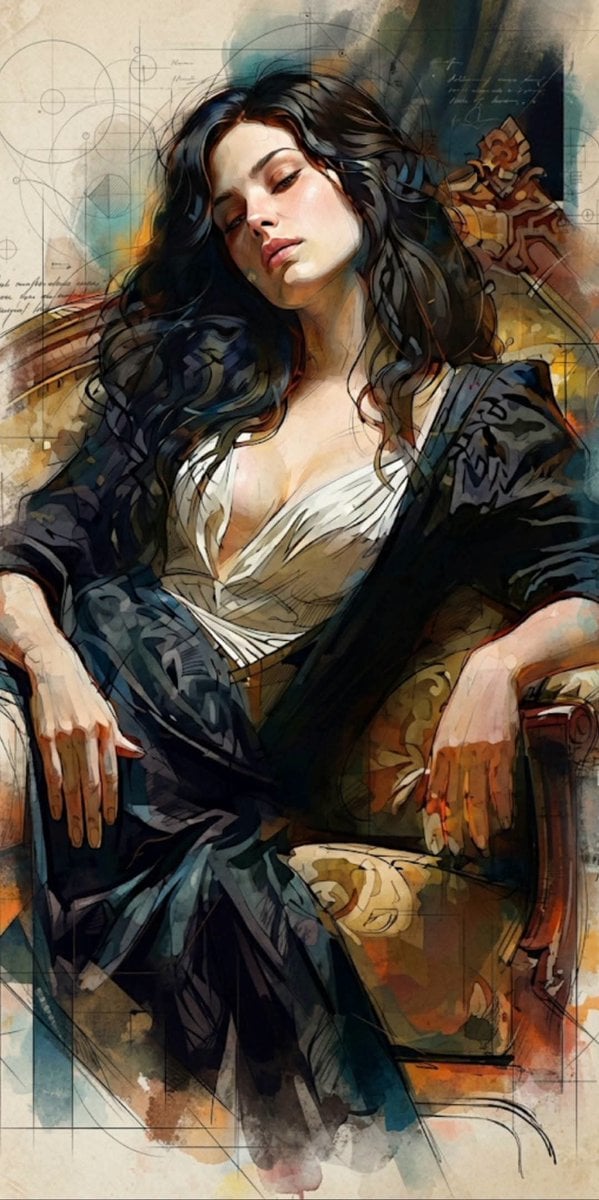
Mixed Media Cinematic Portrait Illustration
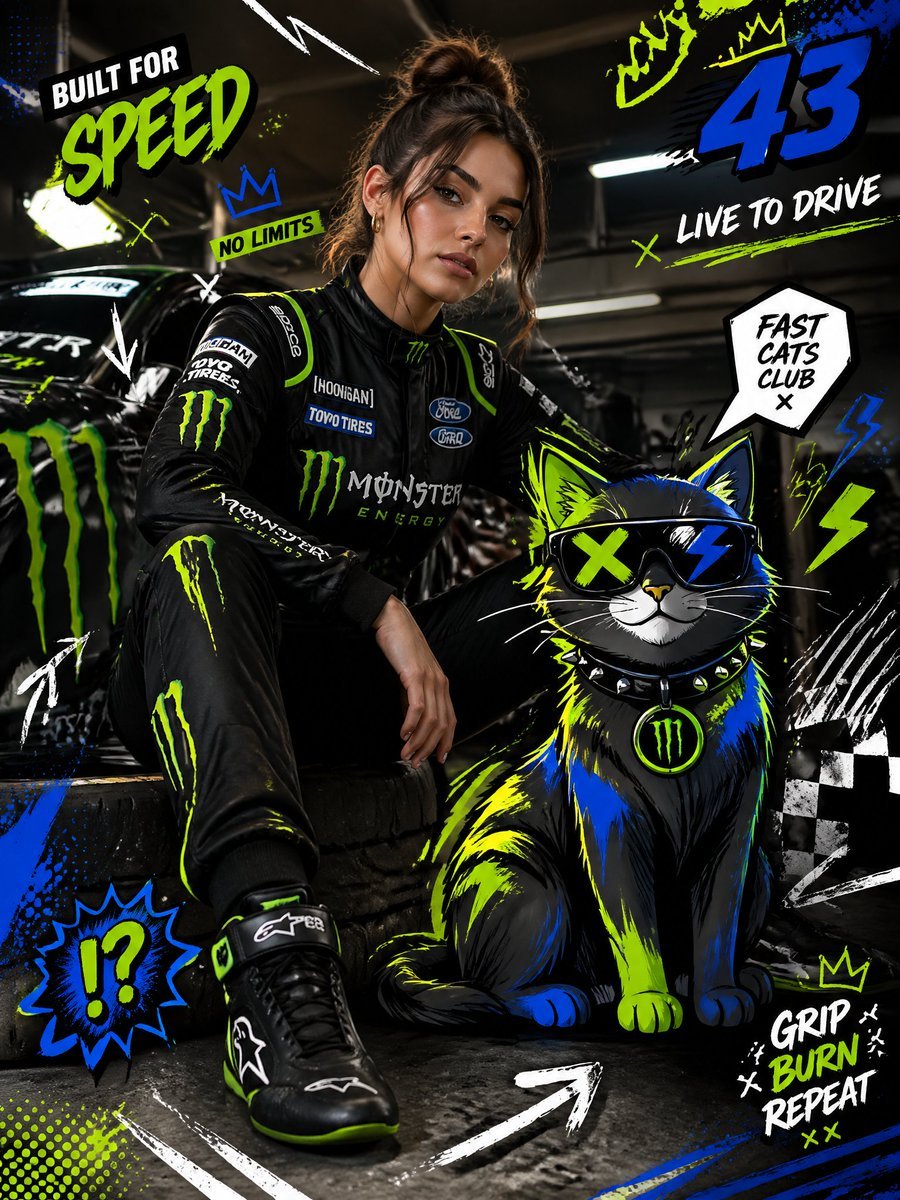
Mixed-Media Fashion Editorial and Cartoon Fusion
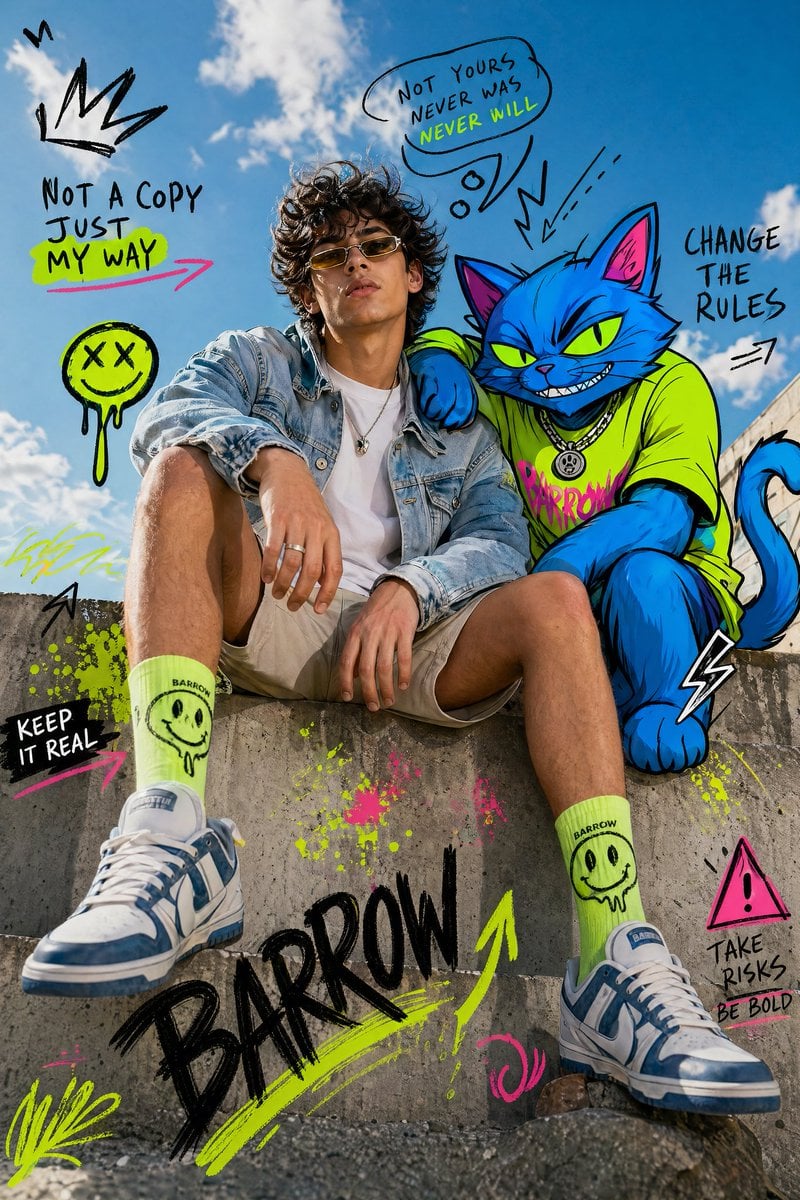
Mixed-Media Fashion Editorial with Neon Cartoon Interaction
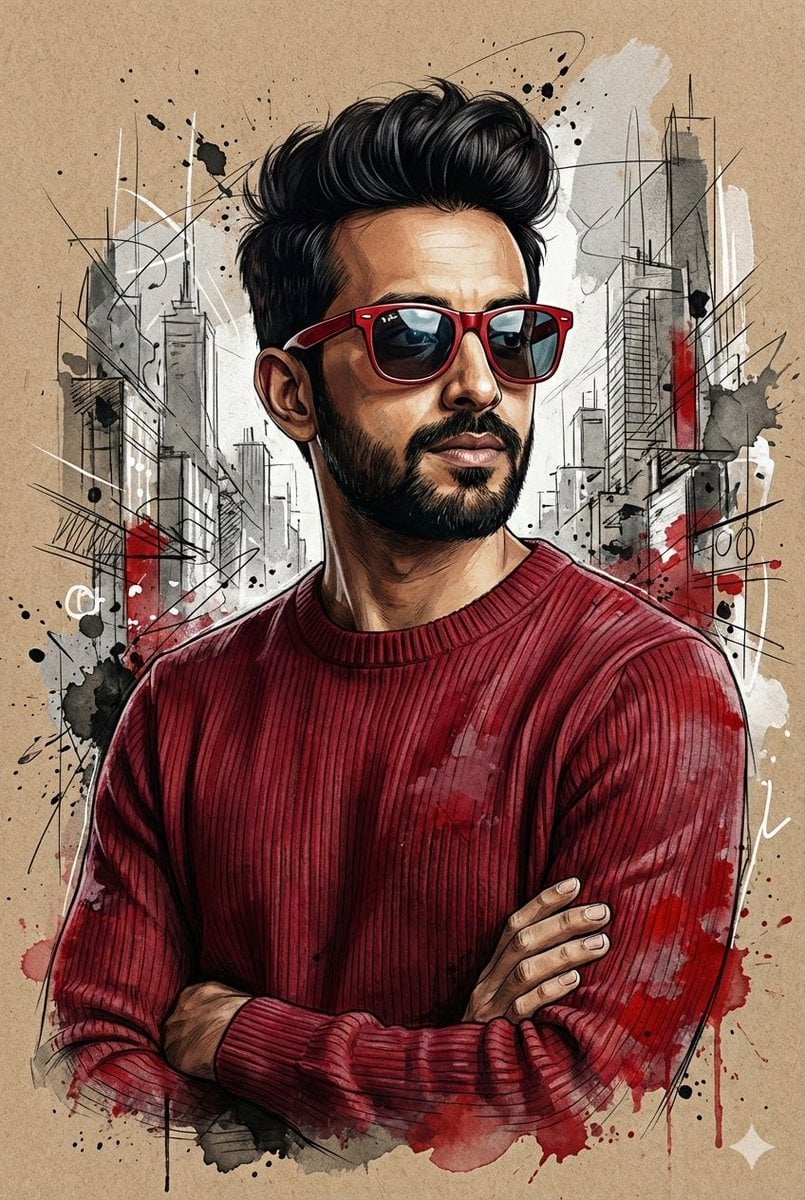
Hyper-Realistic Mixed-Media Illustration Prompt
Make it yours
Mixed-Media Fashion Train Illustration works as-is. These are the safest ways to change it without losing the look.
Change one field
Copy a single group, rewrite it, and generate again so you can see what that field is doing.
Keep the frame, change the subject
Hold the composition and light of Mixed-Media Fashion Train Illustration, then swap wardrobe, props or the person for a new take.
| If the result… | Why | Fix |
|---|---|---|
| The result drifts from the preview | Too many fields changed at once. | Reuse Mixed-Media Fashion Train Illustration as-is first, then change one group — subject, light, or setting. |
| The model over-stylizes the scene | The prose prompt leaves finish and camera underspecified. | Add one camera or lighting sentence and stay on GPT Image 2. |
More GPT Image 2 templates
Other prompts made for GPT Image 2.

Six VTuber Japanese Logo Sheet

Realistic Portrait of Woman and Deer

The Vista Modular Condo Poster

AI Model Routing Comparison Infographic

2.5D Anime Art Board

Isometric Productivity Desk Scene

New York Double Exposure Poster

Four-Panel AI Landscape Comparison

Japanese Tatami Lifestyle Magazine Cover

NESCAFÉ Coffee Map Poster
More image prompts
Fresh picks from across the catalog.
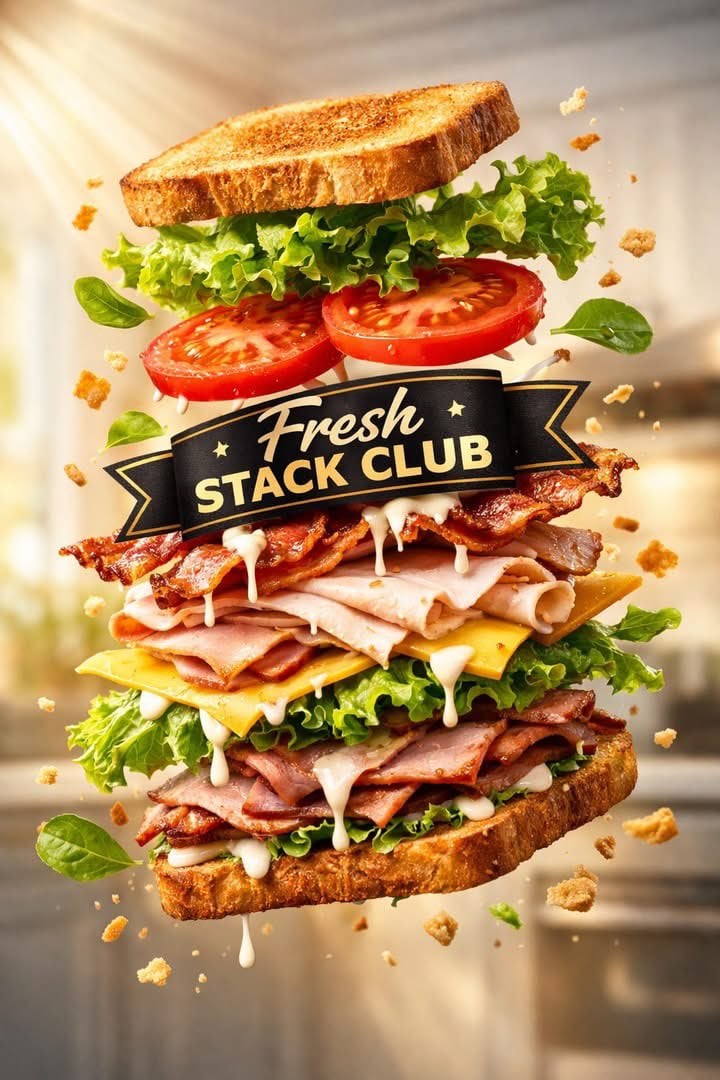
Exploded Tilt View Sandwich Product Photography
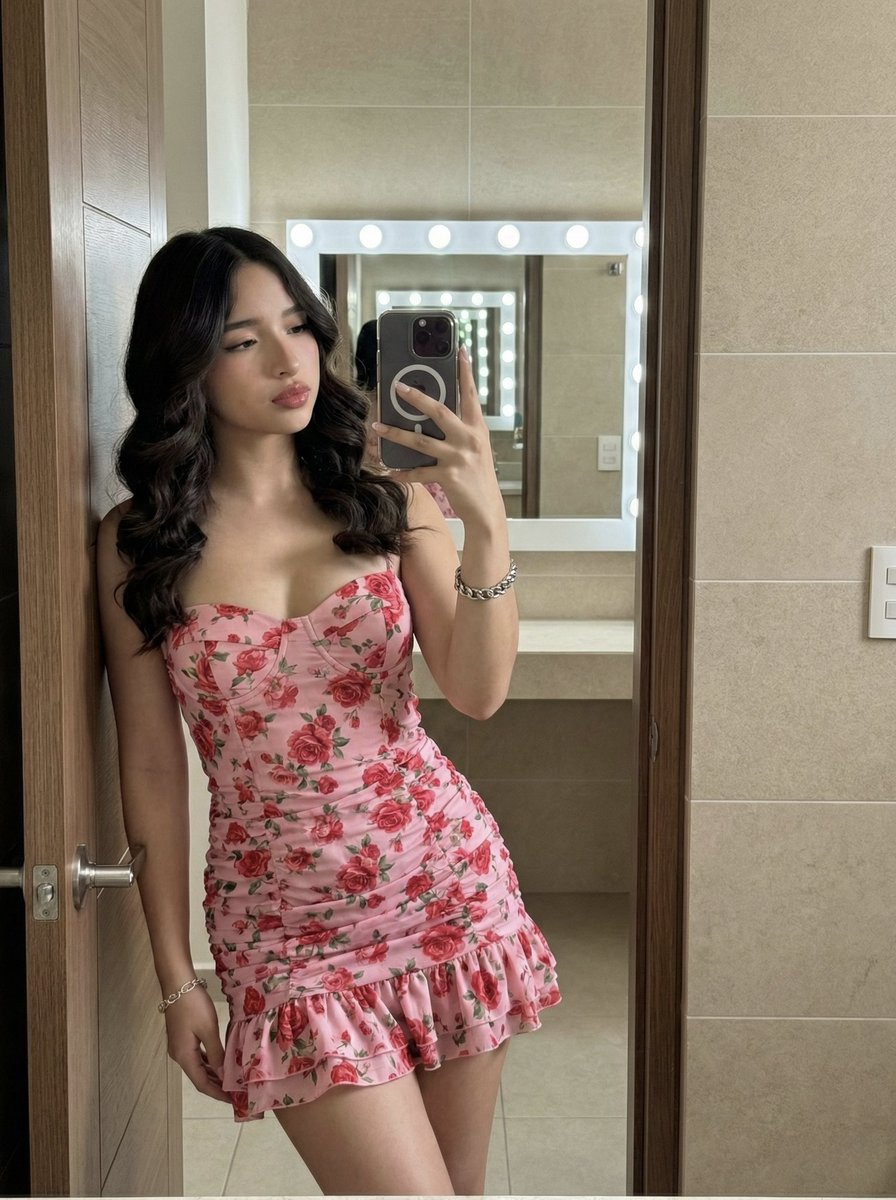
High-Fidelity Mirror Selfie Portrait with Identity Lock
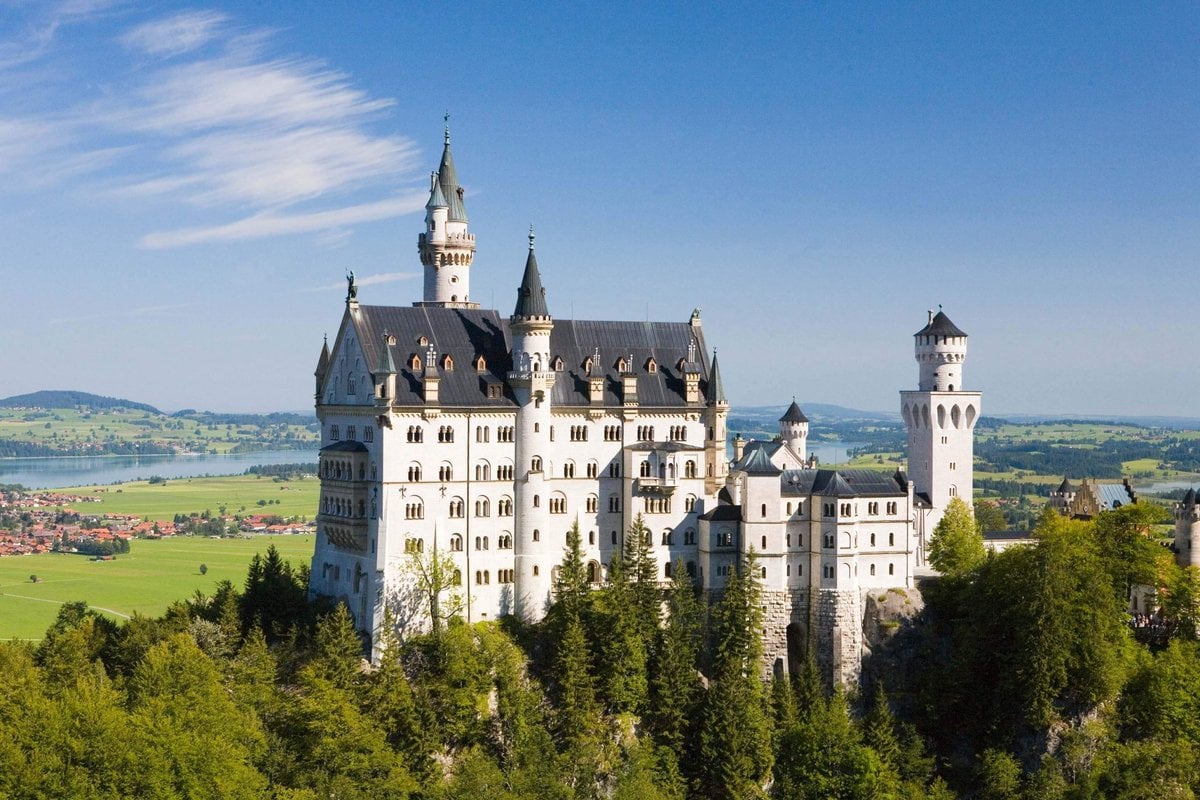
Architectural Blueprint Generation
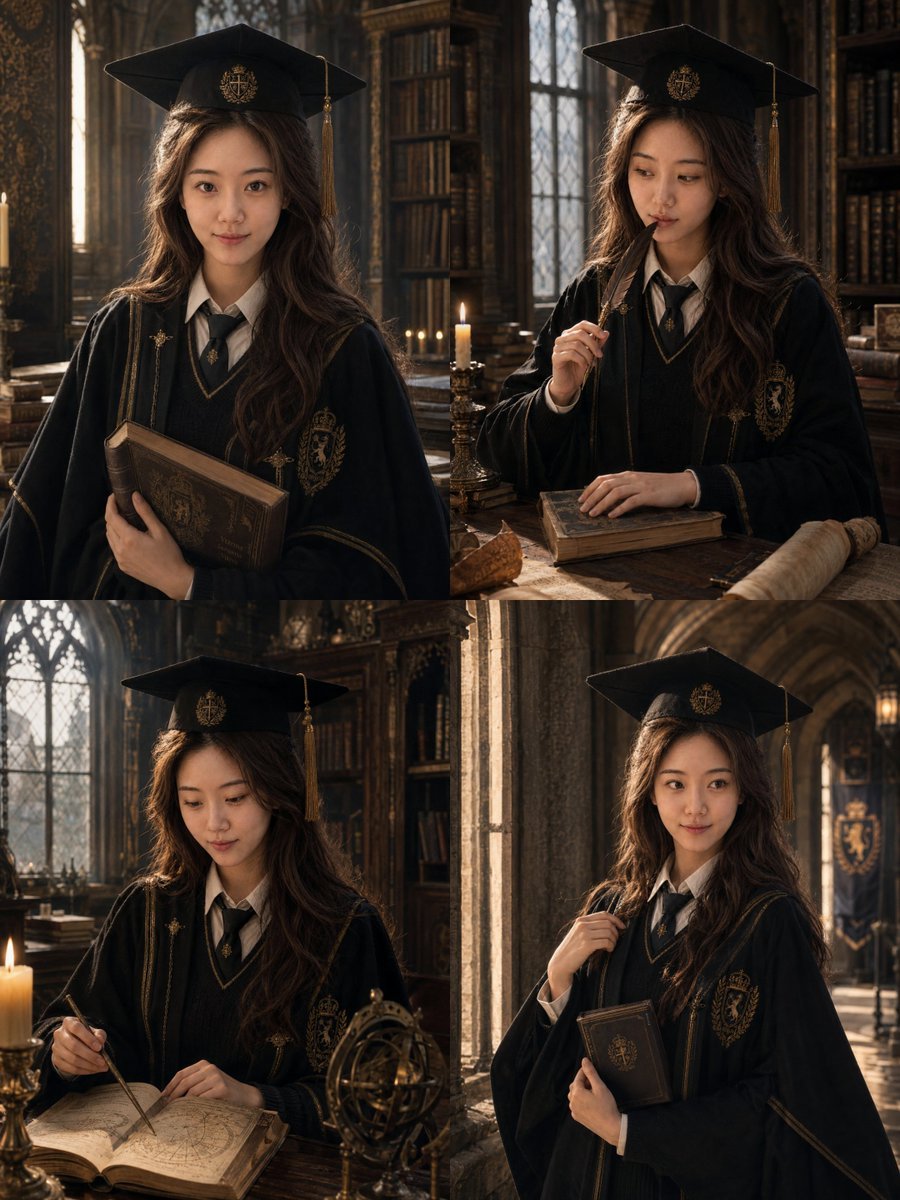
British Magic Academy Graduation Portraits
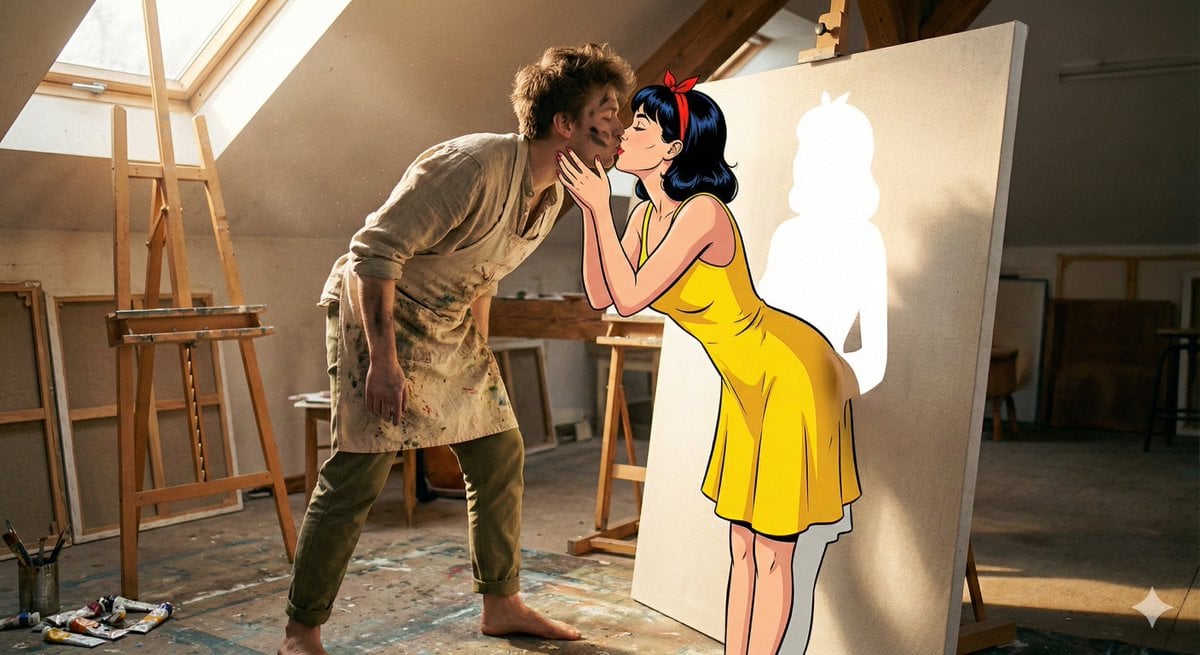
Surreal 2D to 3D Transition Kiss Prompt for Gemini 3
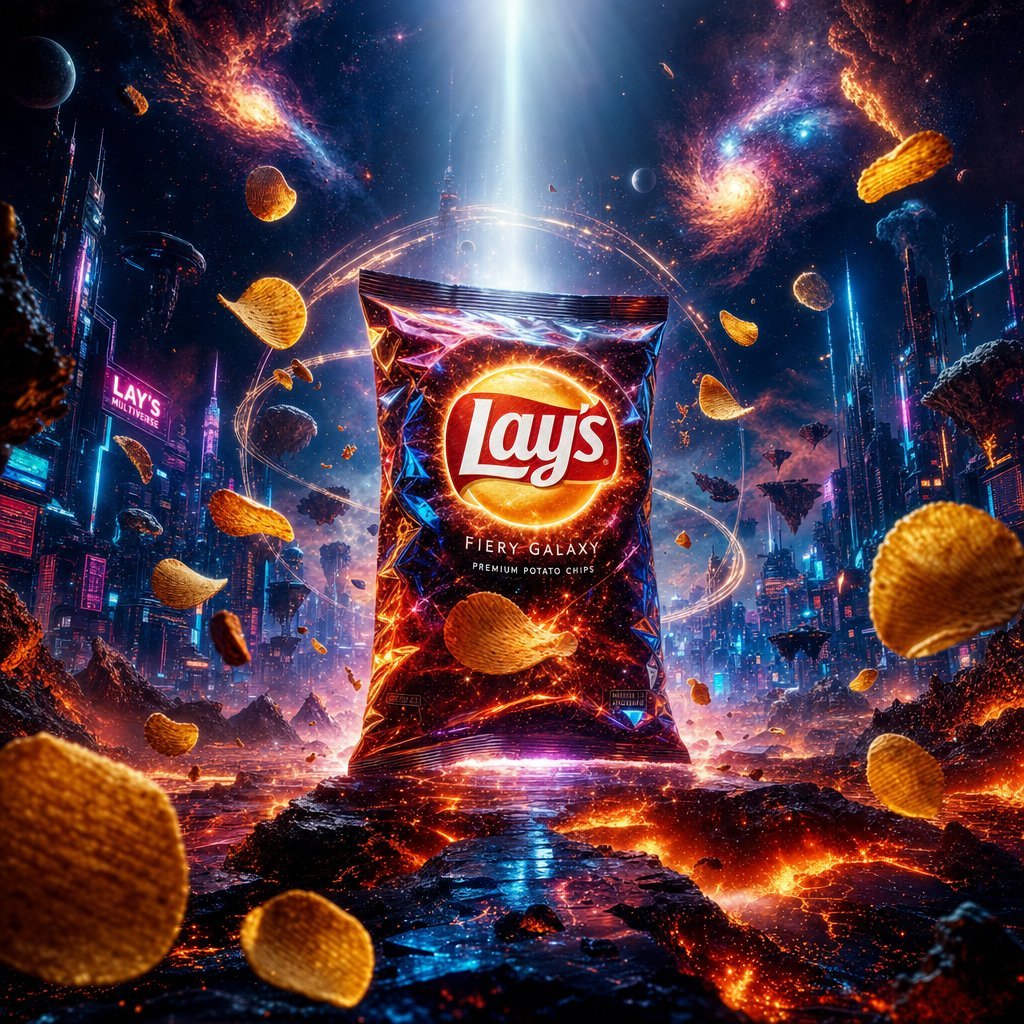
Cinematic Luxury Chip Commercial
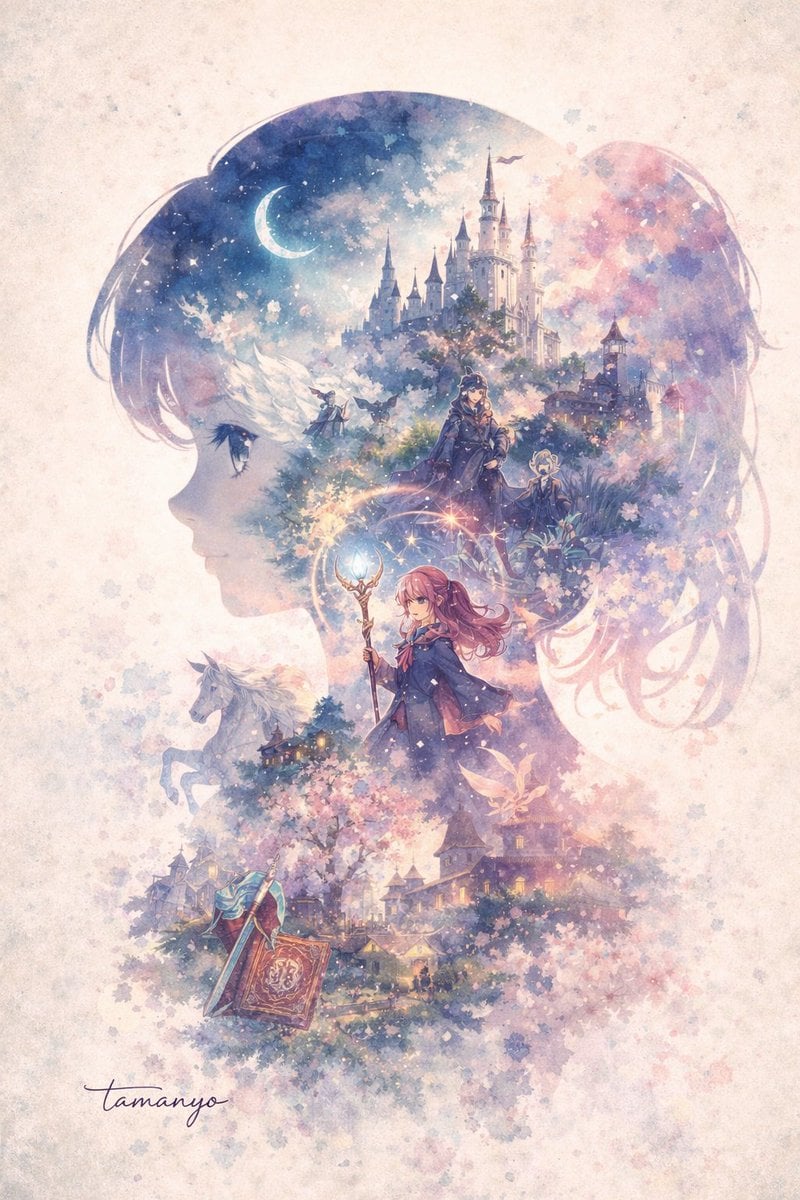
Watercolor Double-Exposure Fantasy Silhouette
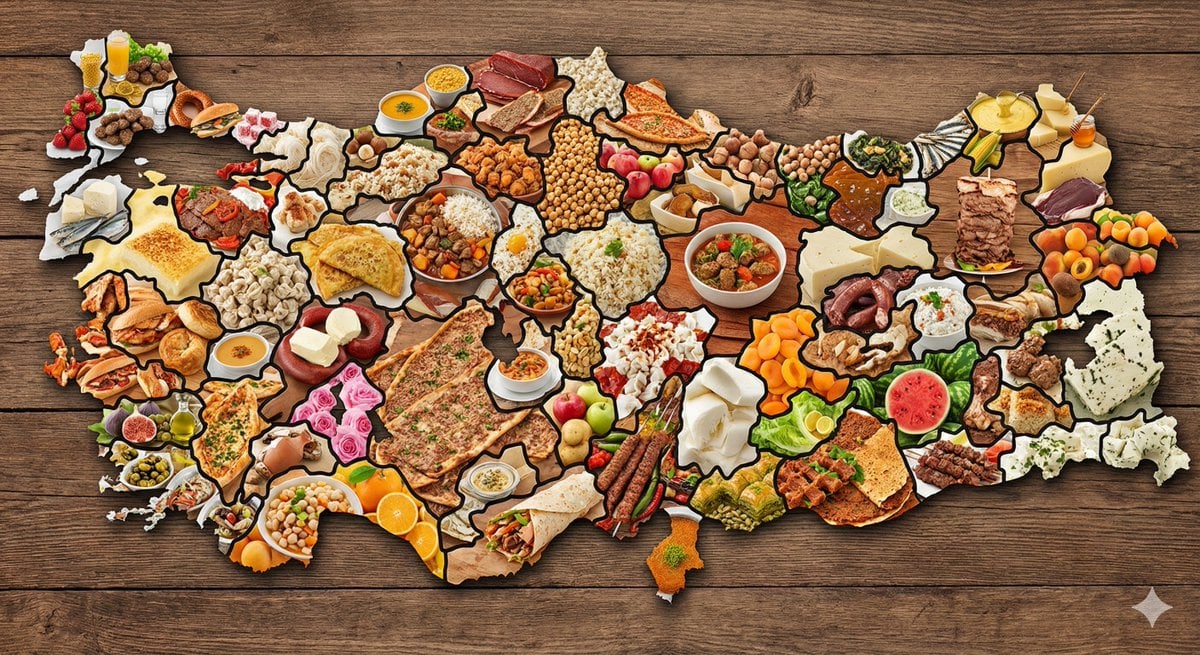
Map of Turkey Made of Local Foods
Black and White Hand-Drawn Eye Pattern
Plastic Model Package Prompt for Nano Banana Pro
Browse template categories
Mixed-Media Fashion Train Illustration questions
How do I use the Mixed-Media Fashion Train Illustration template?
Add your photo if the template asks for one, edit the prompt if you like — the template's model and format are already selected — and press Generate. Your version opens in PicX Studio.
Can I customize the Mixed-Media Fashion Train Illustration template?
Yes. You can change the subject, setting, lighting, mood, format, and available model controls before creating your image.
Is the Mixed-Media Fashion Train Illustration template free?
Opening and editing this template is free. Generating uses credits, shown on the Generate button when you are signed in.
Which AI model should I use?
Start with GPT Image 2, which is the model associated with this template. You can compare another compatible model for a different finish.
Looking for something else? Browse all templates.

Your photo, any look
Thousands of ready templates for every top image and video model, from one credit balance.