
Miniature Woman Coffee Commercial
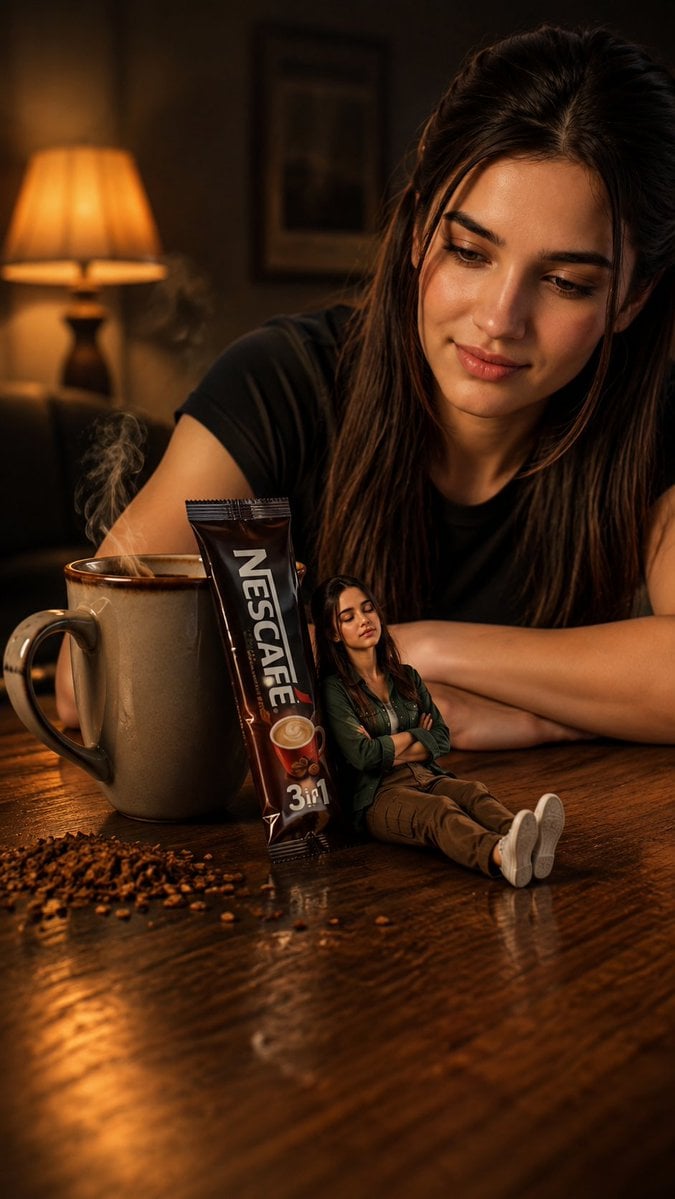
A cinematic realistic coffee advertisement scene showing a woman with a tiny version of herself beside a steaming mug and NESCAFÉ sachet.
- Prompt included
- Model and format preset
- Free template
The prompt behind this image
Copy the exact prompt behind Miniature Woman Coffee Commercial, or open it in the studio and make it yours.
Create a highly realistic cinematic commercial-style portrait scene featuring a {argument name="main subject" default="young South Asian woman"} sitting casually behind a polished wooden table in a warm, cozy indoor room. She has long dark brown hair, natural makeup, soft expressive eyes, and wears a simple black short-sleeve T-shirt; she leans forward with her arms resting on the table, smiling gently and looking down toward the tabletop. On the table in the foreground, place exactly 4 key objects: 1 large beige ceramic mug on the left filled with steaming hot coffee, 1 upright dark brown NESCAFÉ 3-in-1 instant coffee sachet leaning near the mug with clear readable vertical “NESCAFÉ” branding and “3 in 1” text near the bottom, 1 tiny miniature version of the same woman sitting on the tabletop beside the sachet with arms crossed, wearing a dark green jacket, brown pants, and white sneakers, and 1 small scattered pile of coffee granules near the mug. The miniature woman should appear realistic and doll-sized, leaning back against the sachet, eyes closed with a calm confident expression. Use warm amber lamp light from a blurred table lamp in the background on the left, shallow depth of field, realistic steam rising from the mug, glossy wood reflections, cozy evening atmosphere, soft cinematic bokeh, dramatic commercial lighting, ultra-detailed skin texture, realistic proportions, vertical 9:16 composition, no extra people, no extra text beyond the coffee sachet branding.
How to use Miniature Woman Coffee Commercial in 3 steps
- 1Upload ImagePNG, JPG or paste
Add your photo
Upload the photo the template builds on. The prompt, model and format are already set.
- 2…a portrait of your subject in softgolden-hour light, 85mm…
Personalize
Edit the subject and creative details for your destination.
- 3Generate
Generate
Press Generate — your image is created in PicX Studio, so you can compare it with the original and refine one variable at a time.
More like this
Templates with the same subject, style or setup. Open one to see its prompt.

Cappuccino Bottle Splash Product Ad

Paper Tunnel Book Architecture
Woman with 3D Cartoon Miniature

Soft Shadow Studio Minimalist Product Shot
Soft Shadow Studio Minimalist Product Shot

Astronaut Zero-Gravity Coffee Splash

Goalmaster Youth Sports Poster

Isometric Brand Store Diorama

FIFA-Inspired — World Cup Final Goal Net Commercial

Woman with Coffee Portrait

Woman in Mall with Chanel Bag - Heart Gesture

Floating Woman Above Cityscape with Notifications
Make it yours
Miniature Woman Coffee Commercial works as-is. These are the safest ways to change it without losing the look.
Change one field
Copy a single group, rewrite it, and generate again so you can see what that field is doing.
Keep the frame, change the subject
Hold the composition and light of Miniature Woman Coffee Commercial, then swap wardrobe, props or the person for a new take.
| If the result… | Why | Fix |
|---|---|---|
| The result drifts from the preview | Too many fields changed at once. | Reuse Miniature Woman Coffee Commercial as-is first, then change one group — subject, light, or setting. |
| The model over-stylizes the scene | The prose prompt leaves finish and camera underspecified. | Add one camera or lighting sentence and stay on GPT Image 2. |
More GPT Image 2 templates
Other prompts made for GPT Image 2.

Six VTuber Japanese Logo Sheet

Realistic Portrait of Woman and Deer

The Vista Modular Condo Poster

AI Model Routing Comparison Infographic

2.5D Anime Art Board

Isometric Productivity Desk Scene

New York Double Exposure Poster

Four-Panel AI Landscape Comparison

Japanese Tatami Lifestyle Magazine Cover

NESCAFÉ Coffee Map Poster
More image prompts
Fresh picks from across the catalog.
Cinematic Automotive Portrait Identity-Locked Prompt
Margaret Qualley Red Leather Editorial Prompt
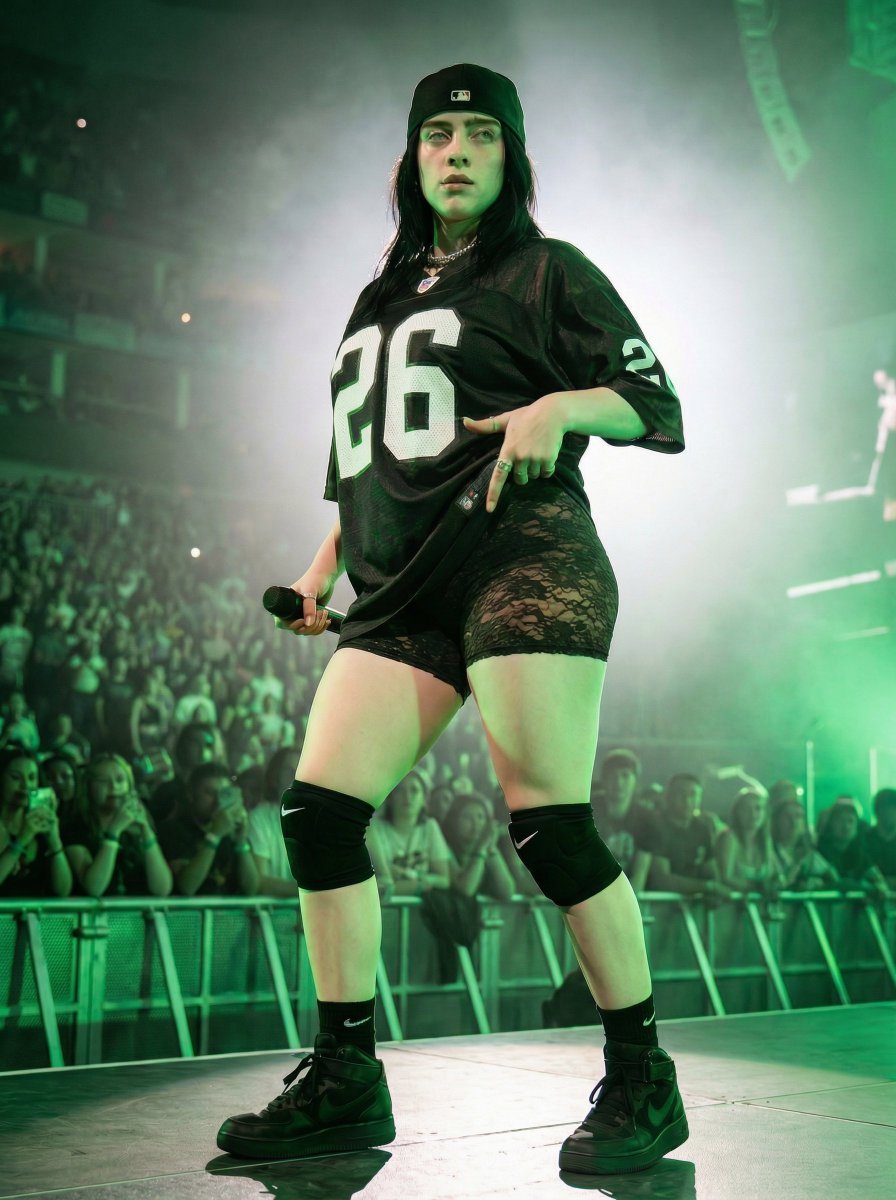
Ultra-Realistic Concert Photography Prompt
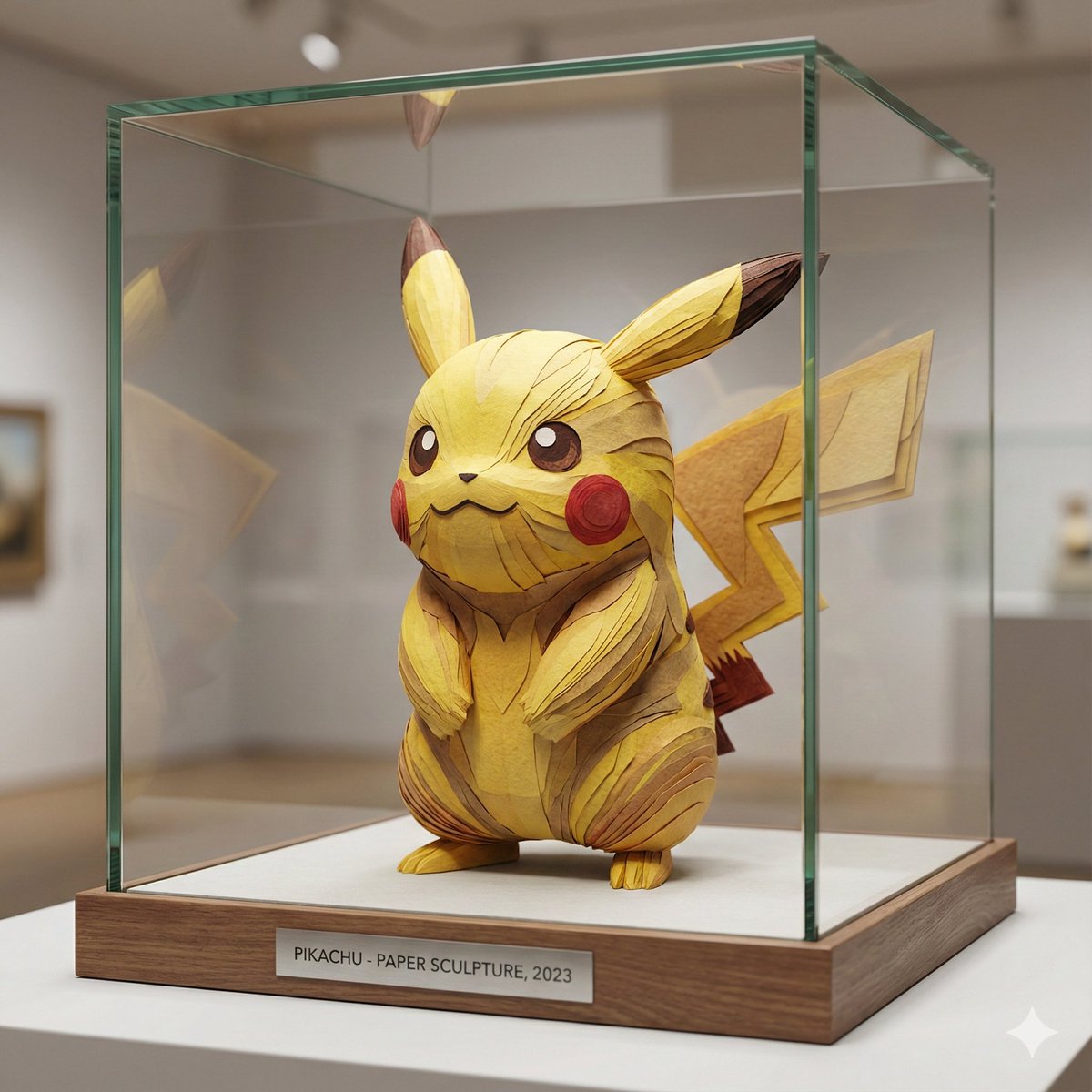
Cartoon Character Paper Sculpture Museum Display

Alpine Meadow Travel Selfie Portrait
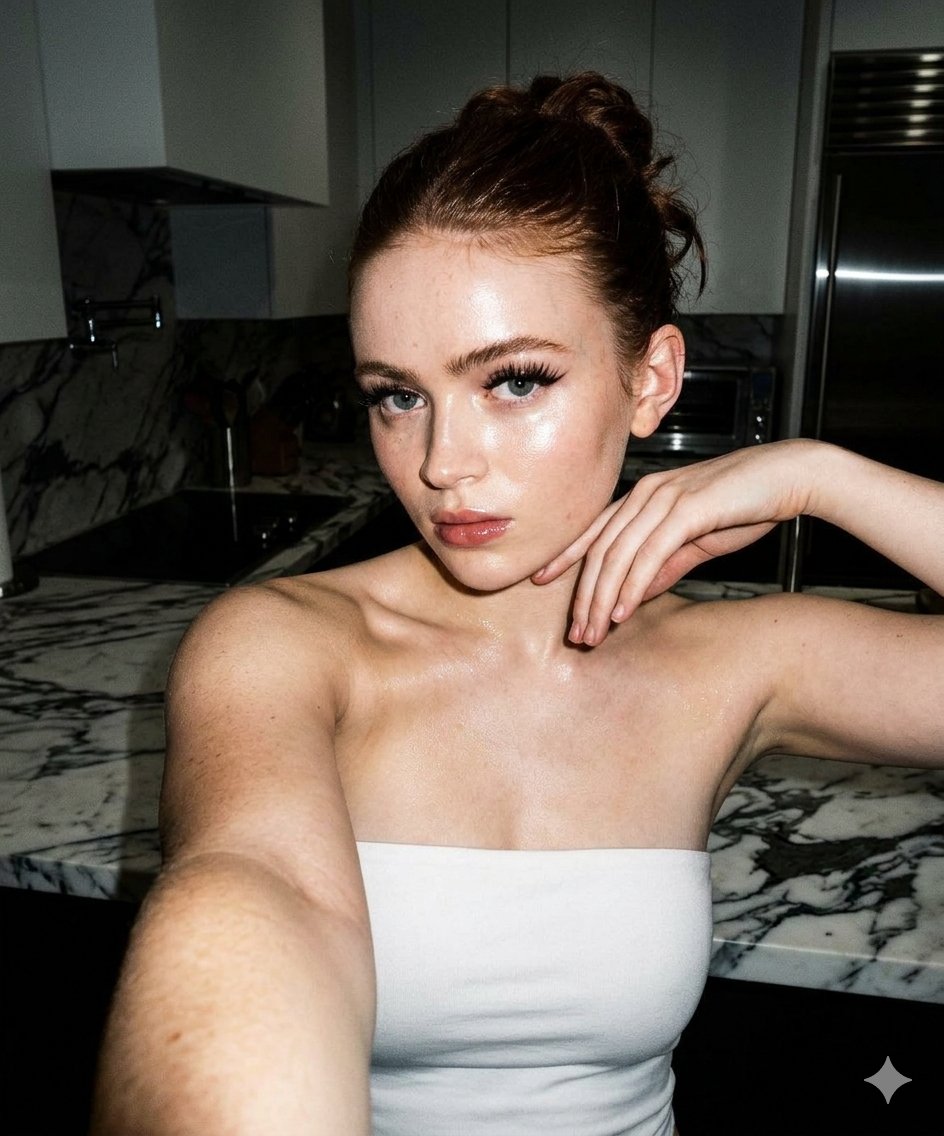
High-Contrast Selfie Photo Prompt in Modern Kitchen
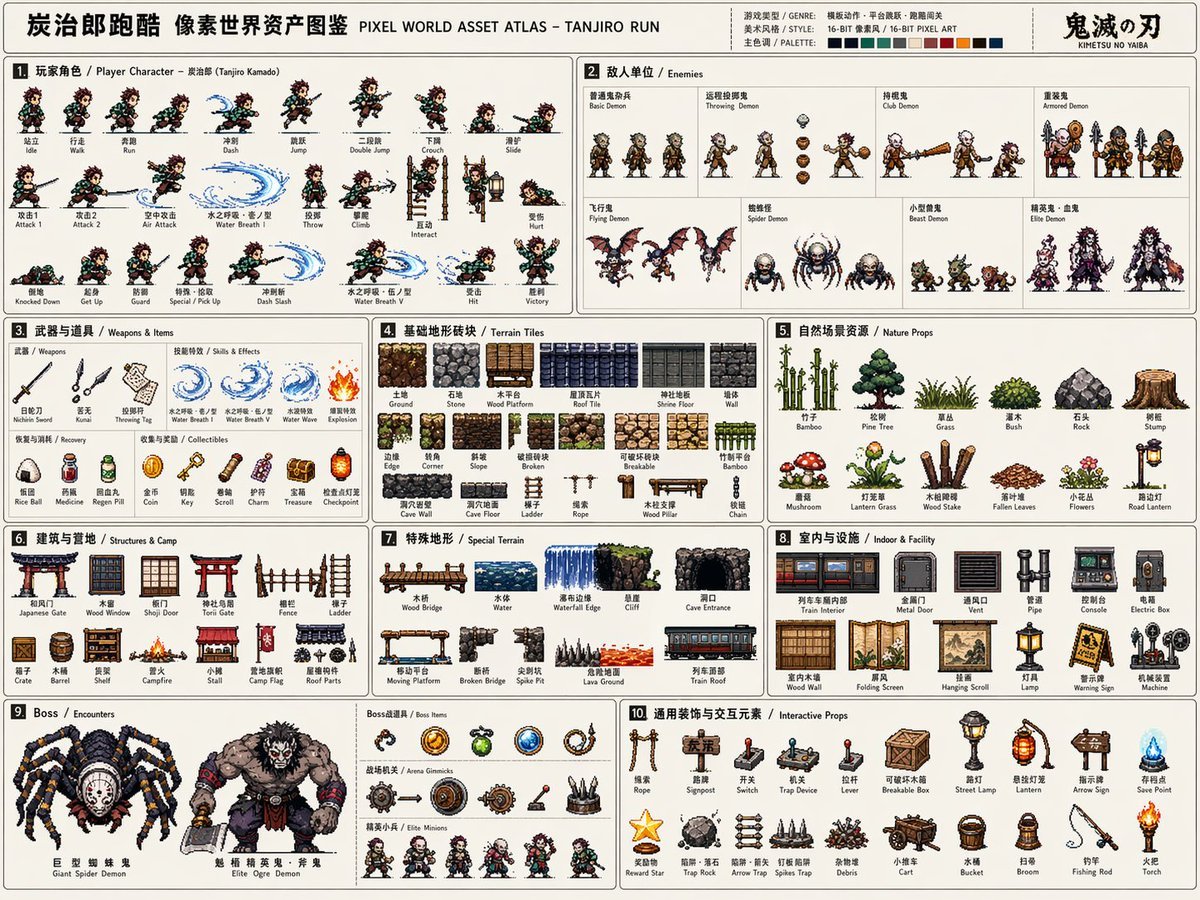
Pixel Game Asset Atlas Template
Intimate Portrait of a Couple in an Upscale Restaurant
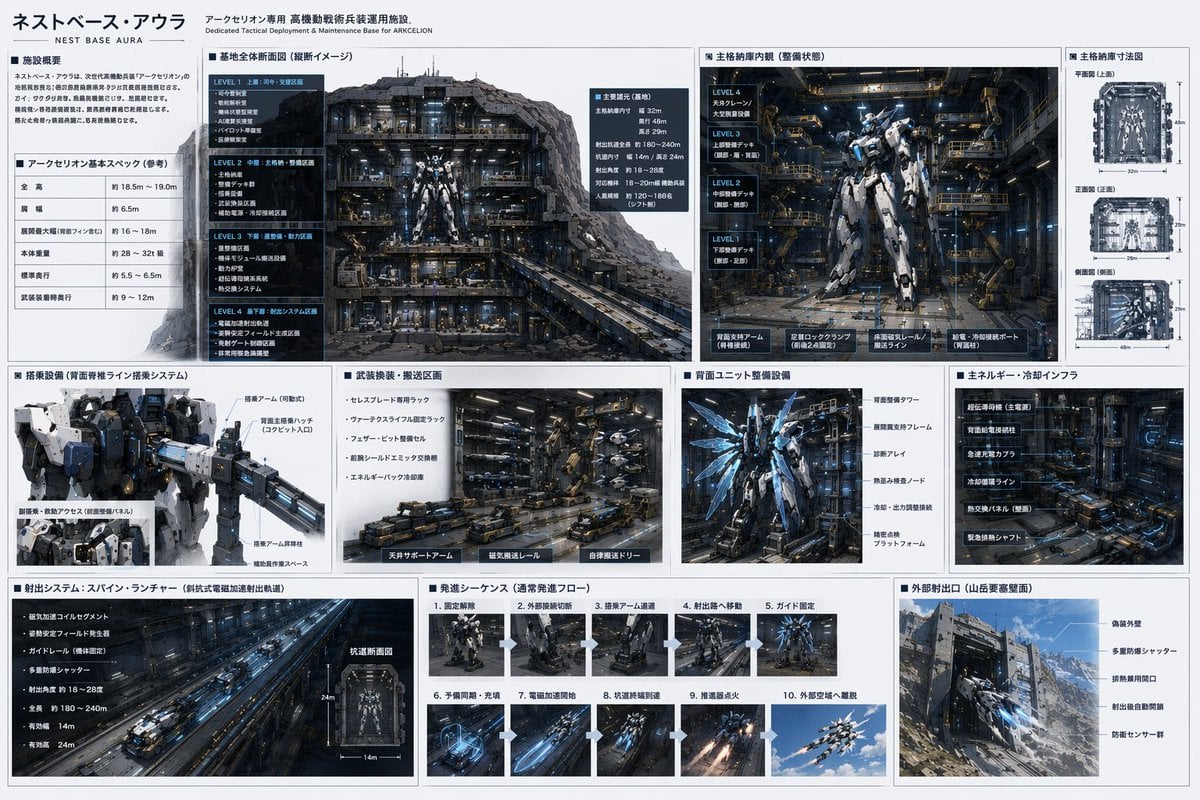
Mecha Base Technical Spec Sheet
Chinese Dorm Livestream Screenshot
Browse template categories
Miniature Woman Coffee Commercial questions
How do I use the Miniature Woman Coffee Commercial template?
Add your photo if the template asks for one, edit the prompt if you like — the template's model and format are already selected — and press Generate. Your version opens in PicX Studio.
Can I customize the Miniature Woman Coffee Commercial template?
Yes. You can change the subject, setting, lighting, mood, format, and available model controls before creating your image.
Is the Miniature Woman Coffee Commercial template free?
Opening and editing this template is free. Generating uses credits, shown on the Generate button when you are signed in.
Which AI model should I use?
Start with GPT Image 2, which is the model associated with this template. You can compare another compatible model for a different finish.
Looking for something else? Browse all templates.

Your photo, any look
Thousands of ready templates for every top image and video model, from one credit balance.