
Pink-Haired Character Reference Sheet
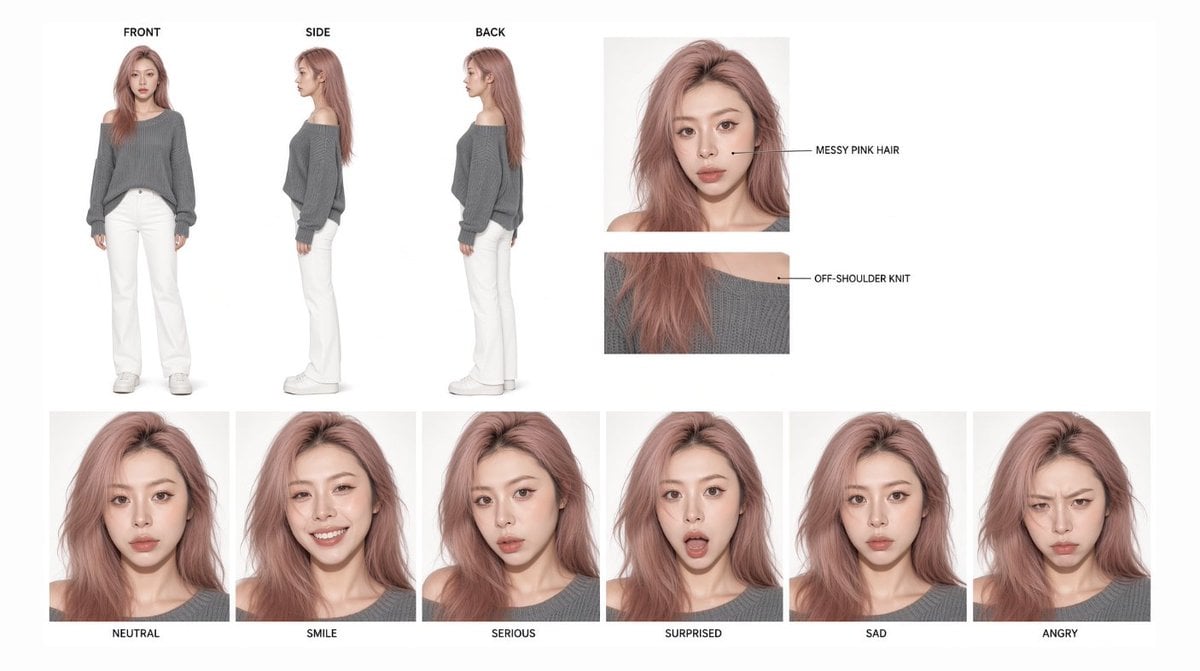
A clean studio character consistency sheet showing one fashion model in turnaround views, detail callouts, and six labeled expressions.
- Prompt included
- Model and format preset
- Free template
The prompt behind this image
Copy the exact prompt behind Pink-Haired Character Reference Sheet, or open it in the studio and make it yours.
Goal: Create a clean studio character consistency sheet for {argument name="character name" default="a young woman"}, designed as a model reference board for gpt-image-2. Canvas: Wide horizontal 16:9 white background, minimalist editorial layout, soft even studio lighting, realistic high-fashion photography style, sharp but natural skin texture, no watermark. Layout: Use exactly two rows. The top row contains 5 panels: 3 full-body standing turnarounds on the left labeled FRONT, SIDE, and BACK, plus 2 cropped detail callout panels on the right. The bottom row contains exactly 6 square head-and-shoulders expression portraits aligned evenly across the width. Subject details: The same young East Asian woman appears consistently in every panel, with pale skin, slim build, soft oval face, large eyes with subtle eyeliner, straight brows, small nose, full natural lips, and {argument name="hair color" default="messy dusty pink hair"}. Her hair is long, slightly wavy, tousled, side-parted, and voluminous, falling past the shoulders. Outfit is consistent: {argument name="top" default="loose gray off-shoulder knit sweater"}, white straight-leg pants, and white sneakers. Keep the sweater slouchy with one shoulder exposed and long sleeves covering part of the hands. Top row details: The 3 full-body views show the character standing neutrally against pure white: FRONT view facing camera, SIDE view in profile, BACK view turned away with hair visible down the back. Add small uppercase black labels above each full-body figure: FRONT, SIDE, BACK. To the right, include a close-up face portrait with a thin black horizontal callout line pointing to the hair and the label MESSY PINK HAIR. Beneath it, include a cropped shoulder-and-knit texture detail with a thin black callout line and the label OFF-SHOULDER KNIT. Bottom row expression set: Include exactly 6 expression portraits of the same character, each cropped from chest or shoulders up and labeled in small uppercase black text underneath. From left to right: 1) NEUTRAL, calm mouth closed; 2) SMILE, bright friendly smile showing teeth; 3) SERIOUS, focused slightly pouty expression; 4) SURPRISED, eyes wide and mouth open; 5) SAD, subdued downturned mouth and tired eyes; 6) ANGRY, furrowed brows and tight pout. Visual style: High-key white studio photography, clean fashion look, crisp product-reference composition, consistent face identity across all panels, realistic proportions, soft shadows, muted pastel pink and gray color palette. Constraints: Use exactly 3 full-body views, exactly 2 detail callouts, and exactly 6 expression portraits. Keep all labels in English uppercase, small black sans-serif type. Do not add extra props, extra characters, logos, borders, decorative graphics, or additional expressions.
How to use Pink-Haired Character Reference Sheet in 3 steps
- 1Upload ImagePNG, JPG or paste
Add your photo
Upload the photo the template builds on. The prompt, model and format are already set.
- 2…a portrait of your subject in softgolden-hour light, 85mm…
Personalize
Edit the subject and creative details for your destination.
- 3Generate
Generate
Press Generate — your image is created in PicX Studio, so you can compare it with the original and refine one variable at a time.
More like this
Templates with the same subject, style or setup. Open one to see its prompt.

Dancer Character - Four View Reference Sheet

Movement Sheet - Dance Reference (Seedance 2.0)
Pink-Haired Nymph in Bouguereau Style

Gray Studio Character Reference Sheet

Anime Character Sheet Reference Prompt
Photoreal Character Reference Sheet
Ciao Nova Character Reference Sheet
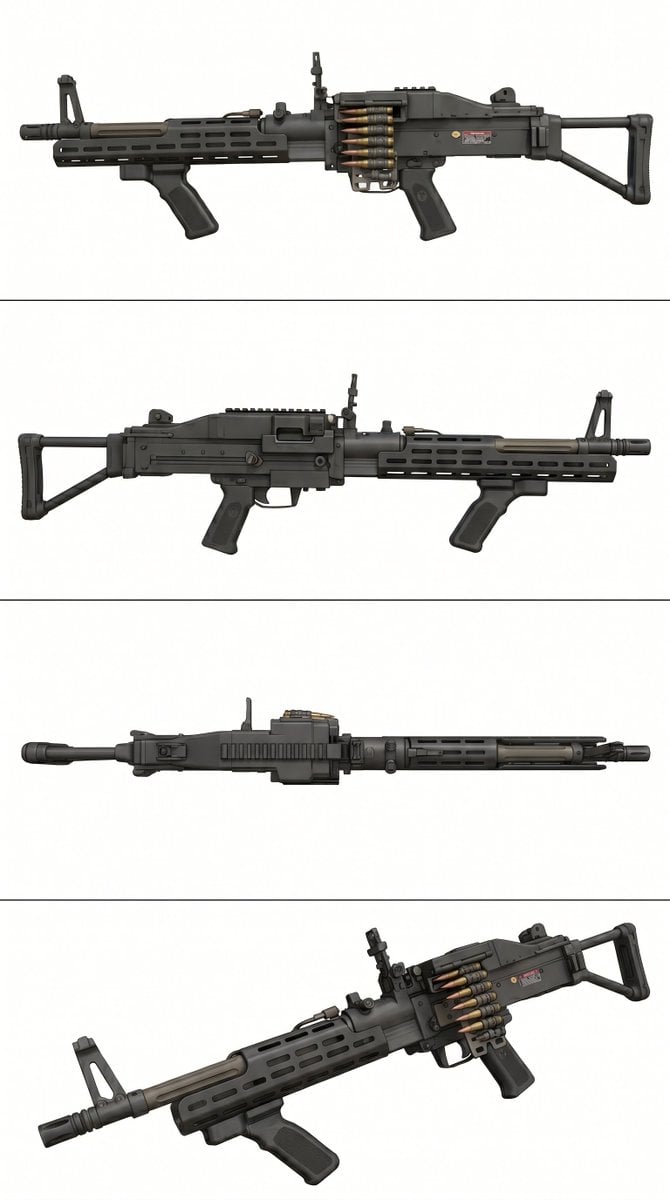
Tactical Machine Gun Reference Sheet
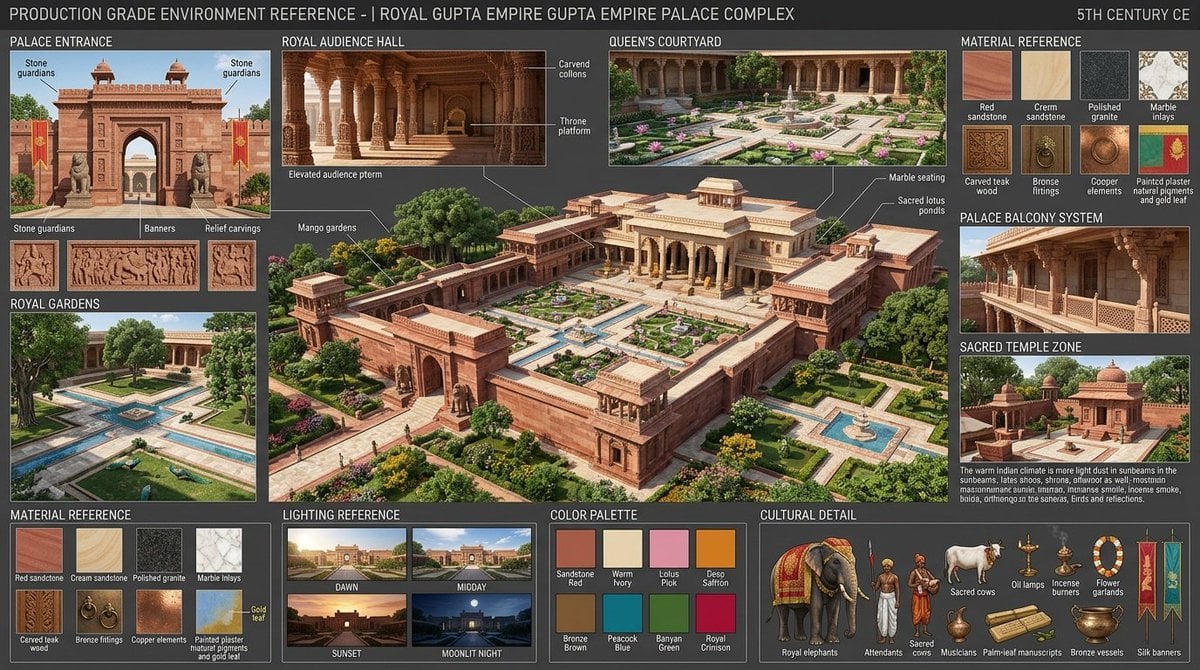
Gupta Palace Environment Reference Sheet
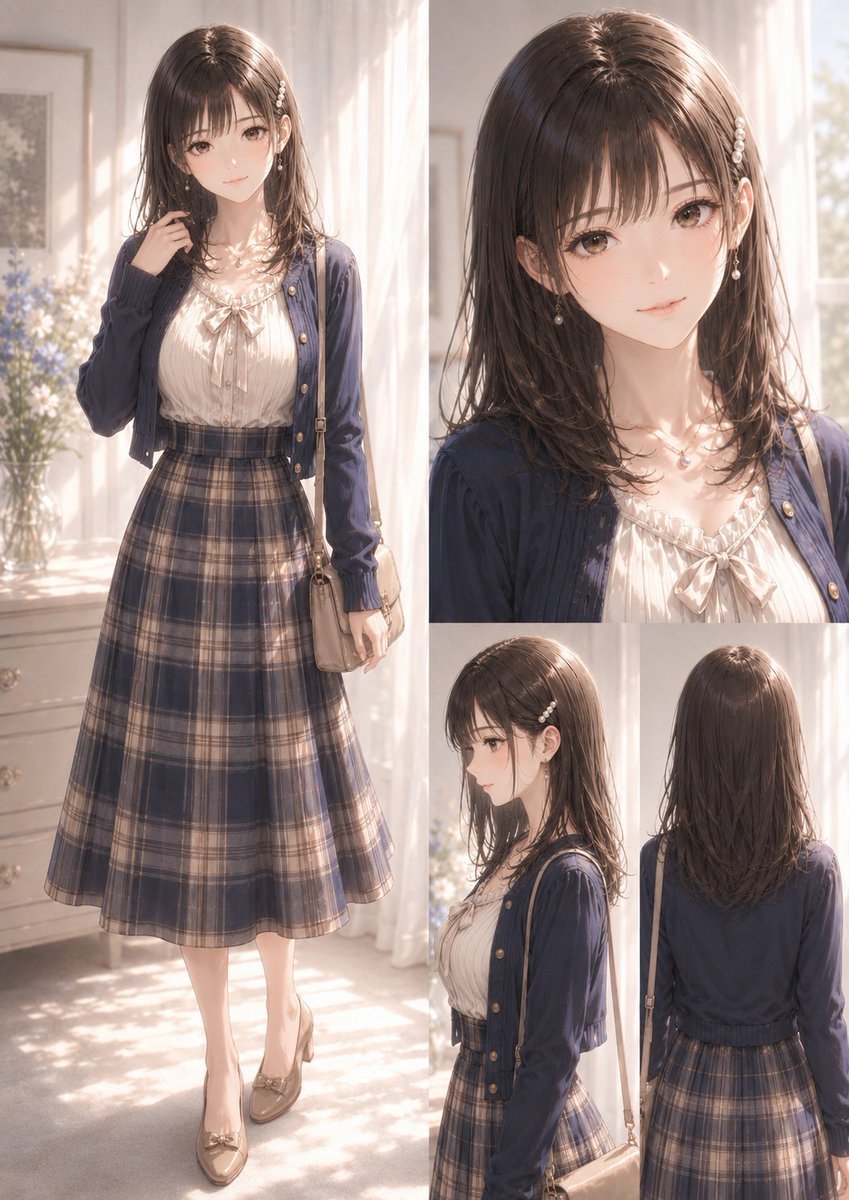
Elegant Anime Fashion Reference Sheet
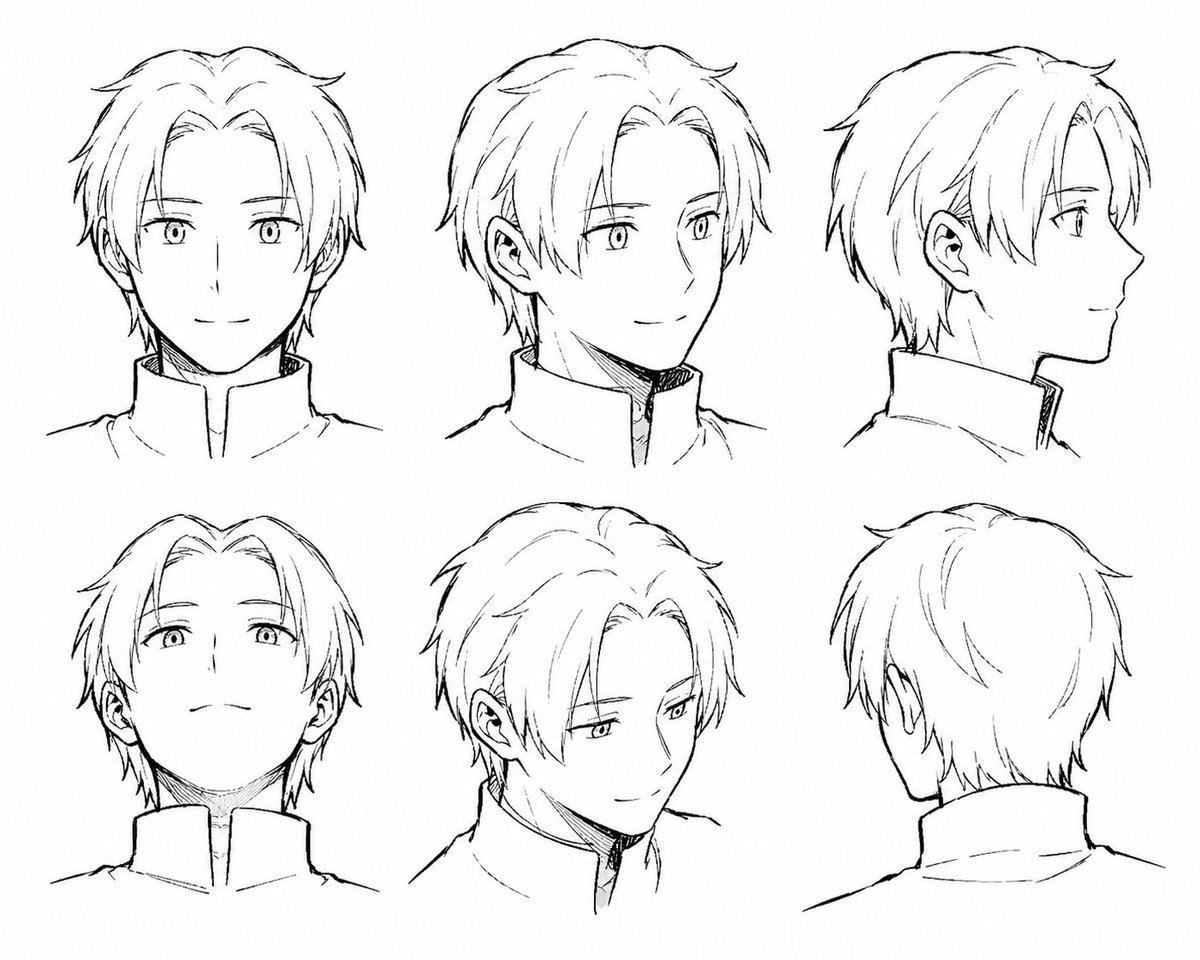
Manga Male Hairstyle Reference Sheet
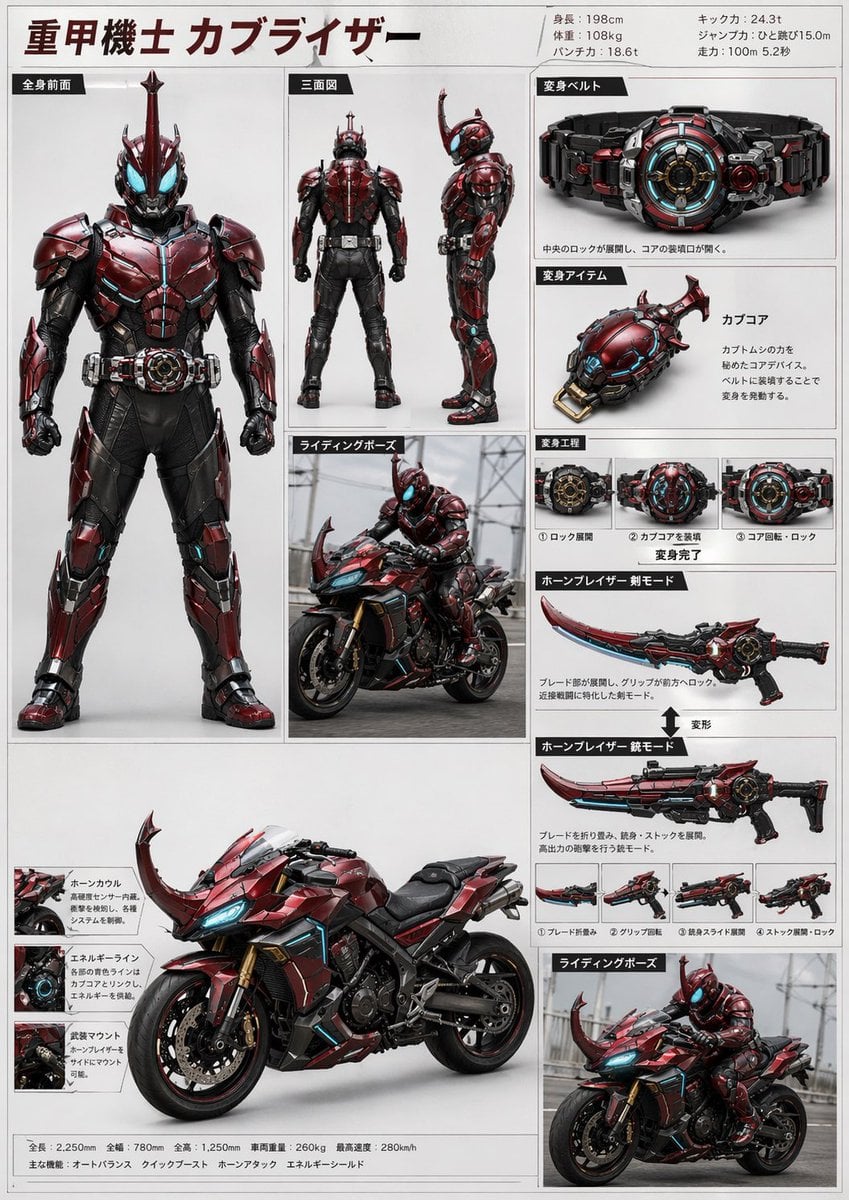
Tokusatsu Hero Reference Sheet
Make it yours
Pink-Haired Character Reference Sheet works as-is. These are the safest ways to change it without losing the look.
Change one field
Copy a single group, rewrite it, and generate again so you can see what that field is doing.
Keep the frame, change the subject
Hold the composition and light of Pink-Haired Character Reference Sheet, then swap wardrobe, props or the person for a new take.
| If the result… | Why | Fix |
|---|---|---|
| The result drifts from the preview | Too many fields changed at once. | Reuse Pink-Haired Character Reference Sheet as-is first, then change one group — subject, light, or setting. |
| The model over-stylizes the scene | The prose prompt leaves finish and camera underspecified. | Add one camera or lighting sentence and stay on GPT Image 2. |
More GPT Image 2 templates
Other prompts made for GPT Image 2.

Six VTuber Japanese Logo Sheet

Realistic Portrait of Woman and Deer

The Vista Modular Condo Poster

AI Model Routing Comparison Infographic

2.5D Anime Art Board

Isometric Productivity Desk Scene

New York Double Exposure Poster

Four-Panel AI Landscape Comparison

Japanese Tatami Lifestyle Magazine Cover

NESCAFÉ Coffee Map Poster
More image prompts
Fresh picks from across the catalog.
Prompt for Editorial Photo Shoot Model Posing in Street
Silver Pearl Couture Portrait
Zero Balance Bank Storyboard
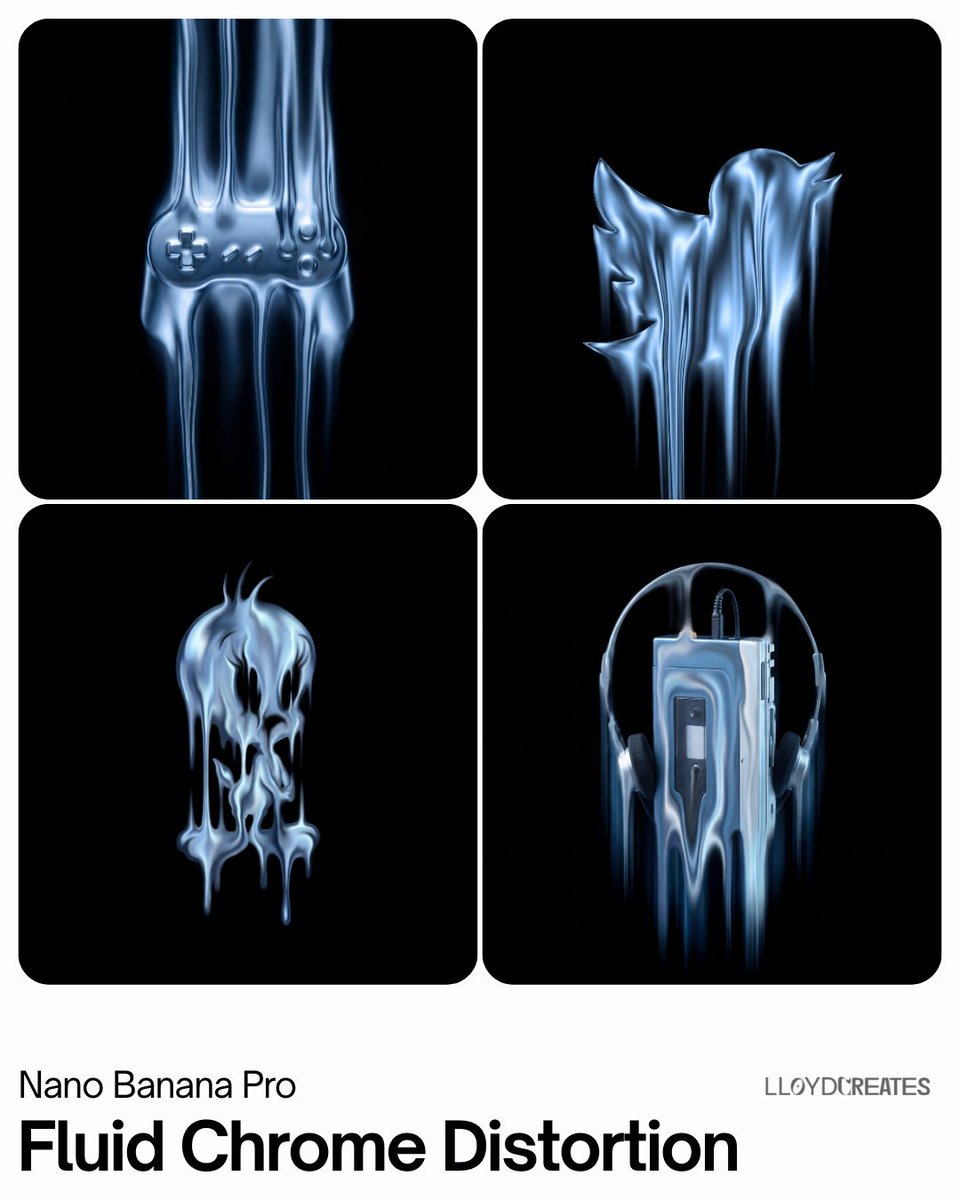
Fluid Chrome Distortion Product Render
Gemini Nano Banana Cinematic Cigar Loung
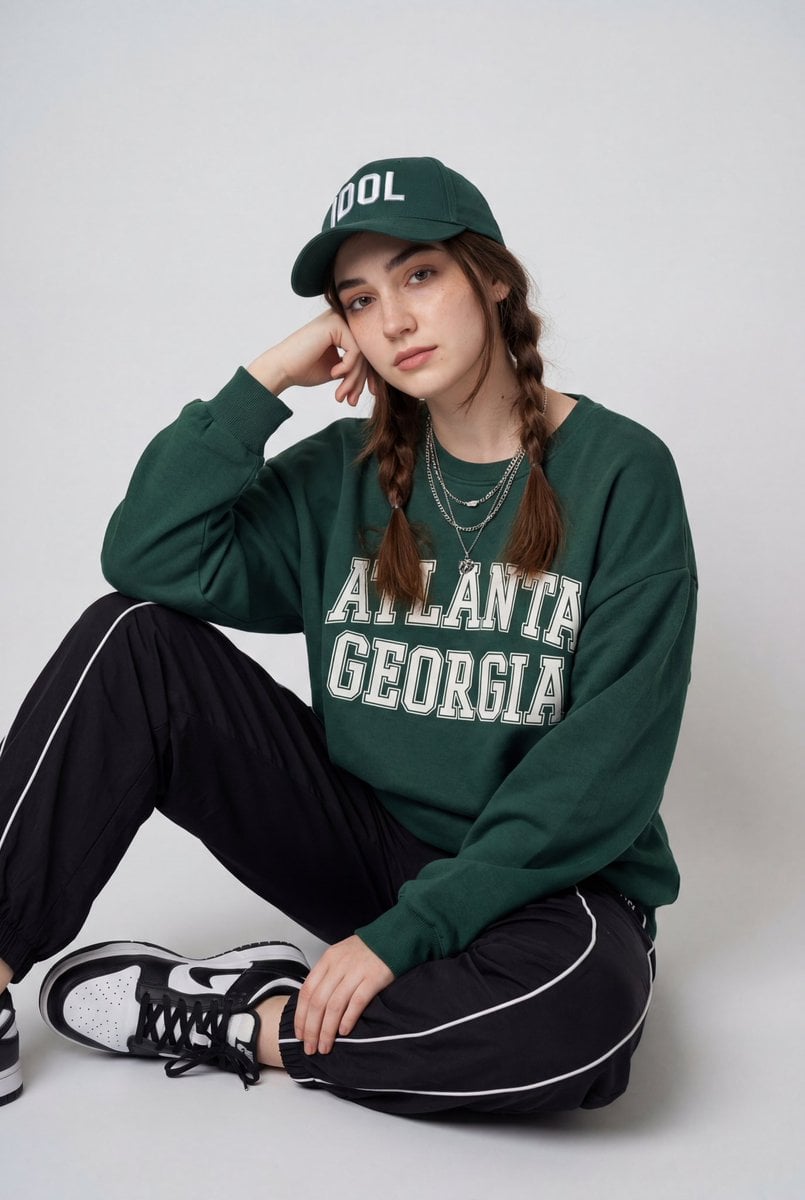
Streetwear Fashion Editorial Studio Portrait Prompt
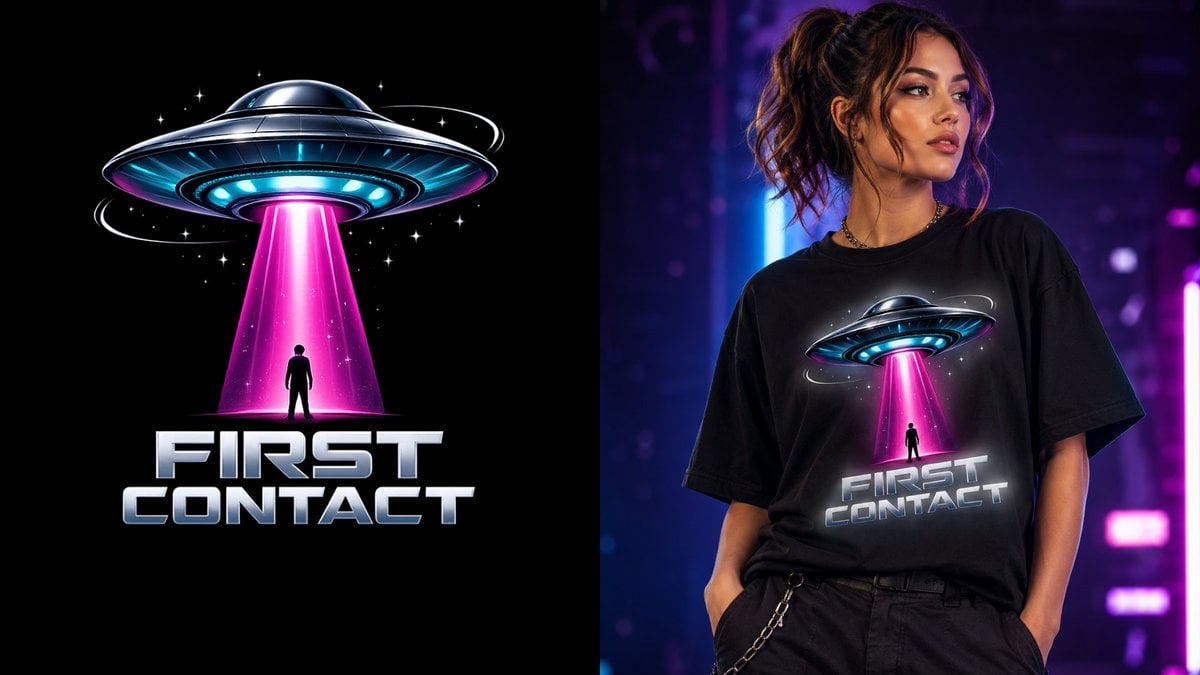
First Contact Sci-Fi T-Shirt Design
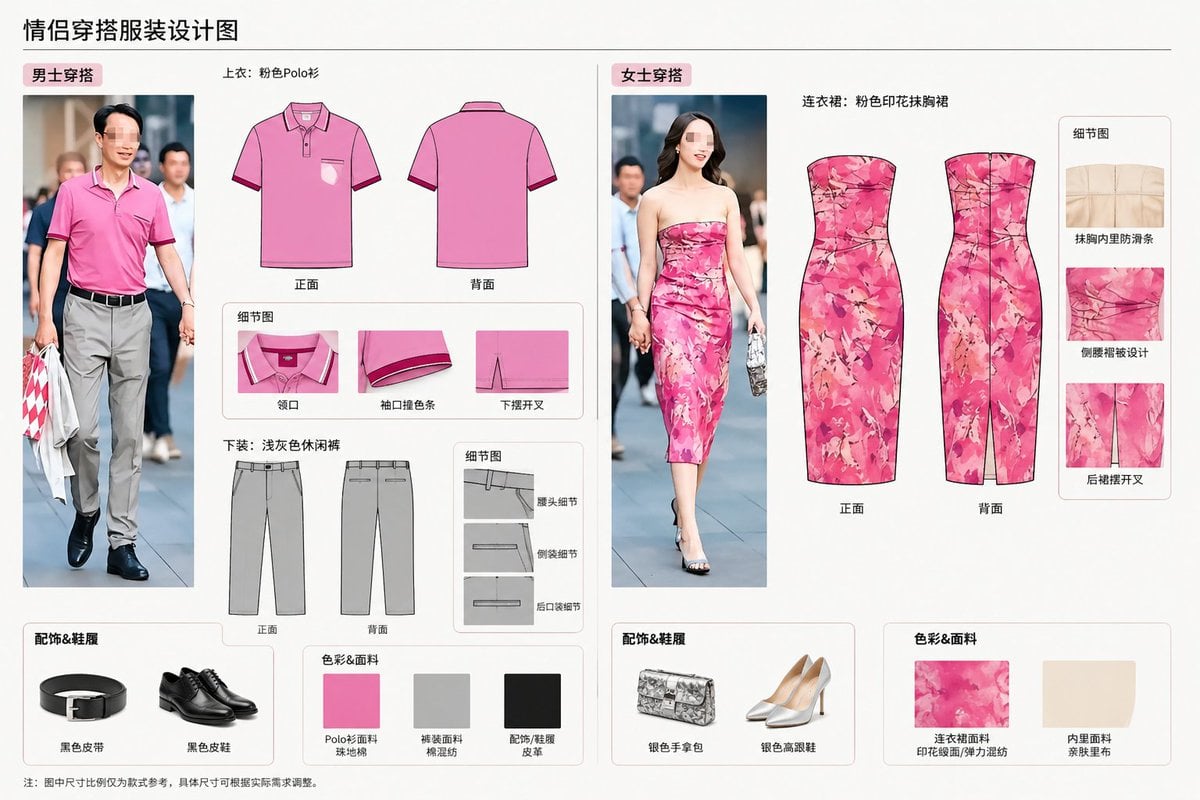
Real-World Clothing Deconstruction
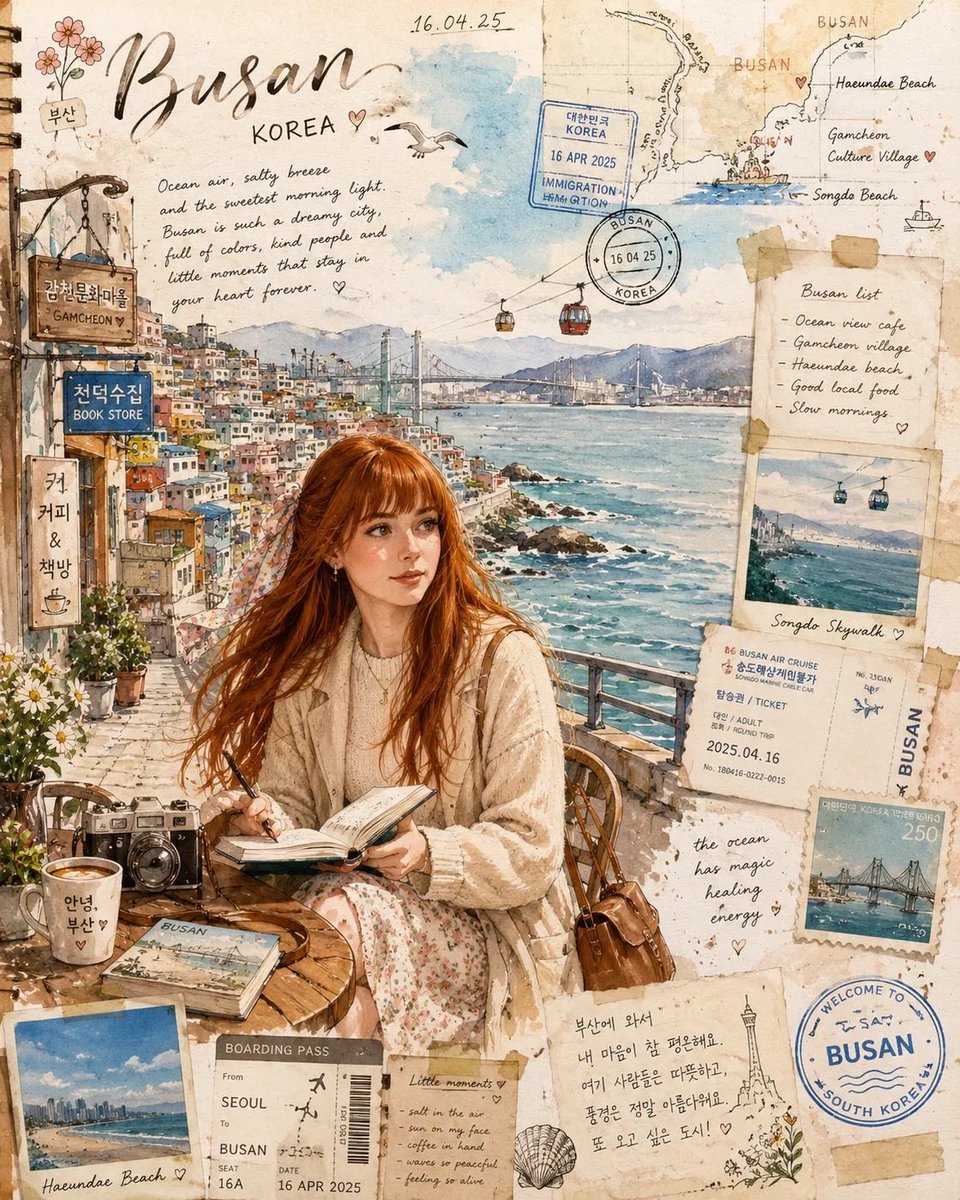
Busan Travel Journal Illustration
Censored Realistic Spa Portrait
Browse template categories
Pink-Haired Character Reference Sheet questions
How do I use the Pink-Haired Character Reference Sheet template?
Add your photo if the template asks for one, edit the prompt if you like — the template's model and format are already selected — and press Generate. Your version opens in PicX Studio.
Can I customize the Pink-Haired Character Reference Sheet template?
Yes. You can change the subject, setting, lighting, mood, format, and available model controls before creating your image.
Is the Pink-Haired Character Reference Sheet template free?
Opening and editing this template is free. Generating uses credits, shown on the Generate button when you are signed in.
Which AI model should I use?
Start with GPT Image 2, which is the model associated with this template. You can compare another compatible model for a different finish.
Looking for something else? Browse all templates.

Your photo, any look
Thousands of ready templates for every top image and video model, from one credit balance.