
Monochrome Summer Manga Walk
Generates a detailed black-and-white Japanese manga page about a young man and a large hamster walking through a summer town to the beach.
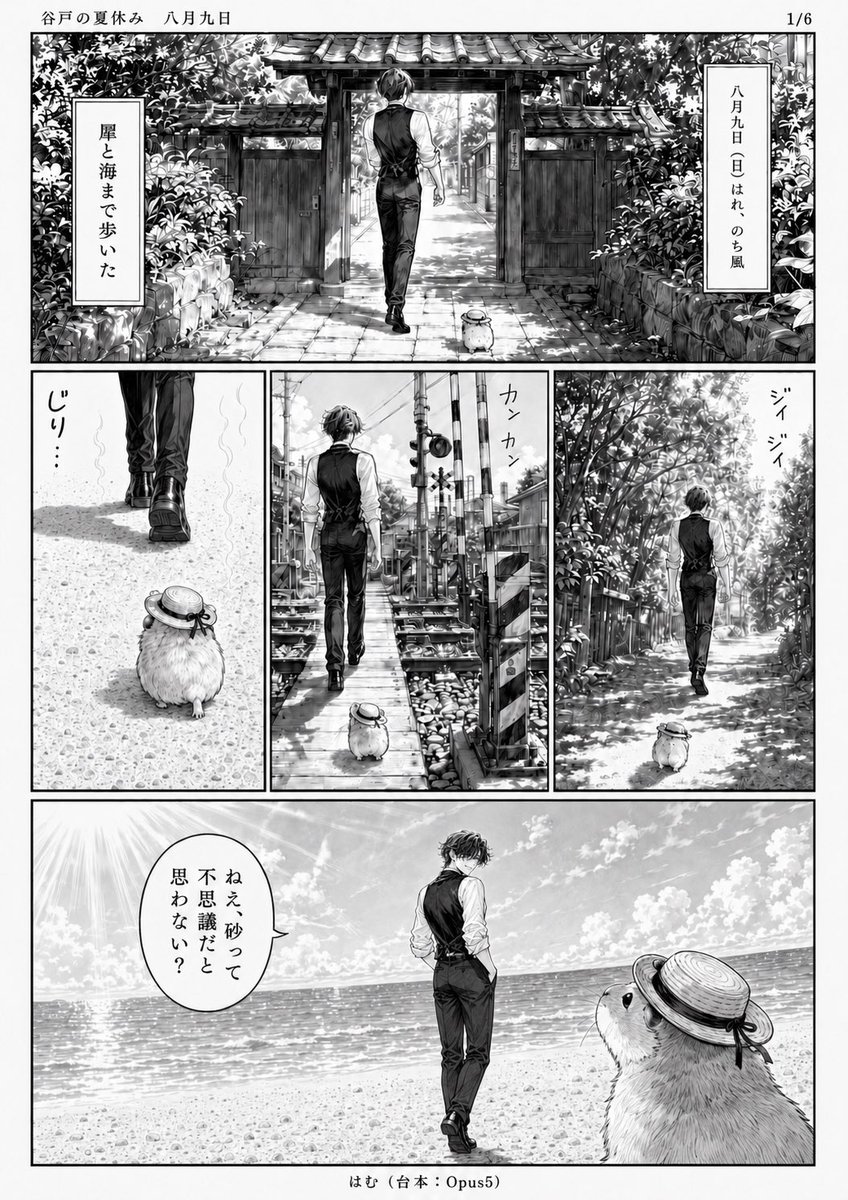
- Prompt included
- Model and format preset
- Free template
The prompt behind this image
Copy the exact prompt behind Monochrome Summer Manga Walk, or open it in the studio and make it yours.
Goal: Create a black-and-white manga page titled {argument name="series title" default="谷戸の夏休み 八月九日"}, page indicator 1/6, showing a quiet summer walk to the sea by a slim young man and an oversized hamster companion. Canvas: Vertical manga page, clean white margins, monochrome screentone and ink wash, detailed shoujo/seinen background art, high contrast summer sunlight, fine hatching, realistic architecture and foliage. Place a small footer centered at the bottom: 「はむ(台本:Opus5)」. Layout: Use exactly 5 comic panels arranged as follows: 1 large panoramic top panel spanning the page width; 3 equal vertical panels across the middle row; 1 large panoramic bottom panel spanning the page width. Thin black panel borders and generous gutters. Characters: The main character is {argument name="main character" default="a tall slim young man with slightly messy dark hair"}, seen mostly from behind, wearing a white long-sleeve shirt with rolled sleeves, a fitted black vest, black trousers, and dark dress shoes. His posture is calm and slightly aloof, walking with hands relaxed or in pockets. The companion is {argument name="animal companion" default="a very large fluffy hamster"}, round-bodied and knee-high to the man, wearing a small straw boater hat tied with a dark ribbon; it follows him everywhere and looks up at him in the final panel. Panel details: Panel 1, wide top: the man walks away through an old tiled-roof wooden gate on a stone path, surrounded by dense summer greenery and stone walls; the hamster trails behind. Add two vertical narration boxes: left box 「崖と海まで歩いた」 and right box 「八月九日(日)はれのち風」. Panel 2, middle left: close low view of the man’s legs and shoes walking ahead on a sunlit gravel path, with the hamster behind in the foreground; add small sound text 「じり…」. Panel 3, middle center: the pair walk along a narrow railway crossing or seaside town pedestrian path, with crossing signals, utility poles, tracks, and crates; add sound text 「カンカン」. Panel 4, middle right: the pair walk down a leafy lane under bright dappled sunlight; add cicada sound text 「ジイジイ」. Panel 5, wide bottom: open beach scene with sparkling ocean horizon, bright sky, clouds, and strong sun rays at the upper left; the man stands near the shoreline facing the sea, while the oversized hamster fills the right foreground looking up at him. Add one speech balloon from the hamster or near the hamster reading {argument name="speech balloon text" default="ねえ、砂って不思議だと思わない?"}. Visual style: Nostalgic Japanese summer vacation manga, cinematic quiet pacing, extremely detailed hand-drawn backgrounds, realistic light through trees, shimmering sea, subtle screentones, no color. Keep all visible Japanese text hand-lettered vertically where appropriate. Avoid extra panels, extra characters, watermarks, or modern UI elements.
How to use Monochrome Summer Manga Walk in 3 steps
- 1Upload ImagePNG, JPG or paste
Add your photo
Upload the photo the template builds on. The prompt, model and format are already set.
- 2…a portrait of your subject in softgolden-hour light, 85mm…
Personalize
Edit the subject and creative details for your destination.
- 3Generate
Generate
Press Generate — your image is created in PicX Studio, so you can compare it with the original and refine one variable at a time.
More like this
Templates with the same subject, style or setup. Open one to see its prompt.
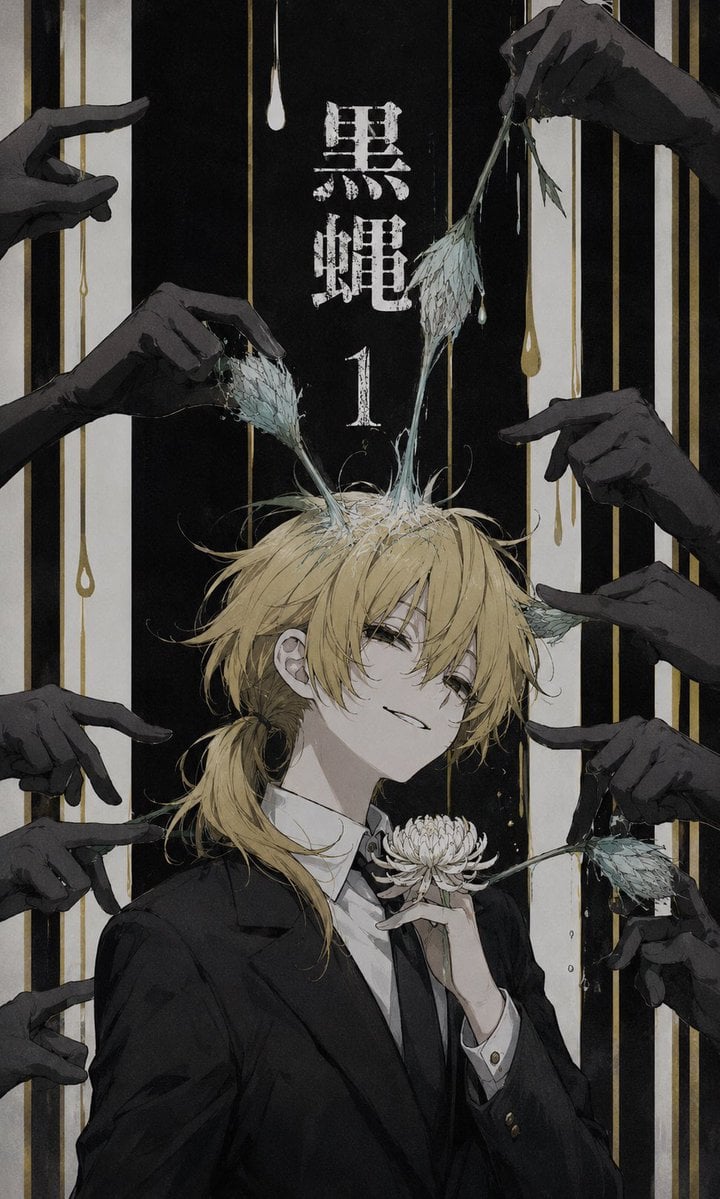
Dark Monochrome Manga Cover
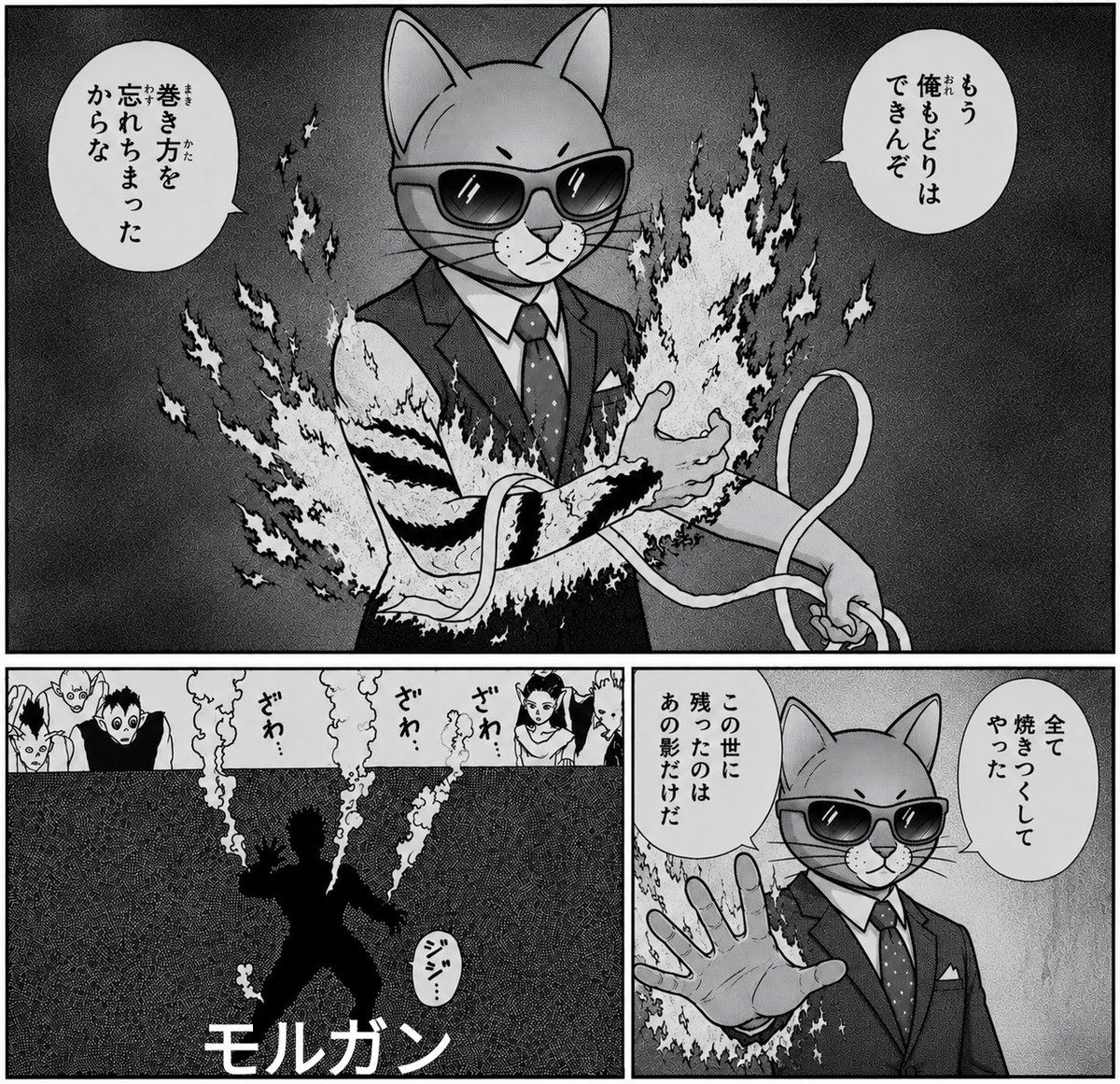
Monochrome Cat Businessman Manga Page
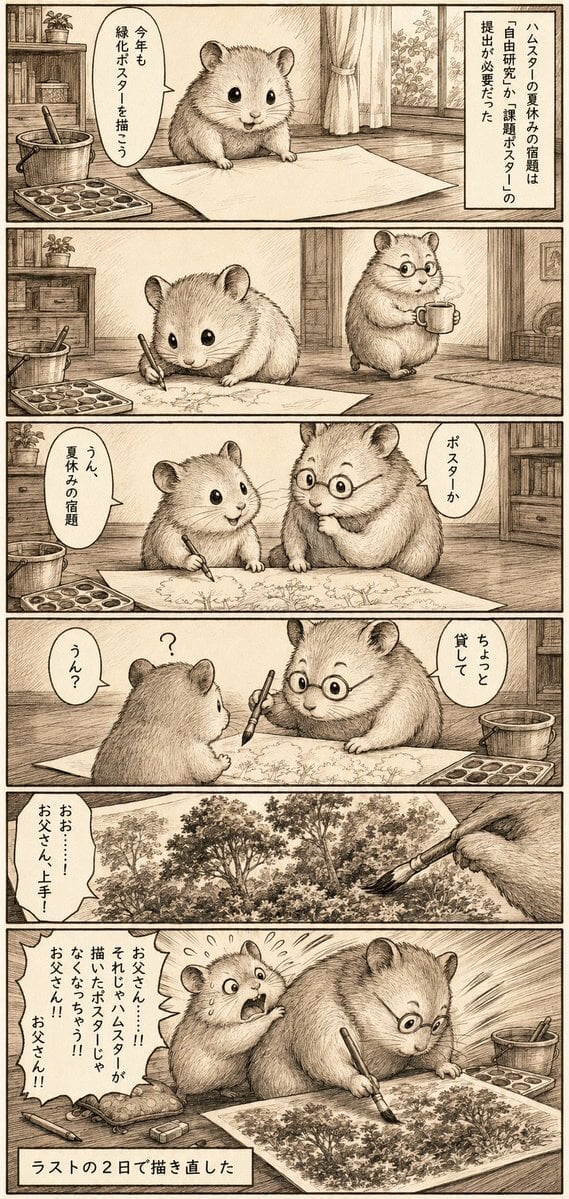
Sepia Hamster Summer Homework Manga

Monochrome Hypebeast Street Fashion Editorial Motion

Monochrome Halftone Editorial Fashion Poster
2000s Retro-Pop Fashion Cinematic Editorial Portrait

Cinematic Street Fashion Photographer Portrait

Quiet Luxury Black and White Fashion Editorial Portrait
Monochrome Hypebeast Street Fashion Editorial Motion

Fine Art Monochrome Fashion Portrait

Luxury Black-and-White Fashion Contact Sheet

Ultra-Realistic Vogue-Style Editorial Fashion Grid
Make it yours
Monochrome Summer Manga Walk works as-is. These are the safest ways to change it without losing the look.
Change one field
Copy a single group, rewrite it, and generate again so you can see what that field is doing.
Keep the frame, change the subject
Hold the composition and light of Monochrome Summer Manga Walk, then swap wardrobe, props or the person for a new take.
| If the result… | Why | Fix |
|---|---|---|
| The result drifts from the preview | Too many fields changed at once. | Reuse Monochrome Summer Manga Walk as-is first, then change one group — subject, light, or setting. |
| The model over-stylizes the scene | The prose prompt leaves finish and camera underspecified. | Add one camera or lighting sentence and stay on GPT Image 2. |
More GPT Image 2 templates
Other prompts made for GPT Image 2.

Six VTuber Japanese Logo Sheet

Realistic Portrait of Woman and Deer

The Vista Modular Condo Poster

AI Model Routing Comparison Infographic

2.5D Anime Art Board

Isometric Productivity Desk Scene

New York Double Exposure Poster

Four-Panel AI Landscape Comparison

Japanese Tatami Lifestyle Magazine Cover

NESCAFÉ Coffee Map Poster
More image prompts
Fresh picks from across the catalog.
Retro Tokusatsu Suit Procedure Poster

Minimalist Educational Infographic Template
JSON Prompt for Minimalist Mirror Selfie
Cinematic lakeside hanging chair concept prompt with space object theme

Eid Mubarak Stylized Composition

Pixar-Style Banana Character Animation Prompt
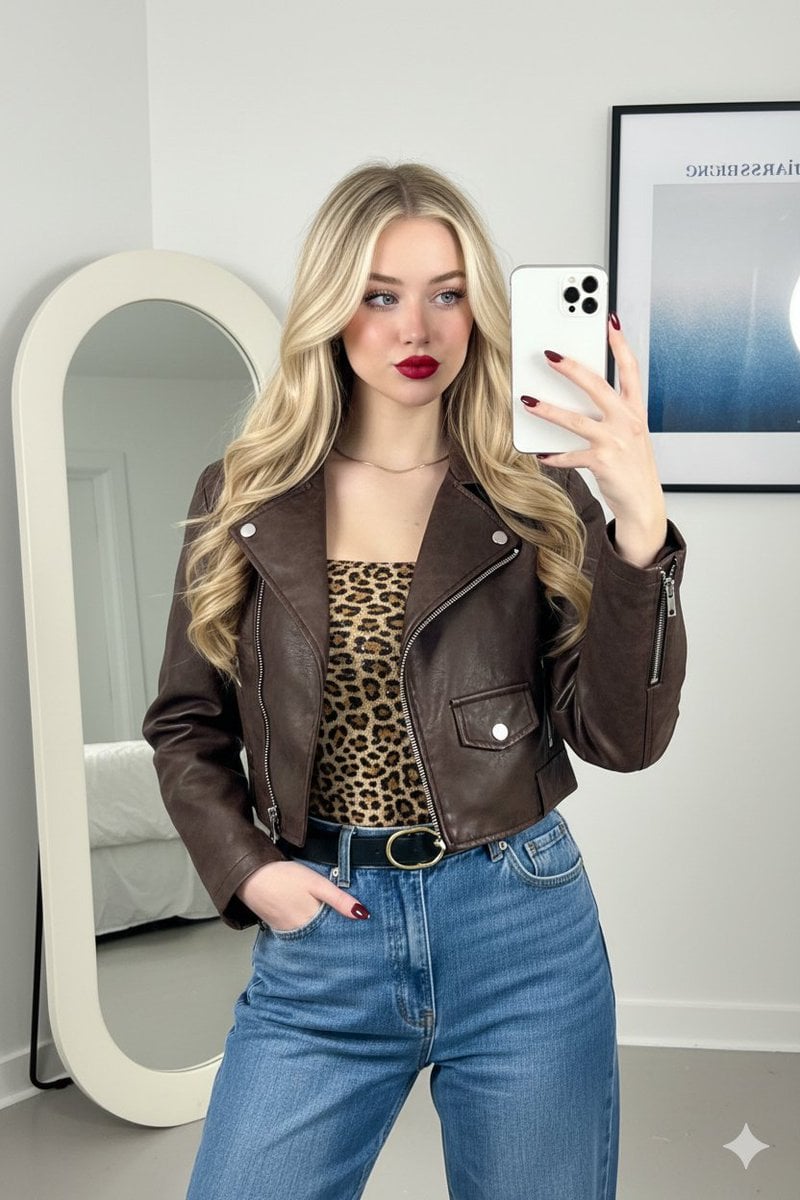
Mirror Selfie Fashion Prompt with Face Lock
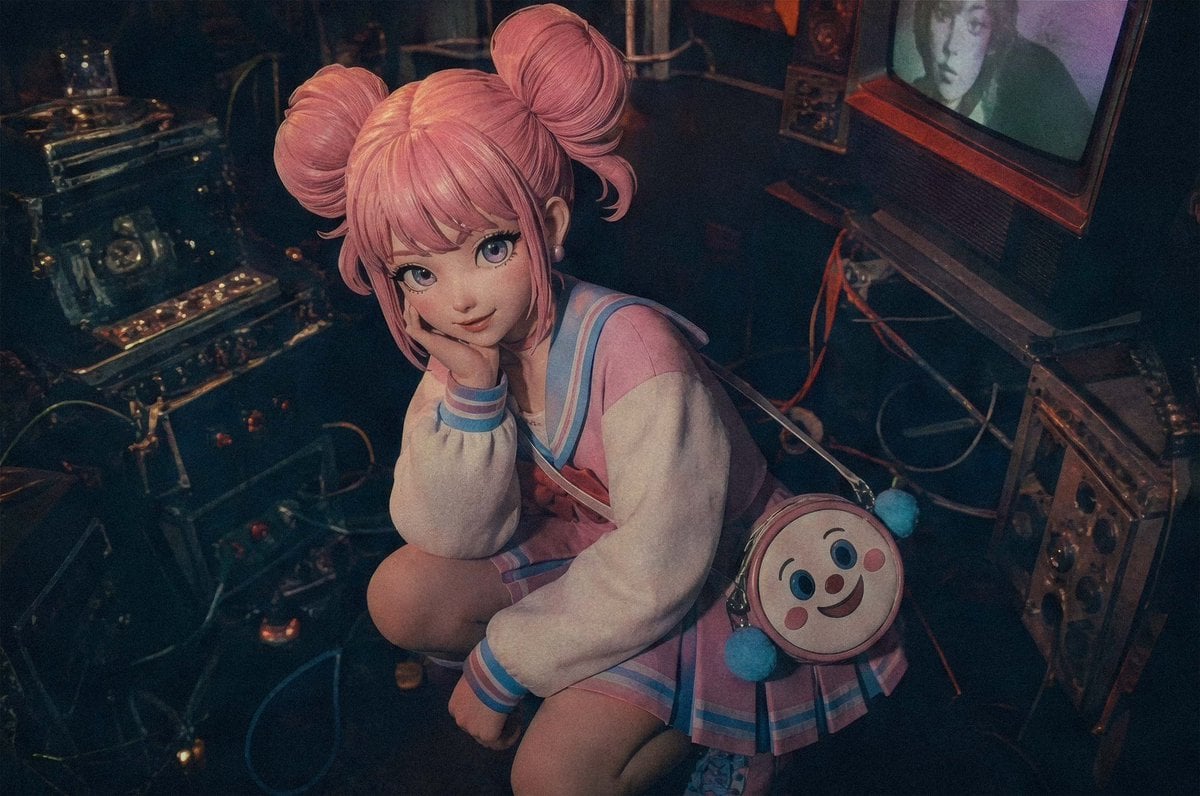
Pastel Cyberpunk Retro Electronics Portrait
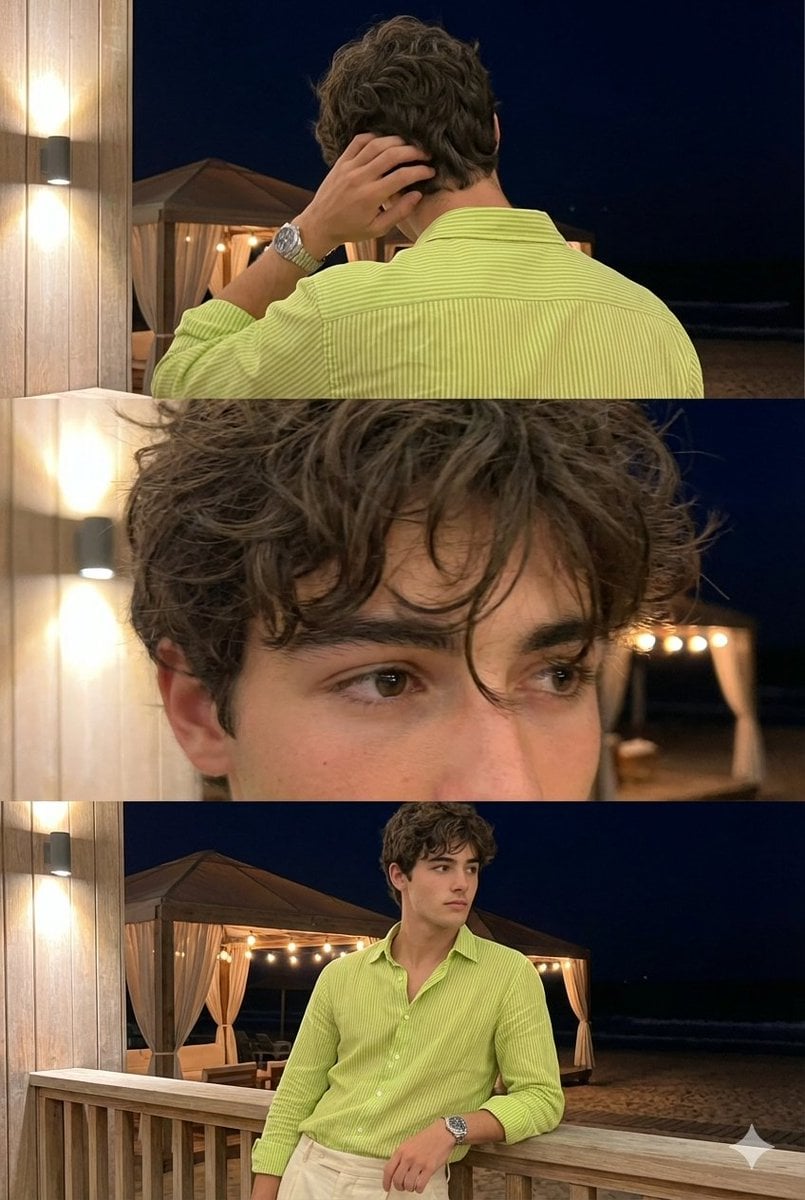
Triple-Frame Candid Portrait with Locked Facial Identity
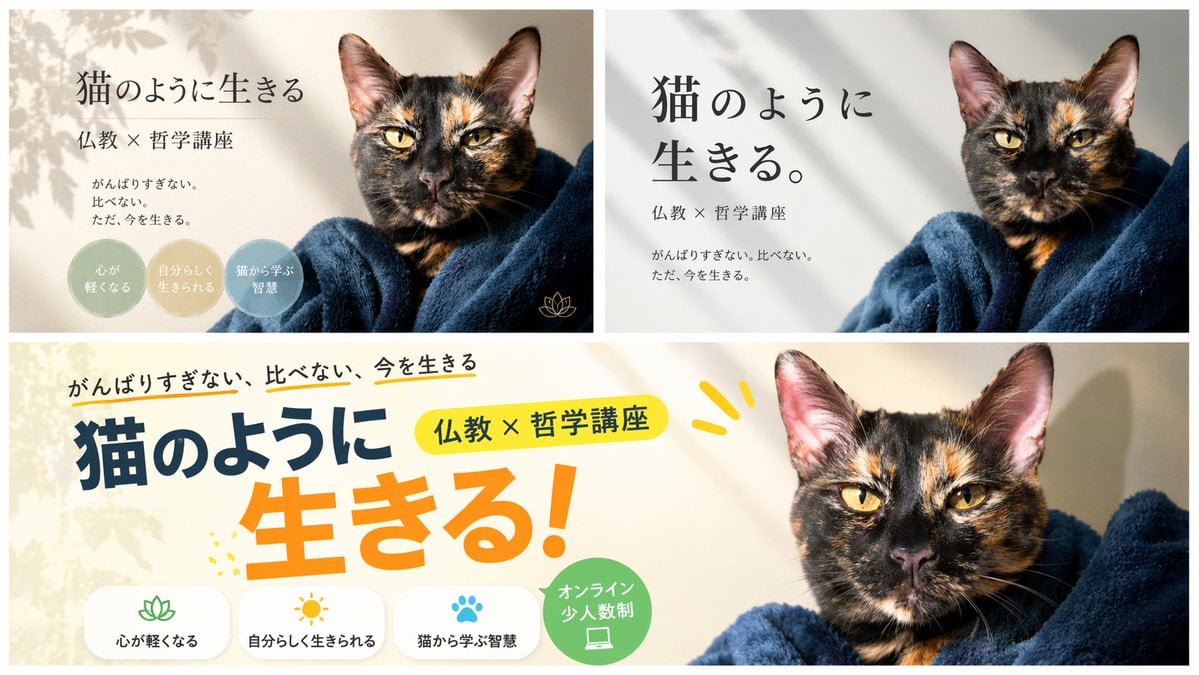
A/B Testing Banner Variations
Browse template categories
Monochrome Summer Manga Walk questions
How do I use the Monochrome Summer Manga Walk template?
Add your photo if the template asks for one, edit the prompt if you like — the template's model and format are already selected — and press Generate. Your version opens in PicX Studio.
Can I customize the Monochrome Summer Manga Walk template?
Yes. You can change the subject, setting, lighting, mood, format, and available model controls before creating your image.
Is the Monochrome Summer Manga Walk template free?
Opening and editing this template is free. Generating uses credits, shown on the Generate button when you are signed in.
Which AI model should I use?
Start with GPT Image 2, which is the model associated with this template. You can compare another compatible model for a different finish.
Looking for something else? Browse all templates.

Your photo, any look
Thousands of ready templates for every top image and video model, from one credit balance.