
Pink Magical Girl Character Sheet
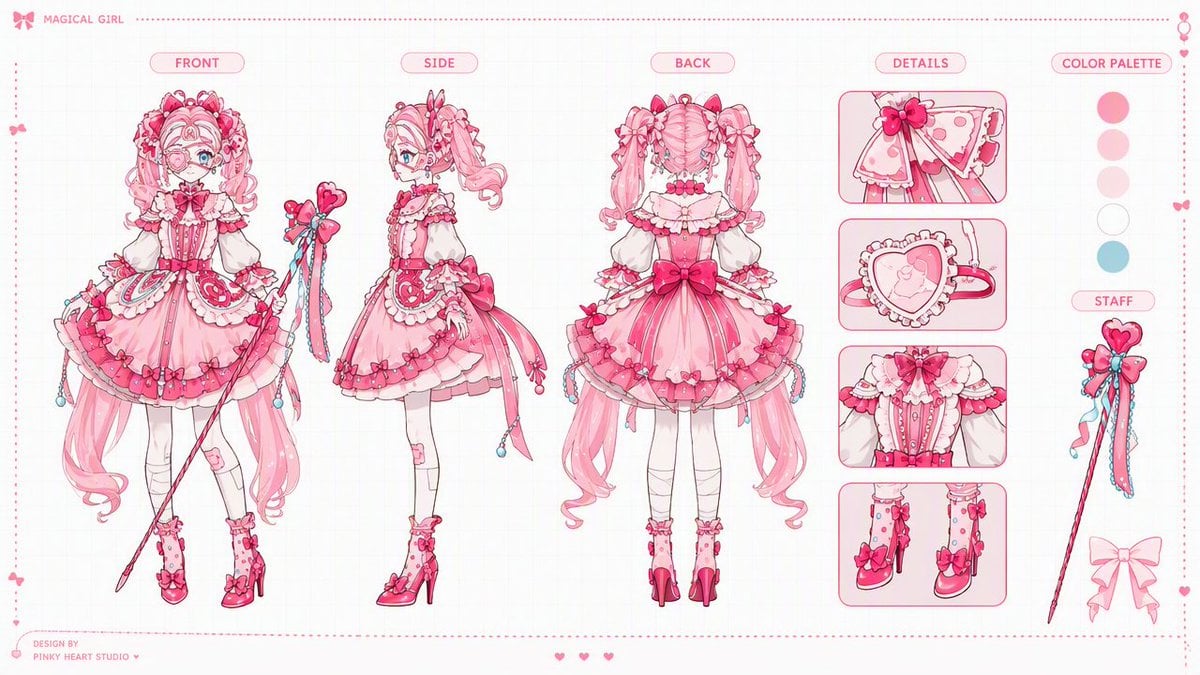
A polished 16:9 anime production model sheet for a frilly pink magical girl with front, side, back, detail panels, palette swatches, and staff prop reference.
- Prompt included
- Model and format preset
- Free template
The prompt behind this image
Copy the exact prompt behind Pink Magical Girl Character Sheet, or open it in the studio and make it yours.
Goal: Create a polished 16:9 anime magical girl character design sheet for {argument name="character name" default="an original magical girl"}, presented like a professional Japanese game/anime production model sheet. Canvas: Wide horizontal 16:9 layout, clean white background with an extremely subtle pale grid. Add a thin pink dotted border around the entire sheet, tiny decorative hearts and bows along the edges, and a delicate pink production-design aesthetic. Layout: Arrange exactly 5 main vertical sections from left to right: 1) FRONT full-body character view, 2) SIDE full-body character view, 3) BACK full-body character view, 4) DETAILS column with close-up panels, 5) COLOR PALETTE and STAFF reference column. Put rounded pink capsule labels above the main sections reading “FRONT”, “SIDE”, “BACK”, “DETAILS”, and “COLOR PALETTE”. Add a small top-left header with a bow icon and the text “MAGICAL GIRL”. Add a tiny bottom-left credit reading “DESIGN BY PINKY HEART STUDIO ♥”. Character details: Design a cute pink magical girl with very long curly twin tails, bright blue eyes, frilly bangs, heart and bow hair accessories, and an elaborate sweet-lolita magical outfit. Her costume should be primarily {argument name="main costume color" default="bubblegum pink"} with white lace, darker hot-pink accents, small heart motifs, ribbons, ruffles, layered skirts, corset details, puff sleeves, white stockings, pink high-heeled boots, and dangling bead charms. She carries a slender magical staff with a heart-shaped top, bows, ribbons, and blue bead tassels. The overall silhouette is frilly, ornate, feminine, and candy-like. Main character views: Include exactly 3 full-body views of the same character: FRONT view on the left, SIDE view in the center-left, and BACK view in the center. The front view should show her holding the magical staff diagonally across the body, with the full skirt, long twin tails, boots, and accessories visible. The side view should show the profile of the hair volume, staff held upright beside her, and layered dress shape. The back view should emphasize the large rear bow, twin-tail curls, back corset/lace construction, skirt layers, and dangling ribbons. Details column: Include exactly 4 rounded rectangular close-up panels stacked vertically. Panel 1: close-up of a shoulder cape or sleeve bow with lace, hearts, and trim. Panel 2: close-up of a heart-shaped pendant or compact with ruffled edging and a small strap. Panel 3: close-up of the bodice with puff sleeves, corset buttons, lace trim, and central bow. Panel 4: close-up of both pink boots with bows, dotted stocking details, high heels, and ankle frills. Right reference column: Include exactly 5 circular color swatches stacked vertically under “COLOR PALETTE”: hot pink, pale pink, very light blush pink, white, and pale aqua blue. Below them, add a “STAFF” label and draw the magical staff as a separate prop: a slim pink wand with a heart top, bow cluster, trailing ribbons, and blue bead tassels. Add one extra pale pink bow silhouette near the bottom of this column. Visual style: High-quality anime production sheet, clean ink lines, soft watercolor-like shading, pastel pink palette, crisp readable labels, professional model-sheet spacing, delicate ornamentation, no dark background, no clutter. Keep the sheet airy and symmetrical, with all views aligned along the same baseline. Constraints: Use exactly 3 full-body character views, exactly 4 detail panels, exactly 5 color swatches, and exactly 1 separate staff prop illustration. Do not add extra characters, extra views, logos, watermarks, or dense text. Maintain a refined Japanese magical-girl design-sheet look.
How to use Pink Magical Girl Character Sheet in 3 steps
- 1Upload ImagePNG, JPG or paste
Add your photo
Upload the photo the template builds on. The prompt, model and format are already set.
- 2…a portrait of your subject in softgolden-hour light, 85mm…
Personalize
Edit the subject and creative details for your destination.
- 3Generate
Generate
Press Generate — your image is created in PicX Studio, so you can compare it with the original and refine one variable at a time.
More like this
Templates with the same subject, style or setup. Open one to see its prompt.
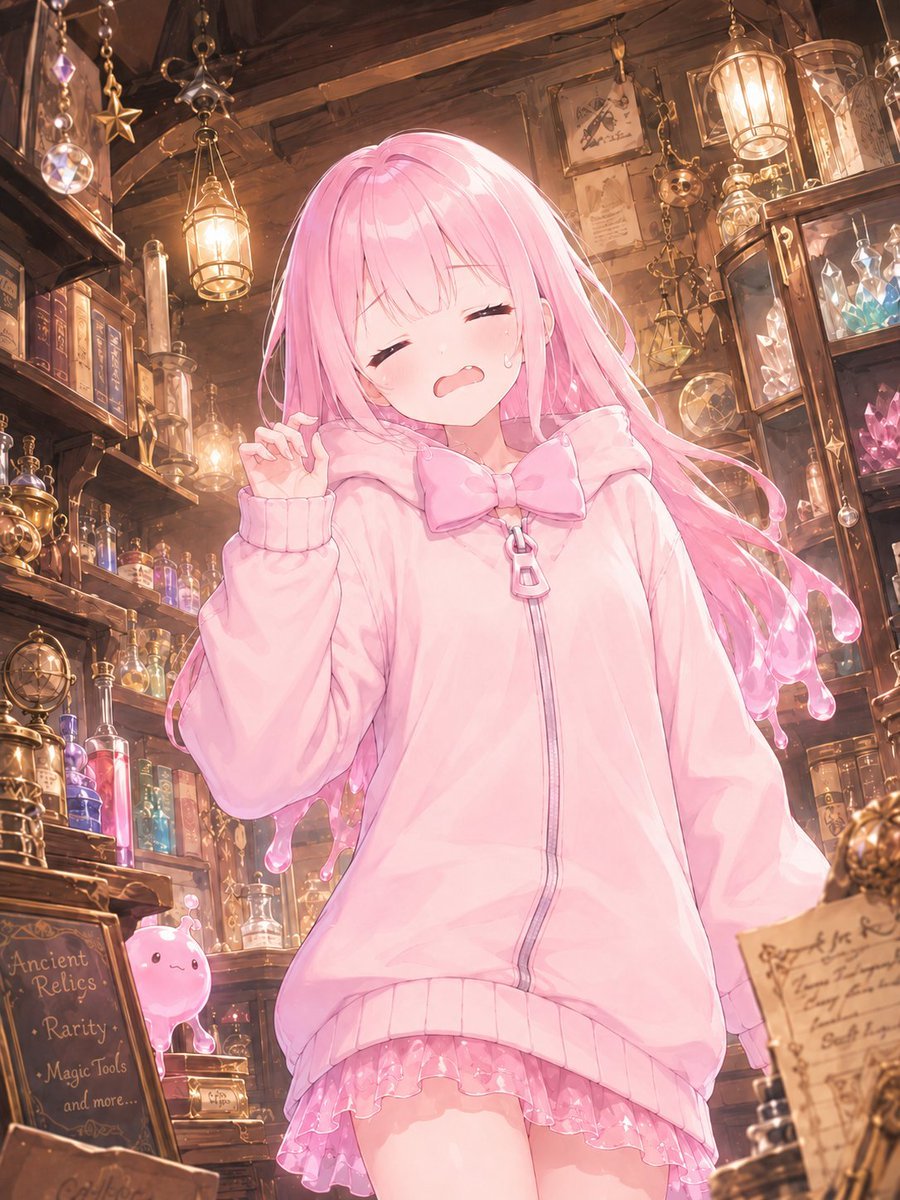
Pink Magical Girl in Antique Magic Shop
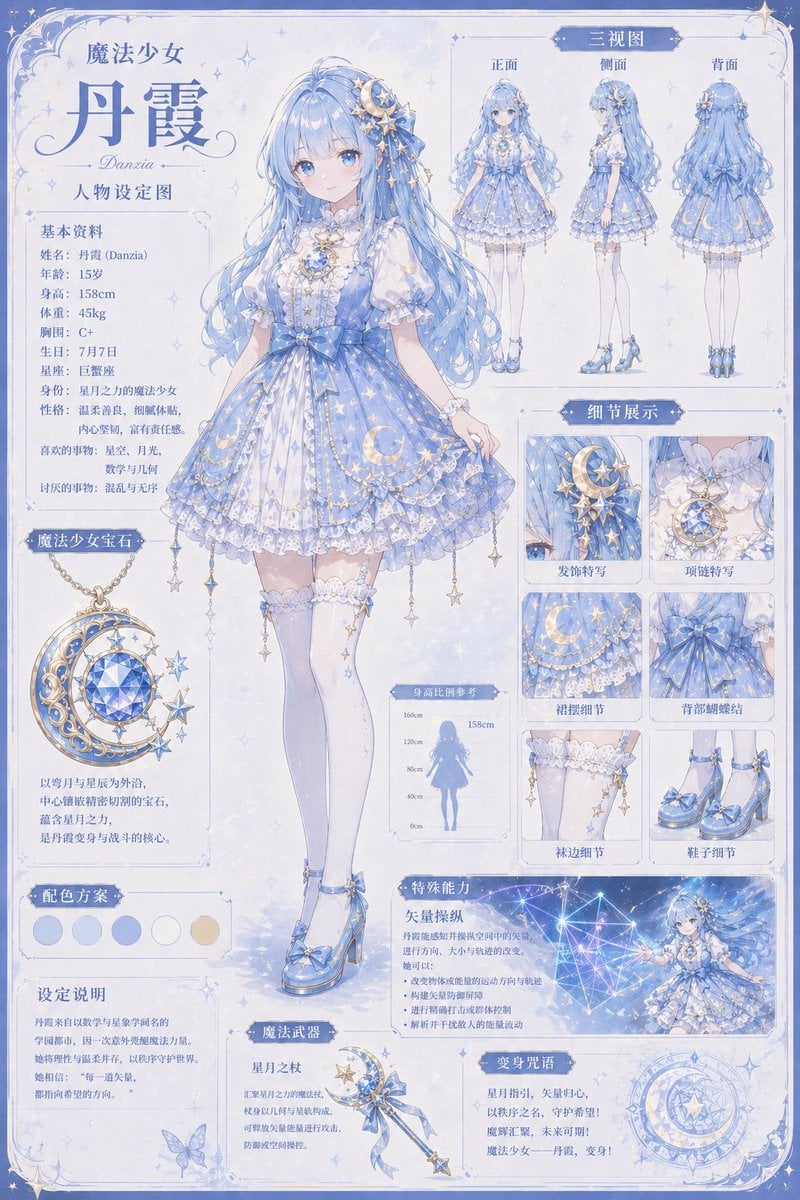
Celestial Magical Girl Reference Sheet
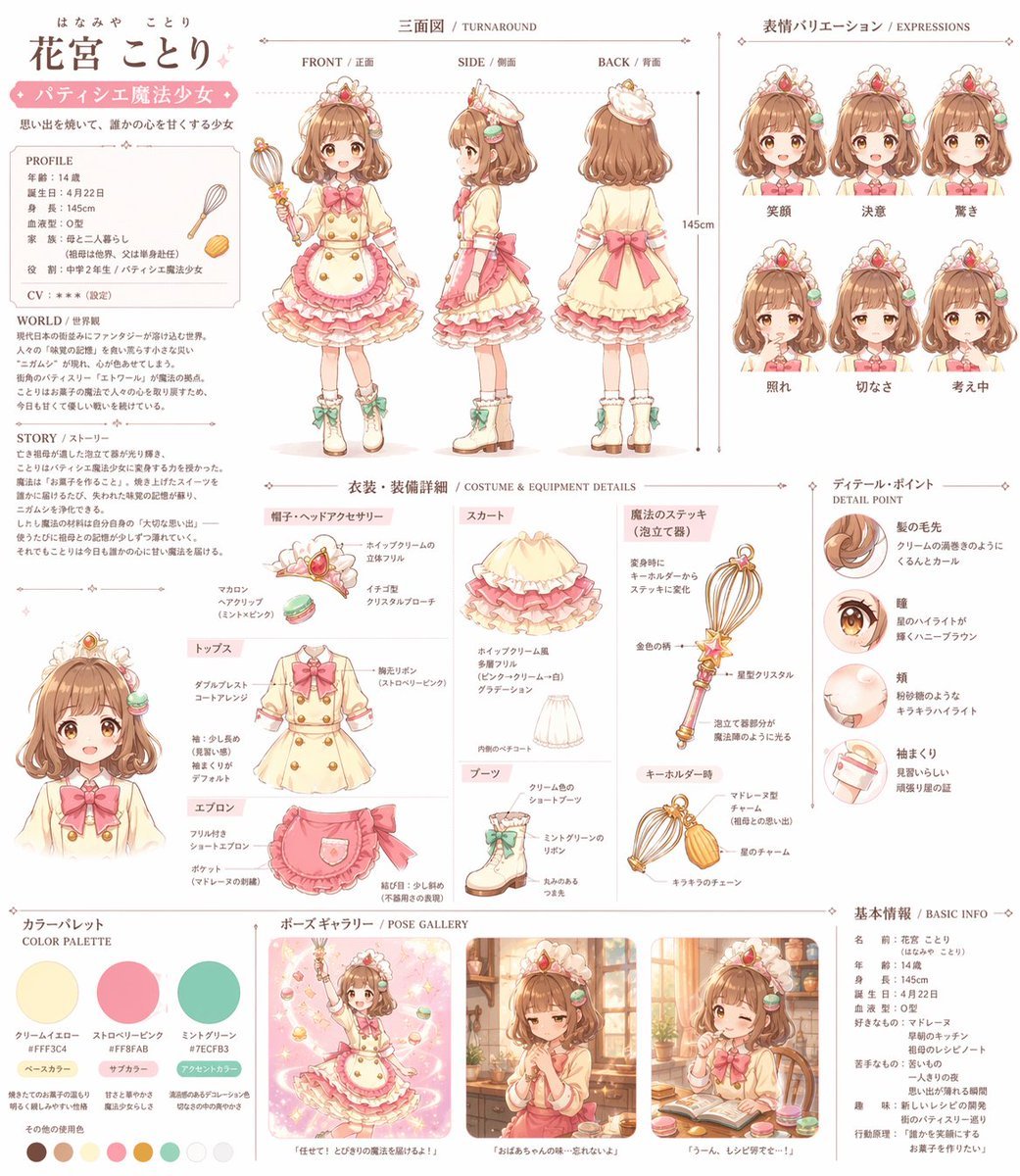
Anime Magical Girl Character Reference Sheet

Teen Girl Alpine Lake Mountain View
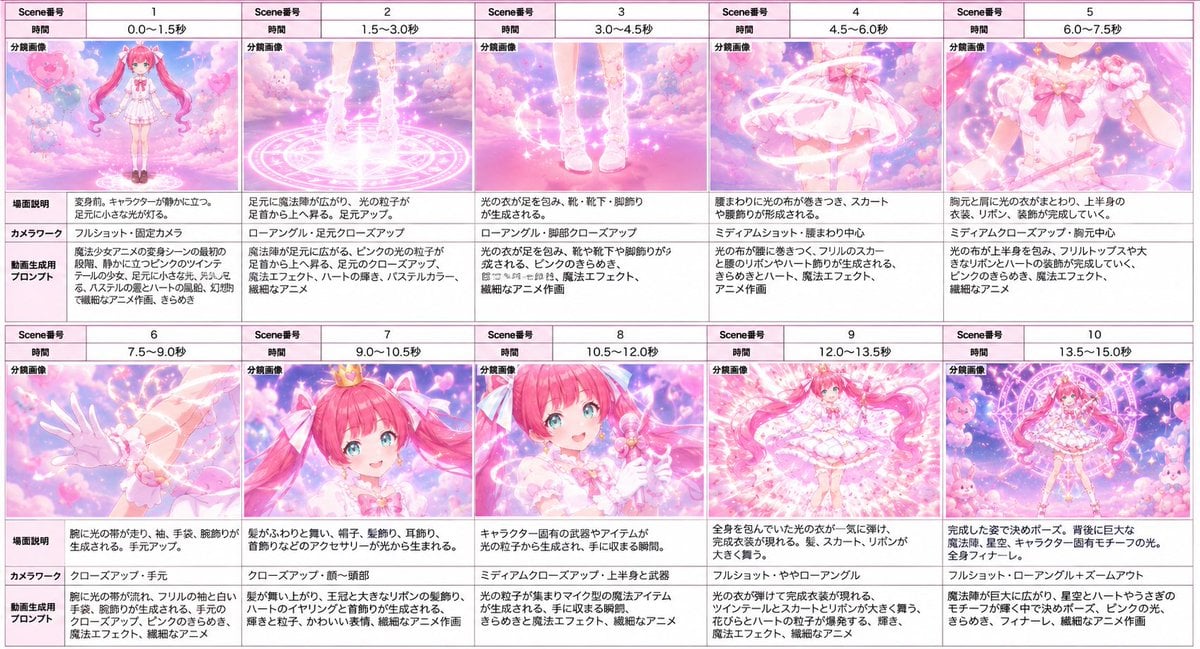
Magical Girl Transformation Storyboard

Anime Lantern Girl Character Sheet
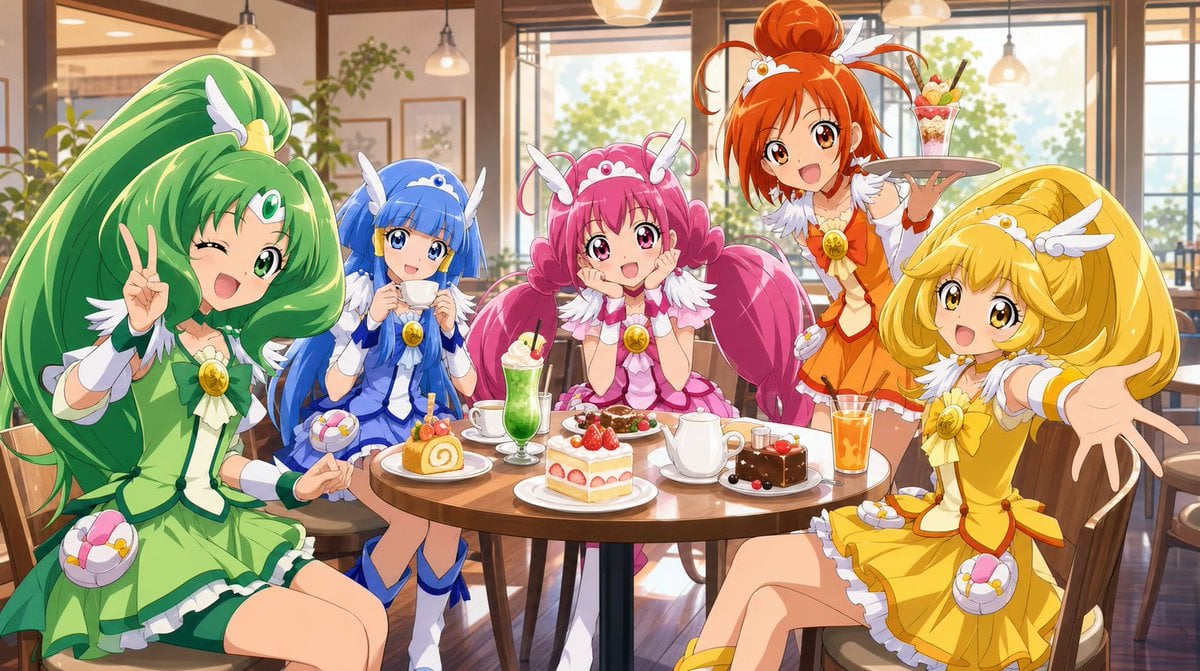
Magical Girls Dessert Café Scene

Gothic Girl Character Turnaround Sheet

Pixar-Style Chibi Café Morning Scene

Pastel Fantasy Pagoda Mountain Landscape
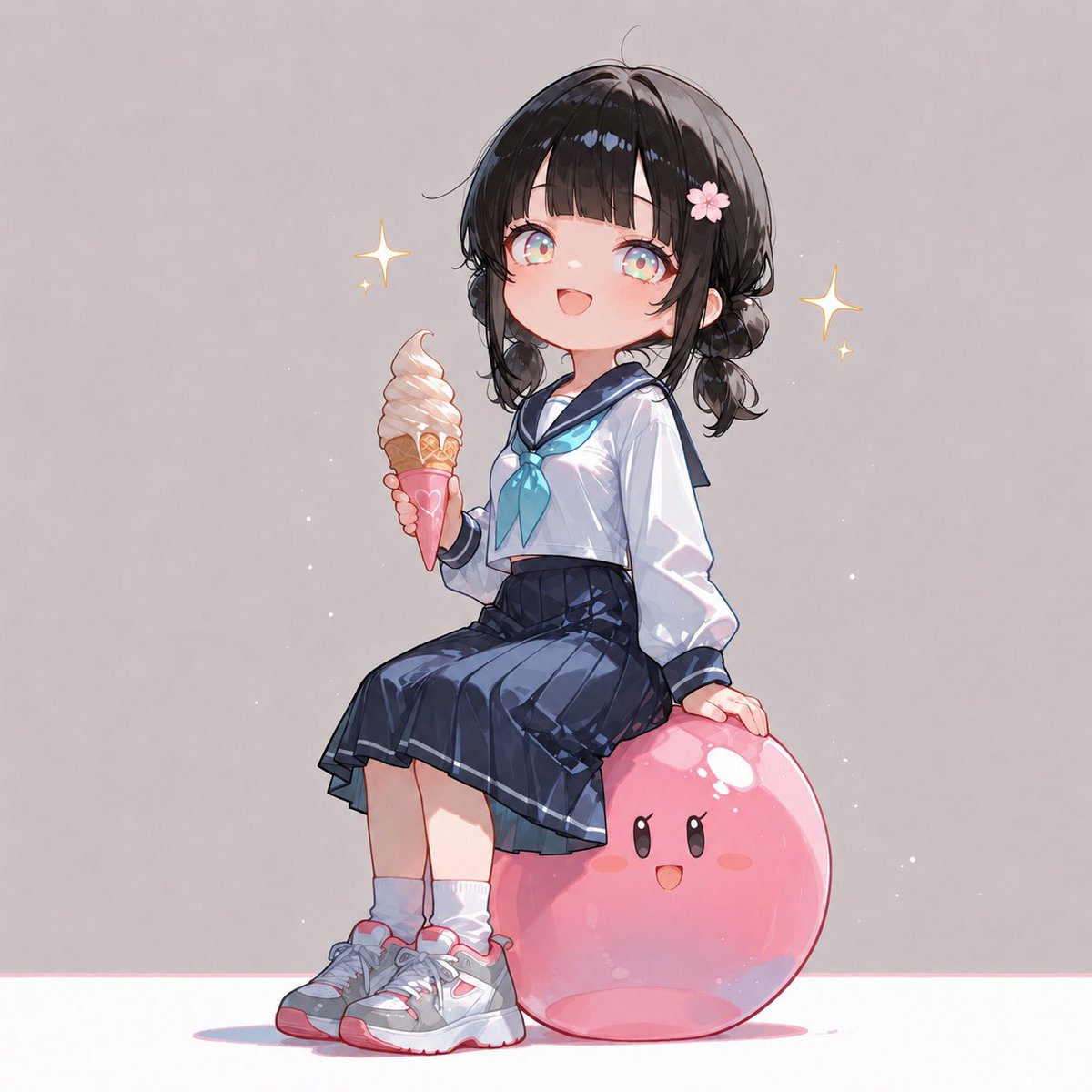
Anime Schoolgirl on Pink Slime
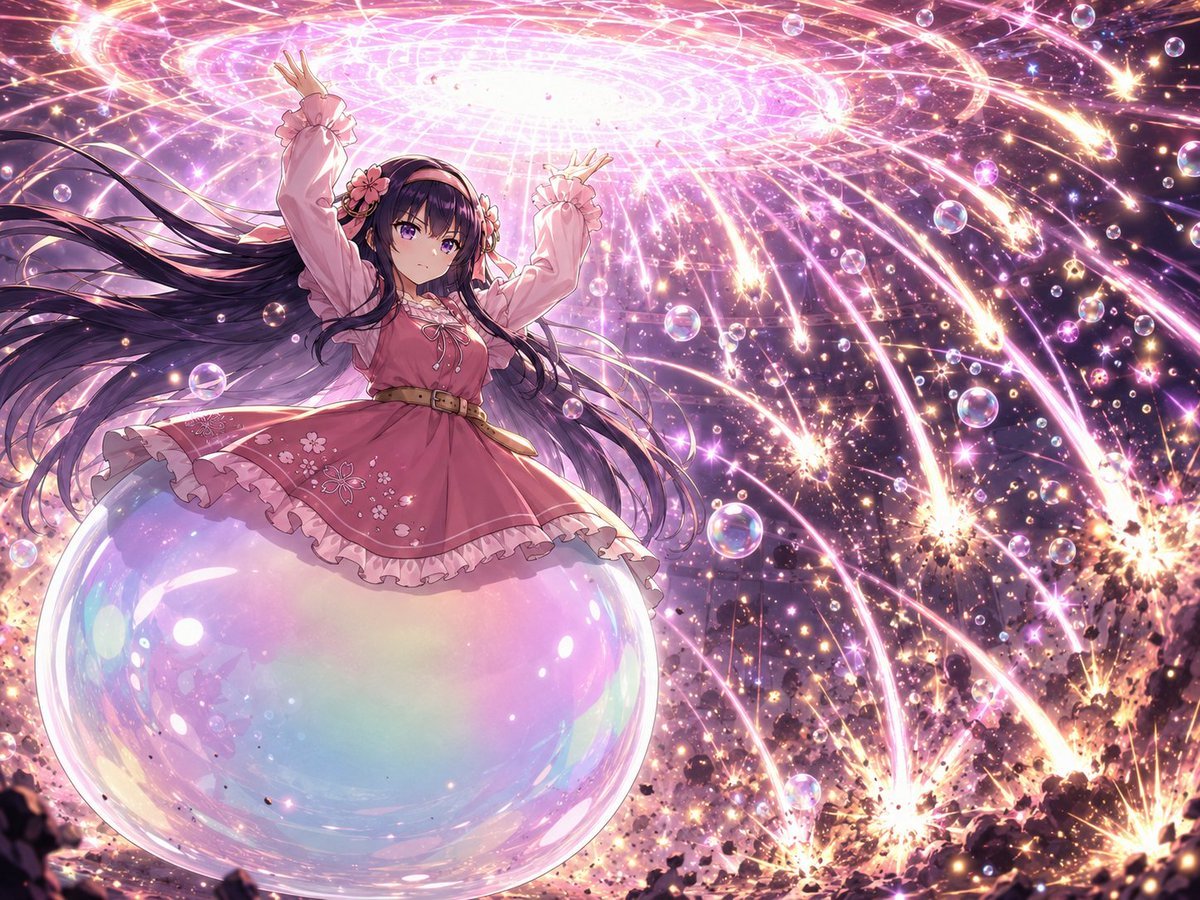
Magical Girl Starstorm on Bubble
Make it yours
Pink Magical Girl Character Sheet works as-is. These are the safest ways to change it without losing the look.
Change one field
Copy a single group, rewrite it, and generate again so you can see what that field is doing.
Keep the frame, change the subject
Hold the composition and light of Pink Magical Girl Character Sheet, then swap wardrobe, props or the person for a new take.
| If the result… | Why | Fix |
|---|---|---|
| The result drifts from the preview | Too many fields changed at once. | Reuse Pink Magical Girl Character Sheet as-is first, then change one group — subject, light, or setting. |
| The model over-stylizes the scene | The prose prompt leaves finish and camera underspecified. | Add one camera or lighting sentence and stay on GPT Image 2. |
More GPT Image 2 templates
Other prompts made for GPT Image 2.

Realistic Portrait of Woman and Deer

The Vista Modular Condo Poster

AI Model Routing Comparison Infographic

2.5D Anime Art Board

Isometric Productivity Desk Scene

New York Double Exposure Poster

Four-Panel AI Landscape Comparison

Japanese Tatami Lifestyle Magazine Cover

NESCAFÉ Coffee Map Poster

Brutalist Cogito Chinese Typography Poster
More image prompts
Fresh picks from across the catalog.
Minimalistic Premium Website Landing Page Prompt
Philosophical Concept Infographic Manuscript
Wes Anderson Style Flat Lay of Historical Inventions
High fashion dress show prompt
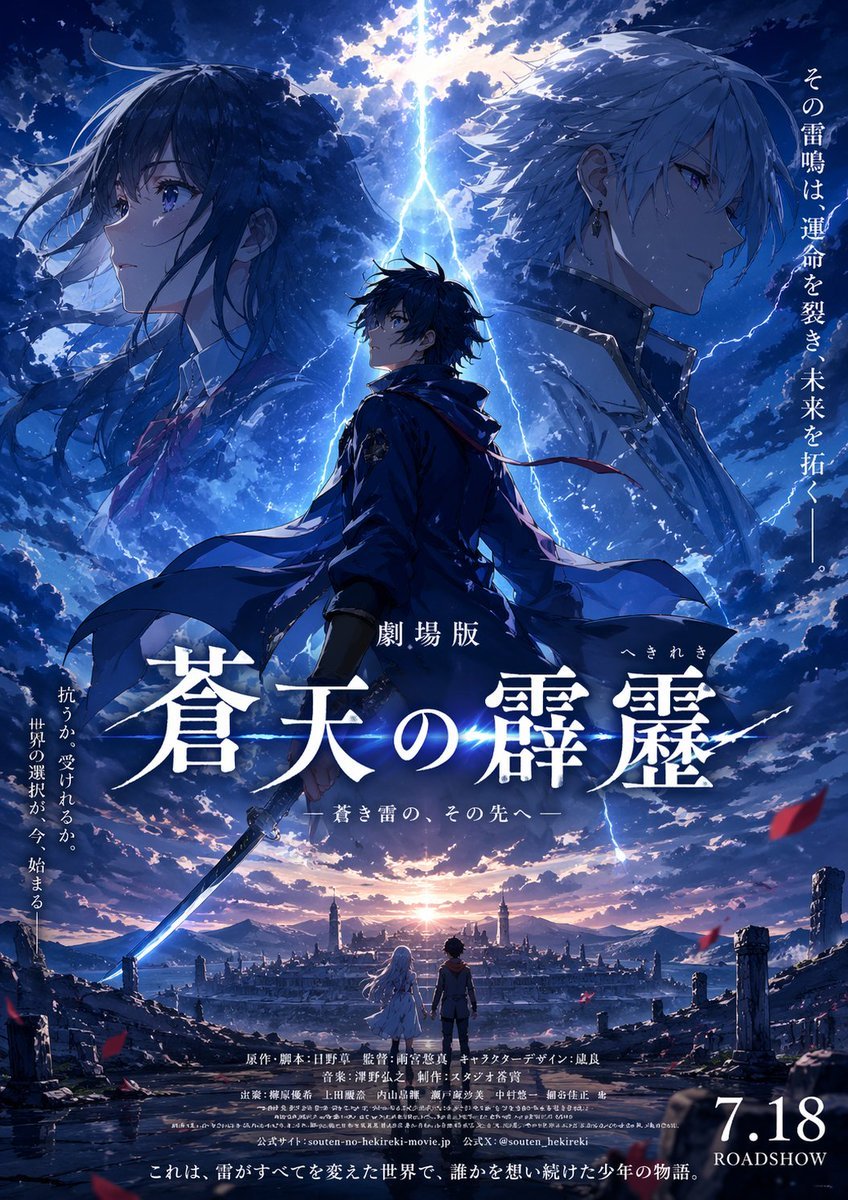
Fictional Anime Movie Poster
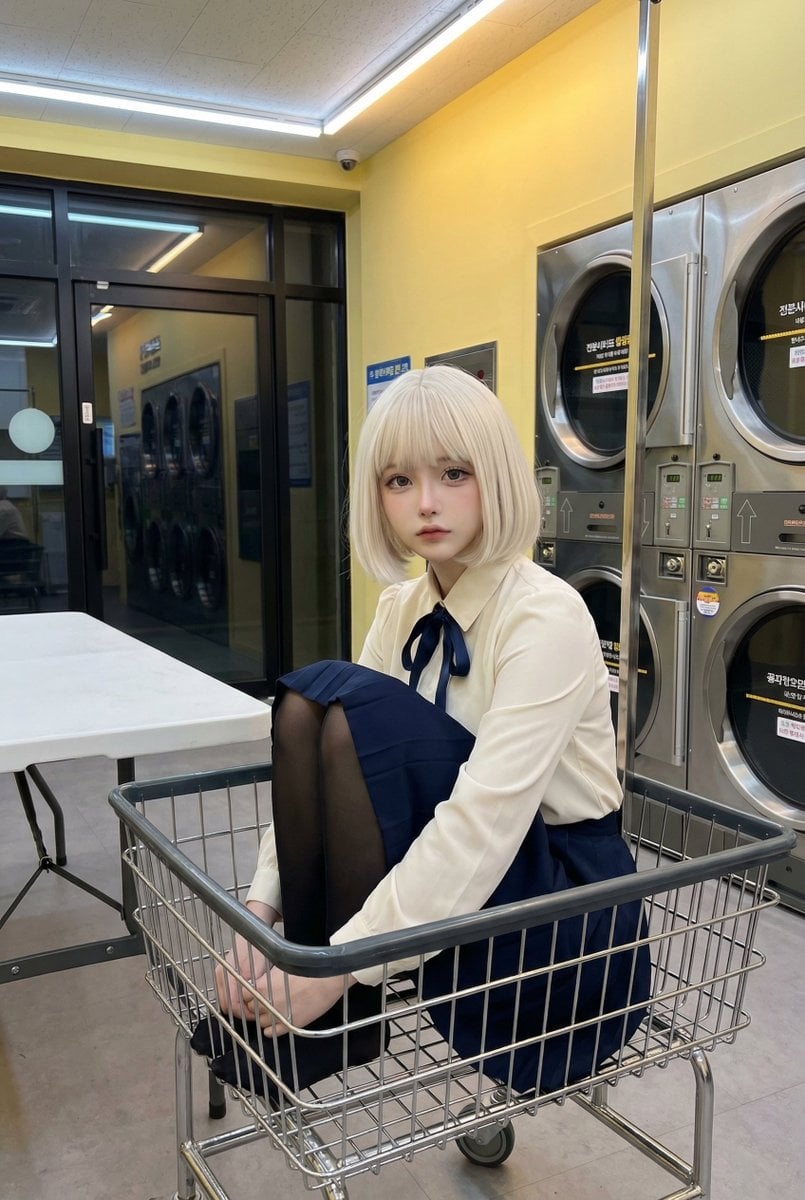
Cosplay Model in Laundry Cart Portrait
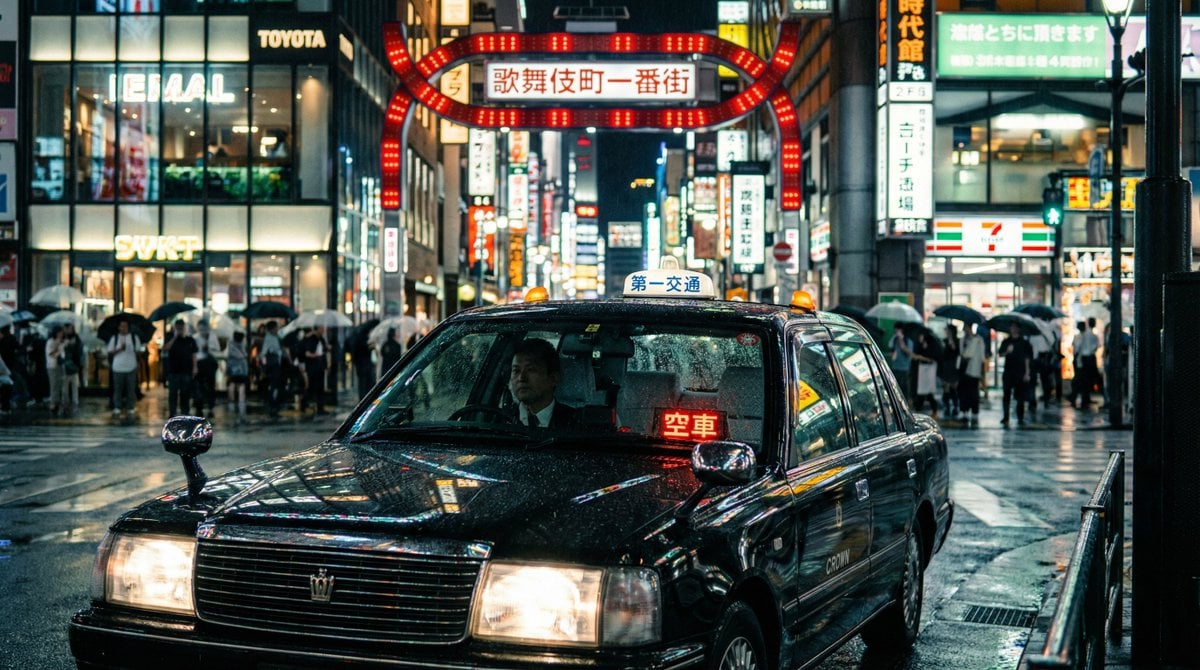
Cinematic taxi in rainy Kabukicho at night

Cinematic Pure Joy Splashing Prompt
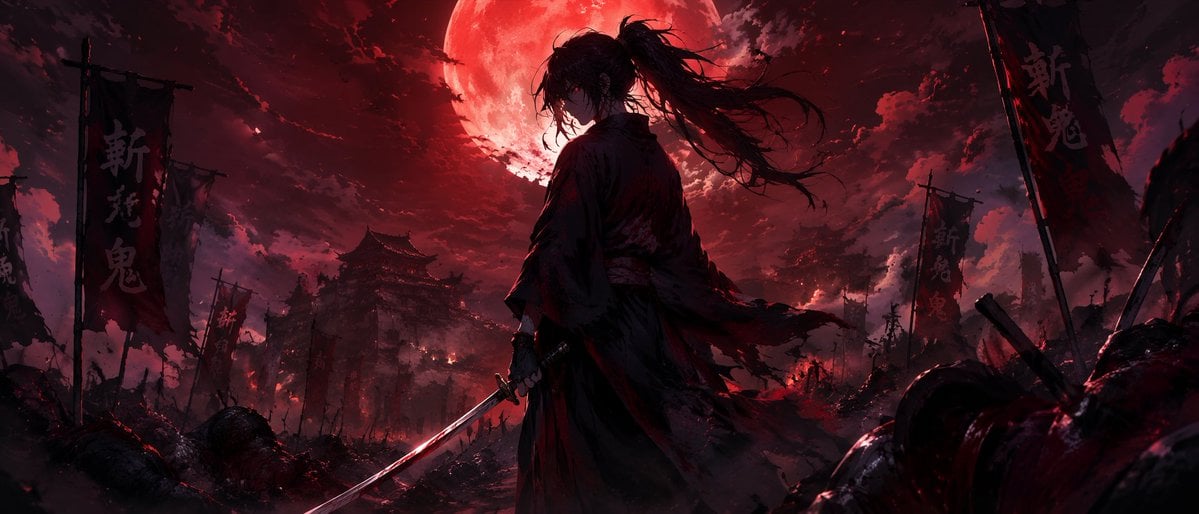
Dark Fantasy Samurai Battlefield
Zero Balance Bank Storyboard
Browse template categories
Pink Magical Girl Character Sheet questions
How do I use the Pink Magical Girl Character Sheet template?
Add your photo if the template asks for one, edit the prompt if you like — the template's model and format are already selected — and press Generate. Your version opens in PicX Studio.
Can I customize the Pink Magical Girl Character Sheet template?
Yes. You can change the subject, setting, lighting, mood, format, and available model controls before creating your image.
Is the Pink Magical Girl Character Sheet template free?
Opening and editing this template is free. Generating uses credits, shown on the Generate button when you are signed in.
Which AI model should I use?
Start with GPT Image 2, which is the model associated with this template. You can compare another compatible model for a different finish.
Looking for something else? Browse all templates.

Your photo, any look
Thousands of ready templates for every top image and video model, from one credit balance.