
Chibi Girl at Gelato Shop
Generates a cozy vertical storybook scene of a chibi traveler admiring oversized gelato on a nostalgic Japanese street.
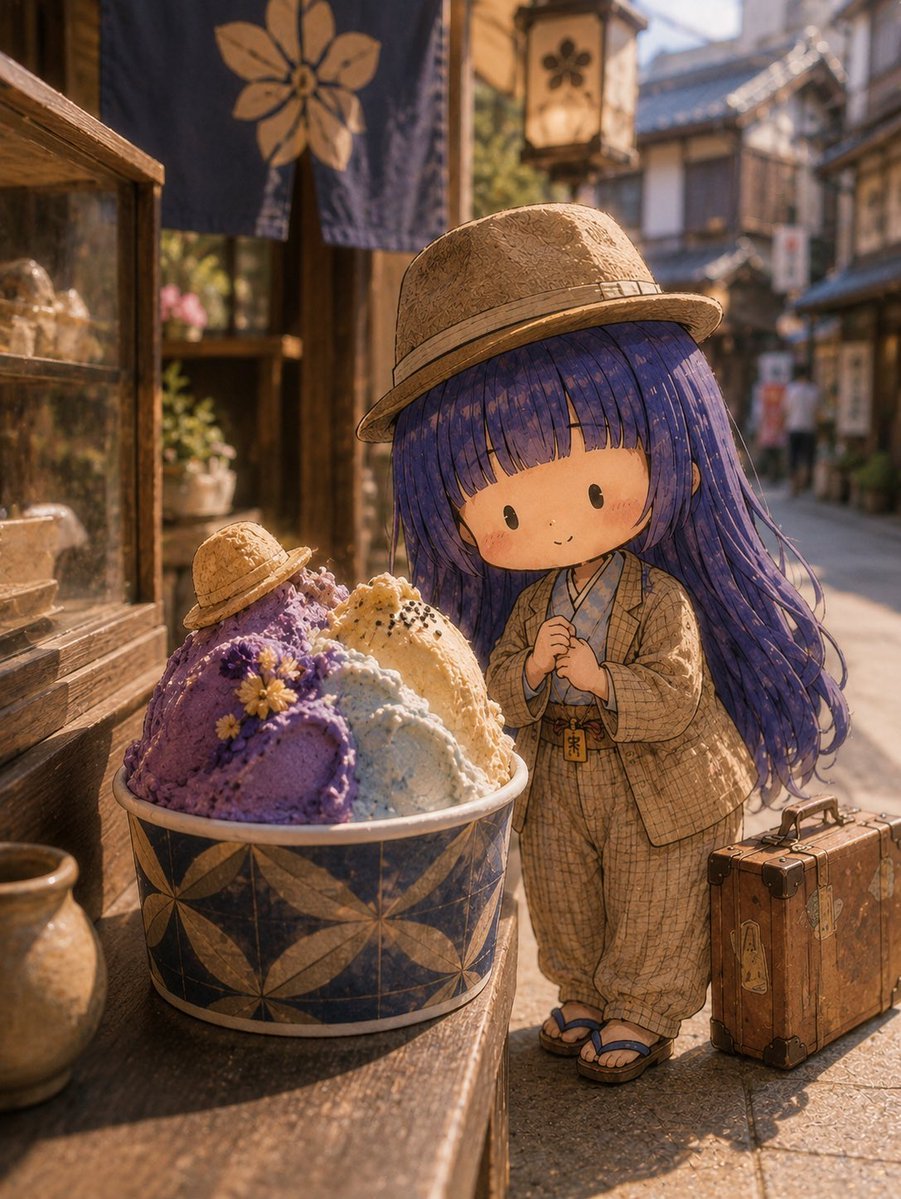
- Prompt included
- Model and format preset
- Free template
The prompt behind this image
Copy the exact prompt behind Chibi Girl at Gelato Shop, or open it in the studio and make it yours.
Create a warm cinematic storybook illustration of a tiny chibi girl standing on a nostalgic old Japanese shopping street, gazing happily at an oversized bowl of gelato outside a traditional wooden shop. The girl has a large round head, tiny body, dot eyes, rosy cheeks, a shy small smile, and very long flowing {argument name="hair color" default="deep violet-blue"} hair with straight bangs; she wears a woven straw boater hat, a beige patterned kimono-style travel outfit with loose pants, a small pouch charm at her waist, and blue geta sandals. Beside her is one vintage brown leather suitcase with stickers and dark corner protectors. In the foreground on a wooden display ledge, place one large ceramic gelato cup with a dark indigo-and-tan floral geometric pattern, filled with exactly 4 visible gelato scoops: one large purple scoop decorated with small yellow flowers, one pale blue scoop, one creamy vanilla scoop sprinkled with black sesame, and one smaller purple scoop wearing a tiny straw hat. The scene is set on a narrow old-town lane with wooden storefronts, a glass display case on the left, a hanging indigo noren curtain with a large tan flower symbol, and one softly glowing square lantern with a flower mark in the background. Use golden-hour sunlight, soft shadows, shallow depth of field, painterly 3D-anime texture, detailed fabric and straw textures, cozy whimsical atmosphere, vertical composition, no text, no watermark. The overall mood should feel like {argument name="mood" default="a quiet magical afternoon treat in a historic Japanese town"}.
How to use Chibi Girl at Gelato Shop in 3 steps
- 1Upload ImagePNG, JPG or paste
Add your photo
Upload the photo the template builds on. The prompt, model and format are already set.
- 2…a portrait of your subject in softgolden-hour light, 85mm…
Personalize
Edit the subject and creative details for your destination.
- 3Generate
Generate
Press Generate — your image is created in PicX Studio, so you can compare it with the original and refine one variable at a time.
More like this
Templates with the same subject, style or setup. Open one to see its prompt.

Cute Layered Paper Cut Chibi Girl

Teen Girl Alpine Lake Mountain View
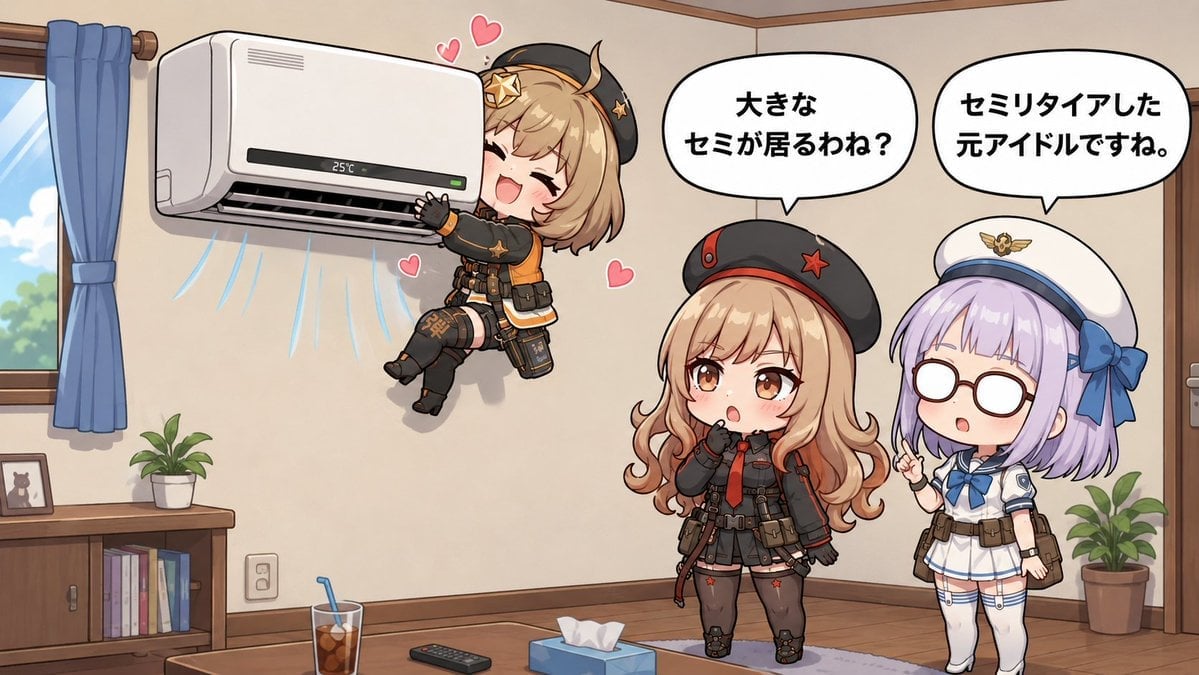
Chibi Girls Hugging Air Conditioner Comic

Pixar-Style Chibi Café Morning Scene

Pink Magical Girl in Antique Magic Shop
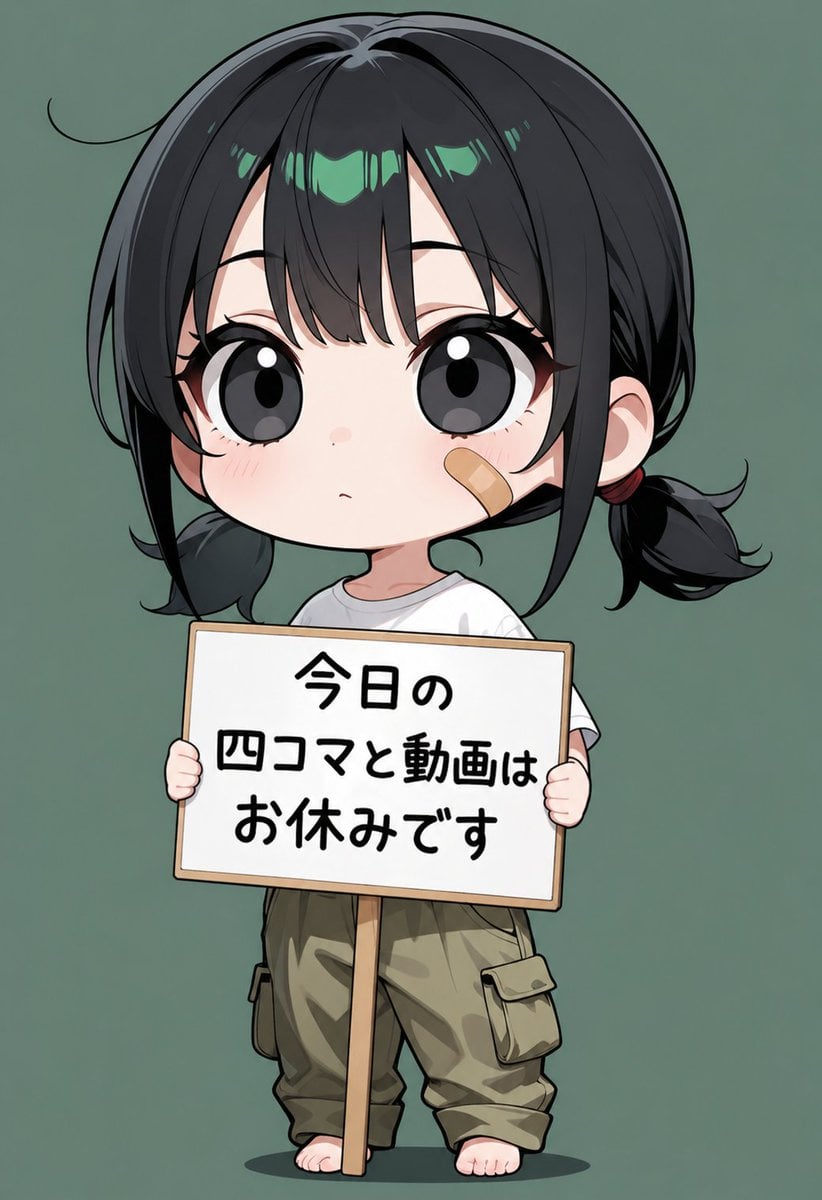
Chibi Girl Holding Japanese Notice Sign
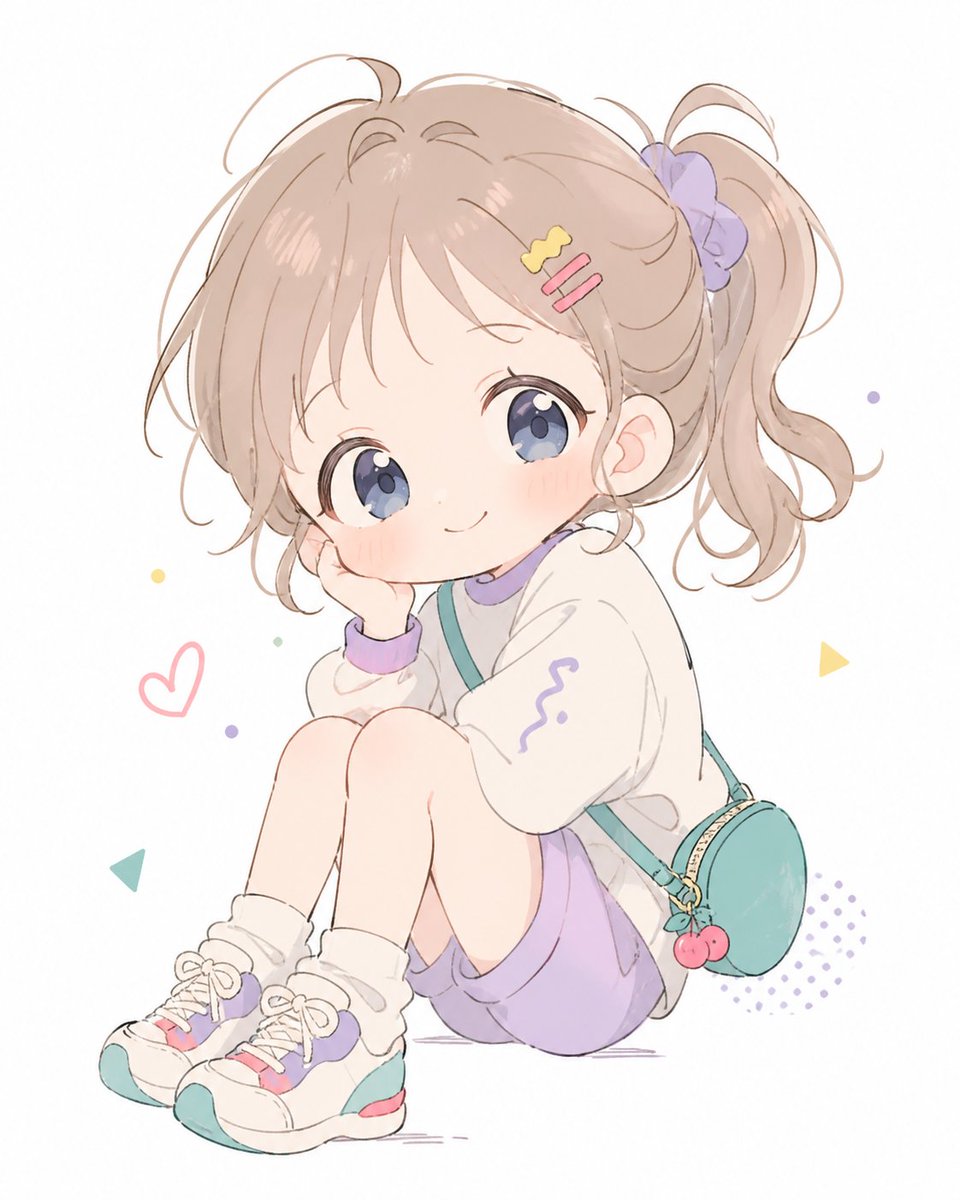
Pastel Chibi Girl Sitting Portrait

Chibi Cat-Girl Portrait

Nano Banana Pro Pink Office Chibi

Chibi Anime Ninja Sticker Sheet

Obscured Cyberpunk Girl Poster

Sunlit Orchard Girl With Apples
Make it yours
Chibi Girl at Gelato Shop works as-is. These are the safest ways to change it without losing the look.
Change one field
Copy a single group, rewrite it, and generate again so you can see what that field is doing.
Keep the frame, change the subject
Hold the composition and light of Chibi Girl at Gelato Shop, then swap wardrobe, props or the person for a new take.
| If the result… | Why | Fix |
|---|---|---|
| The result drifts from the preview | Too many fields changed at once. | Reuse Chibi Girl at Gelato Shop as-is first, then change one group — subject, light, or setting. |
| The model over-stylizes the scene | The prose prompt leaves finish and camera underspecified. | Add one camera or lighting sentence and stay on GPT Image 2. |
More GPT Image 2 templates
Other prompts made for GPT Image 2.

Six VTuber Japanese Logo Sheet

Realistic Portrait of Woman and Deer

The Vista Modular Condo Poster

AI Model Routing Comparison Infographic

2.5D Anime Art Board

Isometric Productivity Desk Scene

New York Double Exposure Poster

Four-Panel AI Landscape Comparison

Japanese Tatami Lifestyle Magazine Cover

NESCAFÉ Coffee Map Poster
More image prompts
Fresh picks from across the catalog.
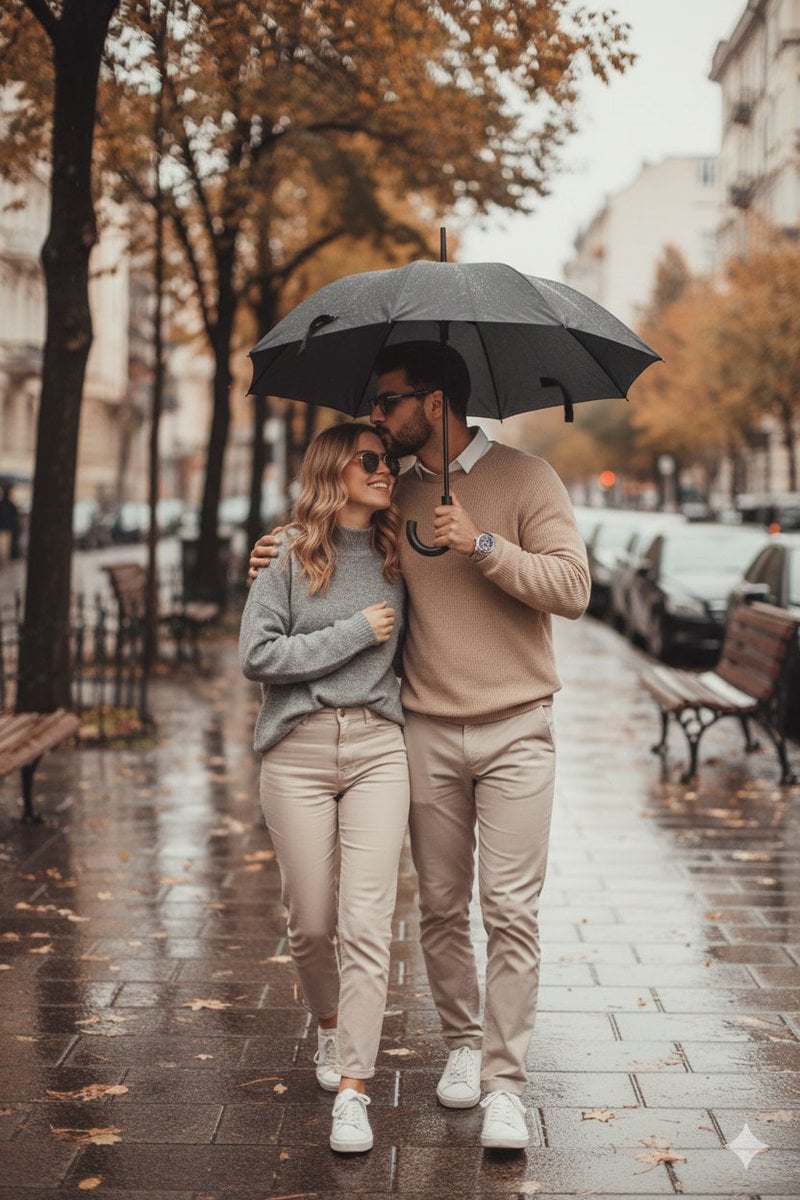
Romantic Rainy Autumn Couple Scene with Identity Lock
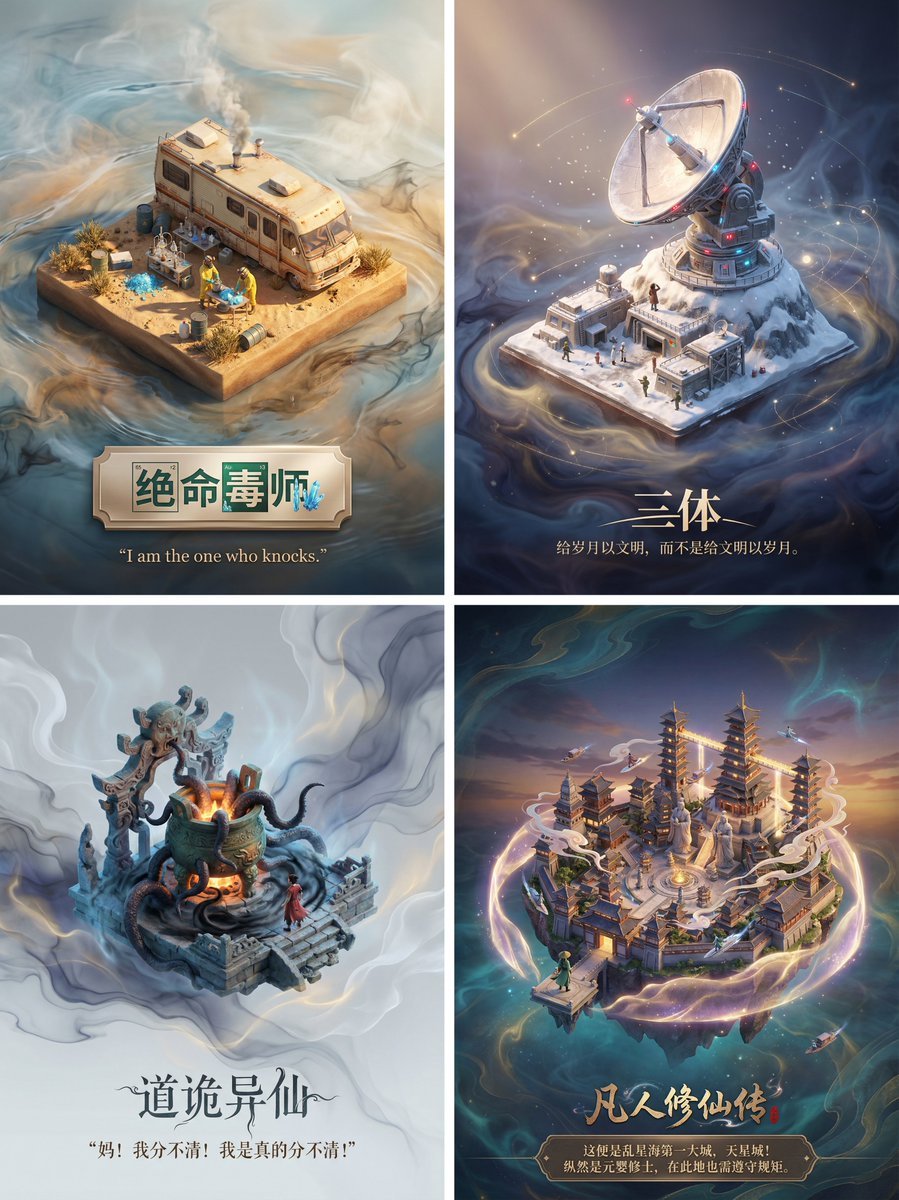
3D Diorama Poster for Film/Novel Scenes
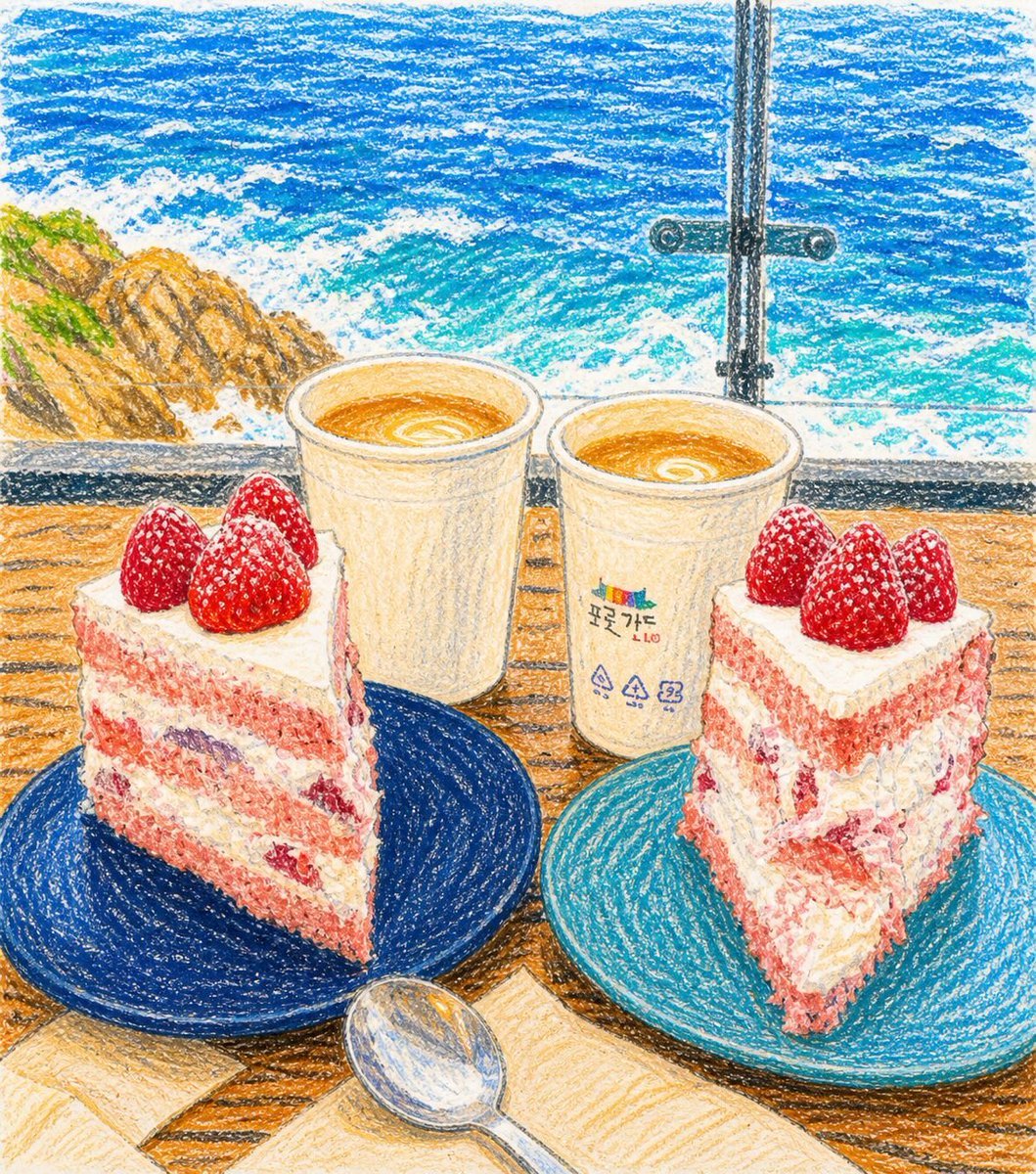
Crayon Drawing Transformation
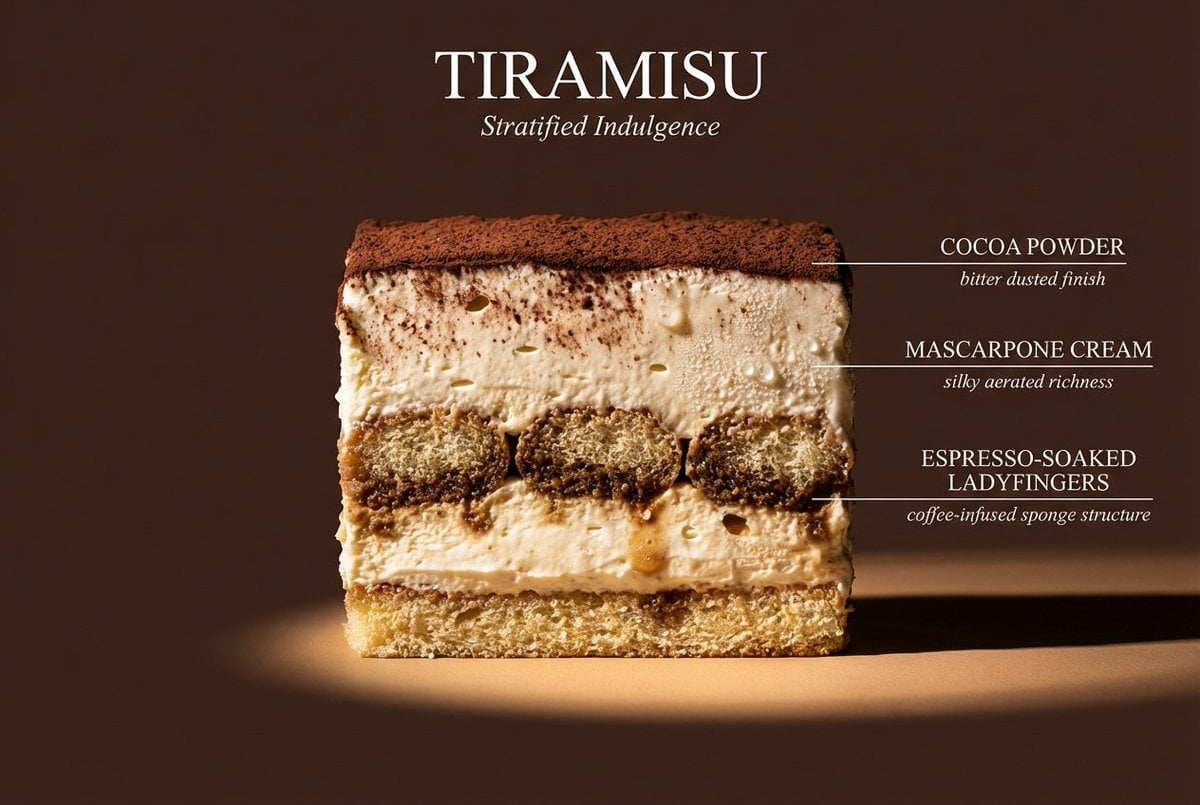
Cinematic cross-section food photography prompt
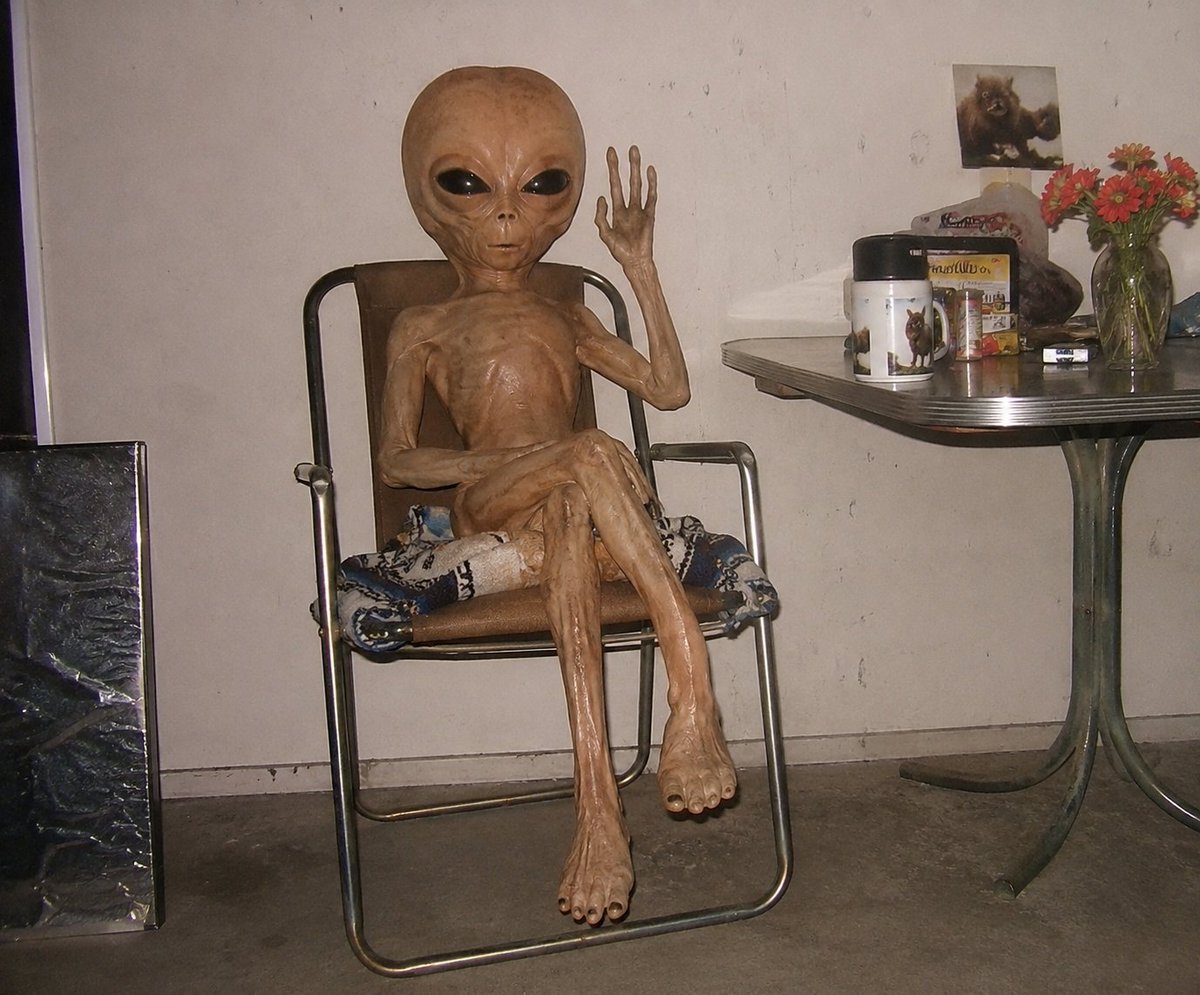
Censored Humanoid Snapshot
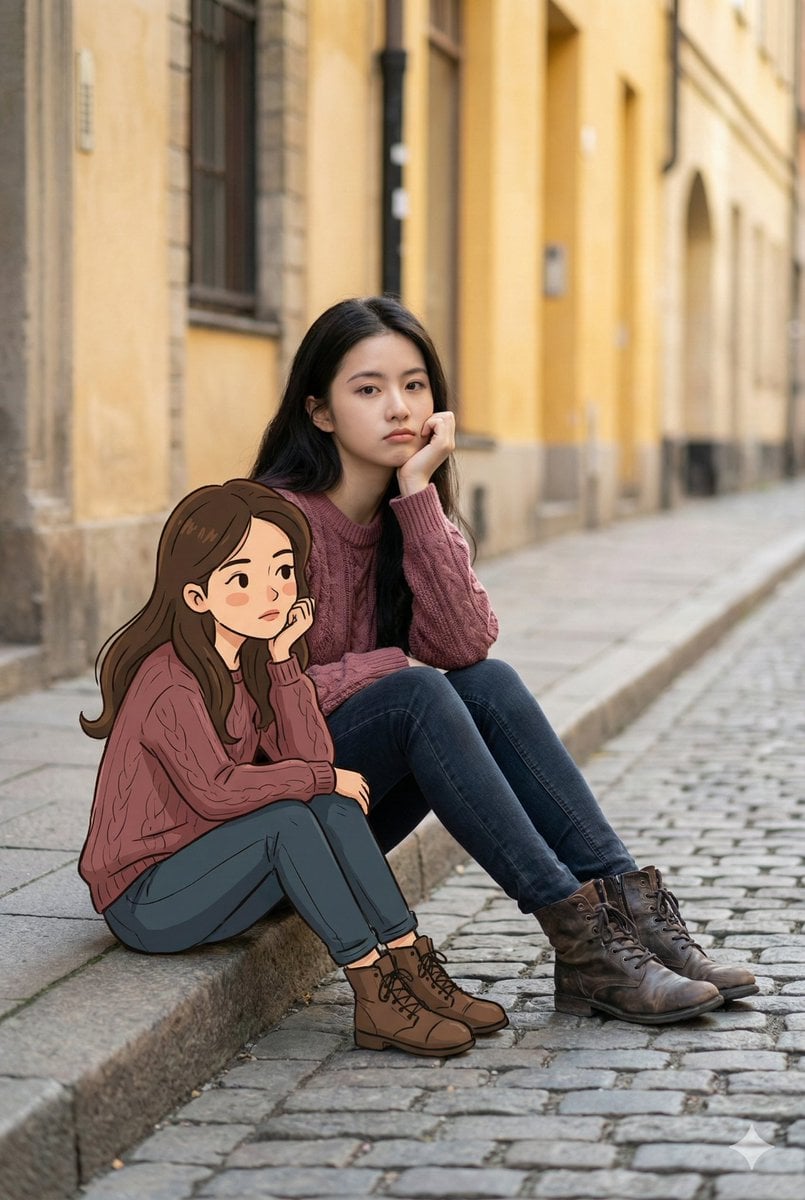
Dual Portrait Generation: Realistic and Cartoon Self-Portrait
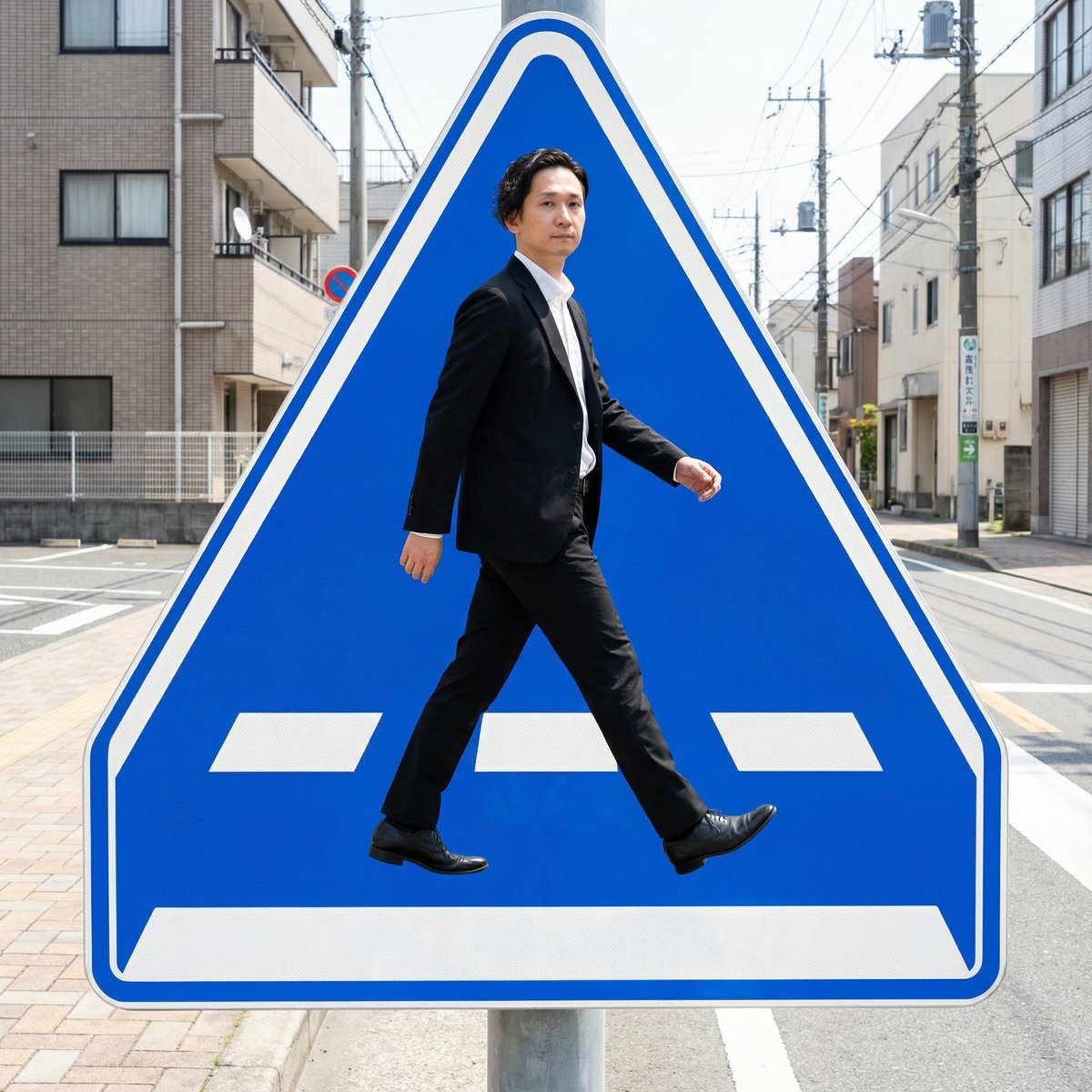
Pedestrian Markings as Personal Silhouette

8K Editorial Studio Portrait Prompt

Minimalist Fashion Editorial Portrait
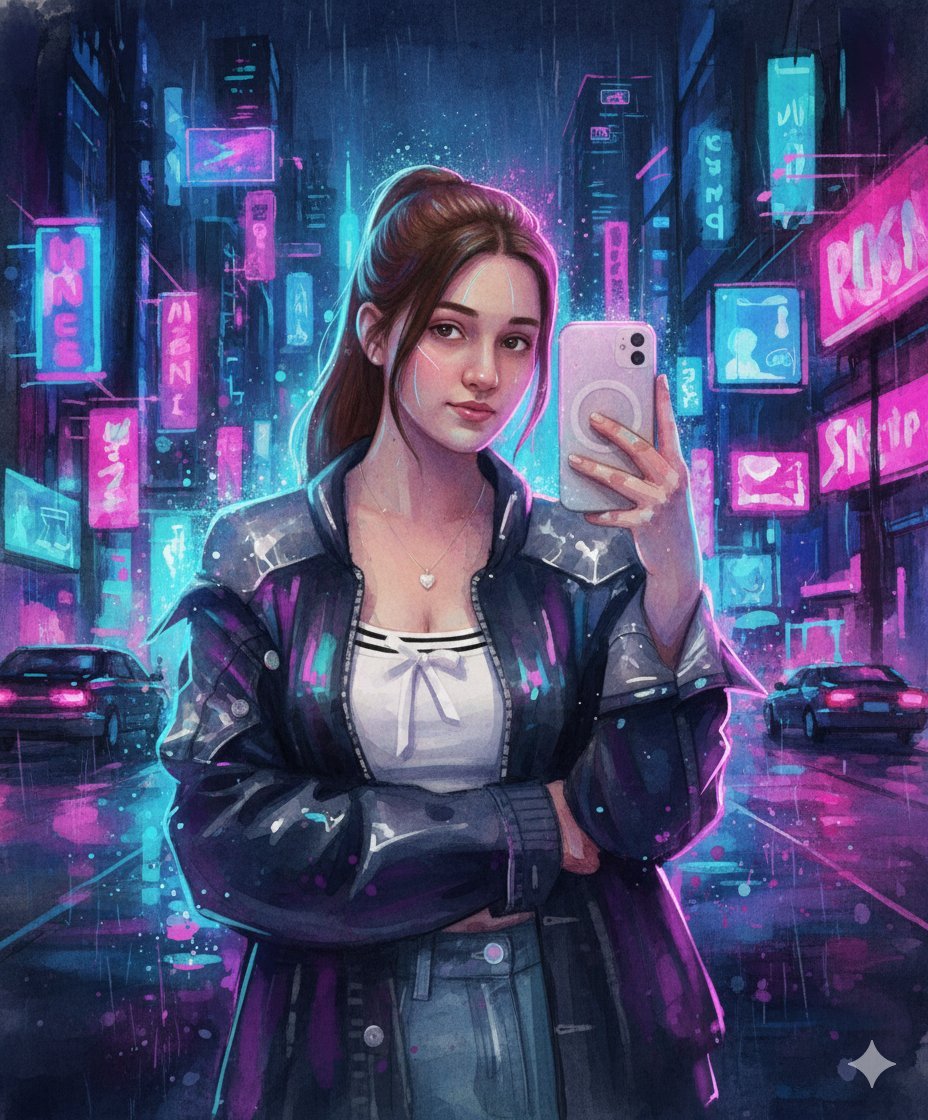
Neon Cyberpunk Watercolor Fusion Illustration Prompt
Browse template categories
Chibi Girl at Gelato Shop questions
How do I use the Chibi Girl at Gelato Shop template?
Add your photo if the template asks for one, edit the prompt if you like — the template's model and format are already selected — and press Generate. Your version opens in PicX Studio.
Can I customize the Chibi Girl at Gelato Shop template?
Yes. You can change the subject, setting, lighting, mood, format, and available model controls before creating your image.
Is the Chibi Girl at Gelato Shop template free?
Opening and editing this template is free. Generating uses credits, shown on the Generate button when you are signed in.
Which AI model should I use?
Start with GPT Image 2, which is the model associated with this template. You can compare another compatible model for a different finish.
Looking for something else? Browse all templates.

Your photo, any look
Thousands of ready templates for every top image and video model, from one credit balance.