
Underwater AI Model Comparison
Creates a two-panel labeled comparison graphic of photorealistic underwater snorkeler images for visual model benchmarking.
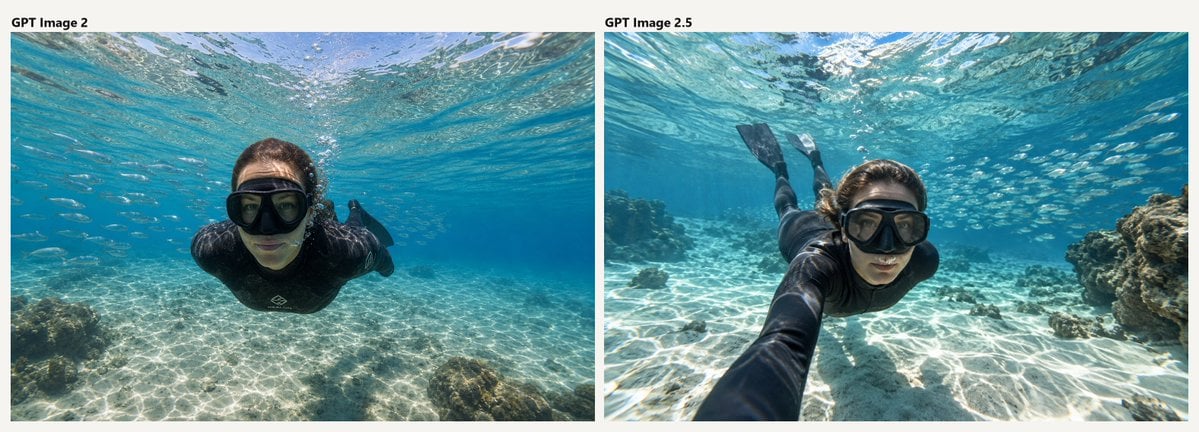
- Prompt included
- Model and format preset
- Free template
The prompt behind this image
Copy the exact prompt behind Underwater AI Model Comparison, or open it in the studio and make it yours.
Goal: Create a wide side-by-side comparison image showing two underwater snorkeling photos of the same scene, as if comparing model outputs. Canvas: Horizontal 2:1 aspect ratio on an off-white background, with two large rectangular photo panels placed side by side and separated by a narrow vertical gutter. Add small black bold labels above the panels: left label reads {argument name="left label" default="GPT Image 2"}, right label reads {argument name="right label" default="GPT Image 2.5"}. Layout: Use exactly 2 photo panels. The left panel occupies the left half and the right panel occupies the right half. Keep the labels aligned near the upper-left corner of each panel. No borders other than the off-white background margin and the central gap. Subject details: Both panels show a realistic underwater wide-angle action-camera photograph in clear tropical turquoise water. The subject is {argument name="subject" default="a young woman snorkeler"} wearing a black wetsuit or rash guard, a large black snorkel mask, and black fins. She is swimming horizontally toward the camera just below the rippling water surface. Sunlight creates bright caustic patterns across the shallow sandy seabed. Small fish are visible in the blue water, and coral or rocky reef formations appear near the edges. Left panel: The snorkeler is centered and closer to the camera, facing forward with arms tucked back, body streamlined, black mask dominating the face. The water is bright cyan, the sandy bottom is shallow and patterned with sun ripples, and a small reef rock sits in the lower-left foreground. The overall look is clean, slightly artificial, and symmetrical. Right panel: The snorkeler is angled diagonally from lower center toward upper left, with one arm extended toward the camera in a selfie-like perspective. Her fins are visible behind her near the top-left area, and larger reef rocks appear on the right side. The water has richer color contrast, stronger surface shimmer, more fish in the background, and a more dynamic wide-angle composition. Visual style: Photorealistic underwater photography, natural sunlight, crisp details, GoPro-style wide-angle lens, high clarity, realistic water refraction, vivid aquamarine and sandy white tones. Constraints: Include exactly 2 labeled panels and exactly 2 visible text labels. Do not add extra captions, watermarks, UI elements, arrows, or decorative graphics.
How to use Underwater AI Model Comparison in 3 steps
- 1Upload ImagePNG, JPG or paste
Add your photo
Upload the photo the template builds on. The prompt, model and format are already set.
- 2…a portrait of your subject in softgolden-hour light, 85mm…
Personalize
Edit the subject and creative details for your destination.
- 3Generate
Generate
Press Generate — your image is created in PicX Studio, so you can compare it with the original and refine one variable at a time.
More like this
Templates with the same subject, style or setup. Open one to see its prompt.

AI Model Routing Comparison Infographic

Fantasy Model Comparison Grid
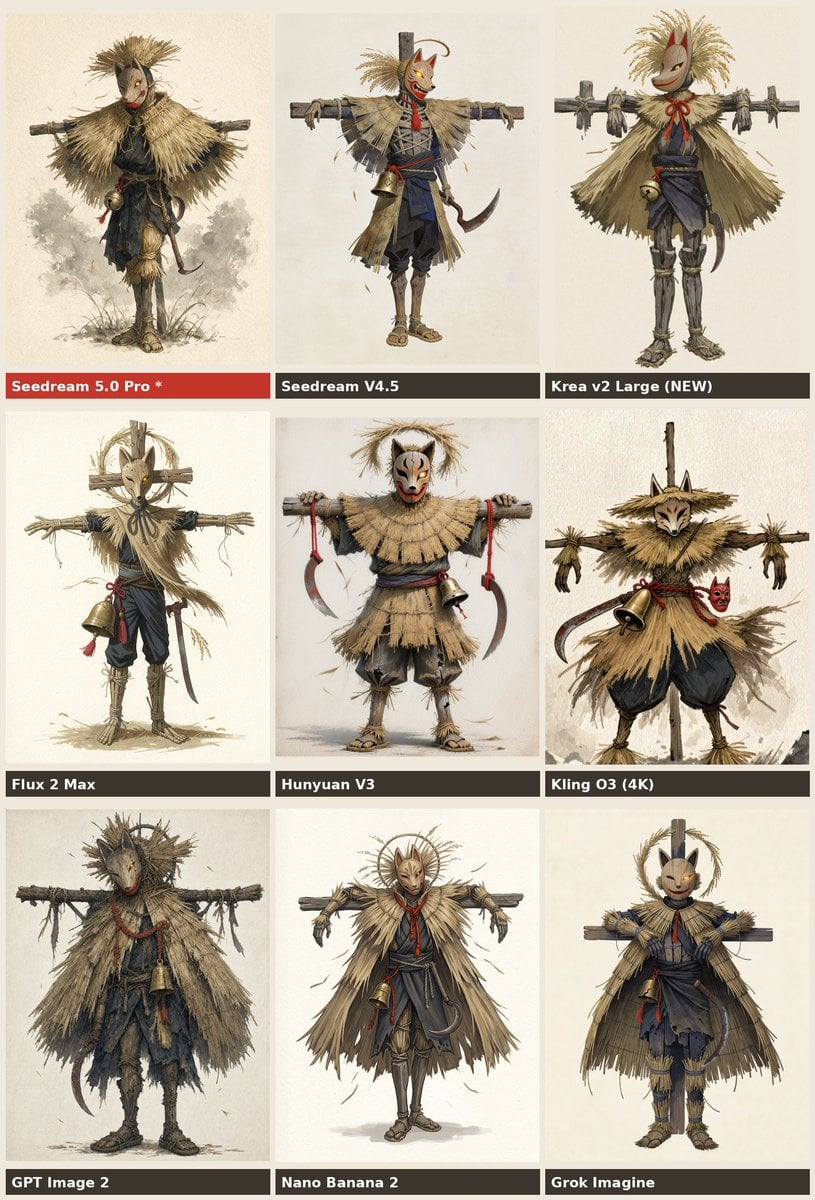
Nine-Model Scarecrow Yokai Comparison

Premium Vertical Product Campaign Poster
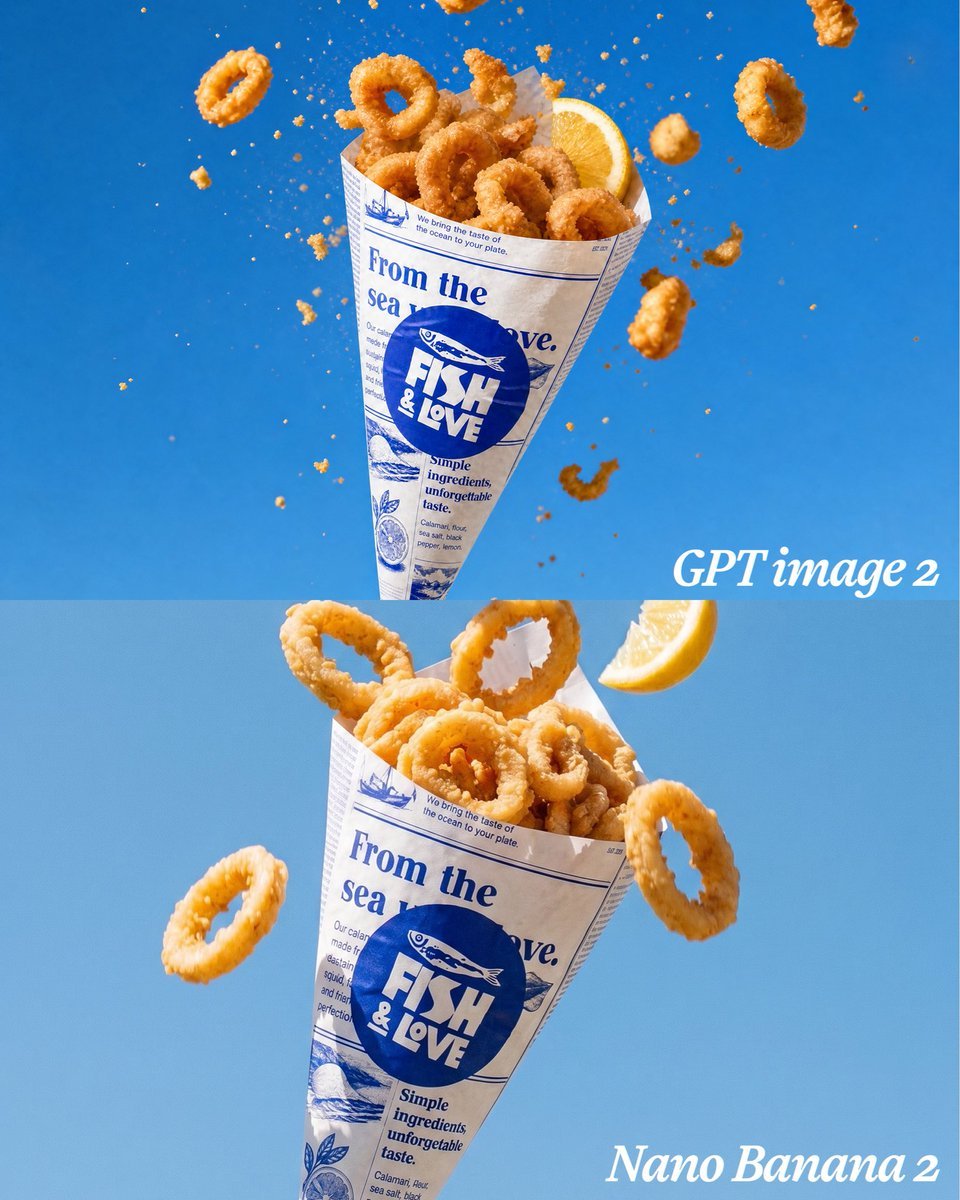
Calamari Cone Model Comparison
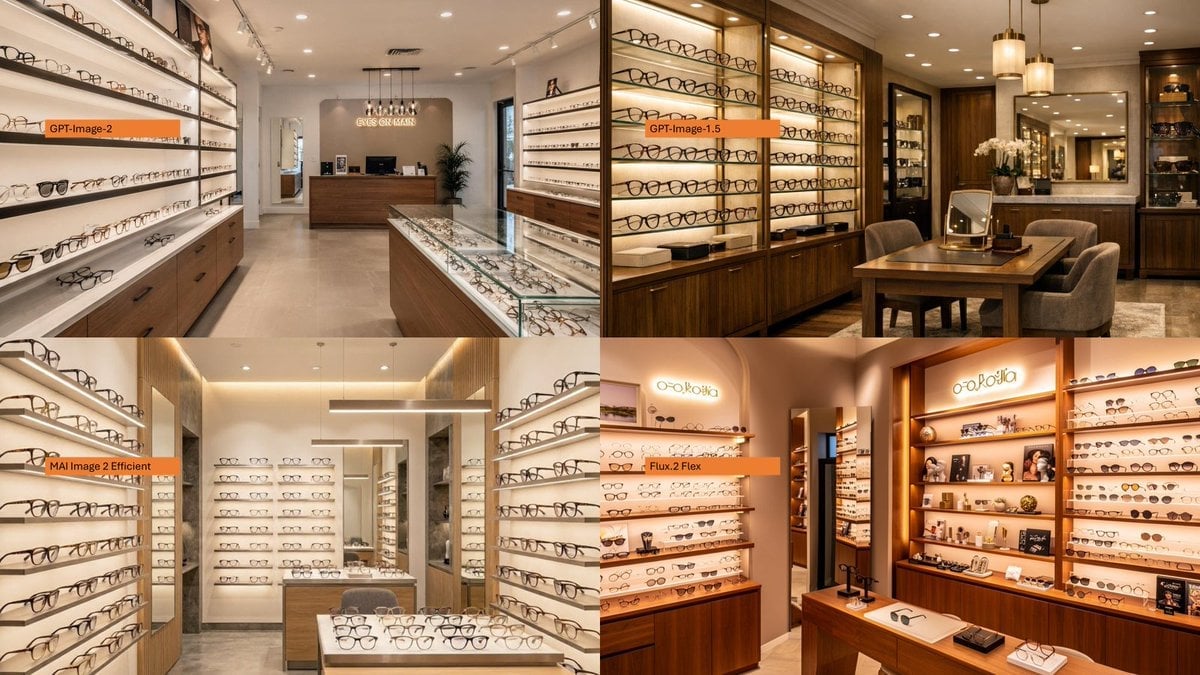
AI Model Eyewear Store Comparison
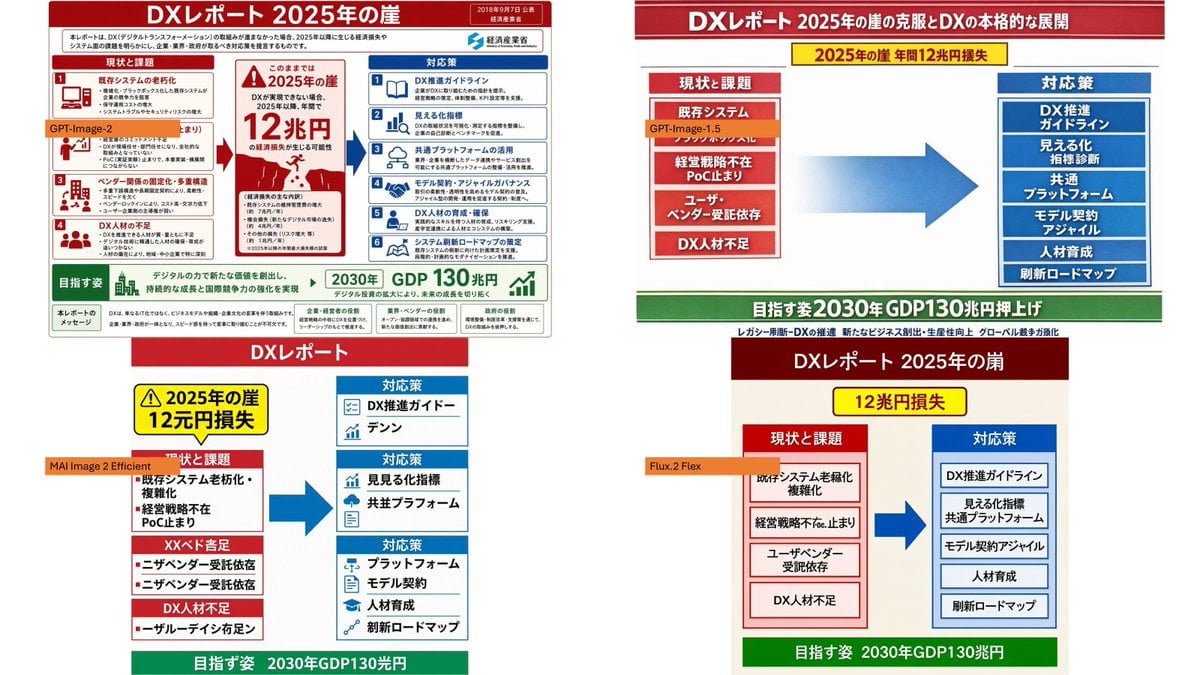
DX Infographic Model Comparison
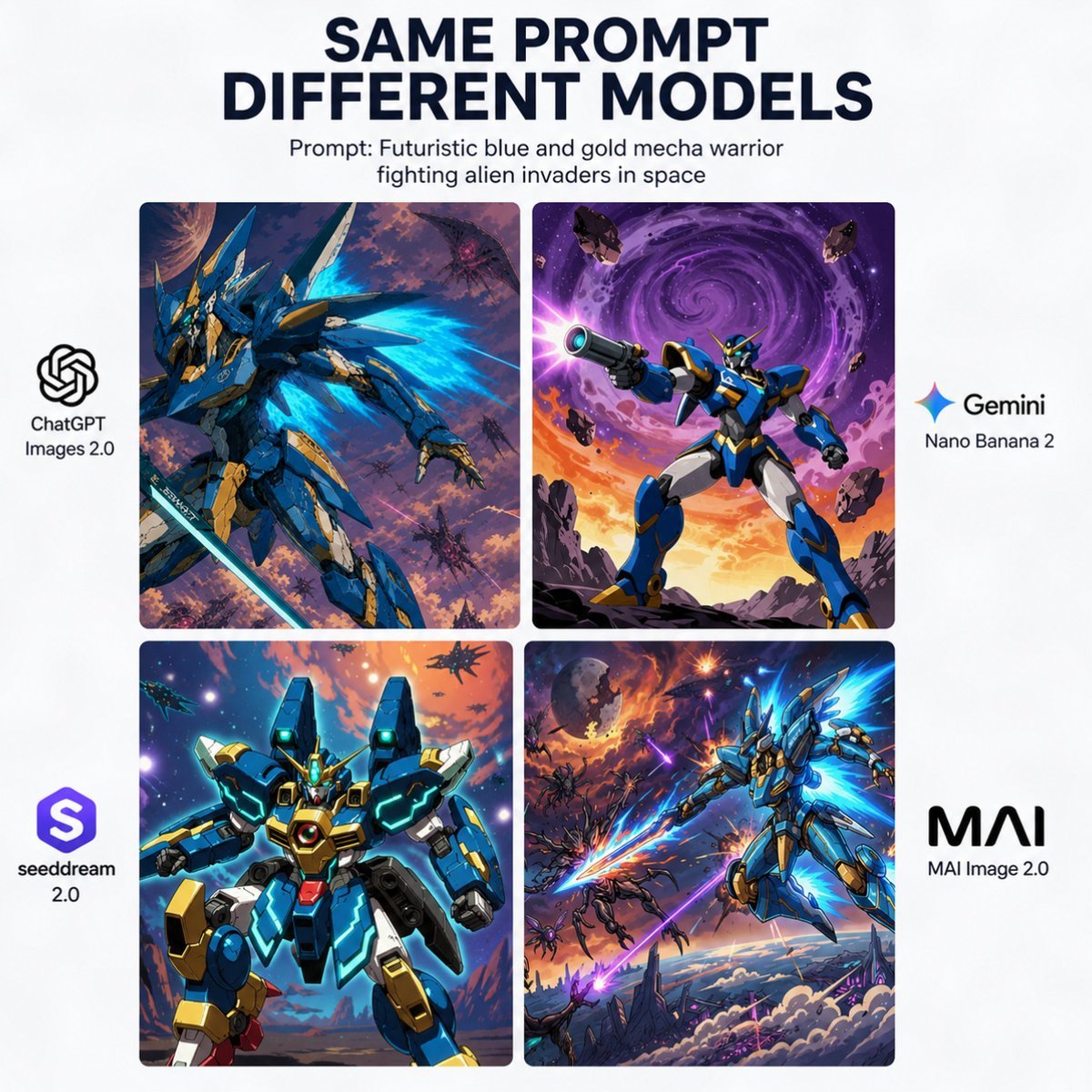
AI Model Mecha Comparison Poster
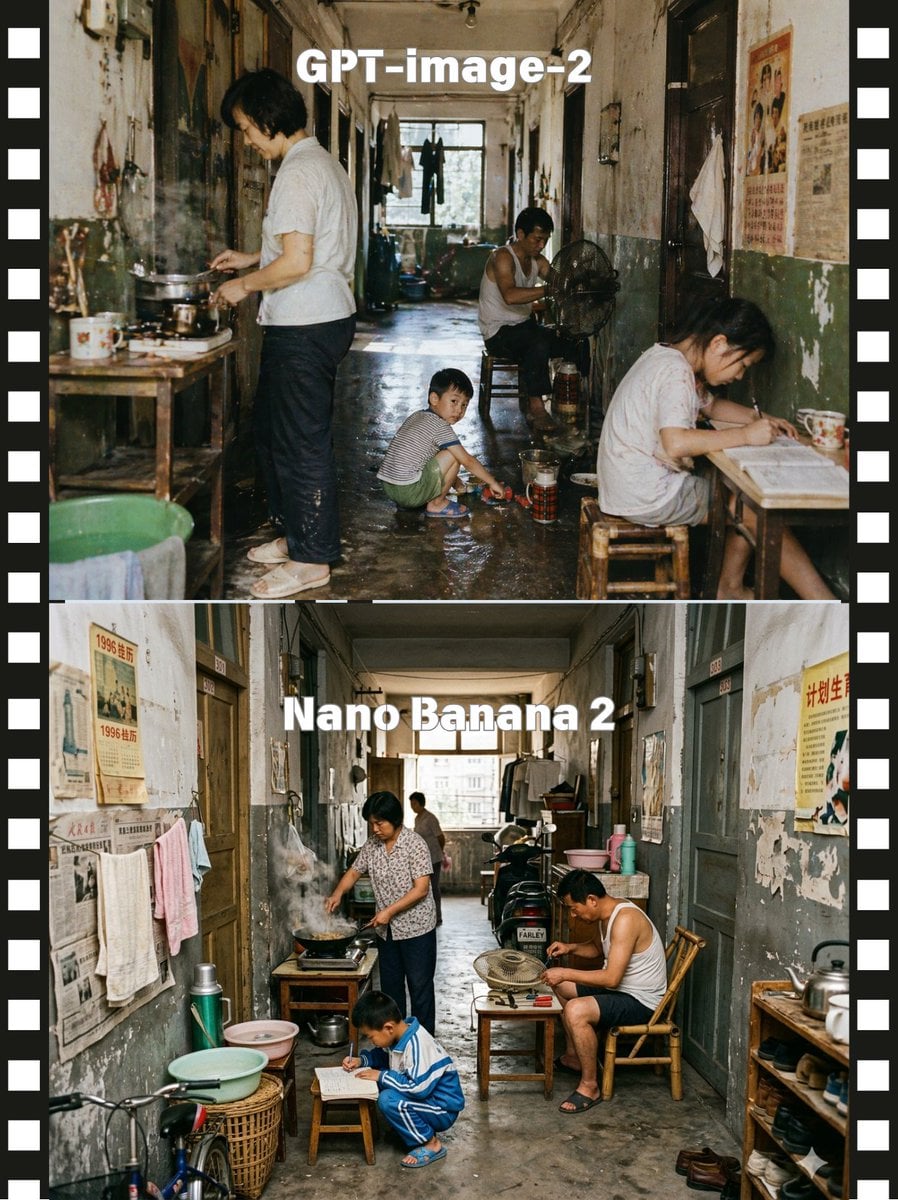
Stacked Corridor Model Comparison
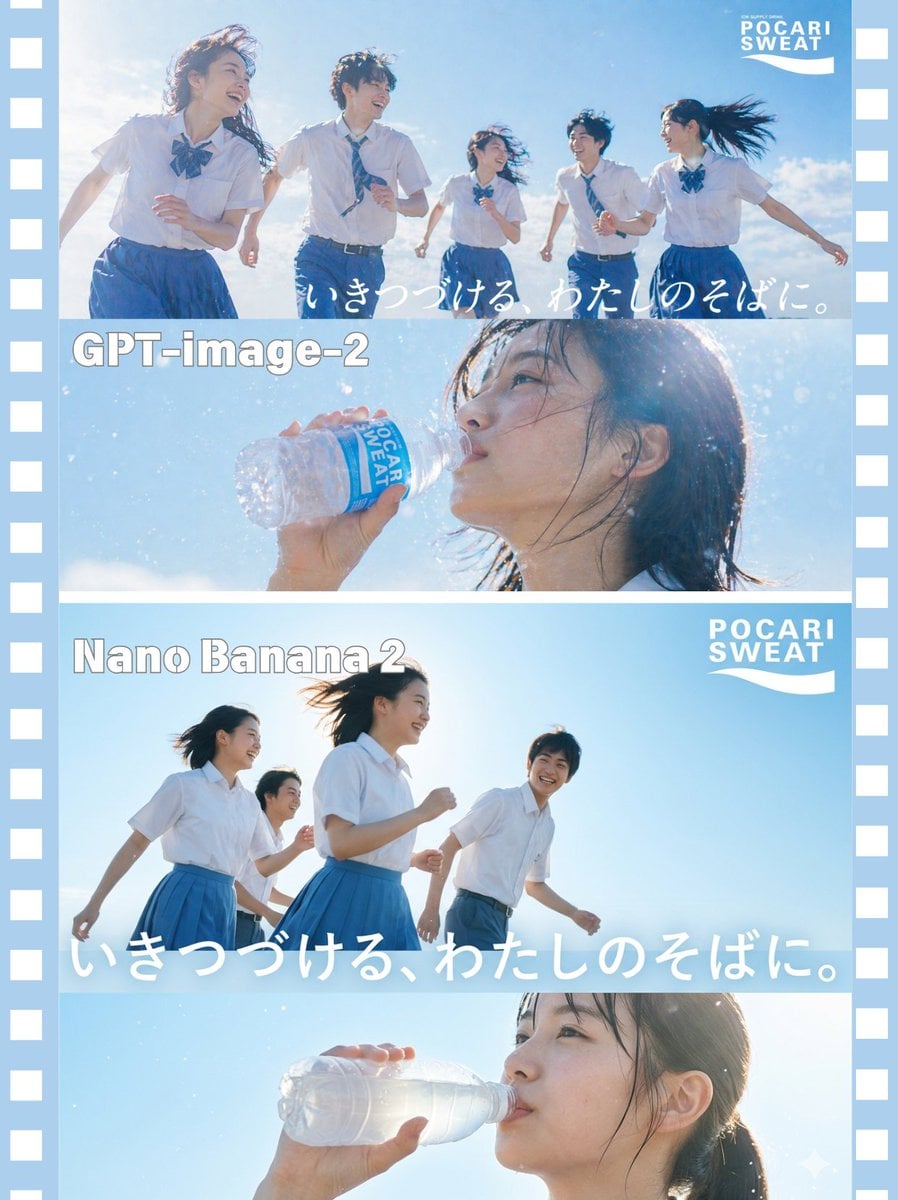
AI Model Comparison Ad Poster
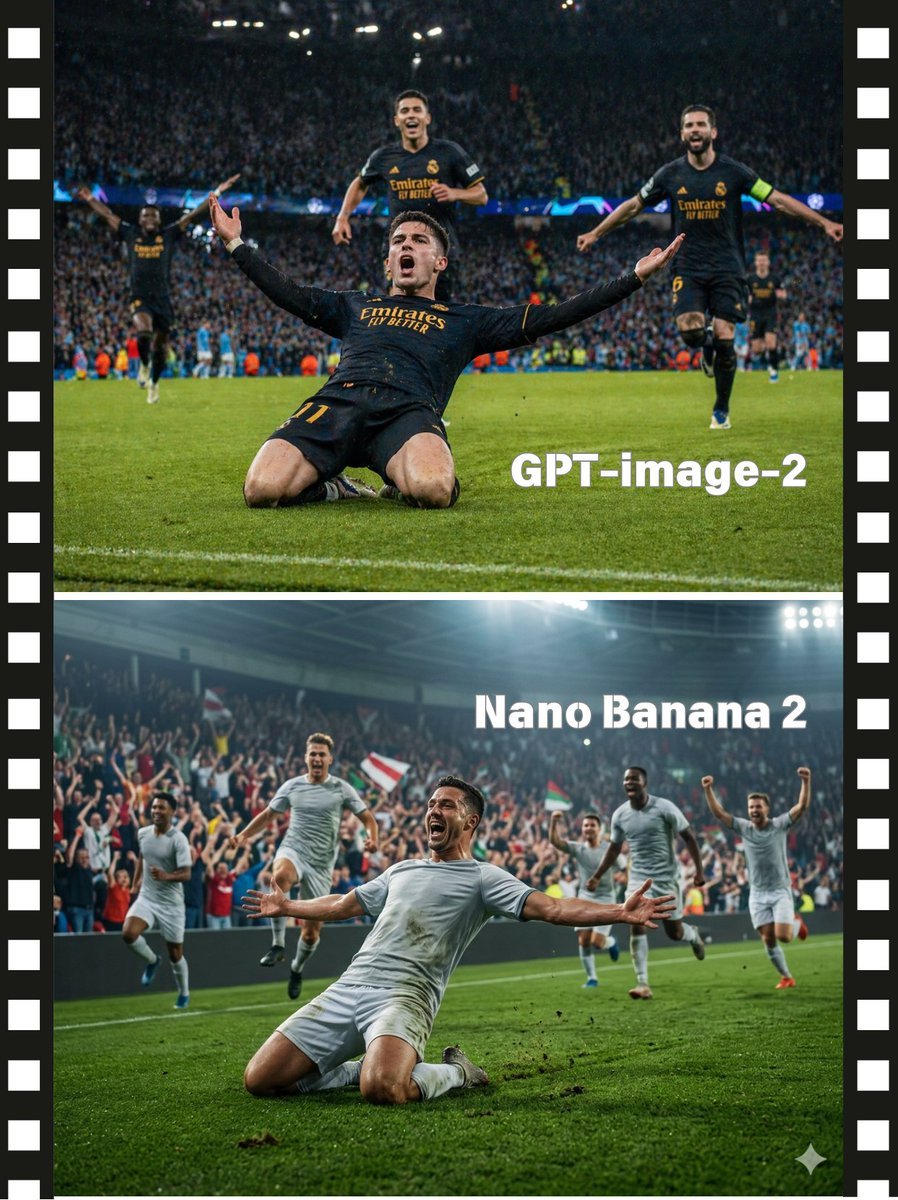
Soccer Model Comparison Poster

Two-Panel Snow Cabin Model Comparison
Make it yours
Underwater AI Model Comparison works as-is. These are the safest ways to change it without losing the look.
Change one field
Copy a single group, rewrite it, and generate again so you can see what that field is doing.
Keep the frame, change the subject
Hold the composition and light of Underwater AI Model Comparison, then swap wardrobe, props or the person for a new take.
| If the result… | Why | Fix |
|---|---|---|
| The result drifts from the preview | Too many fields changed at once. | Reuse Underwater AI Model Comparison as-is first, then change one group — subject, light, or setting. |
| The model over-stylizes the scene | The prose prompt leaves finish and camera underspecified. | Add one camera or lighting sentence and stay on GPT Image 2. |
More GPT Image 2 templates
Other prompts made for GPT Image 2.

Six VTuber Japanese Logo Sheet

Realistic Portrait of Woman and Deer

The Vista Modular Condo Poster

2.5D Anime Art Board

Isometric Productivity Desk Scene

New York Double Exposure Poster

Japanese Tatami Lifestyle Magazine Cover

NESCAFÉ Coffee Map Poster

Brutalist Cogito Chinese Typography Poster

Cinematic Luxury Terrace Portrait
More image prompts
Fresh picks from across the catalog.
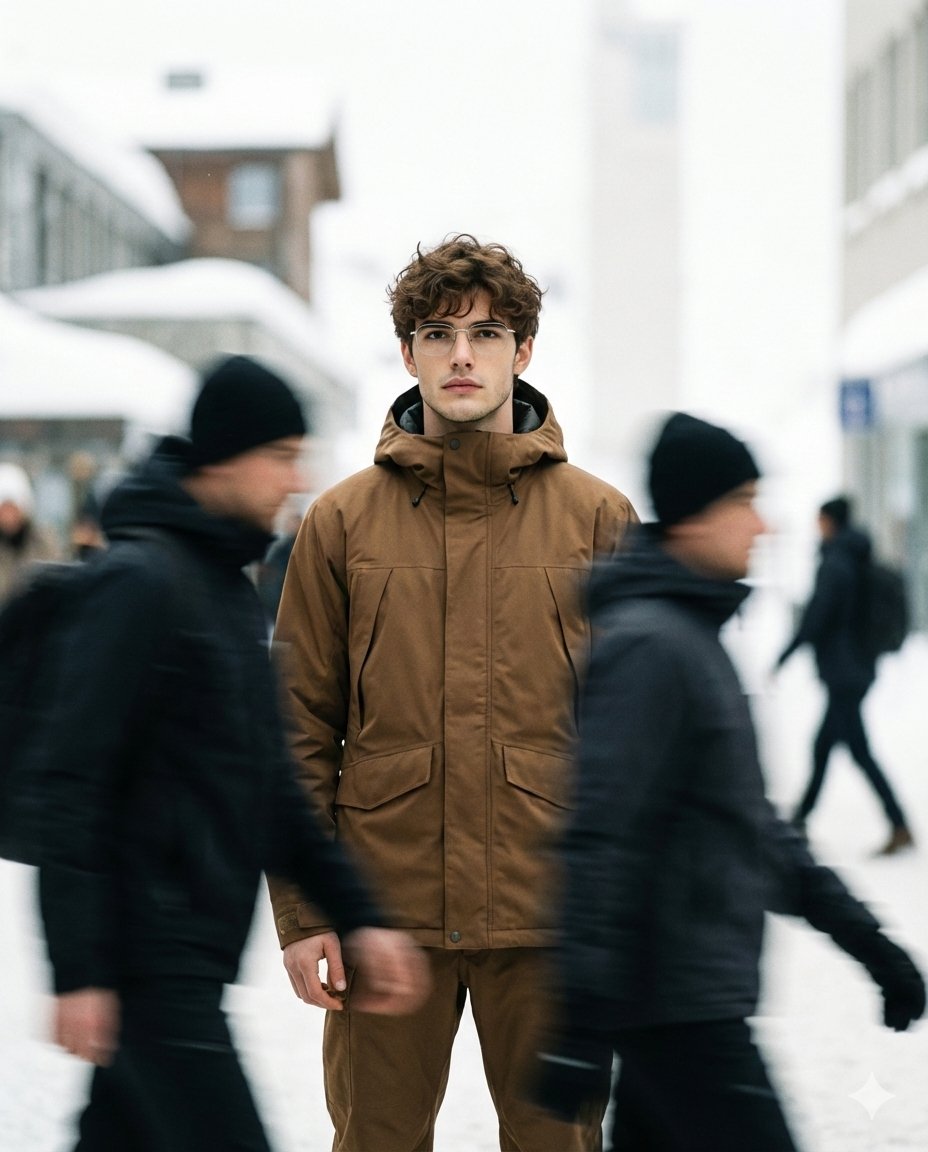
High Fashion Magazine Pictorial with Motion Blur
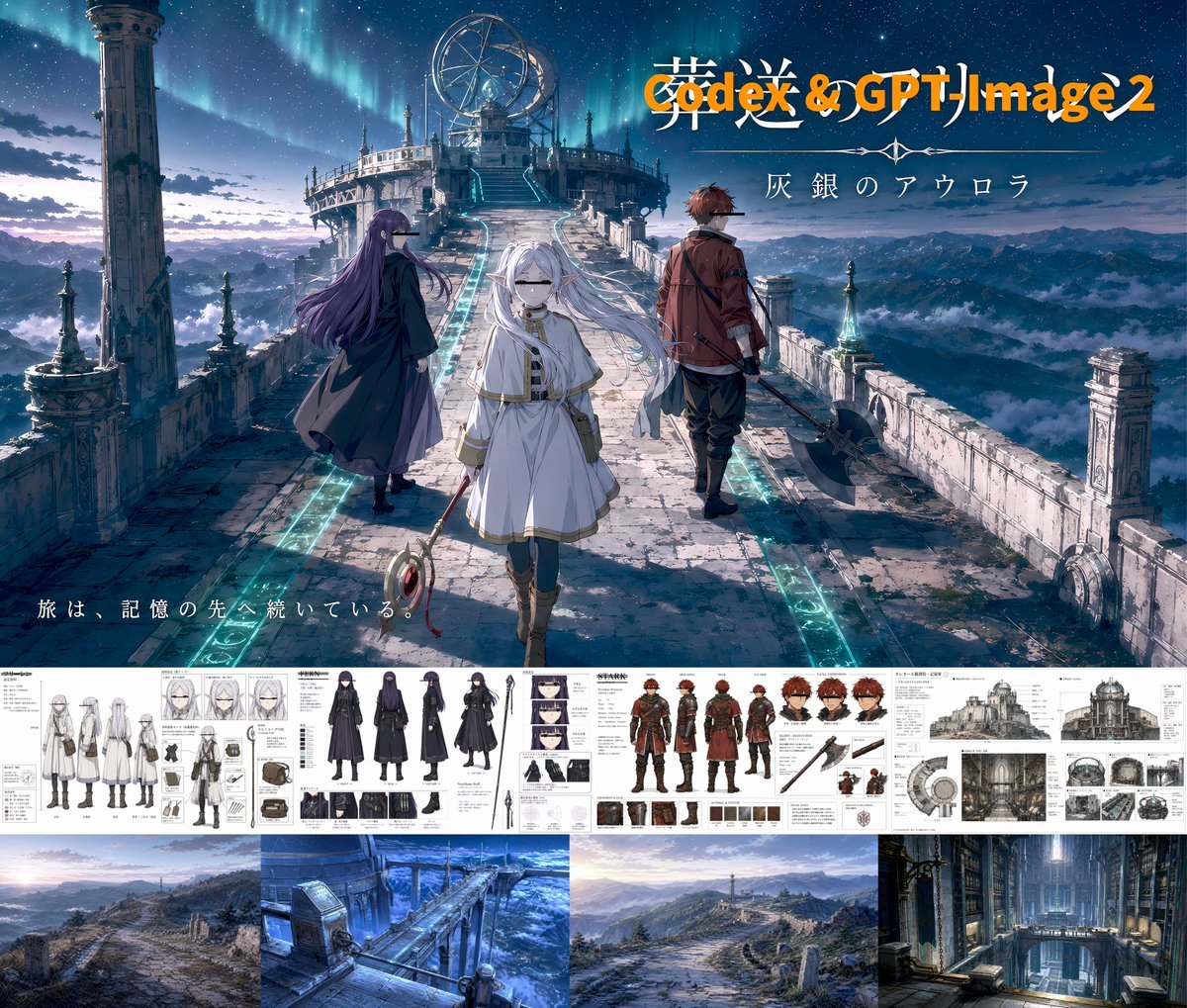
Anime Fantasy Key Visual Board
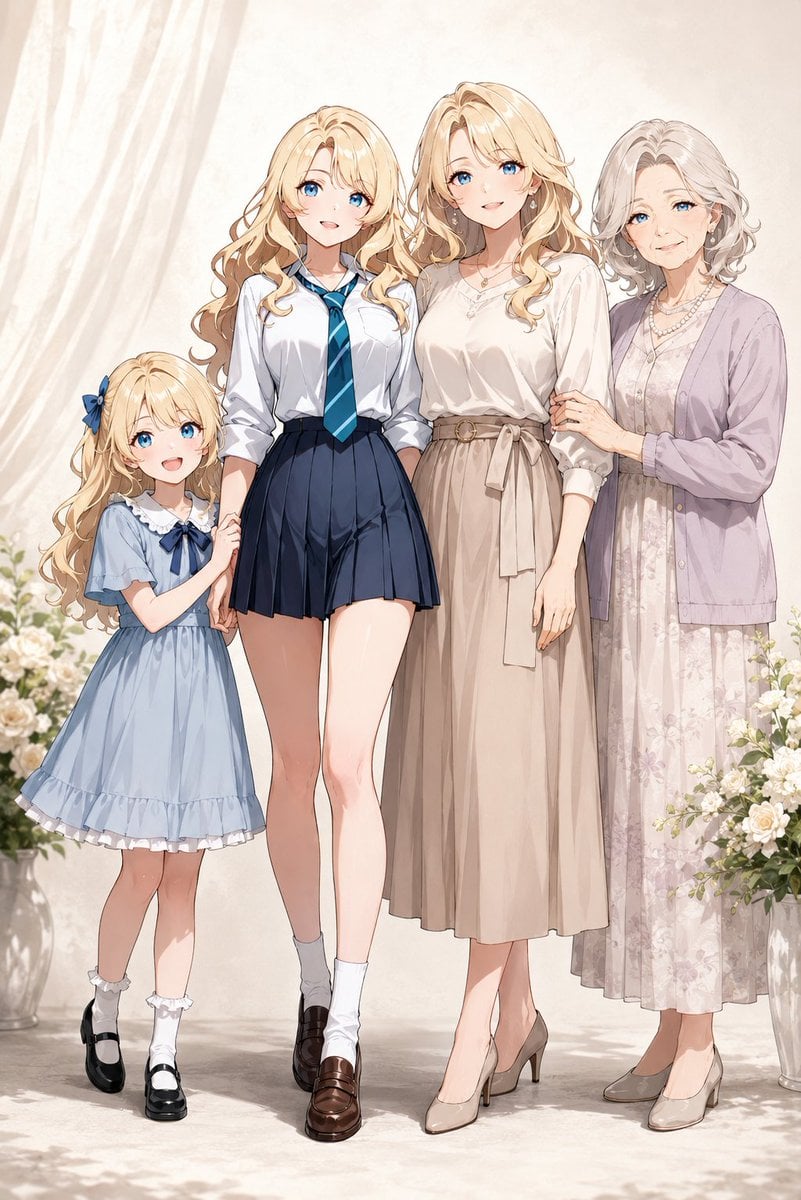
Four-Generation Family Portrait Prompt

3D Chibi Doodle Portrait
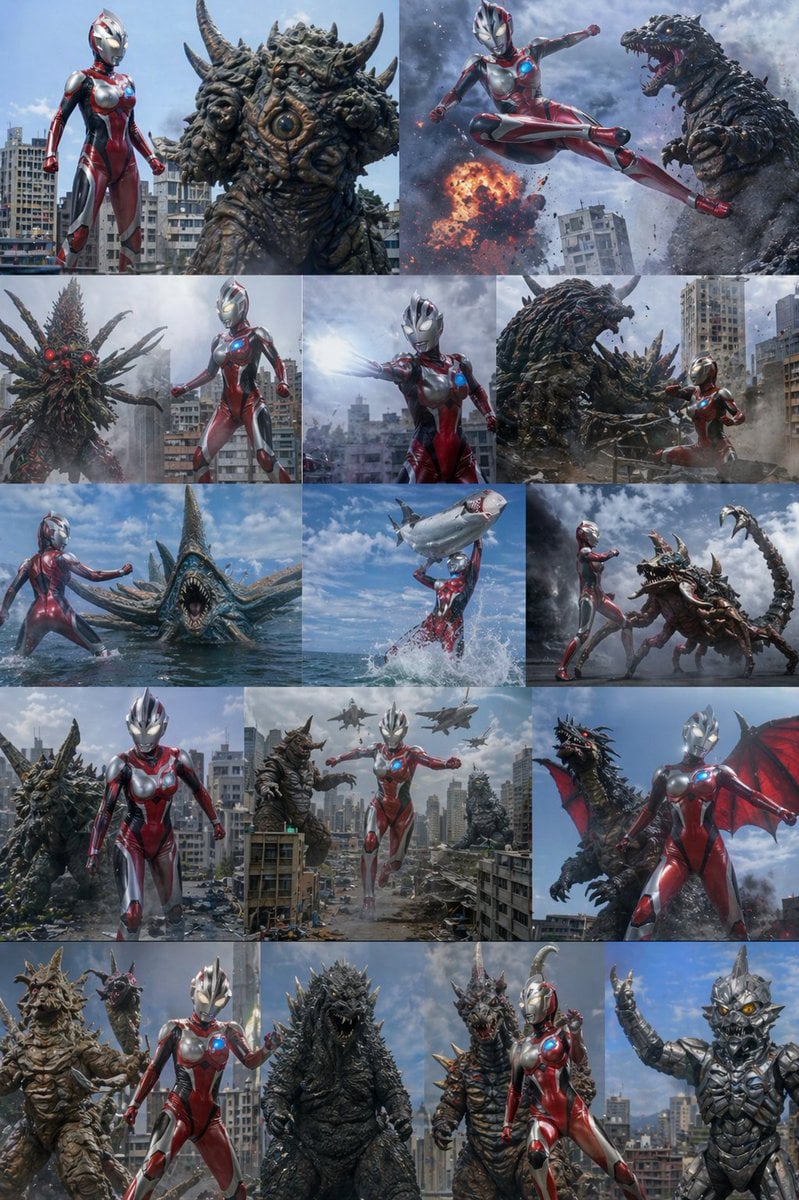
Ultra Woman Kaiju Battle Variations
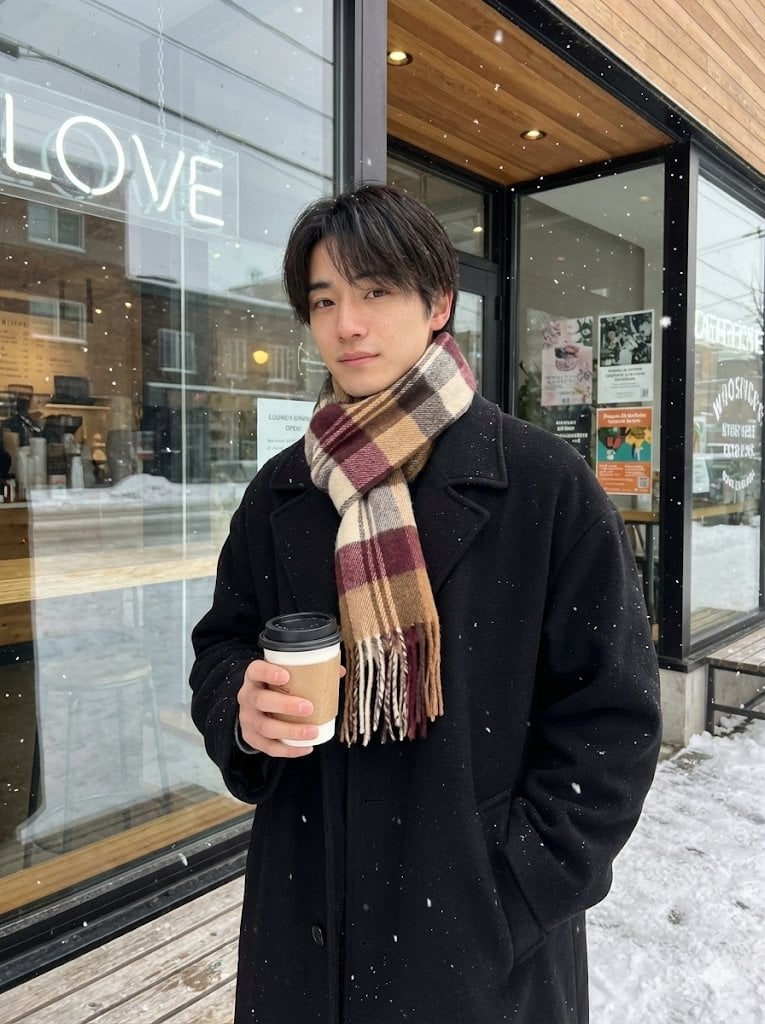
AI Profile Photo Generation Prompt (Angled Shot Modification)
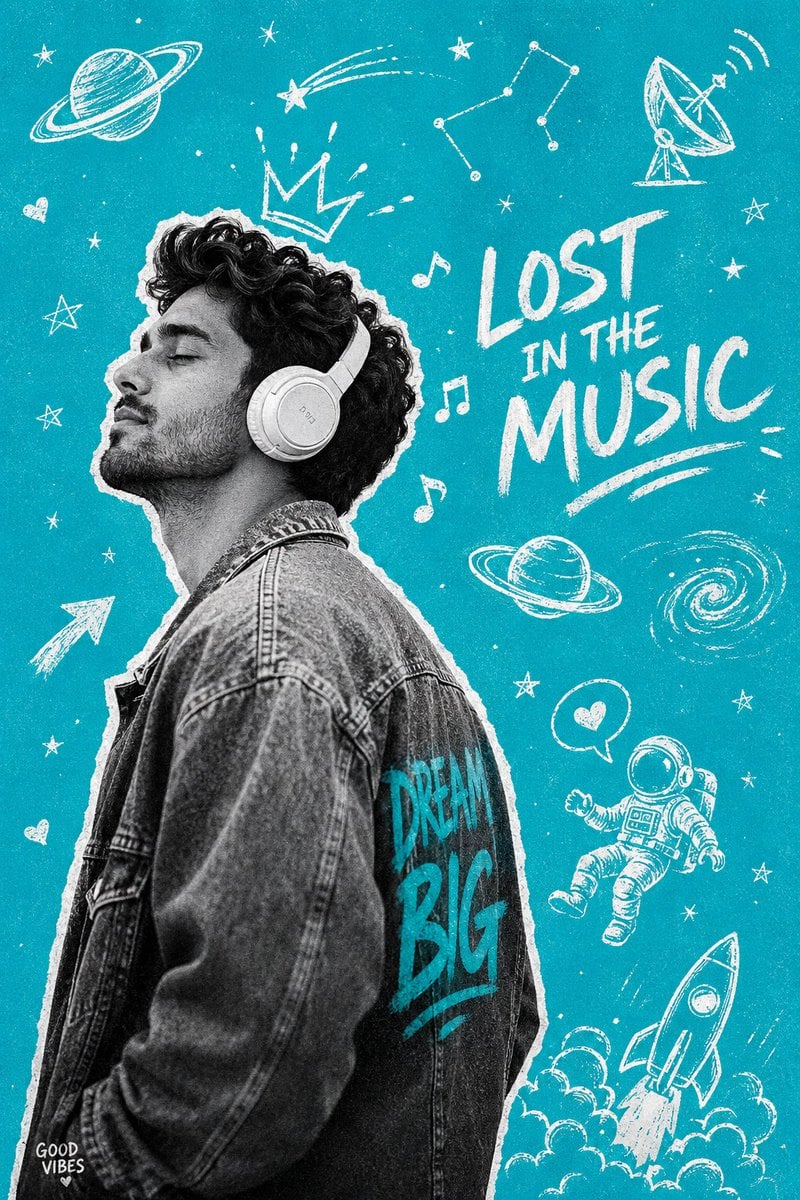
Gen-Z Music Doodle Poster
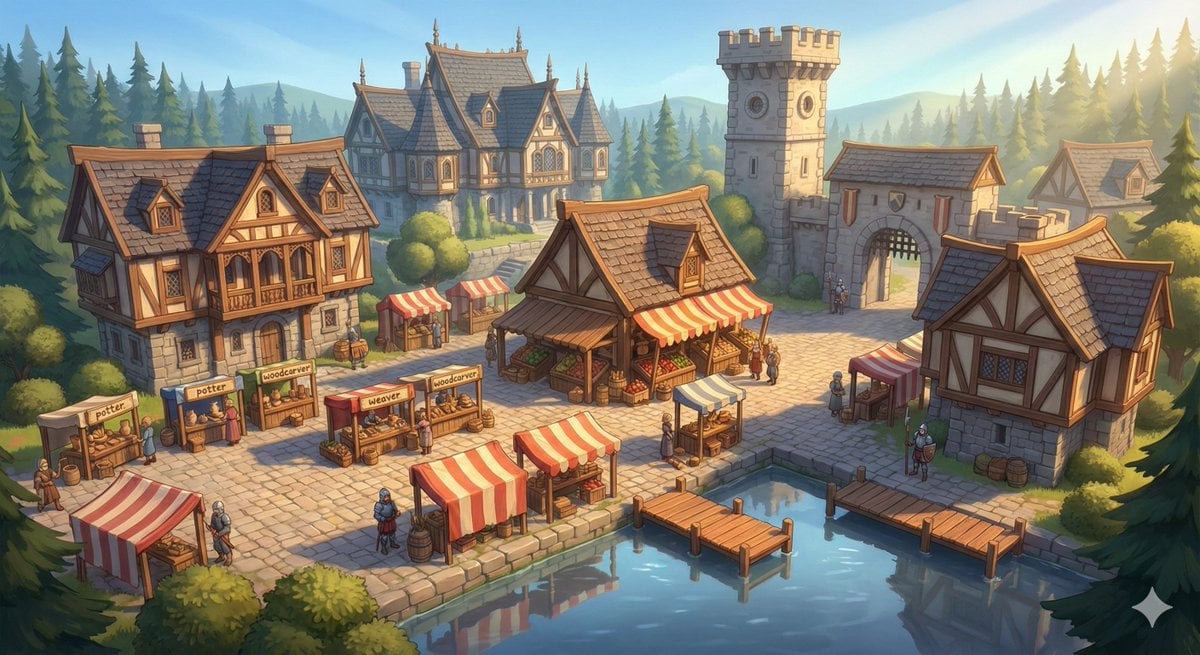
Cinematic Stylized Medieval Market Day
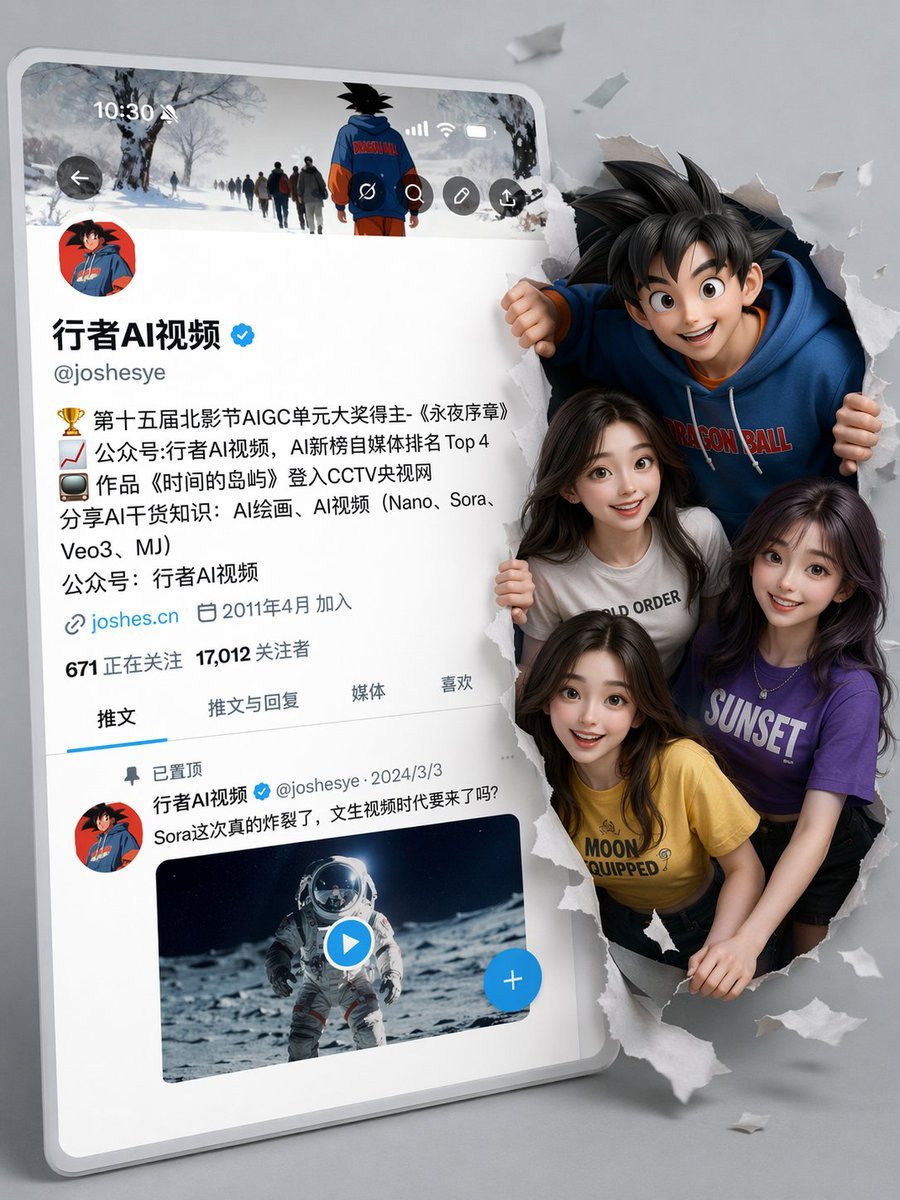
3D Social Media Profile Break-Out
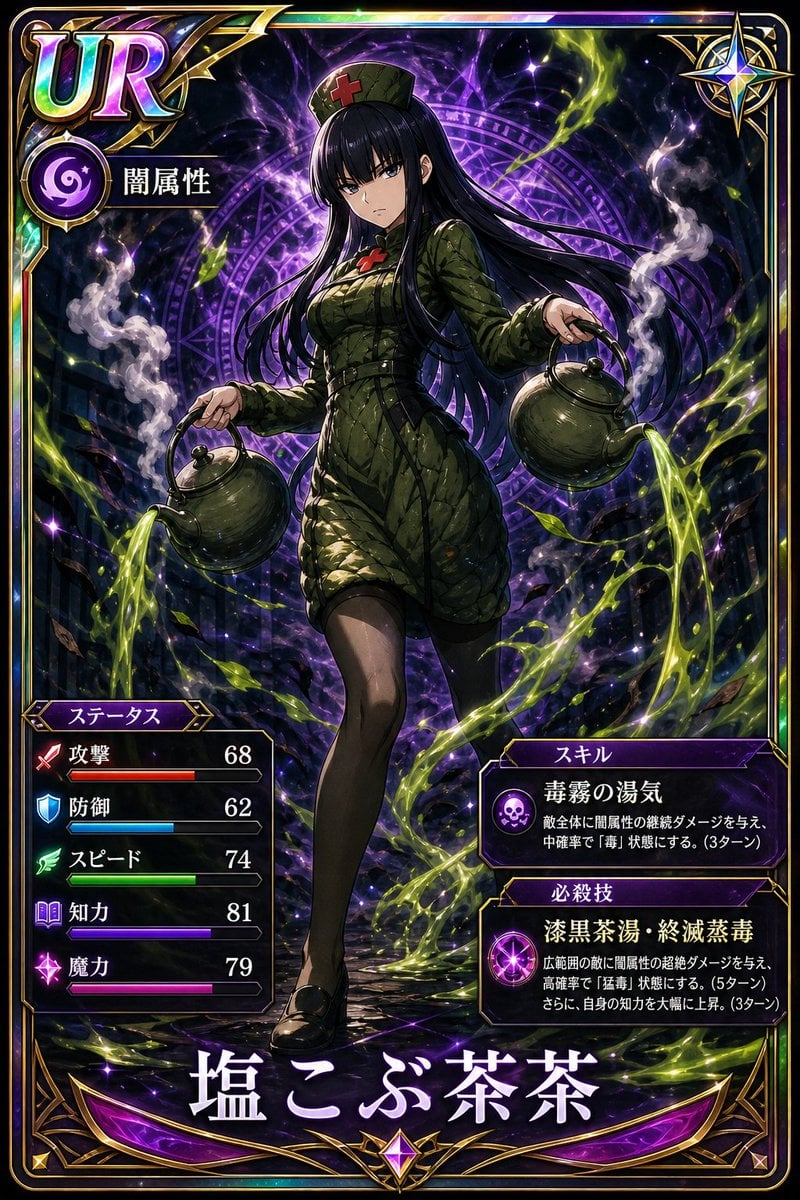
Professional Trading Card Illustration
Browse template categories
Underwater AI Model Comparison questions
How do I use the Underwater AI Model Comparison template?
Add your photo if the template asks for one, edit the prompt if you like — the template's model and format are already selected — and press Generate. Your version opens in PicX Studio.
Can I customize the Underwater AI Model Comparison template?
Yes. You can change the subject, setting, lighting, mood, format, and available model controls before creating your image.
Is the Underwater AI Model Comparison template free?
Opening and editing this template is free. Generating uses credits, shown on the Generate button when you are signed in.
Which AI model should I use?
Start with GPT Image 2, which is the model associated with this template. You can compare another compatible model for a different finish.
Looking for something else? Browse all templates.

Your photo, any look
Thousands of ready templates for every top image and video model, from one credit balance.