
Grok Imagine Image 2.0 Launch Banner
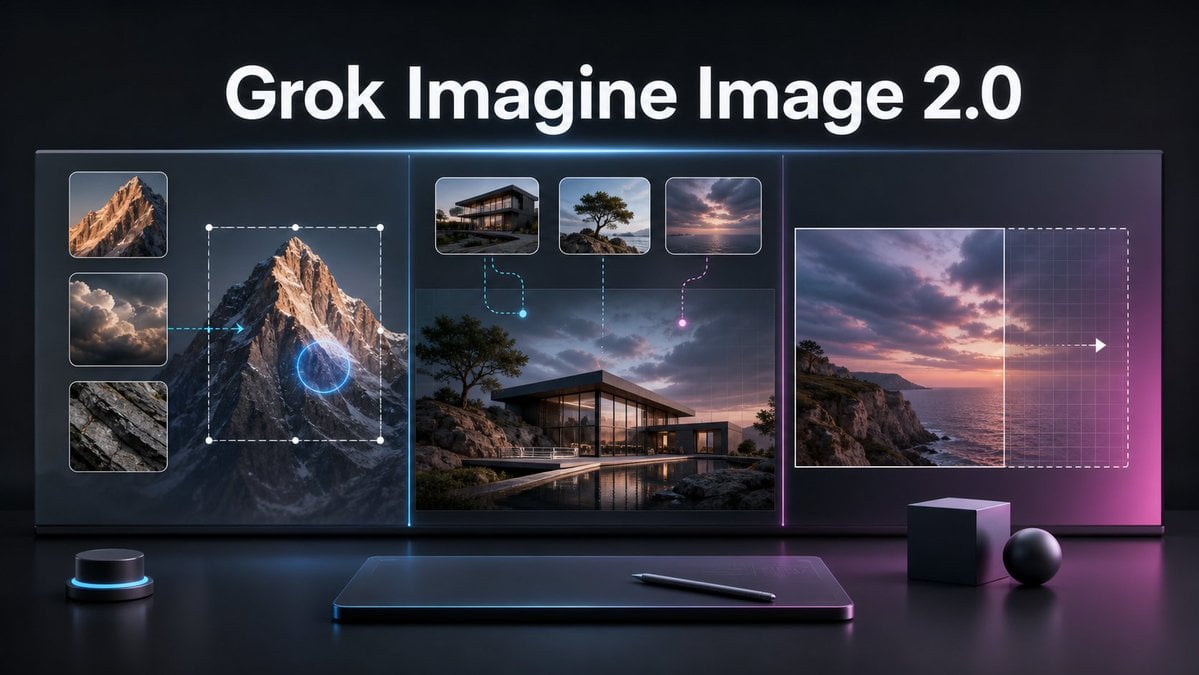
A cinematic tech promo banner visualizing AI image editing, multi-reference generation, and smart resizing for a product launch.
- Prompt included
- Model and format preset
- Free template
The prompt behind this image
Copy the exact prompt behind Grok Imagine Image 2.0 Launch Banner, or open it in the studio and make it yours.
Goal: Create a cinematic dark tech launch banner for {argument name="product name" default="Grok Imagine Image 2.0"}, showing an advanced AI image editing workflow on a large futuristic display. Canvas: Wide 16:9 horizontal composition, glossy black studio environment, high contrast, premium product-announcement style. Use a deep charcoal background with subtle blue and magenta rim lighting, reflections on a polished desk surface, and a soft neon glow around interface elements. Layout: Place a large bold white headline centered at the top reading “{argument name="product name" default="Grok Imagine Image 2.0"}”. Below it, create one continuous widescreen glass UI display divided into exactly 3 vertical sections by thin glowing separators: cyan separator between the left and center sections, magenta separator between the center and right sections. Left section: Show local image editing. Include exactly 3 stacked reference thumbnails on the far left: 1) sunlit mountain peak, 2) dramatic clouds, 3) gray rock texture. To the right of these thumbnails, show a large mountain image with a dashed rectangular selection box, white corner/edge handles, and a glowing blue circular edit target over the mountain. Add a cyan arrow pointing from the cloud thumbnail area toward the mountain, implying guided editing. Center section: Show multi-image reference generation. Use a large realistic image of a modern glass house on a rocky coastal landscape at dusk, with a pool reflection in the foreground. Above it, include exactly 3 small rounded reference cards: 1) modern house exterior, 2) lone windswept tree on rocks, 3) pink-purple sunset sky over water. Connect the first card with a cyan dashed curved line ending in a glowing cyan dot, connect the second card with a vertical dotted line, and connect the third card with a magenta dashed curved line ending in a glowing magenta dot. Right section: Show intelligent resizing or outpainting. Include a sunset seascape image on the left side of the panel, a vertical boundary line at its right edge, and a larger dashed rectangular extension area to the right with a faint grid overlay. Add a white arrow pointing right across the extension area to indicate expansion. The right side should fade into a magenta glow. Foreground objects: On the desk below the display, include exactly 4 objects: 1) a small black cylindrical control puck with a cyan light ring on the left, 2) a slim dark drawing tablet centered with a soft blue rim glow, 3) a black stylus lying diagonally on the tablet, 4) two matte geometric props on the right consisting of one cube and one sphere. Visual style: Ultra-polished 3D render mixed with realistic UI mockup, dramatic cinematic lighting, glass panels, crisp rounded thumbnails, subtle grid textures, neon cyan and magenta accents, shallow reflections, high-resolution product keynote aesthetic. Keep the typography clean, bold, and sans-serif. No extra logos, watermarks, people, or additional text.
How to use Grok Imagine Image 2.0 Launch Banner in 3 steps
- 1Upload ImagePNG, JPG or paste
Add your photo
Upload the photo the template builds on. The prompt, model and format are already set.
- 2…a portrait of your subject in softgolden-hour light, 85mm…
Personalize
Edit the subject and creative details for your destination.
- 3Generate
Generate
Press Generate — your image is created in PicX Studio, so you can compare it with the original and refine one variable at a time.
More like this
Templates with the same subject, style or setup. Open one to see its prompt.
Anime Girl Grok Imagine Promo
13enBus iPhone Launch Banner
Cyberpunk AI Launch Banner
Futuristic GPT Image 2 Launch Banner
Hyper-Realistic Go-Kart Race Video Prompt (Grok Imagine)
Grok Imagine vs. Nano Banana Pro: Angewomon K-pop Idol Prompt
Multi-AI Workflow: Niji Journey, Seedream, Nano Banana Pro, and Grok Imagine

Coffee Boba Product Poster
Futuristic Product Launch Poster
Cosmic Glitch Rocket Launch

GPT-5.6 Japanese Launch Slide
Felt GPT Image 2 Apple Design Banner
Make it yours
Grok Imagine Image 2.0 Launch Banner works as-is. These are the safest ways to change it without losing the look.
Change one field
Copy a single group, rewrite it, and generate again so you can see what that field is doing.
Keep the frame, change the subject
Hold the composition and light of Grok Imagine Image 2.0 Launch Banner, then swap wardrobe, props or the person for a new take.
| If the result… | Why | Fix |
|---|---|---|
| The result drifts from the preview | Too many fields changed at once. | Reuse Grok Imagine Image 2.0 Launch Banner as-is first, then change one group — subject, light, or setting. |
| The model over-stylizes the scene | The prose prompt leaves finish and camera underspecified. | Add one camera or lighting sentence and stay on GPT Image 2. |
More GPT Image 2 templates
Other prompts made for GPT Image 2.

Six VTuber Japanese Logo Sheet

Realistic Portrait of Woman and Deer

The Vista Modular Condo Poster

AI Model Routing Comparison Infographic

2.5D Anime Art Board

Isometric Productivity Desk Scene

New York Double Exposure Poster

Four-Panel AI Landscape Comparison

Japanese Tatami Lifestyle Magazine Cover

NESCAFÉ Coffee Map Poster
More image prompts
Fresh picks from across the catalog.
Maximalist 'Clean Girl' Aesthetic Portrait with Blep Expression
Minimalist Japanese Film Portrait

Oil Pastel Fashion Illustration Style

3D chibi miniature brand concept store prompt
Low-Key Masculine Portrait
Ultra-Realistic Garlic Butter Shrimp Ad
Minimalist Purple Brand Poster Triptych

Ultra-Realistic Cinematic Night Street Selfie Prompt
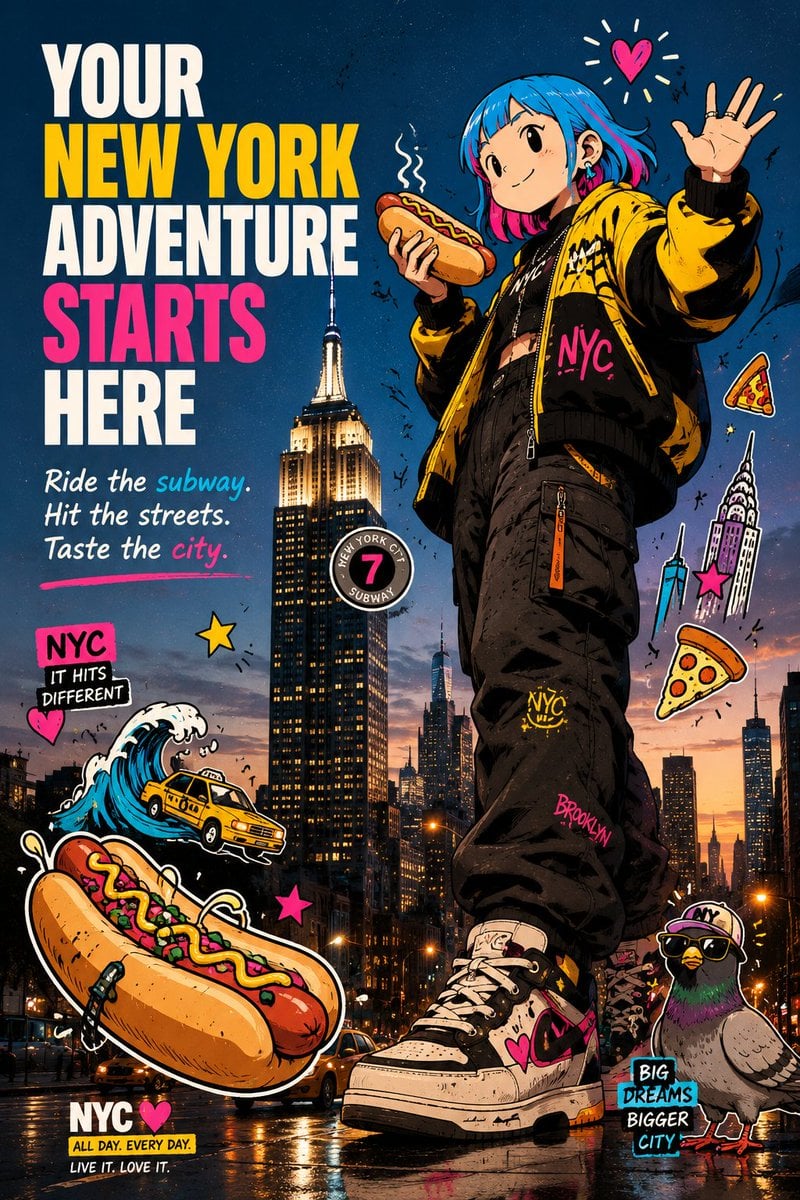
Anime NYC Adventure Poster
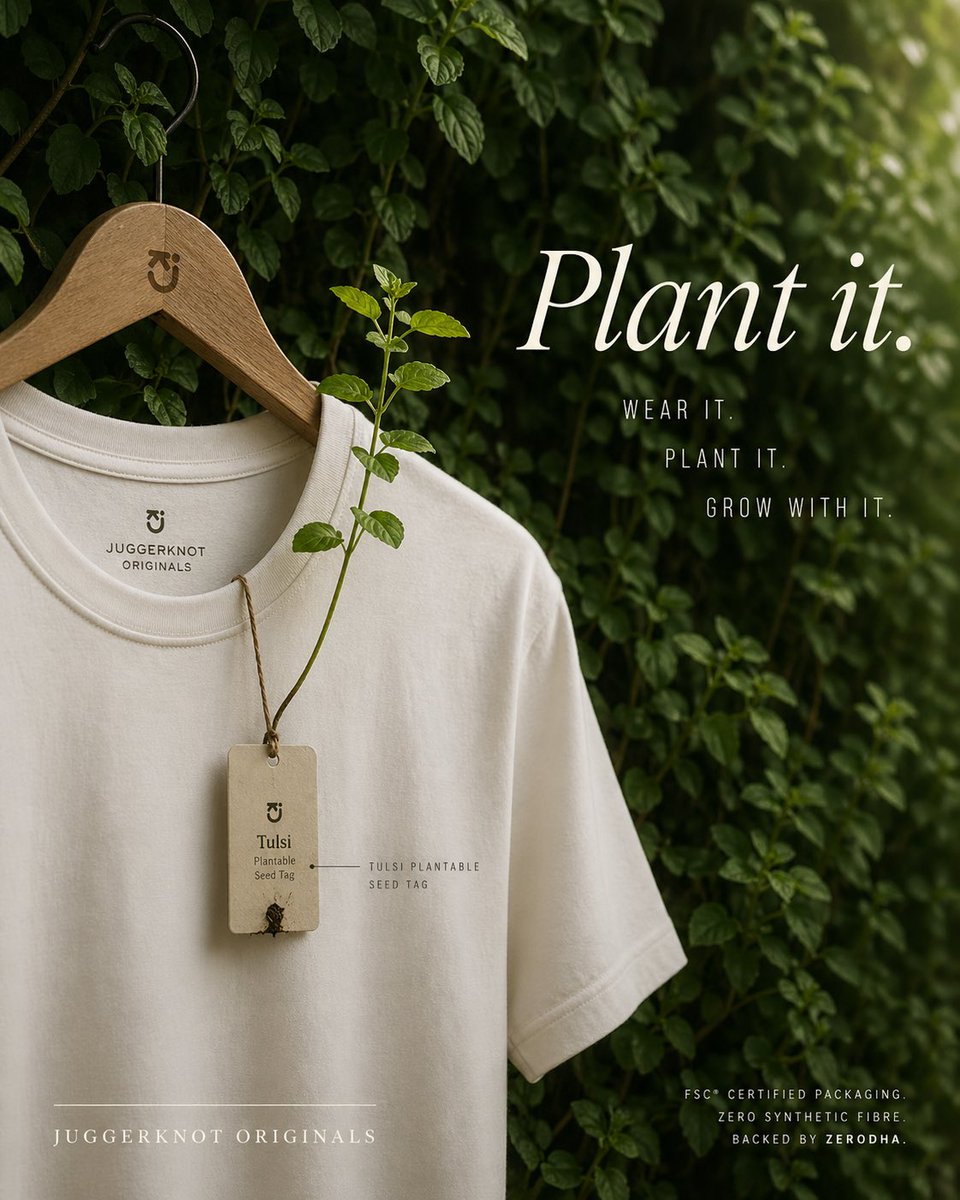
Sustainable T-Shirt Plantable Tag Ad
Browse template categories
Grok Imagine Image 2.0 Launch Banner questions
How do I use the Grok Imagine Image 2.0 Launch Banner template?
Add your photo if the template asks for one, edit the prompt if you like — the template's model and format are already selected — and press Generate. Your version opens in PicX Studio.
Can I customize the Grok Imagine Image 2.0 Launch Banner template?
Yes. You can change the subject, setting, lighting, mood, format, and available model controls before creating your image.
Is the Grok Imagine Image 2.0 Launch Banner template free?
Opening and editing this template is free. Generating uses credits, shown on the Generate button when you are signed in.
Which AI model should I use?
Start with GPT Image 2, which is the model associated with this template. You can compare another compatible model for a different finish.
Looking for something else? Browse all templates.

Your photo, any look
Thousands of ready templates for every top image and video model, from one credit balance.