
Hooked Sea Bass Setting Art
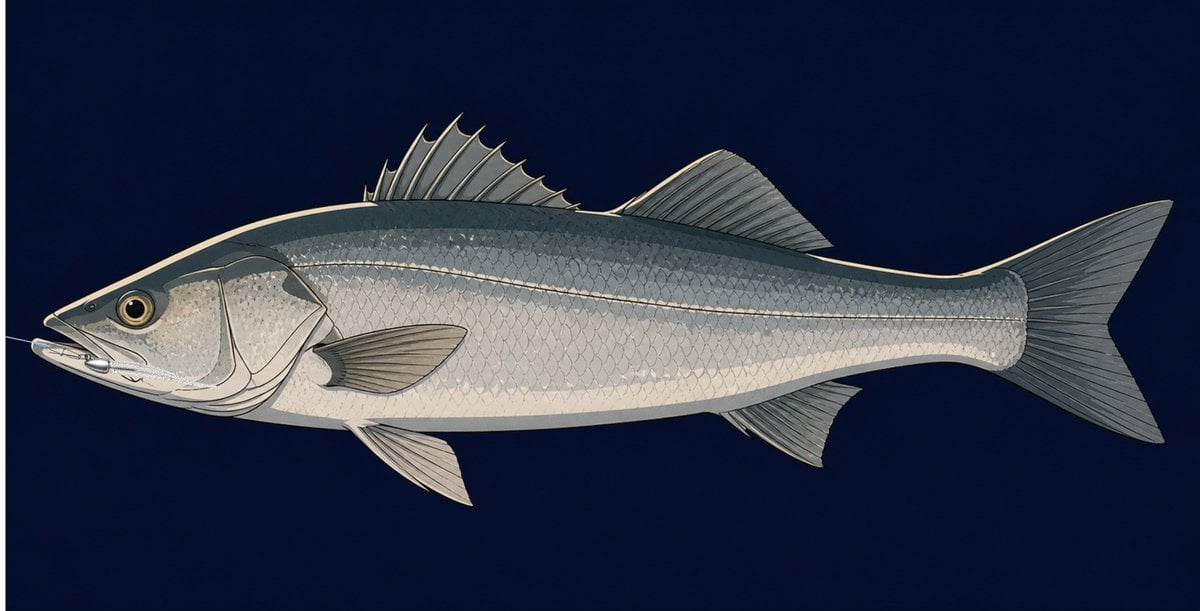
A side-view anime reference illustration of a realistic silver fish with a fishing lure caught in its mouth.
- Prompt included
- Model and format preset
- Free template
The prompt behind this image
Copy the exact prompt behind Hooked Sea Bass Setting Art, or open it in the studio and make it yours.
Create a clean anime production setting illustration of a {argument name="fish species" default="Japanese sea bass"} in full left-facing side profile, centered horizontally on a deep navy blue background. The fish should be long and realistic but stylized like a hand-painted animation reference sheet, with a dark bluish-gray back, silver-white belly, visible overlapping scales, a pale lateral line, large golden eye, defined gill plates, and crisp ink outlines. Show exactly 7 visible fins: one spiny dorsal fin near the front of the back, one soft dorsal fin behind it, one large forked tail fin, one pectoral fin on the visible side, one pelvic fin underneath near the head, one anal fin underneath near the rear, and a small lower fin edge partially visible behind the body. Add a thin fishing line entering from the left into the fish’s mouth and a small metallic lure or hook rig positioned inside the open mouth so that the hook appears caught in the mouth, not floating outside; keep the lure subtle and partially hidden by the lips. Use detailed fin rays, delicate scale texture, muted natural colors, soft cel-shading, and a polished concept-art look. No labels, no extra objects, no watermark, no border.
How to use Hooked Sea Bass Setting Art in 3 steps
- 1Upload ImagePNG, JPG or paste
Add your photo
Upload the photo the template builds on. The prompt, model and format are already set.
- 2…a portrait of your subject in softgolden-hour light, 85mm…
Personalize
Edit the subject and creative details for your destination.
- 3Generate
Generate
Press Generate — your image is created in PicX Studio, so you can compare it with the original and refine one variable at a time.
More like this
Templates with the same subject, style or setup. Open one to see its prompt.
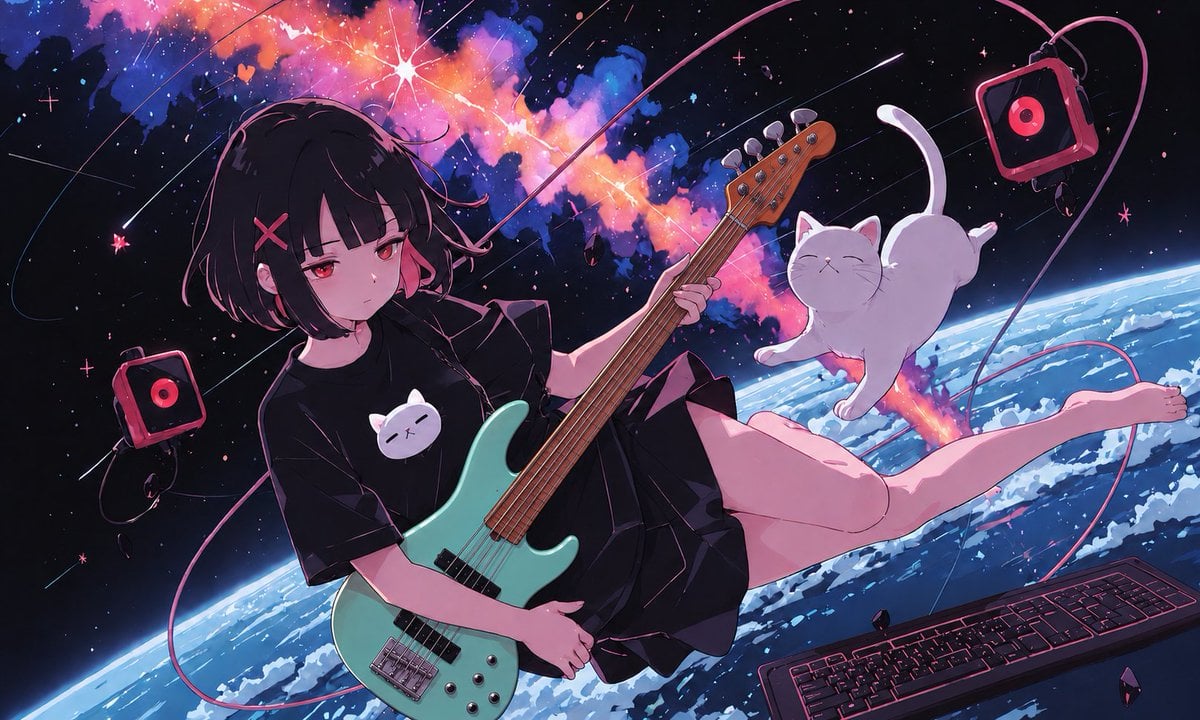
Anime Space Bass Guitar Cover Art
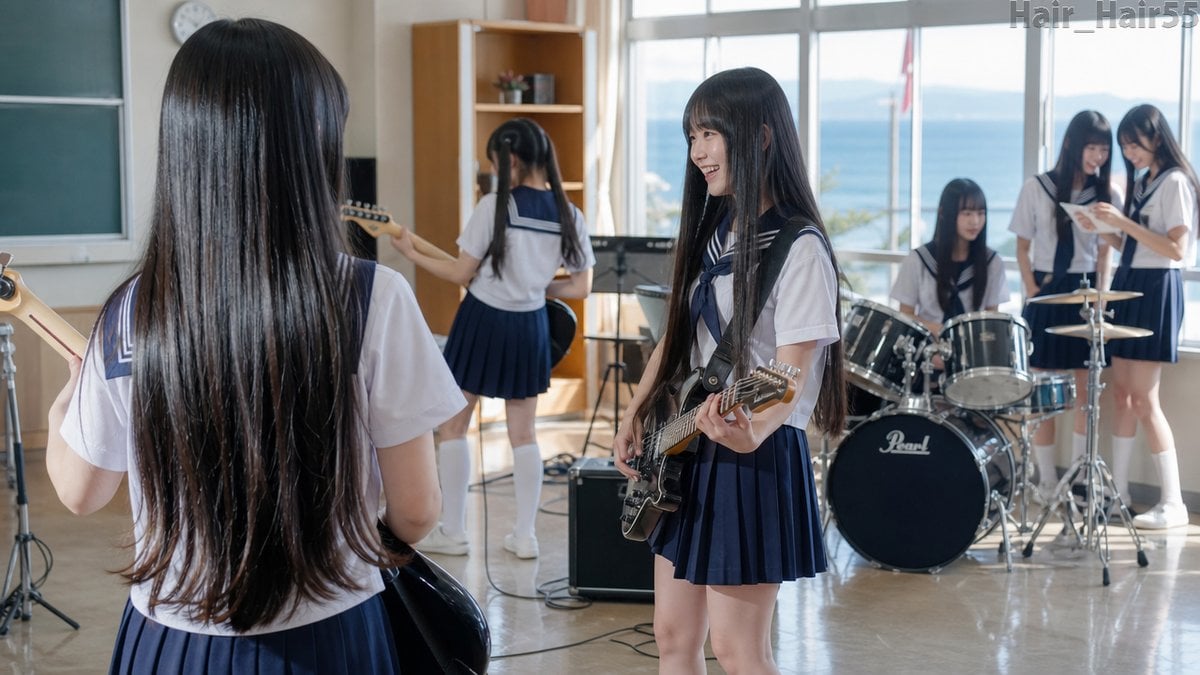
Seaside School Band Rehearsal

Sparkling Seaside Anime Album Cover
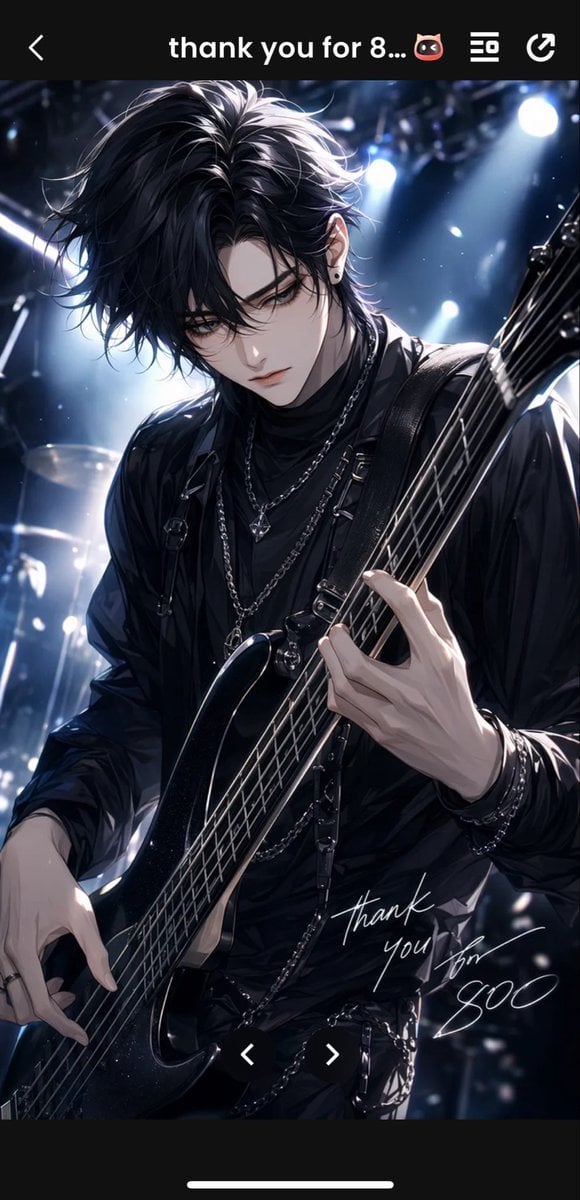
Gothic Anime Bassist Story Screen
Japanese Personality Settings UI
Boyfriend POV Seaside Sunset Date
Bass Nun Model Comparison

Sunny Seaside Anime Manga Page

Drone Shot Sea Rail Portrait
Secrets of the Sea Underwater Scene
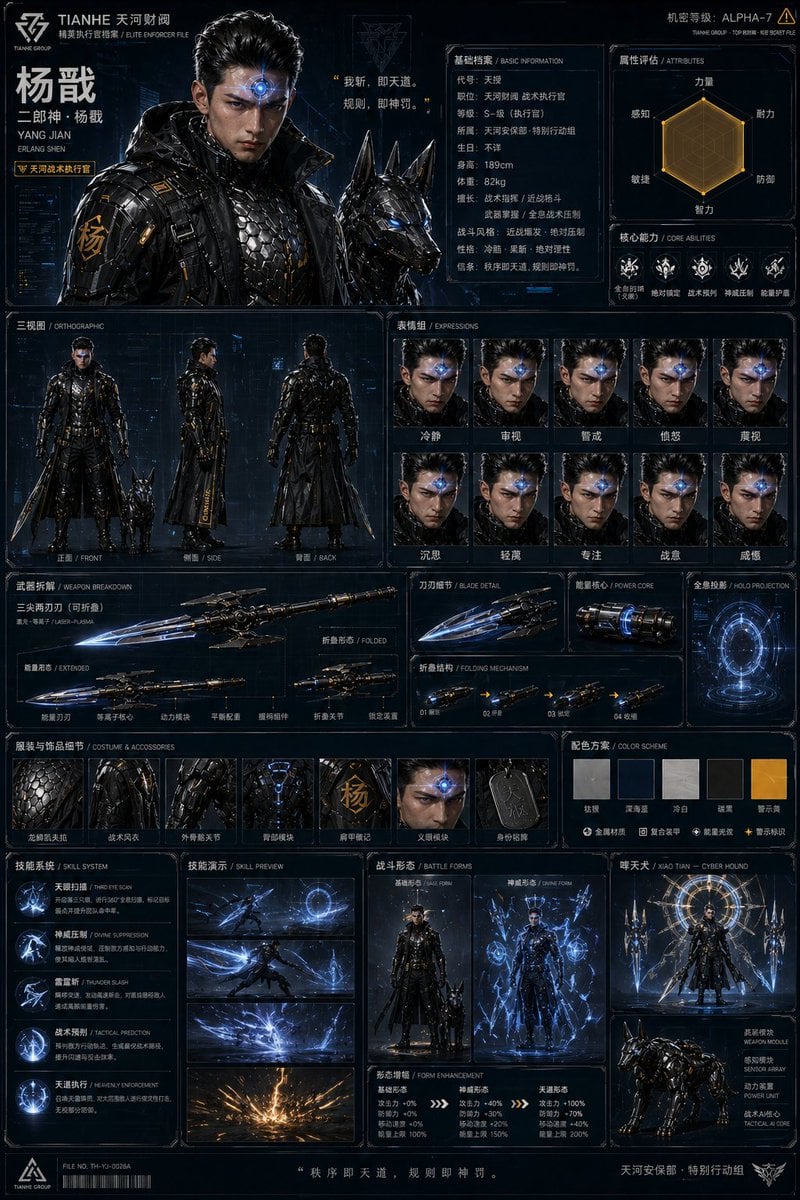
Oriental Cyberpunk Character Setting Sheet
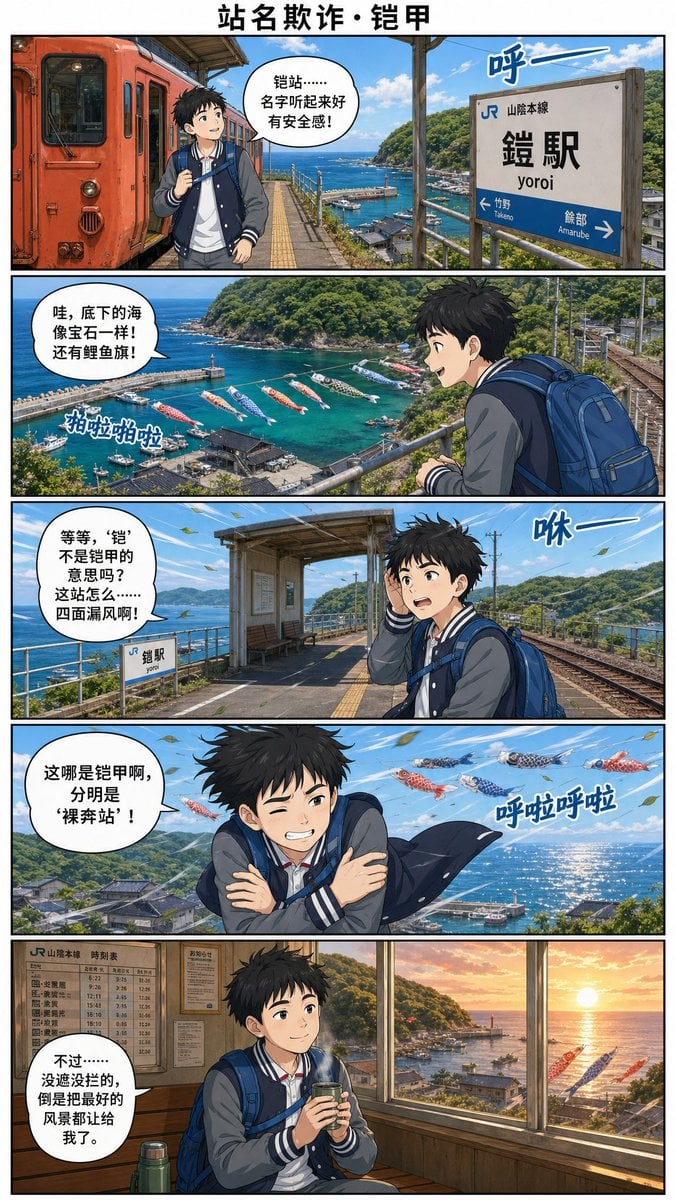
Yoroi Station Seaside Manga Comic
Make it yours
Hooked Sea Bass Setting Art works as-is. These are the safest ways to change it without losing the look.
Change one field
Copy a single group, rewrite it, and generate again so you can see what that field is doing.
Keep the frame, change the subject
Hold the composition and light of Hooked Sea Bass Setting Art, then swap wardrobe, props or the person for a new take.
| If the result… | Why | Fix |
|---|---|---|
| The result drifts from the preview | Too many fields changed at once. | Reuse Hooked Sea Bass Setting Art as-is first, then change one group — subject, light, or setting. |
| The model over-stylizes the scene | The prose prompt leaves finish and camera underspecified. | Add one camera or lighting sentence and stay on GPT Image 2. |
More GPT Image 2 templates
Other prompts made for GPT Image 2.

Six VTuber Japanese Logo Sheet

Realistic Portrait of Woman and Deer

The Vista Modular Condo Poster

AI Model Routing Comparison Infographic

2.5D Anime Art Board

Isometric Productivity Desk Scene

New York Double Exposure Poster

Four-Panel AI Landscape Comparison

Japanese Tatami Lifestyle Magazine Cover

NESCAFÉ Coffee Map Poster
More image prompts
Fresh picks from across the catalog.
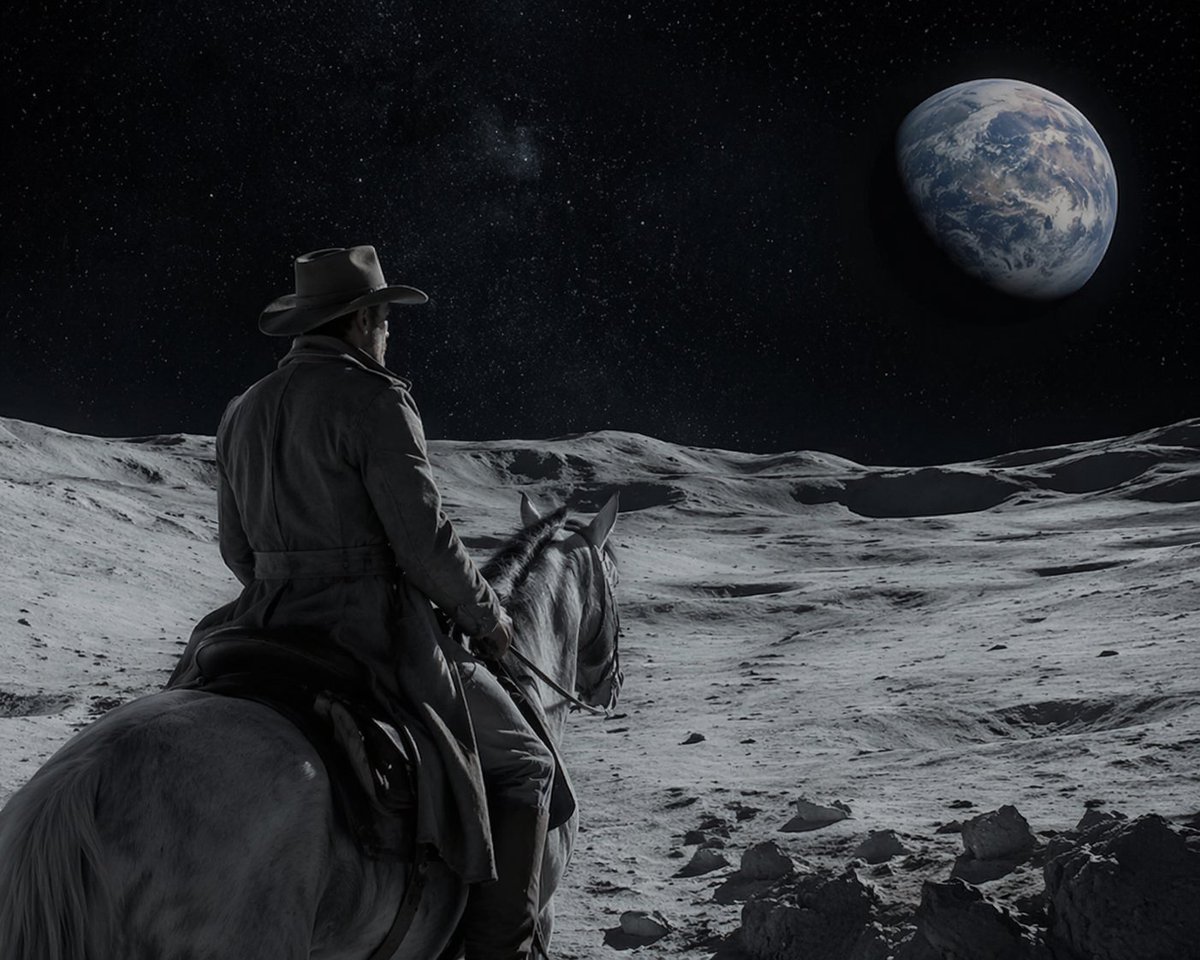
Sci-Fi Western Lunar Rider
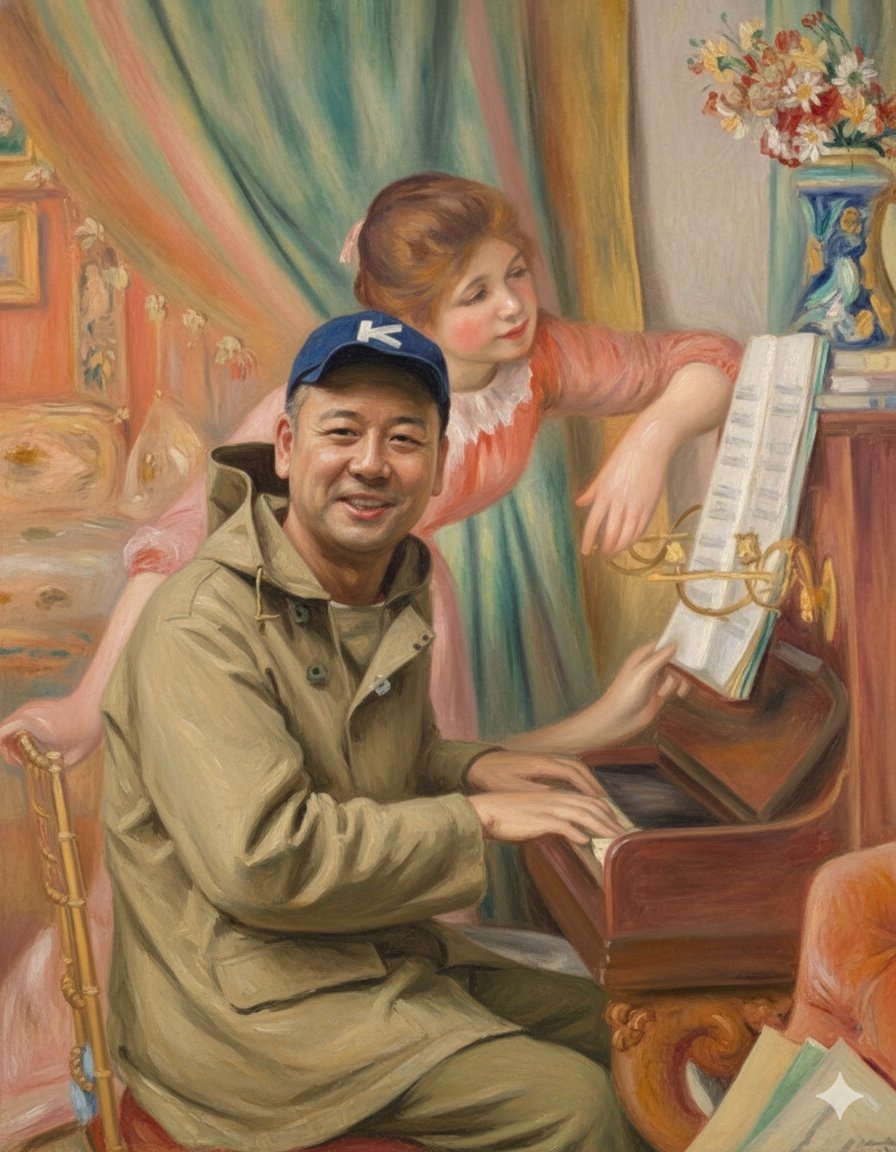
Style Transfer: Renoir's Piano Playing Girls
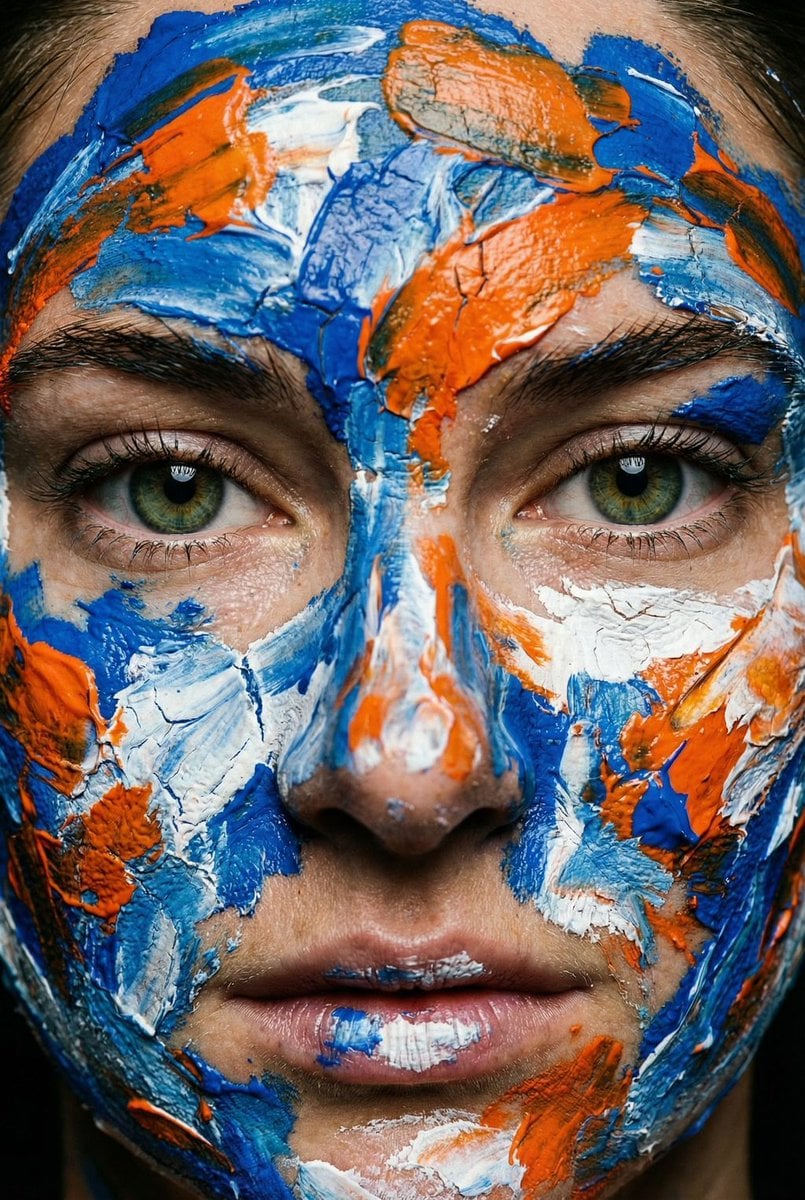
Macro Portrait with Impasto Acrylic Paint Texture
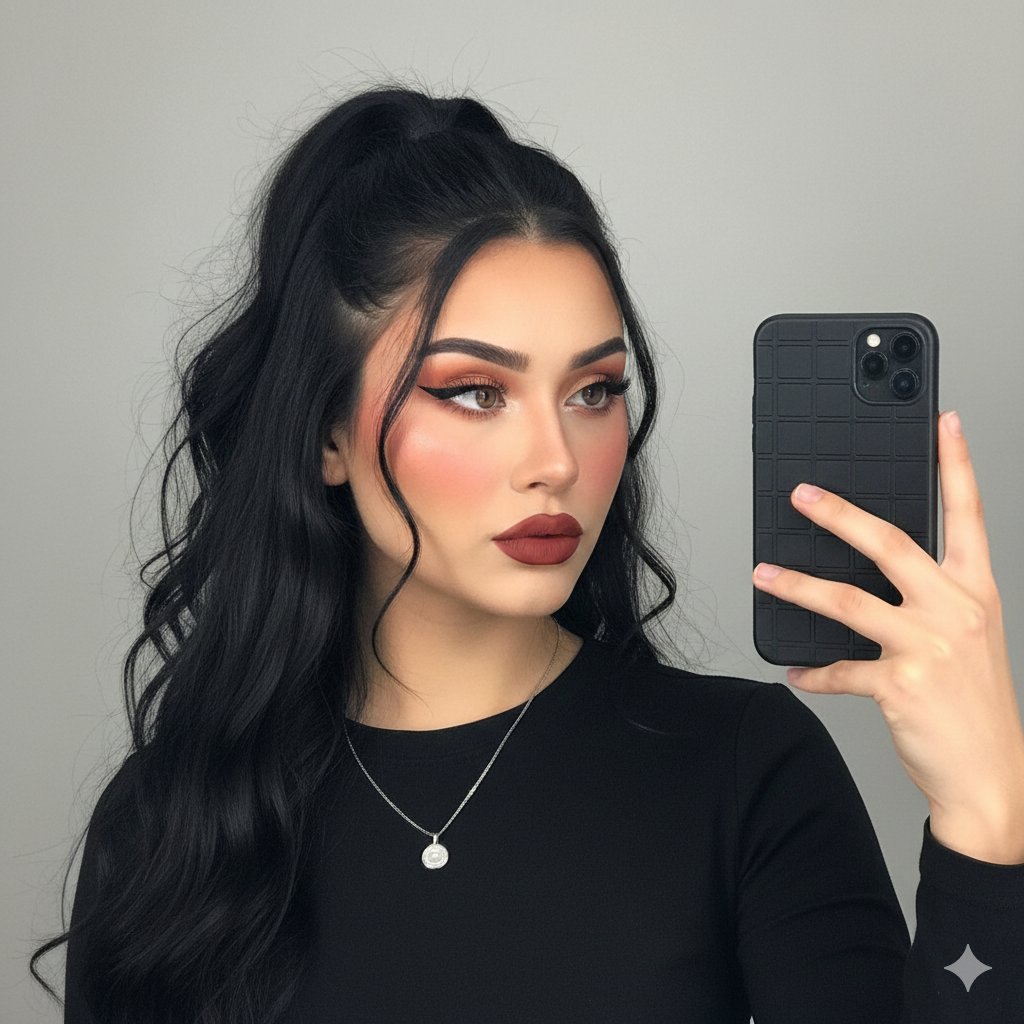
Modern Glam Mirror Selfie Portrait
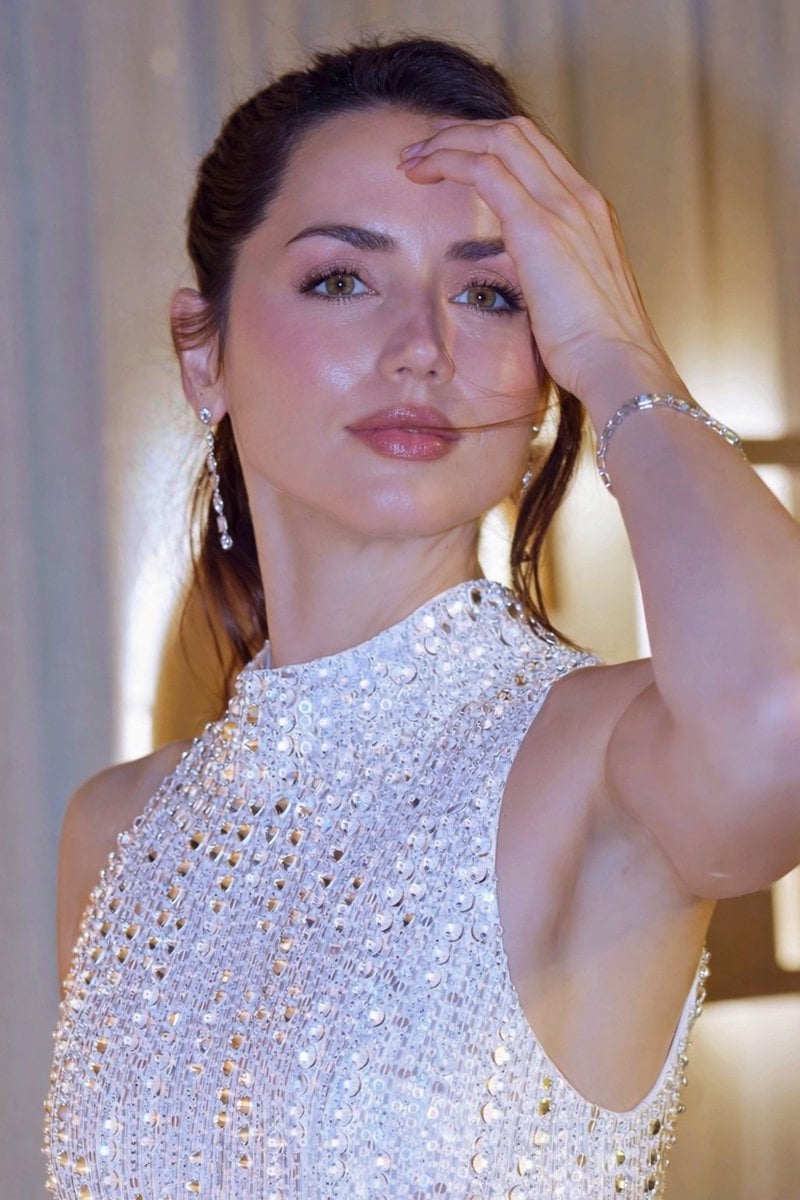
Glossy Sequined Portrait with Hand Pose
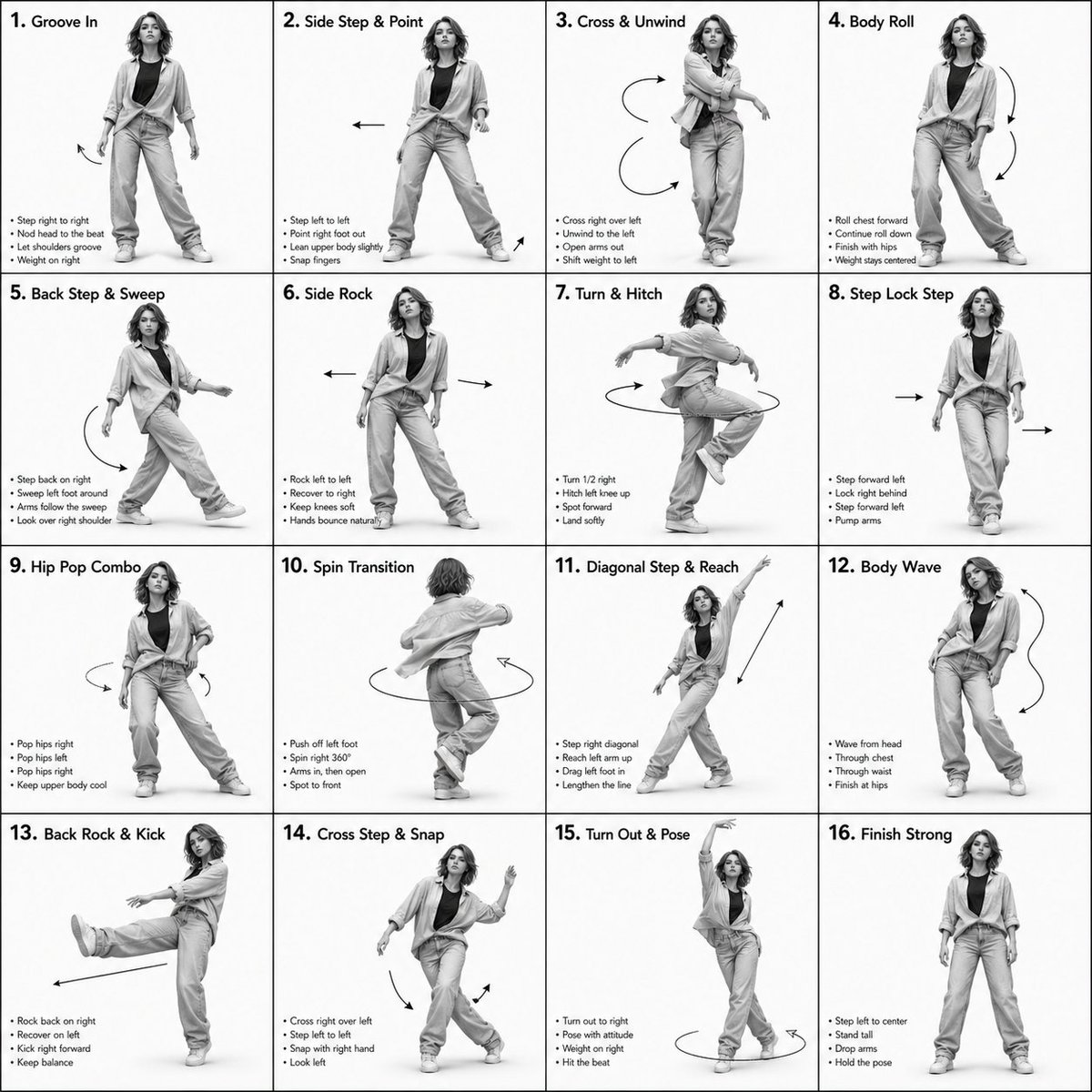
3D Rendered Dance Sequence Guide
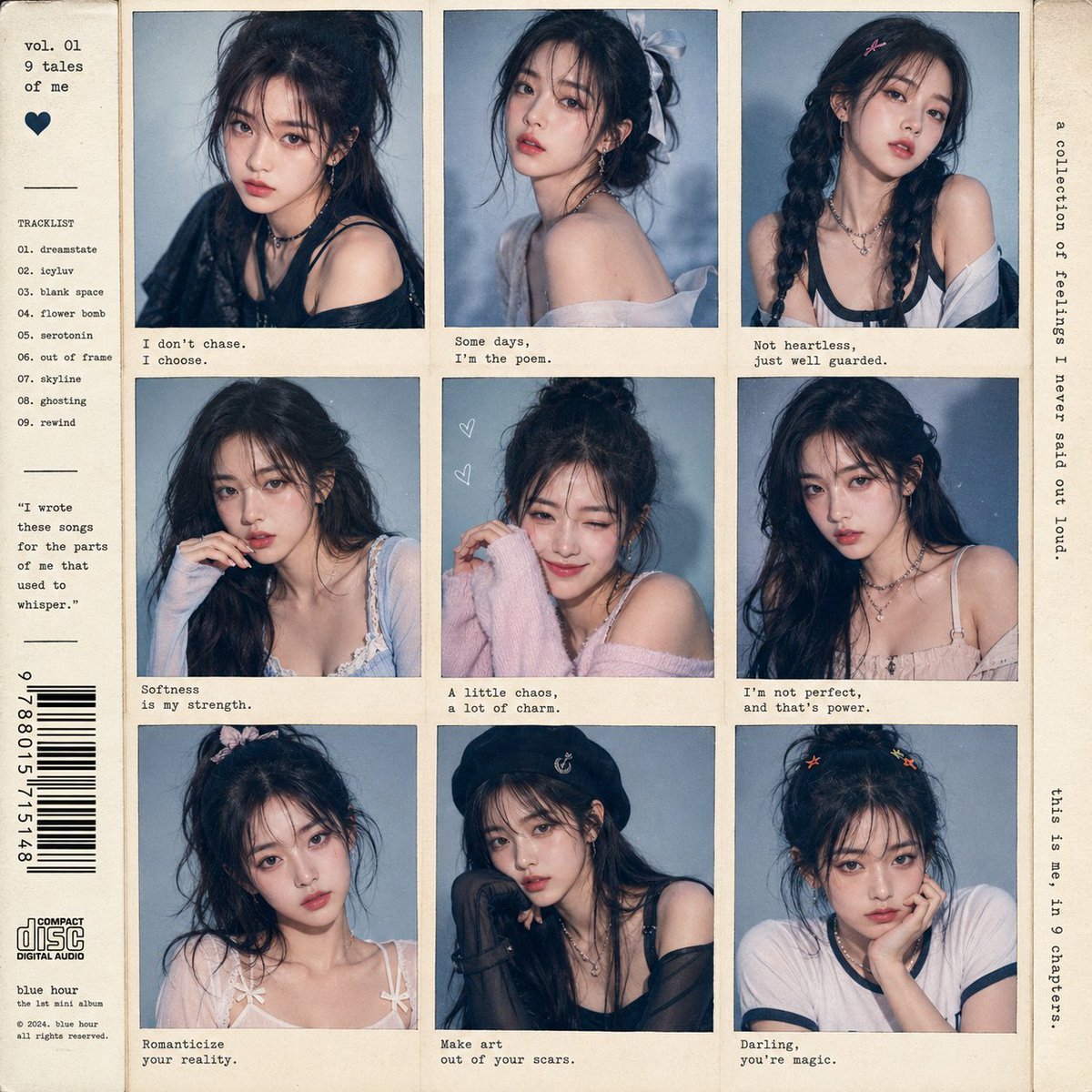
K-pop Idol Polaroid Collage
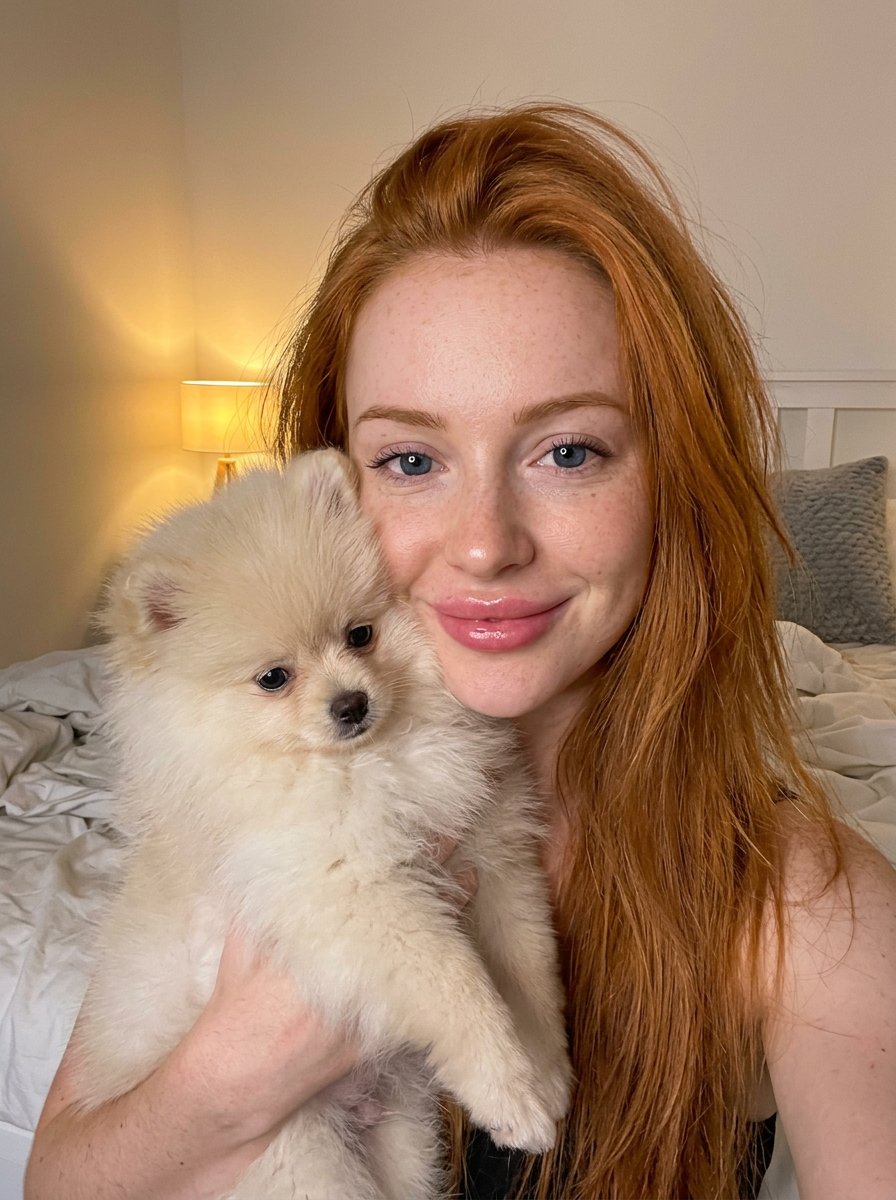
PET LOVE
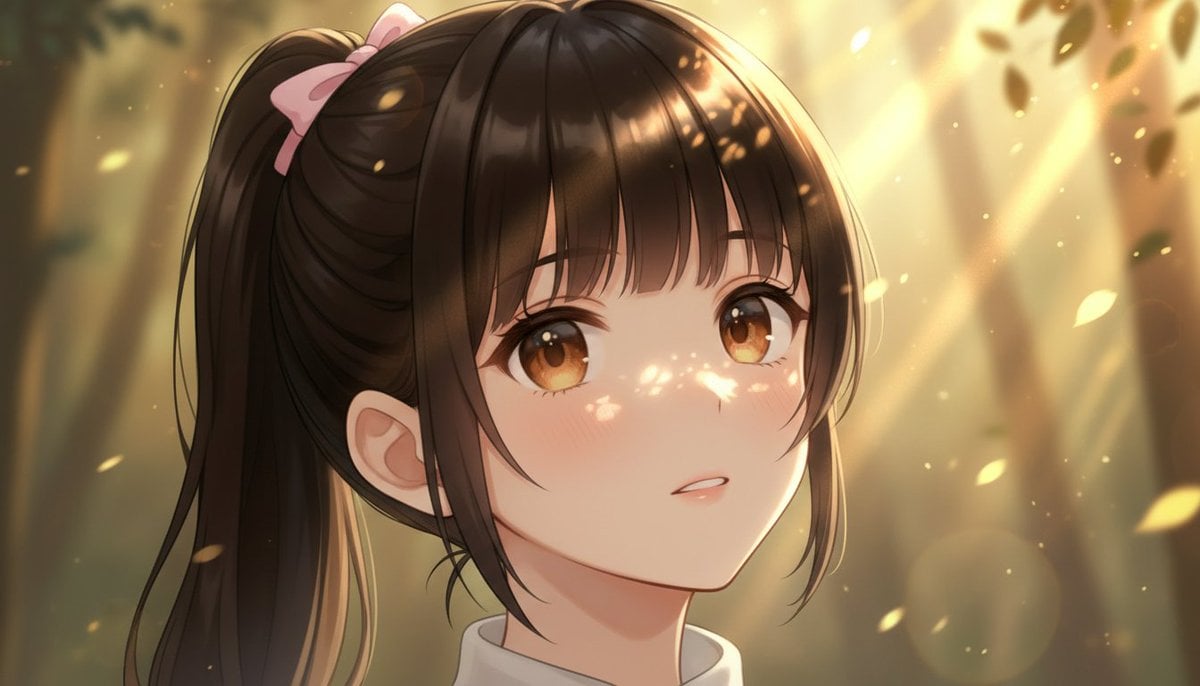
Image Generation Comparison Prompt: Extreme Zoom on a Girl's Face
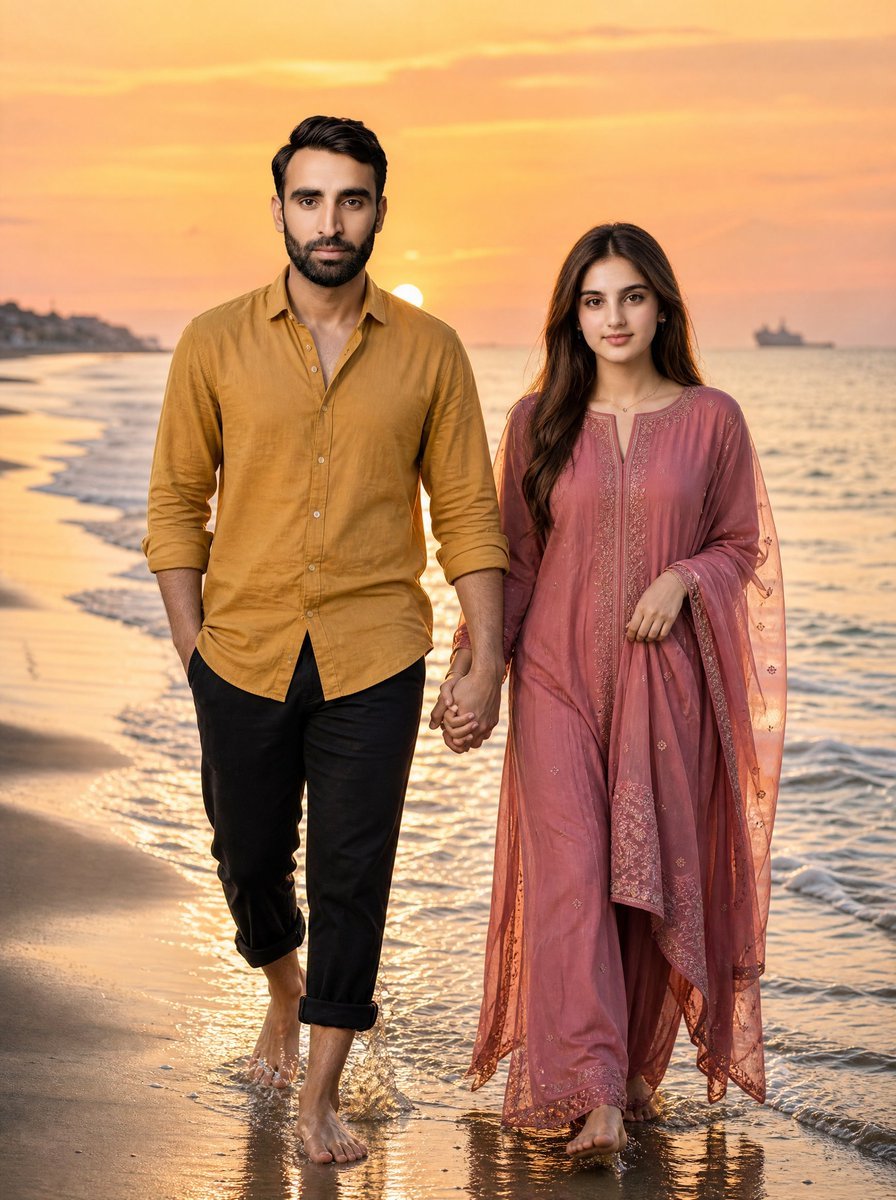
Golden Hour Beach Couple
Browse template categories
Hooked Sea Bass Setting Art questions
How do I use the Hooked Sea Bass Setting Art template?
Add your photo if the template asks for one, edit the prompt if you like — the template's model and format are already selected — and press Generate. Your version opens in PicX Studio.
Can I customize the Hooked Sea Bass Setting Art template?
Yes. You can change the subject, setting, lighting, mood, format, and available model controls before creating your image.
Is the Hooked Sea Bass Setting Art template free?
Opening and editing this template is free. Generating uses credits, shown on the Generate button when you are signed in.
Which AI model should I use?
Start with GPT Image 2, which is the model associated with this template. You can compare another compatible model for a different finish.
Looking for something else? Browse all templates.

Your photo, any look
Thousands of ready templates for every top image and video model, from one credit balance.