
Cyber Angel Character Sheet
Generates a polished sci-fi anime character design sheet with turnaround views, detail callouts, accessories, pet, and palette for game concept art.
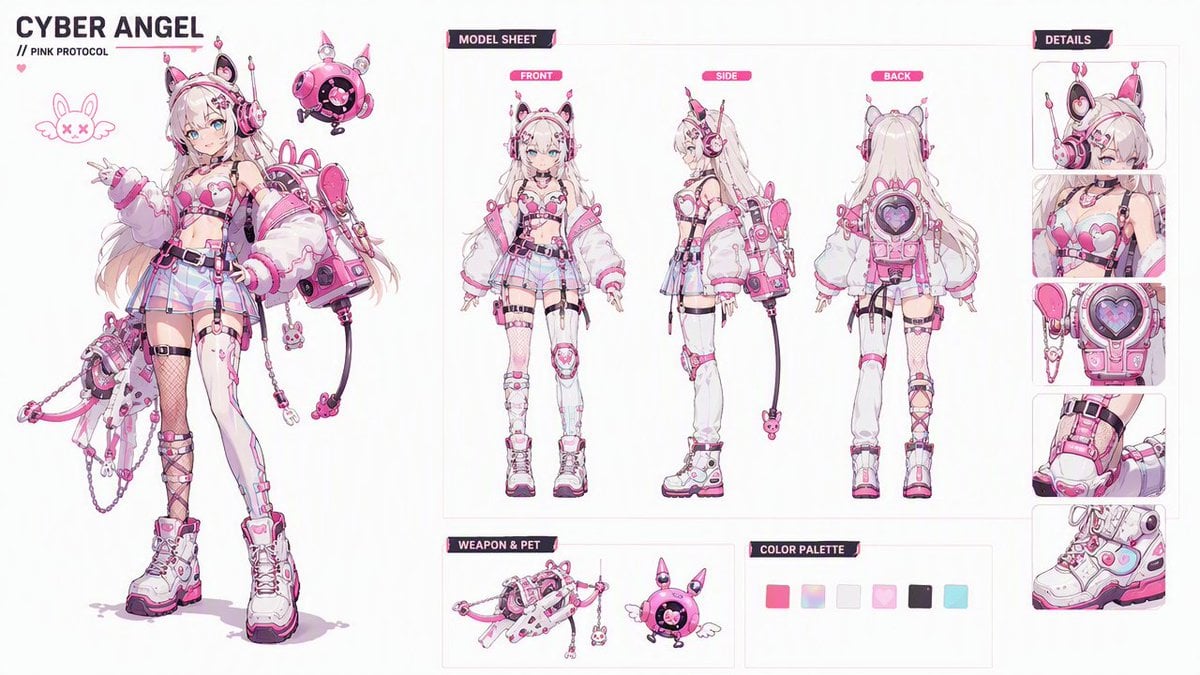
- Prompt included
- Model and format preset
- Free template
The prompt behind this image
Copy the exact prompt behind Cyber Angel Character Sheet, or open it in the studio and make it yours.
Goal: Create an ultra-detailed 16:9 futuristic anime character design sheet for an official AAA sci-fi game character bible, featuring {argument name="character name" default="CYBER ANGEL"} with the subtitle {argument name="subtitle" default="Pink Protocol"}. Canvas: Wide horizontal 16:9 white editorial character-sheet canvas, clean premium UI presentation, thin pale gray dividers, magenta and black cyber-interface headers, lots of negative space, crisp high-resolution linework. Layout: Split the sheet into three main zones. Left third: a large full-body hero illustration of the character, standing confidently, slightly turned toward the viewer, one hand making a peace sign. Center/right: technical model sheet and design reference panels. Far right: vertical details column. Character details: Cute futuristic anime girl, slim build, long flowing {argument name="hair color" default="white-blonde"} hair with soft pink accents, bright cyan-blue eyes, cat-ear cyber headphones, small antenna ornaments, pink heart motifs, glossy sci-fi accessories, and a playful idol-mecha aesthetic. Outfit is a pink, white, and black cyber angel streetwear battle suit: heart-shaped chest armor, cropped top, oversized puffy white sleeves with pink trim, short pleated skirt, utility belt, thigh straps, garters, asymmetrical stockings including one fishnet stocking and one white tech legging, chunky platform combat boots, tiny bunny charm details, cables, chains, and small mechanical attachments. Add a large pink backpack-like cyber unit with a circular heart core and dangling cable ending in a bunny charm. Left hero area: Place the title text at the top left reading {argument name="character name" default="CYBER ANGEL"} in bold dark lettering, with a smaller line beneath reading “// PINK PROTOCOL”. Add a simple pink doodle emblem of a winged bunny face with X eyes near the character. Include a floating round pink robot pet near her shoulder, with tiny wings, rabbit-like ears, a black circular digital face, and glossy highlights. Center model sheet: Add a labeled header “MODEL SHEET”. Show exactly 3 smaller full-body turnaround poses of the same character, evenly spaced and labeled with pink tabs: “FRONT”, “SIDE”, and “BACK”. The front view faces forward, the side view faces left in profile, and the back view shows long hair and the large circular heart-core backpack. Right details column: Add a labeled header “DETAILS”. Include exactly 5 stacked close-up panels: 1) head and cyber cat-ear headphones, 2) chest armor and heart top, 3) backpack heart-core device and side modules, 4) thigh strap/garter and lower-leg tech detail, 5) chunky pink-white platform boot. Bottom reference area: Add a section labeled “WEAPON & PET” containing exactly 2 items: a pink-white futuristic chained weapon or mechanical staff with charms, and the round pink winged robot pet. Add a section labeled “COLOR PALETTE” with exactly 6 square swatches: hot pink, pastel rainbow gradient, near-white, pale pink, dark charcoal, and light cyan. Visual style: Ultra-detailed polished anime concept art, delicate clean ink lines, soft cel shading, subtle pastel gradients, glossy plastic and metallic highlights, cyber-kawaii sci-fi design language, professional game art reference sheet, white background with magenta UI accents. Constraints: Keep all labels in English, preserve the exact count of 3 turnaround poses, 5 detail panels, 2 weapon-and-pet items, and 6 color swatches. No extra characters, no watermark, no messy background, no realistic photography.
How to use Cyber Angel Character Sheet in 3 steps
- 1Upload ImagePNG, JPG or paste
Add your photo
Upload the photo the template builds on. The prompt, model and format are already set.
- 2…a portrait of your subject in softgolden-hour light, 85mm…
Personalize
Edit the subject and creative details for your destination.
- 3Generate
Generate
Press Generate — your image is created in PicX Studio, so you can compare it with the original and refine one variable at a time.
More like this
Templates with the same subject, style or setup. Open one to see its prompt.
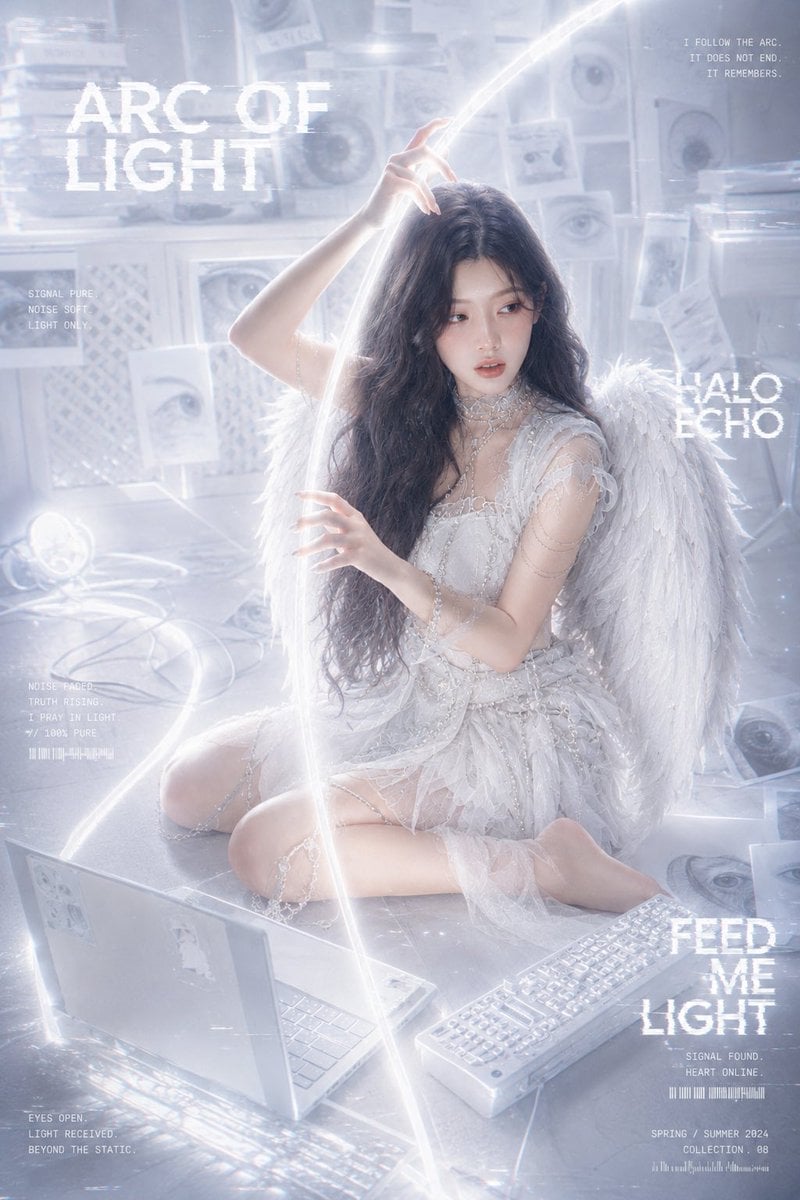
Arc of Light Cyber Angel Poster
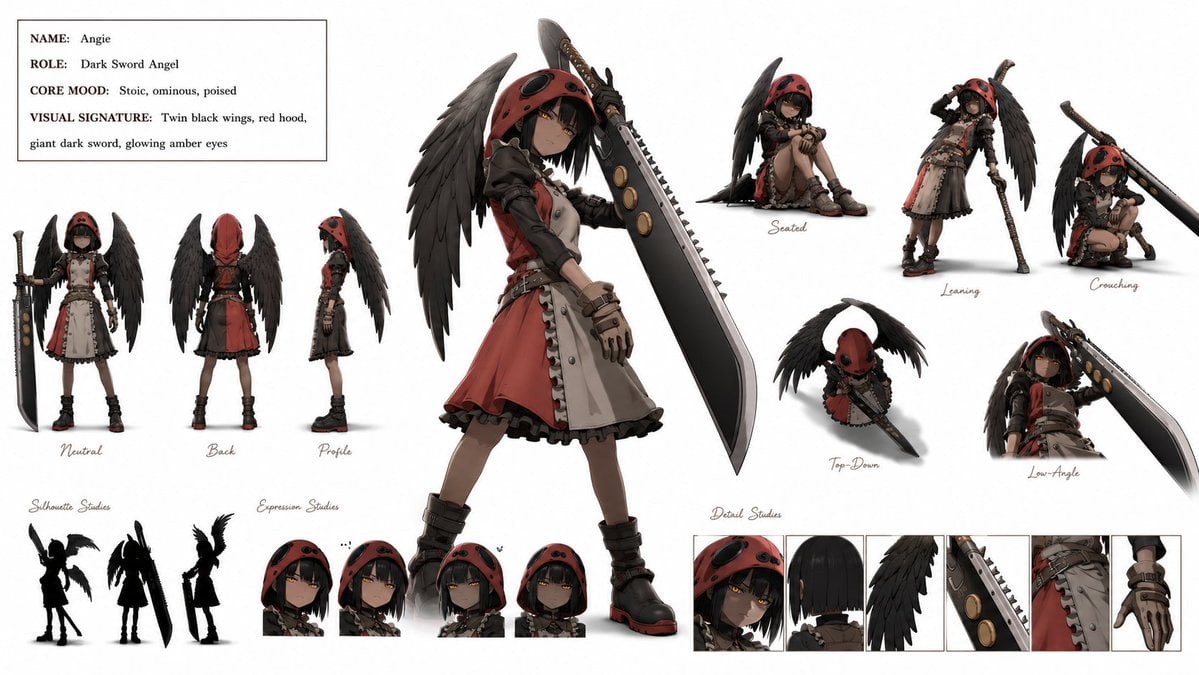
Dark Sword Angel Character Sheet
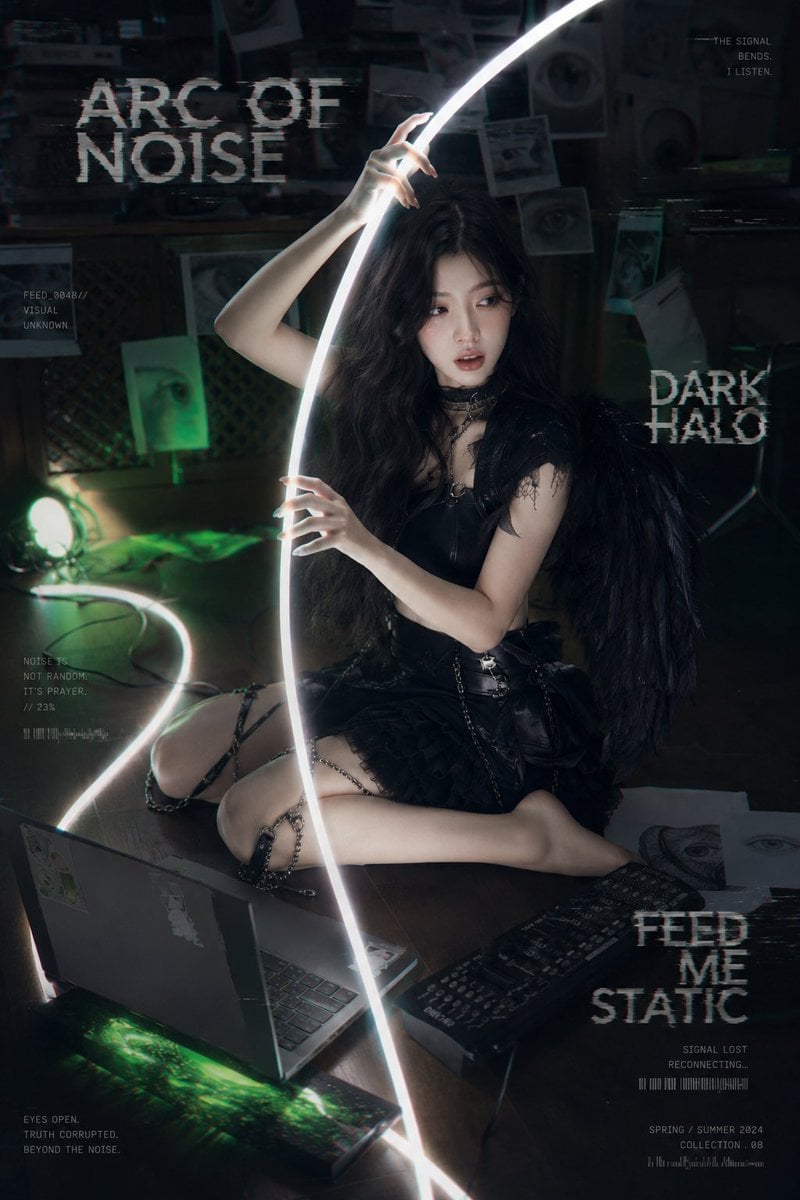
Dark Cyber-Goth Angel Poster
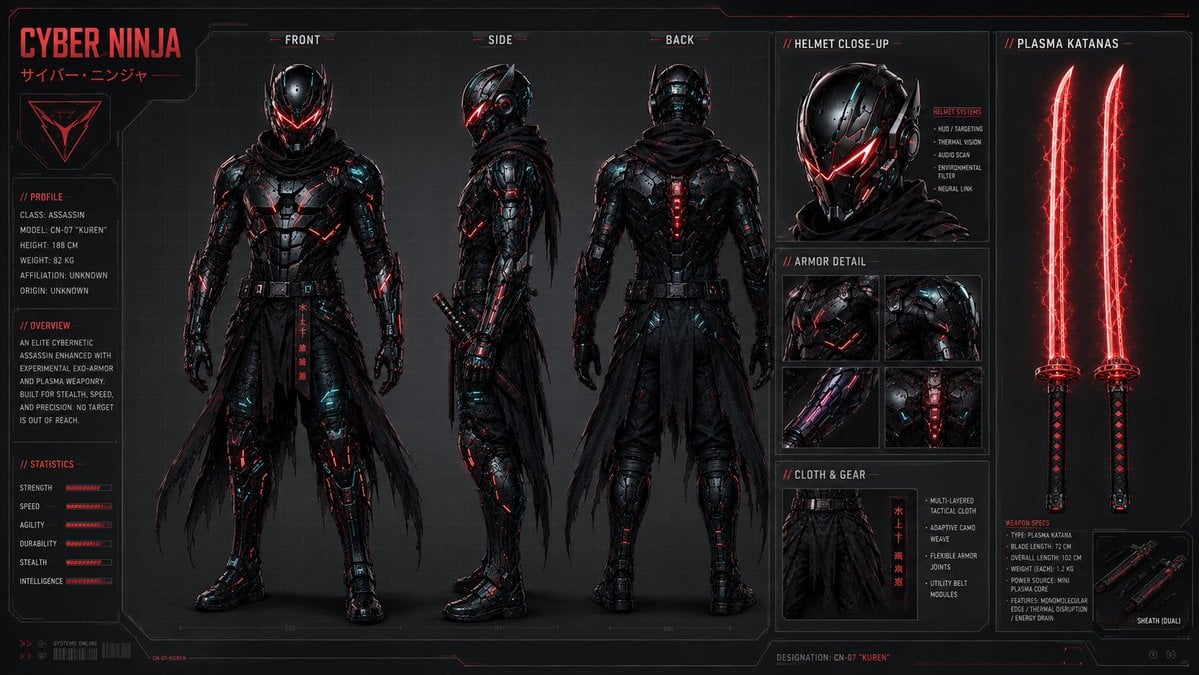
Cyber Ninja Character Sheet
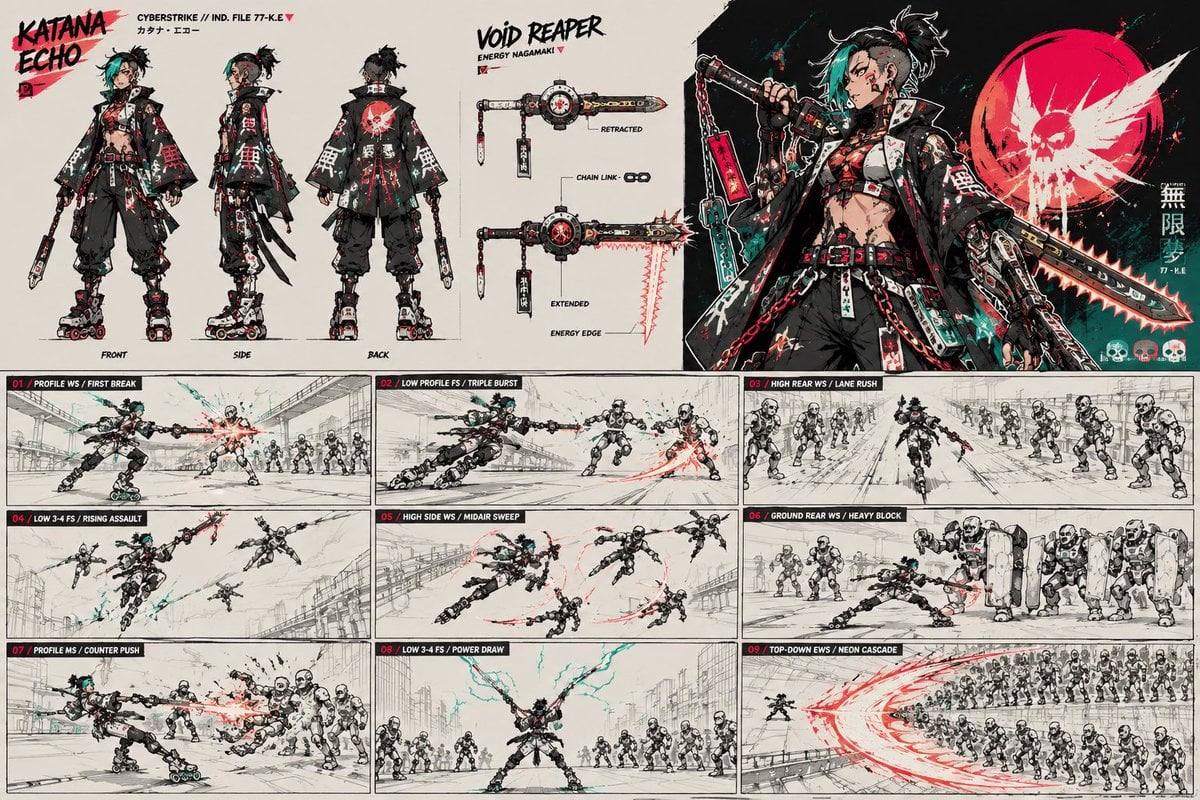
Cyberpunk Samurai Character Sheet
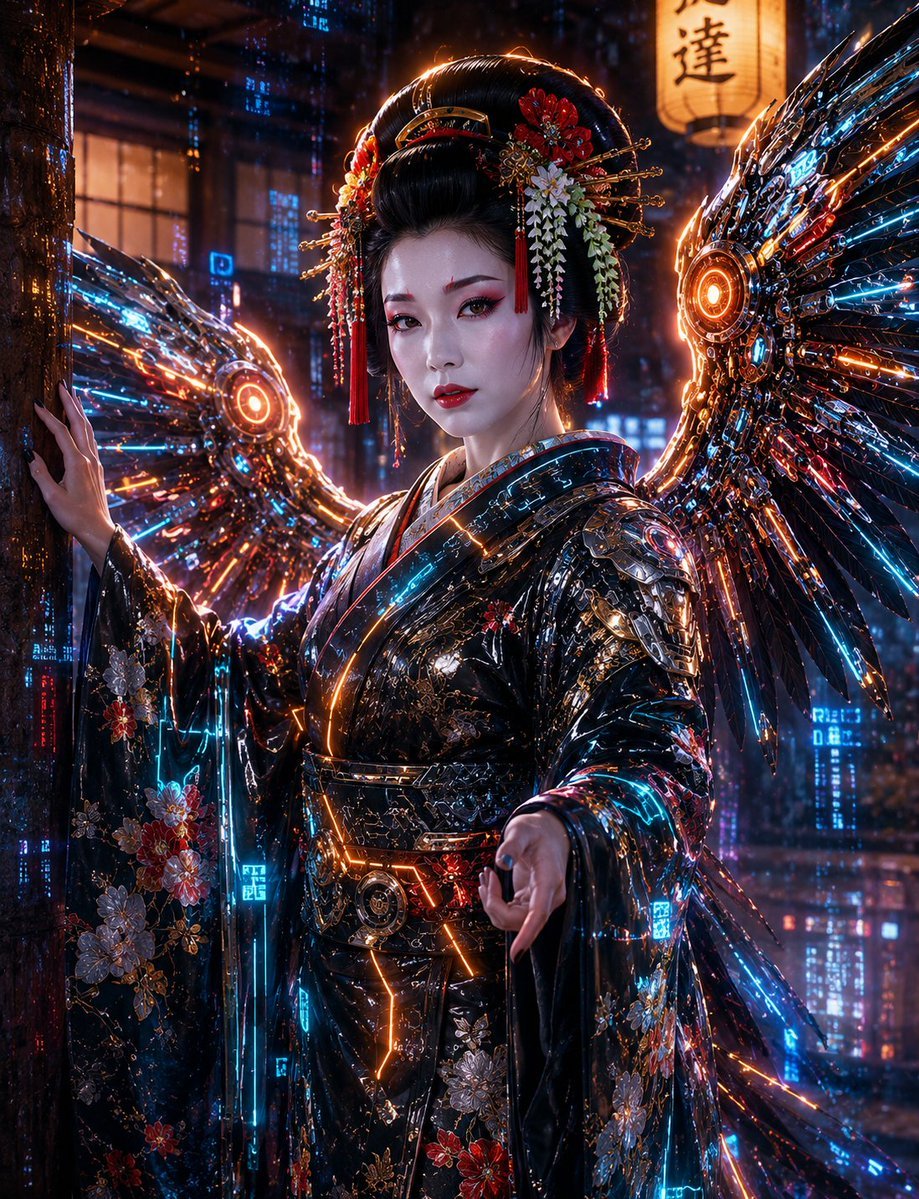
Cyberpunk Geisha Angel Portrait
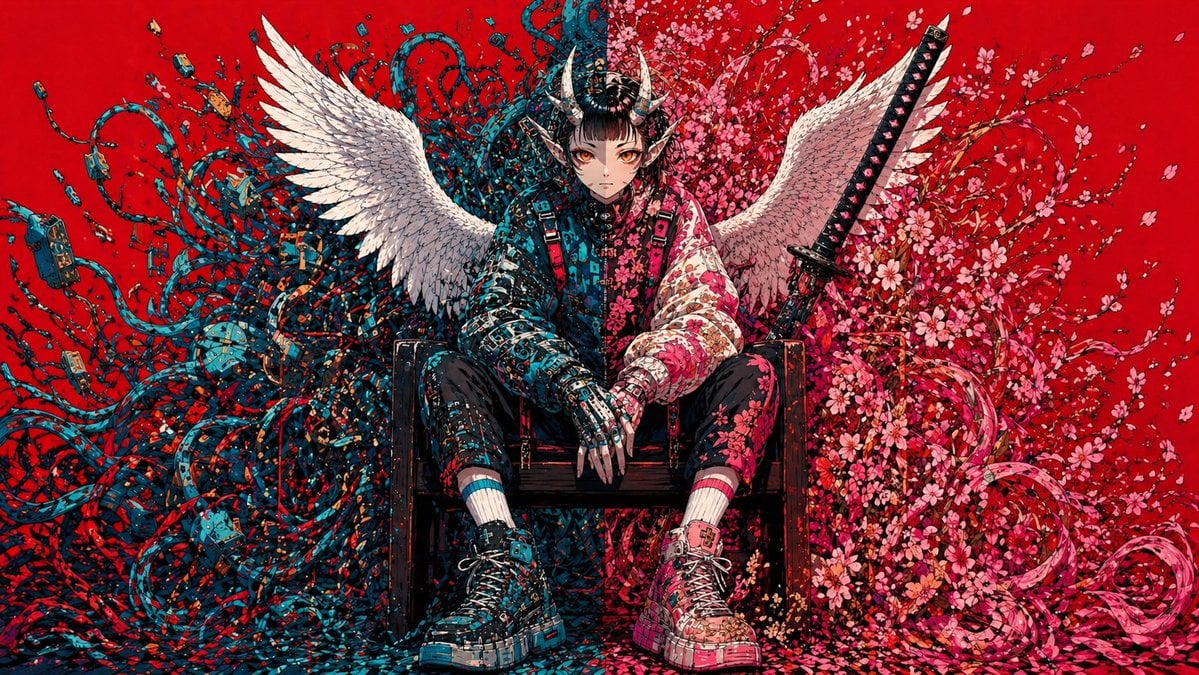
Cyberpunk Fallen Angel Samurai
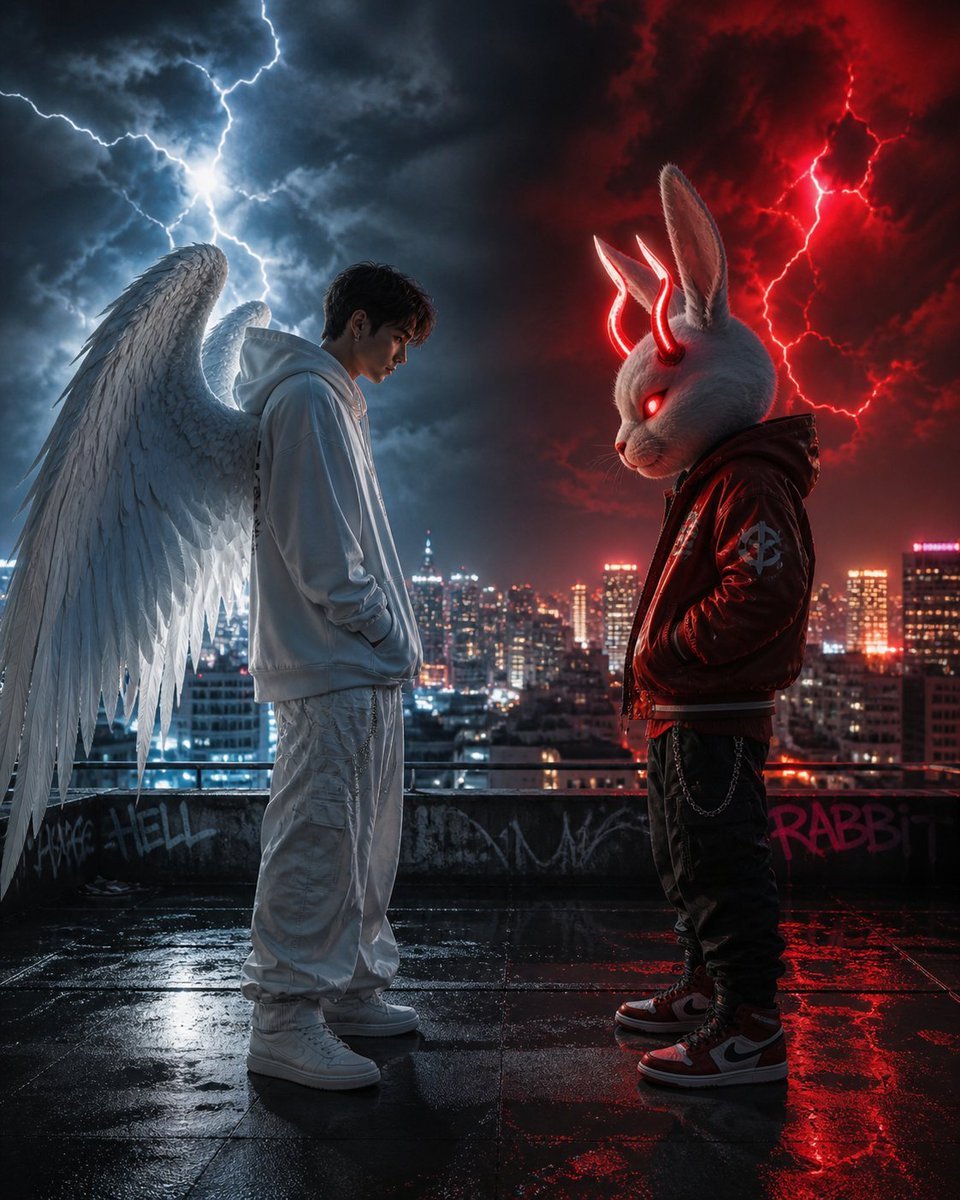
Cyberpunk Angel vs Demon Showdown
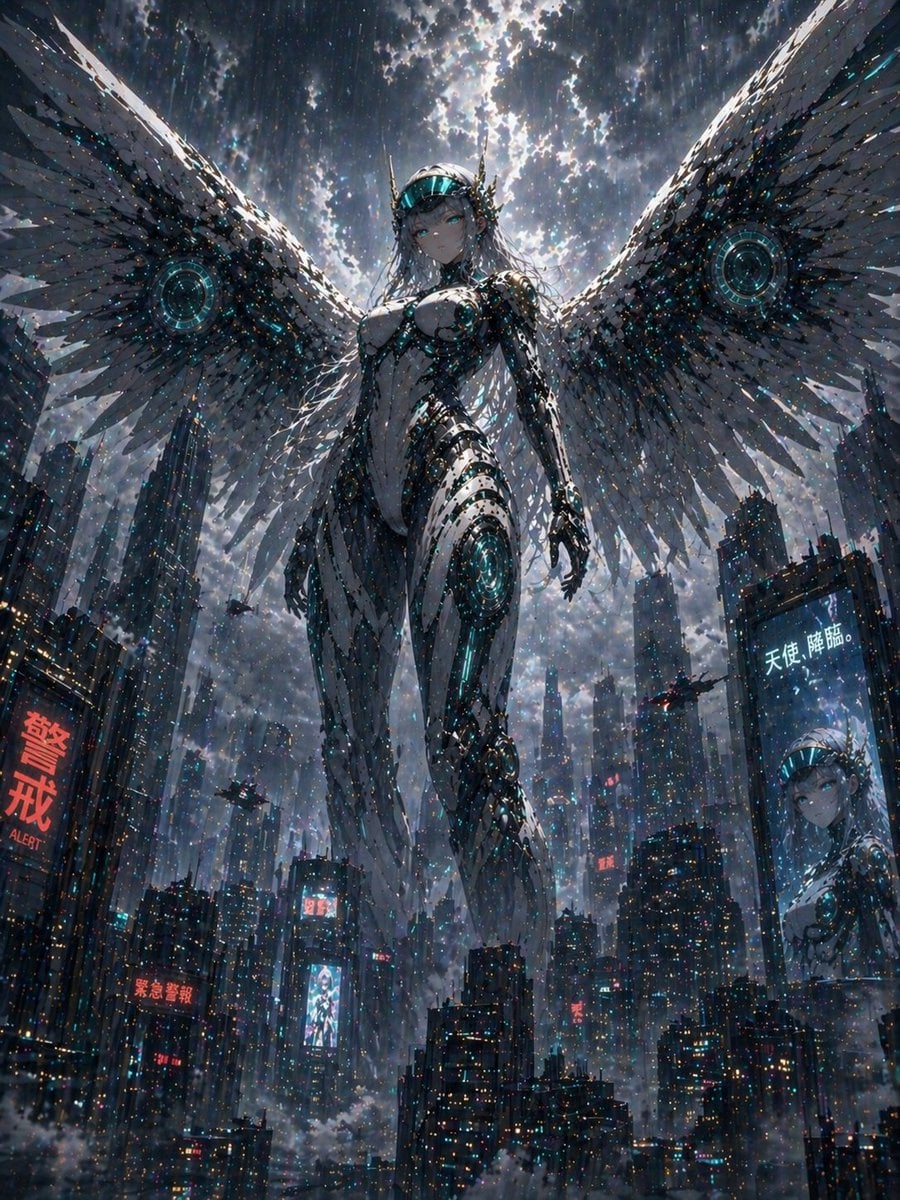
Cyberpunk Machine Angel Over Megacity
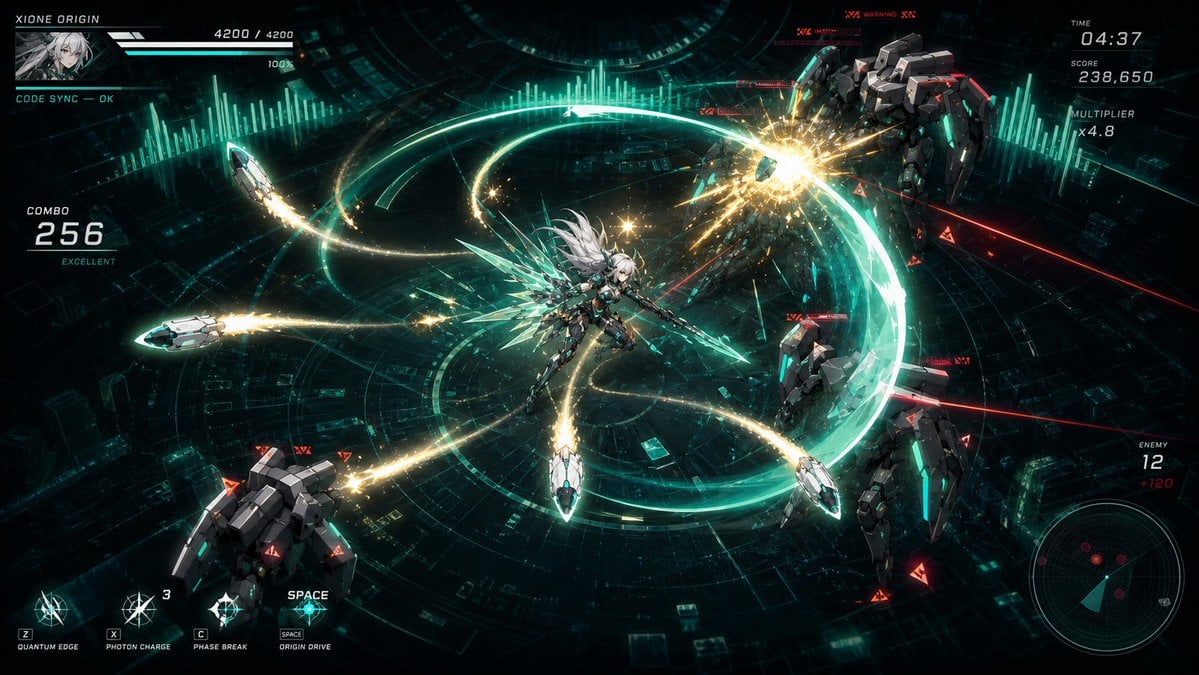
Cyber Angel Mecha Battle HUD

Dancer Character - Four View Reference Sheet

Movement Sheet - Dance Reference (Seedance 2.0)
Make it yours
Cyber Angel Character Sheet works as-is. These are the safest ways to change it without losing the look.
Change one field
Copy a single group, rewrite it, and generate again so you can see what that field is doing.
Keep the frame, change the subject
Hold the composition and light of Cyber Angel Character Sheet, then swap wardrobe, props or the person for a new take.
| If the result… | Why | Fix |
|---|---|---|
| The result drifts from the preview | Too many fields changed at once. | Reuse Cyber Angel Character Sheet as-is first, then change one group — subject, light, or setting. |
| The model over-stylizes the scene | The prose prompt leaves finish and camera underspecified. | Add one camera or lighting sentence and stay on GPT Image 2. |
More GPT Image 2 templates
Other prompts made for GPT Image 2.

Realistic Portrait of Woman and Deer

The Vista Modular Condo Poster

AI Model Routing Comparison Infographic

2.5D Anime Art Board

Isometric Productivity Desk Scene

New York Double Exposure Poster

Four-Panel AI Landscape Comparison

Japanese Tatami Lifestyle Magazine Cover

NESCAFÉ Coffee Map Poster

Brutalist Cogito Chinese Typography Poster
More image prompts
Fresh picks from across the catalog.
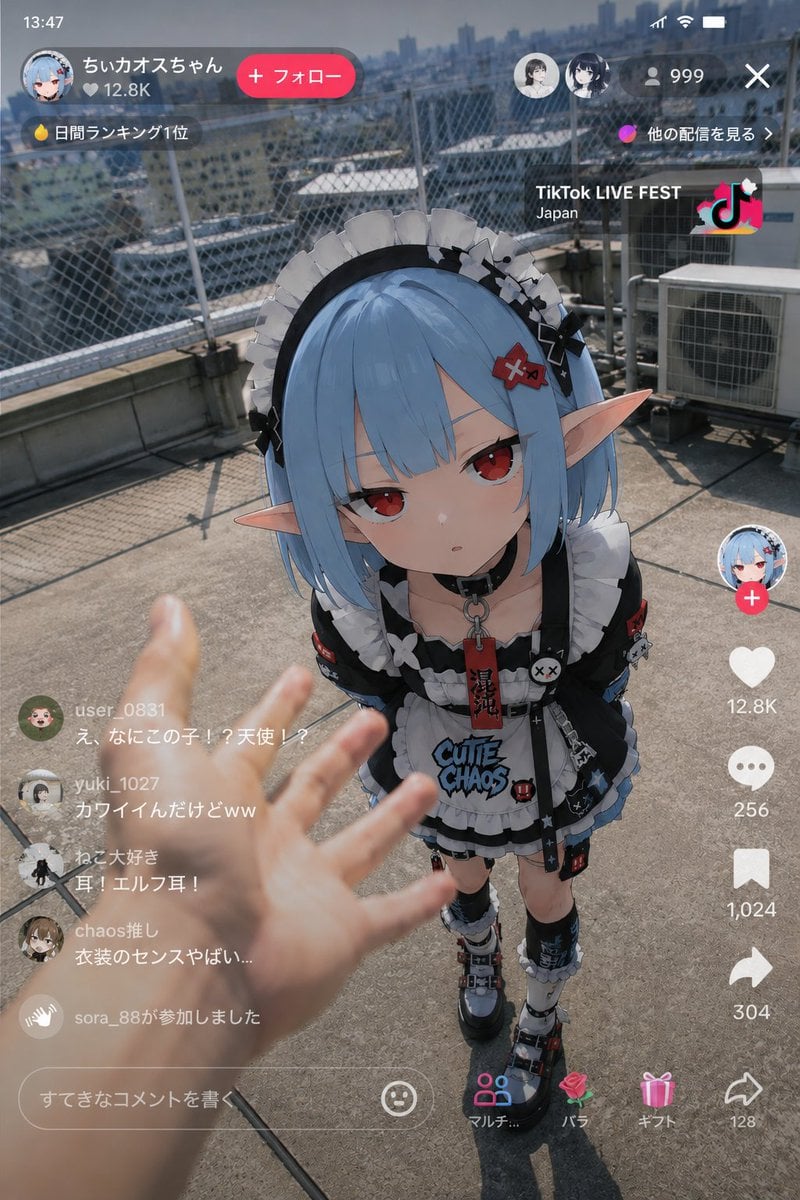
Anime Character Real-World Stream i2i
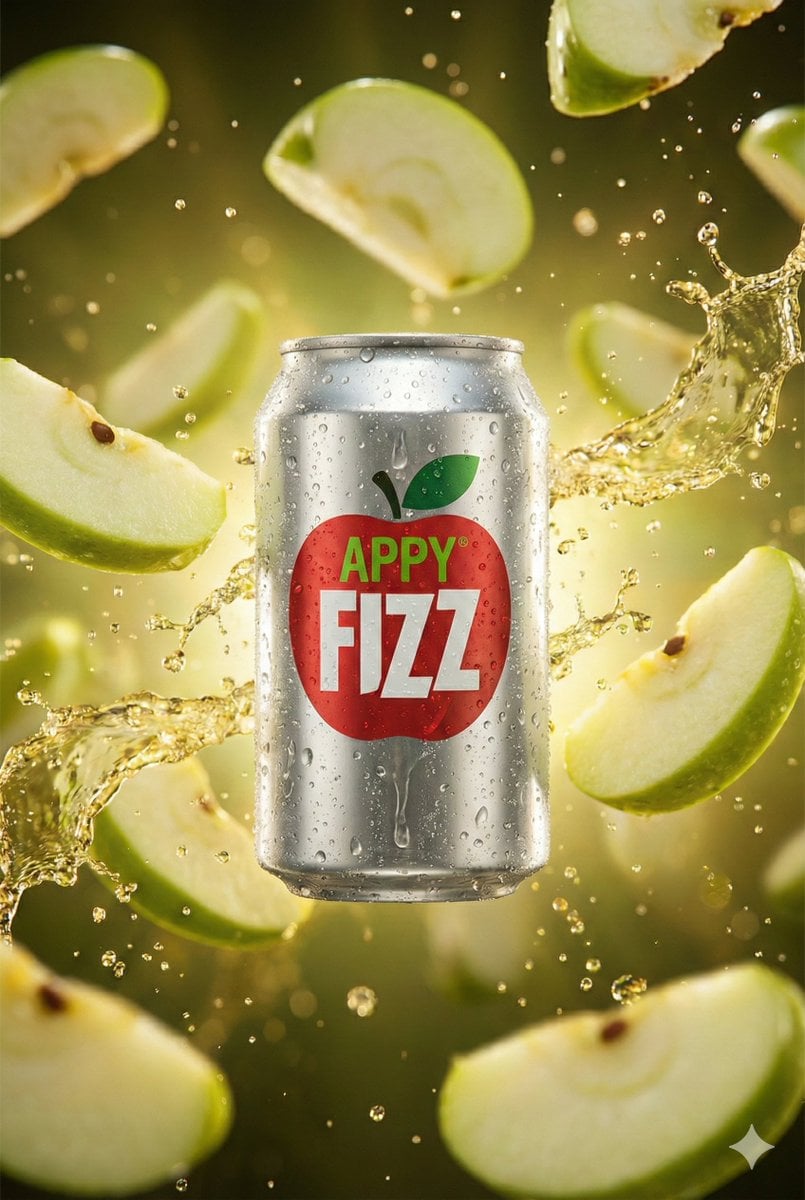
Hyper-realistic cinematic product shot of Appy Fizz can with exploding apple slices
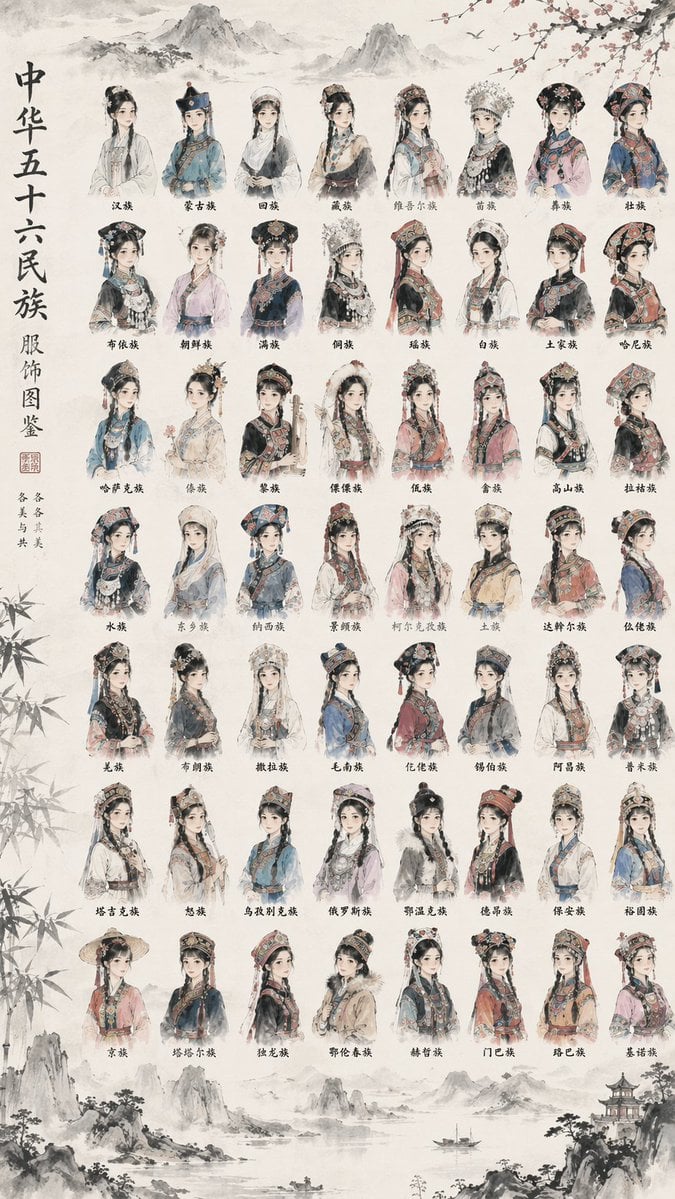
56 Chinese Ethnic Groups Clothing Chart
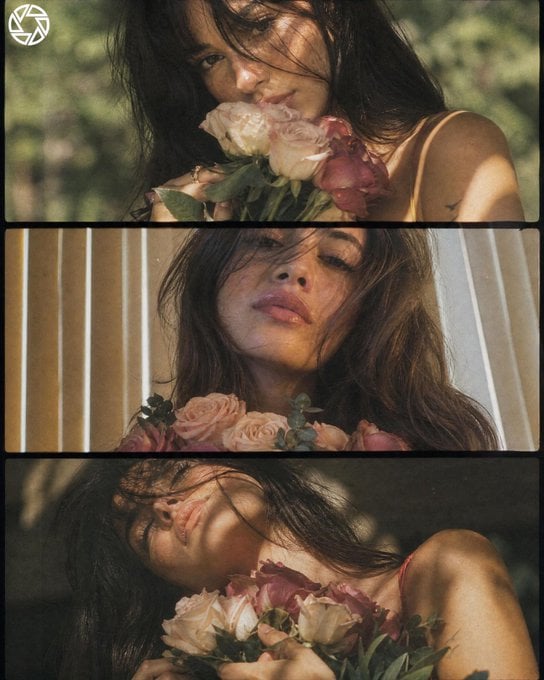
Dreamy Cottagecore 3-Panel Cinematic Collage
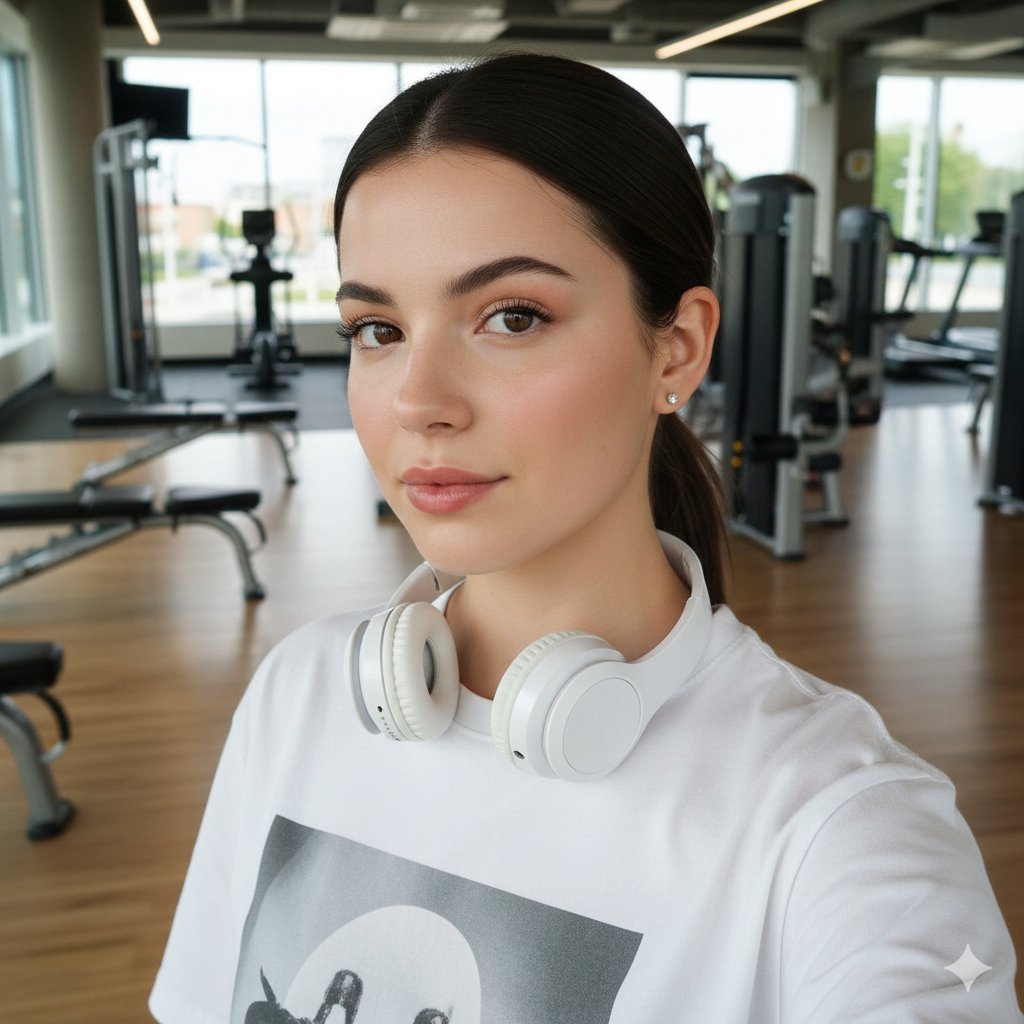
Sporty Gym Selfie Identity Preservation Prompt

Romantic Istanbul Kitchen Couple Scene
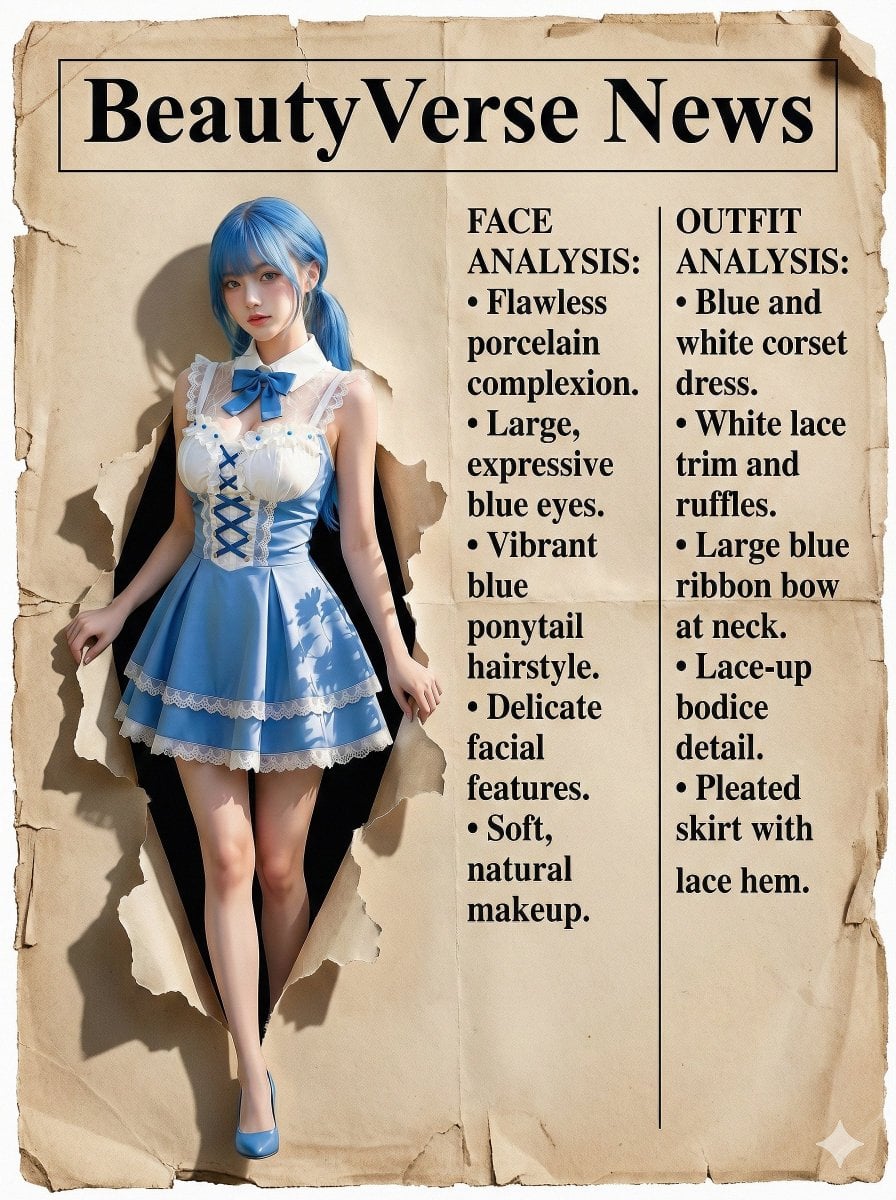
Character Analysis Newspaper Rip-Through Effect

Surreal Floral Petal Portrait
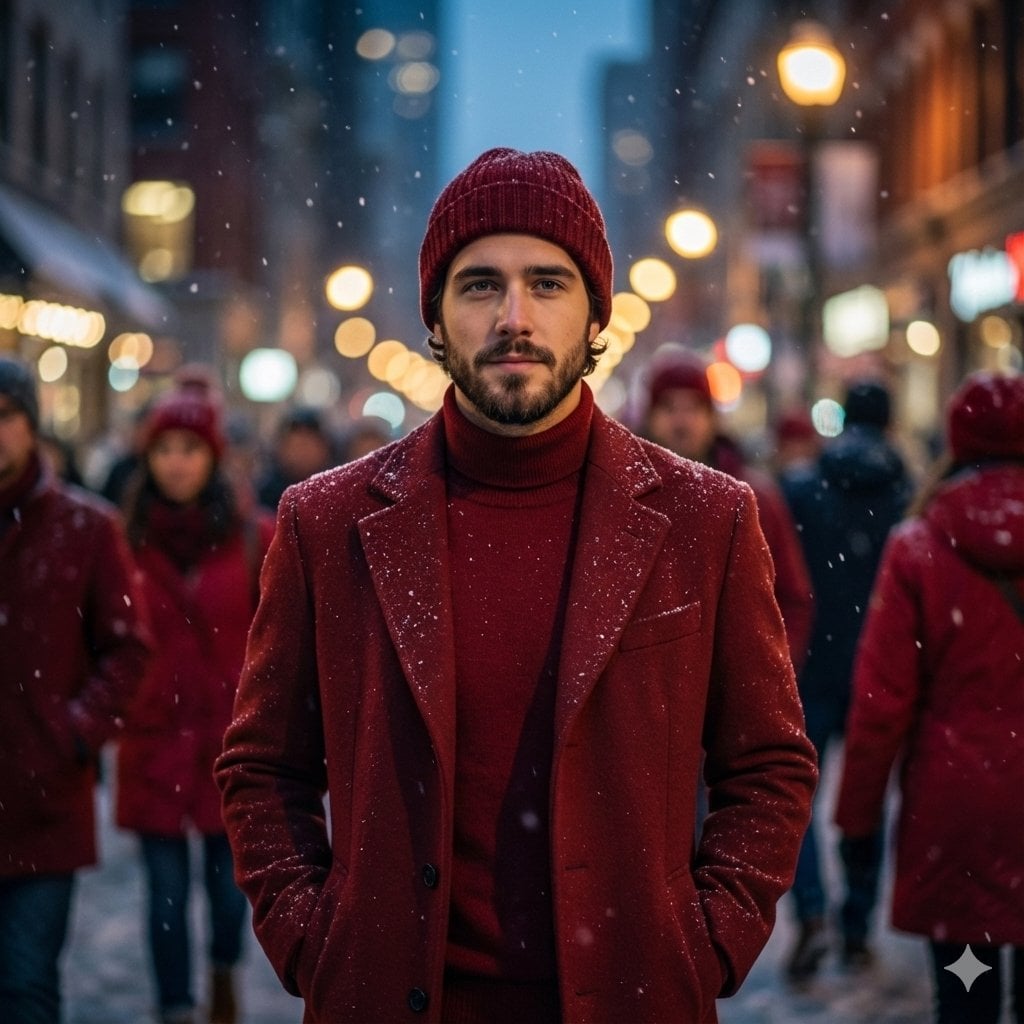
Cinematic Fashion Editorial Portrait in Winter Night

Dreamy Cinematic Highland Portrait Prompt
Browse template categories
Cyber Angel Character Sheet questions
How do I use the Cyber Angel Character Sheet template?
Add your photo if the template asks for one, edit the prompt if you like — the template's model and format are already selected — and press Generate. Your version opens in PicX Studio.
Can I customize the Cyber Angel Character Sheet template?
Yes. You can change the subject, setting, lighting, mood, format, and available model controls before creating your image.
Is the Cyber Angel Character Sheet template free?
Opening and editing this template is free. Generating uses credits, shown on the Generate button when you are signed in.
Which AI model should I use?
Start with GPT Image 2, which is the model associated with this template. You can compare another compatible model for a different finish.
Looking for something else? Browse all templates.

Your photo, any look
Thousands of ready templates for every top image and video model, from one credit balance.