
Kurumi Kazama Morning Board
A cheerful anime poster-style scene featuring Kurumi Kazama beside a daily board for Vegetable Day and Homework Day.
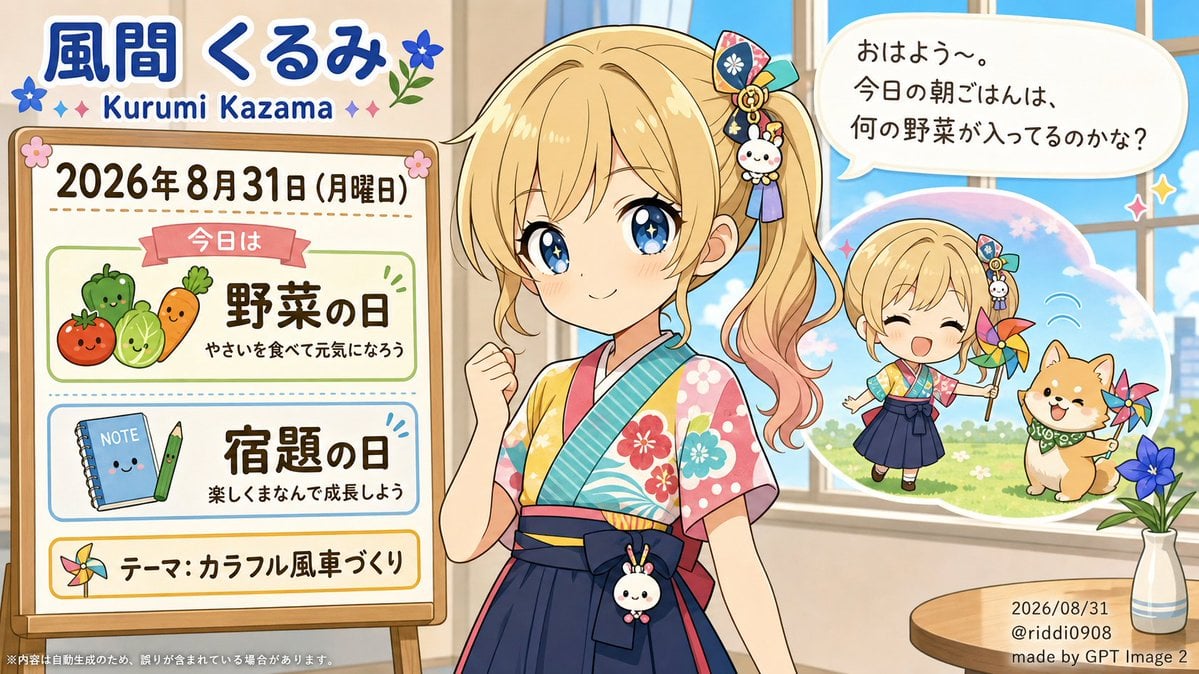
- Prompt included
- Model and format preset
- Free template
The prompt behind this image
Copy the exact prompt behind Kurumi Kazama Morning Board, or open it in the studio and make it yours.
Goal: Create a bright kawaii anime morning announcement illustration for {argument name="character name" default="Kurumi Kazama"}, combining a character portrait with a classroom-style daily board about special days. Canvas: Horizontal 16:9 image, warm sunlit room with a large window on the right showing blue sky and greenery. Soft pastel palette, clean polished anime style, cheerful school-poster composition. Layout: Place the main character large in the center-right foreground, a wooden framed information board on the left, a rounded speech bubble at the upper right, and a cloud-shaped mini scene behind the character near the window. Add a small round table at bottom right with a vase. Include subtle decorative flowers, sparkles, and stickers. Main character: A cute blonde anime girl with big sparkling blue eyes, light blush, gentle smile, and side ponytail fading slightly peach-pink at the ends. She wears a colorful summer yukata-style outfit with floral patterns, turquoise diagonal collar, pink sleeves, and dark navy hakama-style skirt. Her right hand is raised in a small encouraging fist. Hair accessories include exactly 4 visible items: a patterned rectangular ornament, a teal ribbon, a gold ring charm, and a small white bunny charm with dangling purple tassels. Add a matching small bunny charm on her waist bow. Top title text: Large blue Japanese name text 「風間 くるみ」 with white outline, and below it the romanized name “Kurumi Kazama” in blue. Decorate the title with exactly 5 small motifs: two blue flowers, two pink sparkle diamonds, and one small green leafy flower sprig. Left information board: A standing wooden easel board with the date line “{argument name="date text" default="2026年 8月31日(月曜日)"}”. The board contains exactly 3 stacked content panels: 1. Top green-outlined panel with a red ribbon label “今日は”, large text 「野菜の日」, small text 「やさいを食べて元気になろう」, and exactly 4 cute vegetable mascots: tomato, green pepper, cabbage, and carrot. 2. Middle blue-outlined panel with large text 「宿題の日」, small text 「楽しくまなんで成長しよう」, and exactly 2 school-item mascots: a smiling blue notebook labeled “NOTE” and a smiling green pencil. 3. Bottom yellow-outlined panel with a colorful pinwheel icon and text 「テーマ: カラフル風車づくり」. Speech bubble: Rounded white speech bubble at upper right with Japanese text: “{argument name="speech bubble text" default="おはよう〜。今日の朝ごはんは、何の野菜が入ってるのかな?"}”. Mini scene bubble: Behind the main character on the right, create a soft cloud-shaped vignette showing a chibi version of the girl outdoors with a smiling dog. It contains exactly 2 characters: the chibi girl holding one colorful pinwheel and a tan Shiba-like dog wearing a green bandana, with another colorful pinwheel beside the dog. Add sunny grass, sky, and playful motion marks. Right table detail: A small round wooden table with a slim vase holding exactly 3 blue flowers and green leaves. Add small date/credit text near it: “2026/08/31”, “@riddi0908”, and “made by GPT Image 2”. Visual style: High-quality modern Japanese anime illustration, crisp lines, glossy eyes, pastel gradients, soft sunlight, charming educational poster feel, sticker-like icons, cozy classroom atmosphere. Constraints: Keep all text legible and positioned like a designed poster. Use exactly the counted elements listed above. Avoid extra panels, extra mascots, extra characters, watermarks, or photorealism.
How to use Kurumi Kazama Morning Board in 3 steps
- 1Upload ImagePNG, JPG or paste
Add your photo
Upload the photo the template builds on. The prompt, model and format are already set.
- 2…a portrait of your subject in softgolden-hour light, 85mm…
Personalize
Edit the subject and creative details for your destination.
- 3Generate
Generate
Press Generate — your image is created in PicX Studio, so you can compare it with the original and refine one variable at a time.
More like this
Templates with the same subject, style or setup. Open one to see its prompt.

Pixar-Style Chibi Café Morning Scene

Modern Korean Fashion Editorial Board

2.5D Anime Art Board
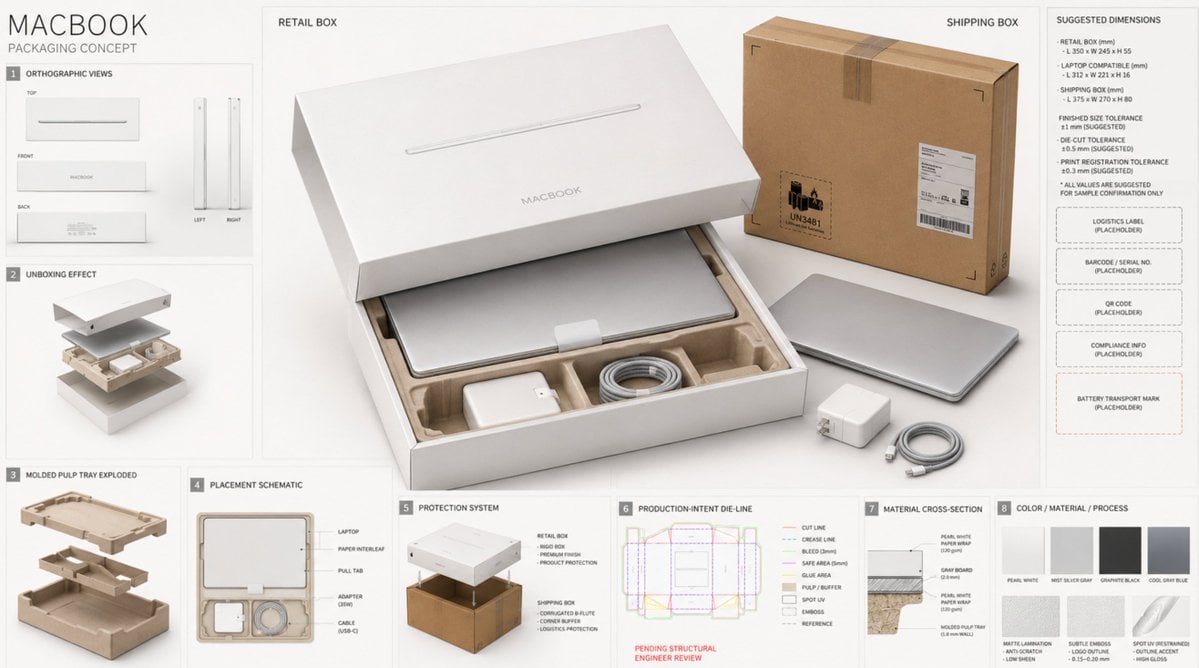
High-End Laptop Packaging Concept Board
Rabbit Racer Workflow Board
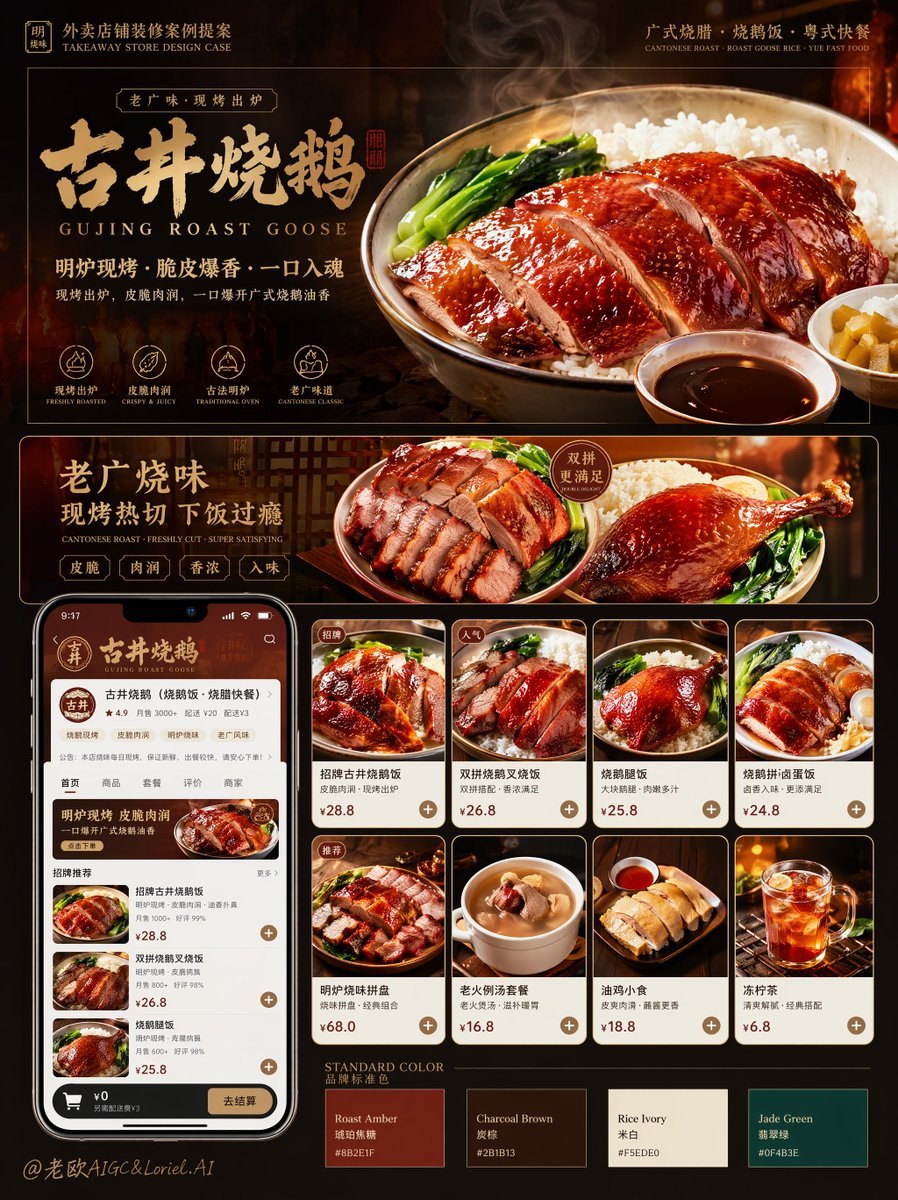
Roast Rice Branding Proposal Board
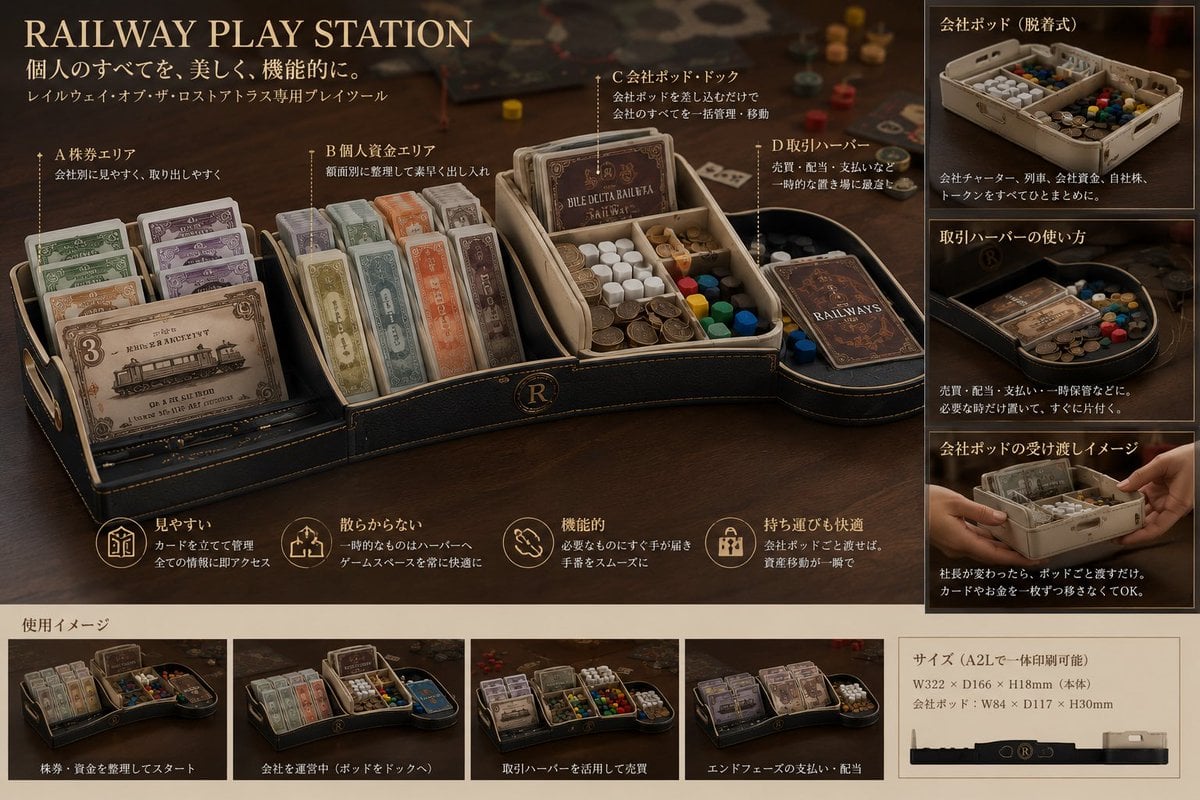
Luxury Railway Board Game Organizer Poster

Cinematic Flame Chef Storyboard
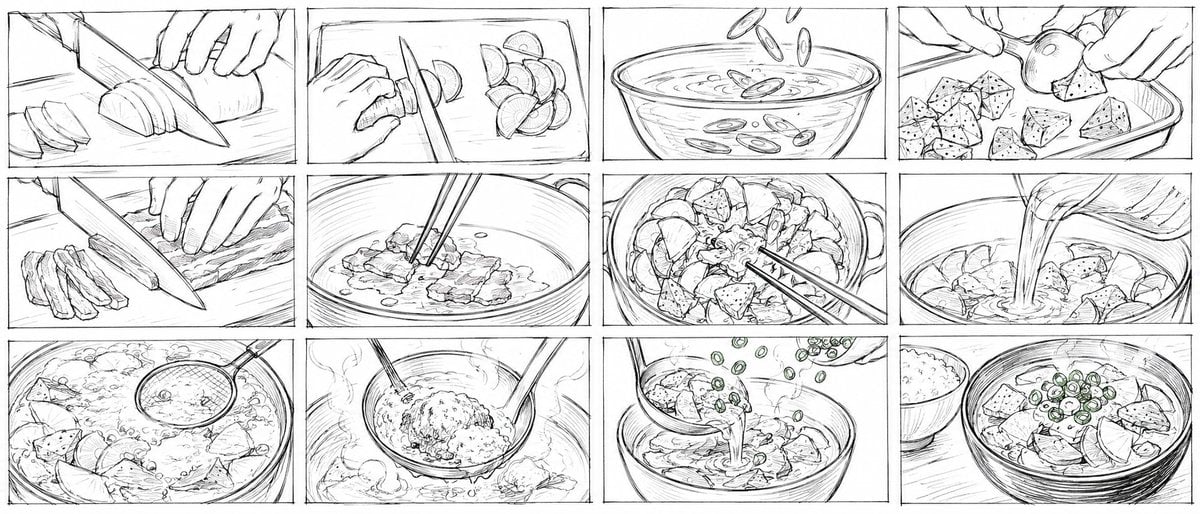
Rough Tonjiru Cooking Storyboard
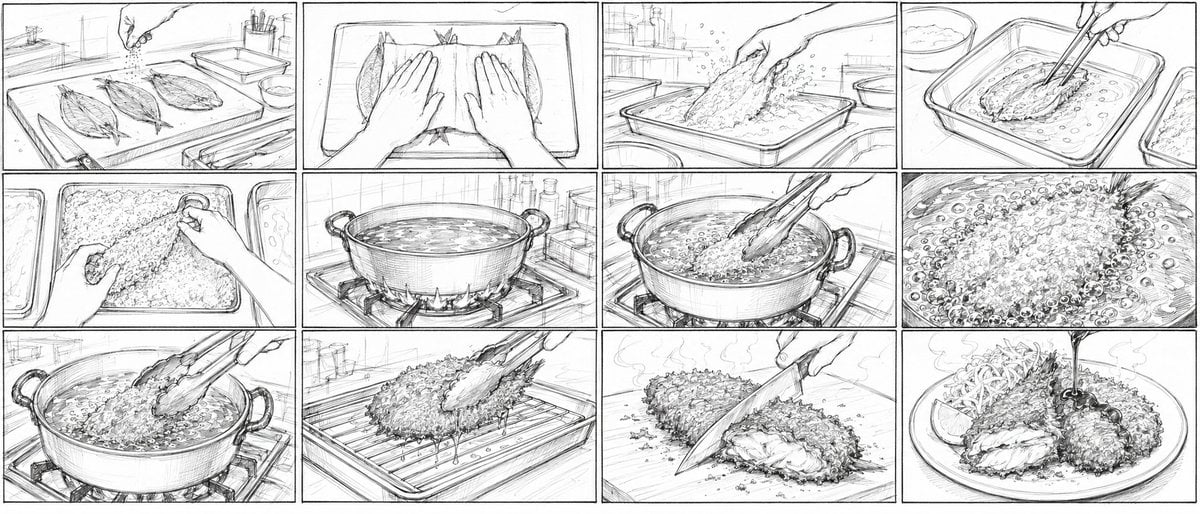
Aji Fry Anime Cooking Storyboard
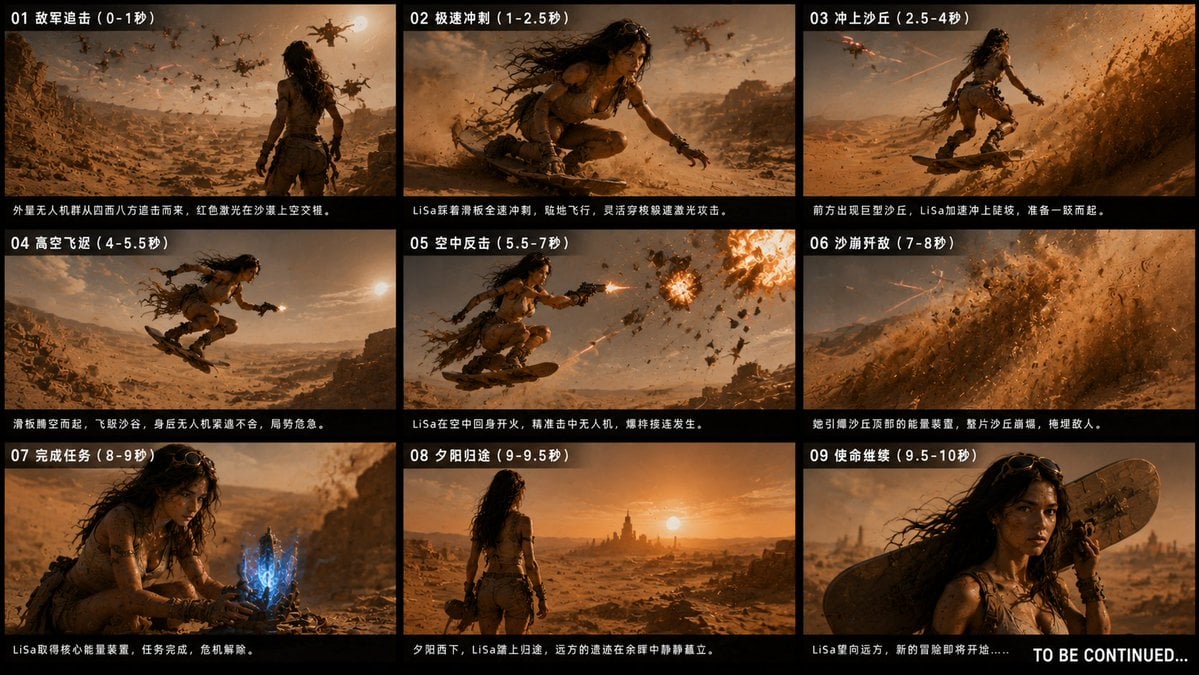
Desert Drone Chase Storyboard
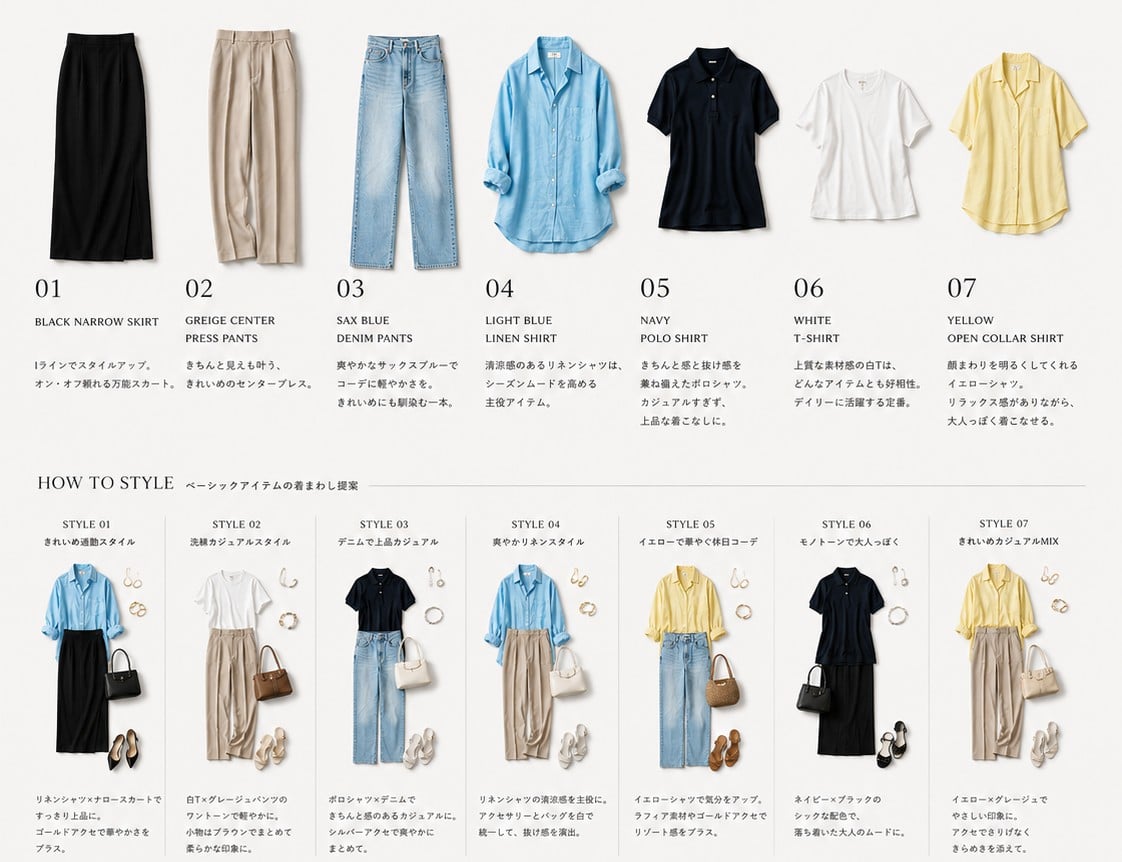
Capsule Wardrobe Styling Board
Make it yours
Kurumi Kazama Morning Board works as-is. These are the safest ways to change it without losing the look.
Change one field
Copy a single group, rewrite it, and generate again so you can see what that field is doing.
Keep the frame, change the subject
Hold the composition and light of Kurumi Kazama Morning Board, then swap wardrobe, props or the person for a new take.
| If the result… | Why | Fix |
|---|---|---|
| The result drifts from the preview | Too many fields changed at once. | Reuse Kurumi Kazama Morning Board as-is first, then change one group — subject, light, or setting. |
| The model over-stylizes the scene | The prose prompt leaves finish and camera underspecified. | Add one camera or lighting sentence and stay on GPT Image 2. |
More GPT Image 2 templates
Other prompts made for GPT Image 2.

Six VTuber Japanese Logo Sheet

Realistic Portrait of Woman and Deer

The Vista Modular Condo Poster

AI Model Routing Comparison Infographic

Isometric Productivity Desk Scene

New York Double Exposure Poster

Four-Panel AI Landscape Comparison

Japanese Tatami Lifestyle Magazine Cover

NESCAFÉ Coffee Map Poster

Brutalist Cogito Chinese Typography Poster
More image prompts
Fresh picks from across the catalog.
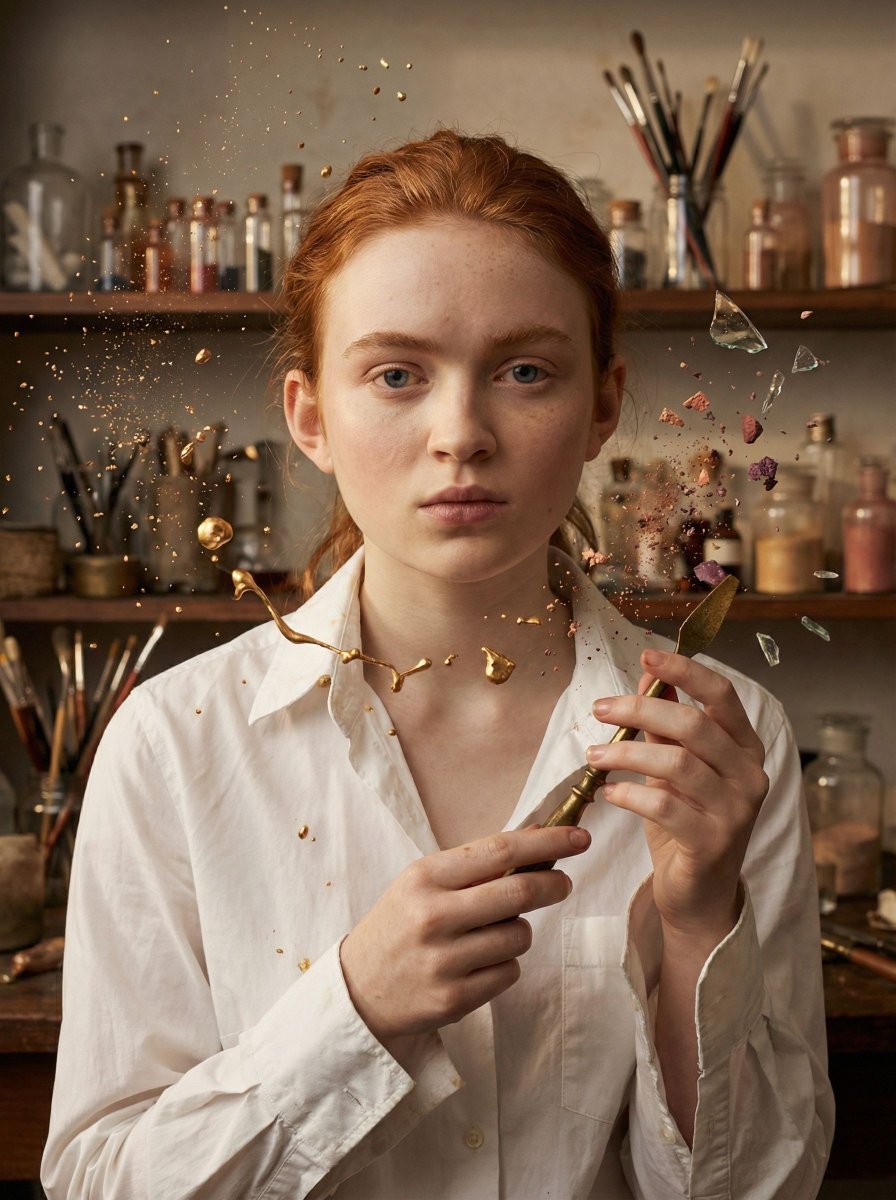
Surreal Cosmetic Alchemist Portrait Prompt
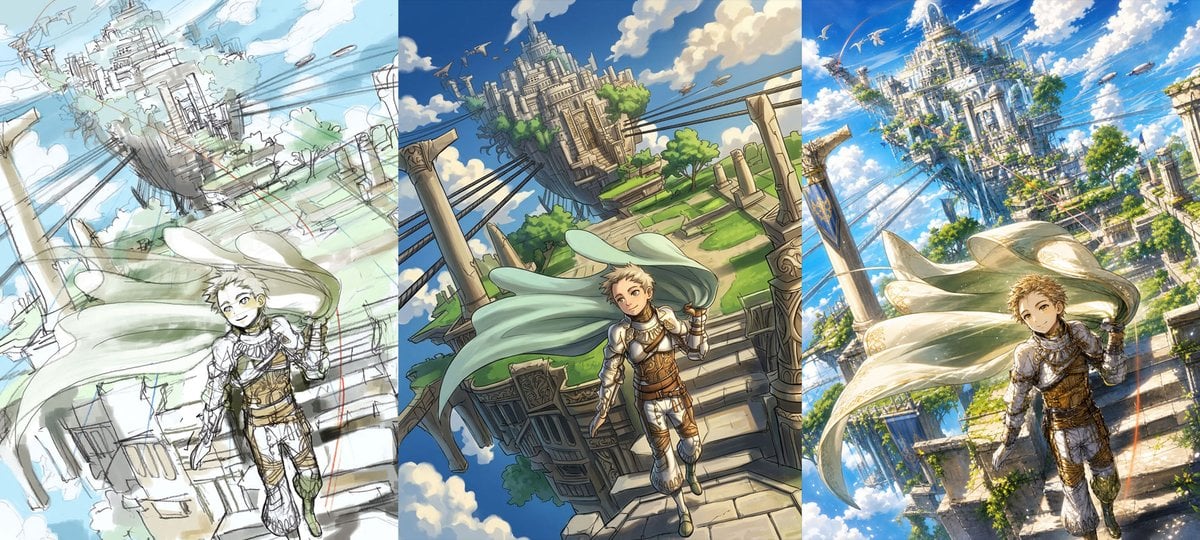
Fantasy Sky Castle Art Evolution Triptych

Prismatic Ocean Teacup Fantasy

Cinematic Winter Portrait
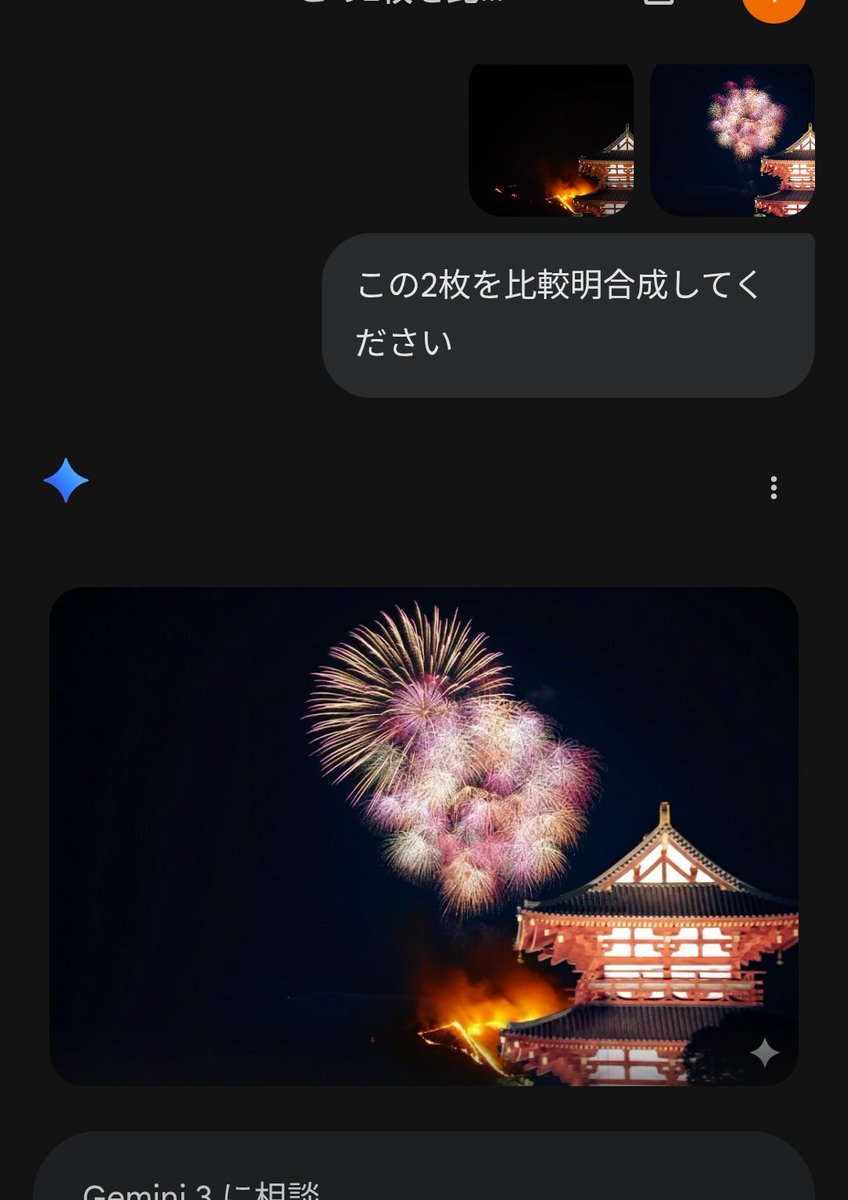
Instructional Prompt for Strict Image Generation
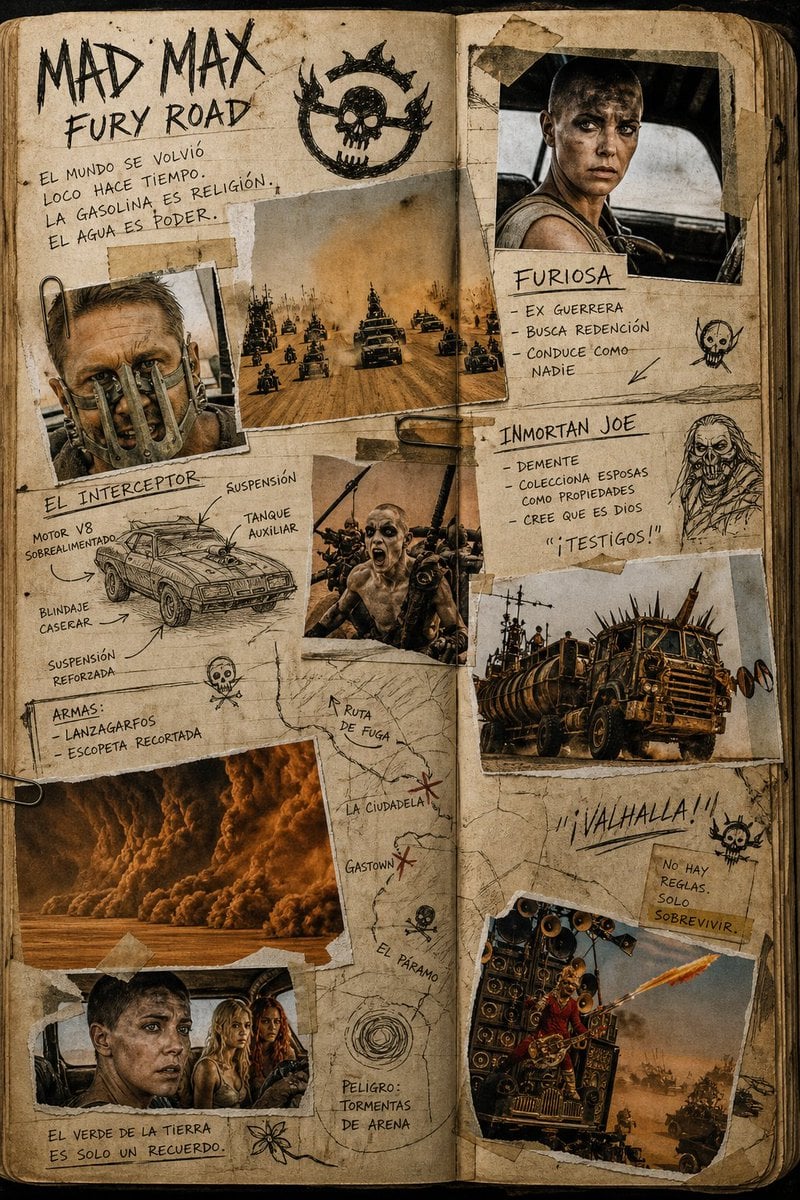
Mad Max Journal Scrapbook Style
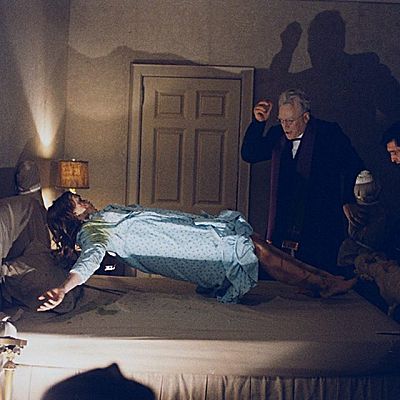
Behind-the-Scenes Generation Prompt
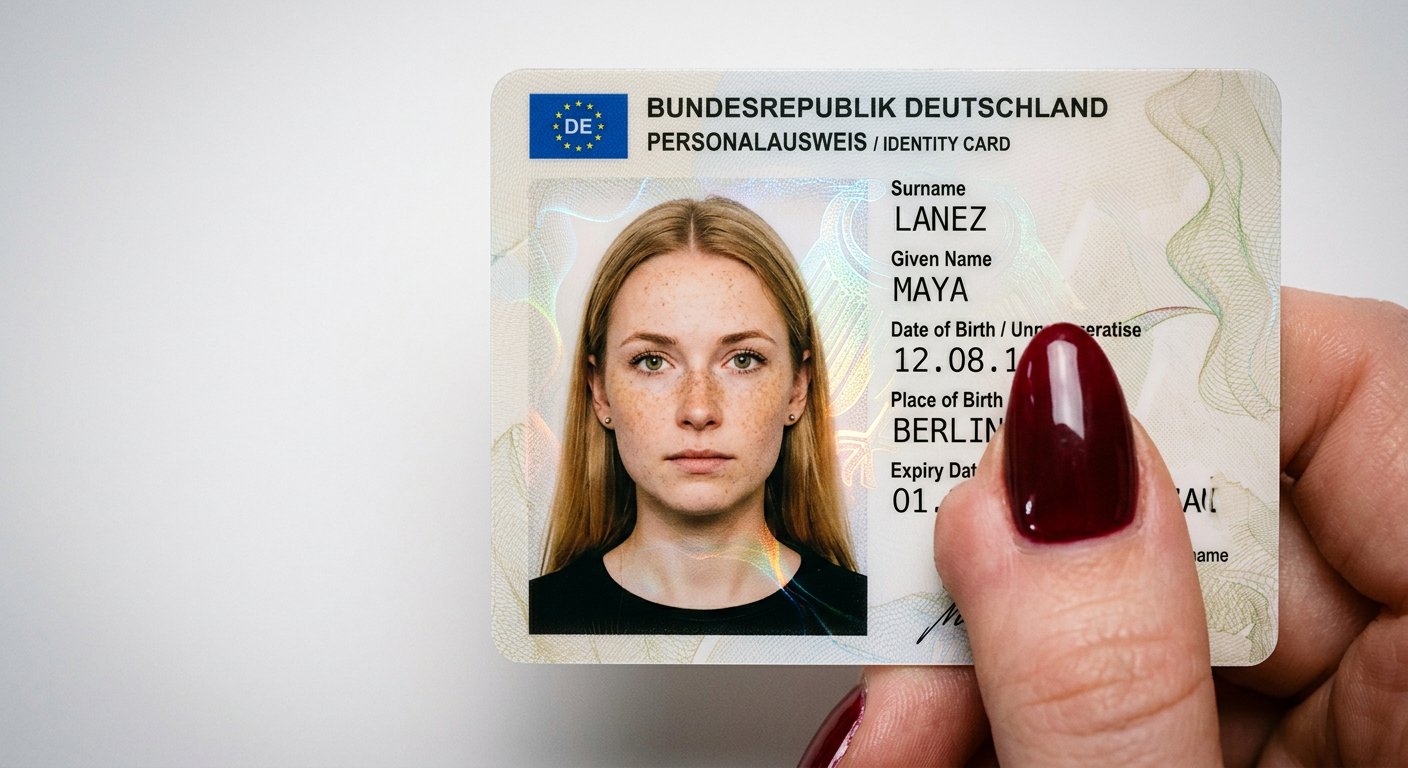
NanoBanana2
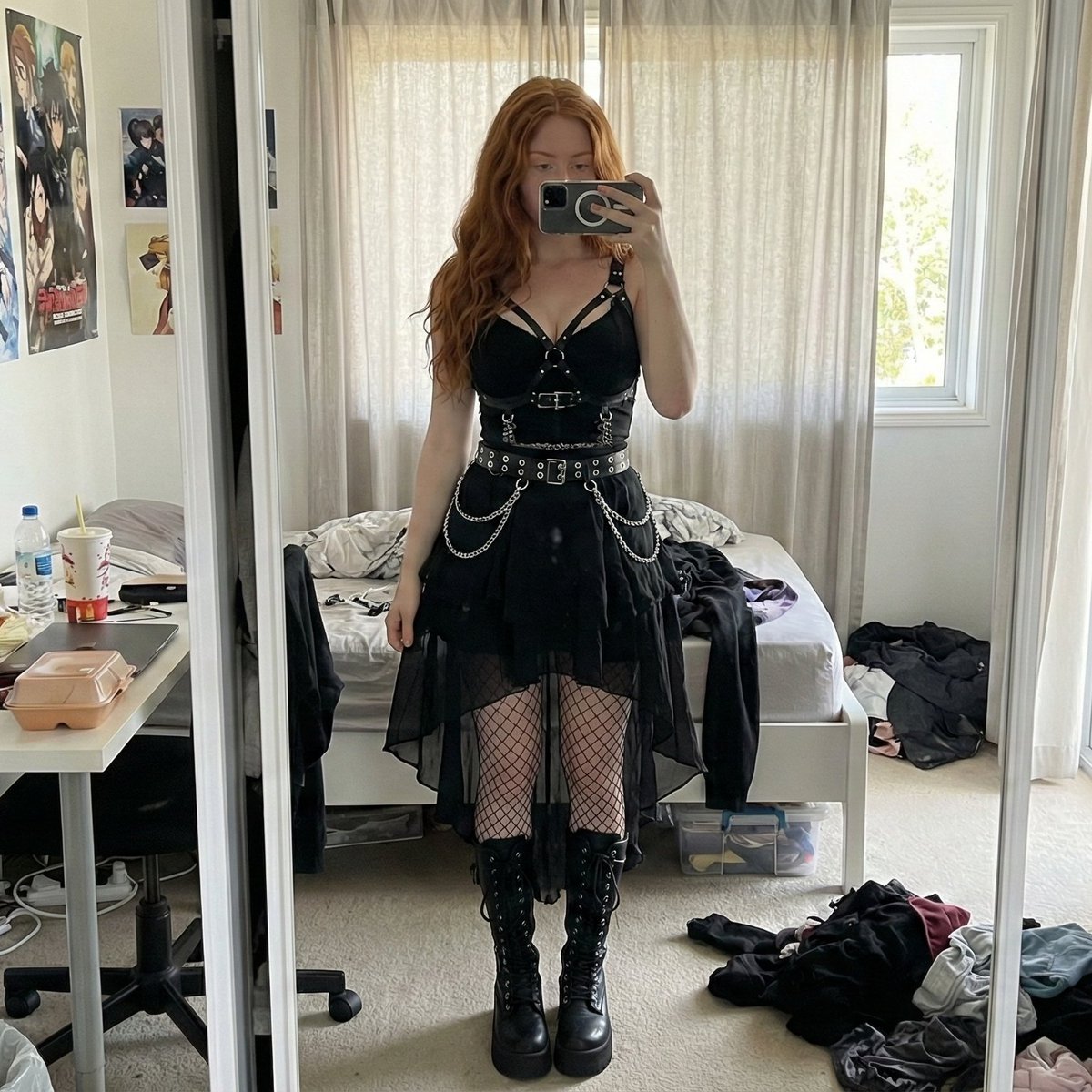
Gothic Mirror Selfie in Messy Bedroom
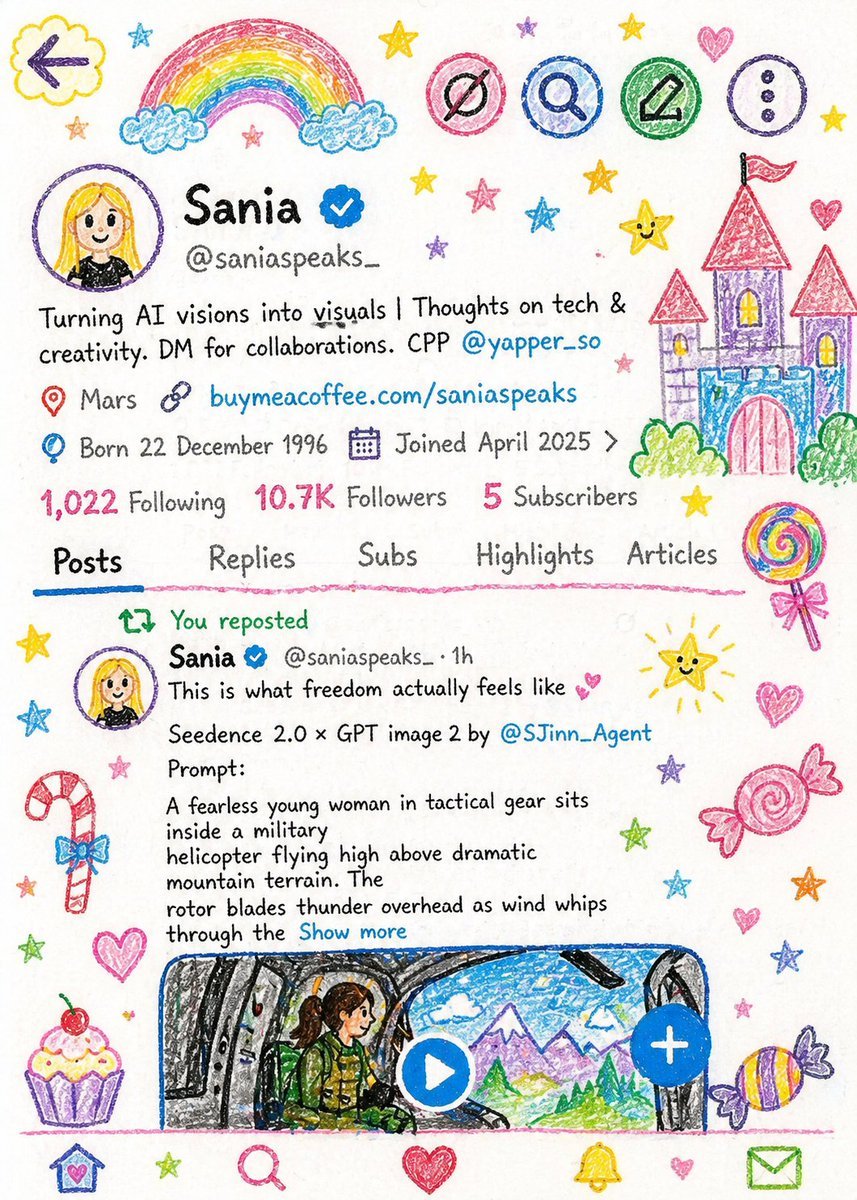
Crayon Style Child Illustration
Browse template categories
Kurumi Kazama Morning Board questions
How do I use the Kurumi Kazama Morning Board template?
Add your photo if the template asks for one, edit the prompt if you like — the template's model and format are already selected — and press Generate. Your version opens in PicX Studio.
Can I customize the Kurumi Kazama Morning Board template?
Yes. You can change the subject, setting, lighting, mood, format, and available model controls before creating your image.
Is the Kurumi Kazama Morning Board template free?
Opening and editing this template is free. Generating uses credits, shown on the Generate button when you are signed in.
Which AI model should I use?
Start with GPT Image 2, which is the model associated with this template. You can compare another compatible model for a different finish.
Looking for something else? Browse all templates.

Your photo, any look
Thousands of ready templates for every top image and video model, from one credit balance.