
Three Sci-Fi Android Empresses
A vertical futuristic anime-style lineup of three ornate android empresses in metallic couture gowns, ideal for sci-fi fantasy character concept art.
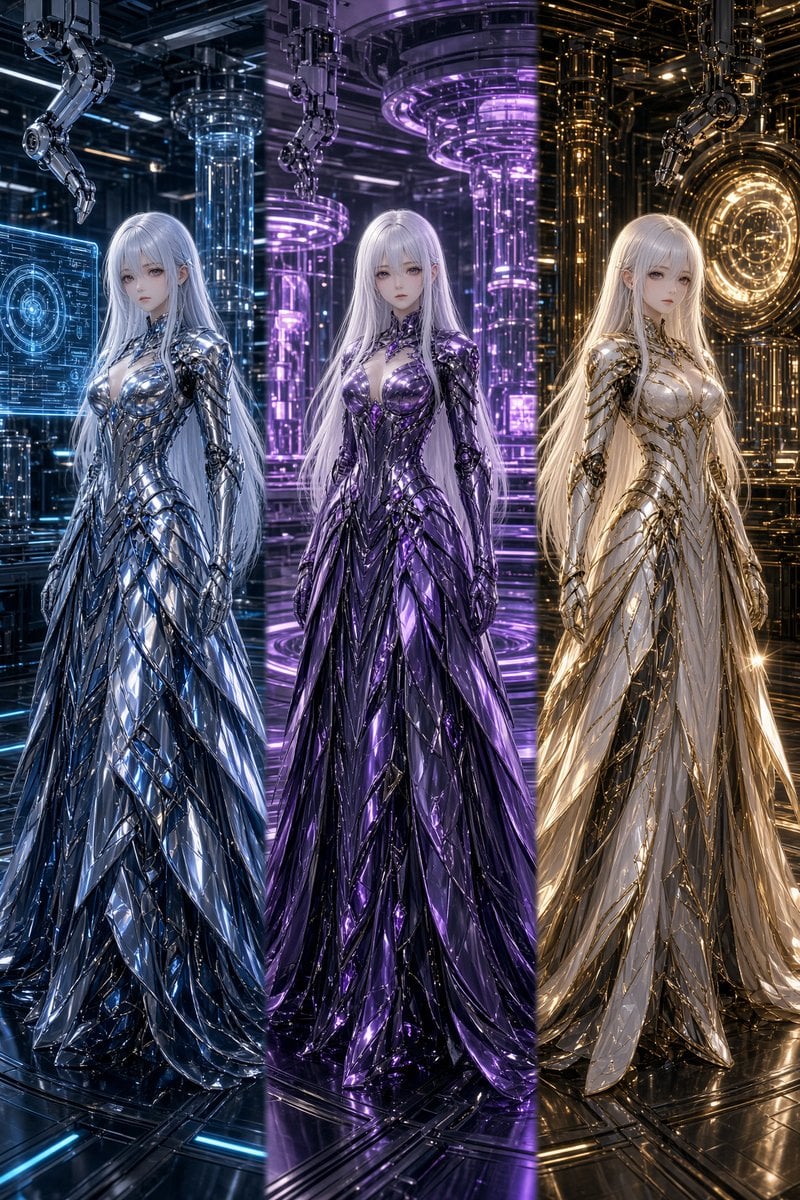
- Prompt included
- Model and format preset
- Free template
The prompt behind this image
Copy the exact prompt behind Three Sci-Fi Android Empresses, or open it in the studio and make it yours.
Create a hyper-detailed vertical sci-fi fantasy character lineup showing exactly 3 elegant android empresses standing full-body in a futuristic laboratory, each with porcelain anime-style faces, very long flowing {argument name="hair color" default="silver-white"} hair, slender bodies, calm expression, and ornate biomechanical gowns. Arrange them evenly from left to right, facing forward in a symmetrical fashion: 1) left empress in reflective chrome-blue armor and a fan-shaped layered metallic gown, set against cool blue holographic interfaces and transparent reactor columns; 2) center empress in glossy deep {argument name="center gown color" default="violet-purple"} armor-dress with black accents, set against glowing purple cylindrical machinery; 3) right empress in ivory-white and polished gold armor-gown, set against warm golden circuitry and a circular portal-like machine. Their dresses should look like futuristic couture made of overlapping shard plates, liquid metal, angular feathers, corset bodices, mechanical shoulder and arm details, and long floor-length trains. Background: dense high-tech chamber with robotic arms hanging from the ceiling, glass tubes, luminous rings, cables, metallic walls, hologram panels, and reflective black floor with neon light strips. Lighting should be cinematic and glossy with strong rim lights, blue on the left, purple in the center, gold on the right, intense specular reflections, volumetric glow, and a premium 3D anime illustration look. Use ultra-sharp focus, intricate details, symmetrical composition, dramatic vertical framing, no text, no watermark, no extra characters.
How to use Three Sci-Fi Android Empresses in 3 steps
- 1Upload ImagePNG, JPG or paste
Add your photo
Upload the photo the template builds on. The prompt, model and format are already set.
- 2…a portrait of your subject in softgolden-hour light, 85mm…
Personalize
Edit the subject and creative details for your destination.
- 3Generate
Generate
Press Generate — your image is created in PicX Studio, so you can compare it with the original and refine one variable at a time.
More like this
Templates with the same subject, style or setup. Open one to see its prompt.

Rainy Night Android Cyberpunk Portrait
Rainy Night Android Cyberpunk Portrait
Three Android Idol Girls on Concert Stage
Colossal Android Face Contact

Three Character Asset Comparison Board
Cyberpunk Android Creating Art
Three-Panel AI Billboard Comparison
Sci-Fi AI Battle Movie Poster

A luxury brand advertisement featuring three stylish arranged
Sci-Fi Knight of the Order
Pregnant Woman in Retro Sci-Fi Medical Pod
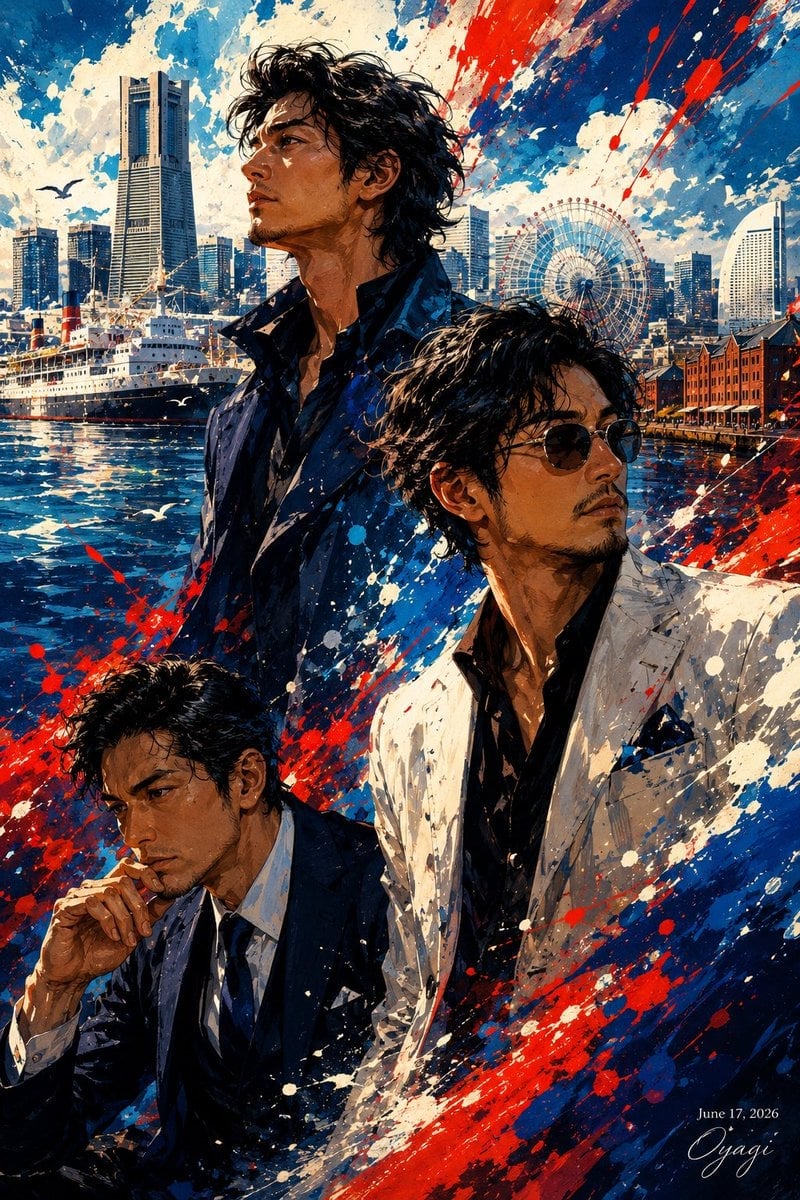
Yokohama Three Men Splash Art
Make it yours
Three Sci-Fi Android Empresses works as-is. These are the safest ways to change it without losing the look.
Change one field
Copy a single group, rewrite it, and generate again so you can see what that field is doing.
Keep the frame, change the subject
Hold the composition and light of Three Sci-Fi Android Empresses, then swap wardrobe, props or the person for a new take.
| If the result… | Why | Fix |
|---|---|---|
| The result drifts from the preview | Too many fields changed at once. | Reuse Three Sci-Fi Android Empresses as-is first, then change one group — subject, light, or setting. |
| The model over-stylizes the scene | The prose prompt leaves finish and camera underspecified. | Add one camera or lighting sentence and stay on GPT Image 2. |
More GPT Image 2 templates
Other prompts made for GPT Image 2.

Six VTuber Japanese Logo Sheet

Realistic Portrait of Woman and Deer

The Vista Modular Condo Poster

AI Model Routing Comparison Infographic

2.5D Anime Art Board

Isometric Productivity Desk Scene

New York Double Exposure Poster

Four-Panel AI Landscape Comparison

Japanese Tatami Lifestyle Magazine Cover

NESCAFÉ Coffee Map Poster
More image prompts
Fresh picks from across the catalog.
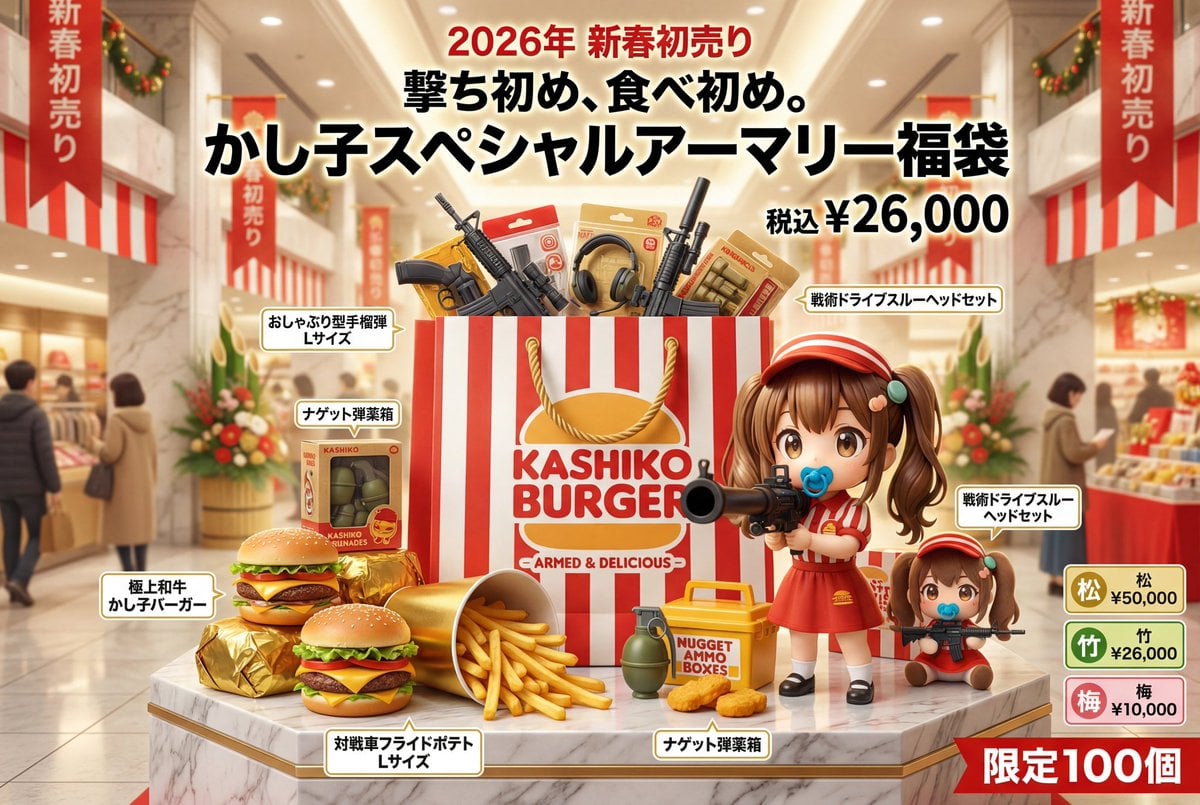
Luxury Fukubukuro (Lucky Bag) Advertisement Key Visual Prompt
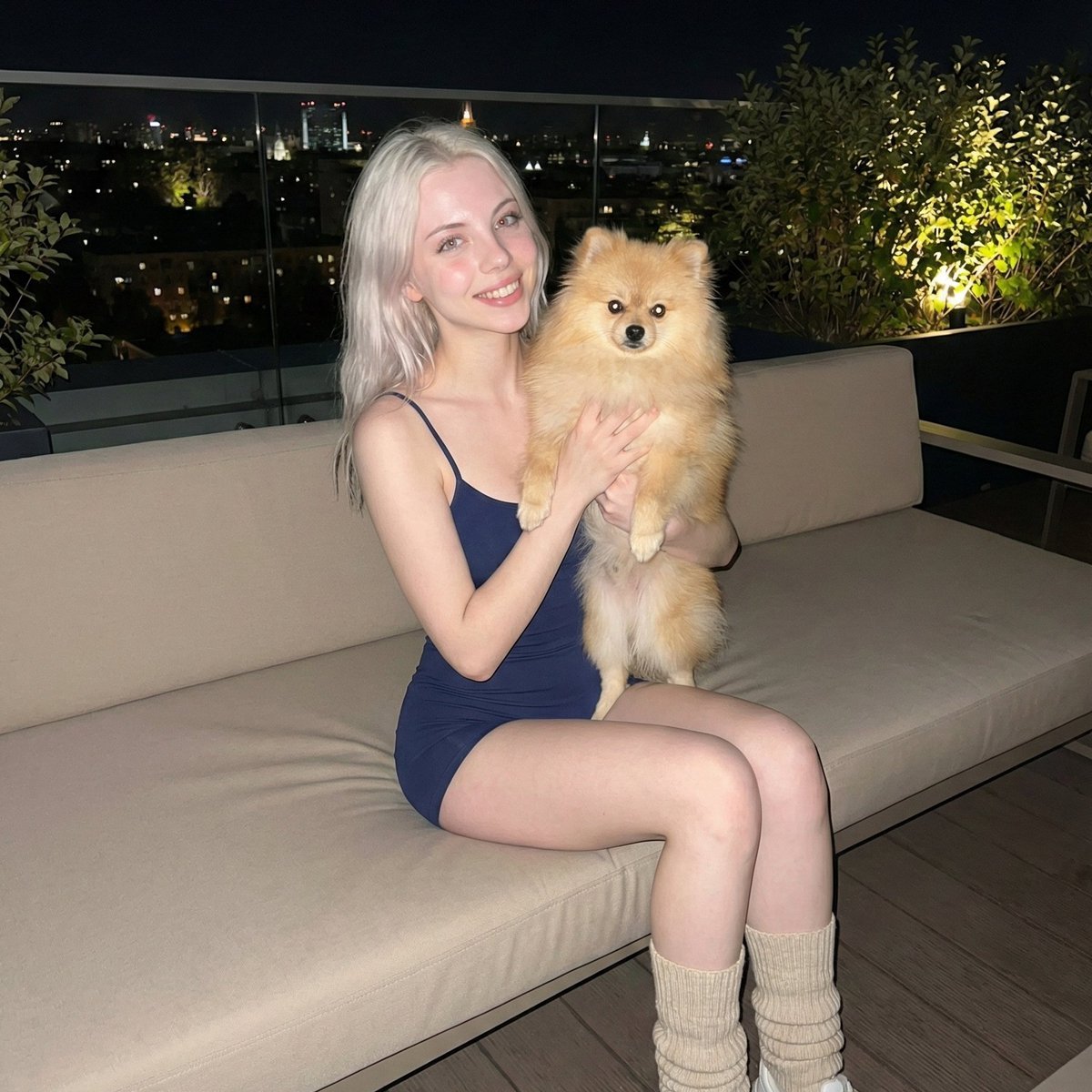
Photorealistic Portrait of Woman Holding a Pomeranian (iPhone Style)
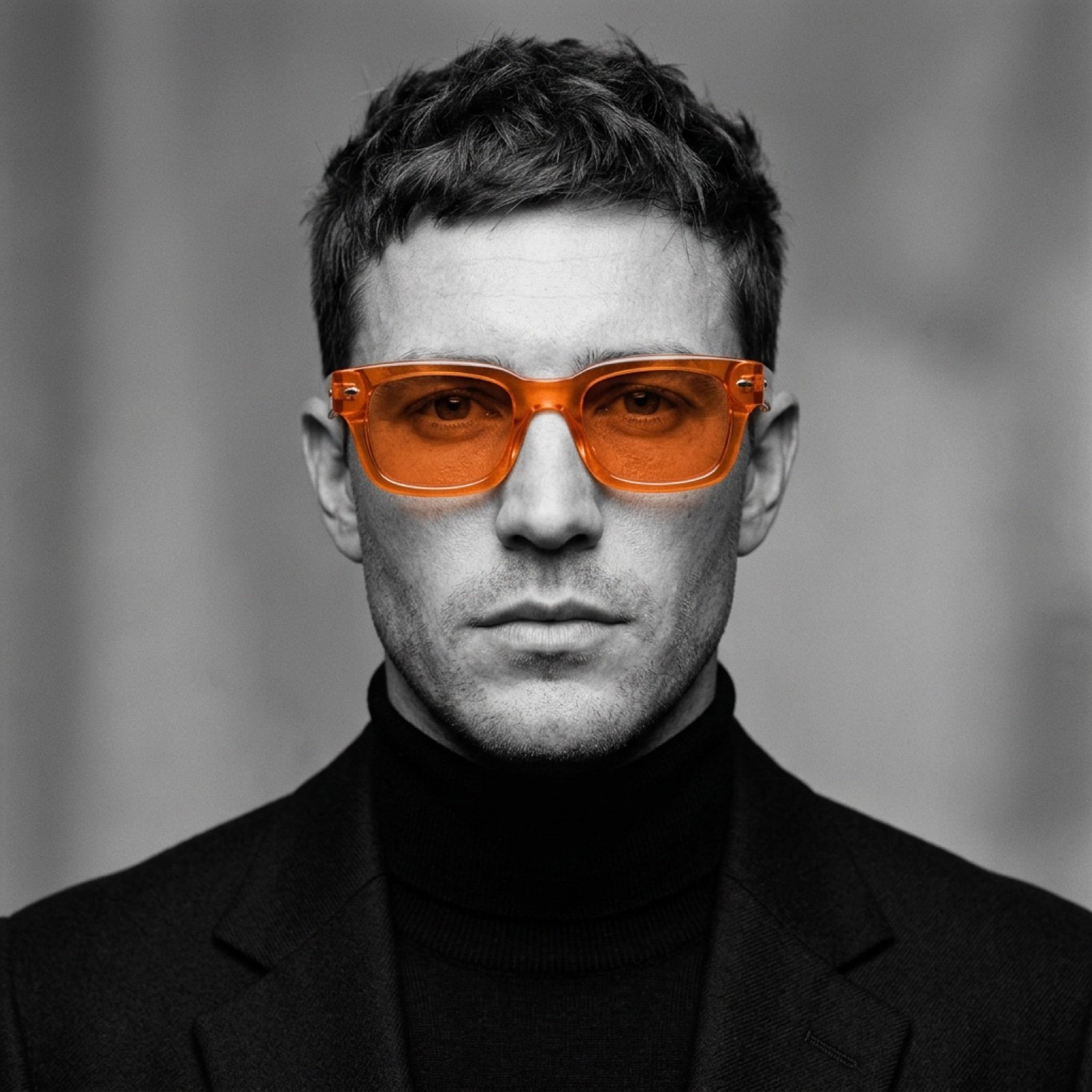
Monochrome Portrait with Selective Color Prompt
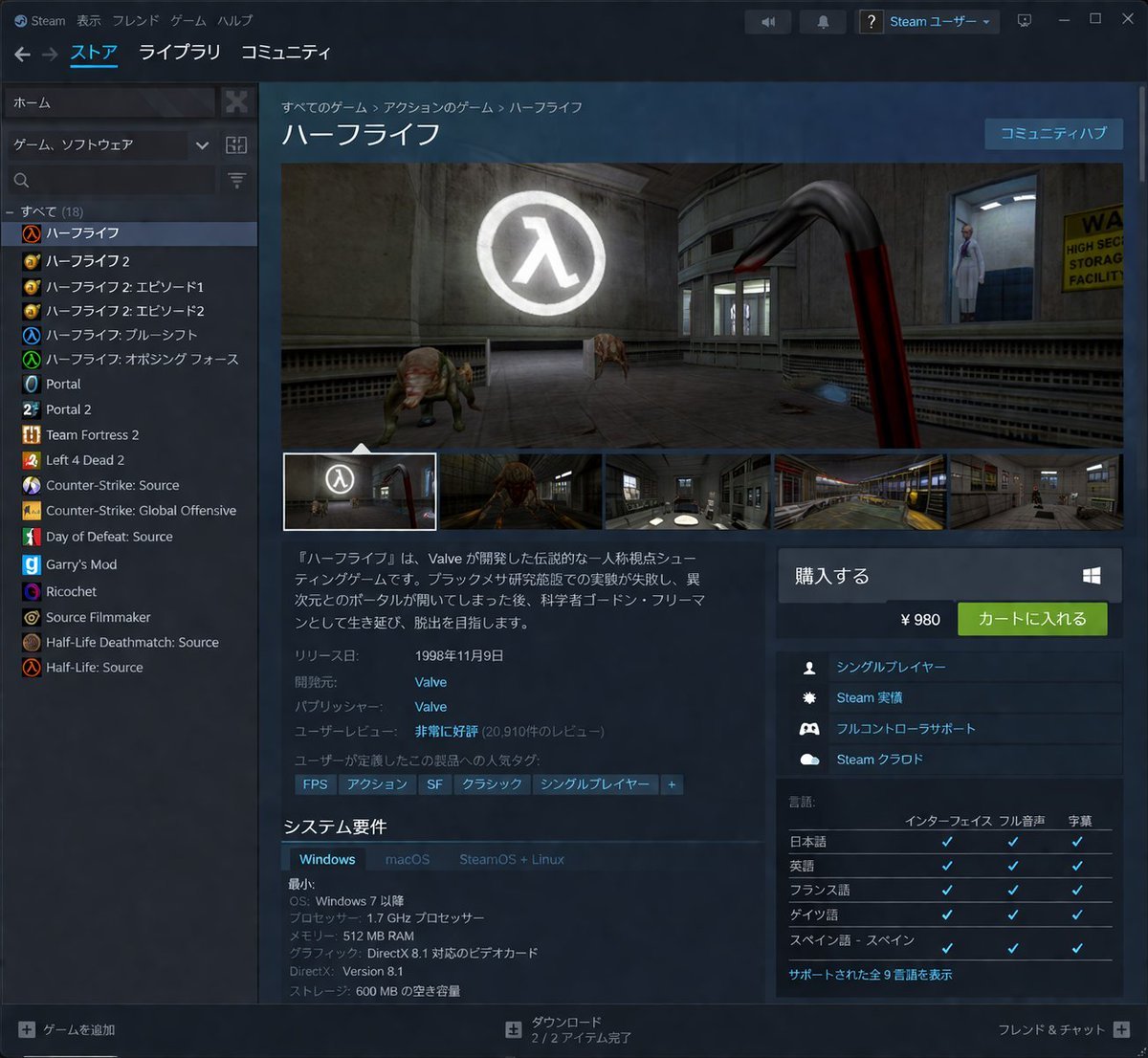
Steam Store Page UI Mockup
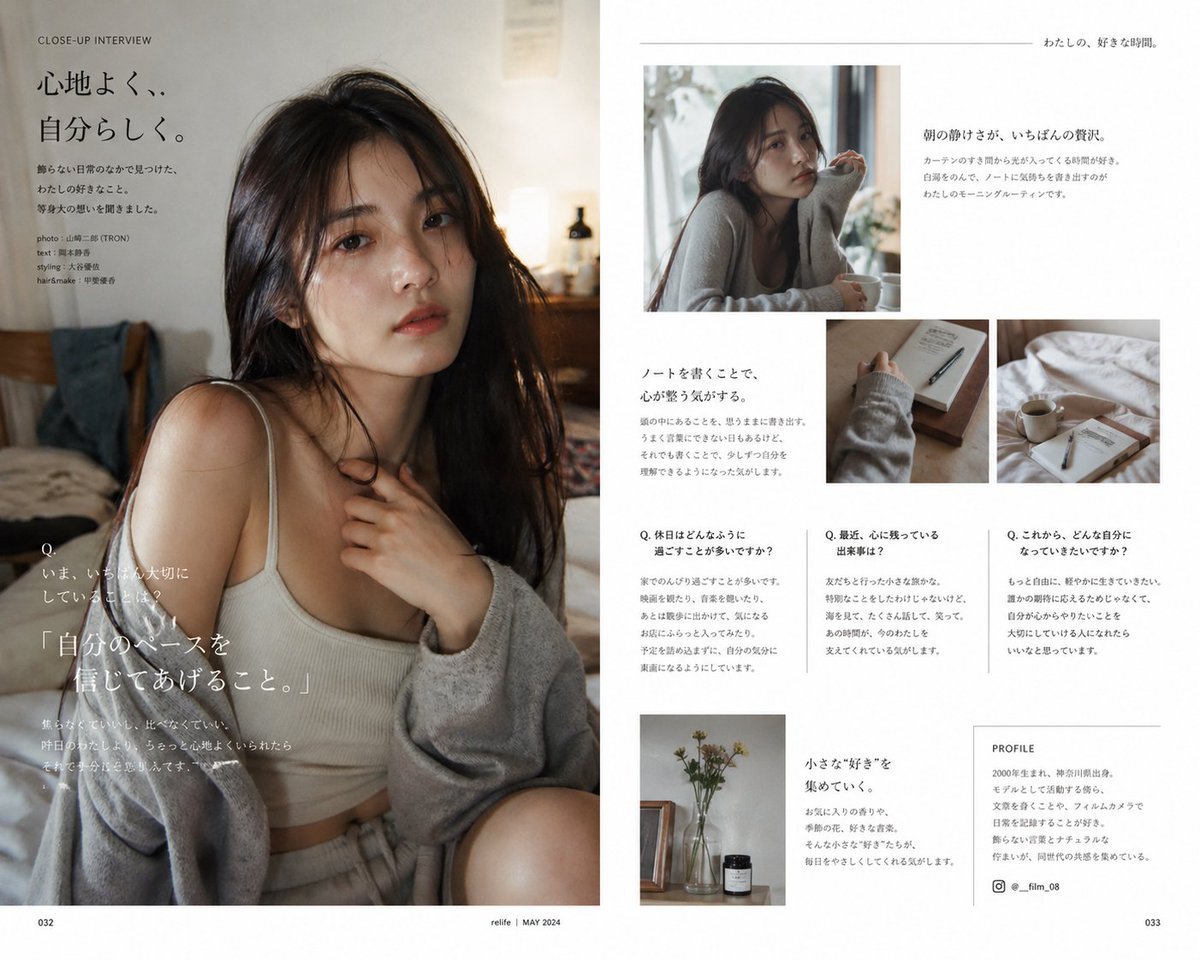
Japanese Lifestyle Magazine Layout
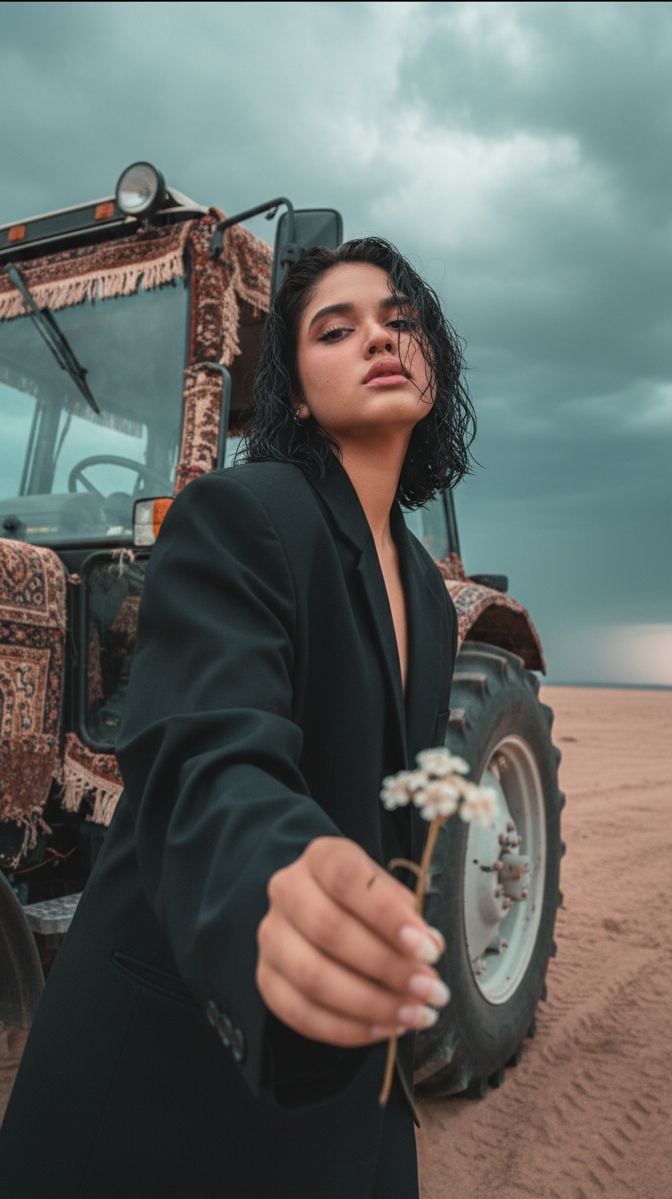
Cinematic Close-up of Man in Tractor Holding Wildflower
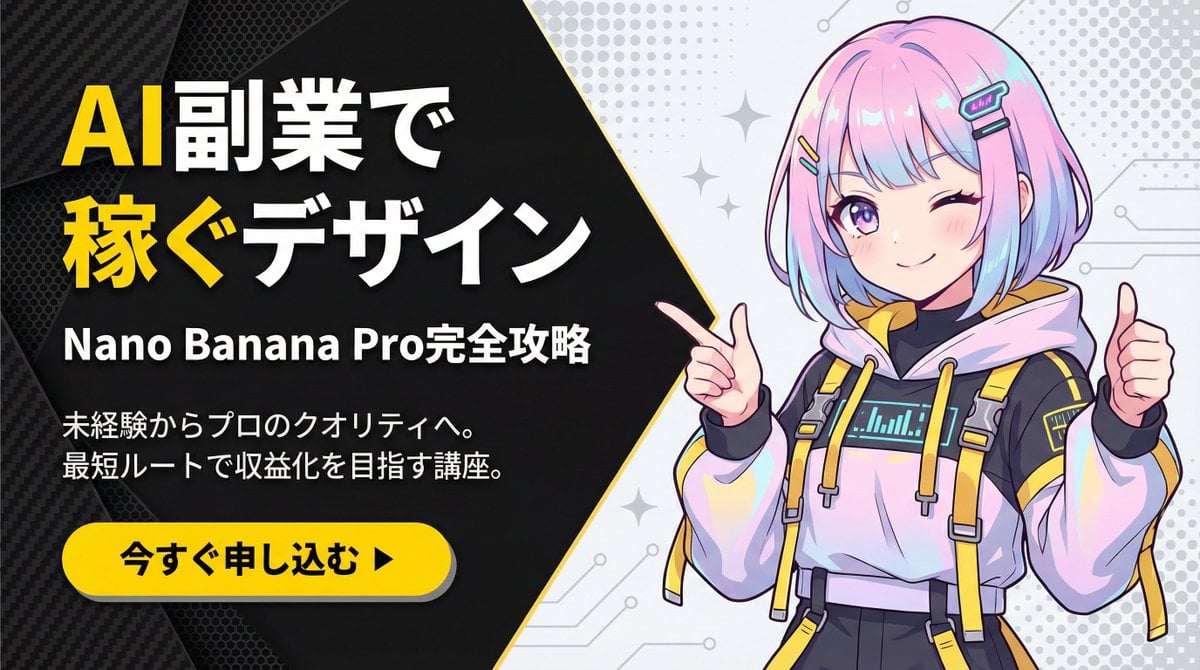
Corporate Tech/Anime Eyecatch Image Prompt
Neon-girl manga page 1 setup
3D Stylized Soccer Player
Surrealist Fashion Brand Poster
Browse template categories
Three Sci-Fi Android Empresses questions
How do I use the Three Sci-Fi Android Empresses template?
Add your photo if the template asks for one, edit the prompt if you like — the template's model and format are already selected — and press Generate. Your version opens in PicX Studio.
Can I customize the Three Sci-Fi Android Empresses template?
Yes. You can change the subject, setting, lighting, mood, format, and available model controls before creating your image.
Is the Three Sci-Fi Android Empresses template free?
Opening and editing this template is free. Generating uses credits, shown on the Generate button when you are signed in.
Which AI model should I use?
Start with GPT Image 2, which is the model associated with this template. You can compare another compatible model for a different finish.
Looking for something else? Browse all templates.

Your photo, any look
Thousands of ready templates for every top image and video model, from one credit balance.