How do I use the Neon Tokyo Street Portrait template?
Choose the primary action to open PicX Studio with the available template settings. Review the model and format, personalize the creative direction, and generate when ready.
A cinematic photorealistic portrait prompt for creating a stylish woman against glowing Japanese nightlife signage at dusk.
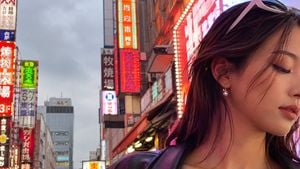
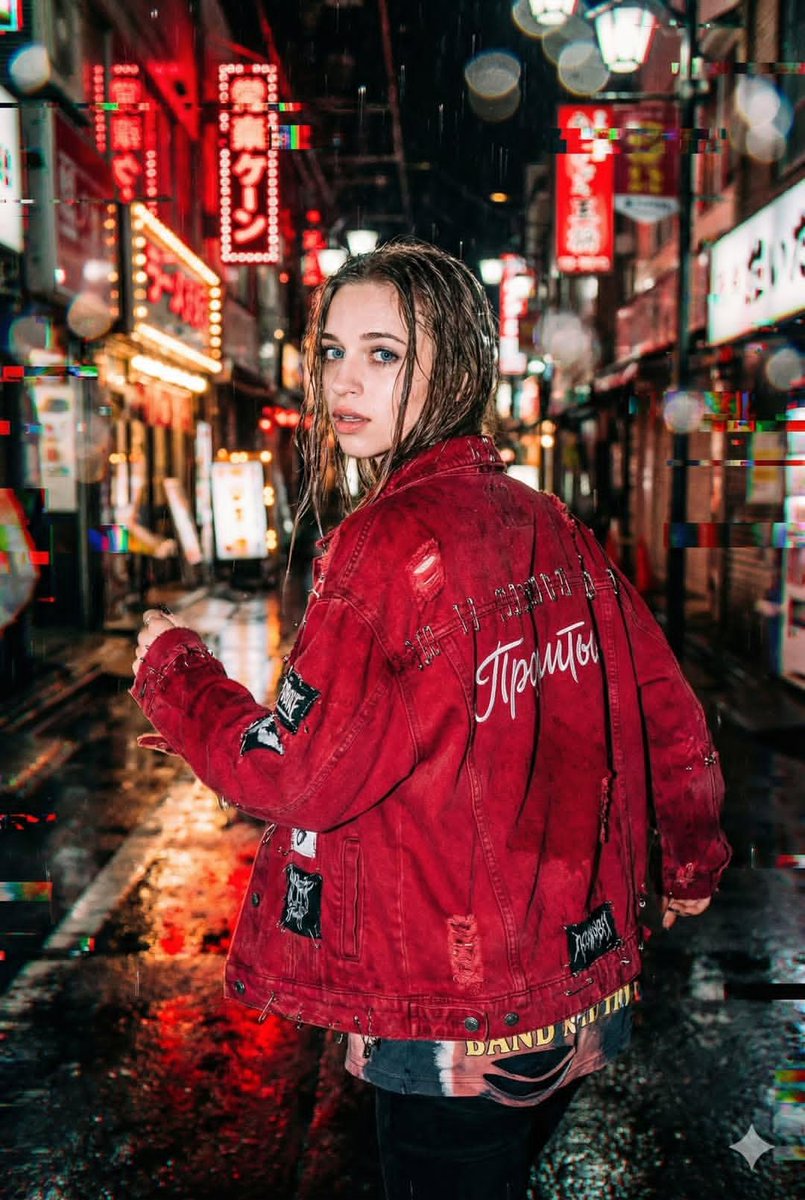
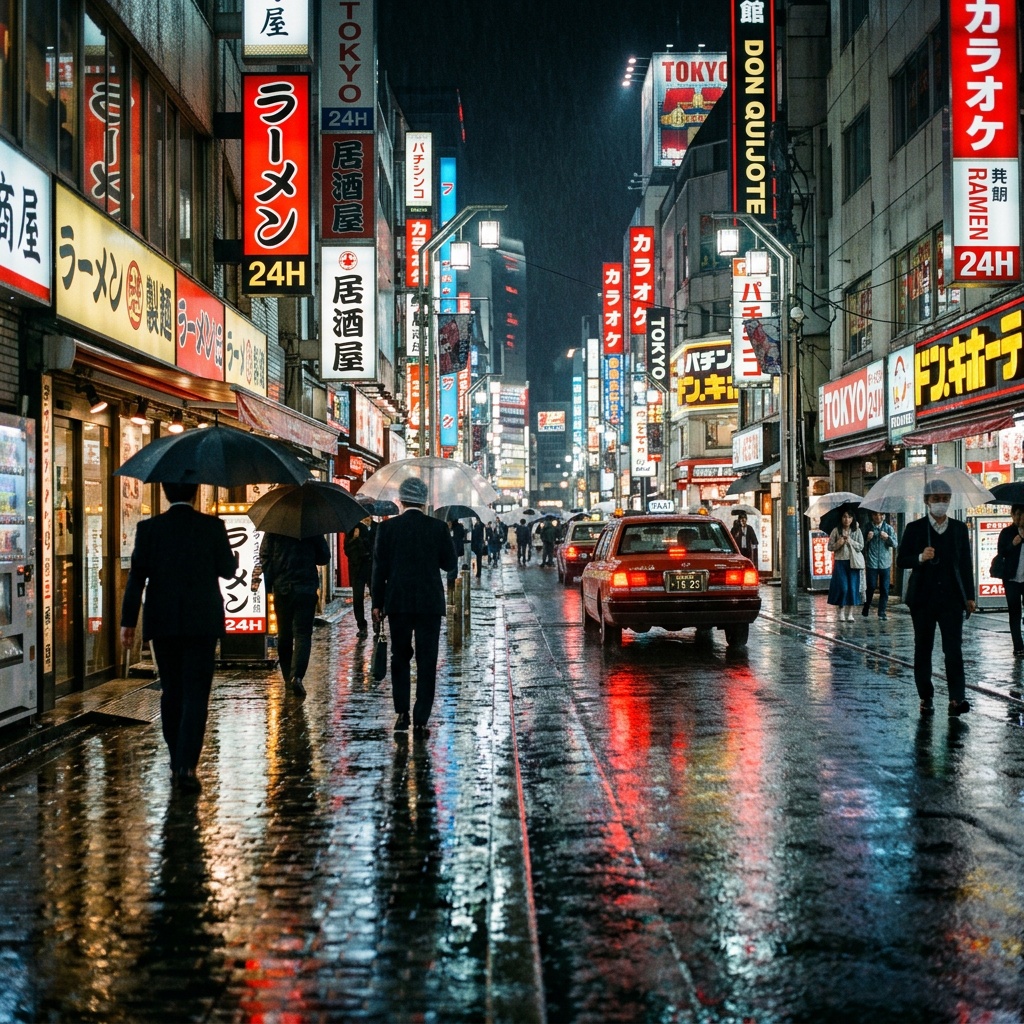
Create a photorealistic cinematic street portrait in a busy Japanese nightlife district at dusk. The frame is a wide 16:9 landscape image with the subject occupying the right half, tightly cropped so only the right side of her face, neck, shoulder, and hair are visible while the left half opens into a deep city street perspective. Show a young {argument name="character ethnicity" default="East Asian"} woman with {argument name="hair color" default="dark brown"} shoulder-length slightly wind-tousled hair, soft natural makeup, closed or downcast eyes, relaxed lips, a delicate dangling teardrop earring, pale sunglasses resting on top of her head, and a dark leather jacket catching magenta neon reflections. She should look calm, introspective, and stylish, facing slightly downward and away from the camera. The background is a dense urban street lined with tall buildings and many vertical illuminated Japanese signs, including red, orange, green, white, and blue kanji/kana restaurant and entertainment signs; keep the signage authentic-looking but not the main focus. Add a large bright pink-red marquee or lightbox glow behind her head on the upper right, rows of small bulbs along a sign edge, and a cloudy gray evening sky visible above the street. Use shallow depth of field with the woman sharply detailed and the street signs slightly softened, realistic skin texture, natural lens perspective, rich neon color contrast, moody overcast ambient light, high dynamic range, and documentary fashion-photography realism. No watermark, no extra people in the foreground, no cartoon or illustration style.
Choose the primary action to open PicX Studio with the available template settings. Review the model and format, personalize the creative direction, and generate when ready.
Yes. You can change the subject, setting, lighting, mood, format, and available model controls before creating your image.
This template is free to open and customize. Generation usage is shown in PicX Studio before you create.
Start with GPT Image 2, which is the model associated with this template. You can compare another compatible model for a different finish.
Follow a topic to a crawlable collection of related PicX Studio templates.