How do I use the Minimalist Watercolor Travel Illustration template?
Choose the primary action to open PicX Studio with the available template settings. Review the model and format, personalize the creative direction, and generate when ready.
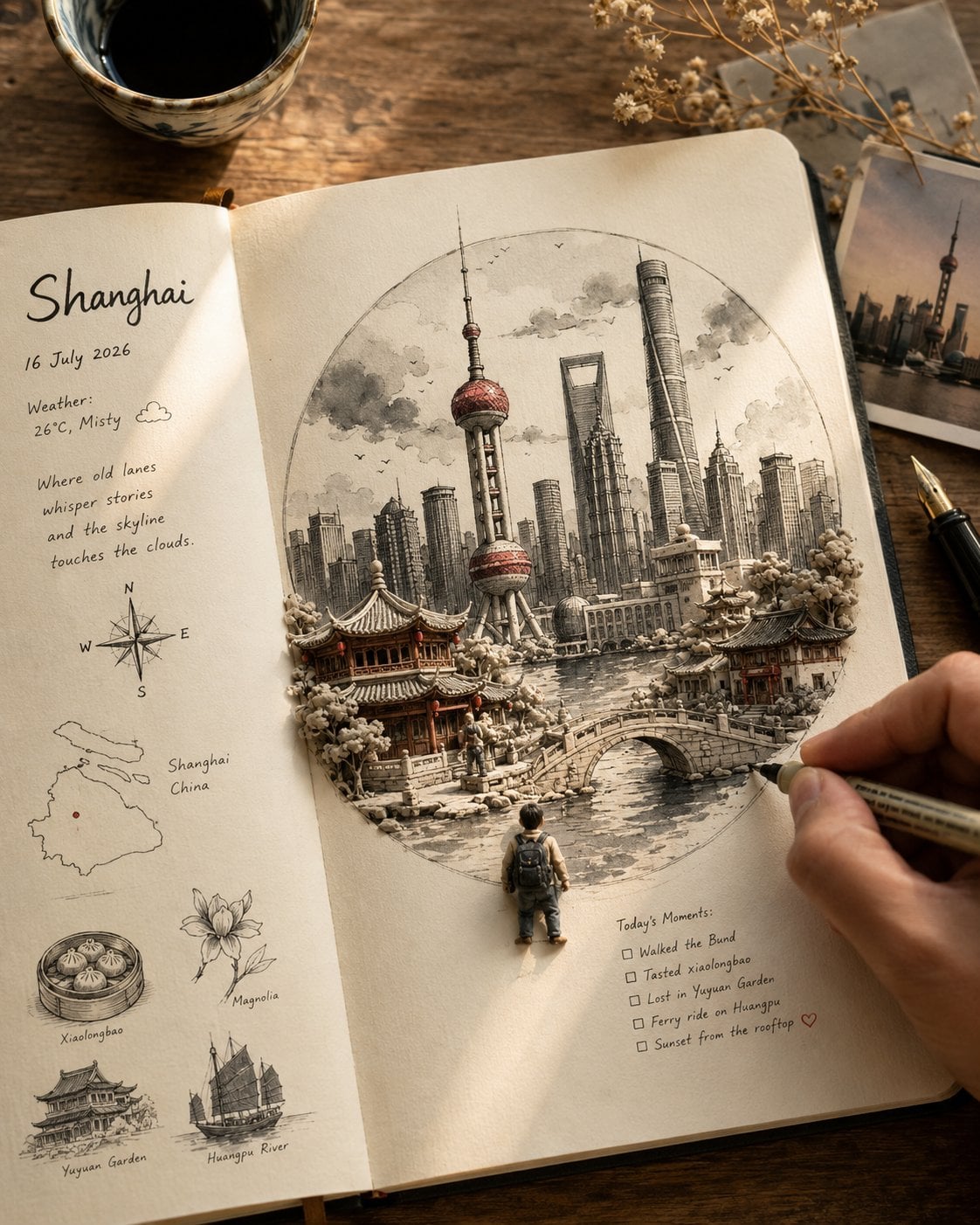
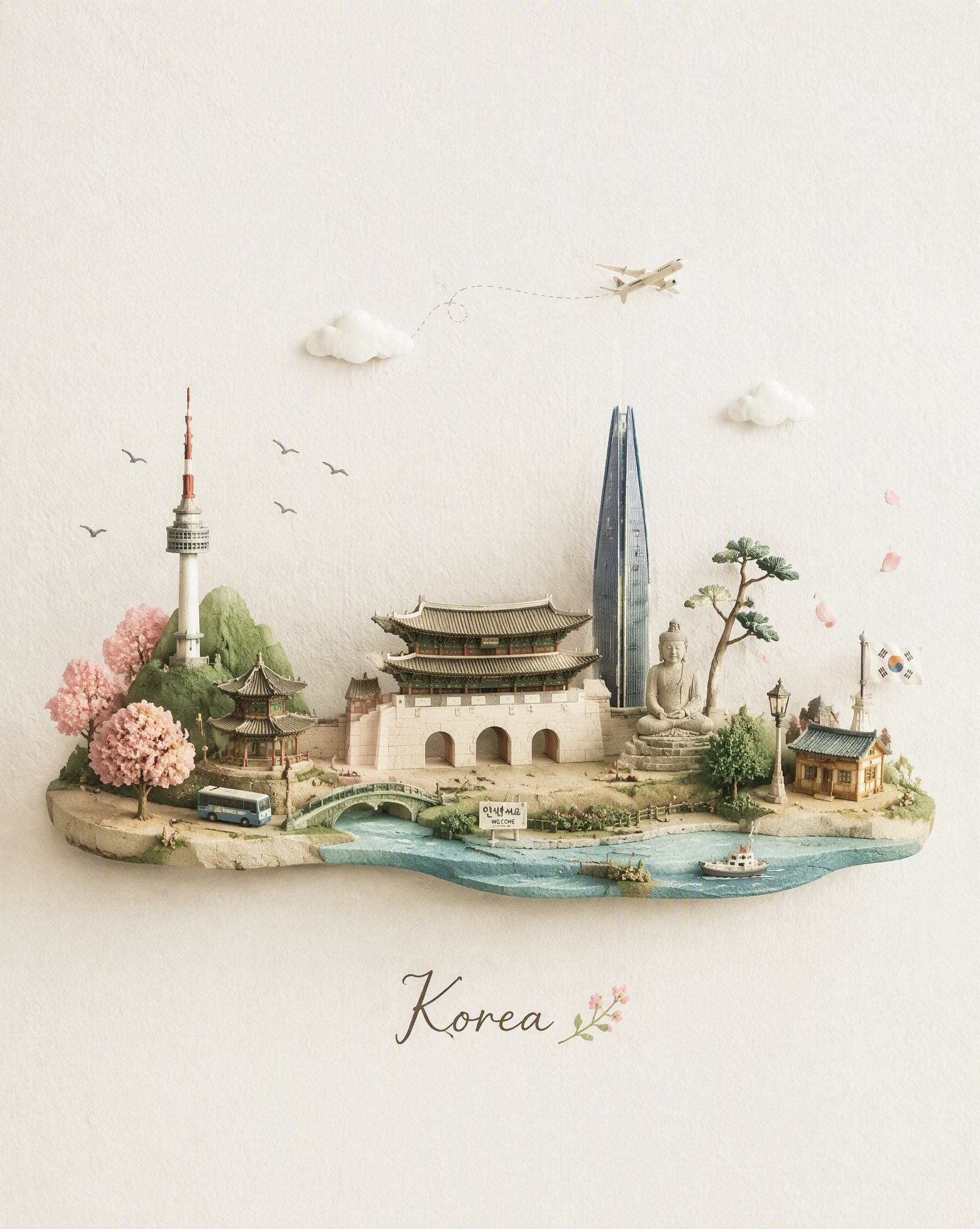
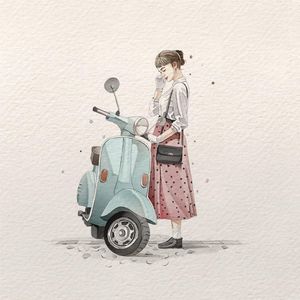
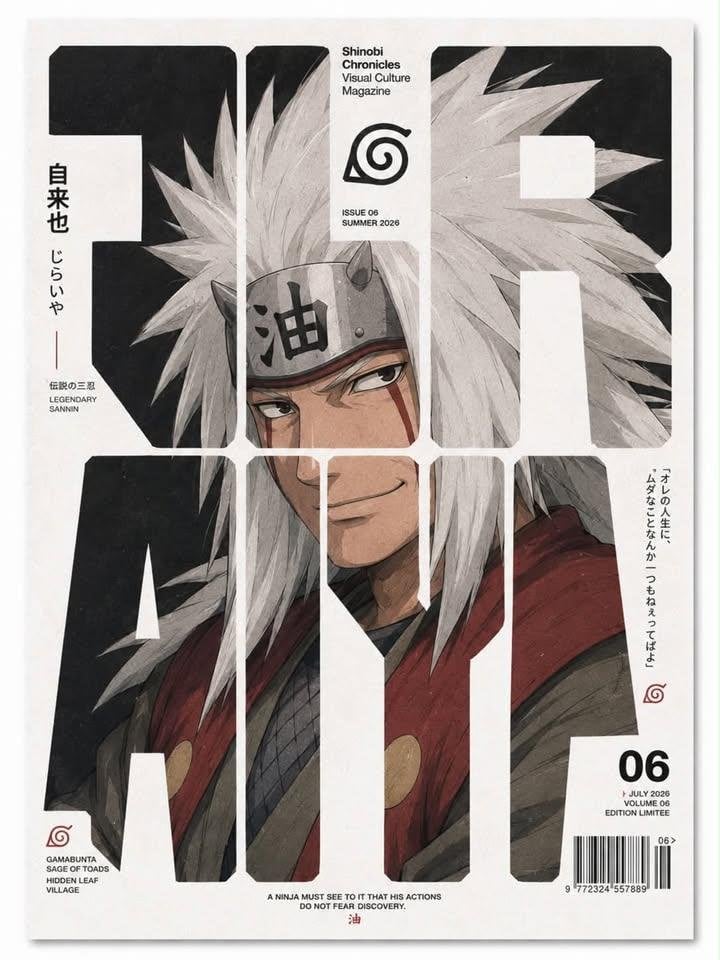
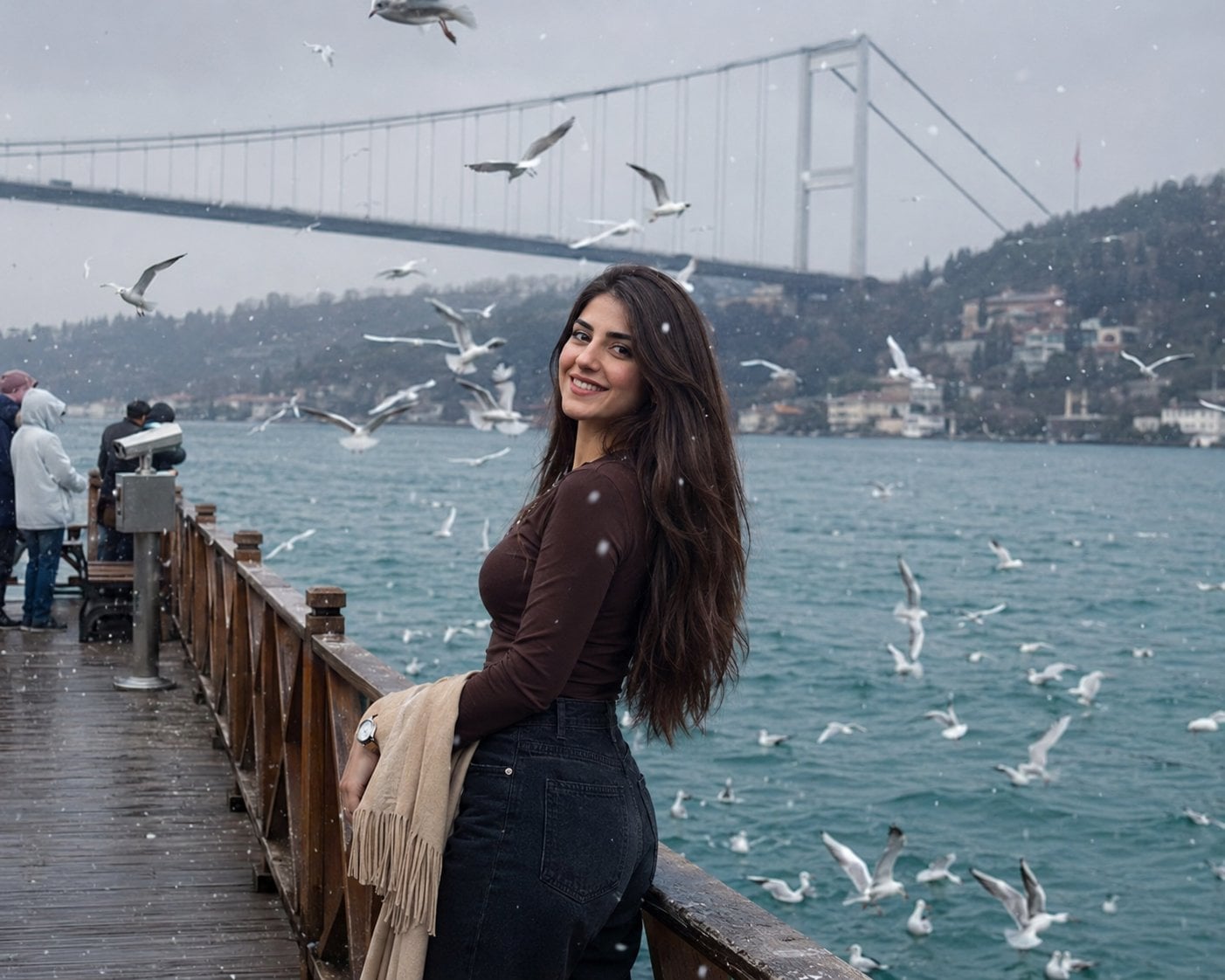
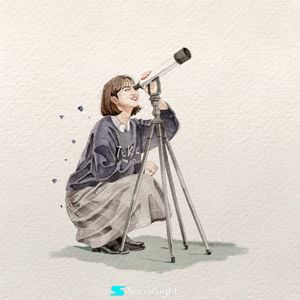
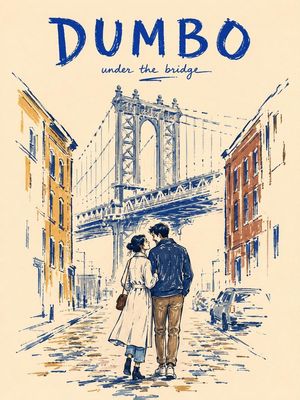
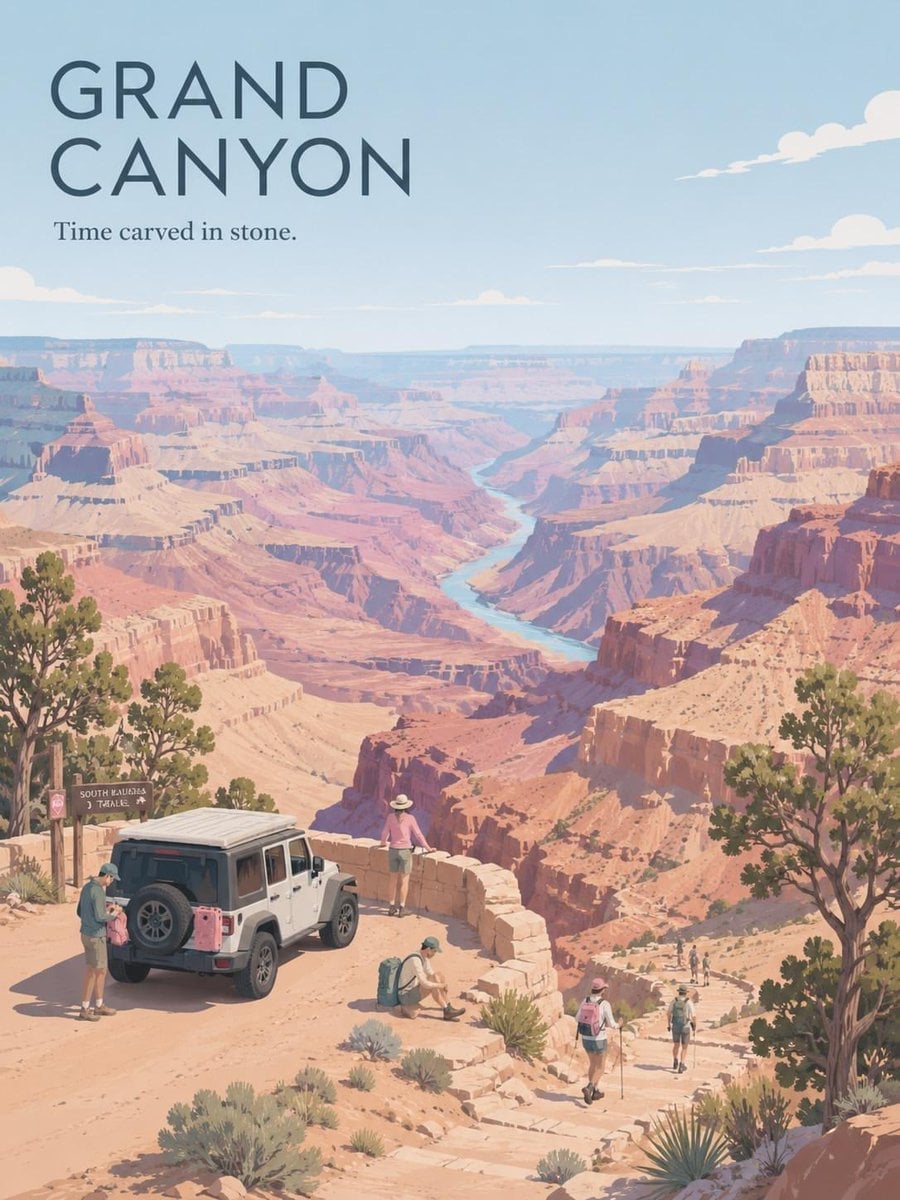
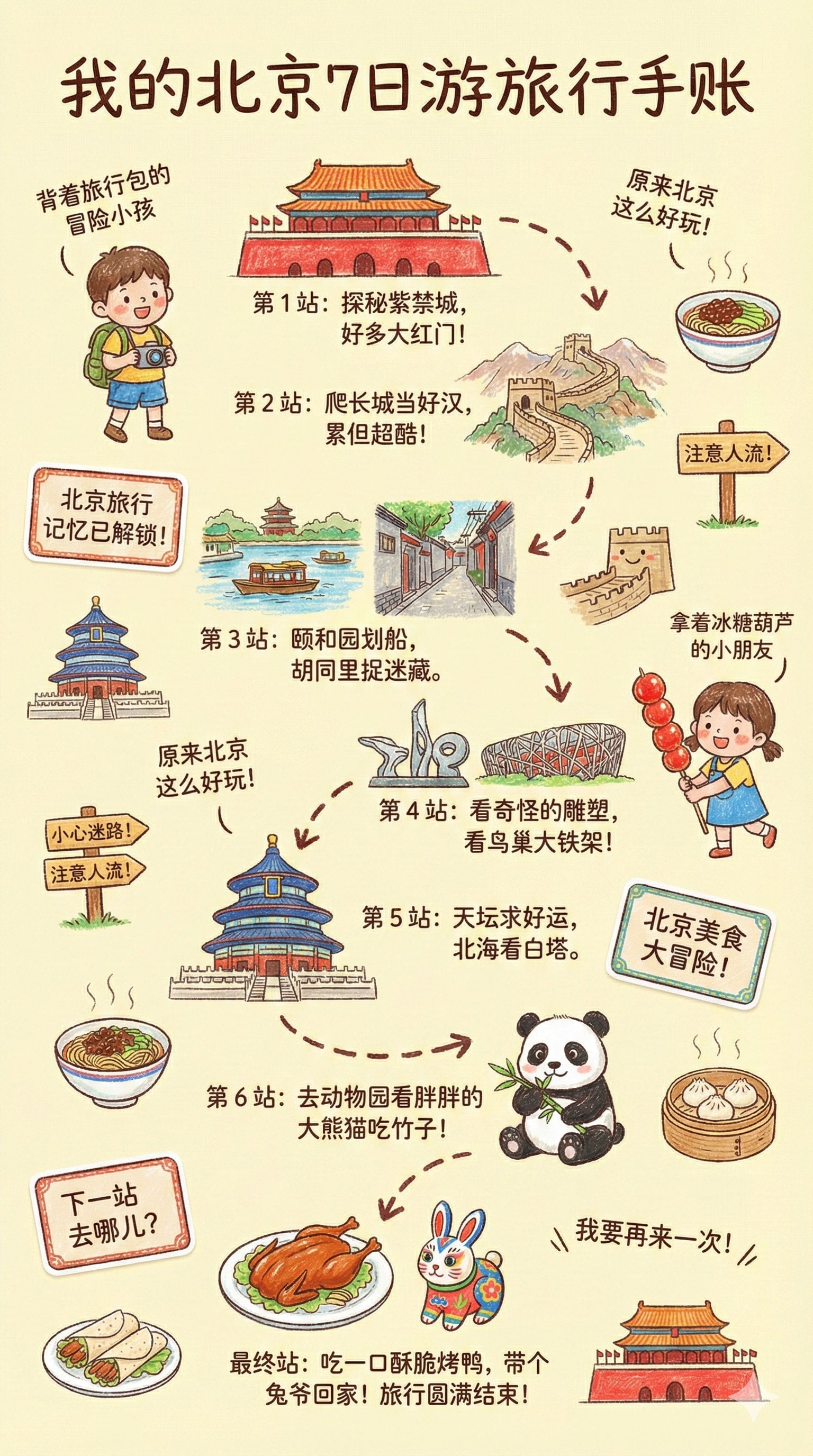
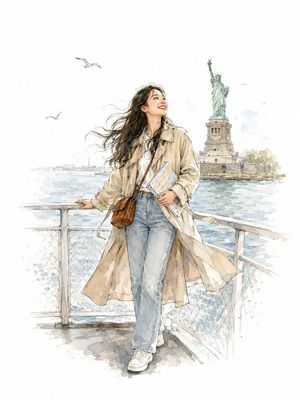
An image transformation prompt that converts an uploaded city photo into an elegant, hand-painted watercolor travel journal sketch.
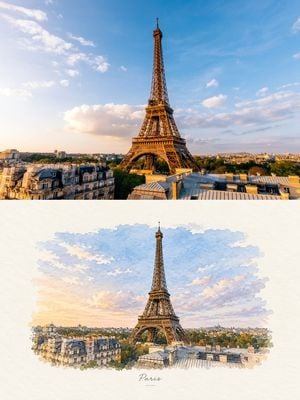
Transform the uploaded photo into a minimalist hand-painted watercolor travel illustration. Preserve the original skyline, buildings, bridge, river, reflections, cloud shapes, perspective, and overall composition so the location remains clearly recognizable. Simplify the architecture into elegant fine ink lines and soft watercolor washes, using the same muted blue, lavender, peach, gray, and warm sunset tones from the original photo. Keep the artwork slightly imperfect and naturally textured, like a handmade {argument name="art style" default="Japanese travel sketch"}. Place the finished illustration as a small centered artwork on a warm ivory/off-white textured paper background with generous clean negative space around it. Add a tiny elegant handwritten-style caption below the illustration with the location name from the photo. Minimal, refined, peaceful, premium travel-journal aesthetic. No frame, no border, no extra objects, no photorealistic finish, no clutter.
Choose the primary action to open PicX Studio with the available template settings. Review the model and format, personalize the creative direction, and generate when ready.
Yes. You can change the subject, setting, lighting, mood, format, and available model controls before creating your image.
This template is free to open and customize. Generation usage is shown in PicX Studio before you create.
Start with GPT Image 2, which is the model associated with this template. You can compare another compatible model for a different finish.
Follow a topic to a crawlable collection of related PicX Studio templates.