How do I use the Rainy Cyberpunk Rooftop City template?
Choose the primary action to open PicX Studio with the available template settings. Review the model and format, personalize the creative direction, and generate when ready.
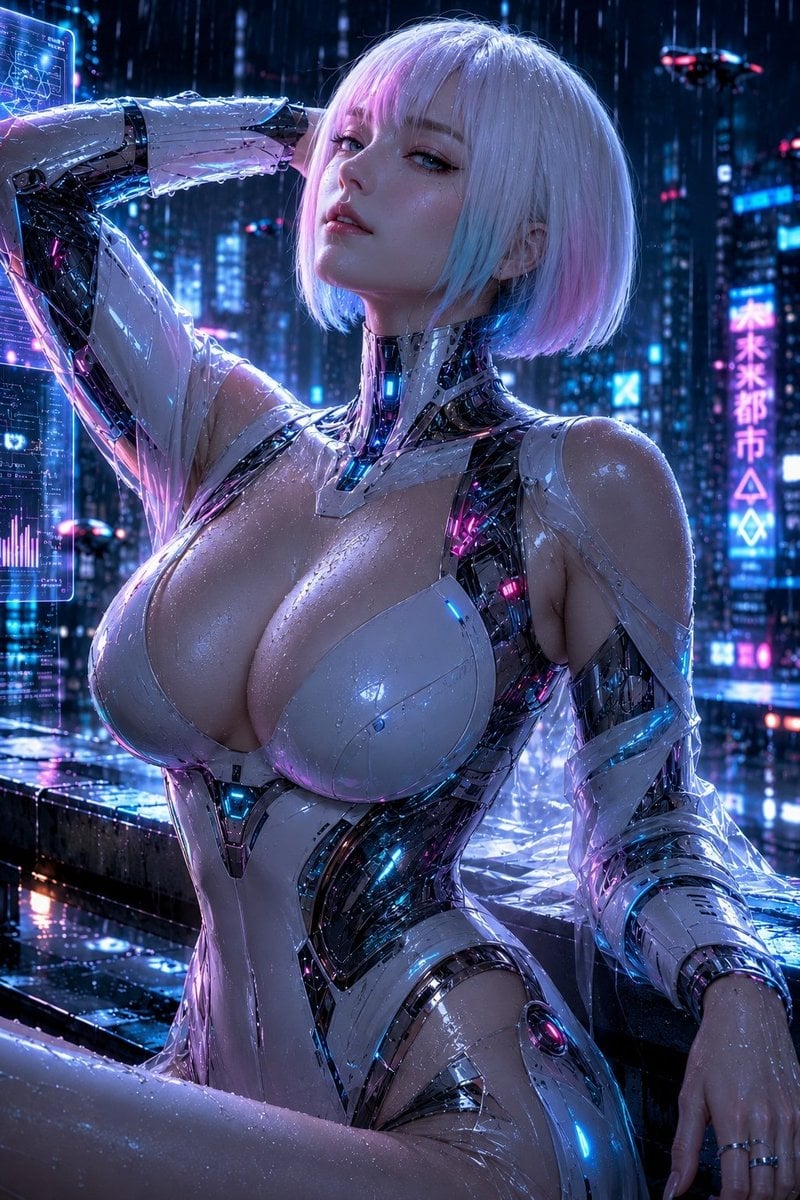
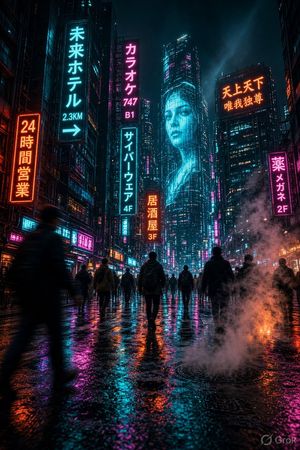
A cinematic prompt for generating a neon-soaked futuristic rooftop scene with wet reflections, Japanese signage, and a giant digital billboard.
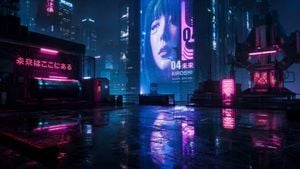
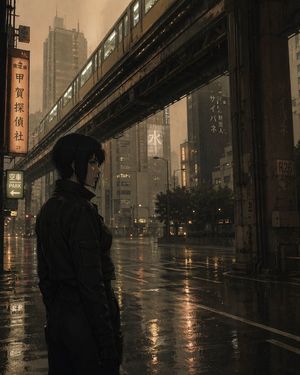
Create a cinematic cyberpunk city rooftop at night in a rainstorm, wide 16:9 establishing shot from a low eye-level camera, with a wet reflective concrete surface dominating the foreground. The scene is a dense futuristic metropolis filled with tall dark skyscrapers, blue haze, mist, rain, and volumetric atmosphere. Use neon magenta and electric cyan lighting, physically based rendering, hyper-realistic 3D CGI, Octane-render quality, live-action sci-fi blockbuster aesthetic, high contrast, glossy reflections, puddles, subtle lens bloom, and moody depth of field. The rooftop contains exactly 6 prominent foreground/midground elements: 1 large black horizontal cylindrical tank on the left under pink strip lights, 1 chain-link fenced structure behind it with a glowing Japanese neon sign reading {argument name="left neon sign text" default="未来はここにある"}, 1 small utility booth near center-left, 1 low metal railing and barrier line across the middle, 1 glowing magenta vending-machine-like light box on the right, and 1 bulky rooftop antenna or mechanical equipment tower on the far right with magenta highlights and dangling cables. In the background, include many high-rise towers but emphasize exactly 3 readable billboard areas: 1 enormous central vertical digital billboard showing a close-up face of a young woman with a short black bob haircut and pale skin, 1 adjacent vertical magenta sign with abstract glyph-like markings, and 1 smaller upper skyscraper sign reading {argument name="brand sign text" default="BEATS"}. On the giant central billboard, include bold white text reading {argument name="billboard number" default="04"}, Japanese text reading {argument name="billboard Japanese text" default="未来"}, and a name below reading {argument name="billboard name" default="KIROSHI"}. Composition should have no people physically present on the rooftop, only the billboard face; keep the color palette deep navy, black, cyan, and hot pink; make the ground mirror the neon signage clearly; avoid daylight, warm sunlight, cartoon styling, or clean pristine surfaces.
Choose the primary action to open PicX Studio with the available template settings. Review the model and format, personalize the creative direction, and generate when ready.
Yes. You can change the subject, setting, lighting, mood, format, and available model controls before creating your image.
This template is free to open and customize. Generation usage is shown in PicX Studio before you create.
Start with GPT Image 2, which is the model associated with this template. You can compare another compatible model for a different finish.
Follow a topic to a crawlable collection of related PicX Studio templates.