
Abstract Topographic Energy Map
Generates a refined abstract cartographic artwork with layered terrain textures, contour lines, dotted paths, and a glowing central convergence point.
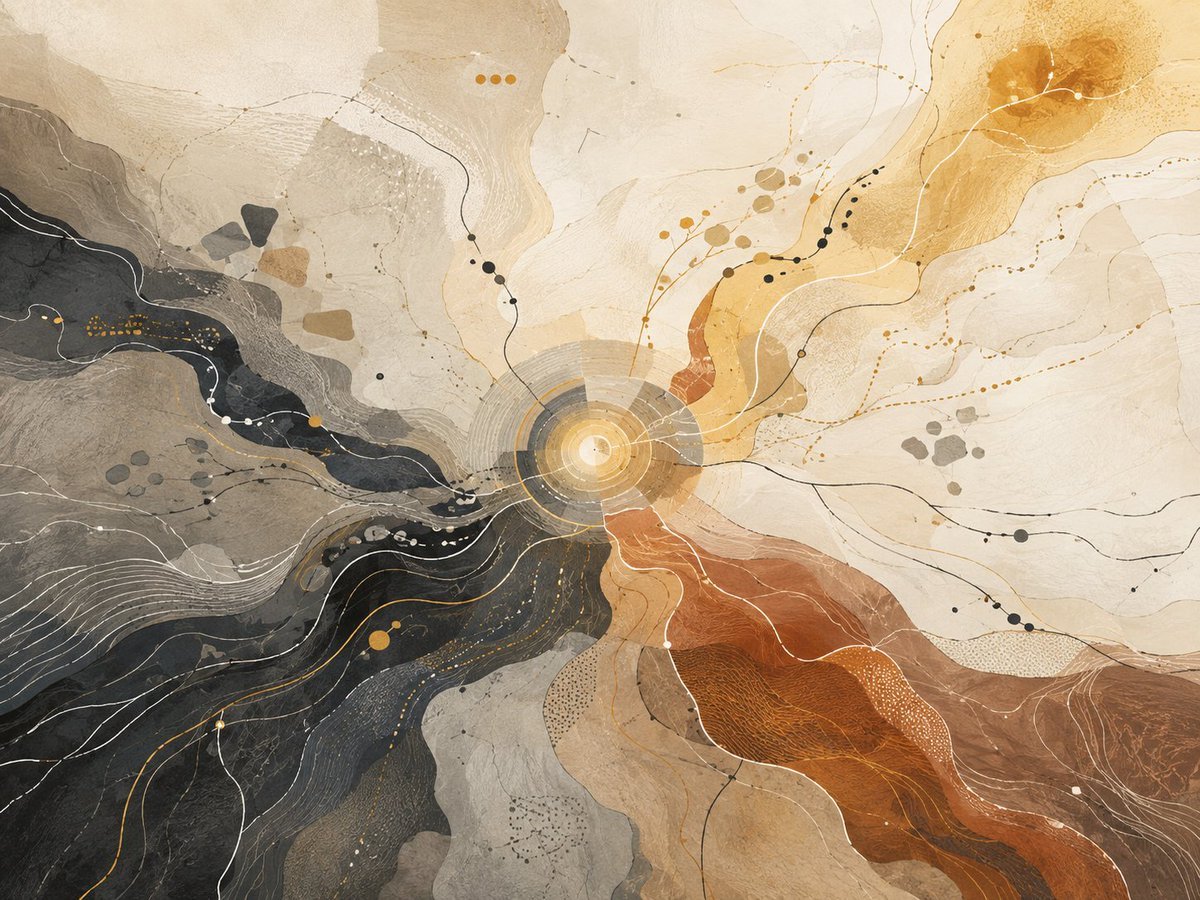
- Prompt included
- Model and format preset
- Free template
The prompt behind this image
Copy the exact prompt behind Abstract Topographic Energy Map, or open it in the studio and make it yours.
Create an abstract topographic mixed-media artwork on a horizontal {argument name="aspect ratio" default="4:3 landscape"} canvas, resembling a large aerial geological map or energetic convergence diagram. The composition centers on a bright glowing circular hub slightly below the middle, made of concentric translucent rings in warm gold, cream, and gray, with thin radial lines extending outward. From this center, four broad organic terrain-like regions flow outward: a dark charcoal and slate-black river-shaped mass sweeping from the left edge into the center and down toward the lower left, a rusty burnt-orange and sienna canyon-like band expanding from the center to the lower right, a pale cream and sand-colored open field filling the upper and right areas, and muted gray-beige layered landforms in the upper left and lower middle. Cover the image with delicate contour lines, hairline curves, dotted paths, small node circles, and fine white and black route-like lines that weave across the colored regions. Include exactly 3 small orange dots near the upper center, exactly 2 large ochre circular stains in the upper right, and numerous tiny scattered black, white, gray, and gold dots arranged like constellations and map markers. Use a restrained palette of {argument name="main palette" default="ivory, charcoal black, warm gray, ochre gold, burnt orange, rust brown"}, with watercolor washes, mineral textures, translucent paper layers, ink scratches, stippling, and subtle grain. The style should feel like an elegant abstract cartographic painting, a cosmic topography, or a geological energy map, with no readable text, no labels, no border, no people, and no recognizable objects. Lighting should be soft and diffuse, with the central hub as the brightest point, creating a sense of motion and convergence. Render highly detailed fine linework and tactile handmade textures, suitable for a gallery-quality generative art print.
How to use Abstract Topographic Energy Map in 3 steps
- 1Upload ImagePNG, JPG or paste
Add your photo
Upload the photo the template builds on. The prompt, model and format are already set.
- 2…a portrait of your subject in softgolden-hour light, 85mm…
Personalize
Edit the subject and creative details for your destination.
- 3Generate
Generate
Press Generate — your image is created in PicX Studio, so you can compare it with the original and refine one variable at a time.
More like this
Templates with the same subject, style or setup. Open one to see its prompt.

Floraverse Botanical Fusion

FLORAVERSE BOTANICAL FUSION
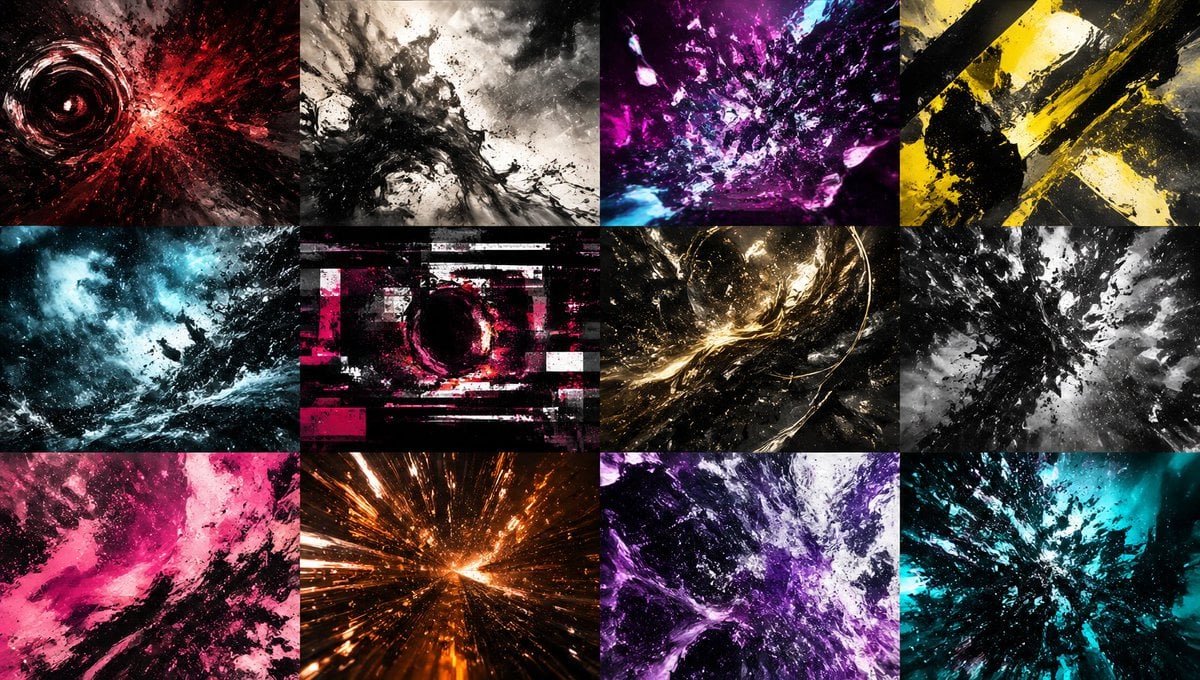
Abstract Energy Burst Grid
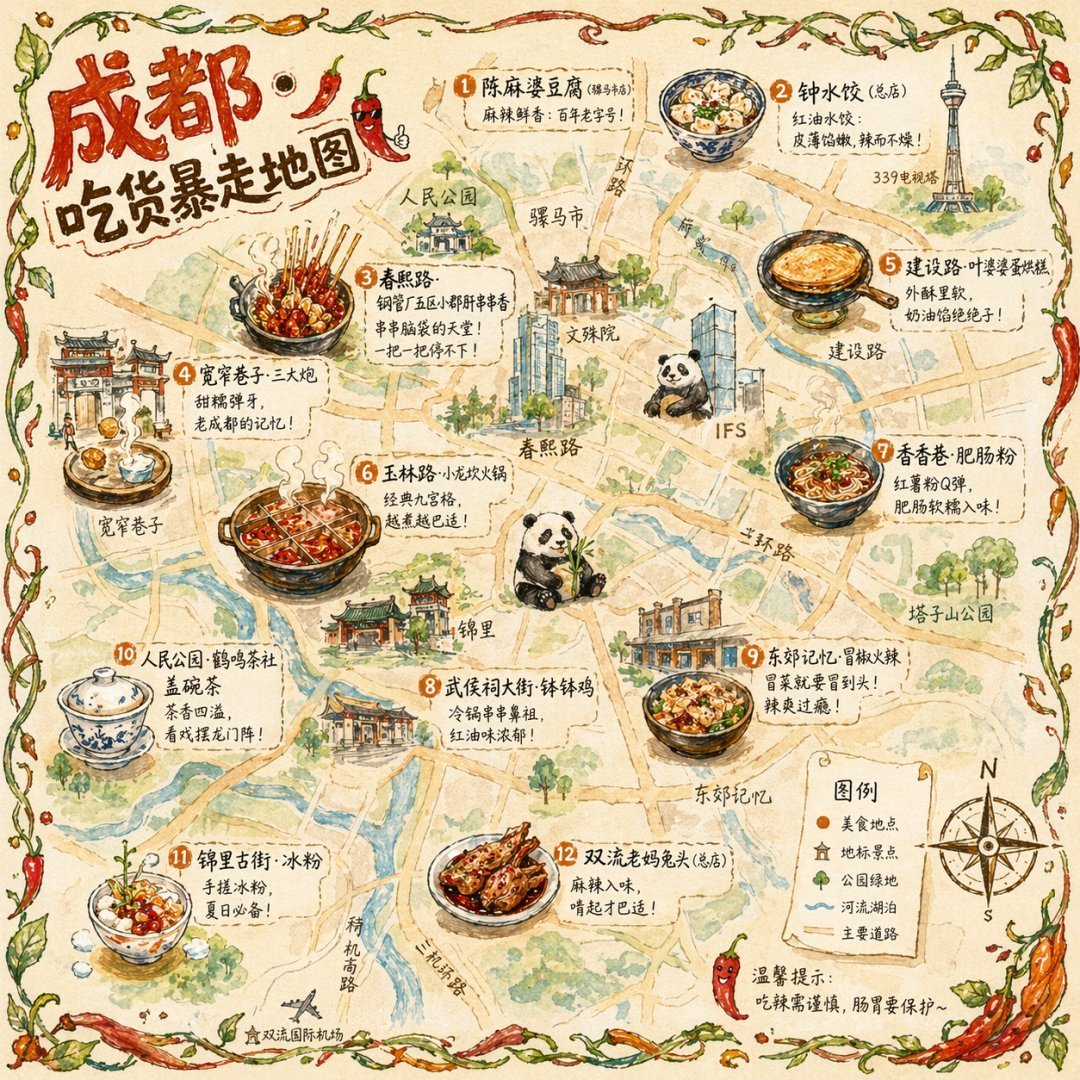
Gpt2 Illustrated City Food Map
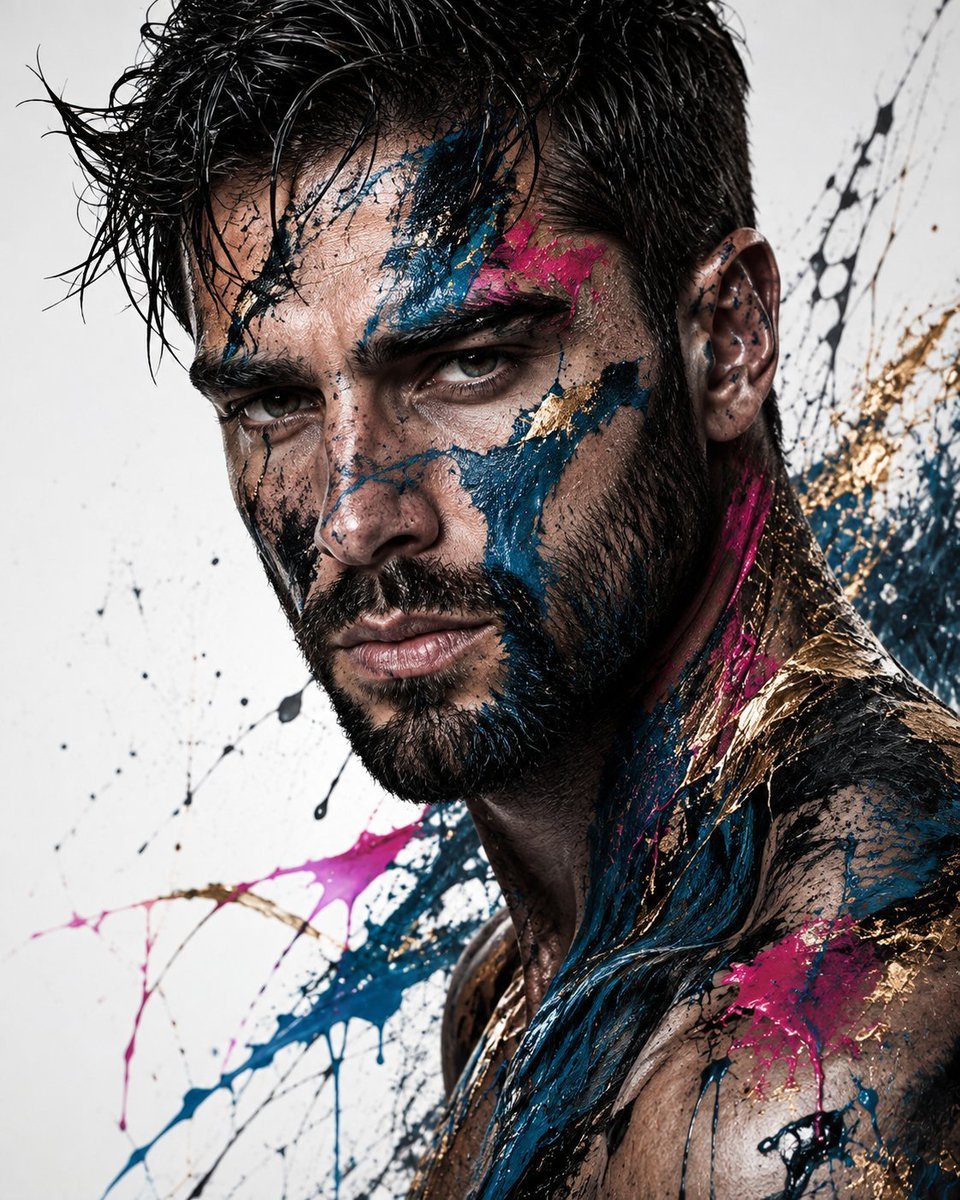
Abstract Fine-Art Editorial Portrait
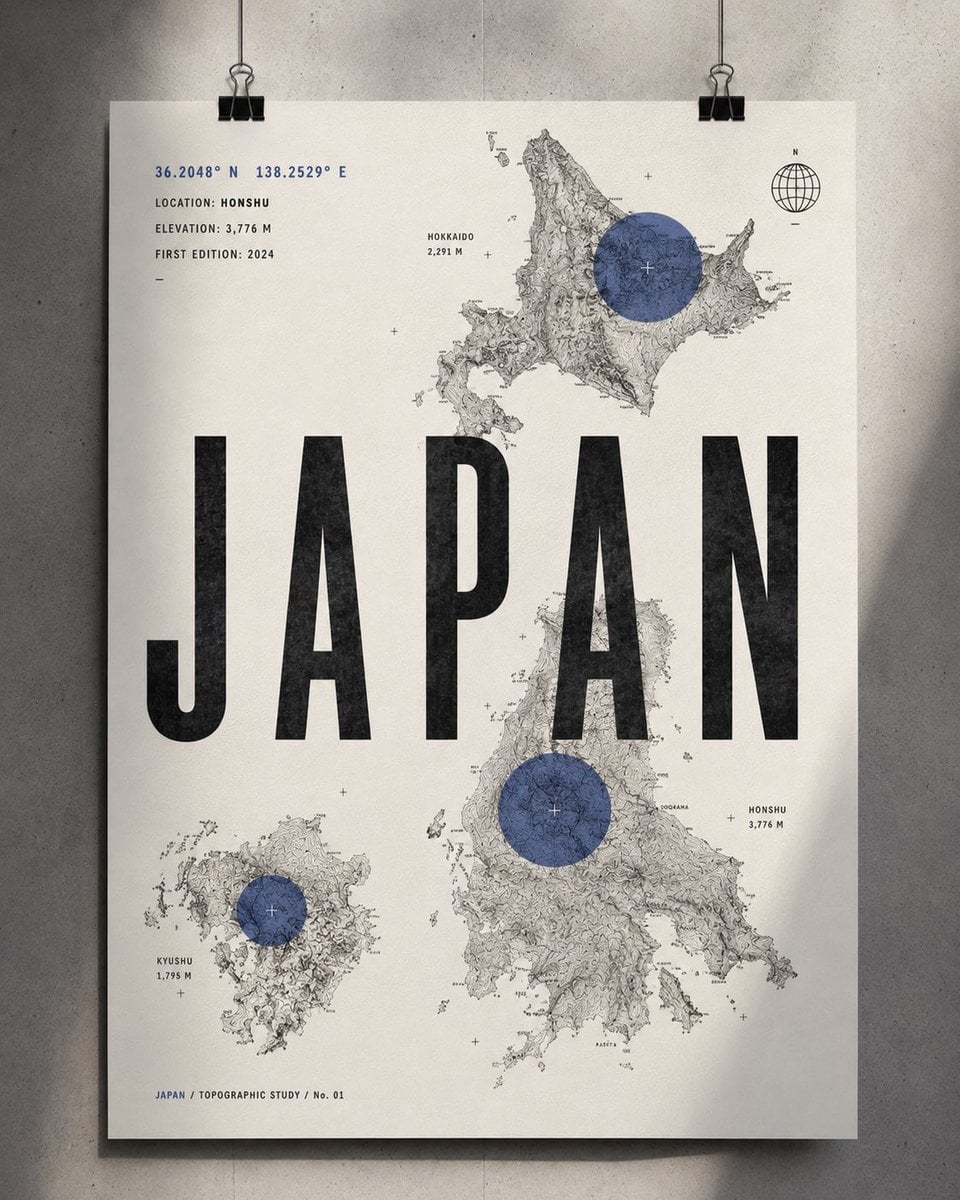
Topographic Country Cartography Art Print

Satellite Map Medieval City
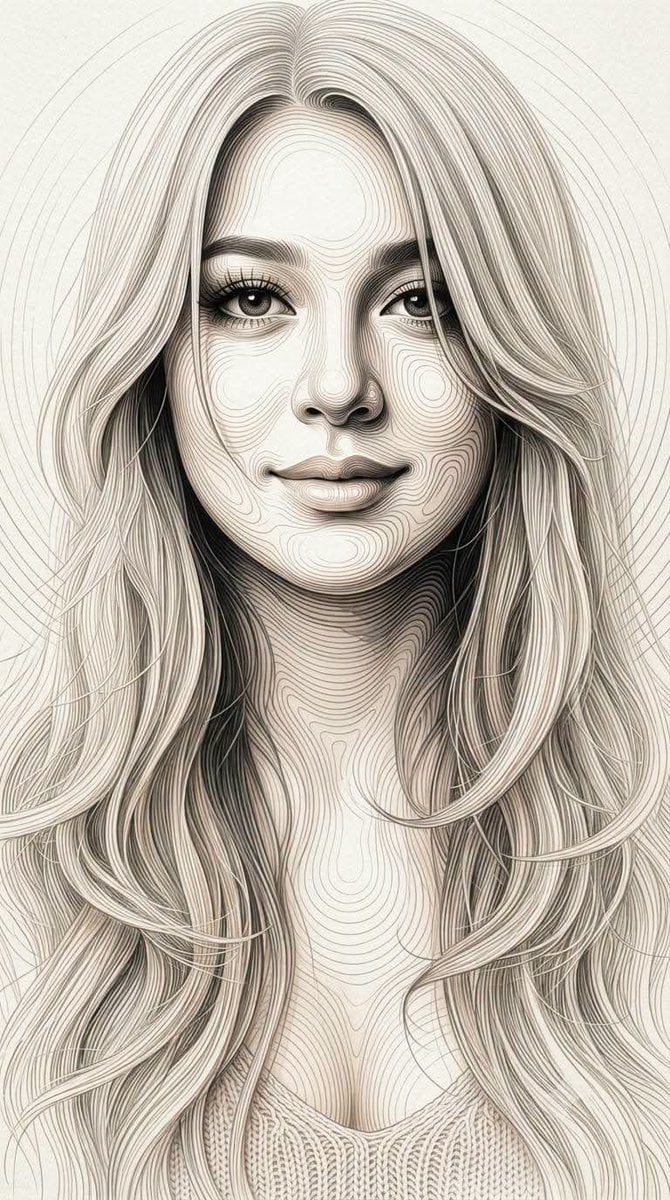
Topographic Contour Line Portrait
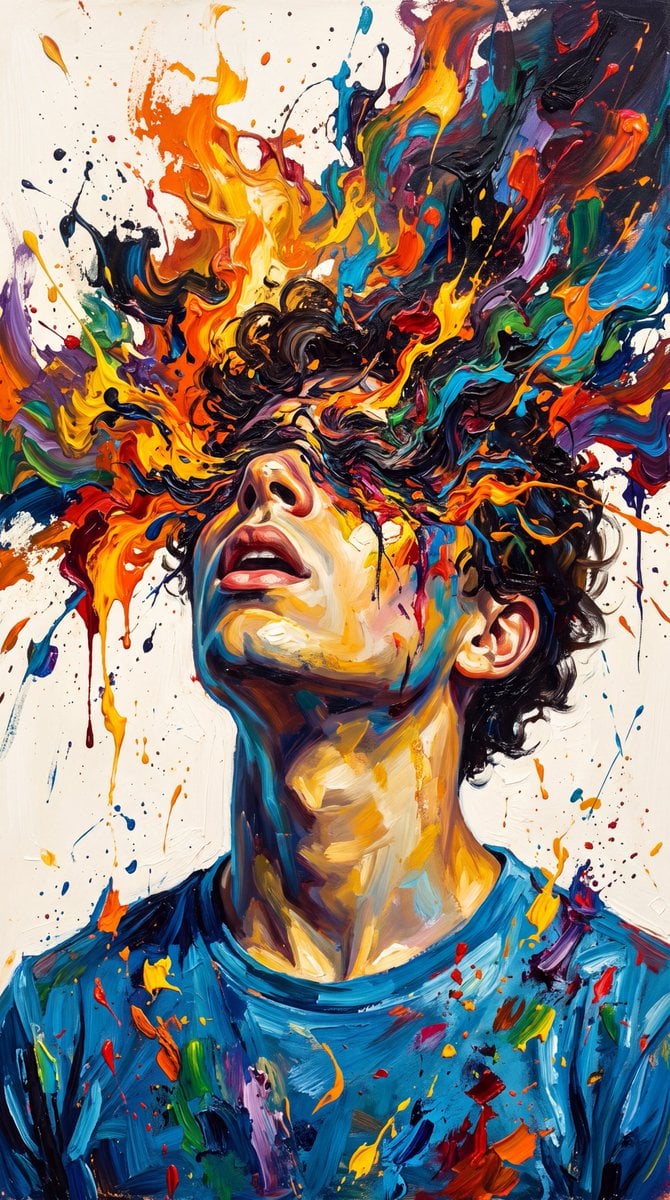
Abstract Expressionist Paint Eruption

Music Album Cover Abstract Liquid Mercury
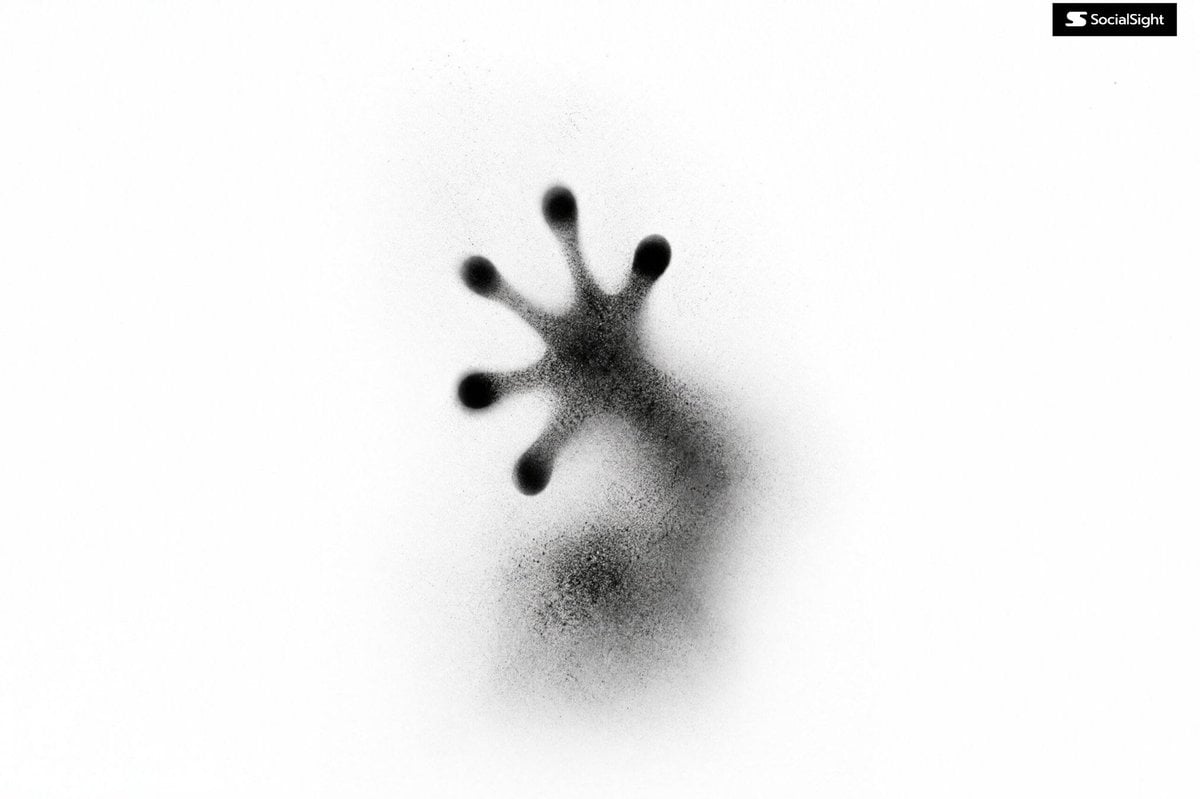
Abstract Ink Particle Minimalism
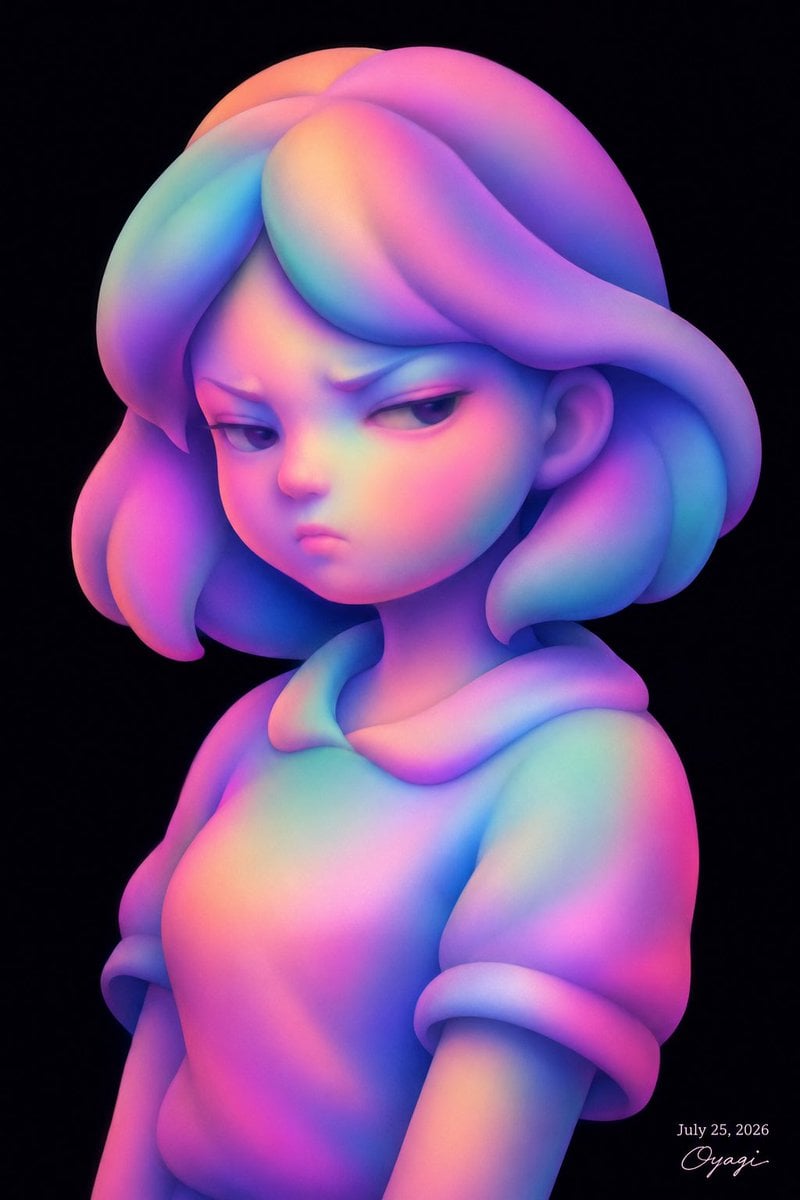
Iridescent Abstract Girl Portrait
Make it yours
Abstract Topographic Energy Map works as-is. These are the safest ways to change it without losing the look.
Change one field
Copy a single group, rewrite it, and generate again so you can see what that field is doing.
Keep the frame, change the subject
Hold the composition and light of Abstract Topographic Energy Map, then swap wardrobe, props or the person for a new take.
| If the result… | Why | Fix |
|---|---|---|
| The result drifts from the preview | Too many fields changed at once. | Reuse Abstract Topographic Energy Map as-is first, then change one group — subject, light, or setting. |
| The model over-stylizes the scene | The prose prompt leaves finish and camera underspecified. | Add one camera or lighting sentence and stay on GPT Image 2. |
More GPT Image 2 templates
Other prompts made for GPT Image 2.

Six VTuber Japanese Logo Sheet

Realistic Portrait of Woman and Deer

The Vista Modular Condo Poster

AI Model Routing Comparison Infographic

2.5D Anime Art Board

Isometric Productivity Desk Scene

New York Double Exposure Poster

Four-Panel AI Landscape Comparison

Japanese Tatami Lifestyle Magazine Cover

Brutalist Cogito Chinese Typography Poster
More image prompts
Fresh picks from across the catalog.
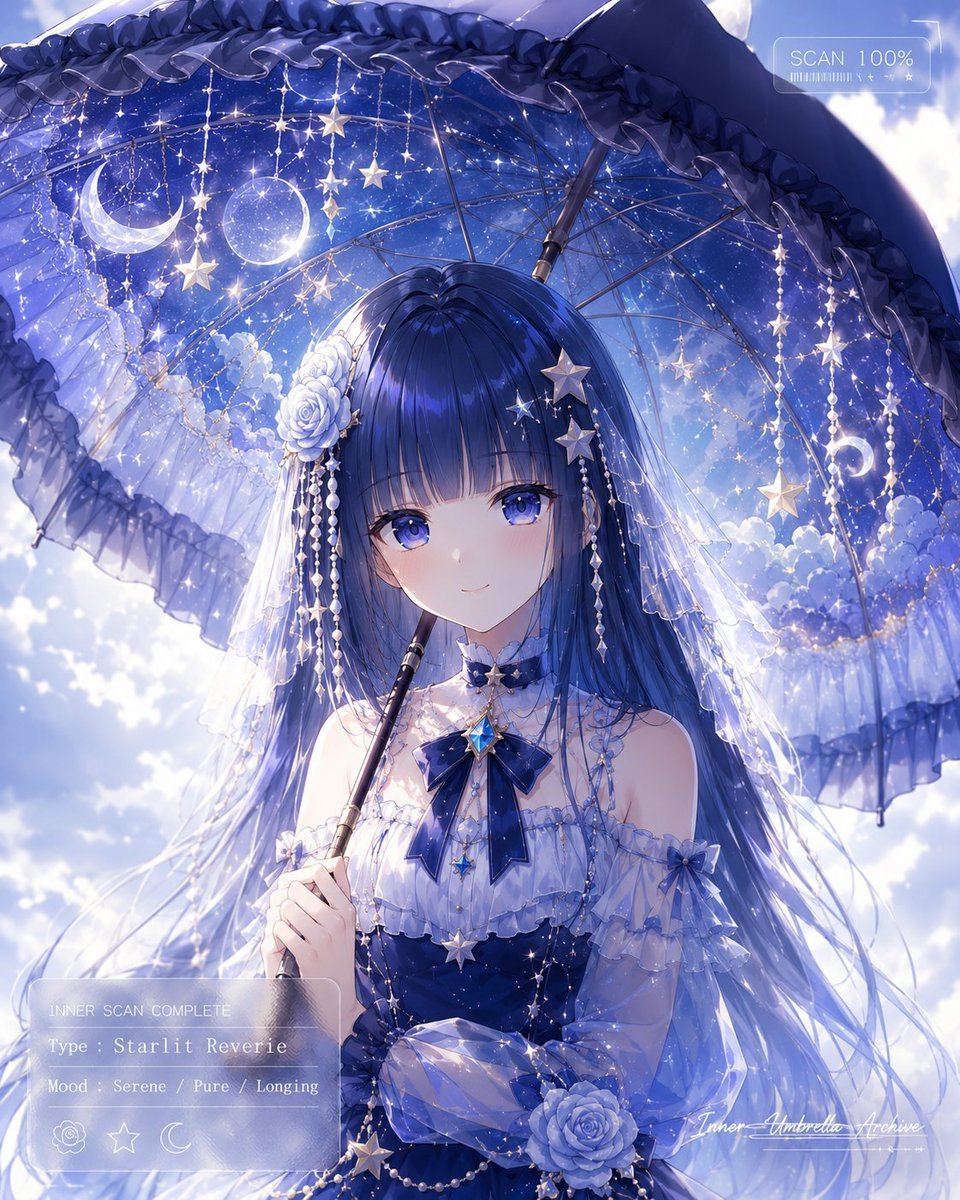
Celestial Anime Umbrella Portrait
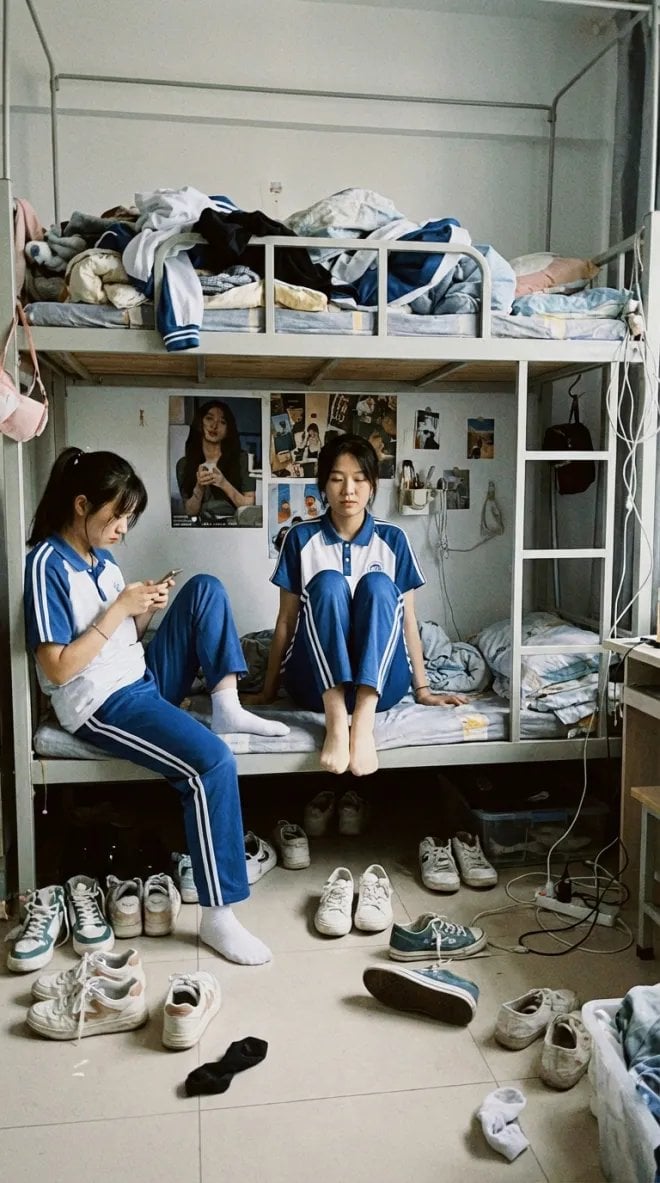
Dorm daily life iPhone shot prompt
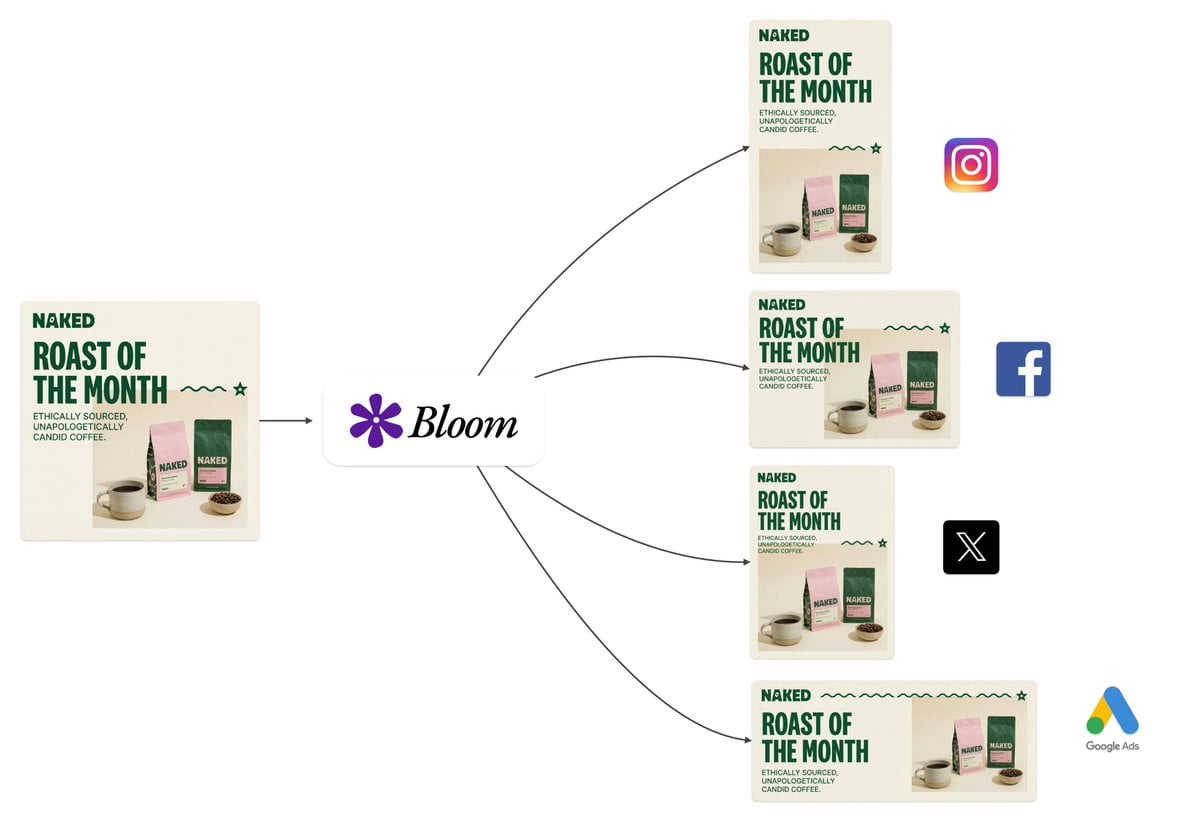
Intelligent Aspect Ratio Transformation and Compositional Awareness
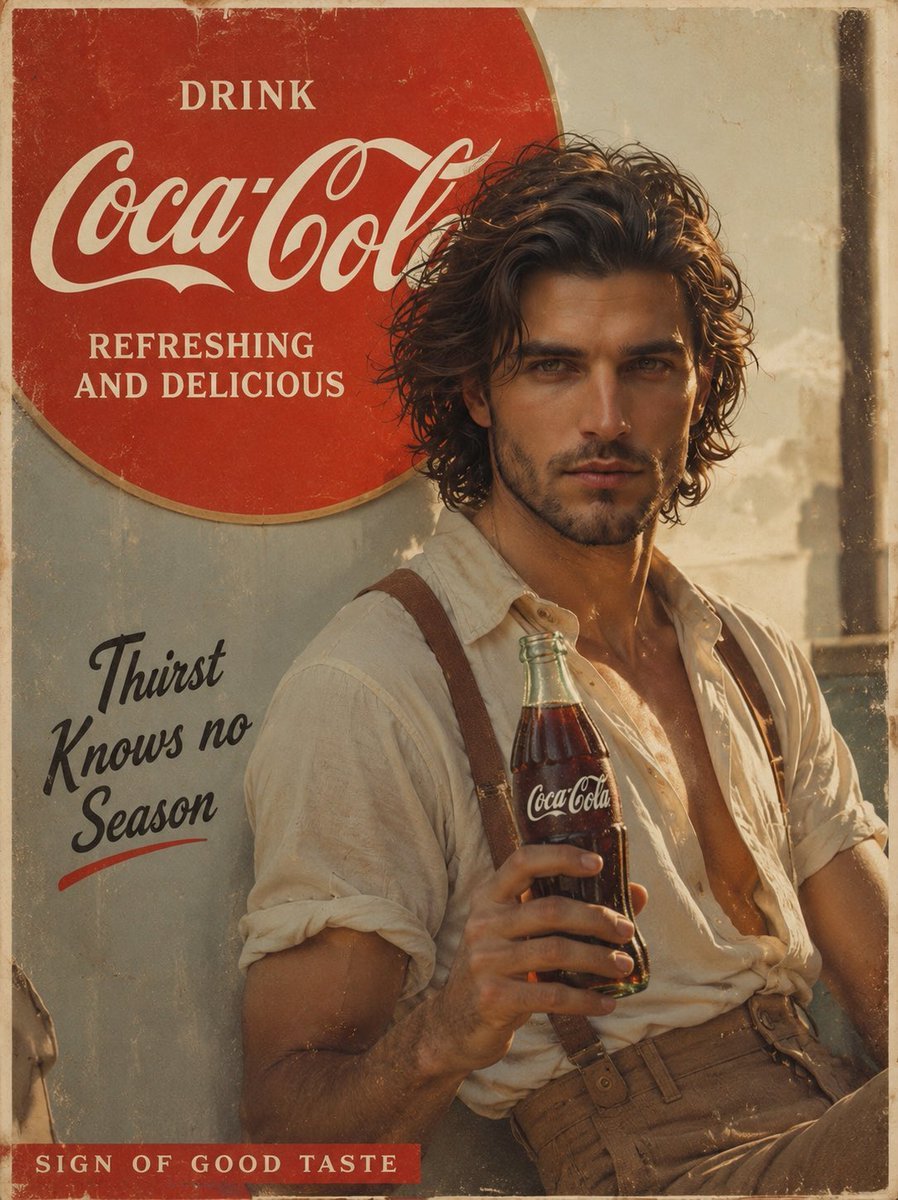
Prompt: Create a cinematic vintage Coca Cola adver
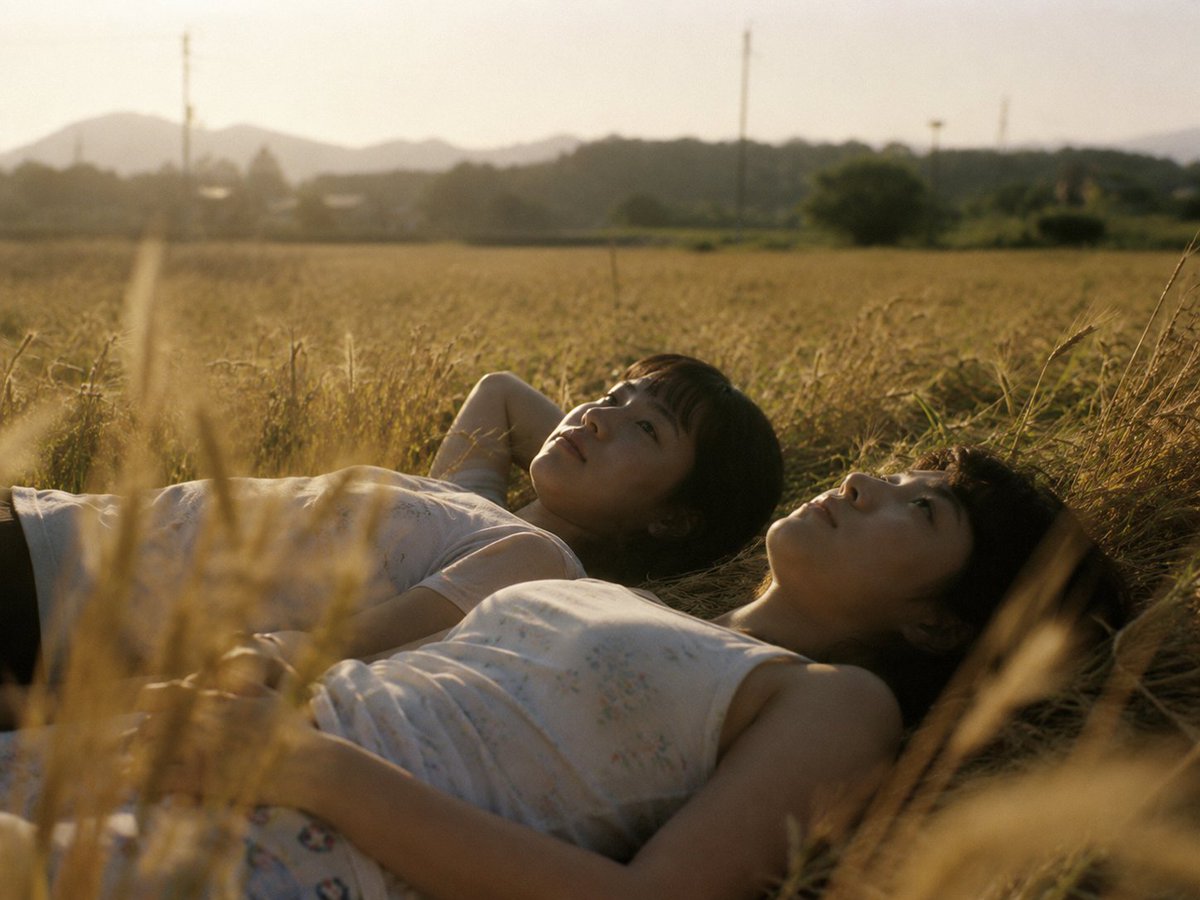
Golden Field Sunset Portrait
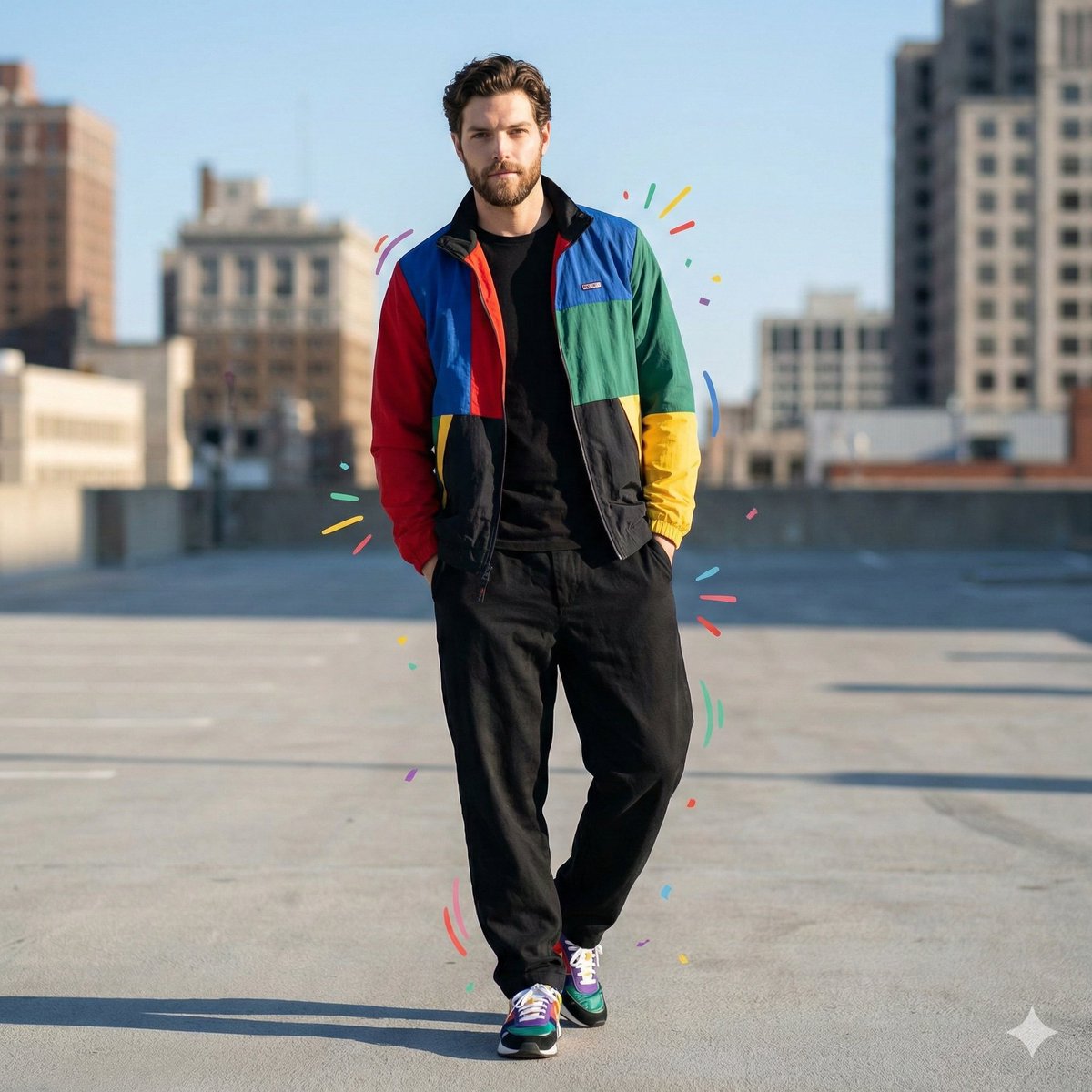
Color-Blocked Fashion Portrait with Graphic Accents
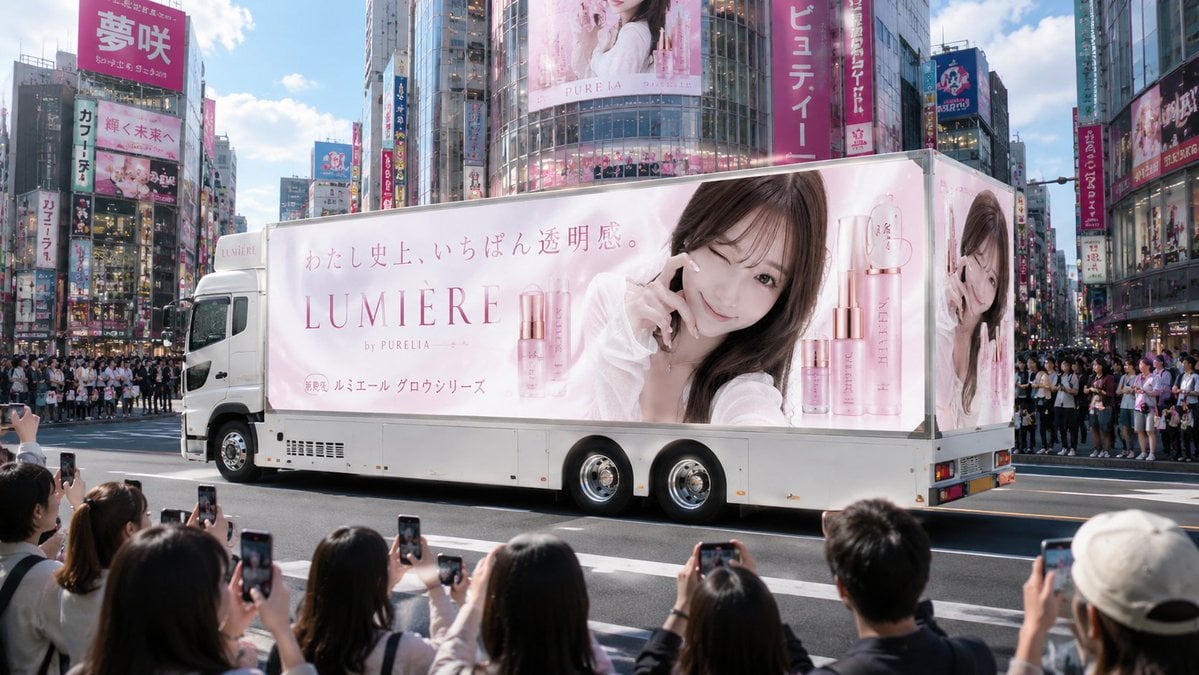
Japanese Cosmetic Ad Truck
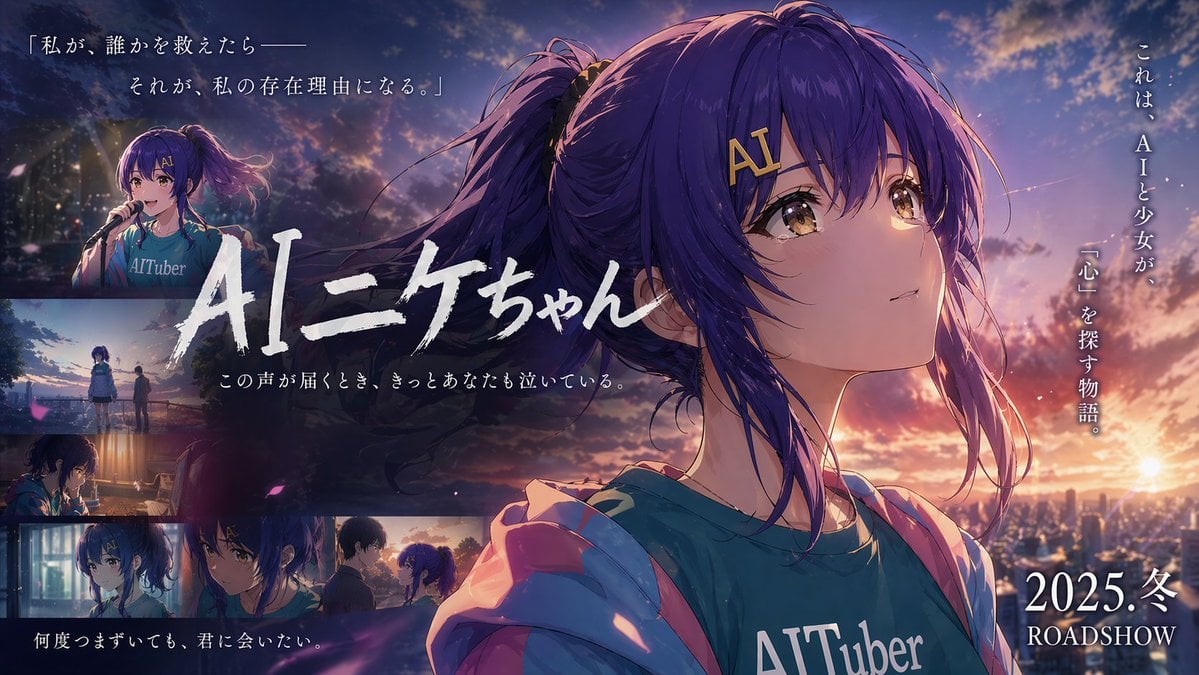
Emotional Anime Movie Banner
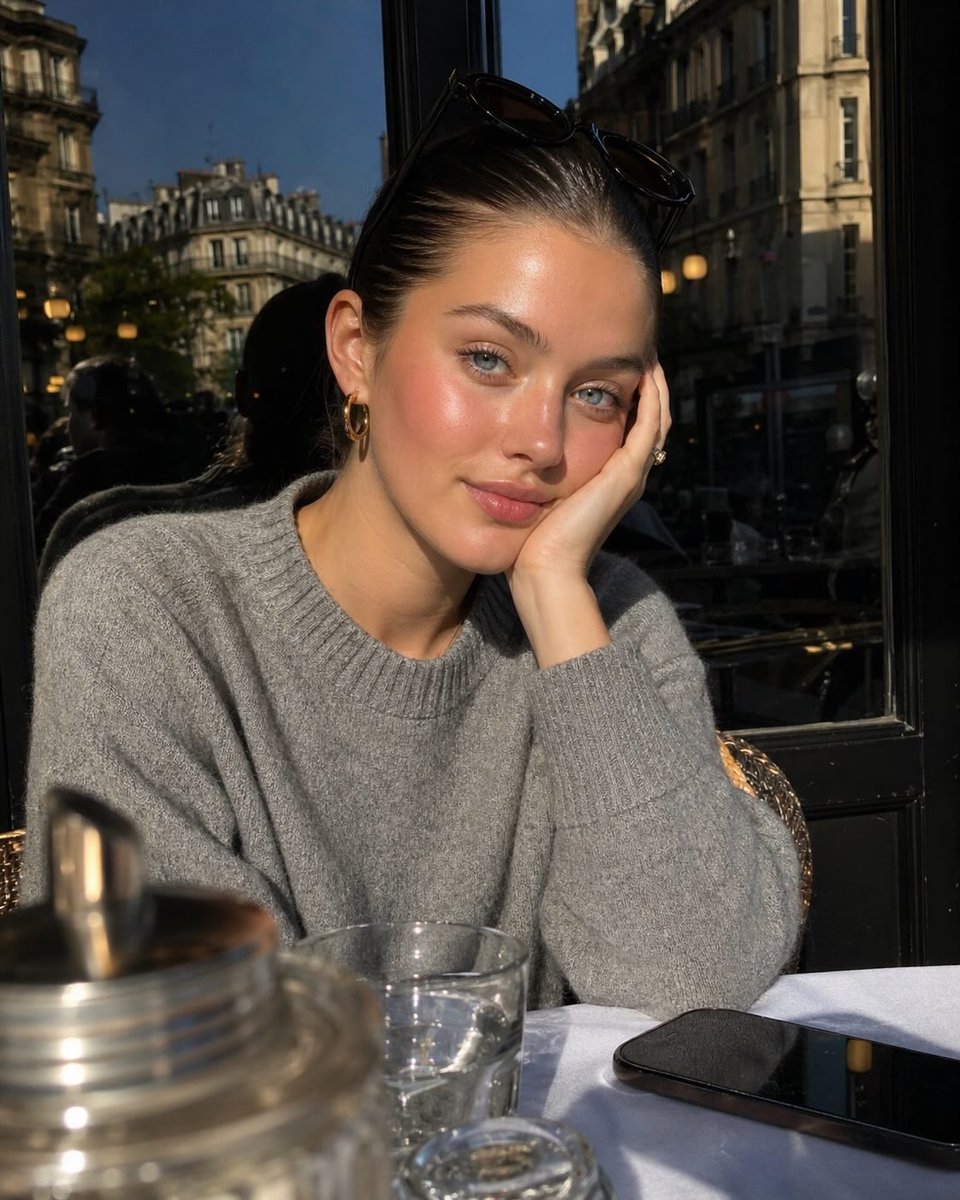
Parisian Café Golden Hour Portrait
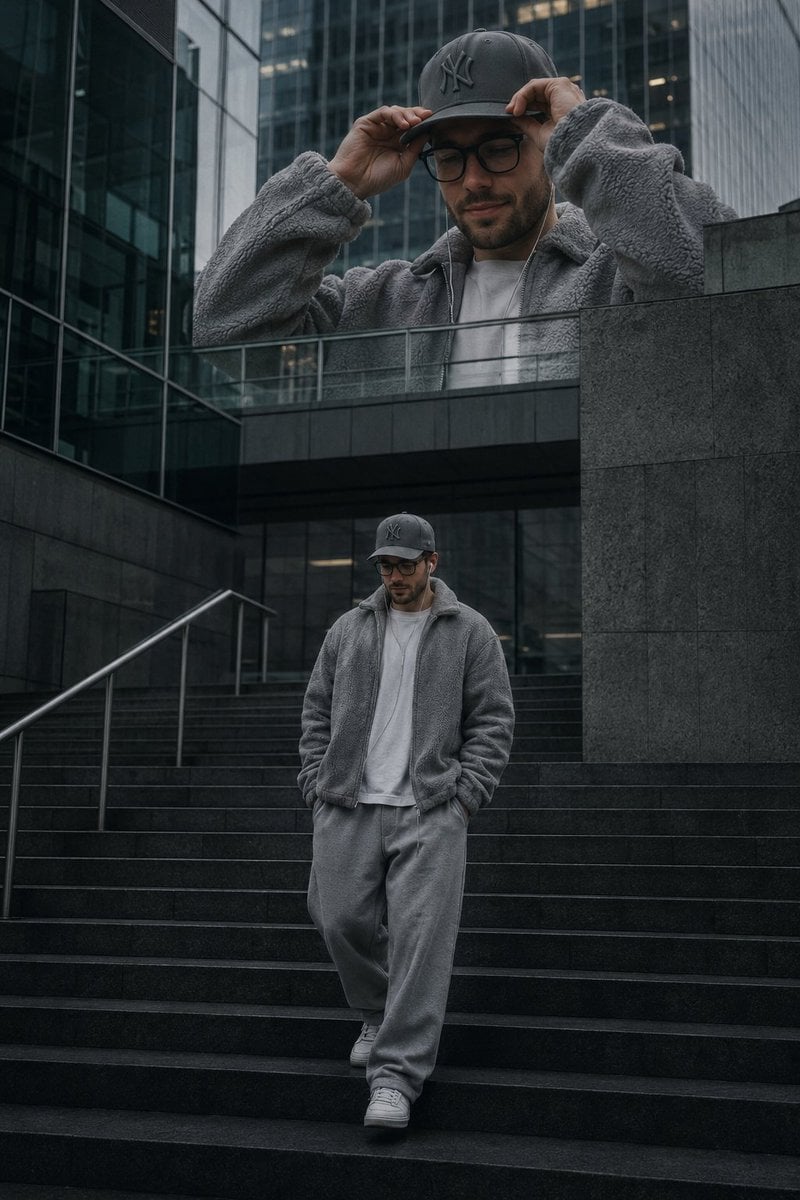
Luxury Streetwear Urban Editorial
Browse template categories
Abstract Topographic Energy Map questions
How do I use the Abstract Topographic Energy Map template?
Add your photo if the template asks for one, edit the prompt if you like — the template's model and format are already selected — and press Generate. Your version opens in PicX Studio.
Can I customize the Abstract Topographic Energy Map template?
Yes. You can change the subject, setting, lighting, mood, format, and available model controls before creating your image.
Is the Abstract Topographic Energy Map template free?
Opening and editing this template is free. Generating uses credits, shown on the Generate button when you are signed in.
Which AI model should I use?
Start with GPT Image 2, which is the model associated with this template. You can compare another compatible model for a different finish.
Looking for something else? Browse all templates.

Your photo, any look
Thousands of ready templates for every top image and video model, from one credit balance.