
Cosmic Botanical Fantasy Illustration
A detailed watercolor and ink mixed media illustration of a psychedelic desert landscape featuring a cosmic portal and lush floral framing.
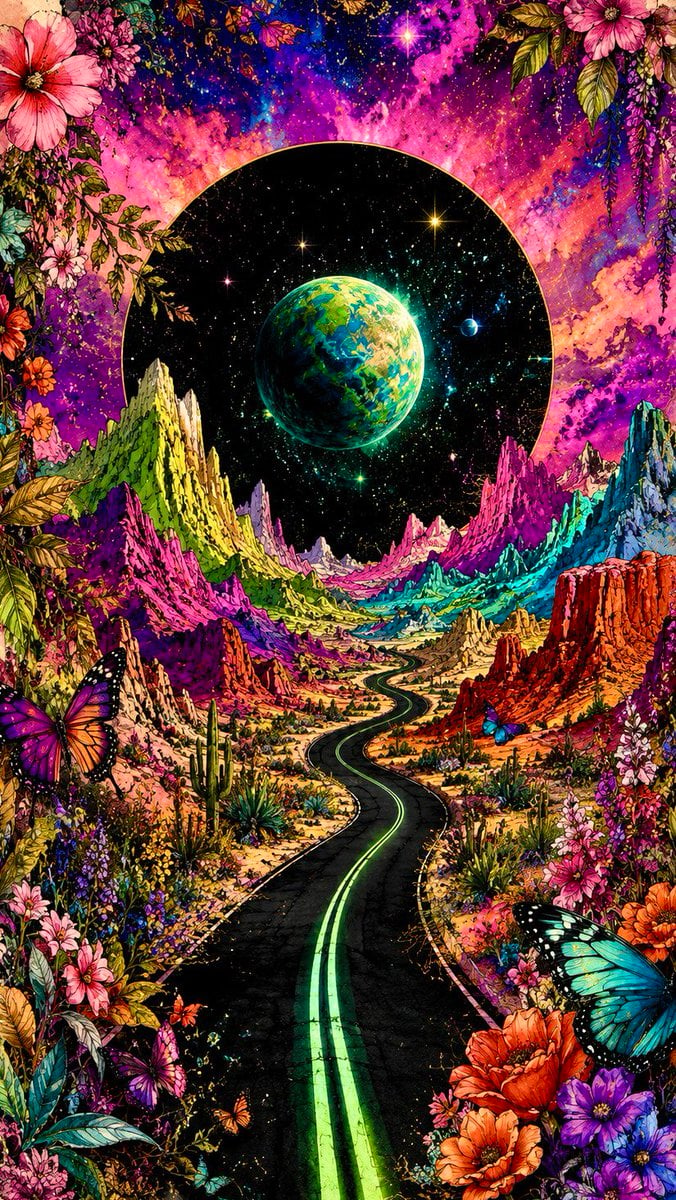
- Prompt included
- Model and format preset
- Free template
The prompt behind this image
Copy the exact prompt behind Cosmic Botanical Fantasy Illustration, or open it in the studio and make it yours.
Romantic {argument name="theme" default="botanical cosmic fantasy"} illustration: a lonely black highway winds through rugged psychedelic desert mountains toward the horizon, glowing {argument name="accent color" default="neon-green"} double center lines creating dramatic perspective. Lush cascading flowers, foliage and jewel-toned butterflies frame the scene in refined watercolor-and-ink mixed media, with delicate fine-line contours, translucent washes and colored-pencil detail. Mountains blaze in electric lime, magenta, cyan, violet, orange and acid yellow. Behind them rises a colossal perfect black circular portal filled with a dense realistic starfield and a luminous green-blue planet. Saturated pink, purple and blue cosmic clouds, stars, glitter and flowing color streaks fill the sky. Crisp focal detail dissolves into expressive watercolor blooms, splashes and drips on warm ivory paper. Retro psychedelic sci-fi poster energy, floral maximalism, {argument name="texture" default="grainy screen-print"} texture, deep blacks, fluorescent saturation, ethereal, surreal, vertical composition
How to use Cosmic Botanical Fantasy Illustration in 3 steps
- 1
Open
The prompt is already in the box next to the preview, with the template's model and format selected.
- 2…a portrait of your subject in softgolden-hour light, 85mm…
Personalize
Edit the subject and creative details for your destination.
- 3Generate
Generate
Press Generate — your image is created in PicX Studio, so you can compare it with the original and refine one variable at a time.
More like this
Templates with the same subject, style or setup. Open one to see its prompt.
Unfinished Sketch Comes Alive Portrait
Open Travel Journal Overhead Still Life
Cosmic Universe Umbrella Fantasy Scene
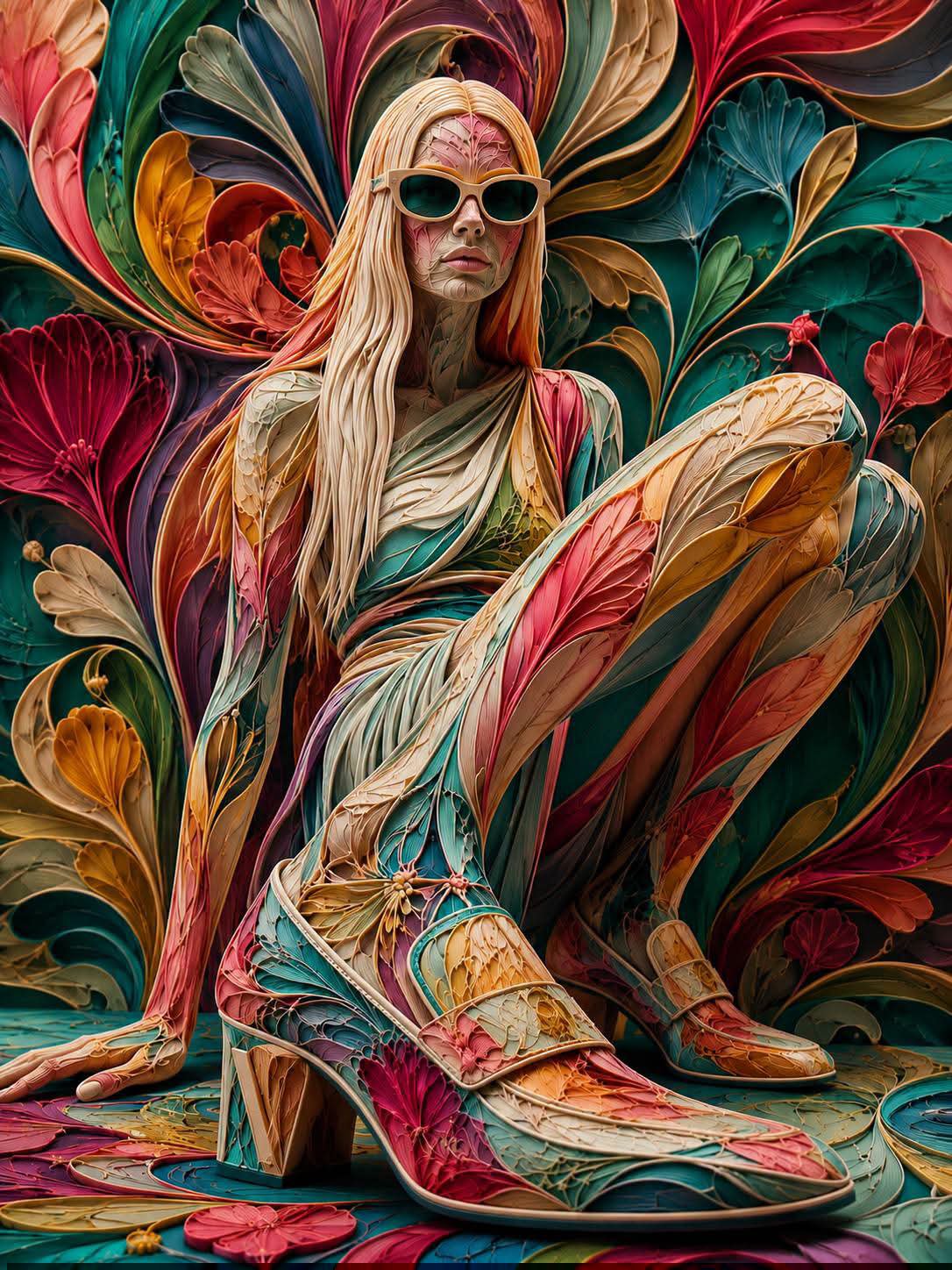
Paper Cut Botanical Illustration
Floraverse Botanical Fusion
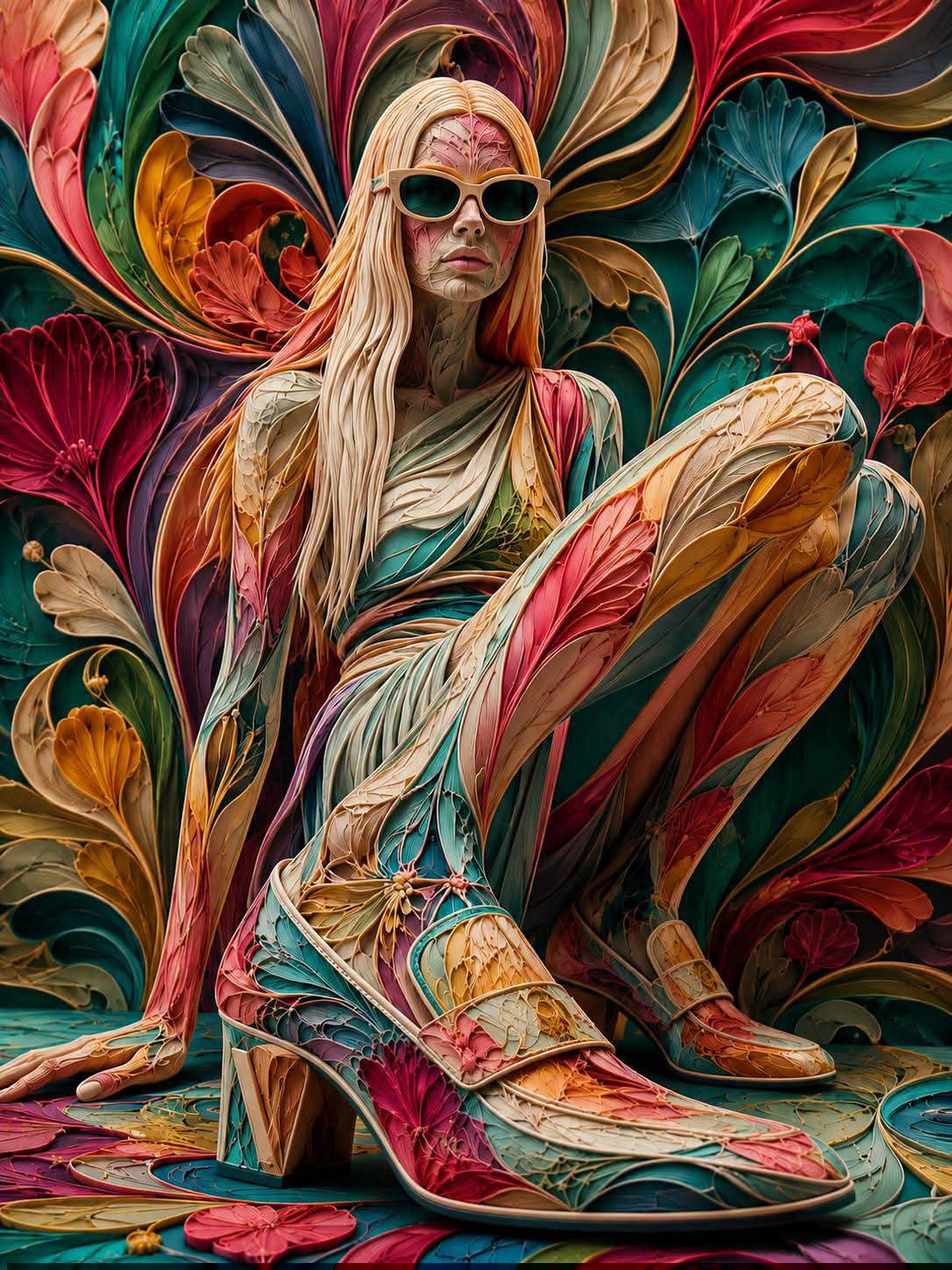
FLORAVERSE BOTANICAL FUSION
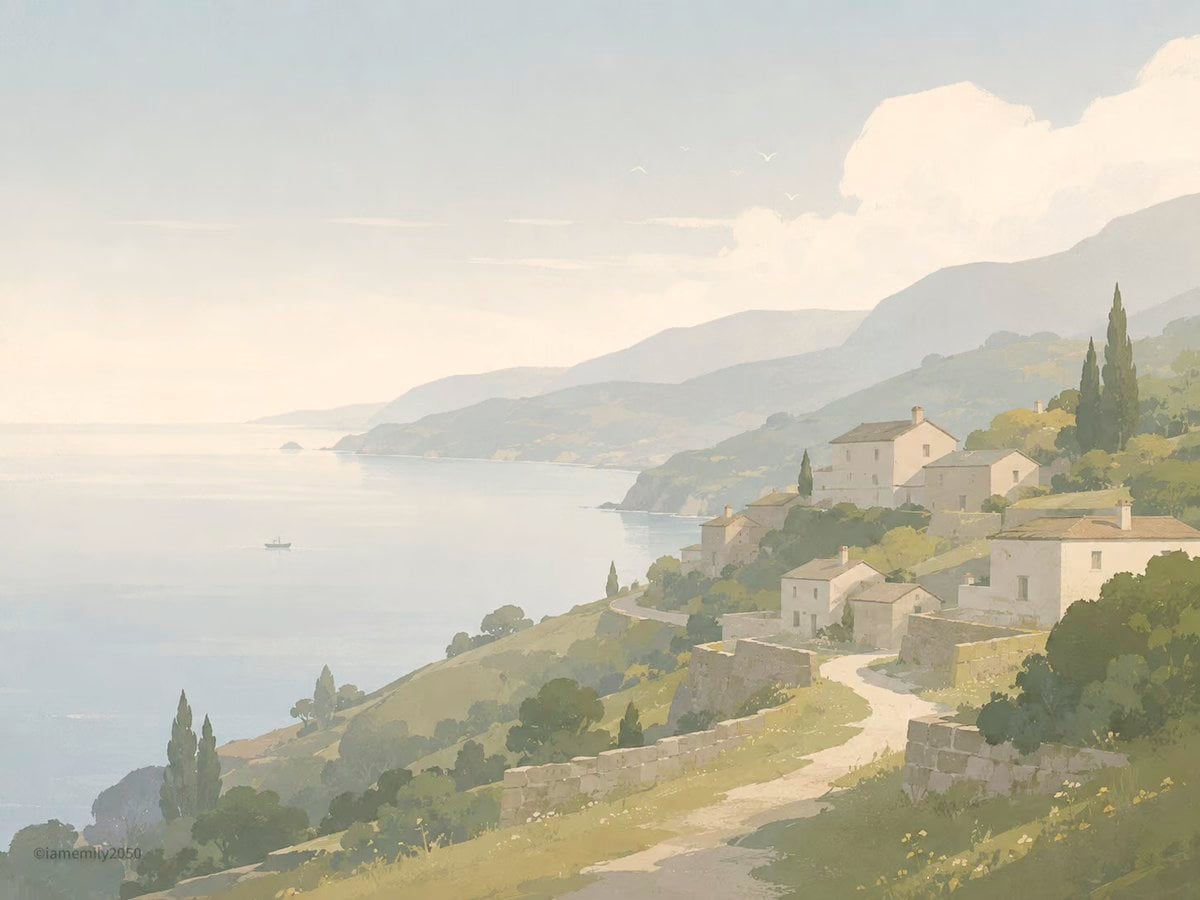
Quiet Minimalist Anime Style Guide
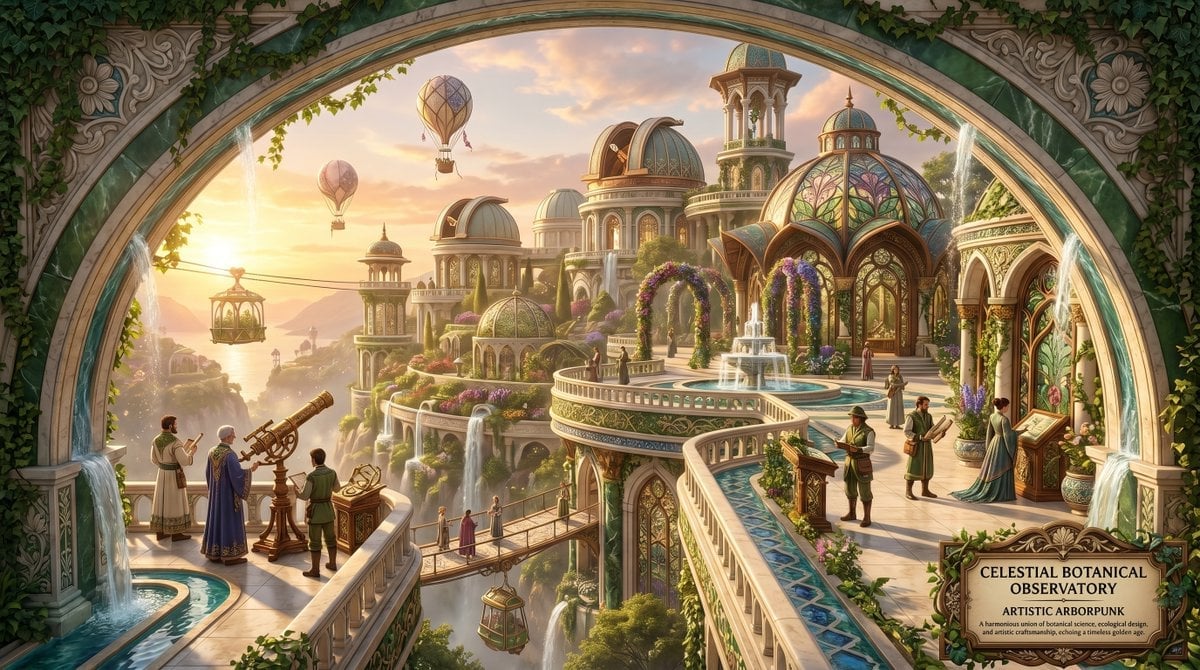
Artistic Arborpunk Garden Observatory Complex

Anime Fantasy Celestial Movie Poster
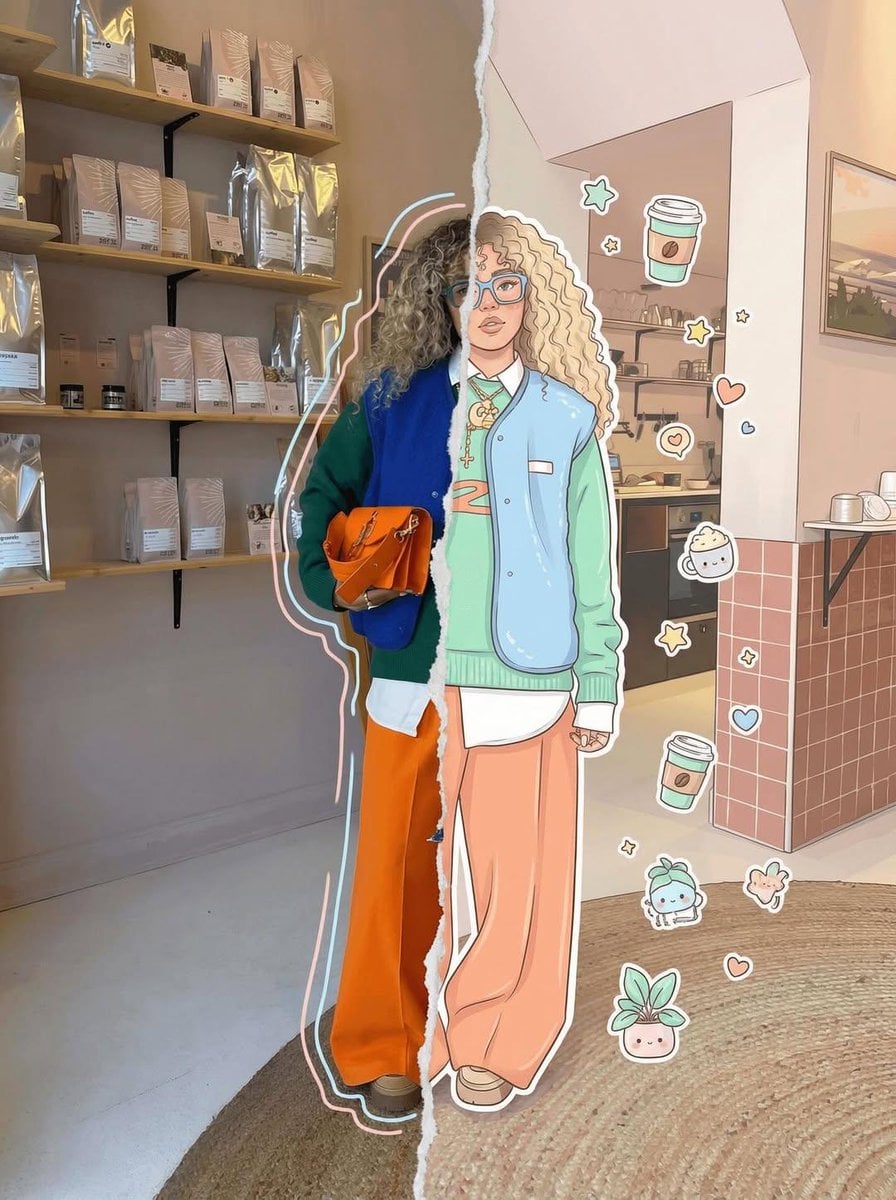
Real Illustration Split Portrait Transition
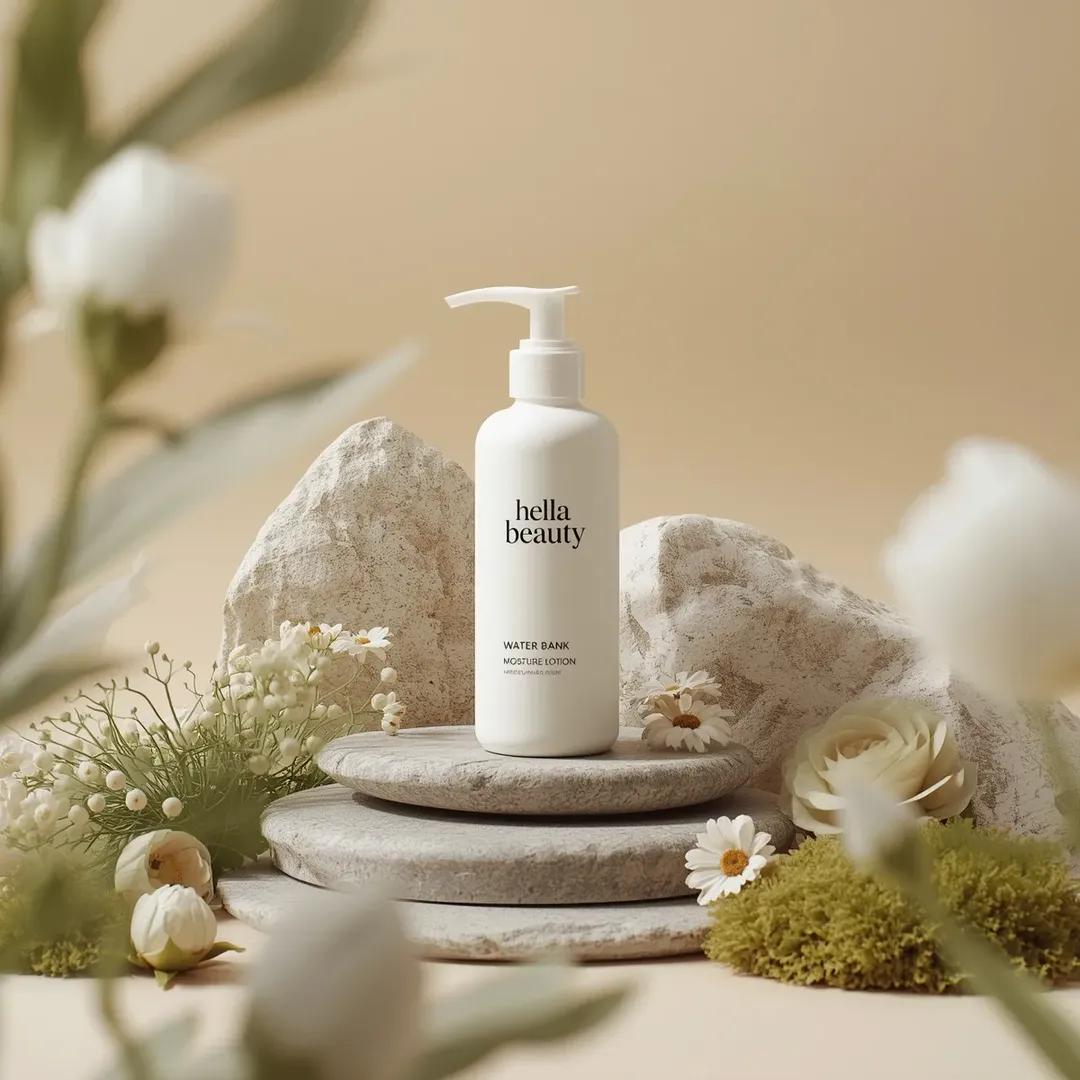
Botanical Skincare Minimal Product Advertising
Quiet Minimalist Anime Style Guide
Make it yours
Cosmic Botanical Fantasy Illustration works as-is. These are the safest ways to change it without losing the look.
Change one field
Copy a single group, rewrite it, and generate again so you can see what that field is doing.
Keep the frame, change the subject
Hold the composition and light of Cosmic Botanical Fantasy Illustration, then swap wardrobe, props or the person for a new take.
| If the result… | Why | Fix |
|---|---|---|
| The result drifts from the preview | Too many fields changed at once. | Reuse Cosmic Botanical Fantasy Illustration as-is first, then change one group — subject, light, or setting. |
| The model over-stylizes the scene | The prose prompt leaves finish and camera underspecified. | Add one camera or lighting sentence and stay on GPT Image 2. |
More GPT Image 2 templates
Other prompts made for GPT Image 2.

Six VTuber Japanese Logo Sheet

Realistic Portrait of Woman and Deer

The Vista Modular Condo Poster

AI Model Routing Comparison Infographic

2.5D Anime Art Board

Isometric Productivity Desk Scene

New York Double Exposure Poster

Four-Panel AI Landscape Comparison

Japanese Tatami Lifestyle Magazine Cover

NESCAFÉ Coffee Map Poster
More image prompts
Fresh picks from across the catalog.
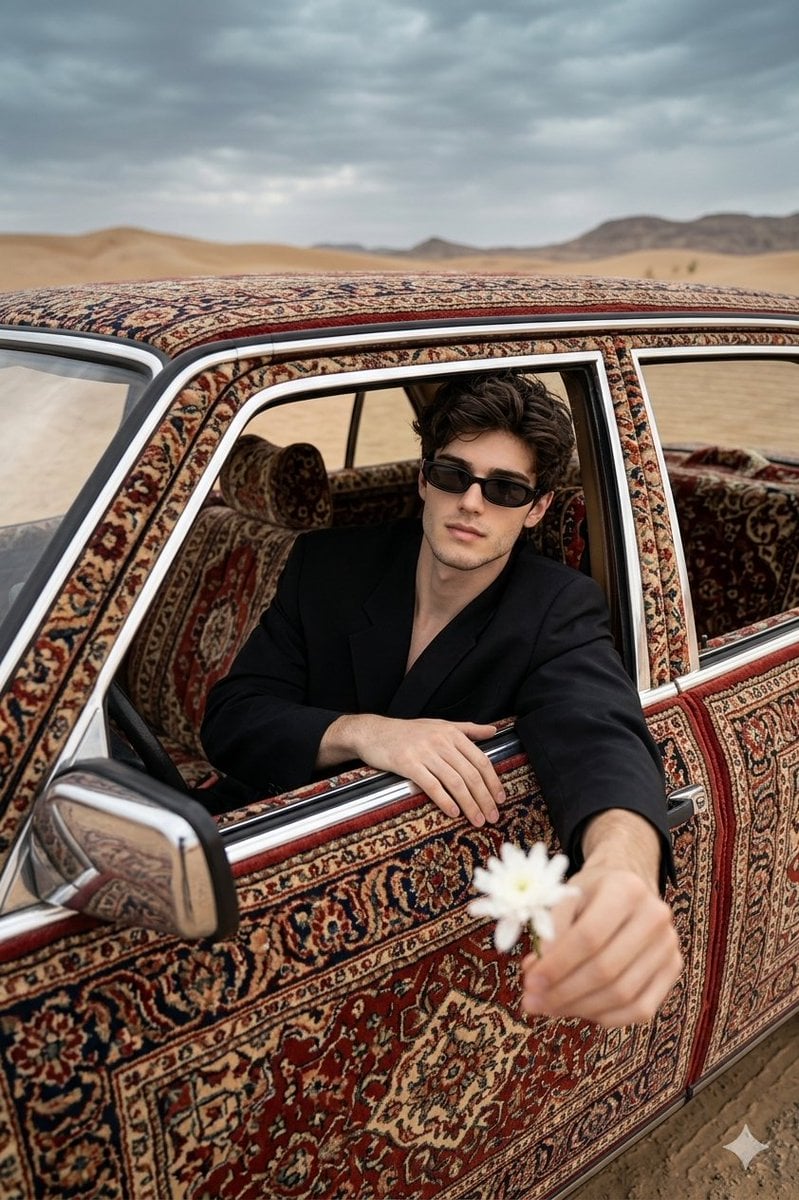
Carpet-Covered Vintage Car Fashion Shoot
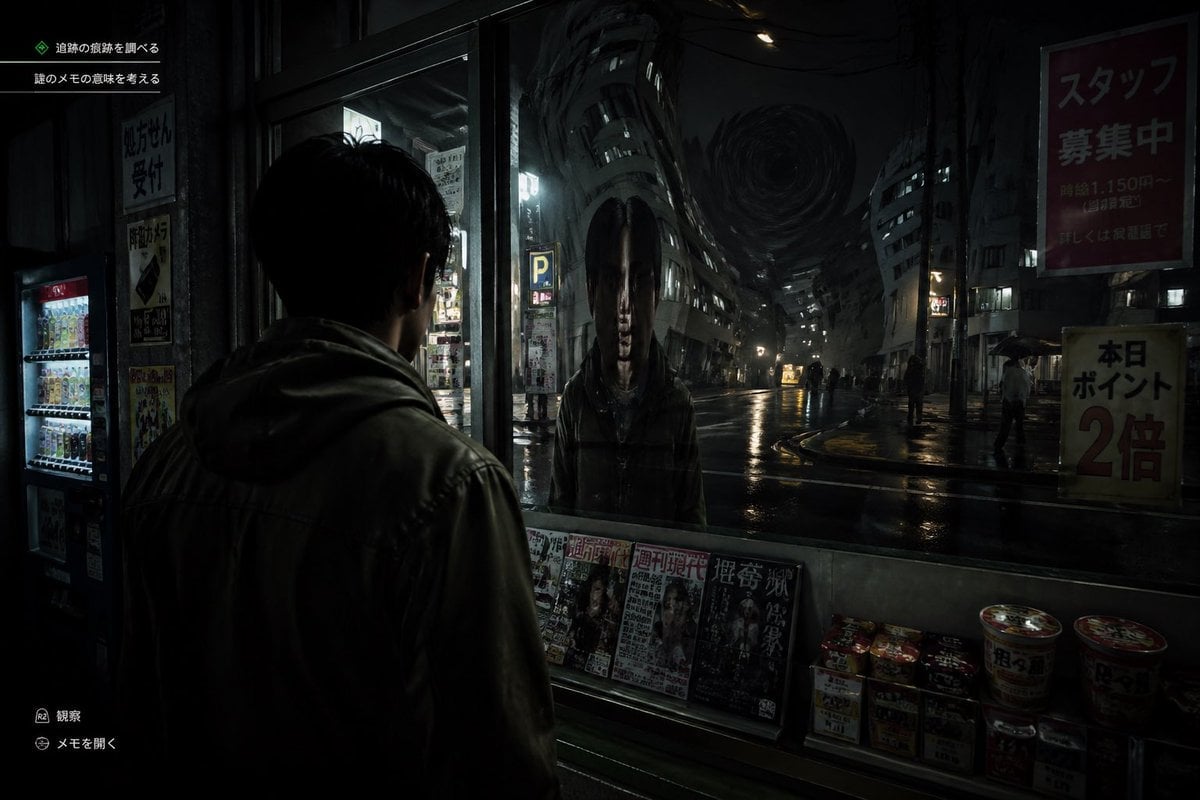
Japanese Horror Game Street Reflection

Beauty Commercial Portrait on Reflective Surface
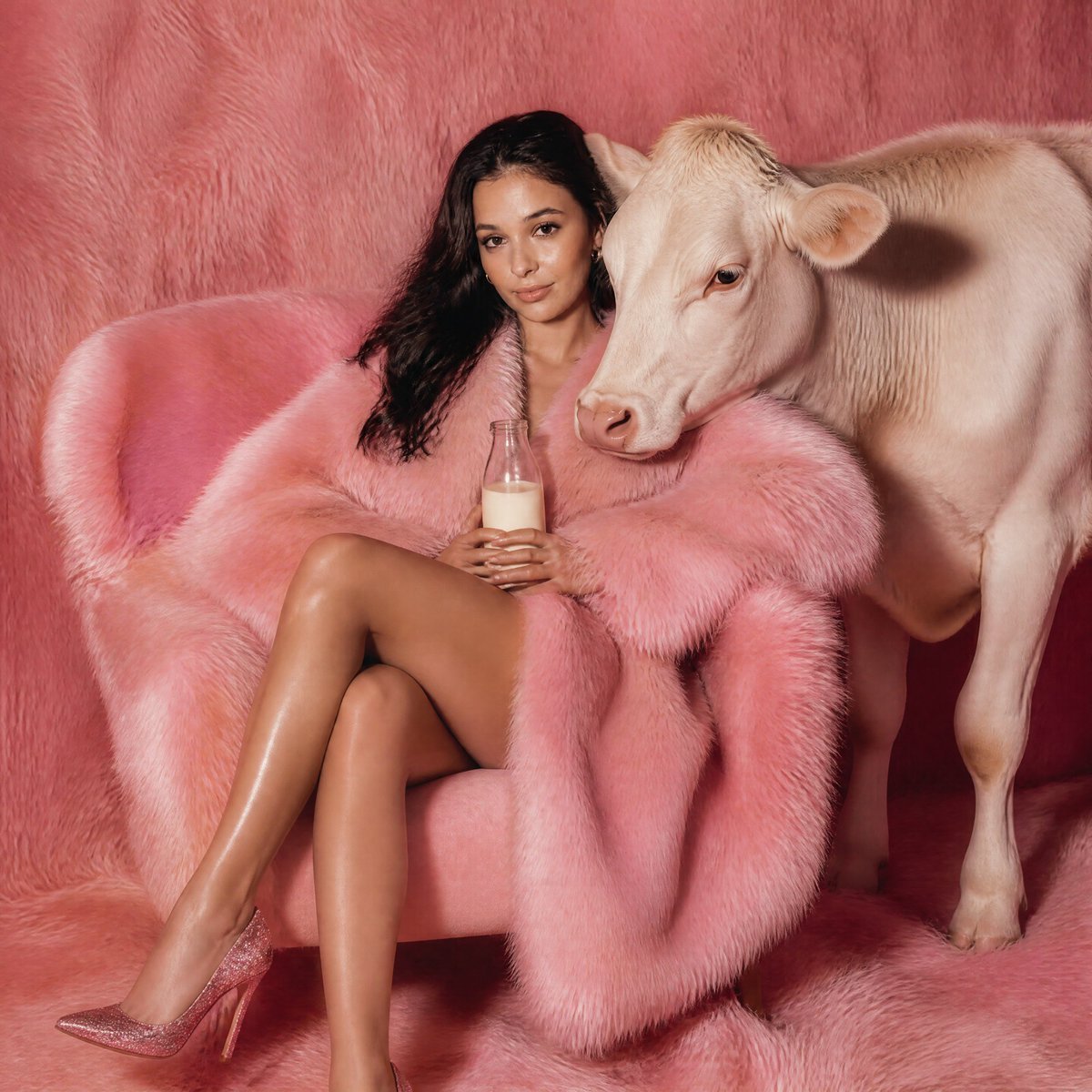
Pink Fur Fashion Editorial with Calf
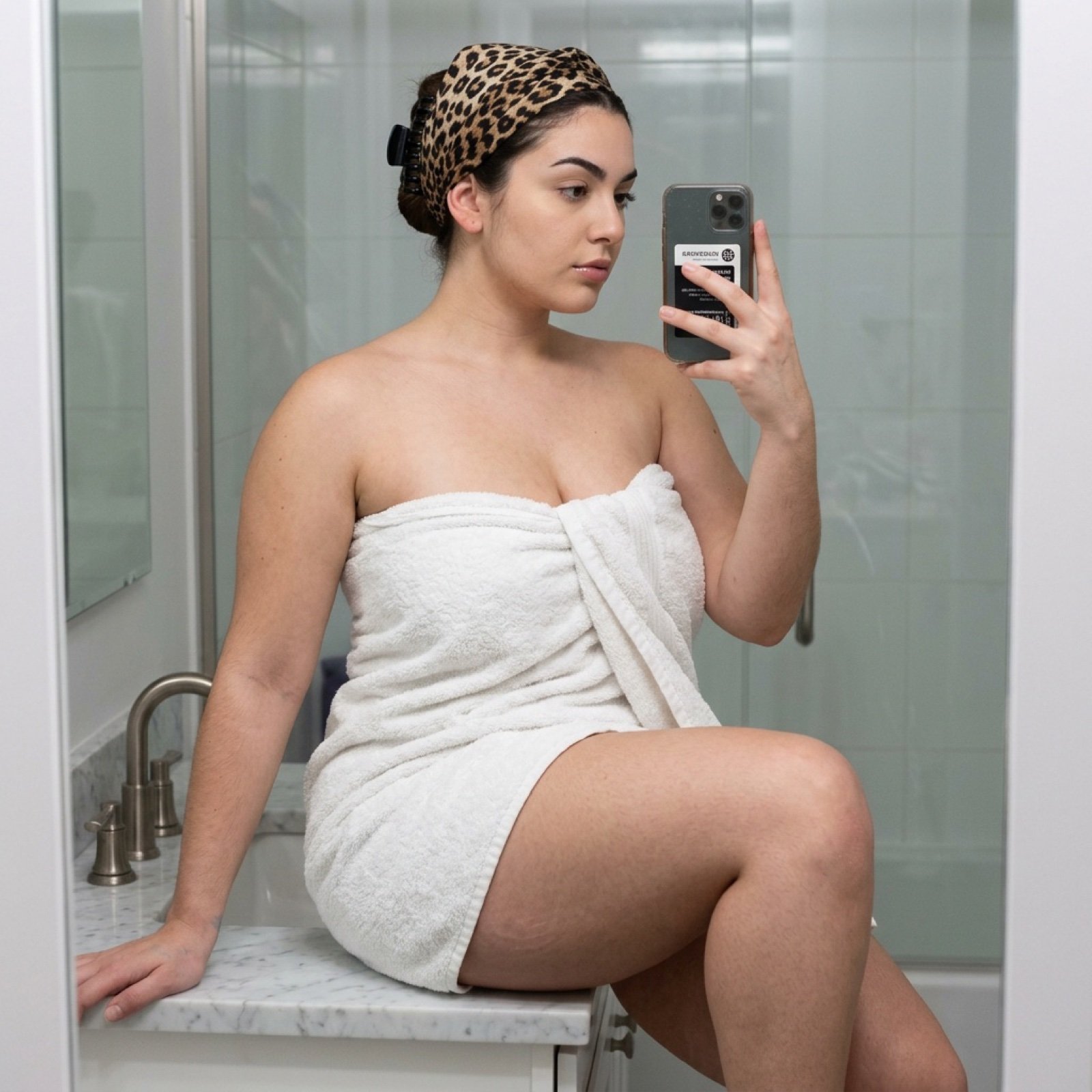
Curvy Woman Bathroom Mirror Selfie
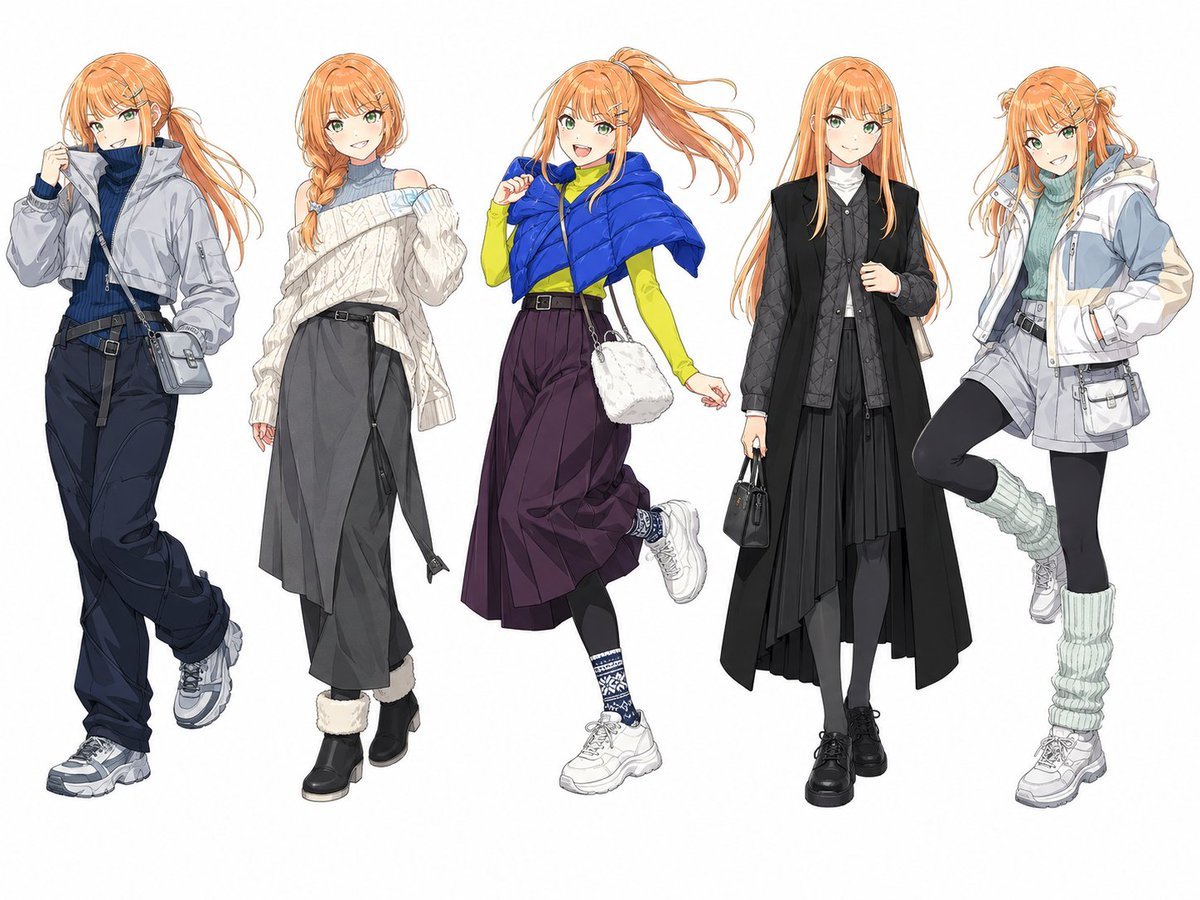
Anime Winter Fashion Lineup

Luxury Product Campaign Grid

Winter Fantasy Editorial with Emma Myers Lookalike
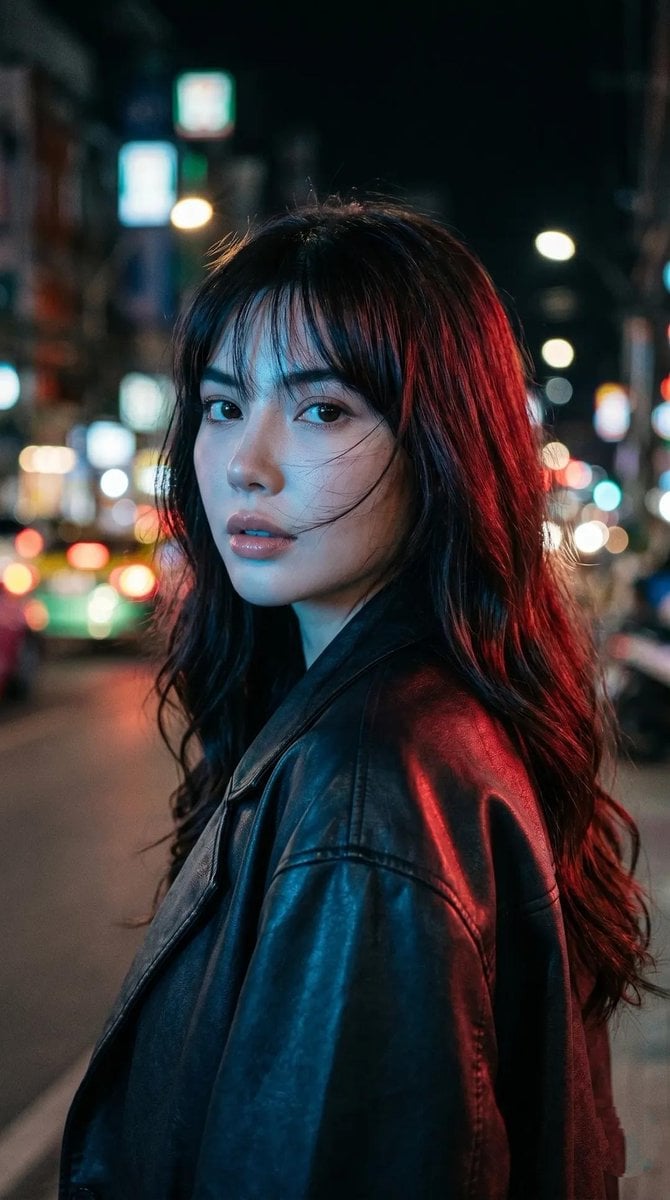
Cyberpunk Neon Portrait
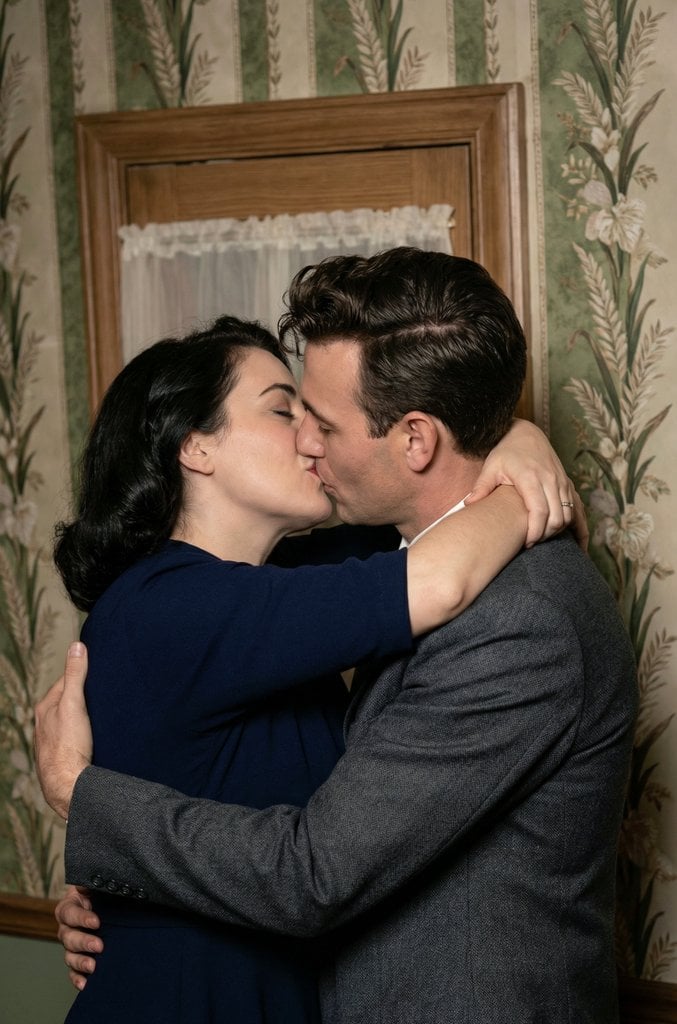
Old Photo Restoration and Upscaling Prompt
Browse template categories
Cosmic Botanical Fantasy Illustration questions
How do I use the Cosmic Botanical Fantasy Illustration template?
Add your photo if the template asks for one, edit the prompt if you like — the template's model and format are already selected — and press Generate. Your version opens in PicX Studio.
Can I customize the Cosmic Botanical Fantasy Illustration template?
Yes. You can change the subject, setting, lighting, mood, format, and available model controls before creating your image.
Is the Cosmic Botanical Fantasy Illustration template free?
Opening and editing this template is free. Generating uses credits, shown on the Generate button when you are signed in.
Which AI model should I use?
Start with GPT Image 2, which is the model associated with this template. You can compare another compatible model for a different finish.
Looking for something else? Browse all templates.

Your photo, any look
Thousands of ready templates for every top image and video model, from one credit balance.