How do I use the Layered Editorial Typography Poster template?
Choose the primary action to open PicX Studio with the available template settings. Review the model and format, personalize the creative direction, and generate when ready.
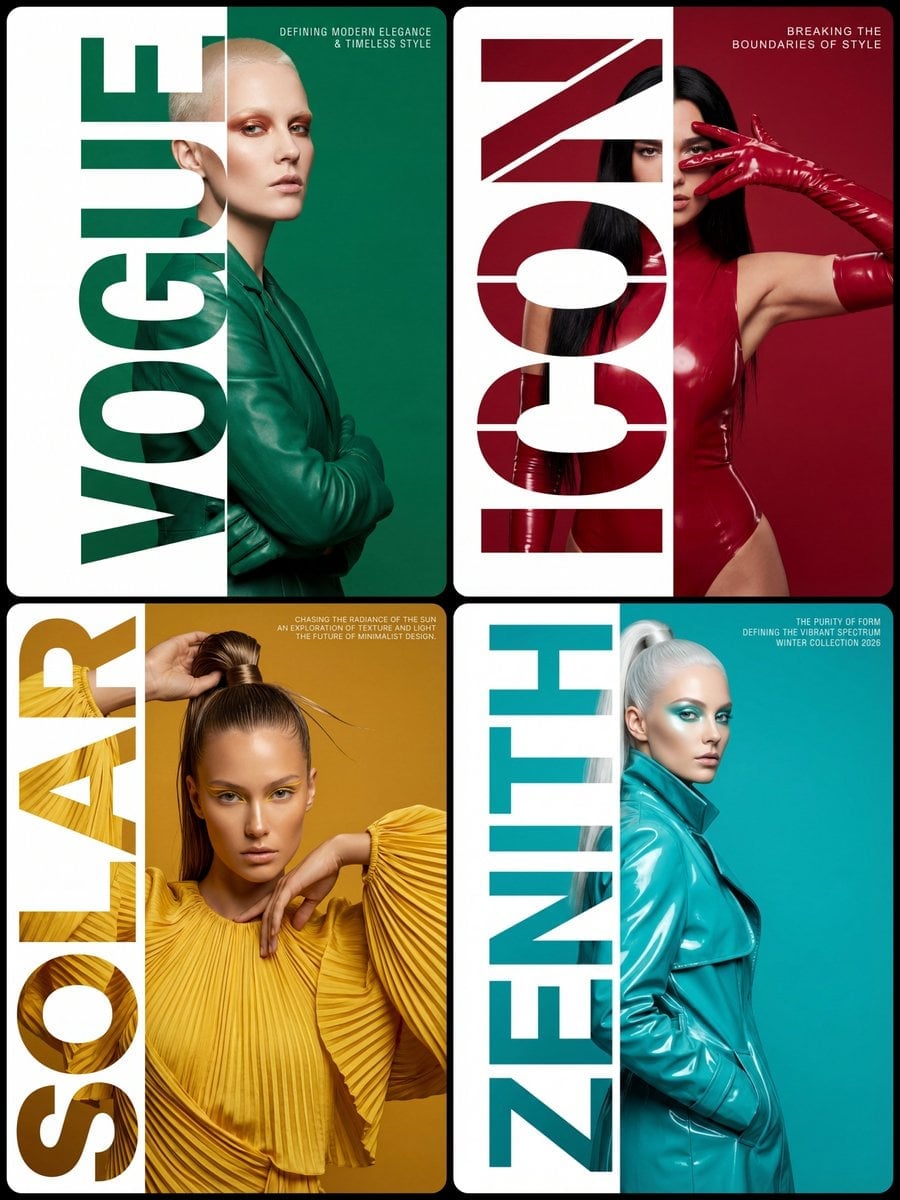
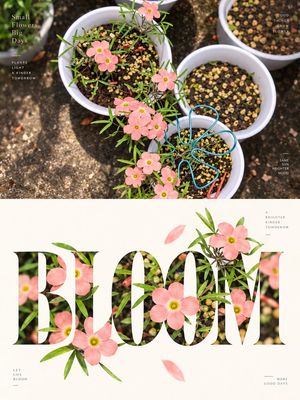
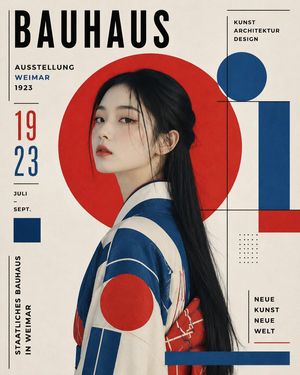
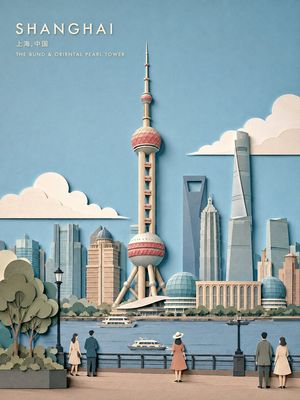
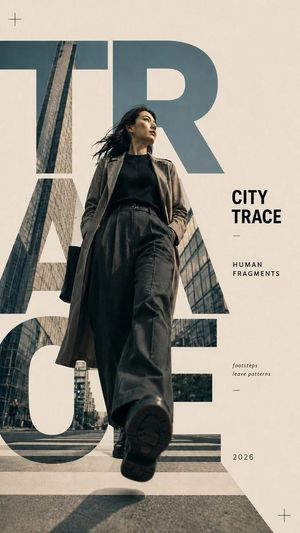
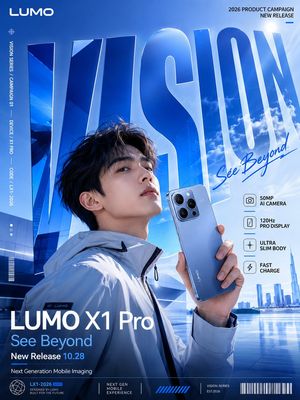
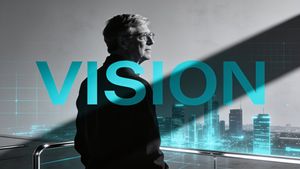
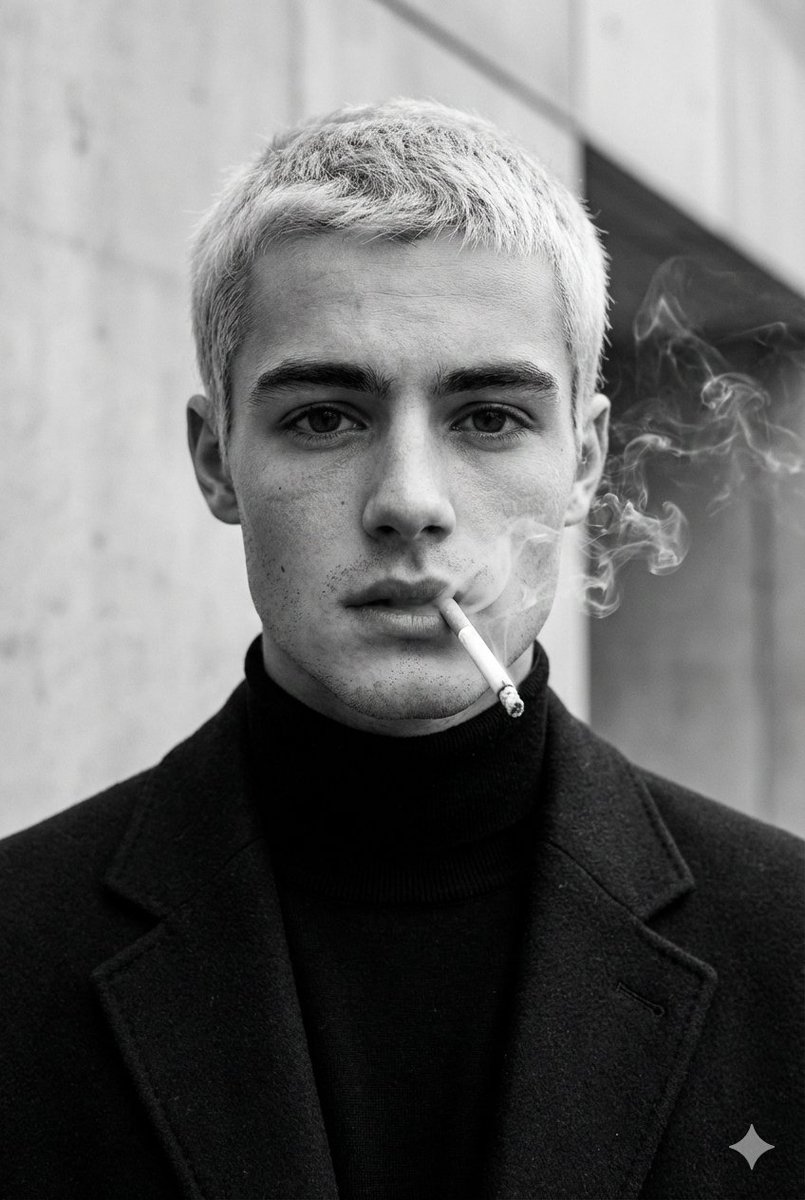
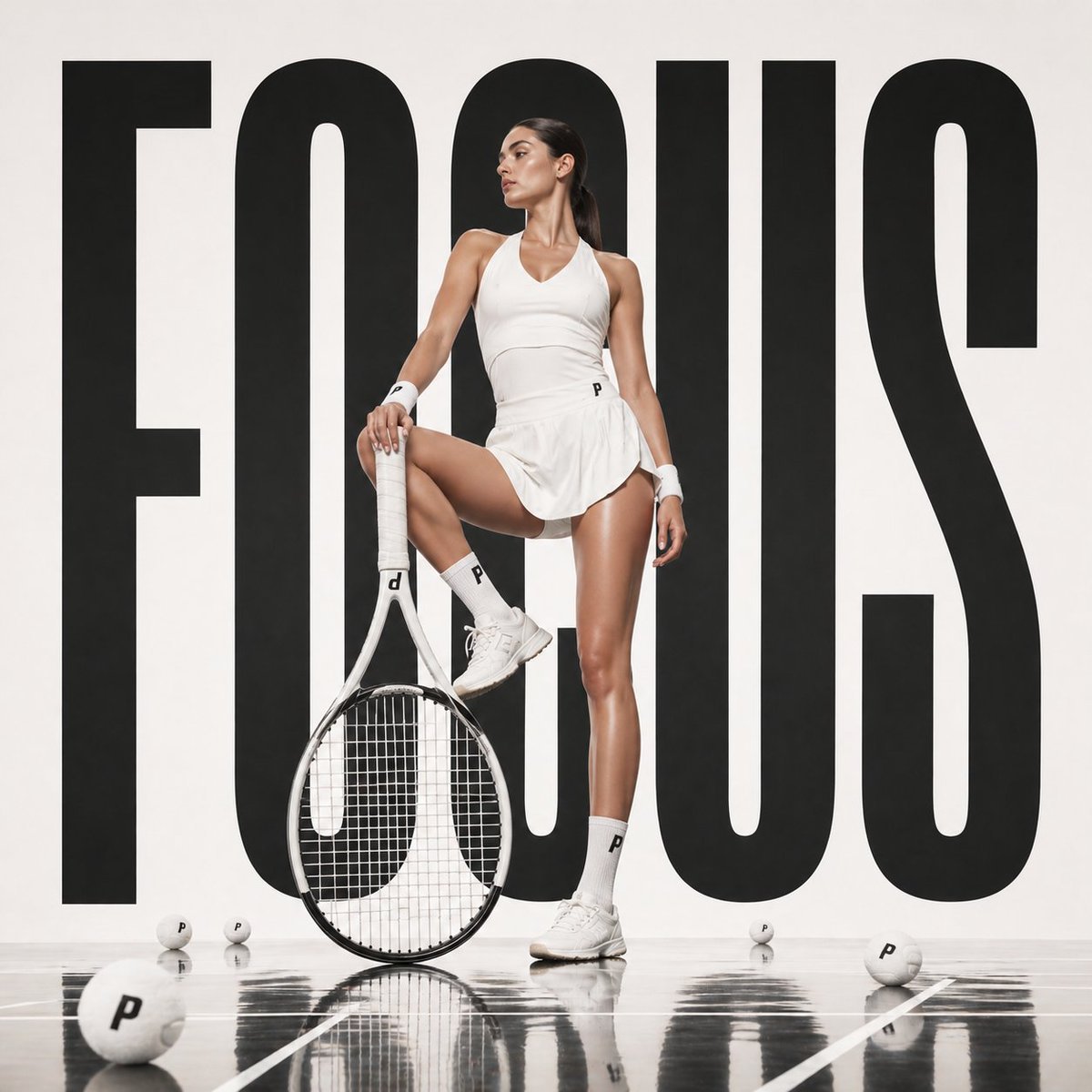
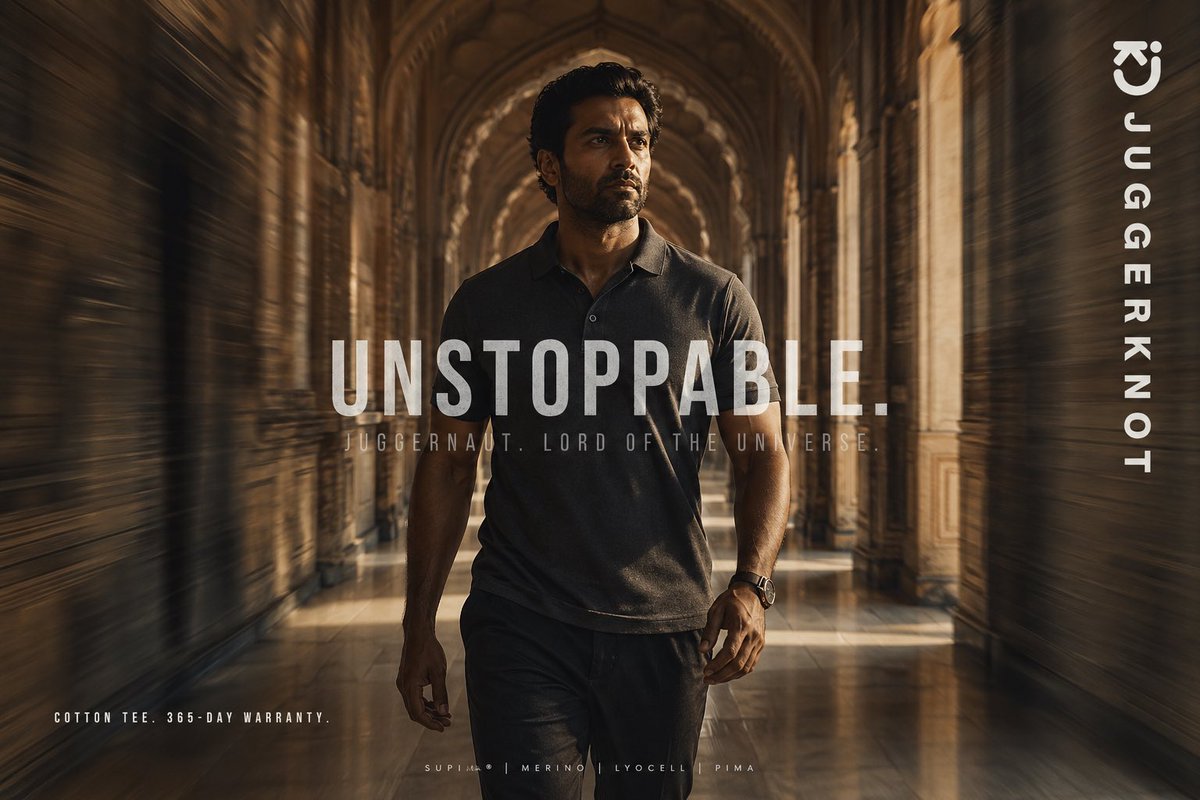
Creates a fashion-editorial poster from a reference photo with oversized masked typography layered around the subject.
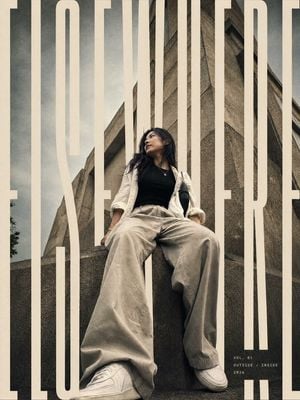
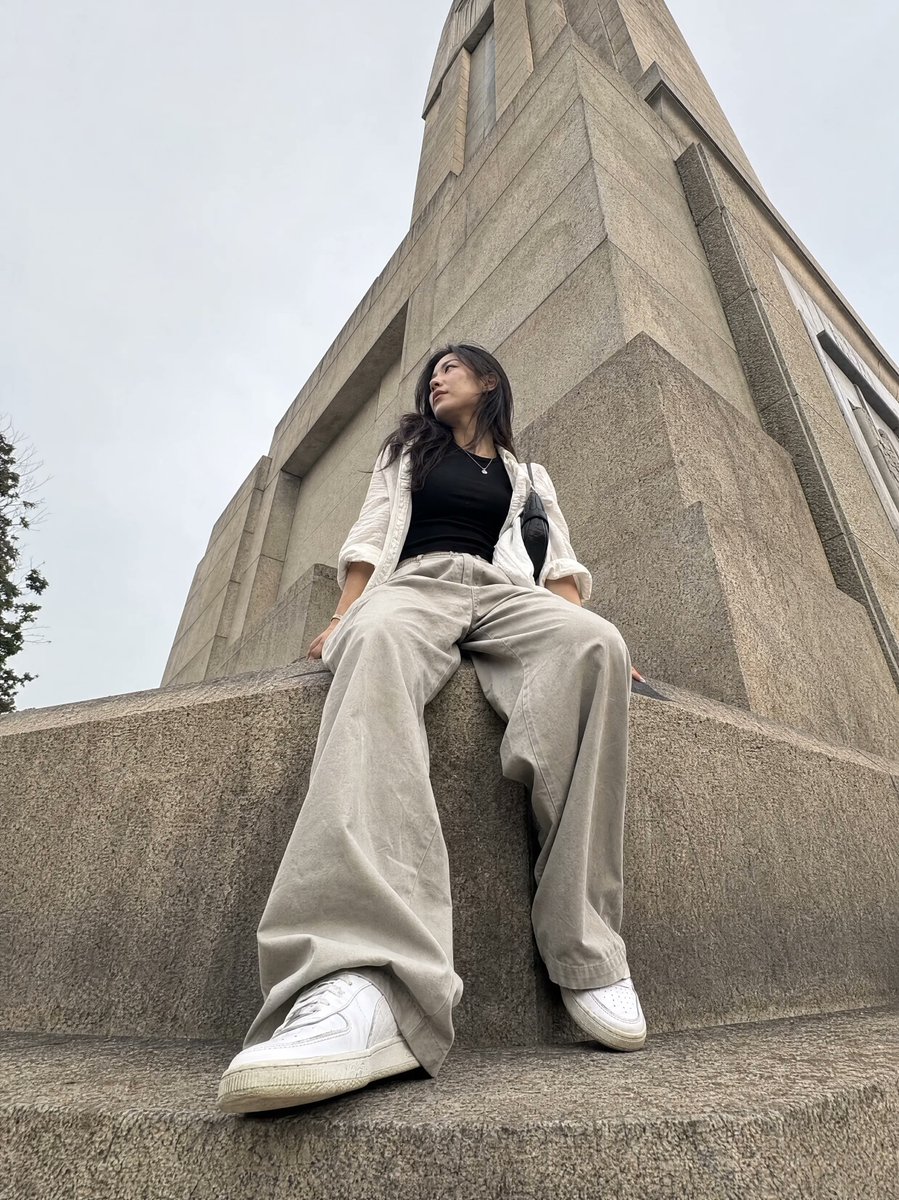
Using the provided reference image, transform it into a vertical editorial magazine poster while preserving the subject’s identity, pose, outfit, low-angle perspective, and brutalist concrete architecture. Reframe slightly tighter into a polished cover composition with cinematic contrast, muted beige/gray grading, subtle film grain, and a premium fashion-editorial finish. Typography: Add one oversized condensed uppercase typographic word across the full poster: {argument name="main cover word" default="EXEMPLAIRE"}. Make the letters extremely tall, cream/off-white, and cropped by the poster edges. Integrate the word through the composition with depth masking: some vertical letter strokes pass behind the subject and architecture, while others sit in front, creating a layered magazine-cover effect. Keep the typography bold, minimal, and architectural. Additional text: Add a small minimal cover-detail block near the lower right with exactly 3 lines: {argument name="issue line" default="VOL. 01"}, {argument name="theme line" default="OUTSIDE / INSIDE"}, and {argument name="year" default="2026"}. Use small spaced uppercase lettering in off-white. Constraints: Do not change the person’s clothing, expression, or pose. Do not add extra objects, logos, borders, or watermarks. Keep the brutalist building visible and make the final image feel like an editorial-grade poster rather than a simple photo filter.
Layered Editorial Typography Poster needs input media to work. Open it in the studio and these load alongside the prompt — pick whichever ones your chosen model can take.
Choose the primary action to open PicX Studio with the available template settings. Review the model and format, personalize the creative direction, and generate when ready.
Yes. You can change the subject, setting, lighting, mood, format, and available model controls before creating your image.
This template is free to open and customize. Generation usage is shown in PicX Studio before you create.
Start with GPT Image 2, which is the model associated with this template. You can compare another compatible model for a different finish.
Follow a topic to a crawlable collection of related PicX Studio templates.