How do I use the Macro Sprite Splash Ad template?
Choose the primary action to open PicX Studio with the available template settings. Review the model and format, personalize the creative direction, and generate when ready.
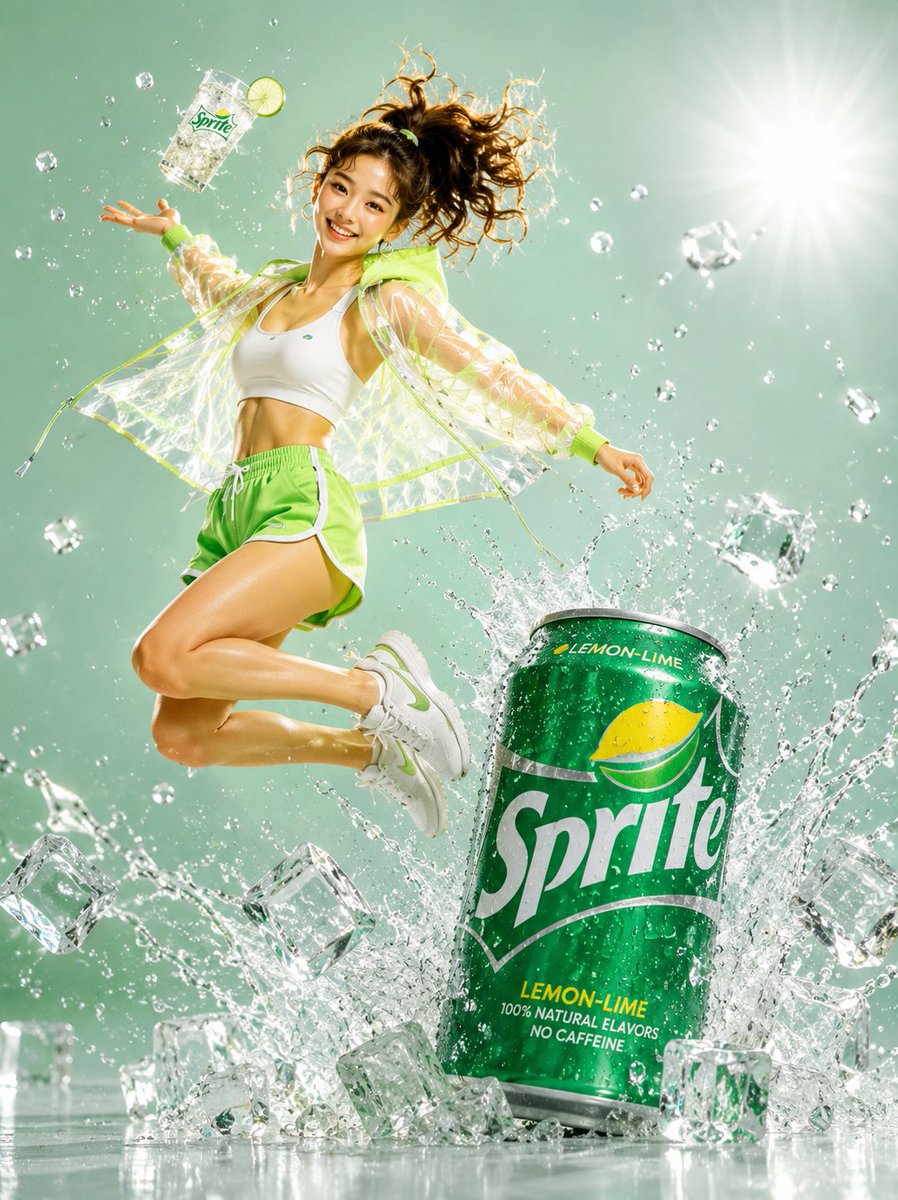
A hyper-realistic close-up soda commercial image featuring a condensation-covered Sprite cup with lemon-lime slices, ice, bubbles, and dramatic frozen splashes.
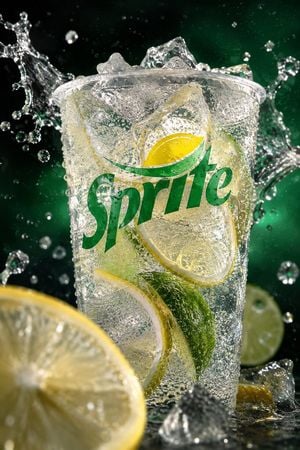
Create a hyper-realistic vertical macro beverage advertisement for {argument name="brand logo text" default="Sprite"}. Show one clear plastic cup centered slightly above the midpoint, filled with sparkling lemon-lime soda, crushed ice, and visible citrus slices. The cup is covered in dense condensation beads and tiny bubbles, with the green {argument name="brand logo text" default="Sprite"} wordmark printed large across the front and a small yellow lemon-leaf emblem above it. Capture the moment of impact: dramatic frozen splashes of clear soda erupting outward from both sides of the cup, with suspended droplets and ice fragments around it. Include exactly 5 visible citrus pieces: 1 large blurred lemon wheel in the lower-left foreground, 1 round lime half in the right background, 1 curved lime wedge inside the lower front of the cup, 1 lemon wheel slice pressed against the upper-right inside of the cup, and 1 pale lemon-lime crescent visible along the lower-left inside of the cup. Include many irregular ice cubes, with several protruding above the rim and a few sharp transparent chunks scattered at the bottom foreground. Use a dark black-to-deep-green studio background with emerald glow behind the drink, high-speed flash lighting, crisp specular highlights, shallow depth of field, wet reflective surface, extreme close-up perspective, commercial soda photography, ultra-detailed condensation, effervescent bubbles, refreshing cold atmosphere. No people, no straw, no extra text beyond the logo, no watermark.
Choose the primary action to open PicX Studio with the available template settings. Review the model and format, personalize the creative direction, and generate when ready.
Yes. You can change the subject, setting, lighting, mood, format, and available model controls before creating your image.
This template is free to open and customize. Generation usage is shown in PicX Studio before you create.
Start with GPT Image 2, which is the model associated with this template. You can compare another compatible model for a different finish.
Follow a topic to a crawlable collection of related PicX Studio templates.