Can I customize the Amusement Park Date POV Prompt (Hand Reaching) template?
Yes. You can change the subject, setting, lighting, mood, format, and available model controls before creating your image.
A detailed prompt for generating a Point-of-View (POV) image of a character inviting the viewer on an amusement park date. Change the subject, setting, or lighting one variable at a time.

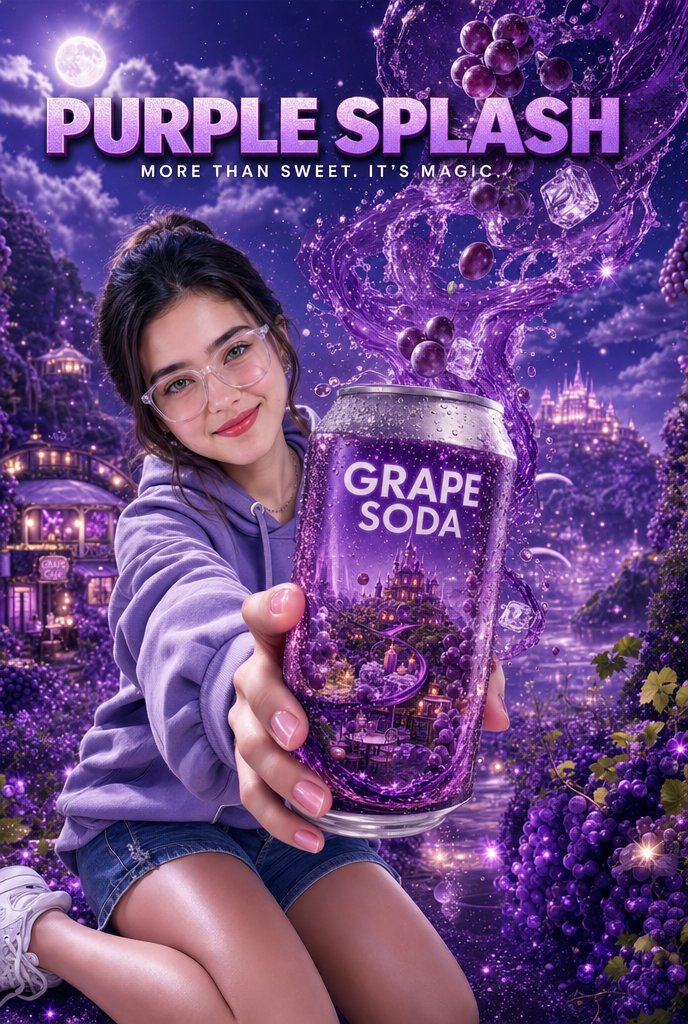
(1::Medium shot::), (Waist up framing), POV of a friend on a amusement park date, a beautiful character with a bright happy smile looking directly at the camera, wearing a well-fitted school uniform (showing blazer/cardigan torso clearly), ({argument name="headband type" default="fluffy plush animal ear headband"}), ({argument name="ear type" default="cute costume mouse ears or bear ears"}), extending one hand right towards the camera lens as an invitation, sunlight hitting face, strong natural lens flare, background is a simplified and softly blurred amusement park environment with bokeh lights and rides, colorful atmosphere, clear sky, highly detailed face, 8k resolution, masterpiece.
Choose the primary action to open PicX Studio with the available template settings. Review the model and format, personalize the creative direction, and generate when ready.
Yes. You can change the subject, setting, lighting, mood, format, and available model controls before creating your image.
This template is free to open and customize. Generation usage is shown in PicX Studio before you create.
Start with Nano Banana 2, which is the model associated with this template. You can compare another compatible model for a different finish.
Follow a topic to a crawlable collection of related PicX Studio templates.
43,474 public templates available. Verified via the PicX Studio public templates API; refreshed hourly.




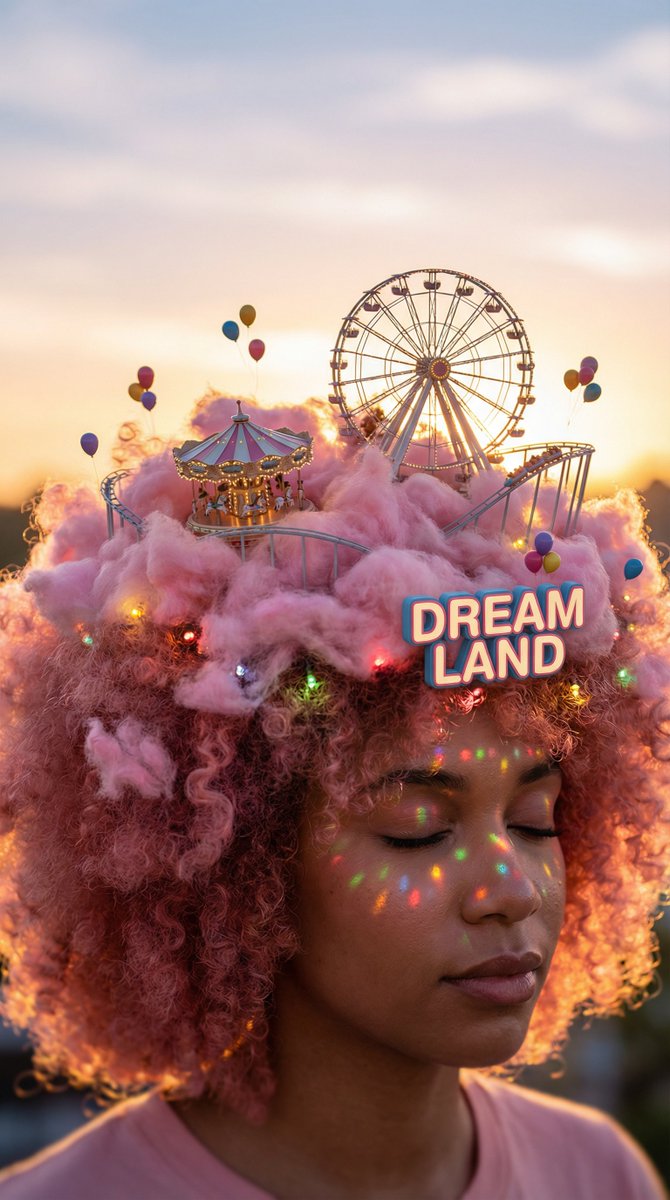



![Projection Mapping Prompt for Nano Banana Pro (Amusement Park Theme) — 【画像生成プロンプト】
[1. キャラクターの特徴]
{argument name="character features" default="茶色の髪、短いツインテール、黒いマ](https://pbs.twimg.com/media/G9Ga87qbwAAIFH1.jpg)



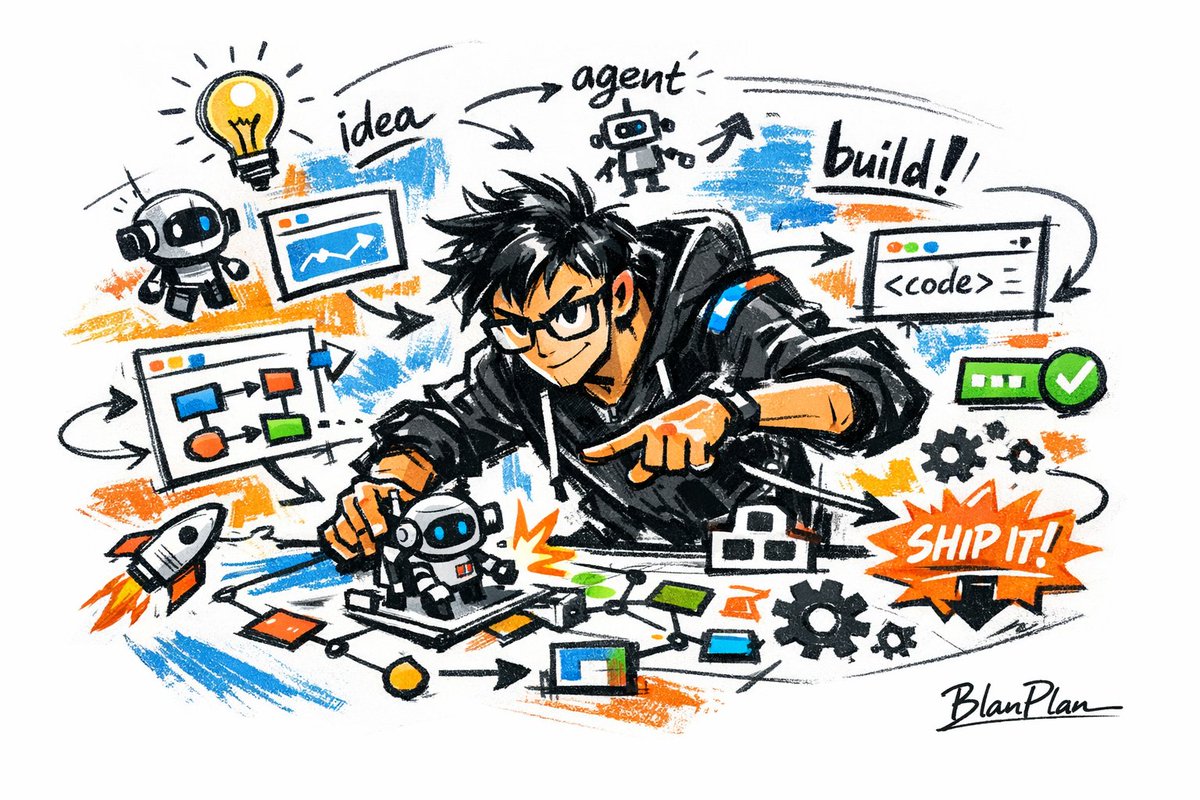
![Naive doodle-style subject illustration — A doodle-style {argument name="subject" default="[subject]"}, naive lines, humorous shape exaggeration](https://pbs.twimg.com/media/G6Wl2YxbsAARB2b.jpg)